Inspiration
Imagine knowing exactly what you want to say and being unable to say it. That is daily life for people with anomic aphasia, a language disorder often caused by stroke or brain injury. The problem isn't a single missing word. Speech comes out fragmented, with gaps, trailing descriptions, and roundabout phrases like "the thing you sit on" in place of "chair."
Most existing tools assume the user can type cleanly or pick from a fixed grid of words. We wanted something that works with the speech people can actually produce, and that helps them get the word back over time instead of replacing it.
What it does
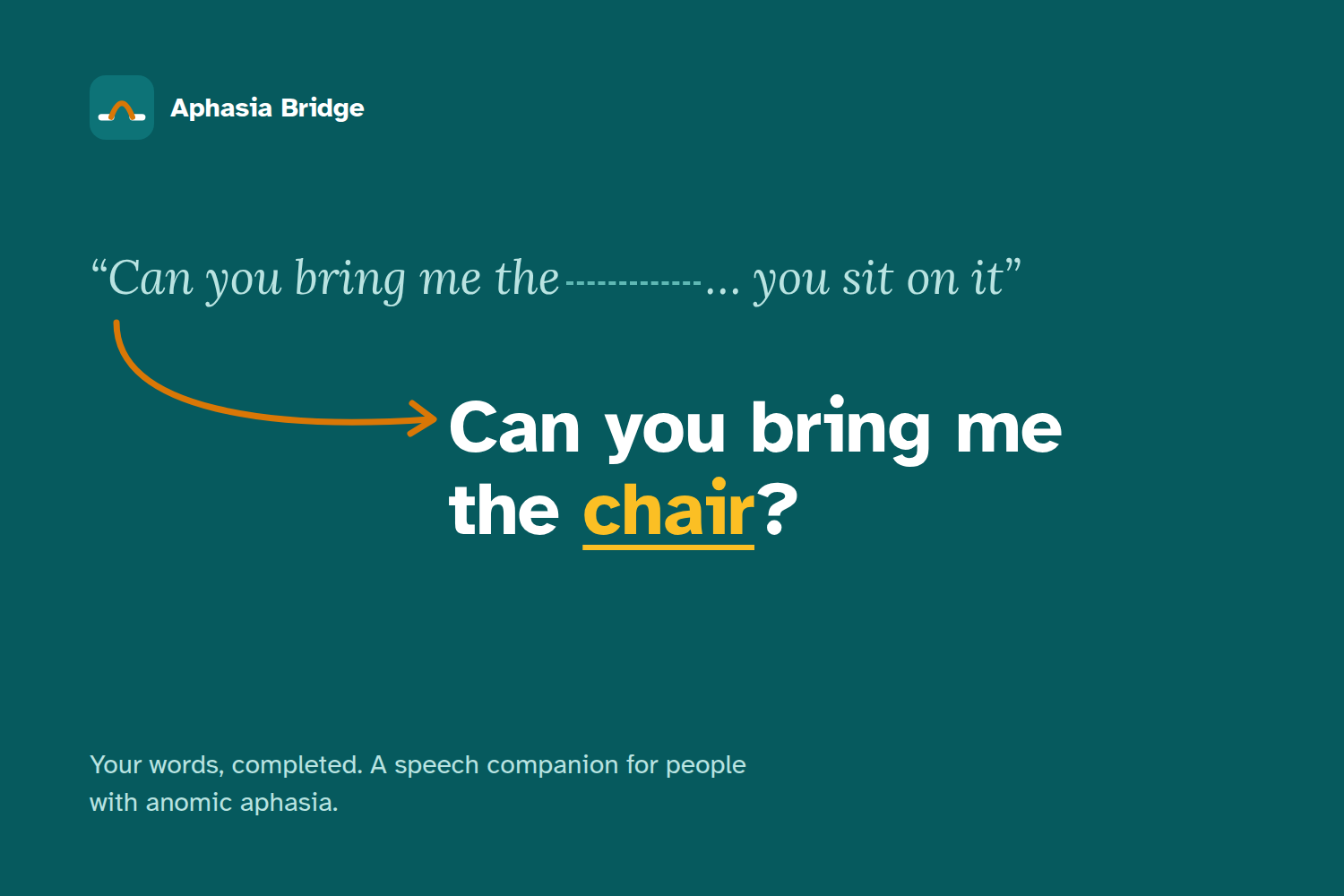
Aphasia Bridge is a mobile app that turns fragmented speech into the sentence the user meant to say, then speaks it aloud.
User says: "Can you bring me the... you sit on it" App speaks: "Can you bring me the chair?"
- Tap and speak. One large push-to-talk mic button, with a text input fallback.
- Reconstruct. The app rebuilds the whole utterance, not just one blank. It fills gaps, resolves circumlocutions, and identifies the key word the user was reaching for.
- Speak it aloud. Text-to-speech plays the sentence at a slowed pace so it's easy to follow.
- Practice. Users can hear the key word slowly, read five example sentences that use it, and practice saying it themselves. Repeated retrieval practice supports recovery.
- Guided fallback. If the guess is wrong, the app walks the user through Semantic Feature Analysis (SFA), a technique speech-language pathologists use in therapy. Users tap features like the word's category, what it's used for, where it's found, what it looks like, and what it's made of, and predictions update live as they tap.
How we built it
- Mobile: React Native (Expo) and TypeScript, with four screens: Home, Completion, Practice, and Guided.
- Speech-to-text: OpenAI Whisper transcribes push-to-talk audio.
- Sentence reconstruction: Claude (Anthropic API) turns the broken transcript into a complete sentence and returns the key word. It also generates the practice sentences.
- Text-to-speech:
expo-speech, tuned to 0.65x for sentences, 0.5x for key words, and 0.7x for practice sentences. - Backend: Python and Flask, with endpoints for audio and text analysis, guided prediction, and SFA categories and features.
- Local SFA model: A pure-Python scorer with no ML libraries that ranks words by weighted feature matching (group 3.0, use 2.5, location 2.0, appearance 1.5, material and associations 1.0). It works offline, so the guided path still functions without internet.
- Vocabulary dataset: More than 500 words across 16 groups (food, tools, furniture, clothing, health, and others), each annotated with SFA features.
Accessibility was a core requirement, not a polish step. We followed WCAG 2.1 AA and aphasia-specific design research:
- a 120px mic button, with every other button at least 48px
- contrast of 4.5:1 or higher
- body text of 18px or more
- screen reader labels and live regions
- one primary action per screen, to reduce cognitive load
We also chose a warm teal and orange palette so the app feels less clinical.
Challenges we ran into
- Reconstructing whole utterances instead of single blanks. Real aphasic speech can have several gaps in one sentence. Getting reliable, non-hallucinated reconstructions took a lot of prompt iteration and testing against realistic scenarios.
- Recovering gracefully when the model is wrong. An incorrect guess is frustrating for someone already struggling to communicate. Designing the SFA fallback so it felt helpful rather than like a quiz took real thought.
- Building the vocabulary dataset. Annotating 500+ words with structured semantic features in two days was a grind.
- Designing for users with language impairments. Every label, flow, and screen had to be simple enough to use without reading much.
Accomplishments that we're proud of
- A working end-to-end flow: speak, reconstruct, hear it back, practice.
- Grounding the fallback in SFA, an evidence-based therapy technique, instead of inventing our own method.
- An offline-capable guided mode backed by a lightweight model we wrote from scratch.
- An accessibility-first design built by a team of five in a single weekend.
What we learned
- How aphasia actually affects speech, and why "fill in the blank" tools miss most of the problem.
- How speech therapists use Semantic Feature Analysis in practice.
- That designing for accessibility changes the whole product. Constraints like one action per screen made the app better for everyone.
- How to chain speech-to-text, an LLM, and text-to-speech into a responsive mobile experience.
What's next for Aphasia Bridge
- Personalization: learn each user's frequently used words, names, and places to improve reconstructions.
- Clinician dashboard: let speech-language pathologists track progress and assign practice words.
- Testing with real users: work with people with aphasia and their therapists to validate the design.
- More languages and a larger vocabulary.
- On-device speech recognition for privacy and full offline use.

Log in or sign up for Devpost to join the conversation.