-
-
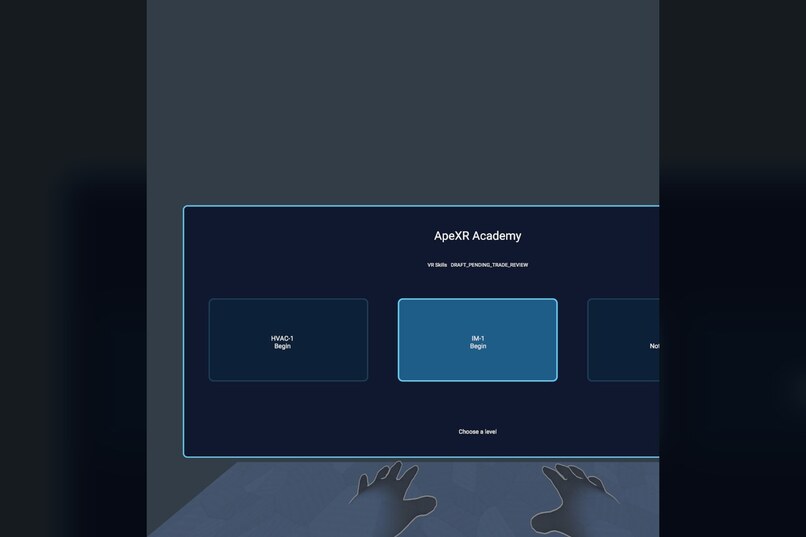
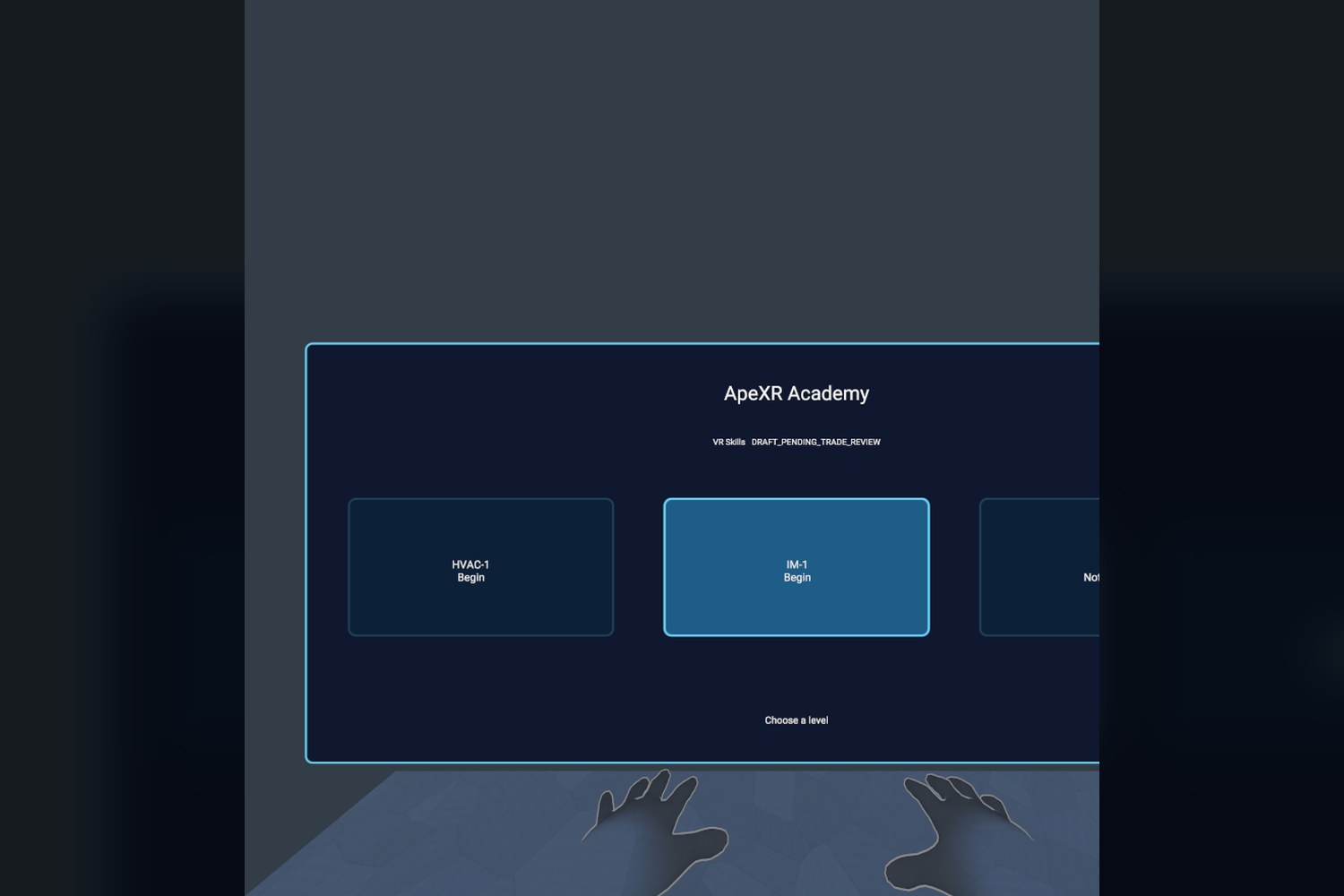
Lesson menu: choose HVAC-1 or IM-1 with a fingertip press
-
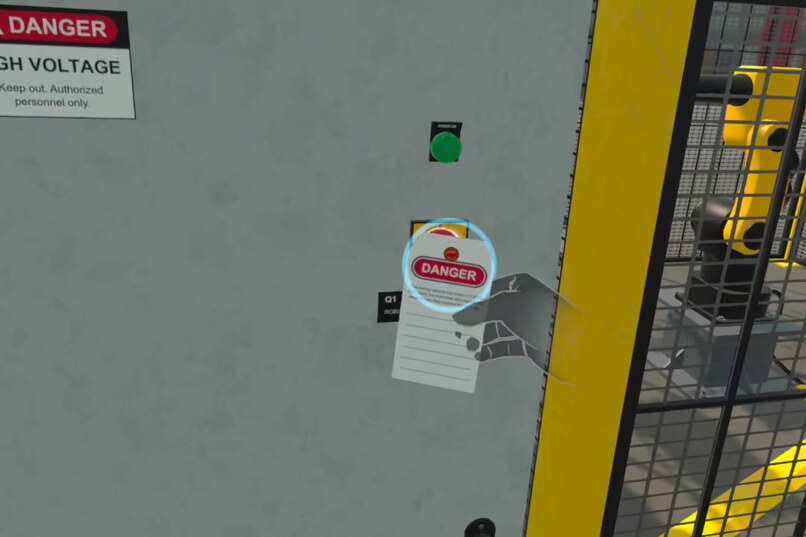
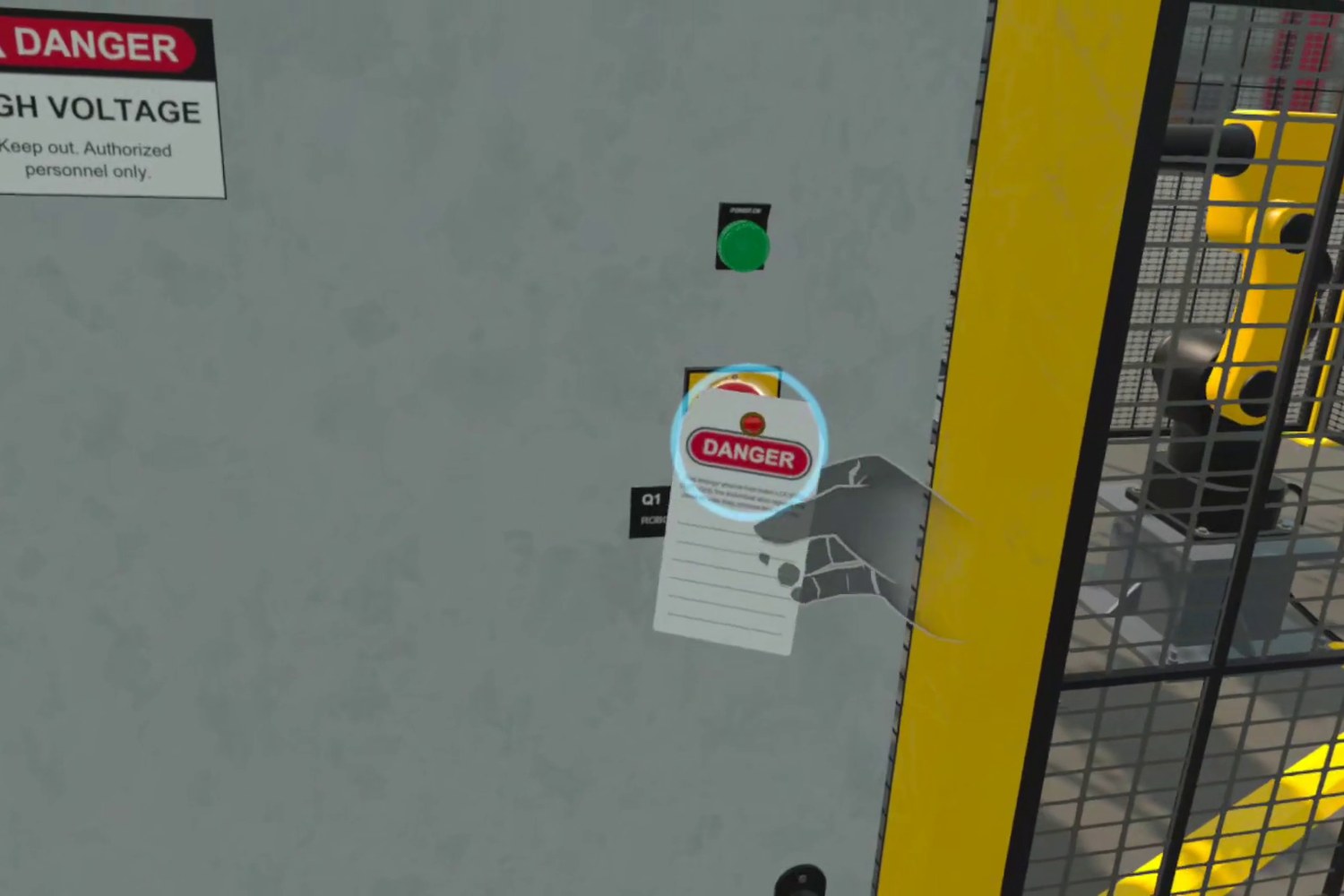
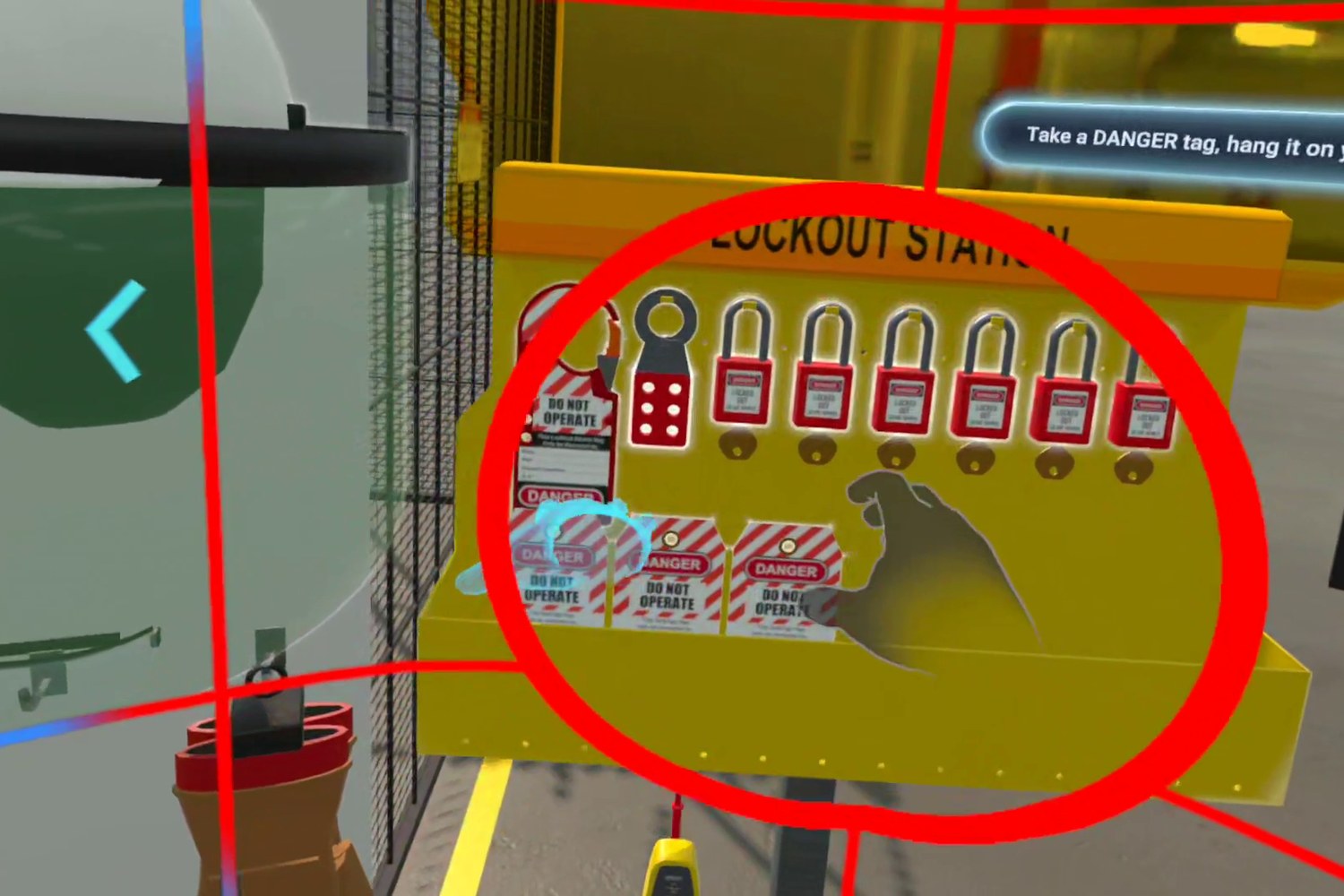
IM-1: hang the DANGER tag on your lock
-
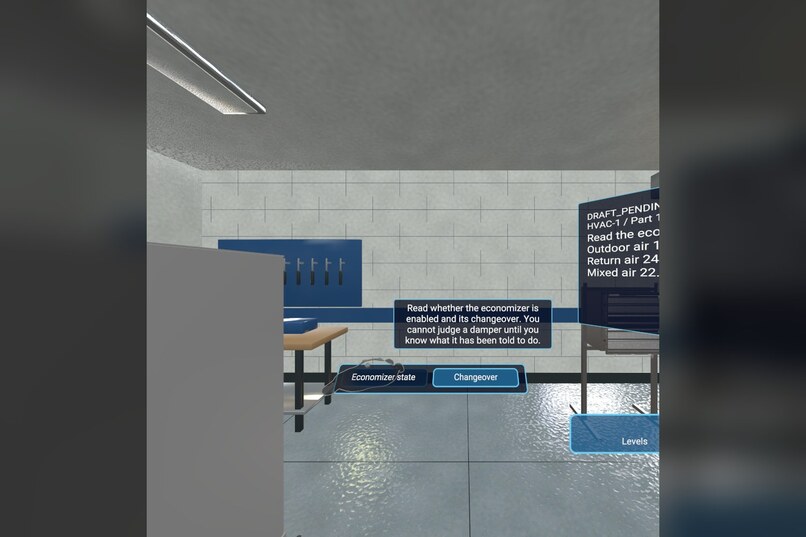
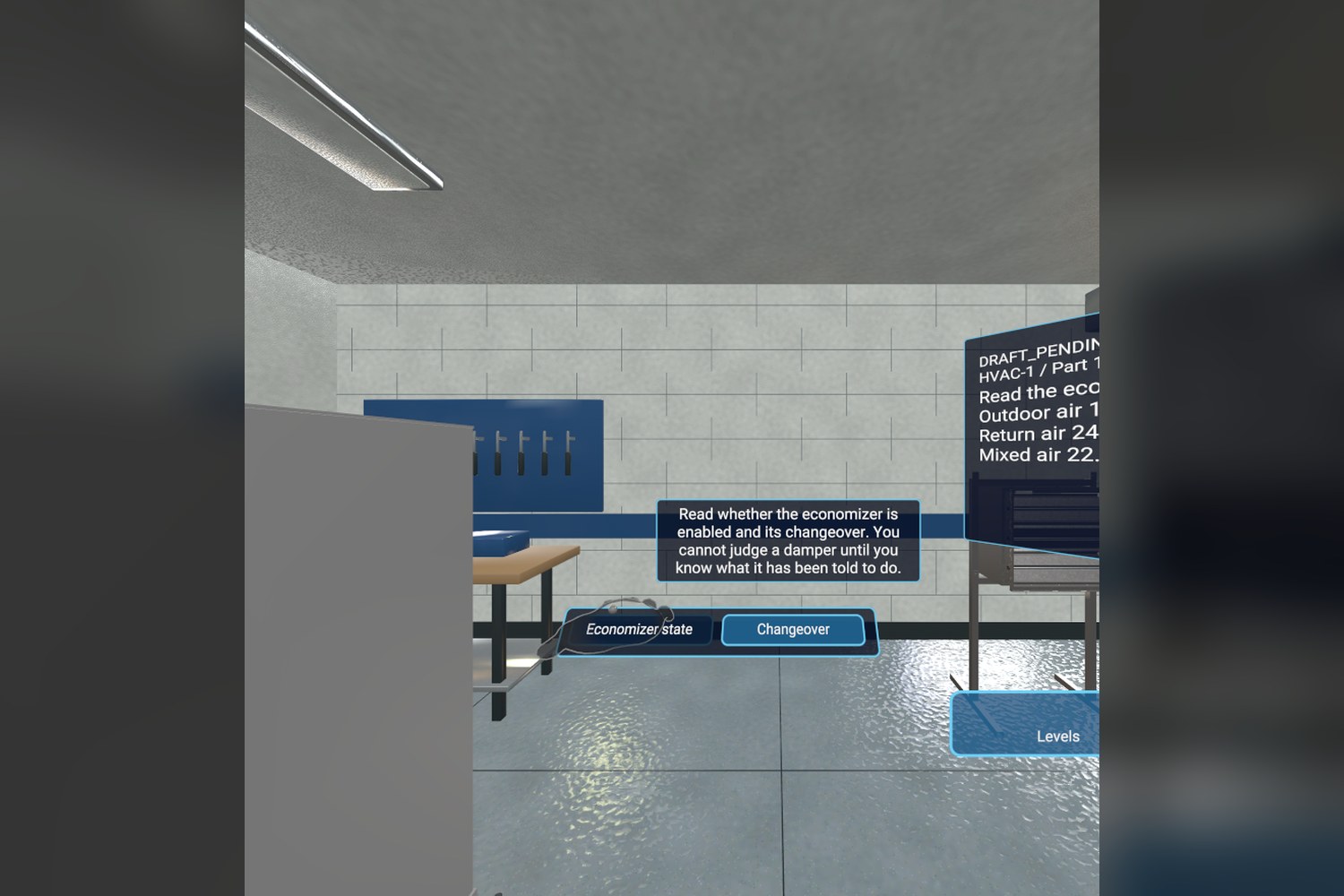
HVAC-1: read the economizer state before judging a damper
-
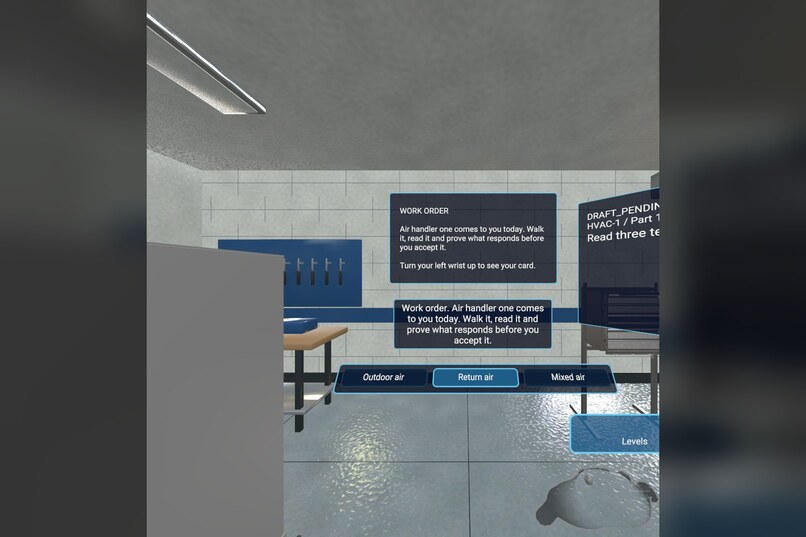
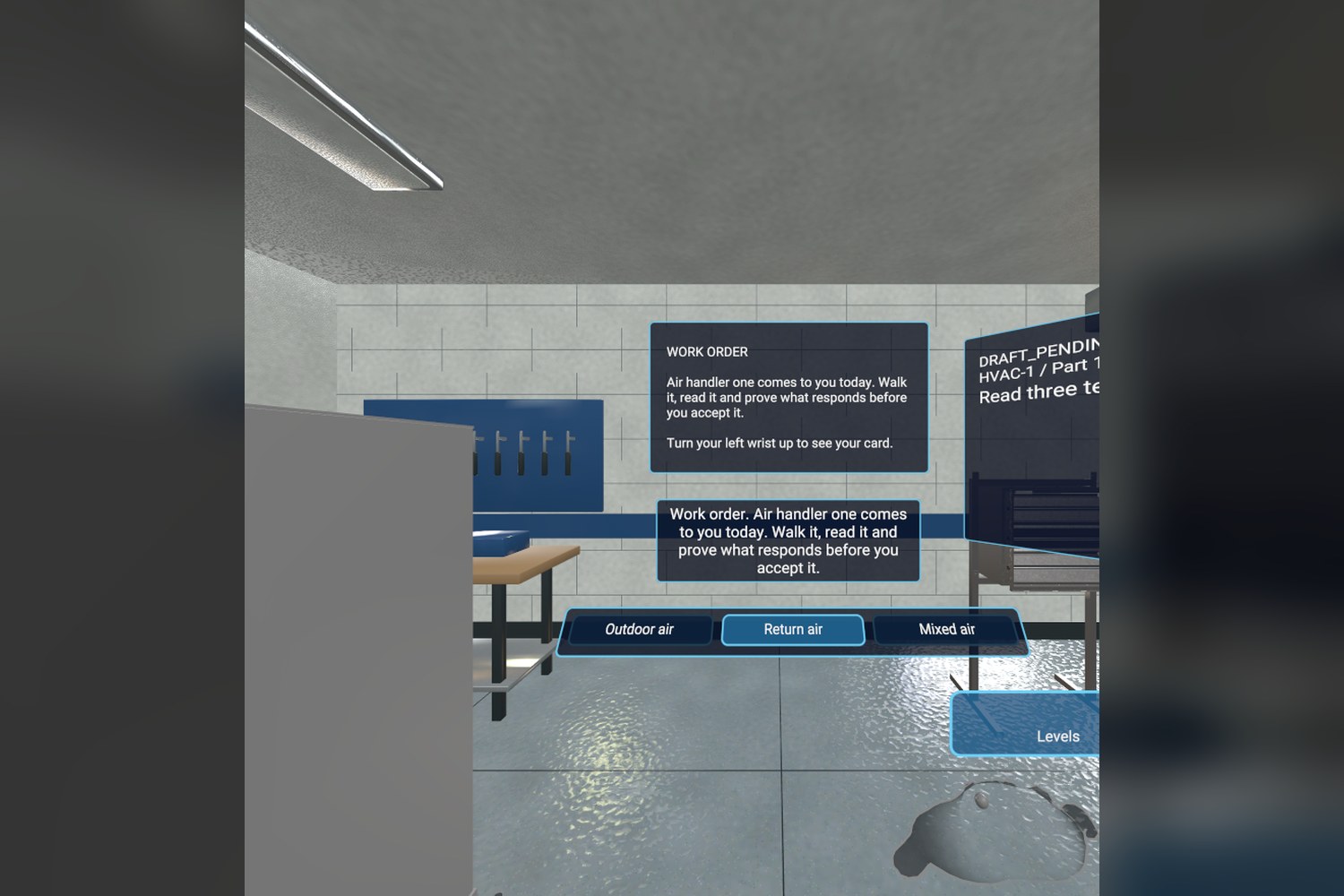
HVAC-1 work order: walk the air handler and prove what responds
-
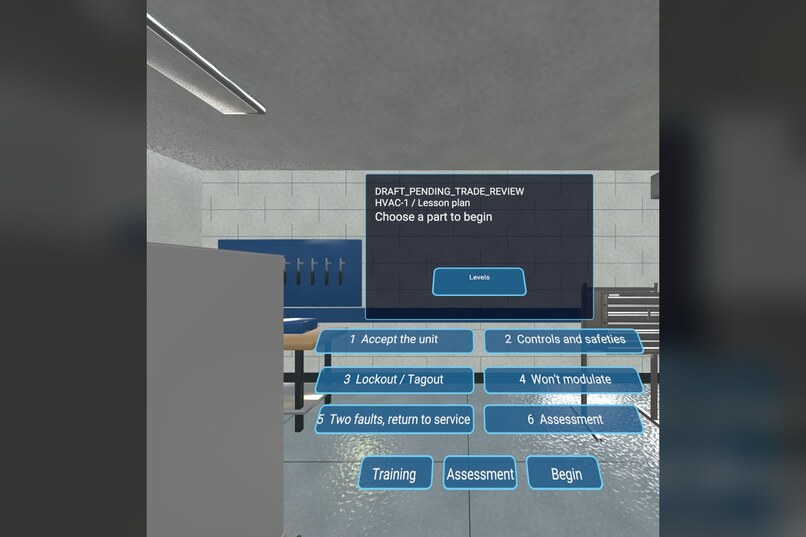
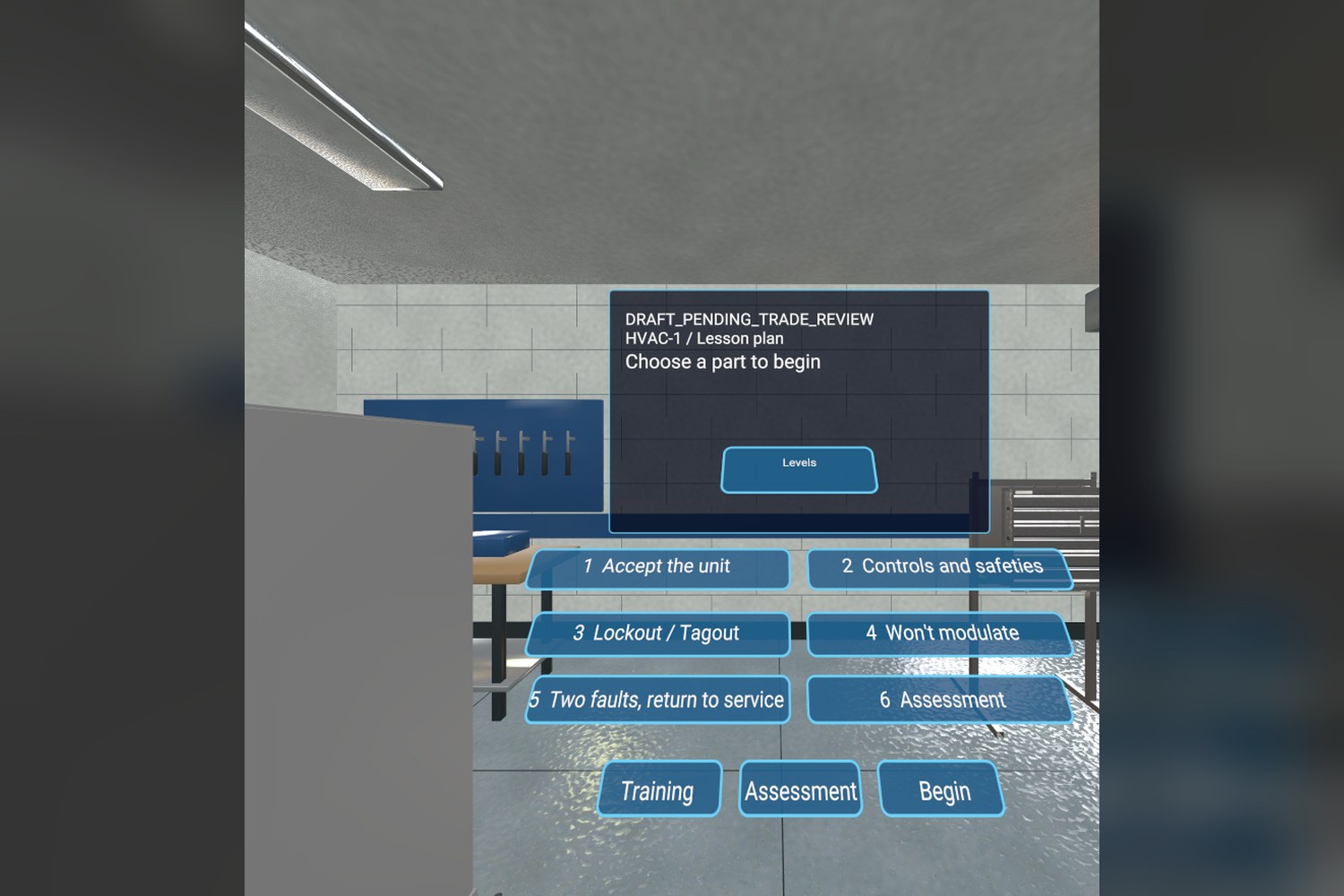
HVAC-1 lesson plan: choose a part to begin
-
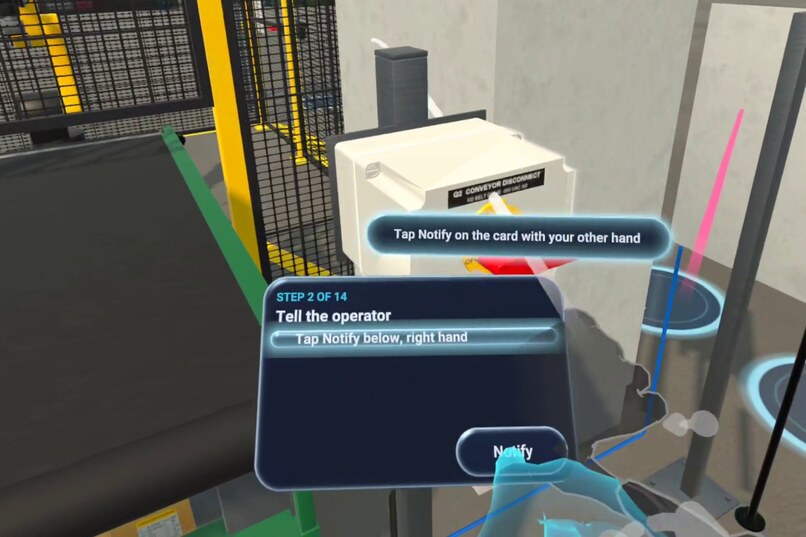
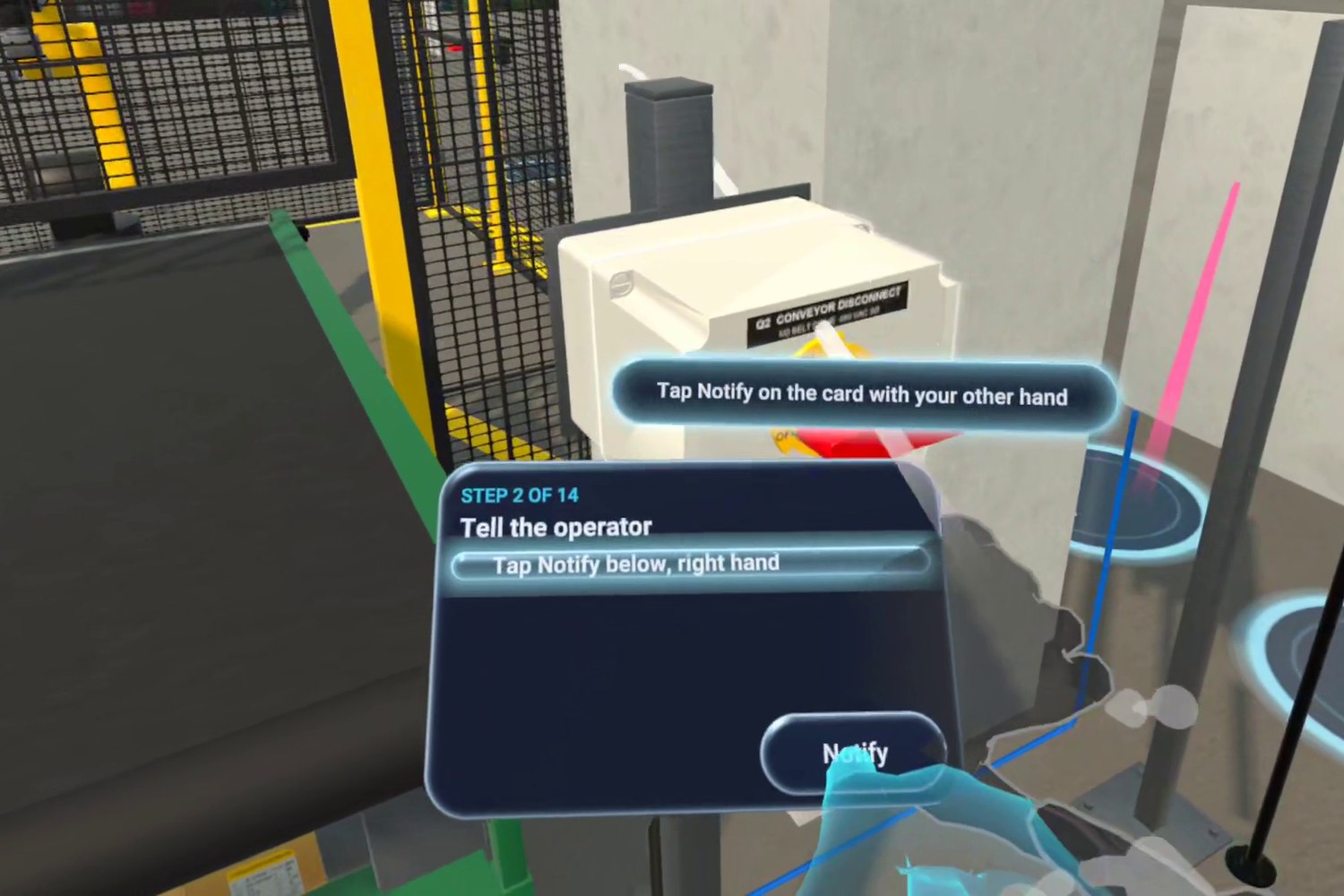
IM-1 step 2: tell the operator before you start
-
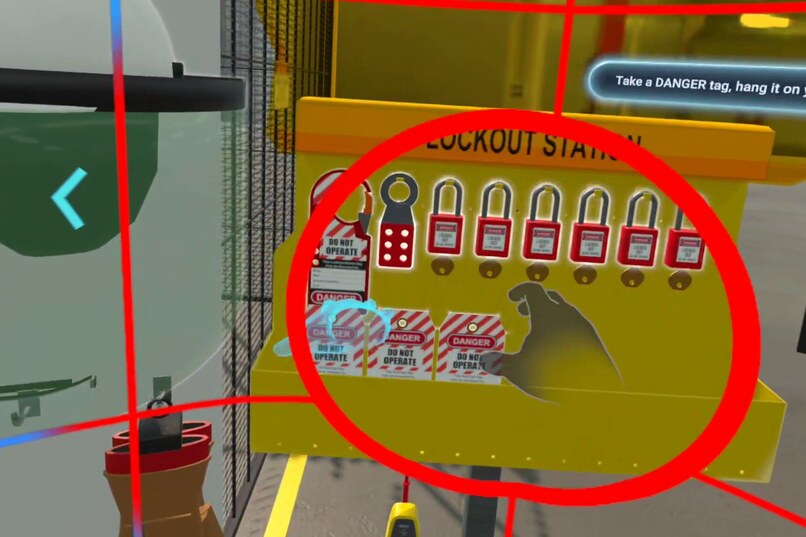
IM-1: lockout station, take your lock
-
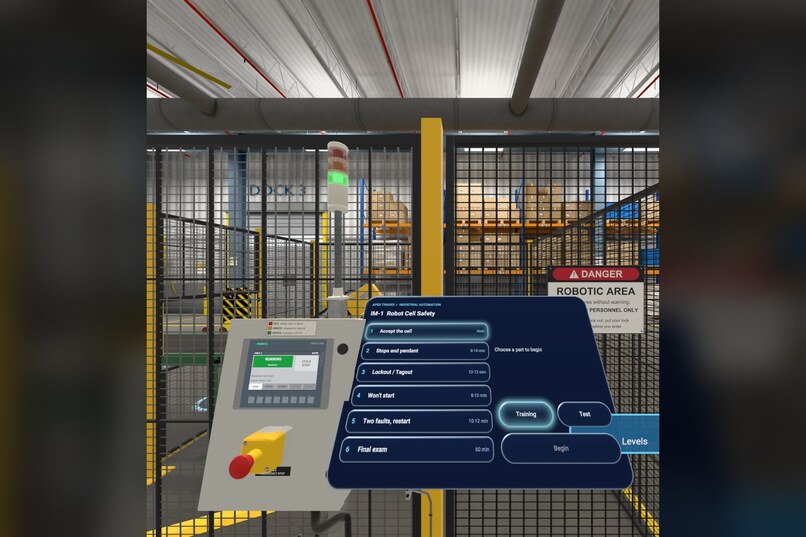
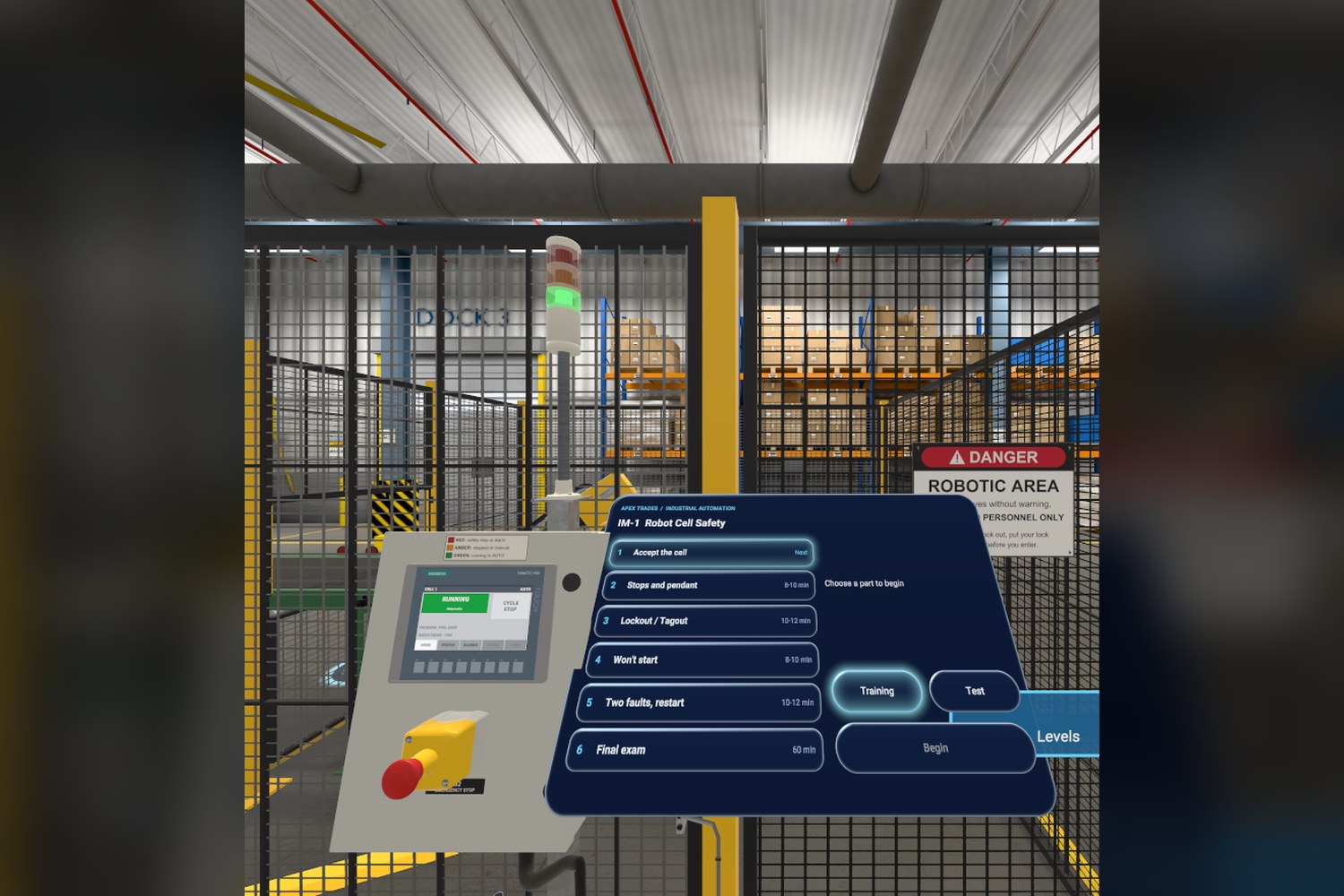
IM-1 Robot Cell Safety: lesson plan at the cell
-
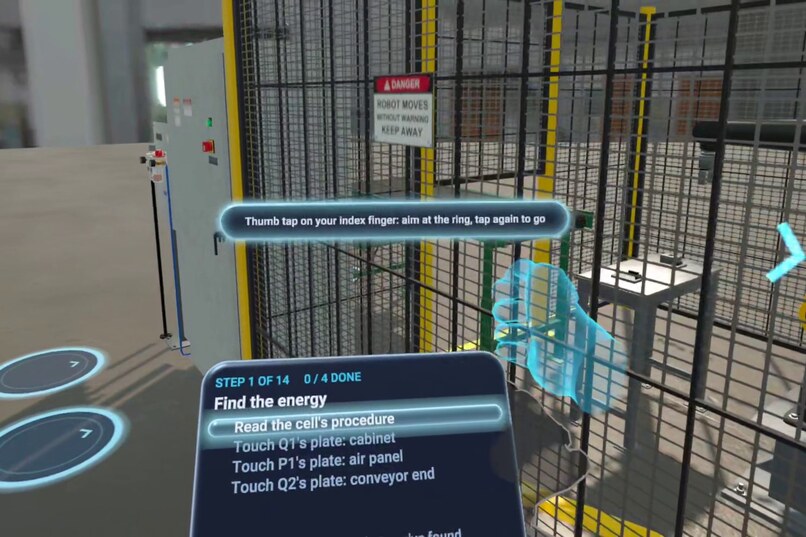
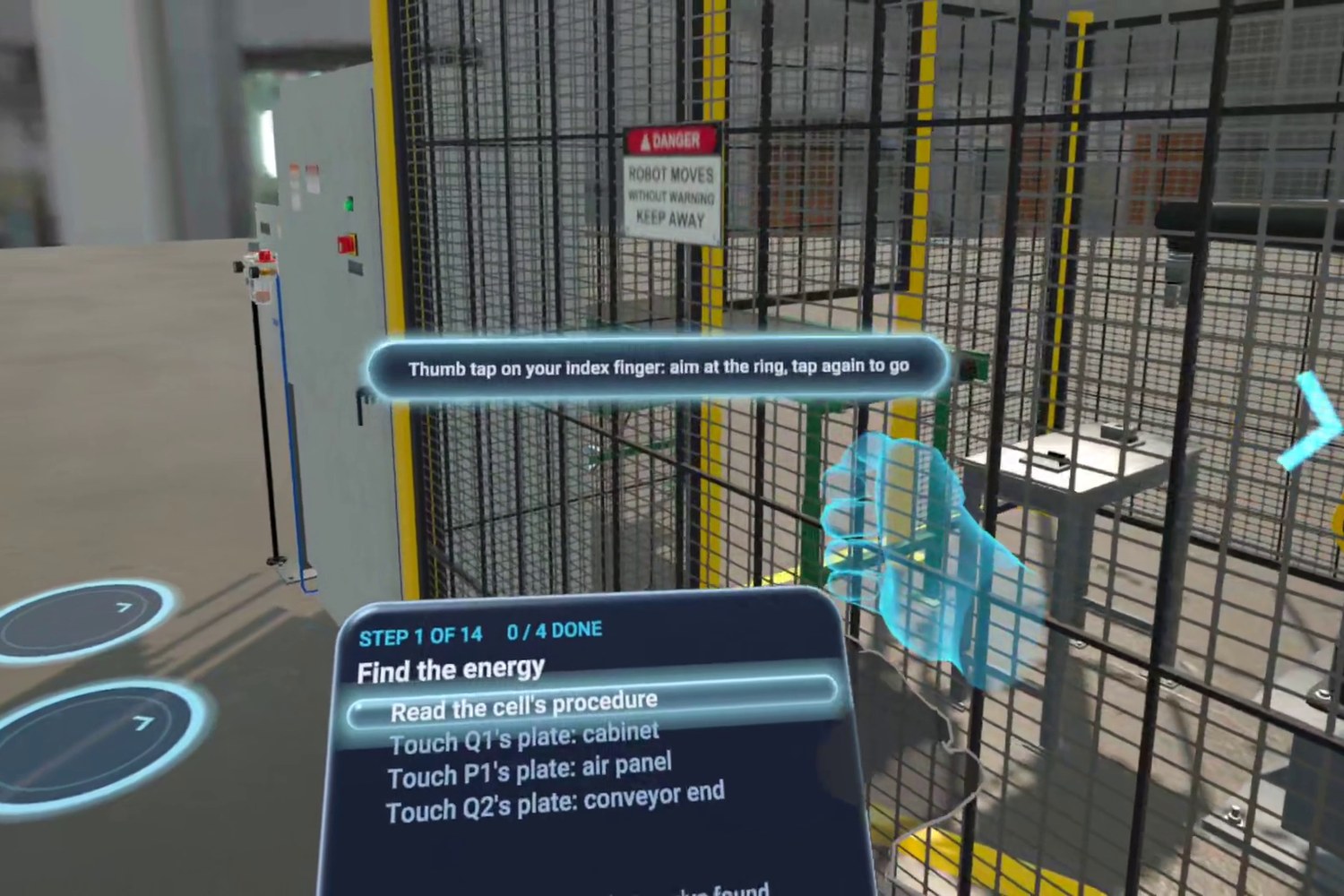
IM-1 step 1: find every energy source
-
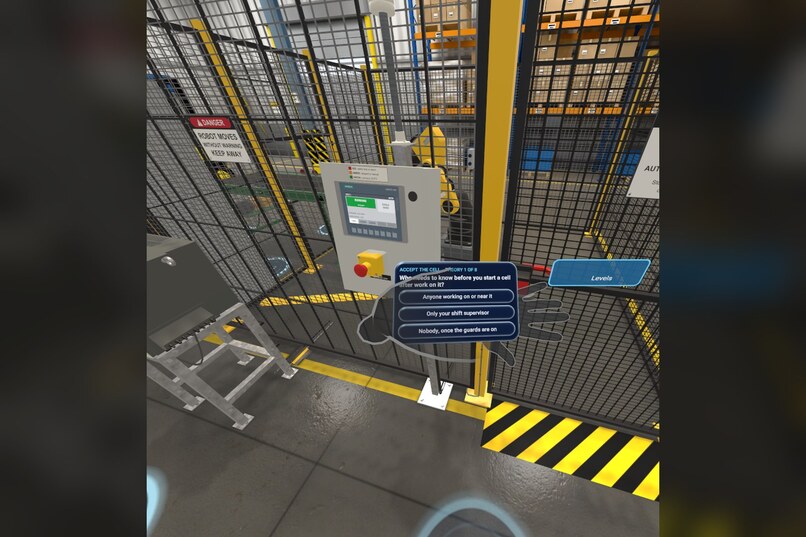
IM-1 checkpoint question
-
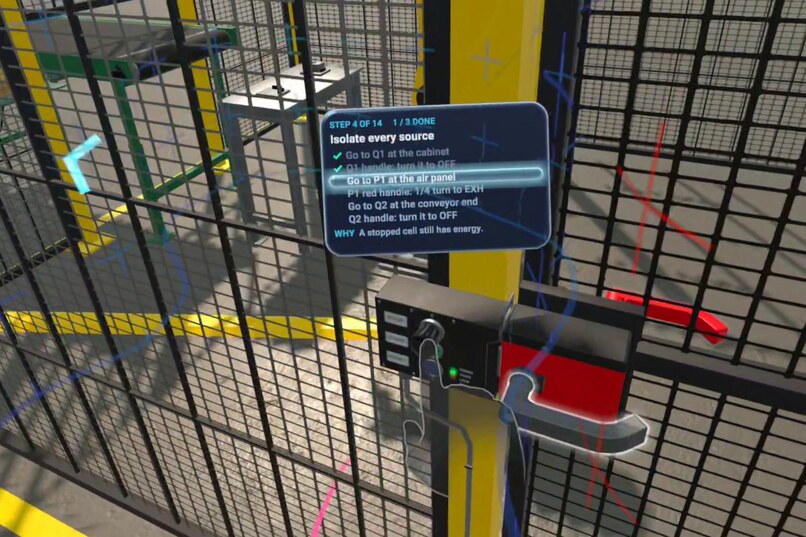
IM-1: isolate every source, one handle at a time
Inspiration In the skilled trades, the most dangerous machine is often the one that looks switched off. A robot cell or an air handler that has stopped can still hold electrical, pneumatic or mechanical energy, and lockout/tagout is the procedure that keeps a technician safe from it. Yet it is almost impossible to practise on live equipment, because you get one real attempt and a missed step can injure someone. We made VR Skills so that a trainee can rehearse the whole sequence with their own hands, as many times as they need, long before they stand in front of the real machine.
What it does A trainee opens the trades hall, picks a door with a fingertip (Industrial Automation, Electrical or HVAC) and chooses one of nine lessons. Two of them are described here.
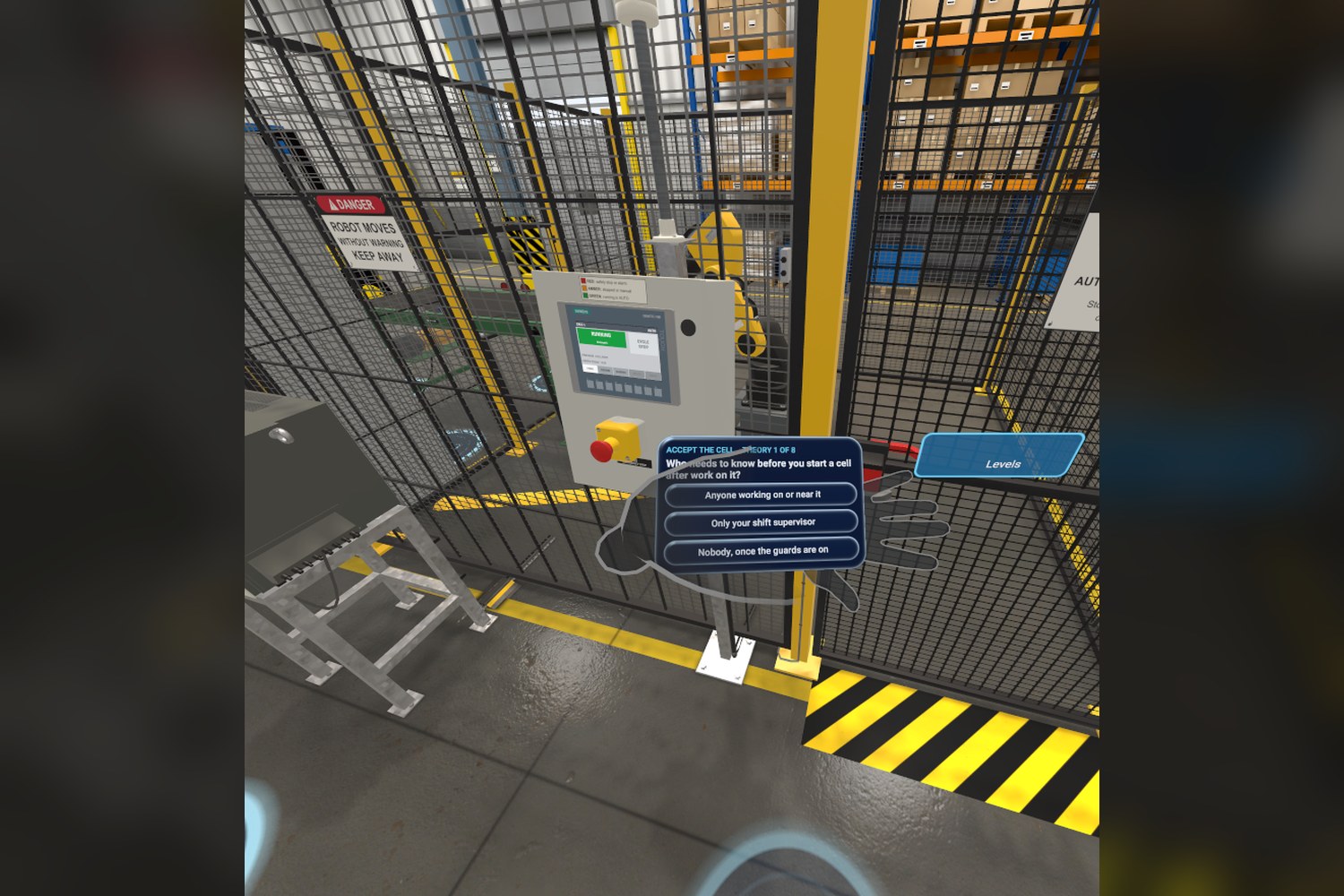
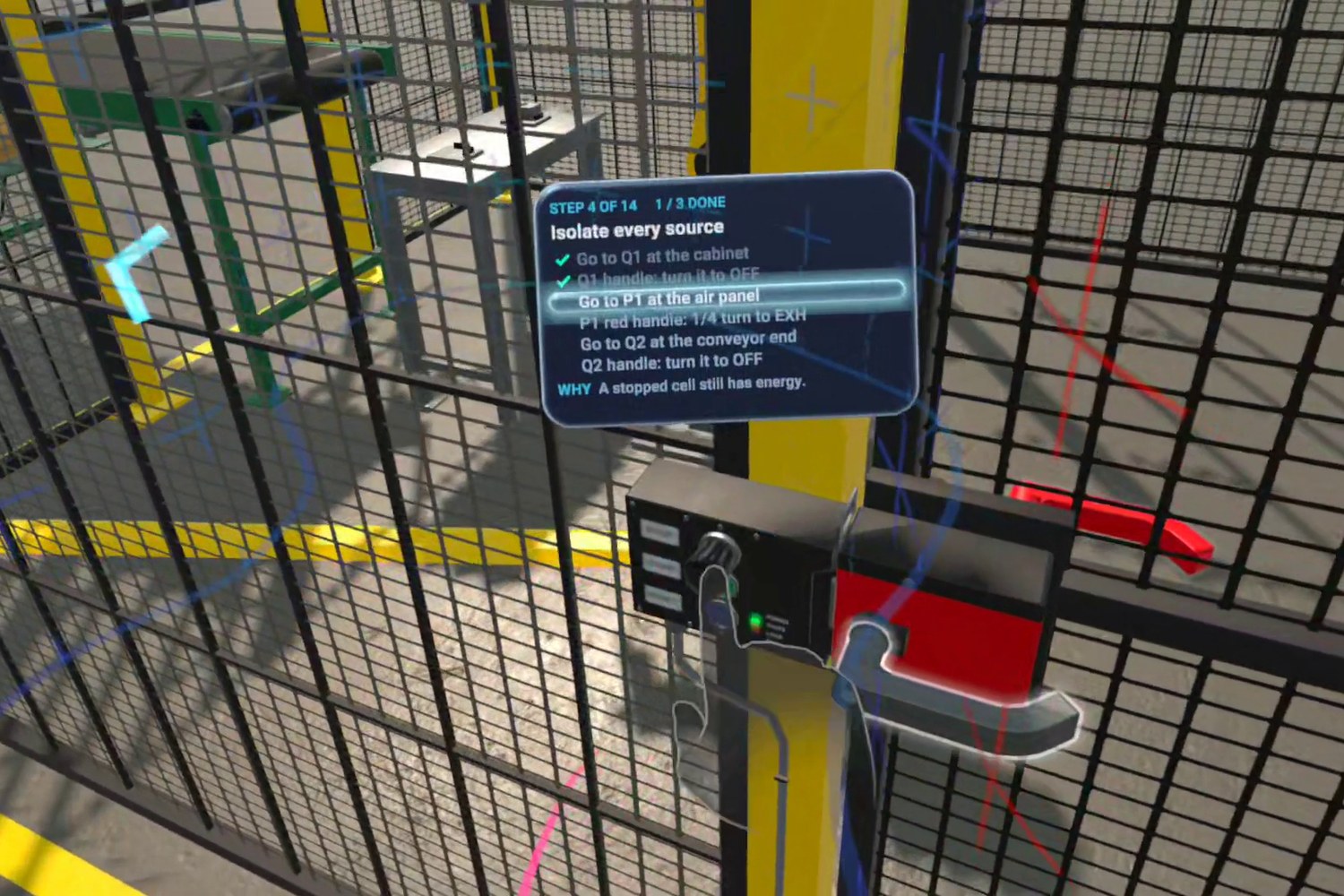
The first, IM-1 Robot Cell Safety, belongs to Industrial Automation and unfolds in six parts: accepting the cell, stops and pendant, lockout and tagout, a cell that won't start, two faults and a restart, and a final exam. Its 14-step lockout procedure asks the trainee to find every energy source, from the electrical cabinet to the air panel and the conveyor end, to tell the operator before touching anything, to isolate each source by turning the real handle, and finally to take a personal lock from the lockout station and hang a DANGER tag on it.
The second, HVAC-1 Air Handler, follows the same shape: accepting the unit, controls and safeties, lockout and tagout, a damper that won't modulate, two faults and a return to service, and an assessment. Here the trainee takes a work order, walks the unit, reads the outdoor, return and mixed air, and has to confirm the economizer state before judging a damper. Seven more lessons sit beside them: IM-2 Cell Troubleshooting, M01 Conveyor Belt Slip, M02 Conveyor Maintenance, EL-1 Test Before You Touch, E01 De-energized Panel, H08 Stuck Damper and RC01 Refrigeration Cycle.
Every step carries a one-line reason, such as "A stopped cell still has energy", so the trainee learns why and not only in what order. Each lesson offers a guided Training mode and a scored Test or Assessment mode, and the checkpoint follows a safety-first rule: there are 8 questions and 6 are needed to pass, but missing a question that could kill always means "not yet".
Designed hands-first and seated There are no controllers anywhere in VR Skills. A trainee pokes and pinches to use menus and give answers, moves with a thumb-tap microgesture by aiming at a ring and tapping again to go, and reads the work order on a card that appears when the left wrist turns up. Menus and step cards stay in front of the trainee and within arm's reach, so every lesson works as well seated as standing. In fact a trainee can stay seated the whole time, because moving between machines is a hand gesture rather than a walk, and a full lesson can be finished without leaving the chair.
Each lesson is divided into parts, so a trainee can complete a whole part in one short session and come back for the next. Every spoken instruction is also shown as a caption, placed where it does not cover the equipment. After a wrong action or a long pause, a coach hand replays the step so that nobody is left stuck. And leaving is always easy: Exit sits on the wrist card, with a Stay or End session check so that a slip of the hand never ends a lesson.
How we built it VR Skills runs on Unity 6 with the Meta XR SDK v207, using OpenXR and the Interaction SDK for hand tracking and microgestures on Meta Quest 3, and it was designed hands-first so that it carries over to Meta VR glasses. The equipment is modelled at real-world scale. Every step, hint, reason and question is stored as data, which means a trade instructor can review and correct a procedure without changing the app's code.
Challenges we ran into The hardest part was making every interaction reliable with bare hands on the headset, both seated and standing. Controls have to sit within natural reach, respond to a fingertip press, and never ask for a gesture that a tired trainee would miss.
Accomplishments that we're proud of We are proud of two full lockout procedures that a trainee performs with their own hands, from finding the energy to hanging the tag, in a format they can repeat until the sequence becomes automatic, with feedback on the steps they actually performed.
What we learned We learned that in hands-only VR, reach and placement matter as much as content, because a step the trainee cannot comfortably reach is a step they cannot practise.
What's next for ApeXR Academy: VR Skills Next come more Industrial Automation lessons (IM-3 and IM-4), a welding path lab, a Data Center track, more Electrical track and HVAC procedures, a review of every lesson by qualified trade instructors, and support for Meta VR glasses. The content follows published workplace-safety procedures and stays labelled as draft until a qualified trade reviewer signs it off.


