Inspiration
A trade can end in profit even when someone ignores their own rules. It can also end in a loss after a careful decision. Looking at the result alone makes it hard to tell what happened.
That was the problem we wanted to explore with Apex Log. We wanted a place where traders could record the thinking behind a trade and come back to it later, while the details were still there.
What it does
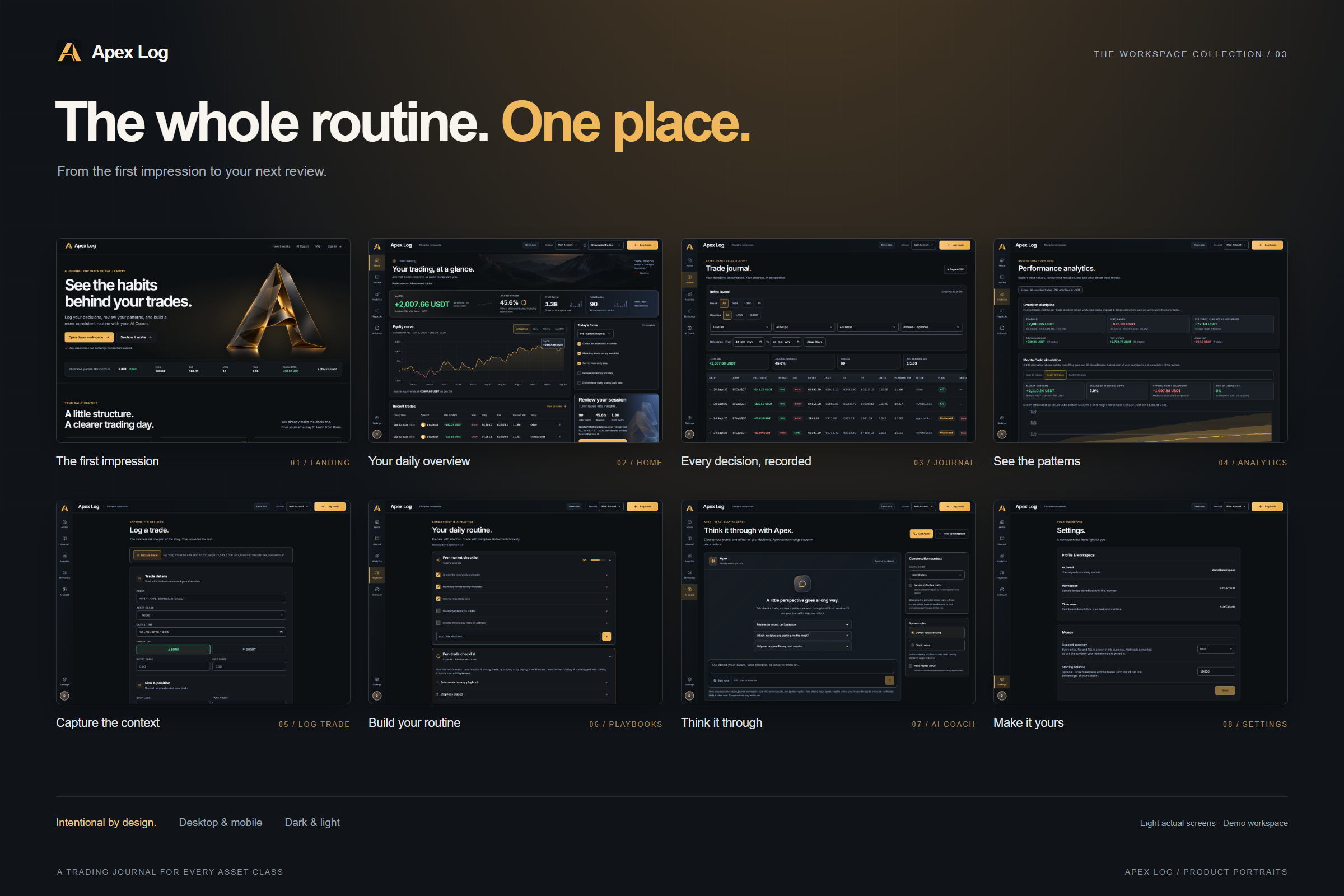
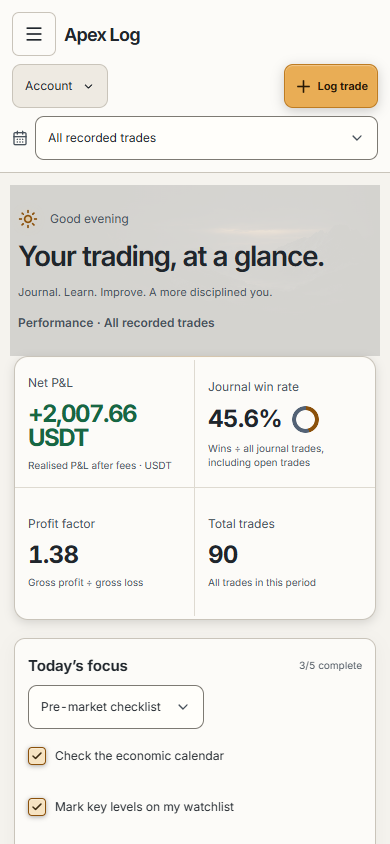
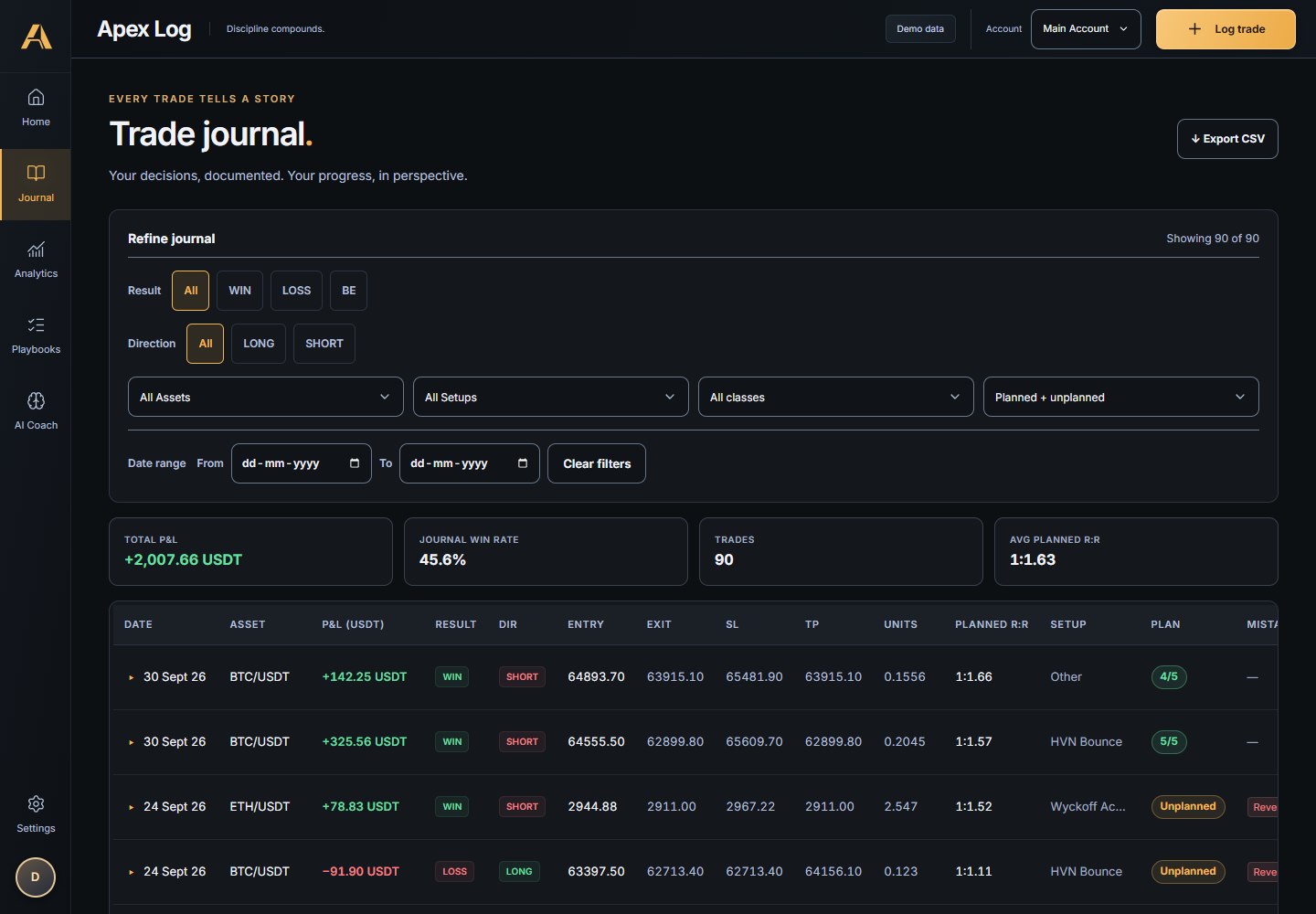
Apex Log is a trading journal for people who want to understand their habits across different asset classes.
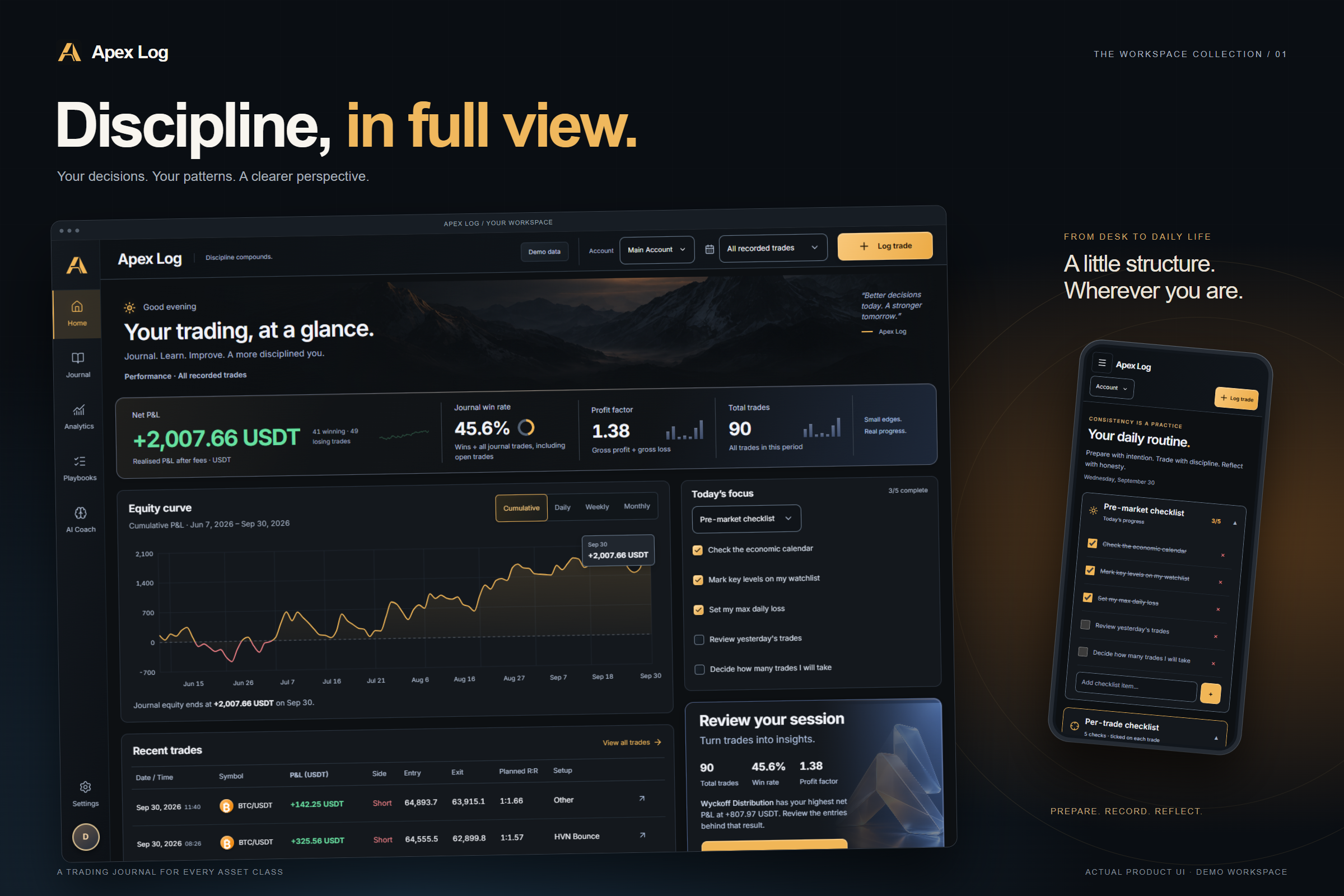
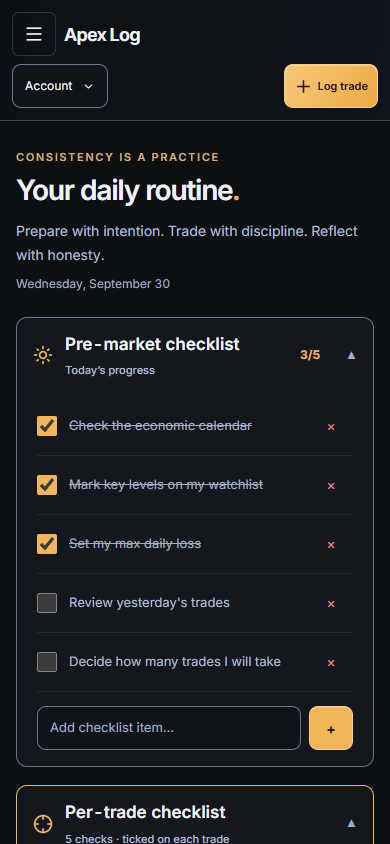
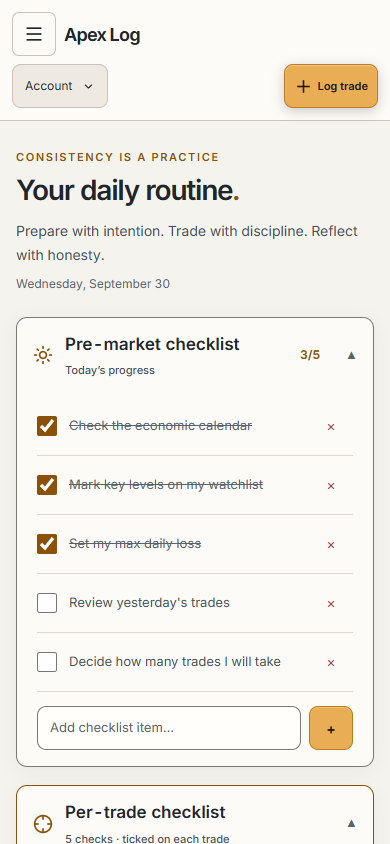
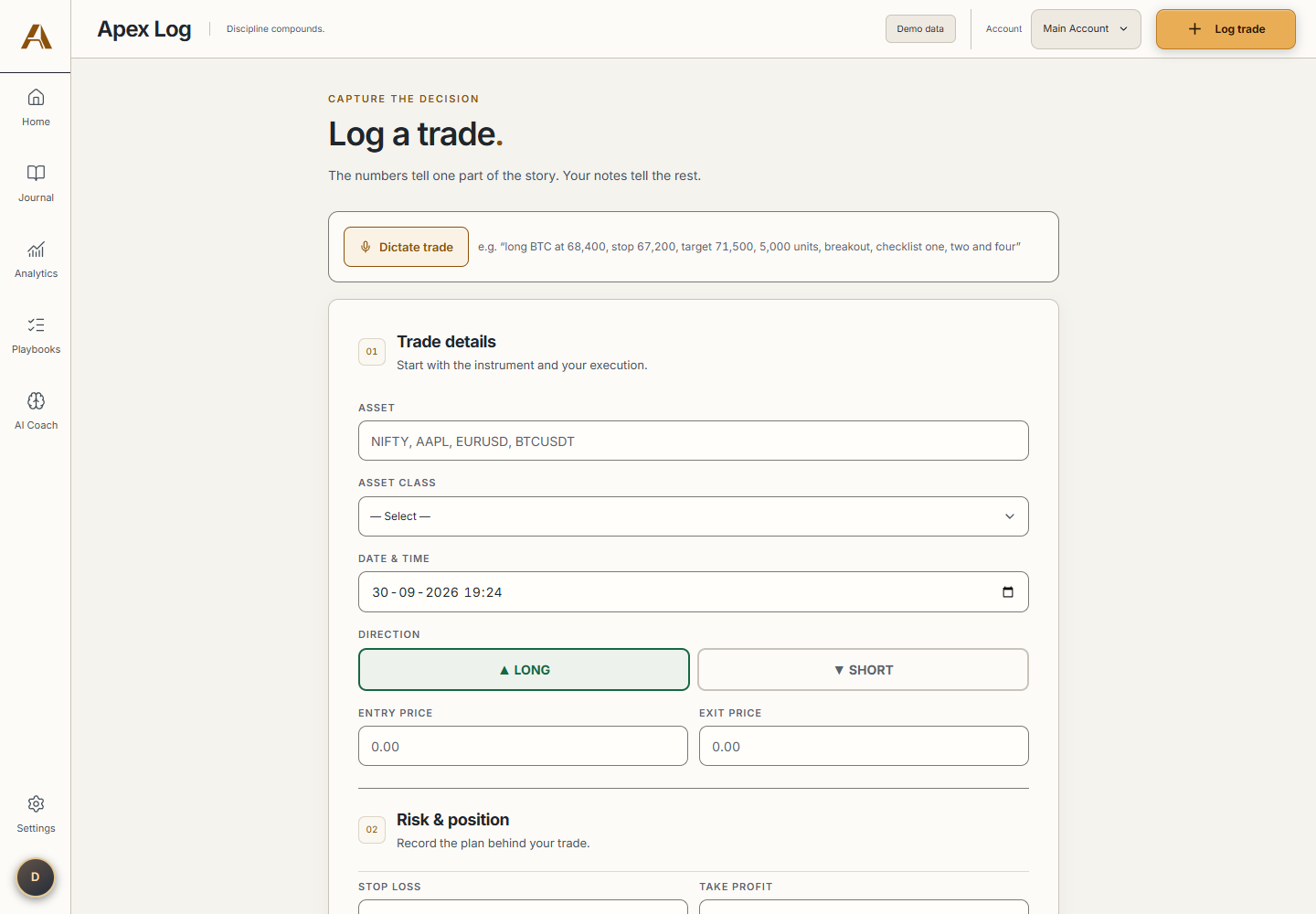
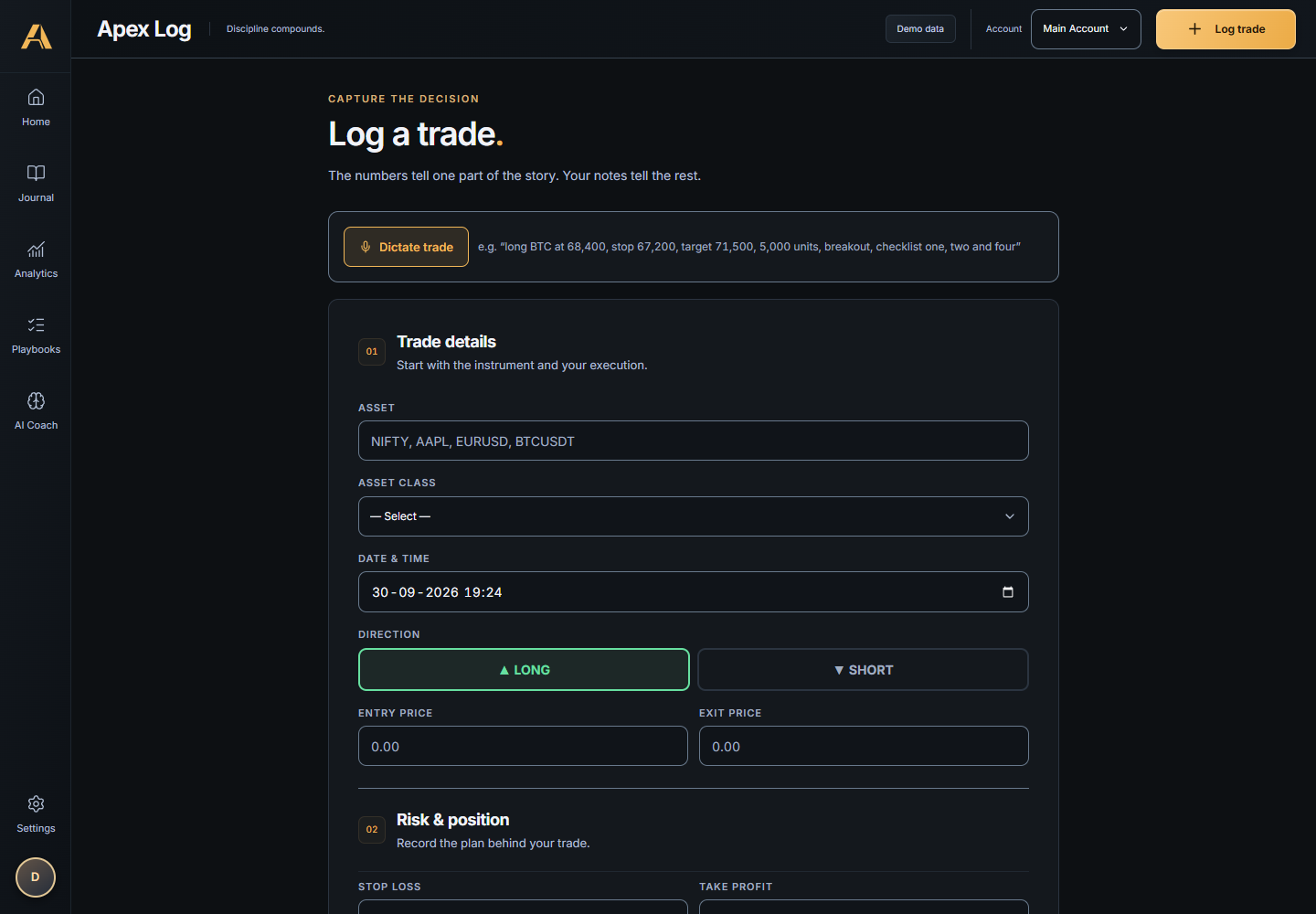
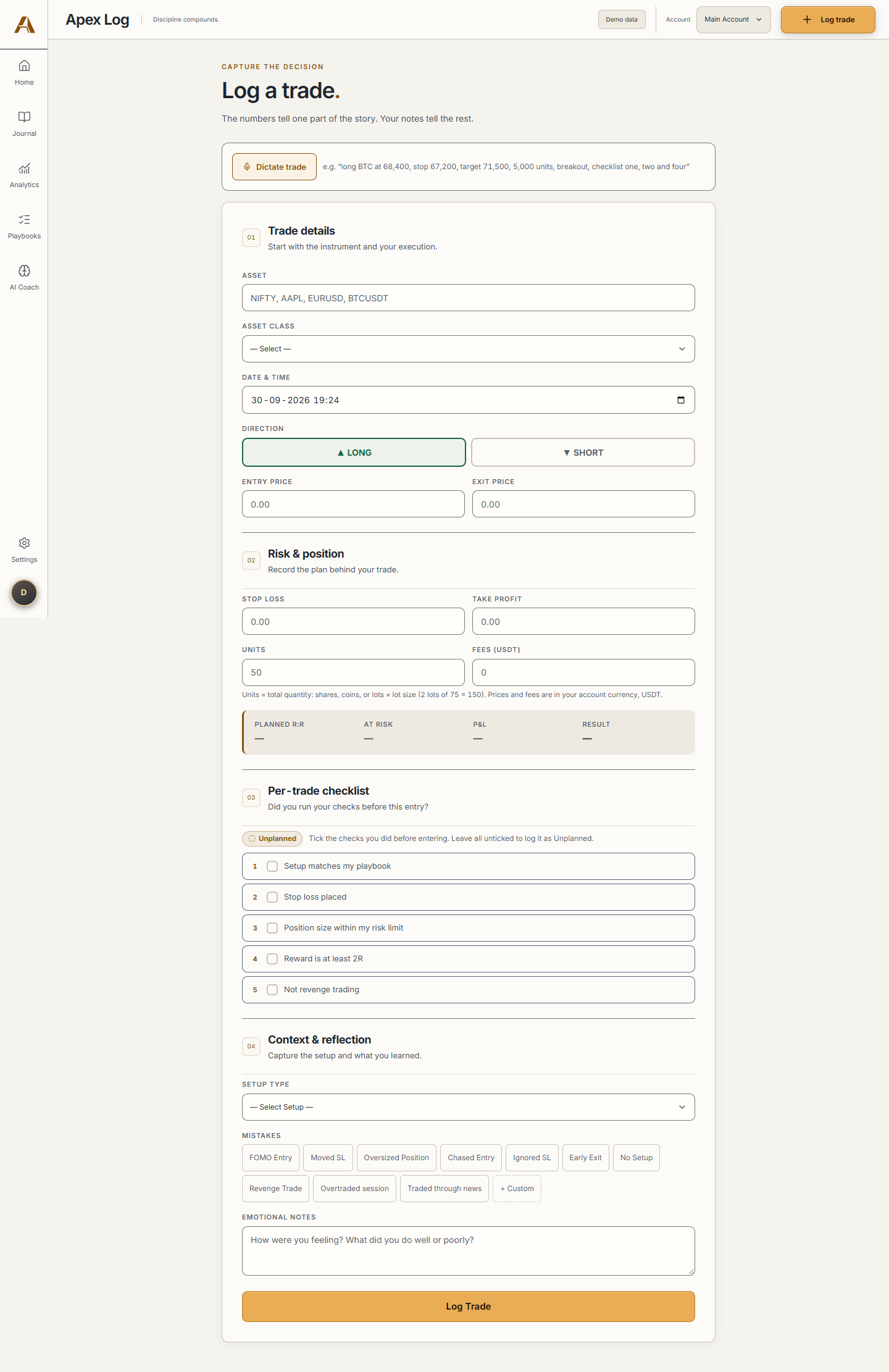
You can prepare for a session with a checklist, enter a trade manually or by voice, and save your notes alongside it. Voice entry creates a draft that you review before saving. The checklist stays attached to the trade, so you can see which steps you followed when you look back.
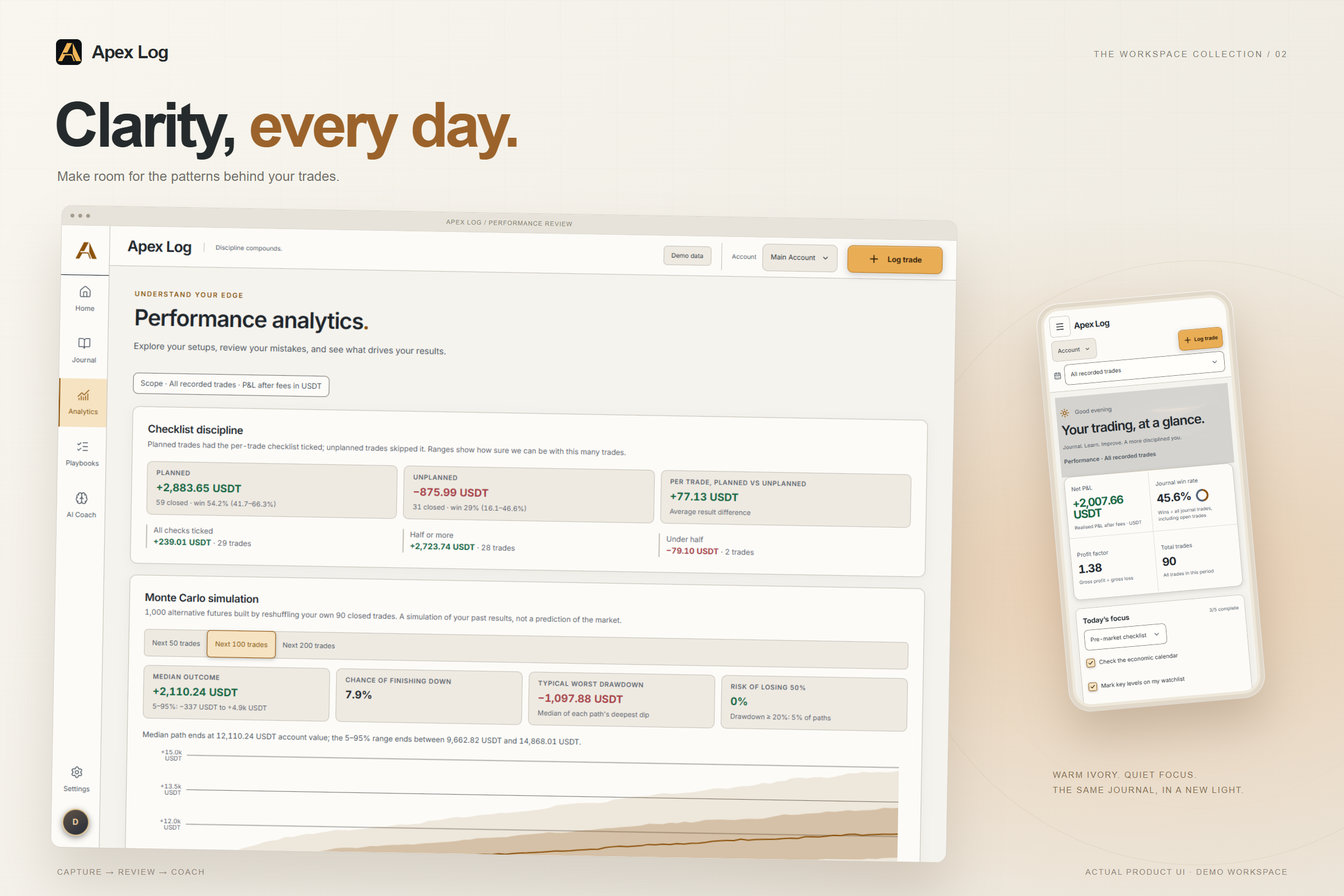
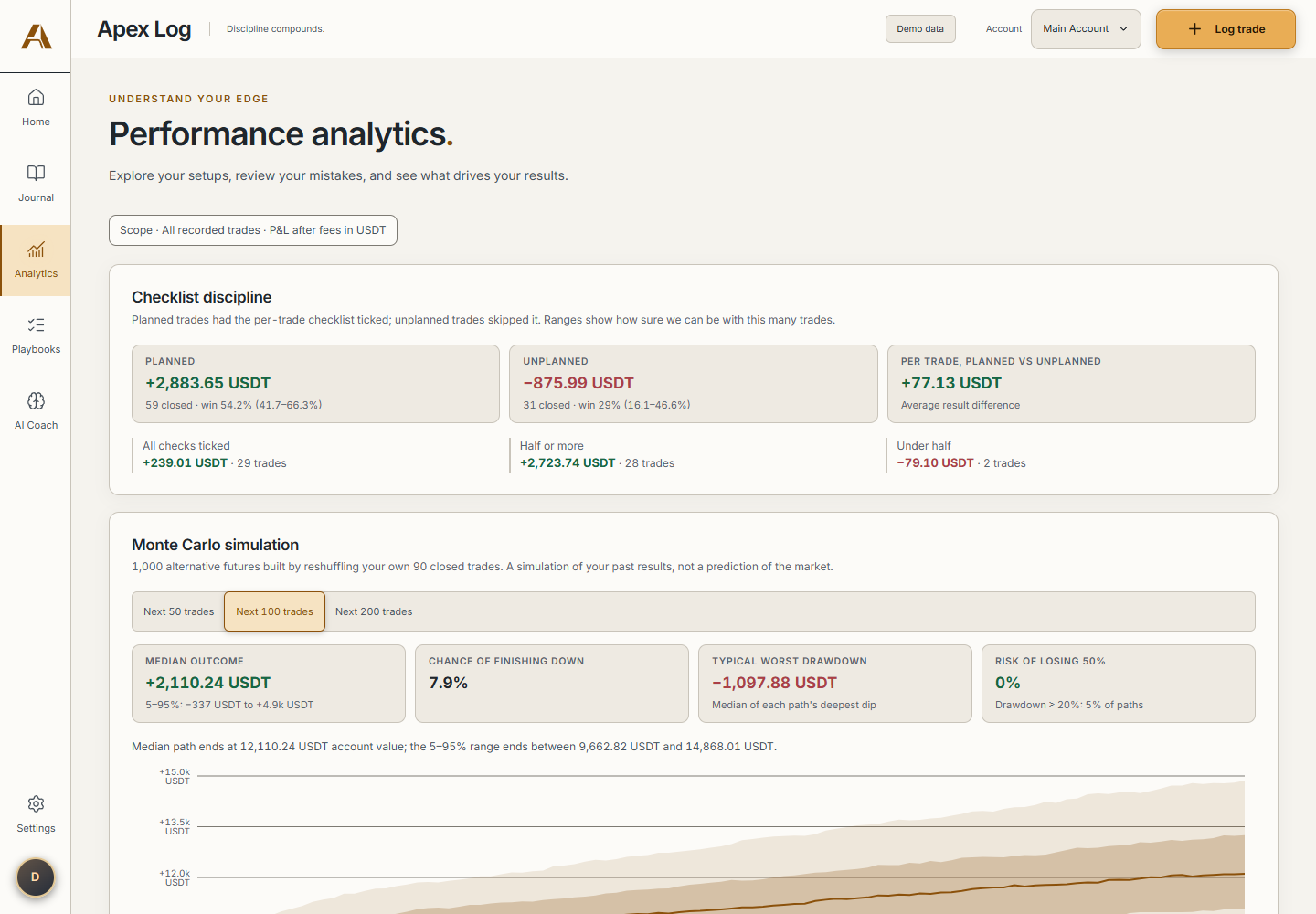
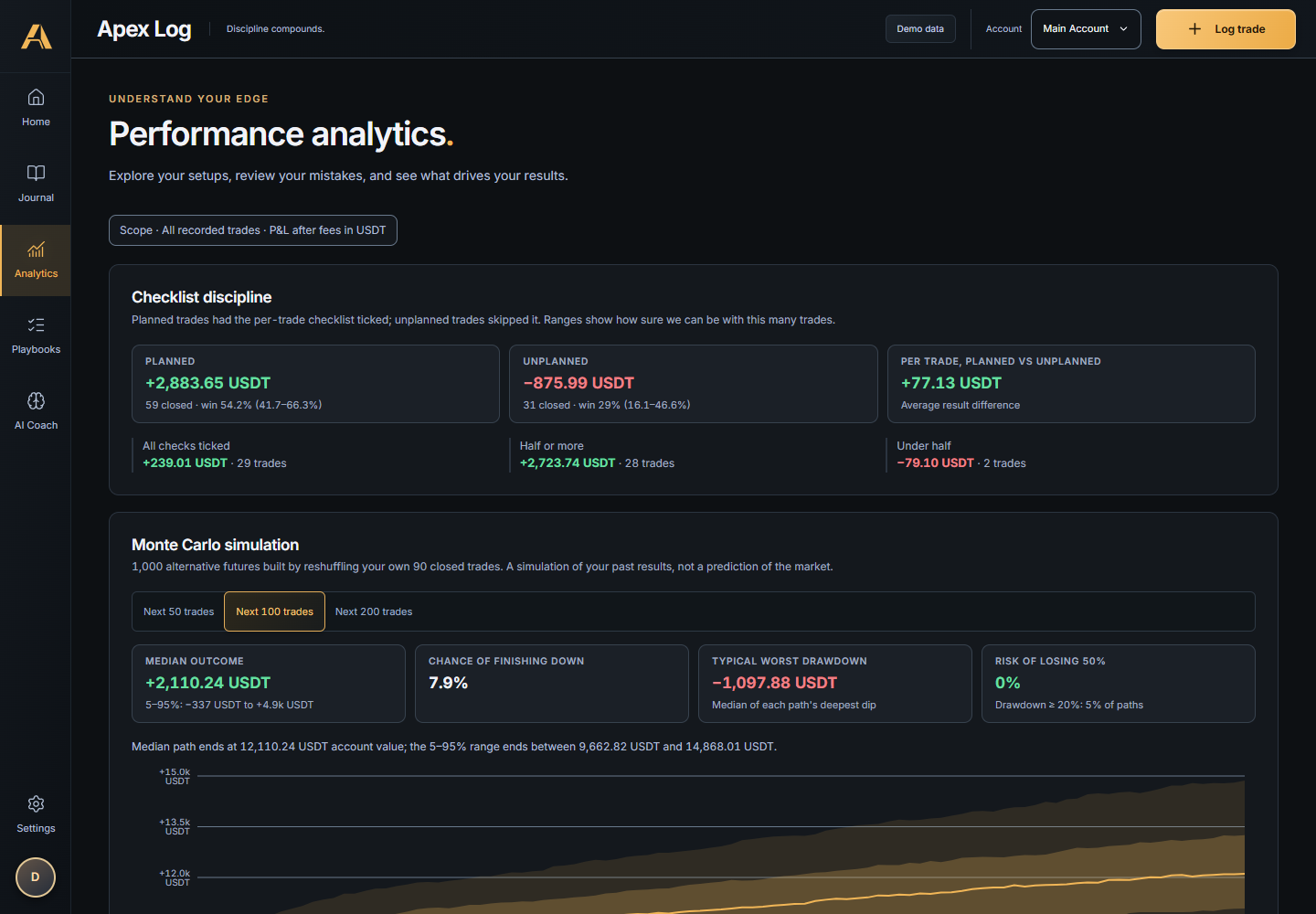
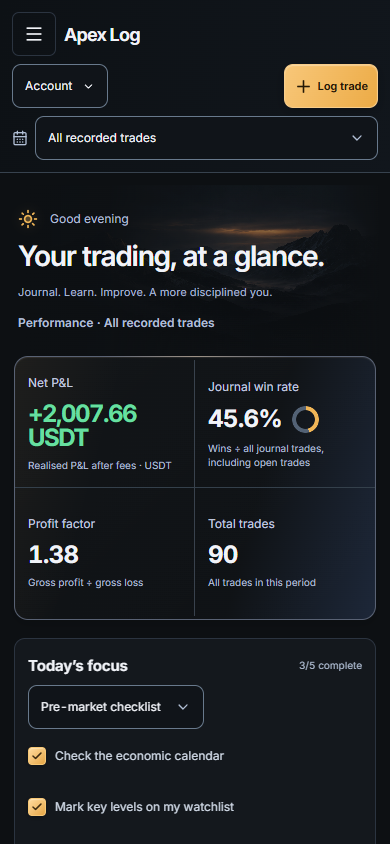
The analytics let you compare trades where you used a checklist with those where you skipped it. You can also review fees, drawdown, and the timing of trades after a loss.
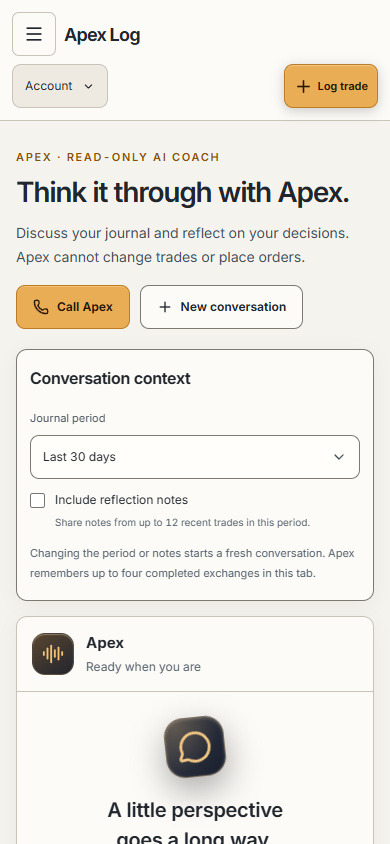
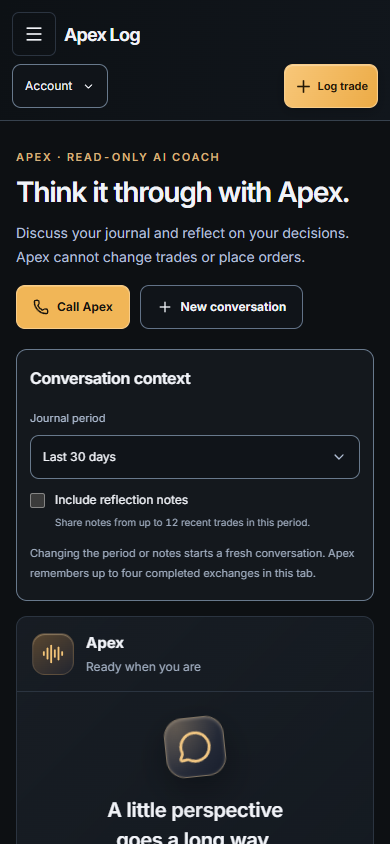
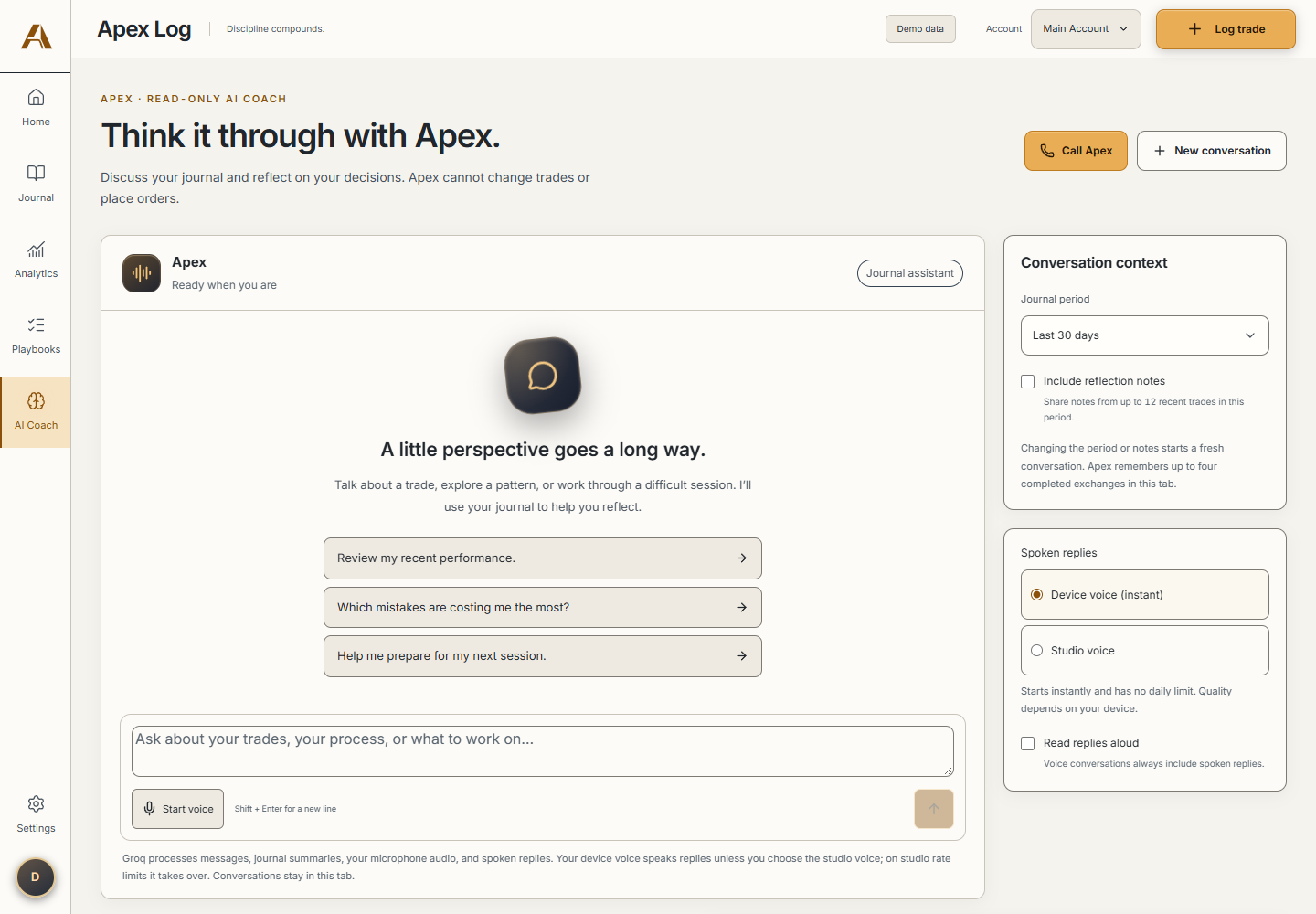
There is an AI Coach for discussing your journal through text or voice. You choose the period to review and whether to include your reflection notes. The Coach can discuss the records, but it cannot change them or place trades.
How we built it
We used React and Vite for the interface, with Supabase handling authentication and PostgreSQL storage. Recharts displays the journal analytics.
The AI features use Groq through server API routes configured for Vercel. Audio is transcribed into text, which the app uses to fill a trade draft. For coaching, the server calculates statistics from the user's journal and passes that context to the model.
Keeping those calculations in shared JavaScript gives the dashboard and Coach the same source for their numbers. The model then has actual journal figures to discuss.
Challenges we worked through
Connecting AI to an everyday workflow was a big part of the challenge. A spoken trade still needs to become a record someone can check and edit. We kept a review step before saving because a transcription or interpretation can be wrong.
Authentication added another set of things to understand: managing sessions, keeping records associated with the right account, and checking access on the server. Learning how website hosting fits around the frontend, database, and API routes was also part of the work.
What we learned
For me, Nitin, the biggest learning areas were integrating AI into an application, adding authentication with Supabase, and understanding how to host a website.
Working on Apex Log gave me a practical reason to learn those pieces together. I had to think about where data should be stored, what the server should handle, and what the user needs to see before confirming an action.
What we're proud of
We brought the preparation and review parts of a trading journal into the same workflow. A checklist used during trade entry remains available when that trade is reviewed later. That connection is one of the parts we care about most.
We also included a sample workspace so someone can explore the journal and charts before entering their own records.
What's next
We want to get feedback from traders on the recording and review process. That would help us understand which parts are useful and where entering a trade still takes too much effort. Further testing of voice input on phones is another next step.
Team and AI assistance
Built by Nitin Mishra and Utkarsh Tiwari.
AI tools helped prepare the submission materials, presentation, and this write-up, and were used for logo concept exploration. Within the application, Groq-hosted models support transcription and coaching.
Built With
- css3
- groq
- html5
- javascript
- node.js
- postgresql
- react
- recharts
- supabase
- vercel
- vite
- vitest
- web-audio-api
- whisper

Log in or sign up for Devpost to join the conversation.