-
-
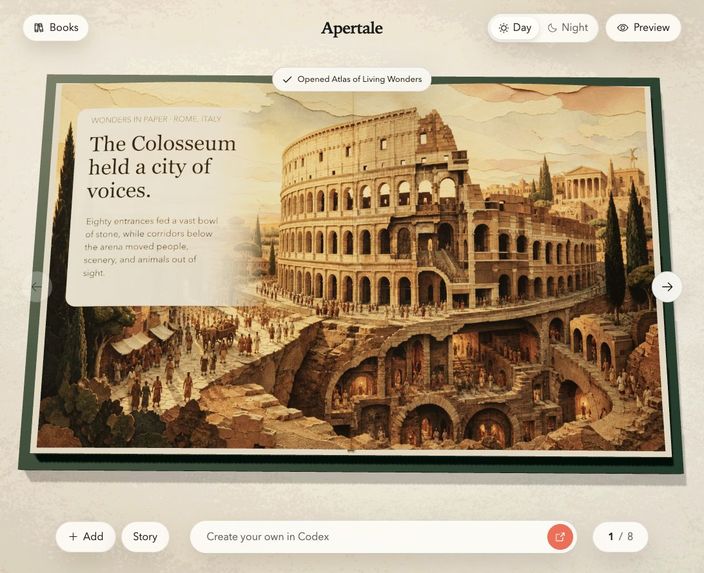
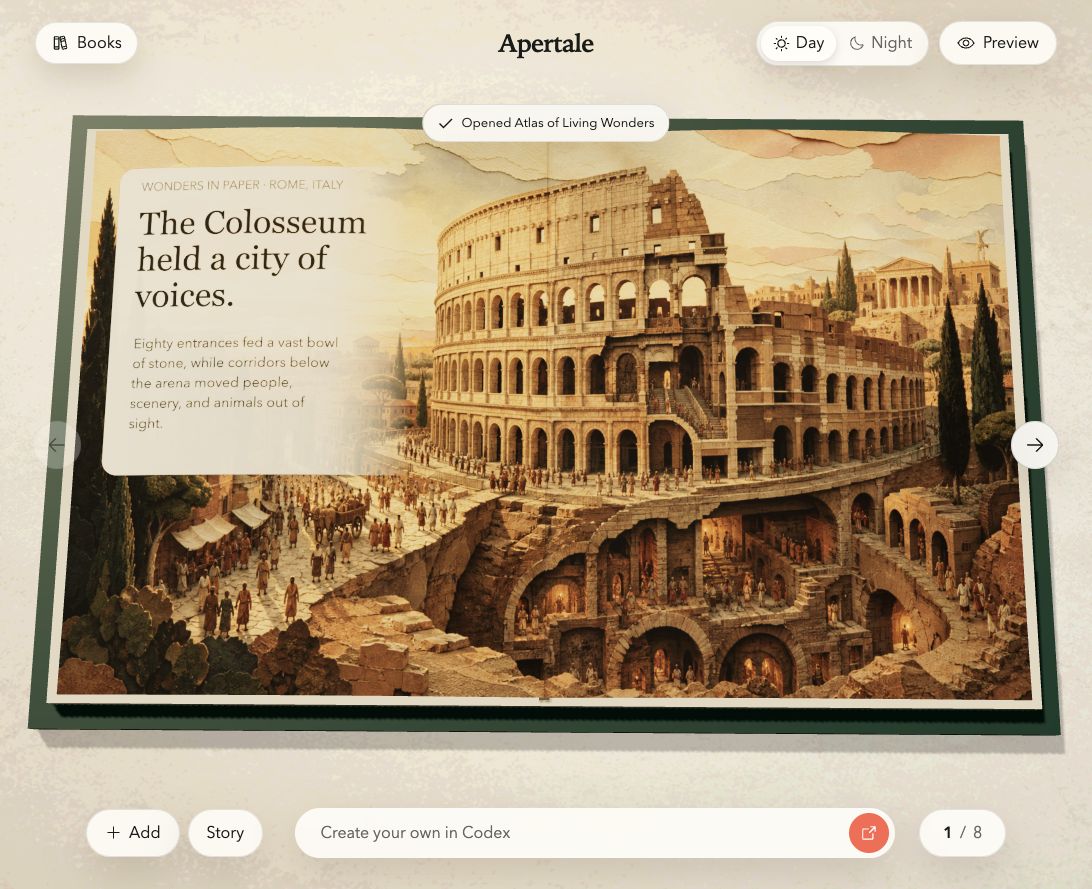
Apertale turns a page into a continuous illustrated world: Rome crosses both pages in the Day presentation.
-
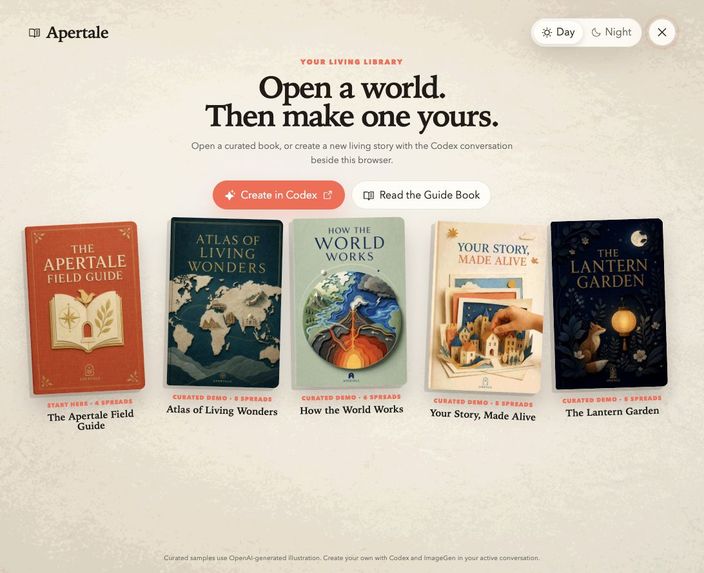
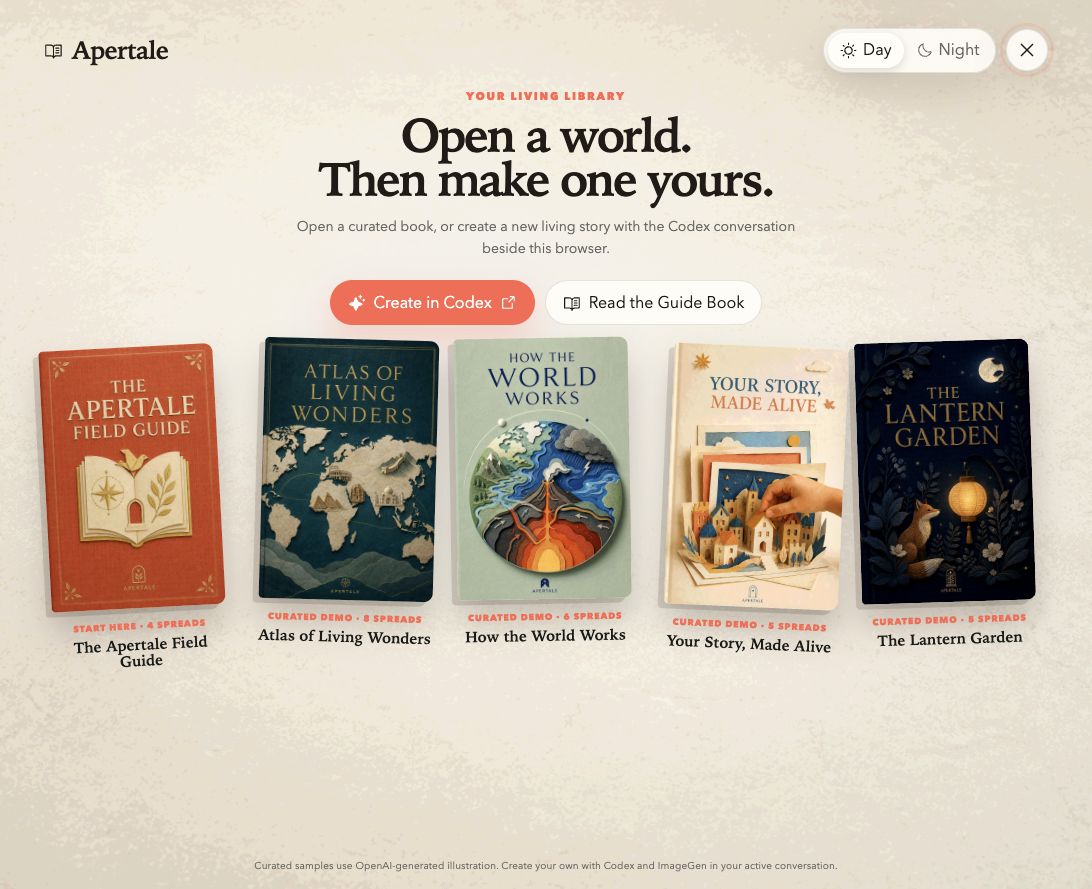
Apertale’s editorial library opens with the Field Guide and four independently illustrated sample books.
-
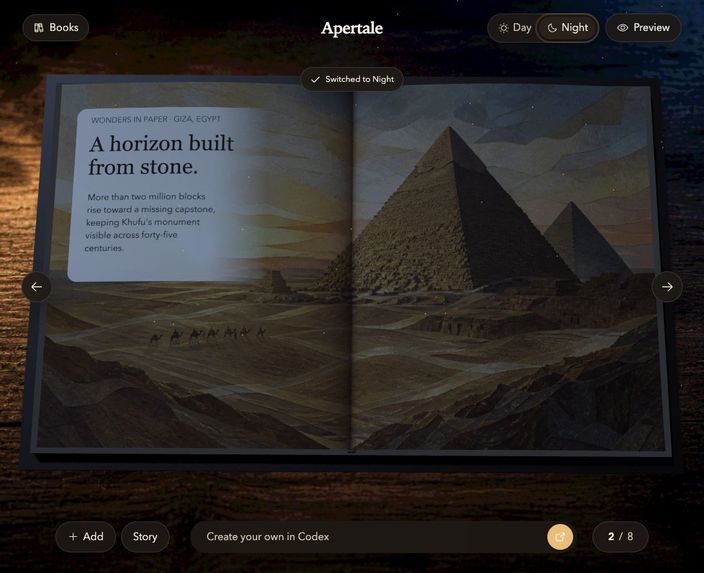
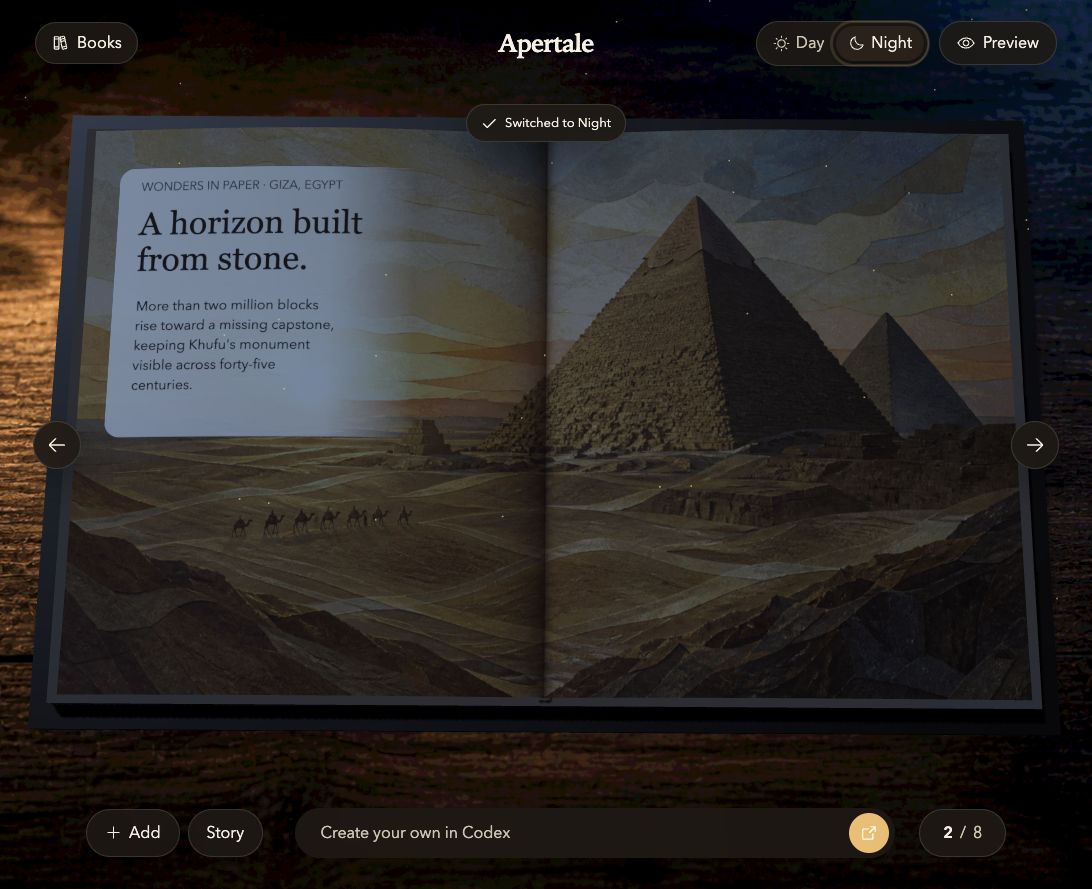
Night presentation transforms the same illustrated landmark into a cool moonlit reading experience.
-
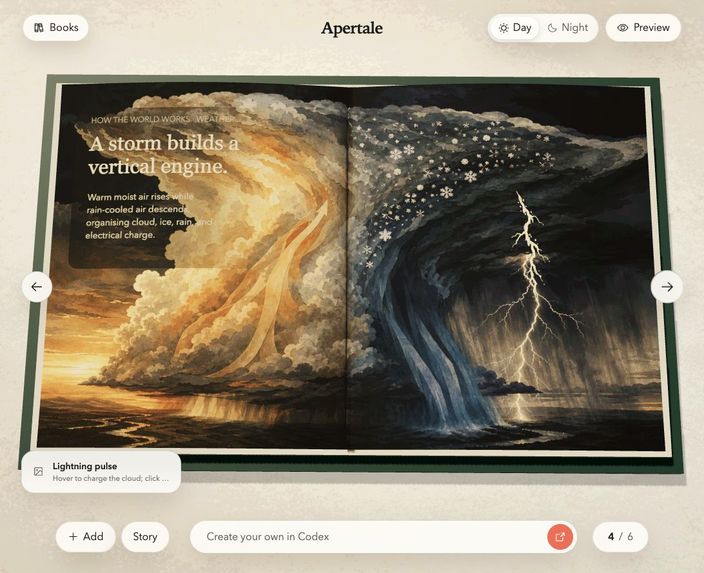
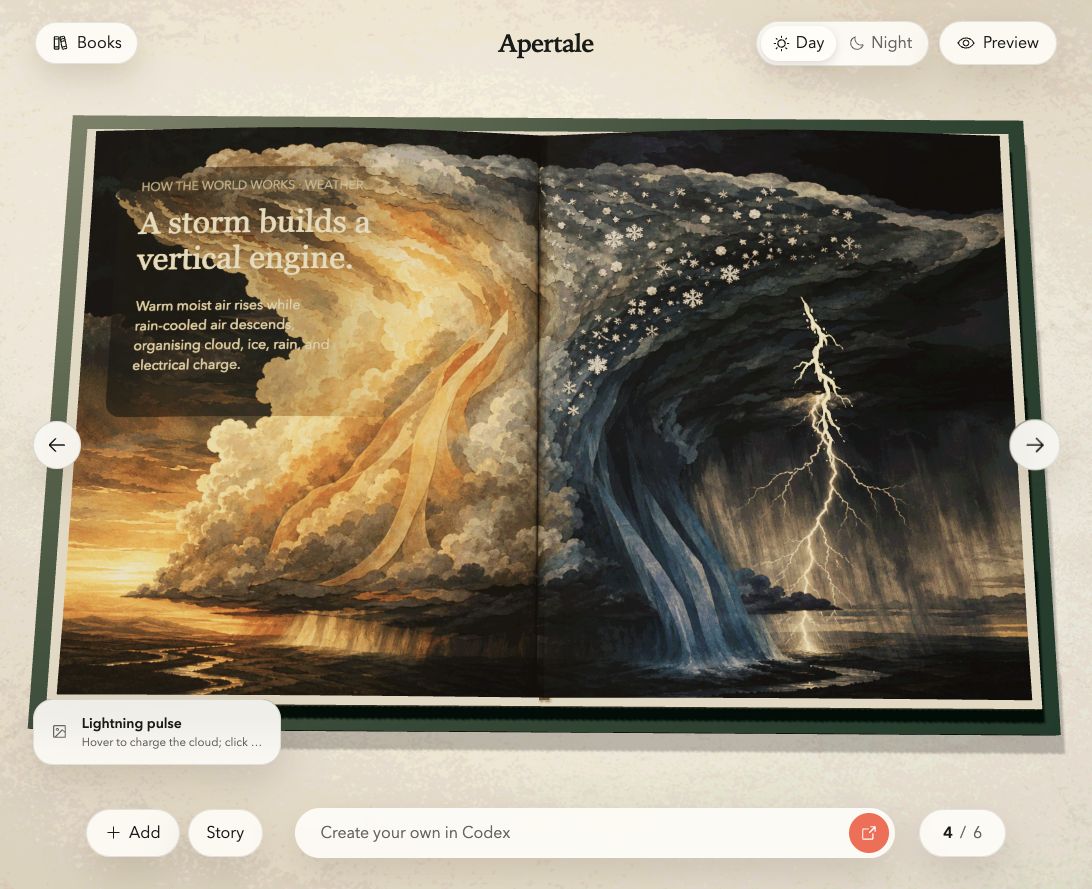
A generated cut-paper volcano cross-section turns an explanation into a full-spread interactive science scene.
Inspiration
I've always envied things I couldn't do well yet, like writing novels, and drawing. My hands are super stiff...
I've actually built relatively things before this challenge . I built a ai novel writer called "inkmarshal" simply because I want to write a novel for fun but my writing is bad, and I thought someone like me may interest in it. I built an image generate application call "lunerylab" as well for the same reason.
So combination of both easily come through my head. Plus my son is deep into picture books — Dog Man gets read until the spine gives out — and I believe he will have fun by making one for himself.
So basically I prefer to use ai to achieve something with ai that I couldn't do well yet (still have chance and time who knows)
What it does
Apertale is a site for making cool interactive books. Its powered by WebMCP which make agent using our site creator tools. There are beautiful samples for you to read, and hopefully bring audience's interest.
Then you make your own. Give it a prompt, some photos, or both, and your ChatGPT starts building pages inside the book you're looking at. Drag something it just placed. Or tell it to undo one thing, and it removes exactly that. Then one link to share it to anyone.
How I built it
I vibe coded it, serious vibe coding strategy.
Design first, because I'm super picky about UI/UX — probably 70–80% of my time went there. Real comps in Figma and Codex (Production Design plugin) before any app code existed.
I choose three.js for the book, because I prefer 3d and I used it a lot for making 3d game demo for fun.
I published it on gptsite, it is so convenient at this stage. I would love to host it on a domain if it scale.
Challenges I ran into
It has to be the images generation usage control and time consumption for this. A picture book eats art and one page at a time was too slow and too expensive. What I landed on: four pages per frame, then sliced apart. A quarter of the generations, and pages drawn together actually look like they belong together.
Also image bytes. WebMCP passes data, not files, so I made that handoff visible instead of pretending it happened.
Accomplishments that I'm proud of
The overall aesthetic, the whole feel of it. It is a project I would put out and show to anyone at any time.
Also the Agent Sketching feature too. You can mark up what you want changed and have the sketch actually change from that mark. That one came out better than I expected.
And most importantly, it works. Not a video, not a mockup. Open the link, read a book, make one with your agent, publish it.
What I learned
That the bottleneck was never the coding. It was knowing exactly what I wanted. Every time I was vague with the AI I got something vague back, and every time I could describe the thing precisely — this page turns like this, this reveals like that — it came out right.
What's next for Apertale
Better asset handoff, cut down time usage. And I am also considering animations. Then background tasks.
Built With
- claude
- codex
- figma


Log in or sign up for Devpost to join the conversation.