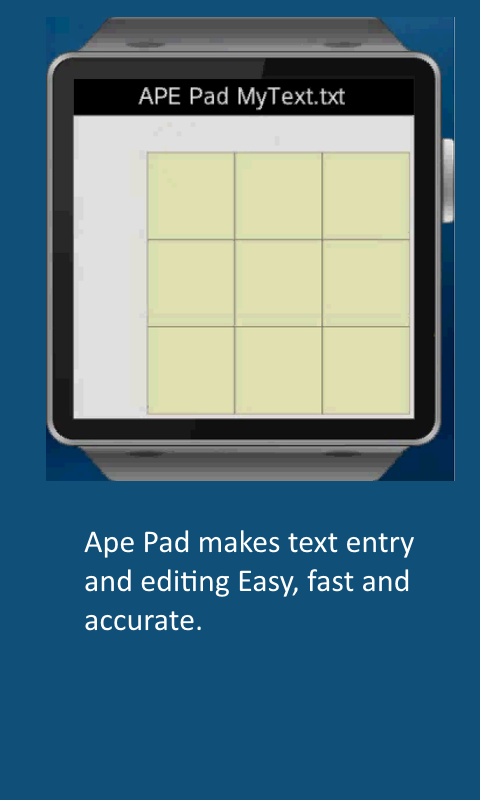
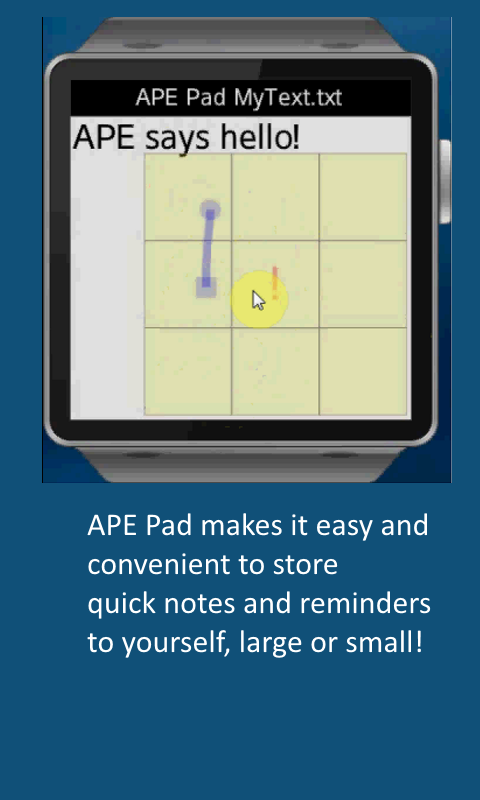
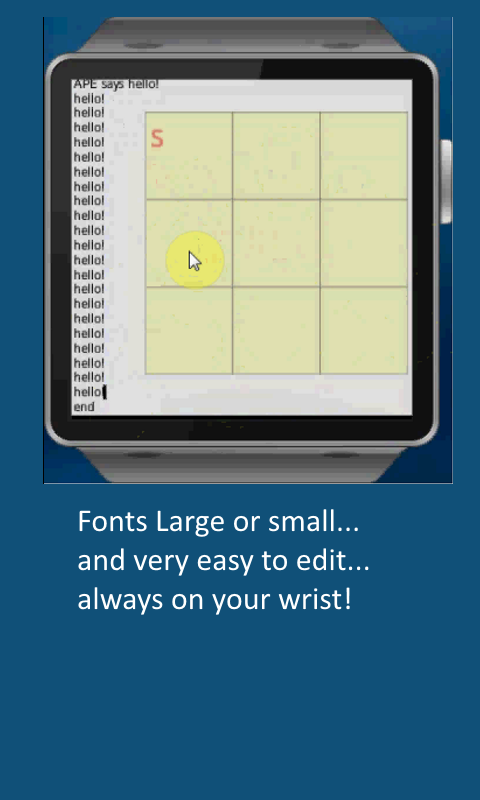
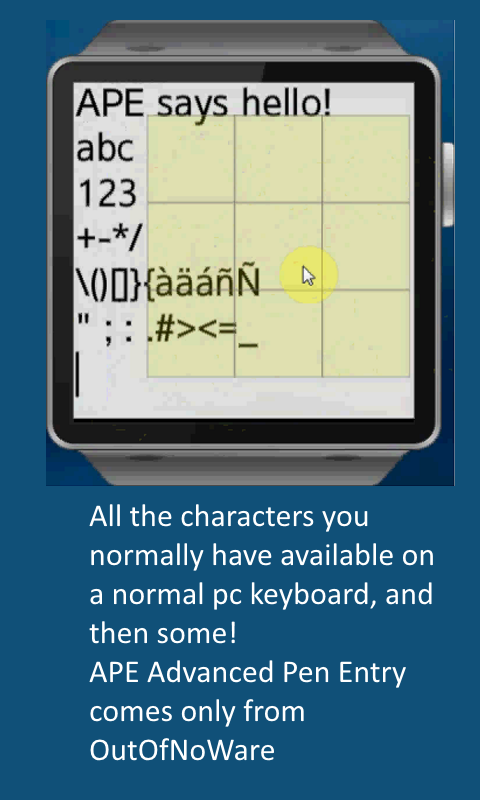
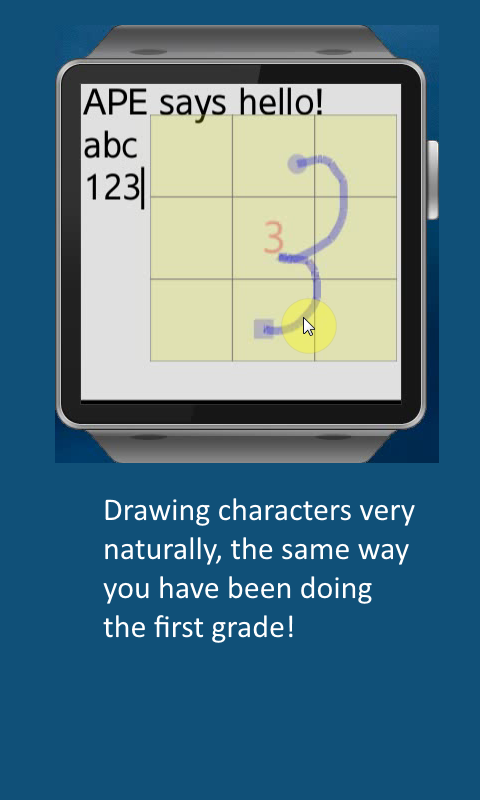
APE Advanced Pen Entry (TM) is a text input method for touchscreen devices. APE Pad is a Notepad like text editor for the Samsung Gear 2, which otherwise does not have a text input method. Although it is still a work in progress, it is a quite useful application in it's own right, and demonstrates how APE Advanced Pen Entry can be a very natural, fast and accurate means of entering and editing text on even the smallest touch screens. Versions of APE Advanced Pen Entry are now or will be shortly available for Windows tablets, Android phones and tablets, and now the Samsung Gear 2.
Much more information can be found at www.outofnoware.com/blog
Many enhancements to APE Pad are planned for the near future, including support for multiple text files (currently limited to just one), and support for Function Keys, Macro Keys, and some settings screens.
One possible future enhancement would be to add the functionality to allow it to be called from other Gear 2 applications, to function as a replacement for the currently non working JavaScript Prompt method. The caller would provide a Prompt String, and a Default String. APE Pad would in turn display the desired prompt in the current Title area, Display the Default string in the current Text area, and then allow the user to modify the default text, then return the edited text to the calling program. In effect offering a very workable text input method to all apps running on the Gear 2 (as long as APE Pad is installed.
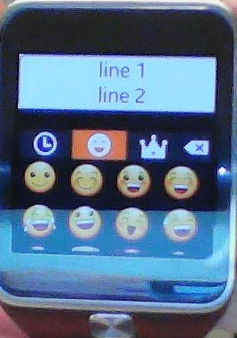
Note that there appears to be a bug in the current Gear 2 firmware, that displays what looks like an emoji picker box when an html textarea is displayed and receives focus. An annoyance I have not found a workaround for other than to swipe from top to bottom to dismiss it, then all works as expected. I have included an actual screenshot of that but you may not want to include that in the automatically built gallery.

Log in or sign up for Devpost to join the conversation.