Building an Autonomous Product Pipeline
Inspiration
One day, I got the urge to build my own startup. Maybe I’d get lucky and become a millionaire - who knows? So I started scrolling through the internet, searching for startup ideas. But most of them felt too common and repetitive. Then I came across a Reddit post that said startup ideas are actually simple: just automate the work people have been doing manually for years especially the boring tasks nobody enjoys doing. That line stuck with me. At the same time, I was learning DevOps and exploring CI/CD pipelines. That made me realize something interesting: while deployment pipelines are highly automated, the entire workflow before development like gathering feedback, creating requirements, writing stories, planning tasks, is still heavily manual.
So I thought, why not automate the steps before the CI/CD pipeline itself?
And that’s how the idea for ApeAI was born.
Every software team I've observed shares the same invisible bottleneck. It isn't the code. It isn't the deployment. It's everything that happens before a single line of code is written.
Customer complaints live in Slack. Feature requests are buried in email threads. Meeting notes sit in Notion, unread. A Product Manager manually reads all of it, identifies patterns, writes a BRD, creates a PRD, breaks it into epics, writes user stories, creates Jira tickets — and by the time that cycle completes, weeks have passed.
I wanted to answer one question:
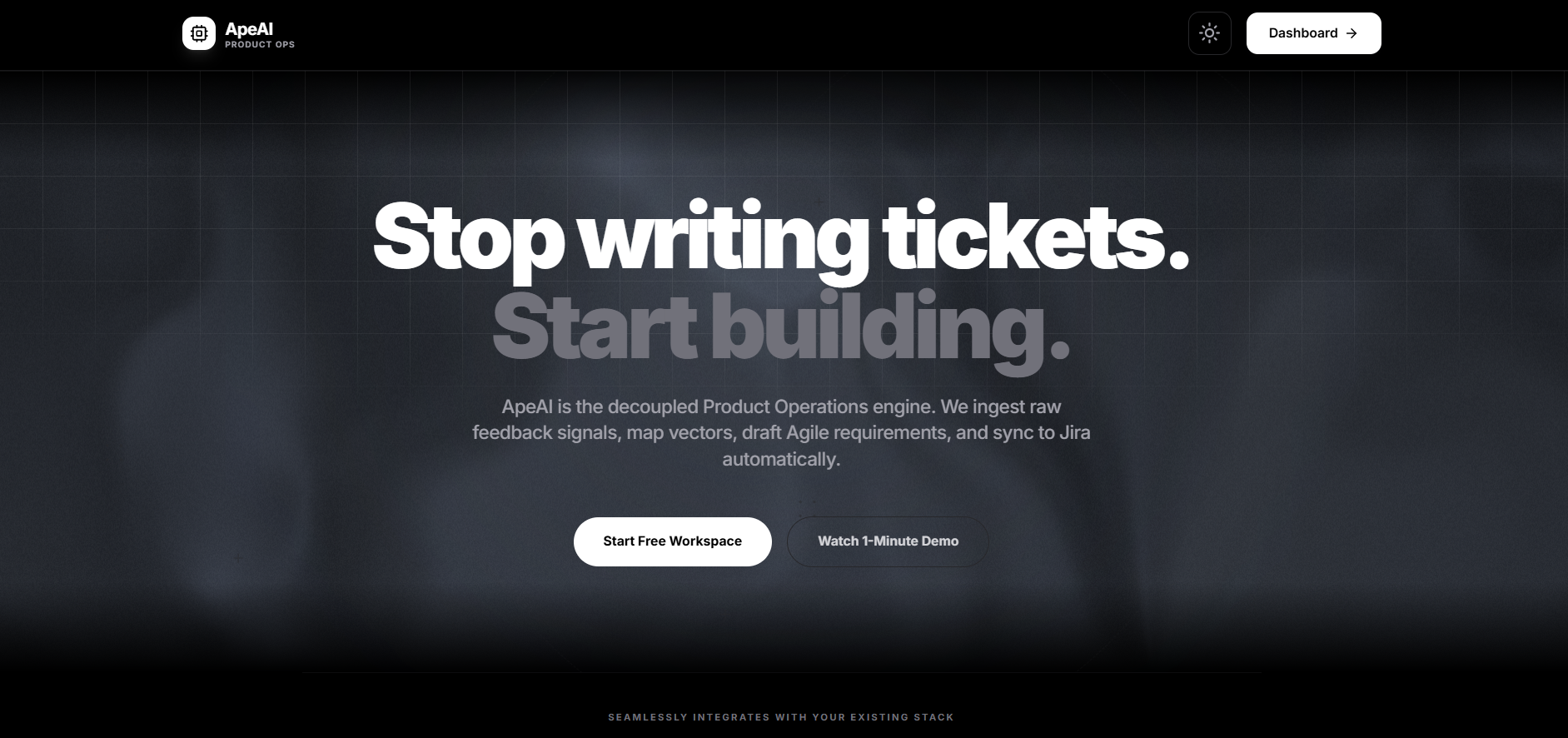
What if the entire pre-development workflow could run itself?
Not just one step. The entire flow — from raw, unstructured customer feedback to prioritized, actionable engineering tickets — automated end to end.
What I Built
An AI-native product operations platform with five independent layers:
| Layer | Purpose |
|---|---|
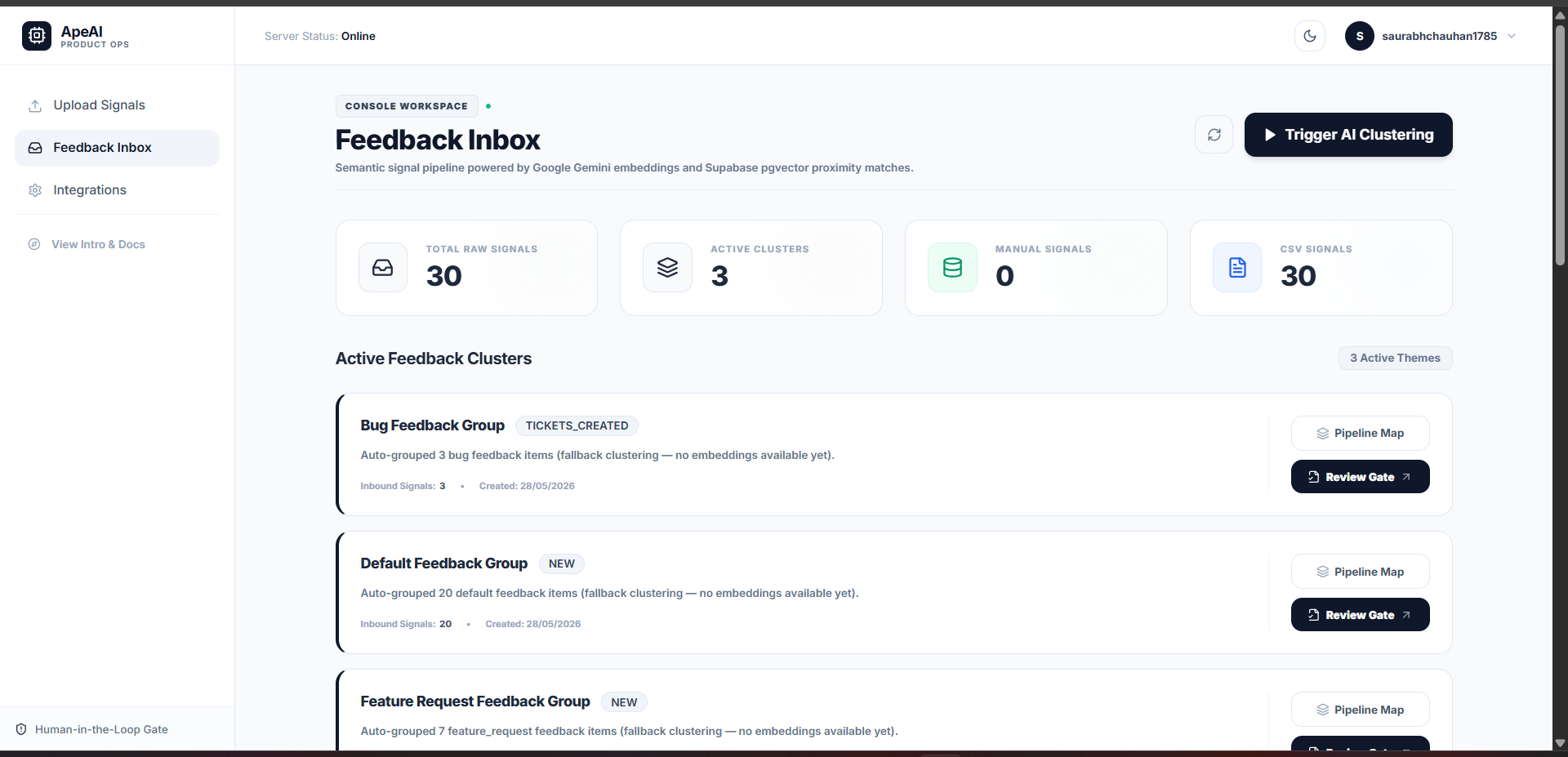
| Ingestion | Collect feedback from Slack, email, GitHub Issues, or manual upload |
| Storage | Centralize and embed all feedback using PostgreSQL + pgvector |
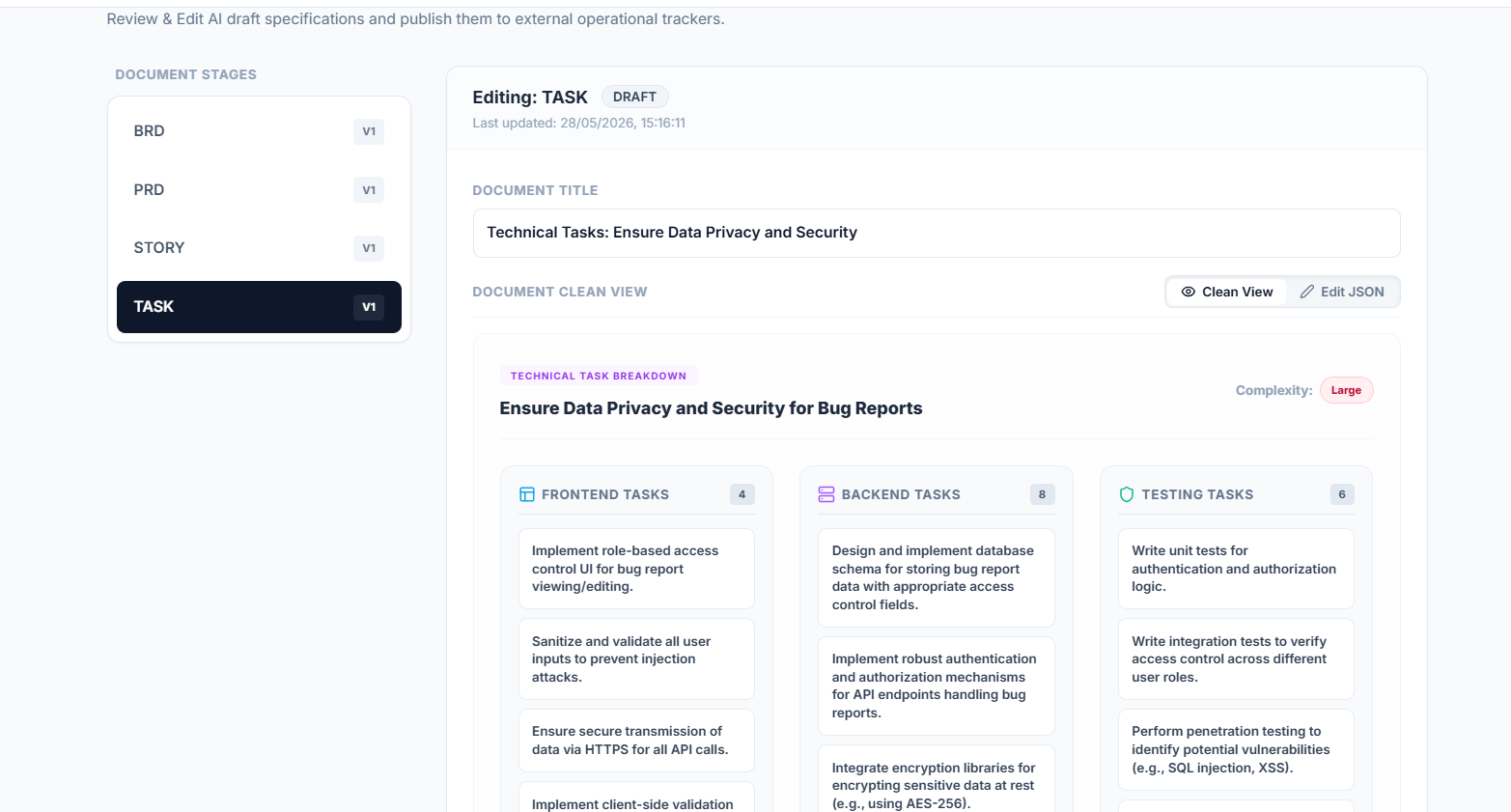
| AI Pipeline | Cluster → analyze → generate BRD, PRD, epics, stories, tasks |
| Integrations | Push approved tickets to Jira, GitHub Issues, or Linear |
| Frontend | Next.js dashboard to review, edit, and approve AI output |
The pipeline transforms this: "OTP delayed" "Login taking too long" "Can't authenticate on mobile" Into this — automatically:
Epic: Authentication Reliability Enhancement
Story: As a user, I want OTP delivery within 5 seconds so login
feels fast and reliable.
Tasks: Create OTP retry endpoint · Add Redis caching ·
Implement frontend timer · Add rate limiting
How I Built It
Architecture philosophy
Every layer communicates via JSON over HTTP. No layer imports code from another directly. This means any single layer can be swapped without touching the rest of the system.
The AI pipeline
The core of the product is a chain of FastAPI endpoints, each responsible for exactly one transformation step.
Feedback clustering uses Gemini's "2.5-flash-lite" model to convert raw text into high-dimensional vectors, then uses cosine similarity via pgvector to group related items:
$$\text{similarity}(A, B) = \frac{A \cdot B}{|A| \cdot |B|}$$
Items with similarity above a threshold $\tau = 0.82$ are grouped into the same cluster. This threshold was tuned by hand on real feedback samples.
Each subsequent step (BRD → PRD → epics → stories → tasks) is a separate AI call with a structured JSON output schema. Chaining structured outputs meant each step's output was the next step's input — no parsing, no cleanup.
The human review gate
Before any ticket reaches Jira or GitHub, the pipeline pauses. The frontend presents every AI-generated output in an editable table. The PM reviews, edits inline, and approves. Only then does the integration layer push tickets.
This was a deliberate design choice. The goal was never to replace human judgment — it was to eliminate the repetitive mechanical work so human judgment could focus on what actually matters.
Storage
Supabase handled PostgreSQL, pgvector, authentication, and Row Level Security (multi-tenancy) in a single service. Each workspace's data is isolated at the database level via RLS policies — no application-level filtering required.
Challenges
1. Connecting the frontend to the backend
The most persistent issue was the frontend silently failing to reach the FastAPI backend. Three separate problems compounded each other:
- CORS was not configured on FastAPI for the frontend origin
.env.localin Next.js was referencinglocalhostinstead of the deployed backend URL- Fetch calls had no error handling, so failures disappeared without a visible error
Fixing this required adding explicit CORS middleware in FastAPI, environment-variable discipline across both services, and proper loading/error states on every API call in the frontend.
2. Prompt consistency
Early versions of the pipeline produced AI outputs that were inconsistently structured. A story might return as a string one run and as an object the next. The fix was enforcing JSON mode on every OpenAI call and defining an explicit schema in the system prompt, which made outputs deterministic across runs.
3. Clustering threshold tuning
There is no universally correct threshold for "how similar is similar enough." Too low a value of $\tau$ and unrelated feedback gets merged into one cluster. Too high and every piece of feedback becomes its own cluster, defeating the purpose.
The final value of $\tau = 0.82$ was found empirically by testing on real support ticket datasets. A future improvement would be to let the model suggest its own cluster boundaries rather than relying on a fixed threshold.
What I Learned
Modularity pays off immediately. Because each layer communicated via clean JSON interfaces, debugging was isolated — a broken integration never meant re-examining the AI pipeline.
The review gate is the product. Early prototypes auto-pushed tickets without human approval. Every tester's first reaction was discomfort. The approval step didn't slow things down — it made the tool trustworthy.
Prompts are architecture. A vague prompt produces vague output. Every AI call in this project has a system prompt that specifies the exact output schema, tone, and constraints. Treating prompts with the same rigor as code was the single biggest quality improvement.
What's Next
- Confidence scores on every AI output (low-data clusters flagged visually)
- Feedback loop: edited outputs become few-shot examples in future prompts
- Slack bot interface (
/pipeline run) for teams that live in Slack - Priority matrix: a 2×2 chart plotting each cluster by frequency × impact
Built independently. Every layer designed to be swapped, extended, or replaced as the product grows.

Log in or sign up for Devpost to join the conversation.