-
-
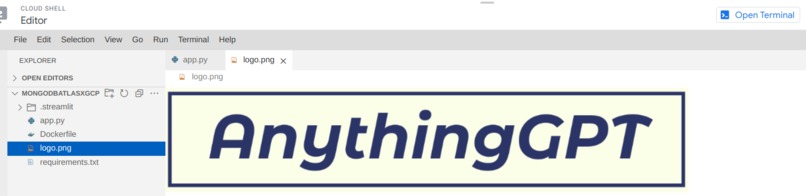
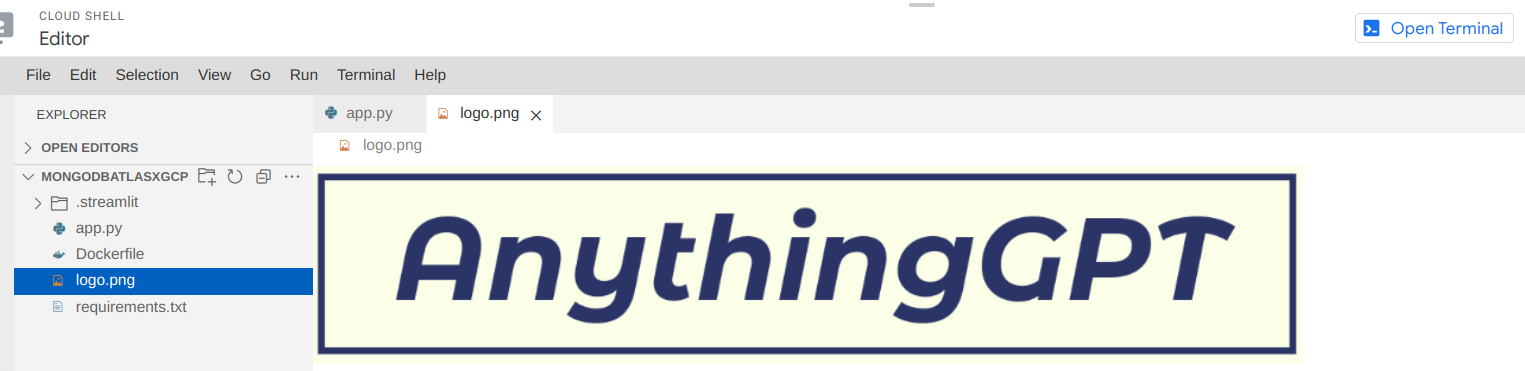
Cloud Shell Editor
-
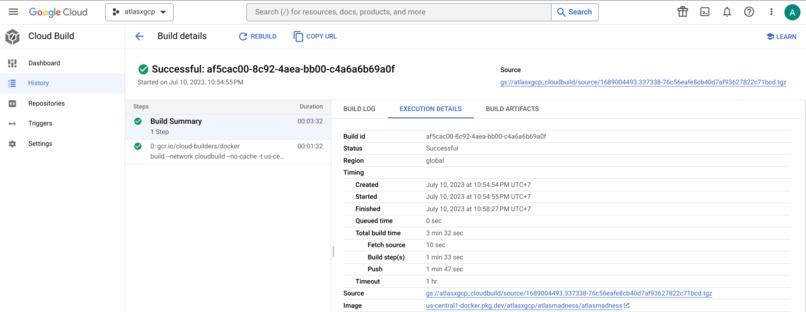
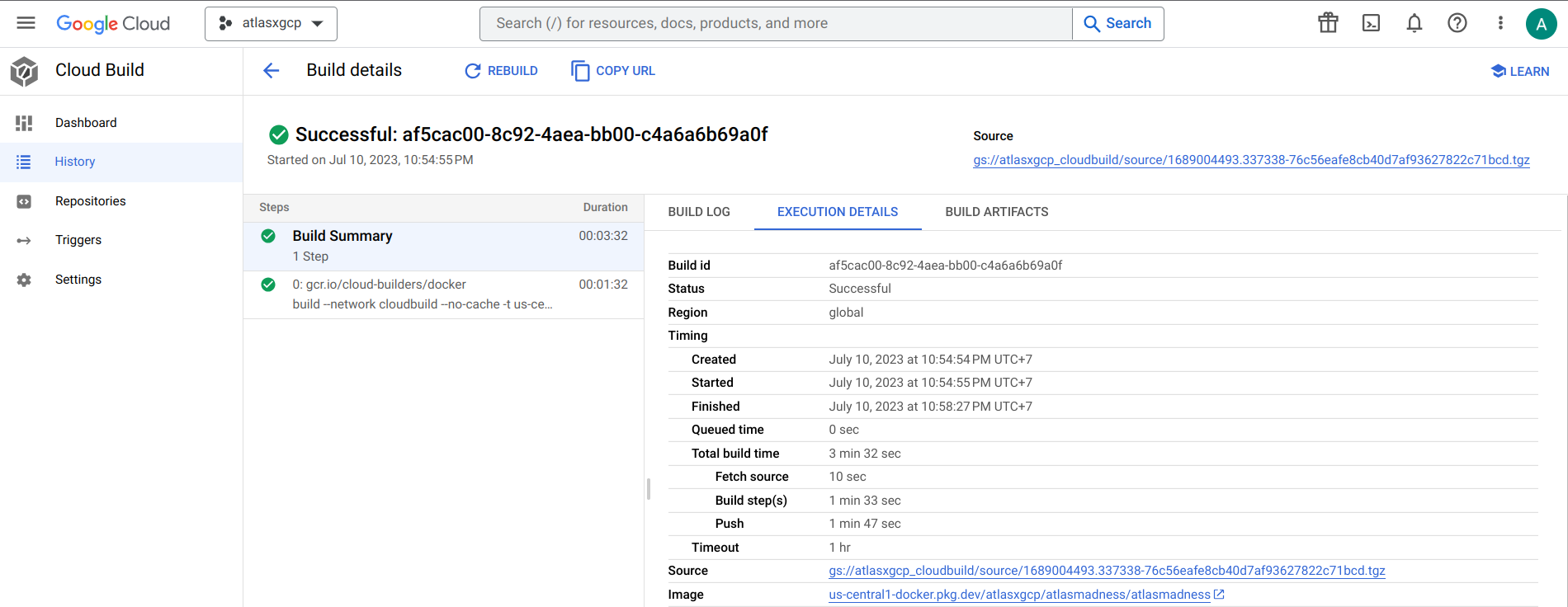
Cloud Build
-
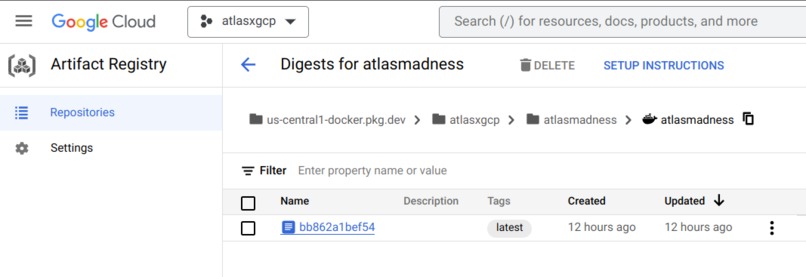
Artifact Registry
-
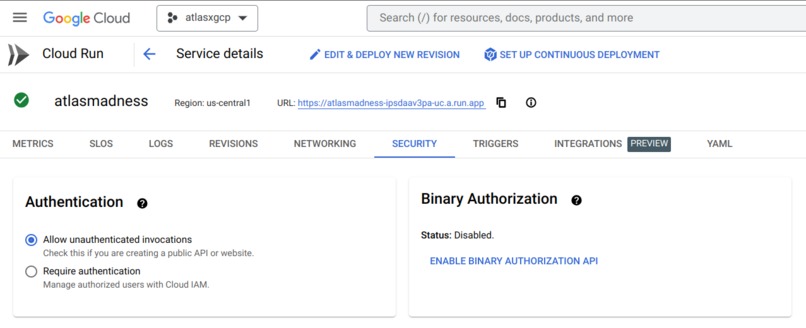
Cloud Run
-
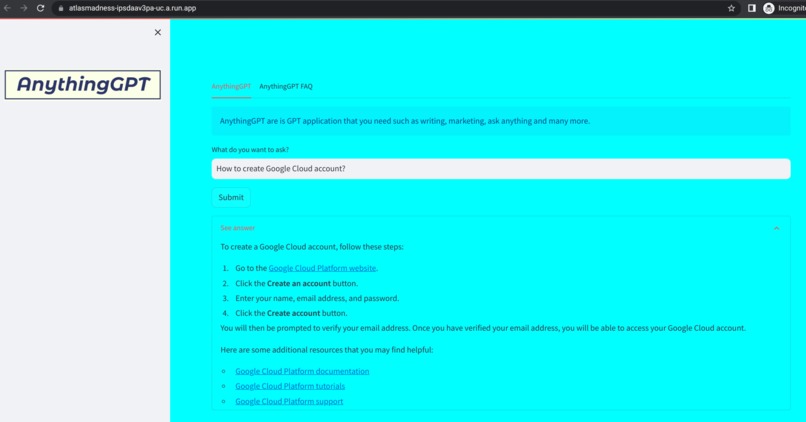
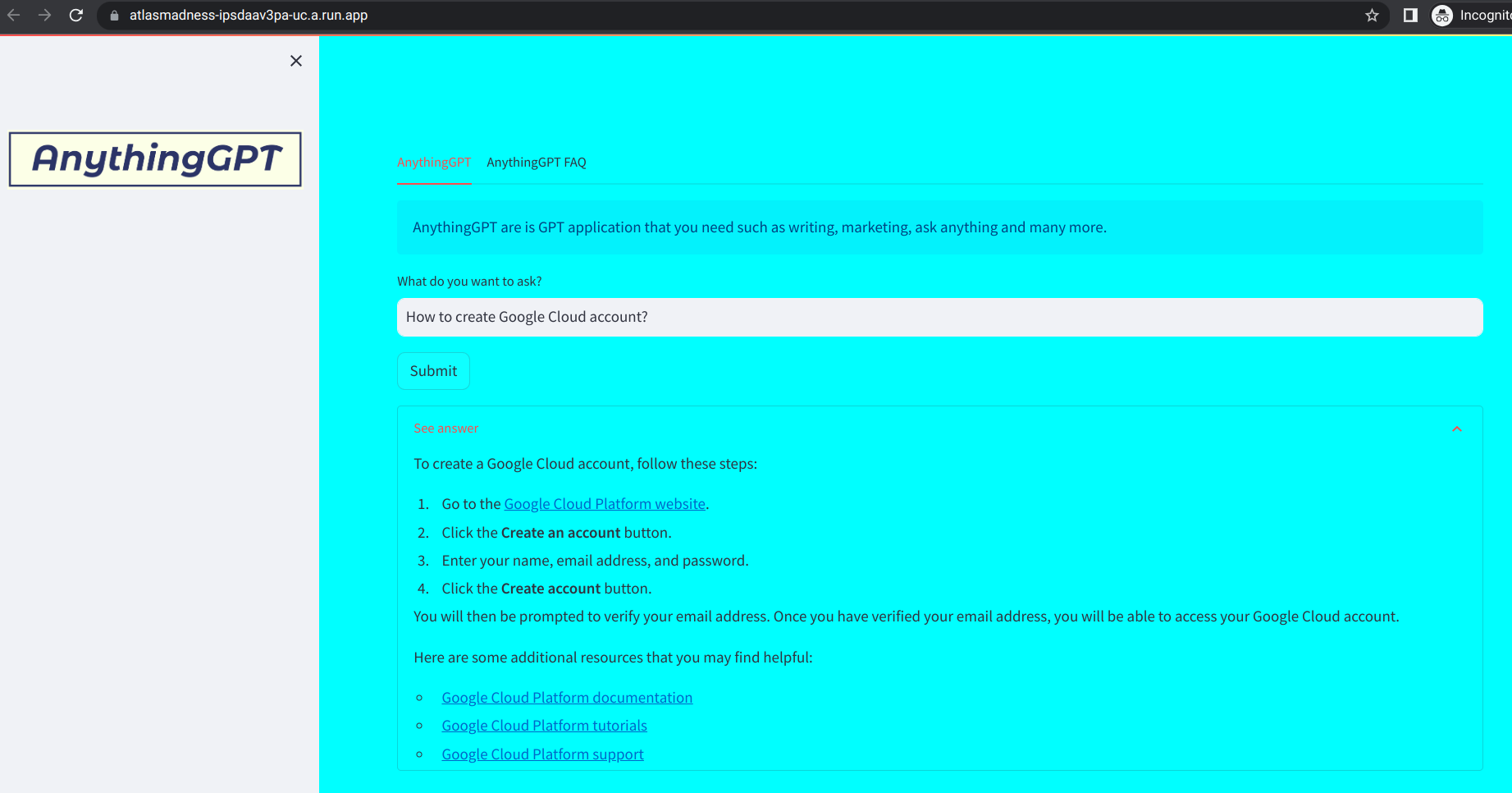
AnythingGPT
-
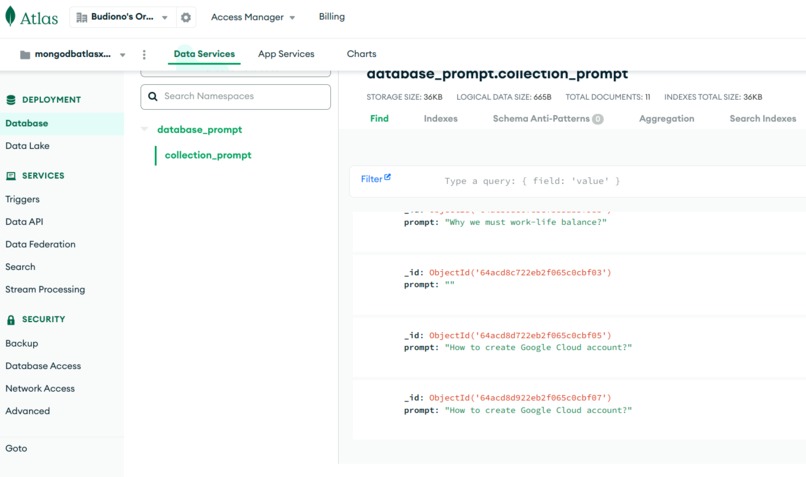
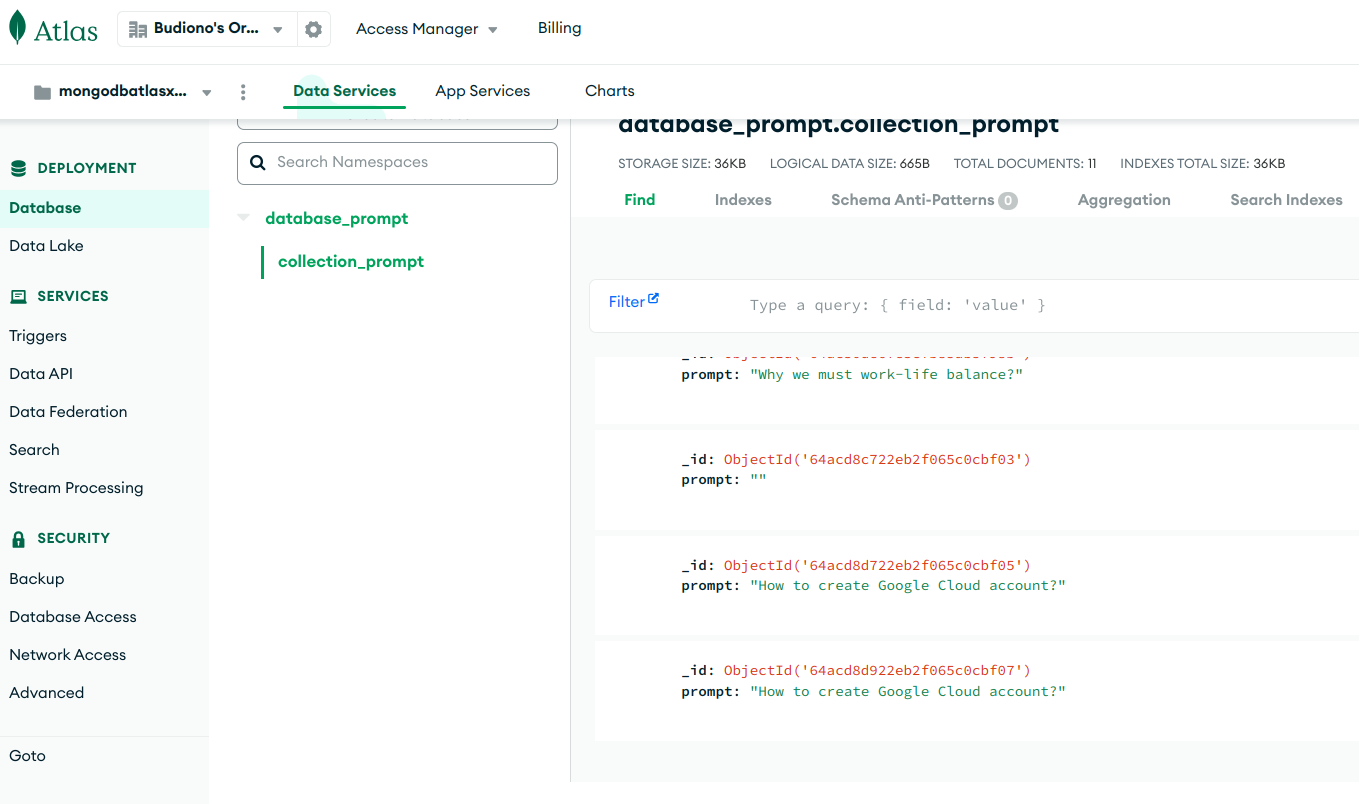
MongoDB Atlas database
Inspiration
2023 is the year of generative AI. Generative AI is growing rapidly. All lines from various industries to individuals must adapt and innovate with this technology.
As an individual, I move quickly to learn generative AI because generative AI is very helpful and speeds up work. Therefore, I studied generative AI as well by following the hackathon on Devpost namely the Atlas Madness: Hack MongoDB Atlas on Google Cloud. By participating in this hackathon, I learned about generative AI by creating a web application with the name "AnythingGPT", deploying it to Cloud Run and using MongoDB Atlas for databases.
What it does
- Get data from input/prompt to MongoDB Atlas database.
- To get information with your input/prompt faster.
How I built it
Google Cloud services that are used in this project :
- Vertex AI Generative AI Studio
- Cloud Shell Editor as an IDE in Google Cloud.
- Cloud Build
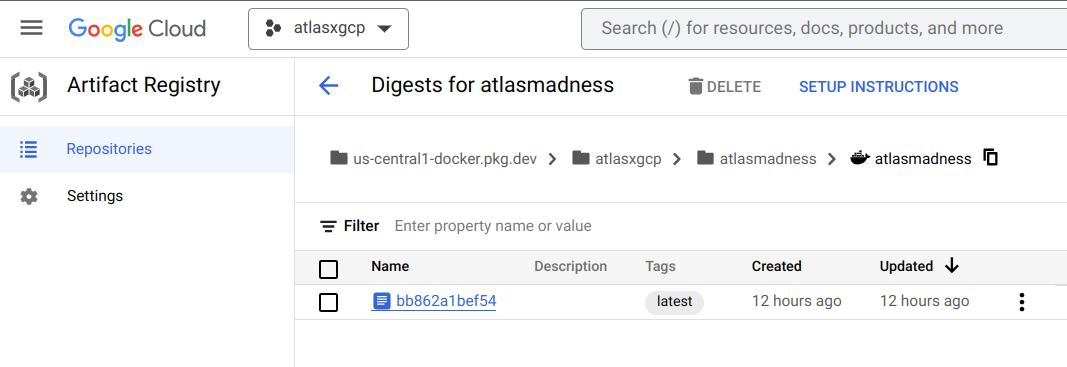
- Artifact Registry
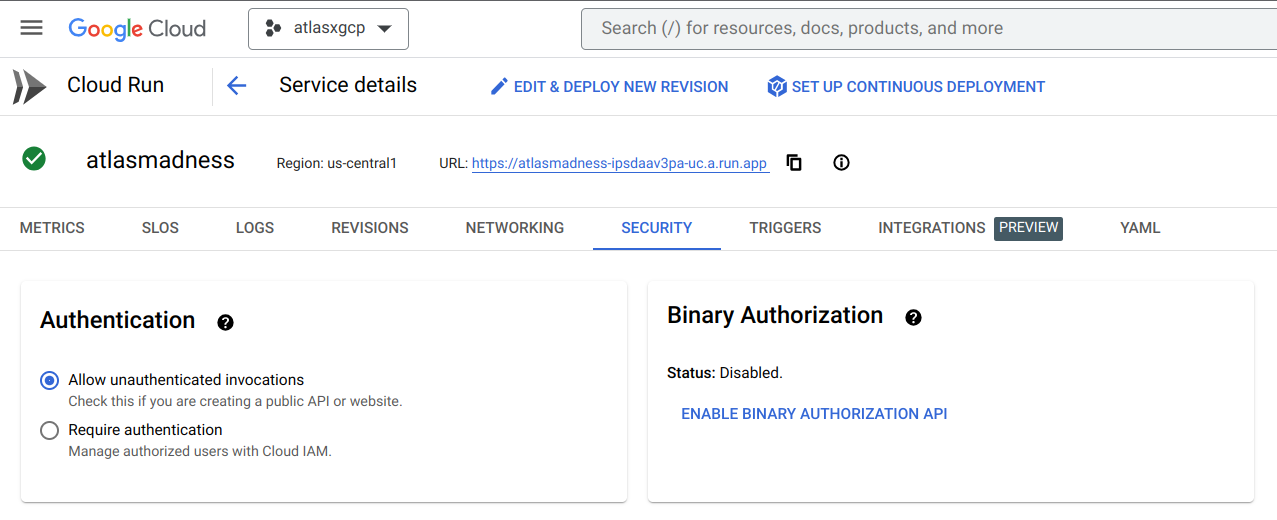
- Cloud Run
CODE DEVELOPMENT
- Use Google Cloud Vertex AI Generative AI Studio for testing with prompt engineering such as temperature, token limit, top-K and top-P then choose PaLM 2 Text-Bison pretrained-model.
- Click 3 strip before Google Cloud logo then open Cloud Shell Editor.
Click "Open Terminal", create folder (example
mkdir mongodbatlasxgcp) then opening the folder (examplecd mongodbatlasxgcp). After opening the folder, click "Open Editor" to write code. - Write Python (Streamlit) code such as text input and response from your input/prompt that is powered by PaLM 2 Text-Bison pretrained-model and MongoDB Atlas code such as connect to database and get data from input/prompt. Then save the code with the name
app.py. - Write
Dockerfilefor the information Python version and install the Python library that is already inrequirements.txtfile then save. - Write
requirements.txtfor information Python libraries such as Streamlit, Google Cloud AI Platform, pymongo and dnspython then save.
DEPLOY TO CLOUD RUN AND CHECK MONGODB ATLAS DATABASE COLLECTION
NOTE: Cloud Build history noted build during the process of creating a Docker image such as build log, execution details and build artifacts.
- Click 3 strip before Google Cloud logo then open Artifact Registry. Create Artifact Registry repository with click "Create repository", choose Docker, choose us-central1 as a region and click "Create".
- After the code development phase is completed, click "Open Terminal" again. Create build Docker image use command
gcloud builds submit --tag us-central1-docker.pkg.dev/[YOUR_PROJECT_ID]/[YOUR_ARTIFACT_REGISTRY_REPOSITORY]/[YOUR_DOCKER_IMAGE]. Wait for several minutes. NOTE: For YOUR_DOCKER_IMAGE, fill the Docker image name. For this project, Docker image is atlasmadness. - After the Docker image is created, go to the Artifact Registry repository. Click Docker images that are already created until you see _ tags:latest _. Click the link name and click "Deploy". Choose "Deploy to Cloud Run".
- On Cloud Run service, choose "Allow unauthenticated invocations" then click "Create" and wait for several minutes. The URL of Cloud Run is now available then click the URL to the new tab.
- Fill the input/prompt about you ask anything then click "Submit" and see the answer with click "See answer". For this project, MongoDB Atlas database gets data from your input/prompt.
- Go to your MongoDB Atlas database then click the database. Click "Collections" and see your database available 1 and your collections also 1. Also can see the query results.
Challenges I ran into
First time using MongoDB Atlas and I must learn about MongoDB Atlas by reading the MongoDB Atlas documentation for understanding how to connect MongoDB Atlas database to "AnythingGPT" based Python (Streamlit) code, create database and get data from input/prompt use insert_one function.
Accomplishments that I am proud of
- Finally, I can submit this submission to Atlas Madness: Hack MongoDB Atlas on Google Cloud.
- Can connect "AnythingGPT" to a database especially MongoDB Atlas and see the input/prompt available in my database.
- Also successfully use generative AI in my application.
What I learned
I learned a lot from this hackathon such that I can create generative AI applications, how to connect MongoDB Atlas database to "AnythingGPT" based Python (Streamlit) code and of course how to get data from input/prompt to MongoDB Atlas database.
What's next for AnythingGPT
- I want to use MongoDB Atlas Search in my generative AI web application.
- I want to add an image generator and code generator to my generative AI web application.
Built With
- docker
- google-cloud
- mongodb-atlas
- python
- streamlit

Log in or sign up for Devpost to join the conversation.