-
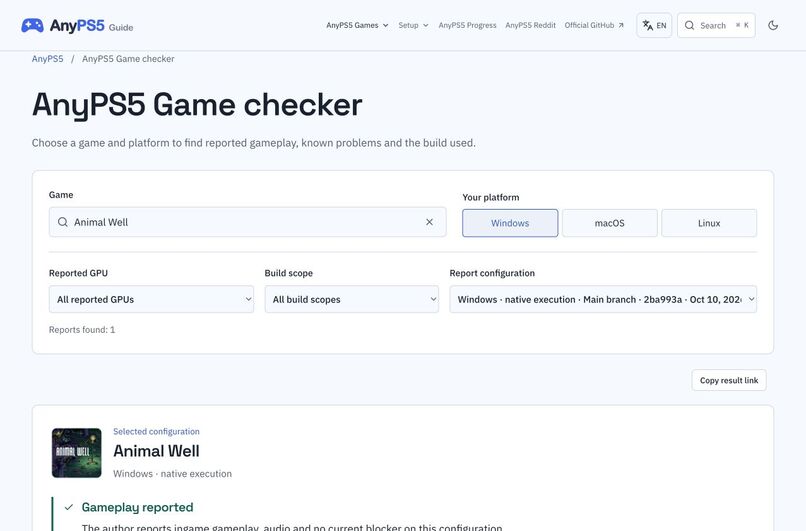
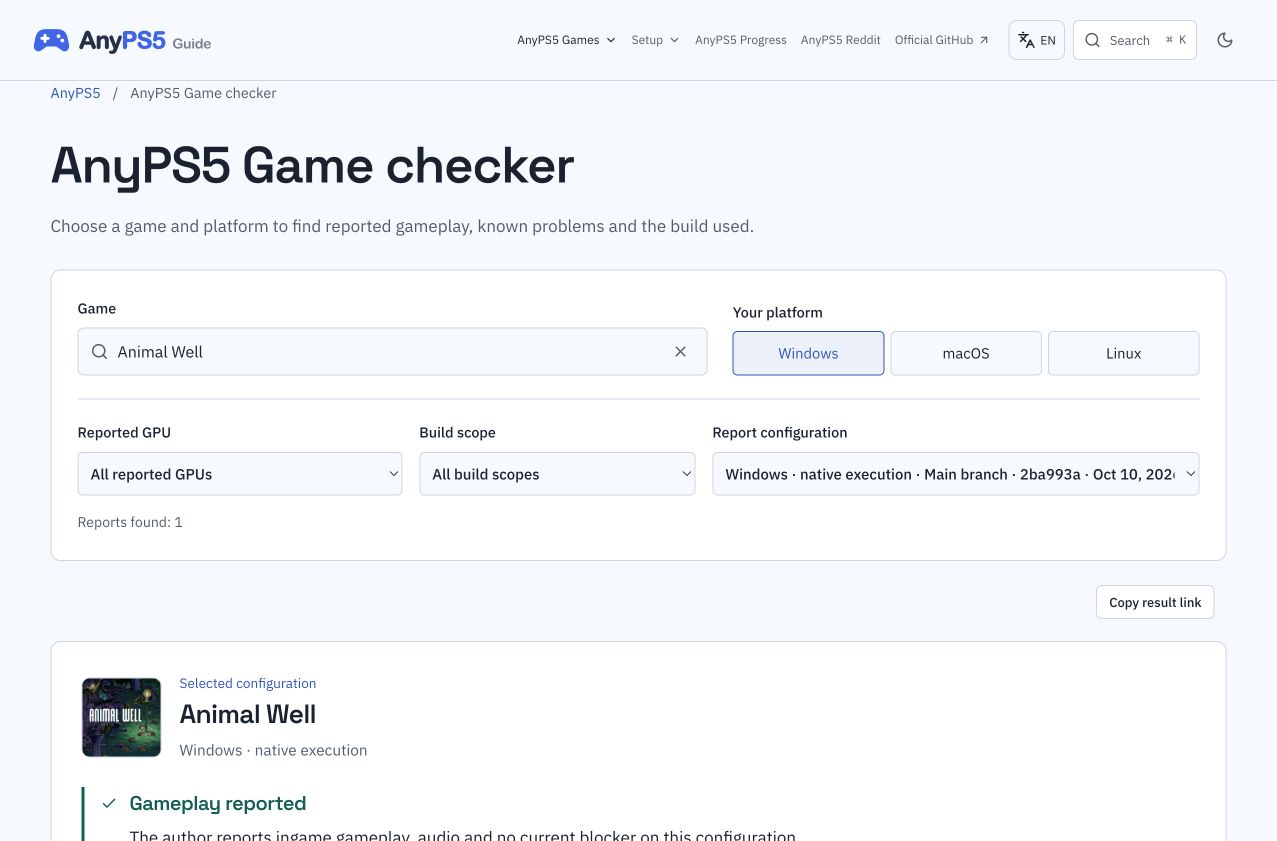
The game checker preserves the selected report, build and remaining unknown observations.
-
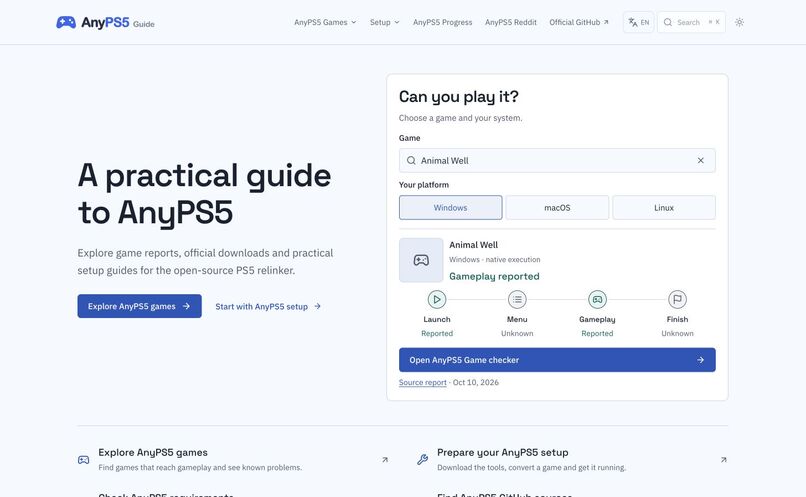
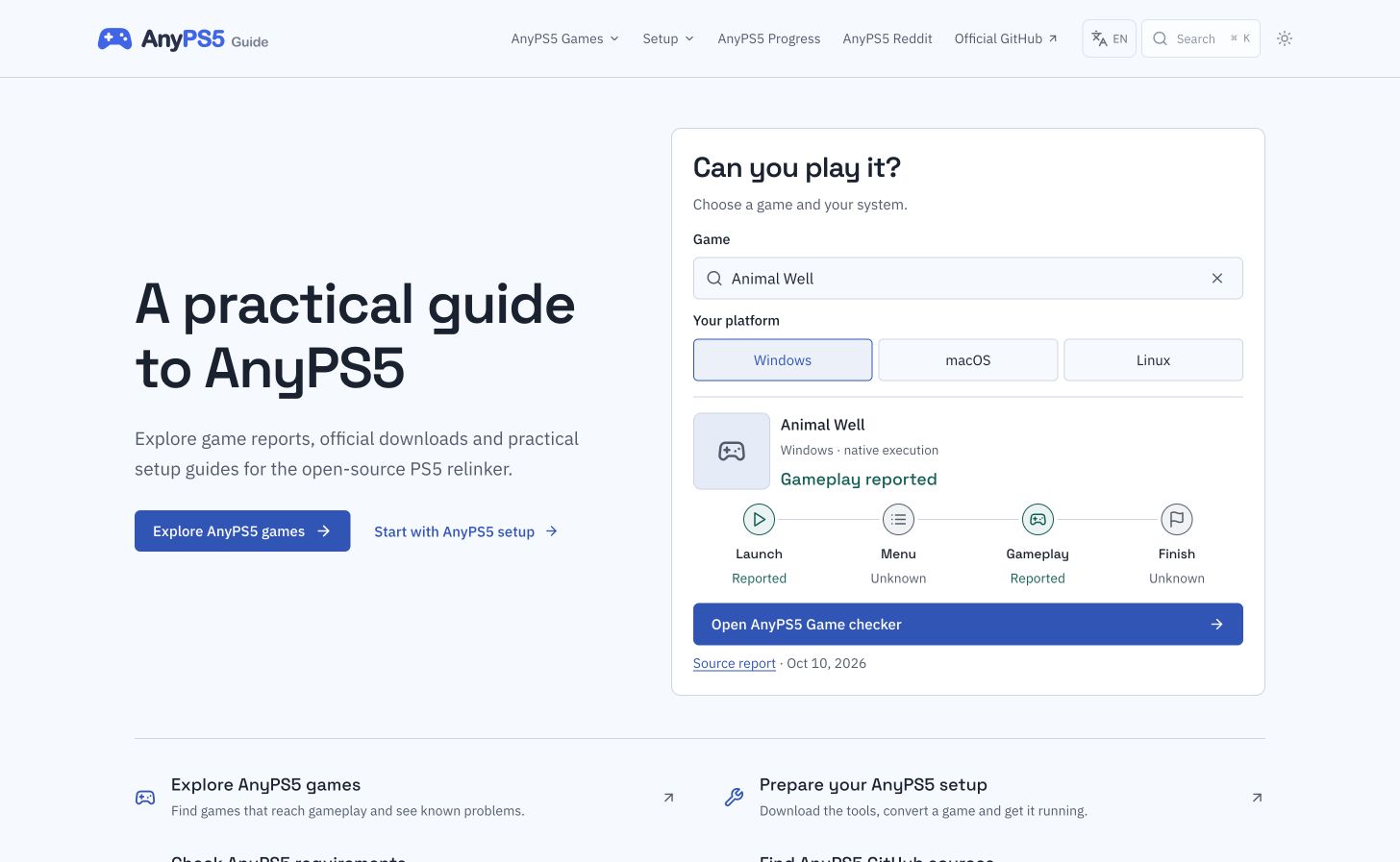
AnyPS5 Guide homepage with a game and host-system lookup.
The problem
A game demonstration leaves practical questions open: which build produced it, how did the author reach that scene, and what still failed? An experimental branch can reach a scene that the release files do not. A report may describe audio or saving without checking the rest of a game.
AnyPS5 Guide is an independent website with tools for reading those results and preparing a run. The development project presented here is the guide and its web tools. The upstream AnyPS5 relinker is a separate open-source project maintained by its developers.
What the web app does
Choose a game and host operating system in the checker to find available reports. Each result keeps its project revision, patches, machine details and source links together. The comparison view puts two reports beside each other. Unknown observations stay unknown, so a short gameplay demonstration cannot silently become a claim about completion or saving.
Readers can also browse the full report catalog, follow Windows or Linux setup instructions, and find official release files. The troubleshooting tool starts with the failing stage and formats a report locally for the reader to review. It does not upload the reader's logs or paths. The guide is free to use without an account.
How it is built
The site uses React 19 and TanStack Start with file routes, server functions, Vite and Nitro. Tailwind handles the interface, and Paraglide provides interface localization. Guide articles have a single Markdown editing source; the game catalog keeps game identities separate from individual configuration reports.
Cloudflare Workers serves the application, with D1 as the online catalog read model. The importer writes and validates a complete catalog version before switching the active version. A failed online read produces a retryable error instead of substituting an old catalog. The default report content is available in the page's initial HTML, with filtering and comparison added as browser interactions.
The data constraint
Comparing reports requires preserving their boundaries. A frame rate, patch requirement or save observation belongs to the run that recorded it. The interface carries those conditions into a comparison and links back to the original discussion. Project implementation counters are presented separately from game reports.
This keeps the next step specific: find a report for the relevant build, inspect its remaining problem, then prepare the files and environment it actually used. Readers who need to record a new attempt can use the local troubleshooting report builder.
Try it
The screenshots show the actual AnyPS5 Guide website and its game lookup interface. Use the anyps5 guide to open the game checker and read its linked source reports. The site is independent of Sony and the upstream AnyPS5 developers.
