-
-
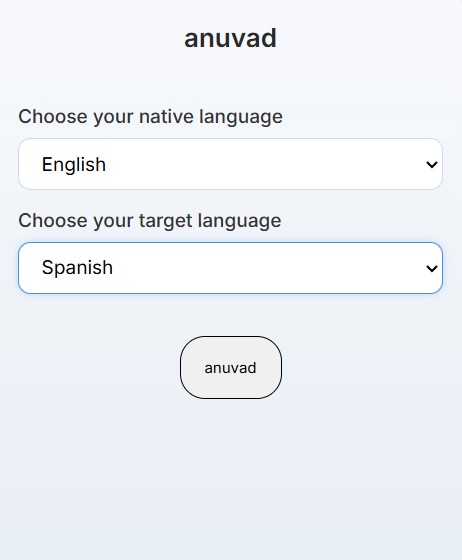
extension language choices
Inspiration
This project was born out of my personal experience with traditional language learning apps. I realized I was only opening them to maintain my daily streak. My free time was spent reading articles, newsletters, and content on sites like Substack, Medium, and Wikipedia. The core inspiration was: if I could integrate the learning process directly into my existing browsing habits, i could learn new words on the go!
What it does
anuvad is a chrome extension that fits into user's everyday browsing making it in place contextual language practice. With a single click, it selects a random from the webpage article and marks it with a dashed underline. When the user hovers over the underlined word, a pop-up instantly appears with the translation of the word.
How we built it
html, css, vanilla js translator api
dom targeting via document.getElementById() to extract .textContent, word selection by generating a random integer within that content's length, translation via the chrome translator api, and a simple css-styled hover event then displays the translated word across the article. used map to store the data for every word that has been processed and translated during the current session on the current webpage.
What's next for anuvad
revision for old words previously learnt and pronunciation help

Log in or sign up for Devpost to join the conversation.