-
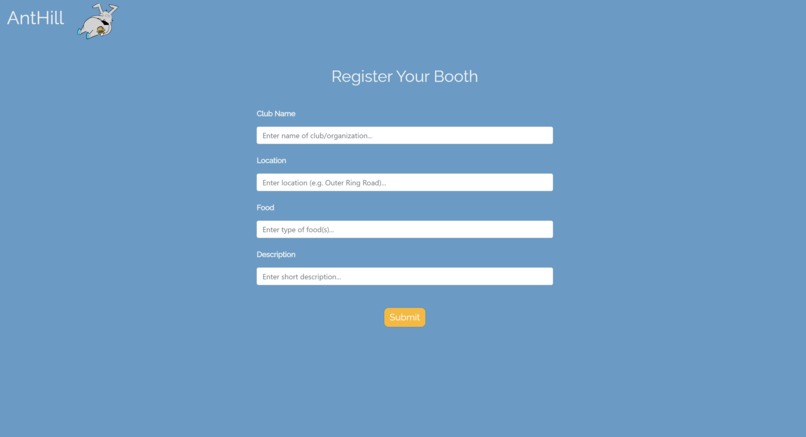
The form for registering club sales booths
-
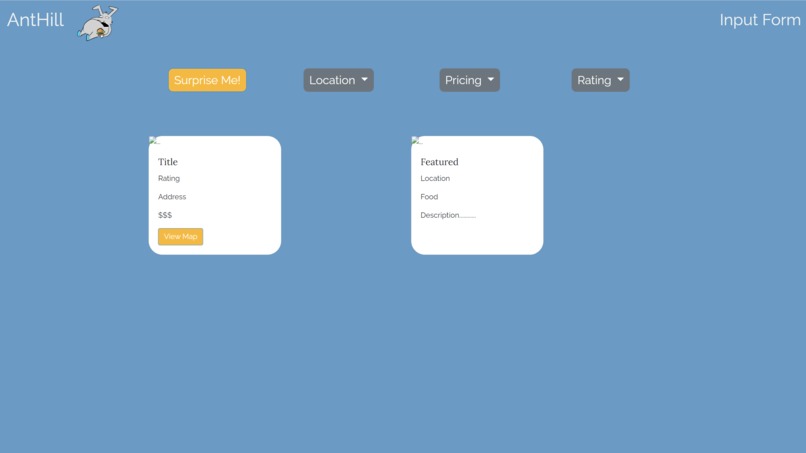
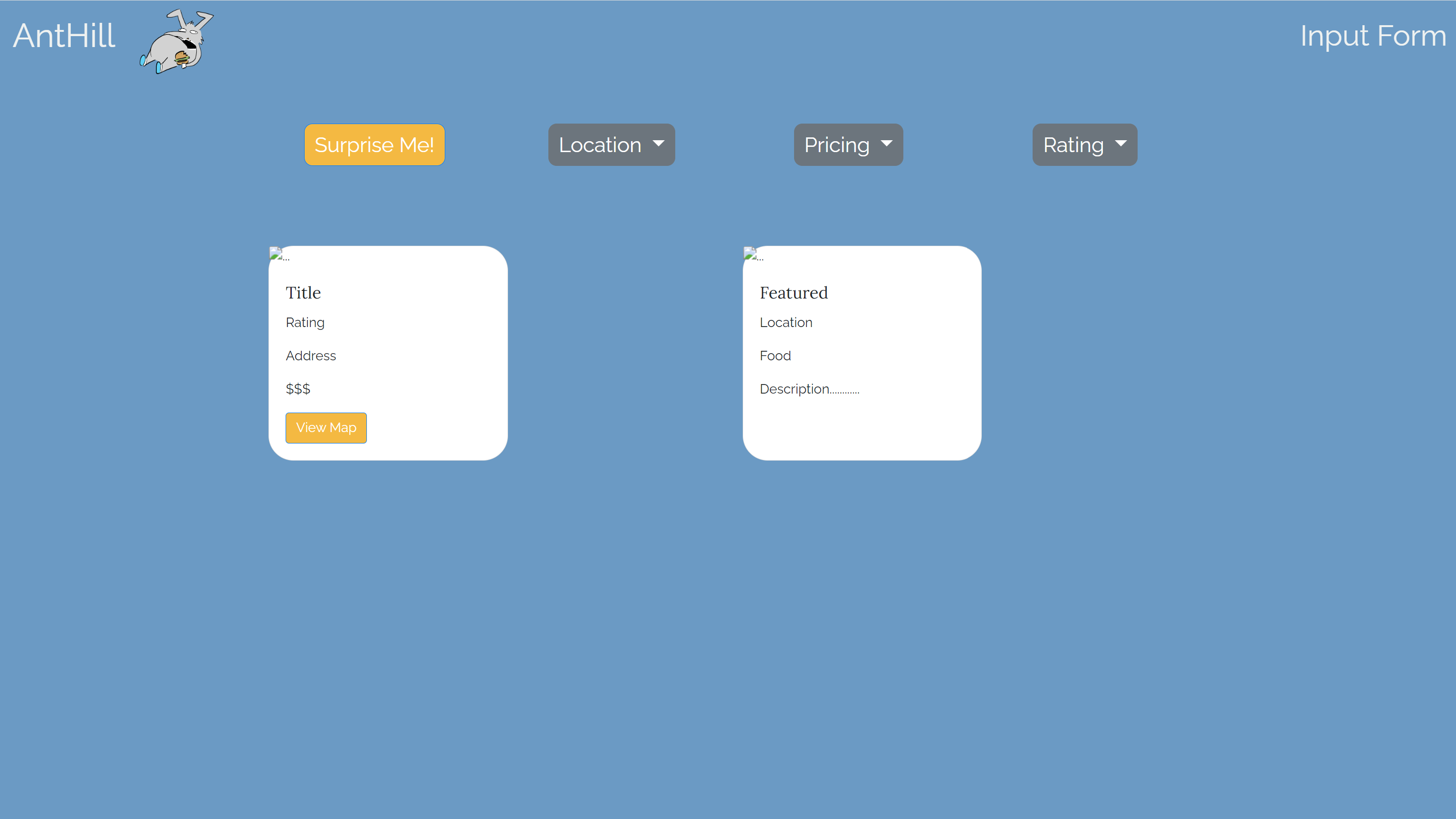
A prototype version of the main page where dining suggestions are given
-
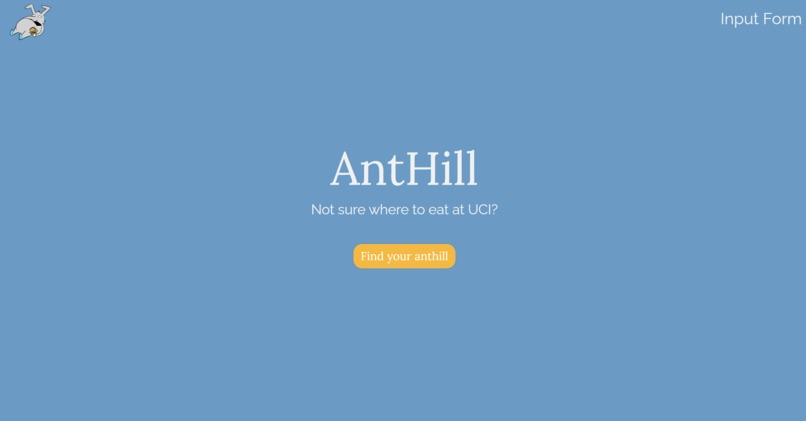
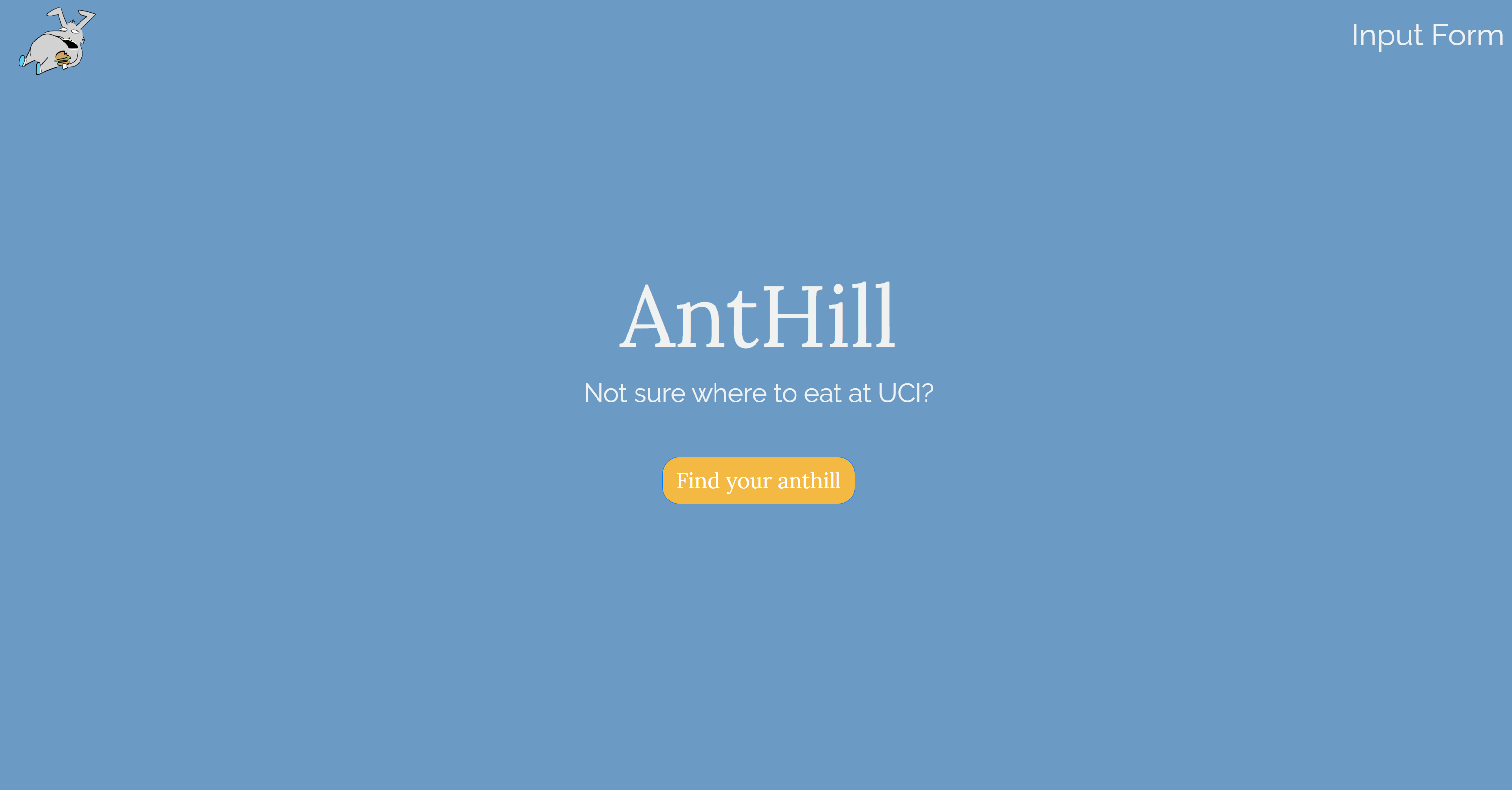
The landing page of AntHill
-
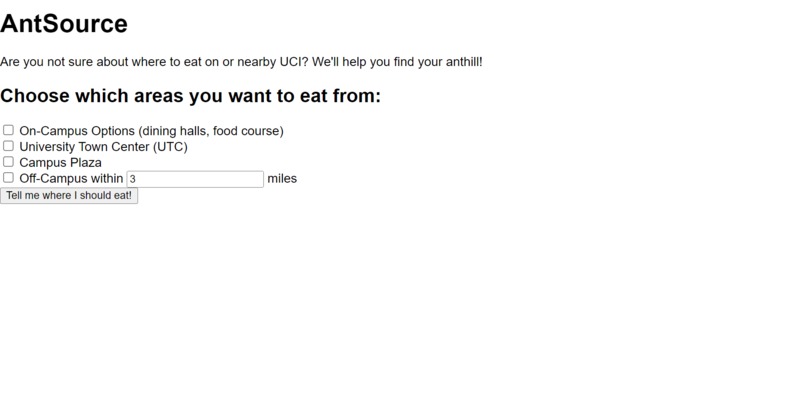
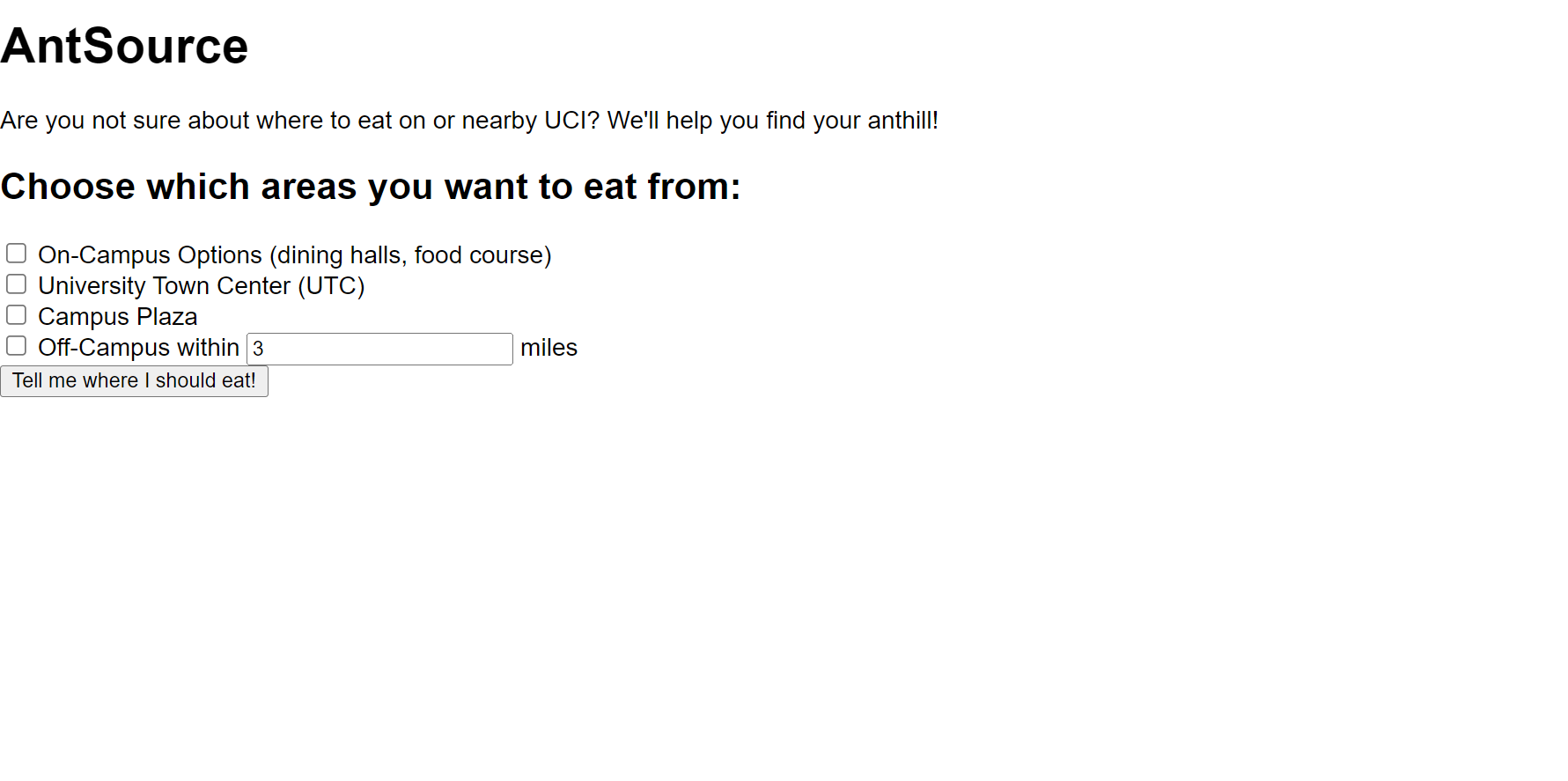
A very early iteration of AntHill when it was still called AntSource

Inspiration
As UCI students, we have had a hard time choosing where to eat at some point. To help solve this issue, we came up with Anthill: a web application that gives users suggestions on where to eat on or nearby campus. The name was derived from UCI's mascot, the anteater, going to anthills to eat its food.
What it does
The web application first greets users to a landing page, and upon clicking on the button on the page, users are brought to the page where dining suggestions are given. By default, featured sales booths from clubs and several dining locations are recommended to the users in the form of info cards. Users are able to fine-tune their suggestions by the use of these filters:
Location: Users can select from four categories of dining options
- On-campus (such as the dining halls and the restaurants in the on-campus food courts)
- University Town Center (UTC)
- Campus Plaza
- Nearby dining locations that are off-campus (10,000 meters away at most)
Pricing: Users can choose the highest price point they are willing to pay
- $: low price point
- $$: medium price point
- $$$: high price point
Rating: Users can choose a minimum number of star ratings the dining options have
- 2 stars
- 3 stars
- 4 stars
- 5 stars
The dining options that fit these filters are then presented to the users. If a user would like to have a single dining option recommended to them, they can click the “Surprise Me!” button, and one dining location that fits the filters will be randomly shown to the user.
The on-campus dining options are coded within the program itself (with addresses and ratings coming from various sources: the UCI dining page, Google, and Yelp pages), but the options from UTC, Campus Plaza, and other nearby locations off campus are gathered by using the Yelp API.
There is also a prototype form for clubs to register their sales booth. There are inputs for the club name, location of the booth, what food will be sold, and a description. This form is to showcase how clubs would go about getting their booth registered.
How we built it
We used Bootstrap to build the front-end entirely, using Bootstrap typography for HTML, CSS and JavaScript. We kept user interactivity in mind throughout the development process, such as by choosing an appealing color palette and complimentary fonts, encouraging behavioral designs in buttons, drop down menus, and links, such as with popping colors, rounded shapes, and changing colors when hovering, and a cute Petr drawn and displayed specifically for our website. All of our front-end elements were written across 3 HTML pages, with and <script> tags denoting CSS and JavaScript functions with the help of Bootstrap.</p> <p>For our backend, we implemented Yelp API and data from Google regarding UCI in order to sort through local restaurants, written in JavaScript and Python connected with Flask.</p> <h2 id="challenges-we-ran-into">Challenges we ran into</h2> <p>None of our members have ever build a full-stack web application before, and so we ran into multiple challenges regarding this:</p> <ul> <li>Utilizing Bootstrap for the first time</li> <li>Having to create a backend due to the Yelp API not allowing calls in the frontend</li> <li>Writing backend server code for the first time </li> <li>Writing significant amounts of JavaScript code for the first time</li> <li>Debugging the connection between our frontend and backend</li> <li>Merge errors when using Git</li> </ul> <p>However, despite these challenges, through seeking help and diligence, we were able to overcome these challenges while learning valuable lessons along the way.</p> <h2 id="accomplishments-that-were-proud-of">Accomplishments that we're proud of</h2> <ul> <li>We all learned exponentially more about web development than what we knew prior, especially in JavaScript</li> <li>We solved many bugs that came with Flask and tried to connect our front end with our backend, as well as using Bootstrap for the first time.</li> <li>We designed a visually appealing front end that looks good on many fronts</li> </ul> <h2 id="what-we-learned">What we learned</h2> <p>We learned numerous lessons throughout this hackathon:</p> <ul> <li>How to connect the frontend and backend of a web application together</li> <li>How to create a backend server through Python programming and Flask</li> <li>How to work as a team to create a web application</li> <li>How to use Bootstrap to create an aesthetically pleasing user interface</li> <li>How to use JavaScript in conjunction with Python to call APIs</li> </ul> <h2 id="whats-next-for-anthill">What's next for AntHill</h2> <p>For future iterations of Anthill, clubs are planned to be able to actually post sales booths they are hosting. They will be featured as dining suggestions to students when they have no filters selected.</p>


Log in or sign up for Devpost to join the conversation.