-
-
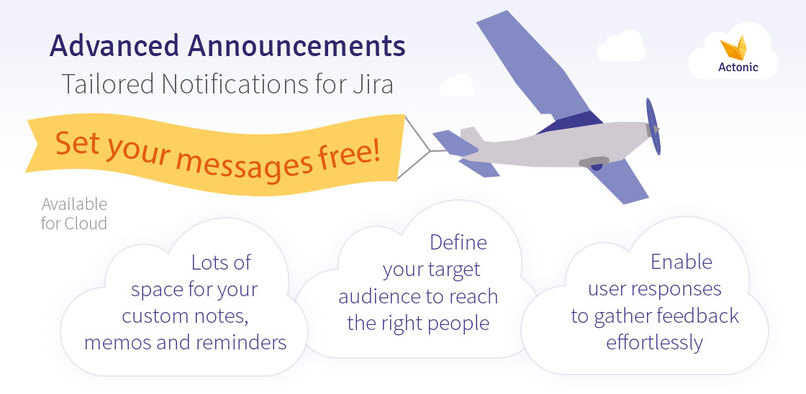
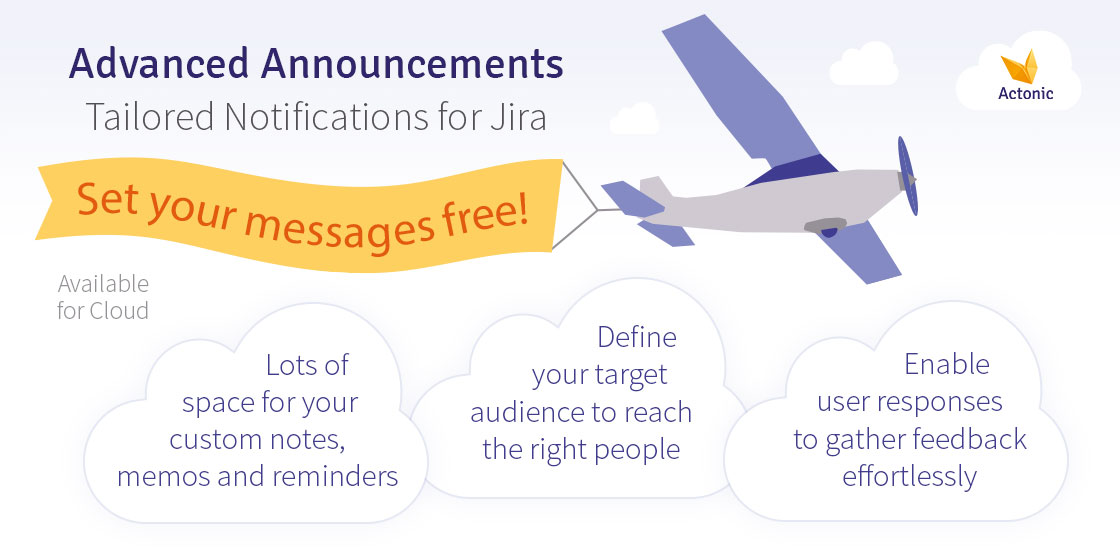
Set your messages free!
-
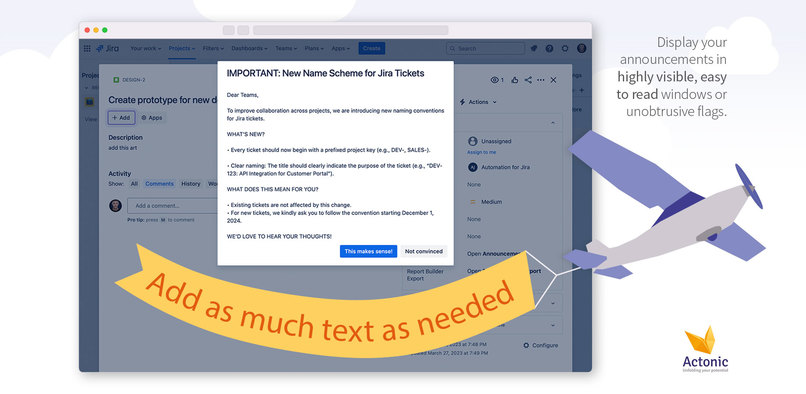
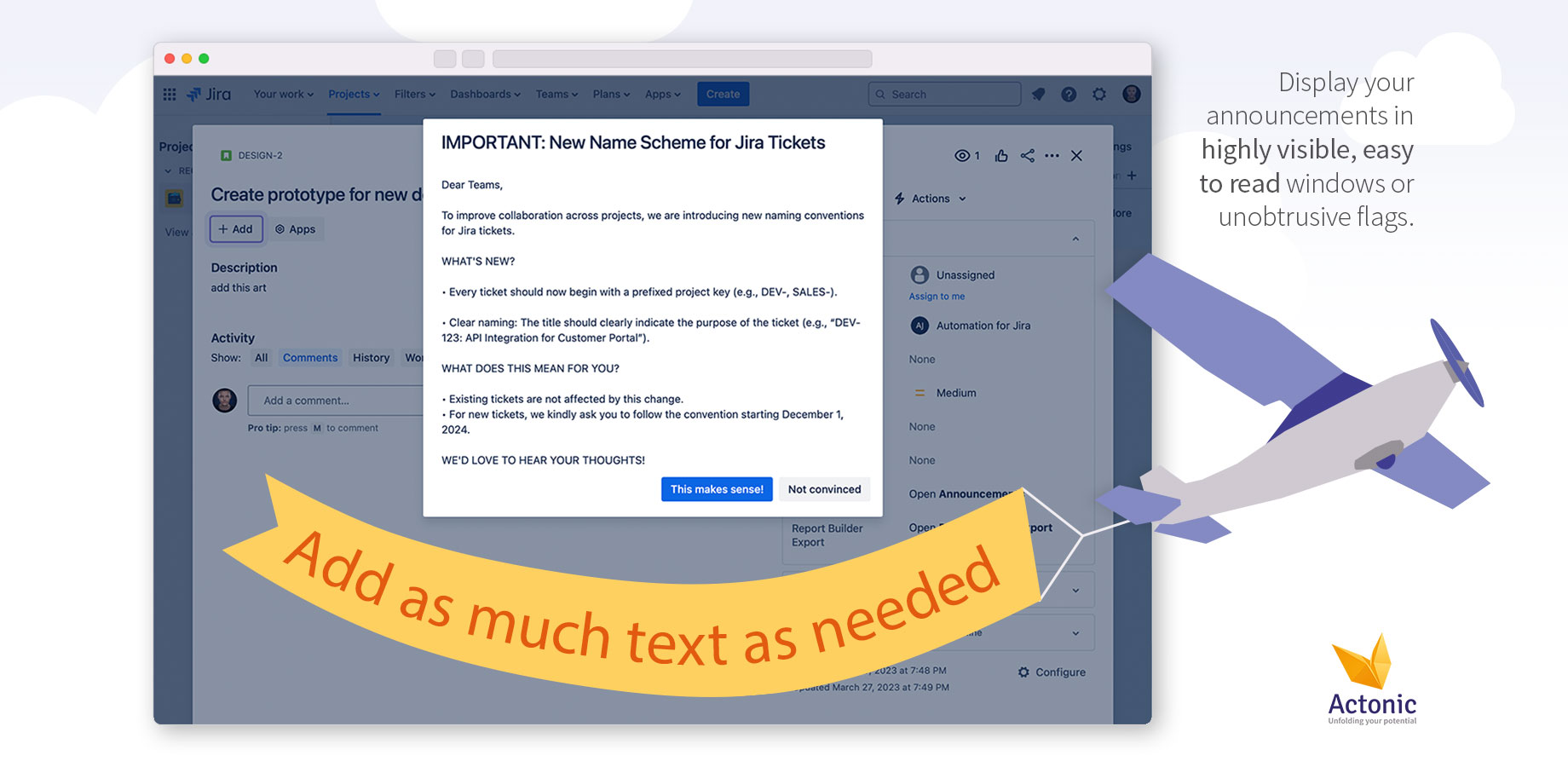
Display your announcements in highly visible, easy to read windows or unobtrusive flags.
-
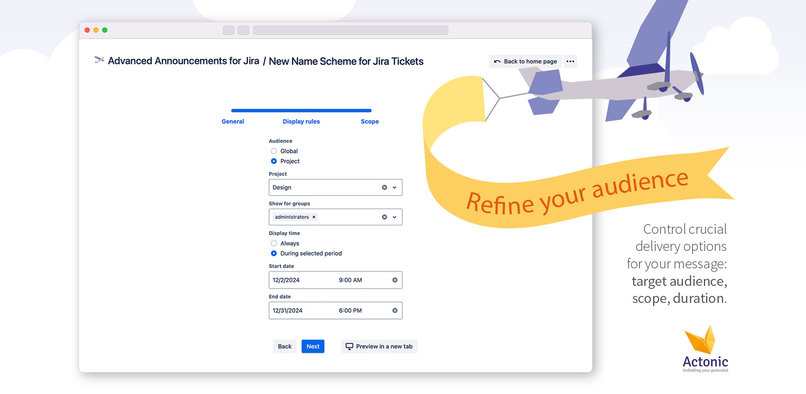
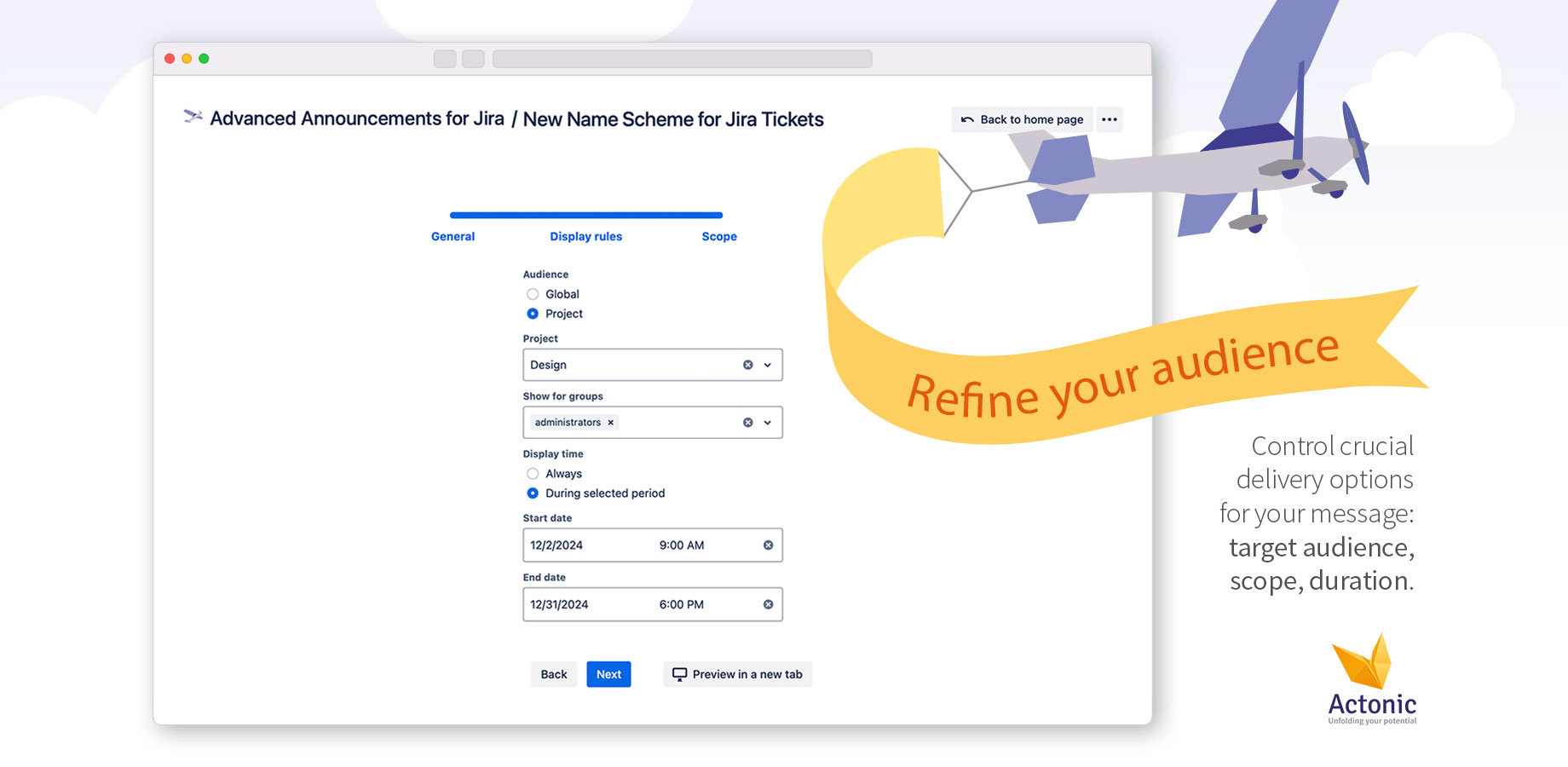
Control crucial delivery options for your message: target audience, scope, duration.
-
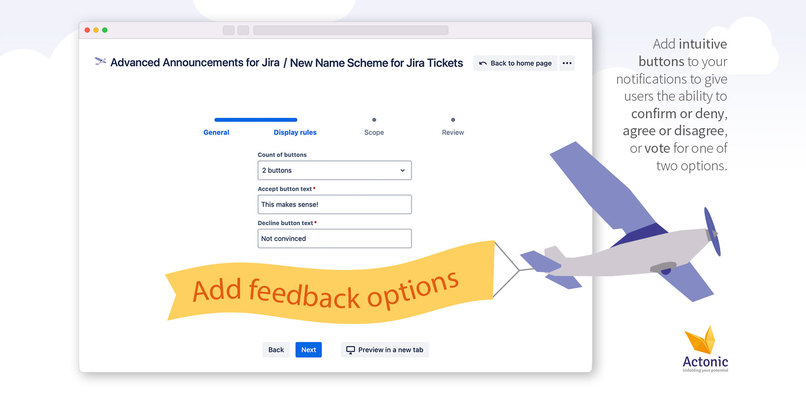
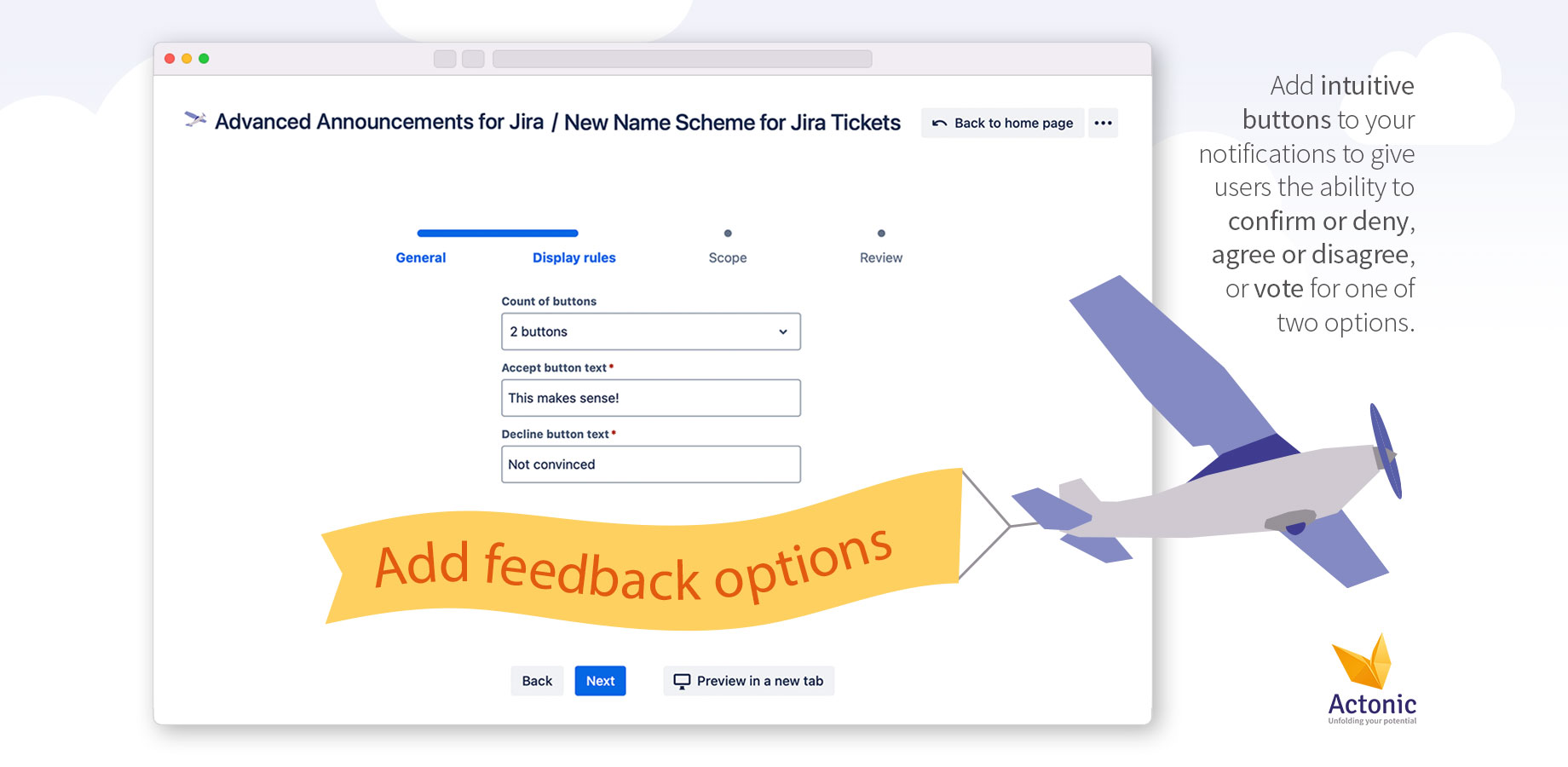
Add intuitive buttons to your notifications to give users the ability to confirm or deny, agree or disagree, or vote for one of two options.
About us
Actonic Products is a company that offers clients a selection of solutions to enhance productivity and ensure GDPR compliance through the applications of best practices in the development field. Our product portfolio can already offer you many solutions to cover various cases, such as building reports, tracking time and dealing with PII data on your instance.
Website: https://actonic.de/en/products
Discover our apps: https://marketplace.atlassian.com/vendors/1214306/actonic-gmbh
Inspiration
Communication is the key of team success. Knowing processes, agreeing on the next steps and following a joint strategy is the way how people can achieve incredibly high results. Awareness of upcoming changes and getting all required information in time is one of the most crucial aspects of corporate communication.
That is why we created Advanced Announcements for Jira.
If you, as a project admin, asked yourself, "How can I remind my team during our business trip to Team ’24 in Barcelona, that some tasks should be prioritized as they have strict deadlines?" Or you, as an admin, are thinking "How can I make sure that the users are informed about any organization or team update and at the same time have everything in Jira in one place?", – this app is definitely for you.
What it does
It allows admins and project admins to create a notification directly in Jira, informing users about pretty much anything. They can contain notes, memos, reminders, questions and more.
You can choose to set up an announcement as a pop up window or as a flag. Flags can be of the type success, warning, information or error.
Put any header and body to the notification, specify if you want to display more than one button below, and how they should be called. One of them will be the main button and the other one will be the secondary one. Select a scope of where the notification will be shown and choose user groups to see this message as well as a time frame for the announcement to be active.
Users will see the announcement accordingly and will be able to click on one of the buttons to respond.
You can review response details on the statistics page filtered by date of the feedback, user to respond and the corresponding announcement.
Regular users can review their answers on the "My responses" page.
How we built it
This app was built using Forge's Custom UI, React + Redux Toolkit, and Atlaskit.
To store all user data, we used Forge Storage, as it provides the most reliable and straightforward storage solution for Forge apps.
For implementing the app, we used a "Key-Value Store." Global and project notification lists are saved as records with IDs linked to the respective notification records. This approach helps minimize the amount of data fetched for each user request.
We divided announcements into metadata (name, ID, whether the notification is enabled, author, update date, and data specifying when the announcement should be shown) and content data (title, body, button texts). This separation helps avoid fetching unnecessary data.
On the frontend, we used React + Redux Toolkit, leveraging Atlaskit for almost all components that don’t require complex logic.
Challenges we ran into
Efficiently storing data within limitations: One of the biggest challenges was efficiently storing data without exceeding limitations. For each user request, we need to check whether the user has seen the notification. This functionality must work seamlessly across all issues and dashboards the user accesses. To achieve this, we use a list of notifications and fetch only the notifications the user has not yet interacted with.
Filtering notifications for users: Another challenge was filtering notifications to ensure they are shown to the right users. Admins or project admins can configure announcements to display them based on the project, date range, or user groups. While determining the project and date range was straightforward (as this data is accessible in context or can be checked against the current date), identifying the user’s group membership required additional effort.
Preview functionality for notifications: Lastly, for the announcement preview functionality used by admins/project admins, we implemented an "Open preview in a new tab" feature. Since Forge doesn’t natively support opening an app in a new tab, we followed community suggestions and created a custom link for the new tab.
Accomplishments that we're proud of
- Implementing user announcements to highlight important data effectively.
- Gaining experience working with various APIs.
What we learned
- How to efficiently use Forge Storage.
- How different Forge modules and APIs work.
- The differences between Atlassian Connect Express apps and Forge apps.
What's next for Advanced Announcements
We are going to make the announcements fully customizable by providing the ability
- to use a rich text editor (RTE) in the announcement body
- to customize the window size for the "pop up" announcement type
- to collect more meaningful user feedback (allowing them to input text in addition to the buttons)
- to target specific roles and specific users instead of Jira groups only
Built With
- atlaskit
- forge
- forge-custom-ui
- forge-storage
- react-router


Log in or sign up for Devpost to join the conversation.