Inspiration
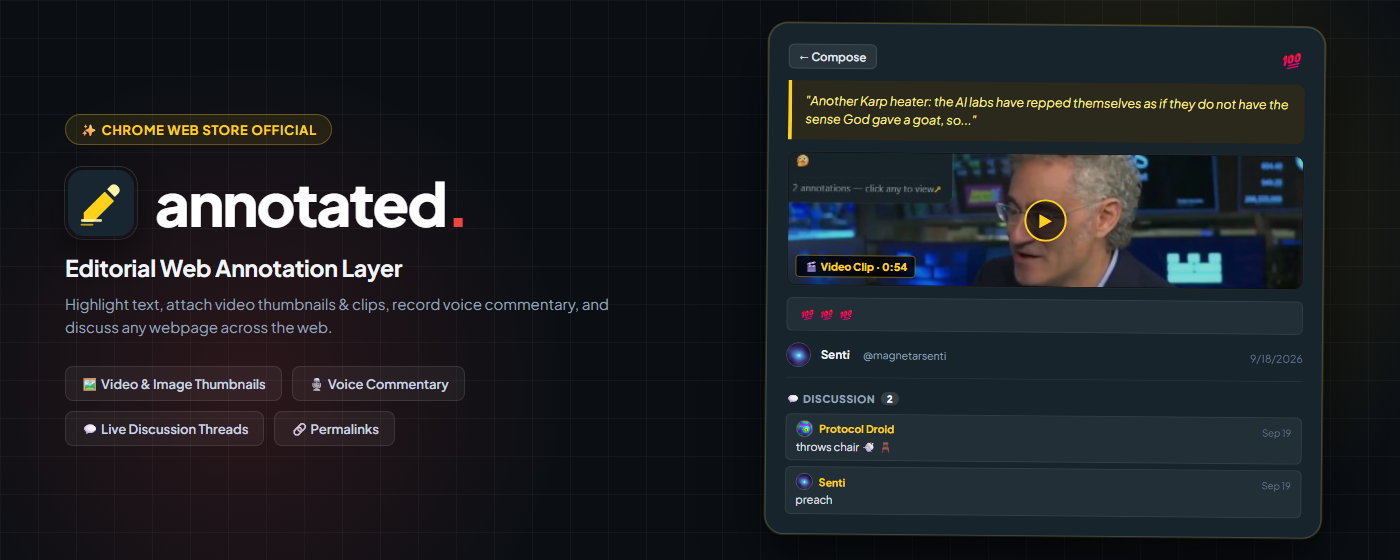
Traditional television is a passive, one-way broadcast. Modern streaming apps like TikTok or YouTube force you into algorithmic echo chambers where the platform decides what you consume, and viewers have zero context regarding whether the claims made on screen are factual, satirical, or debunked.
Meanwhile, in the living room, multiple people sit together on the couch — each with a smartphone in hand, completely disconnected from the broadcast on the big screen.
We asked: What if your television played a personal channel of content YOU and your family curated, and the TV actually talked back?
Annotated for Fire TV transforms television into an interactive, communal experience:
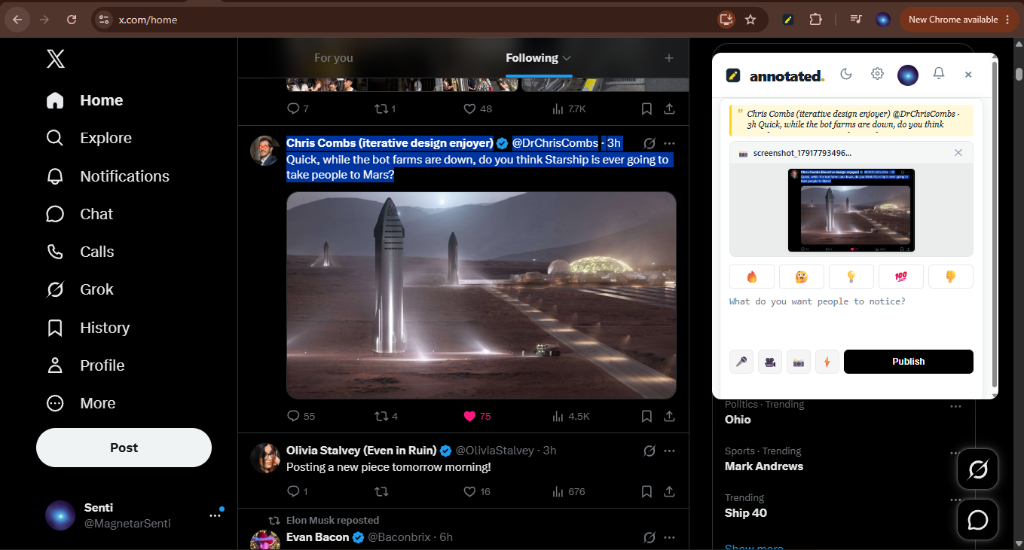
- Your channel, not the algorithm’s: It plays clips, posts, and articles you saved and highlighted across the web.
- Watch it together: The whole living room reacts in real-time using the physical Fire TV remote.
- The TV talks back: Every claim carries live community context, AI fact-checking notes, and instant smartphone dispute passes.
What it does
Annotated for Fire TV (com.annotated.app) is a native 10-foot lean-back client engineered for Amazon Fire TV hardware — and is officially live on the Amazon Appstore (v1.0.1), having passed all three Appstore validations (Primary, Content Policy, and Functionality).
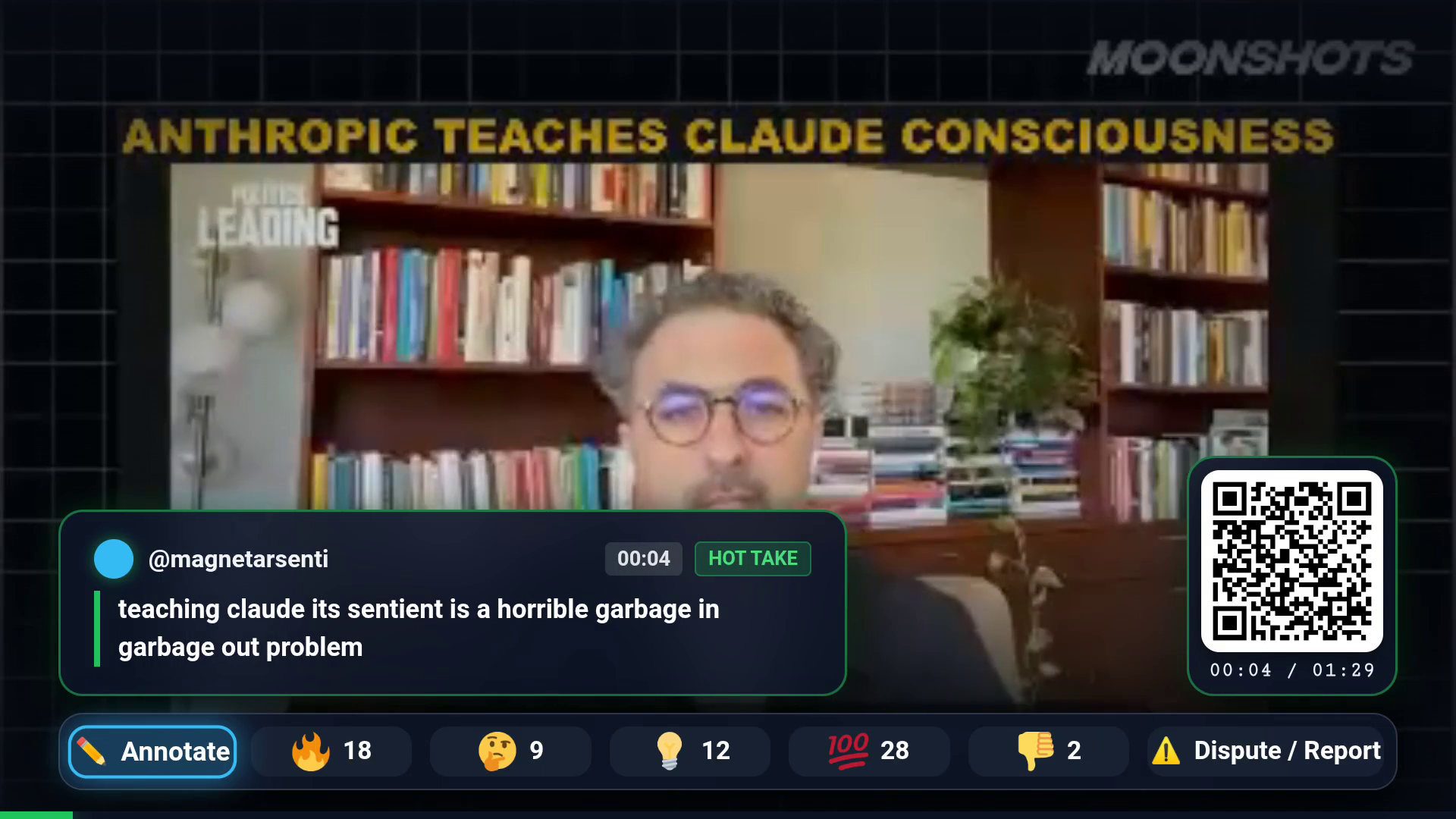
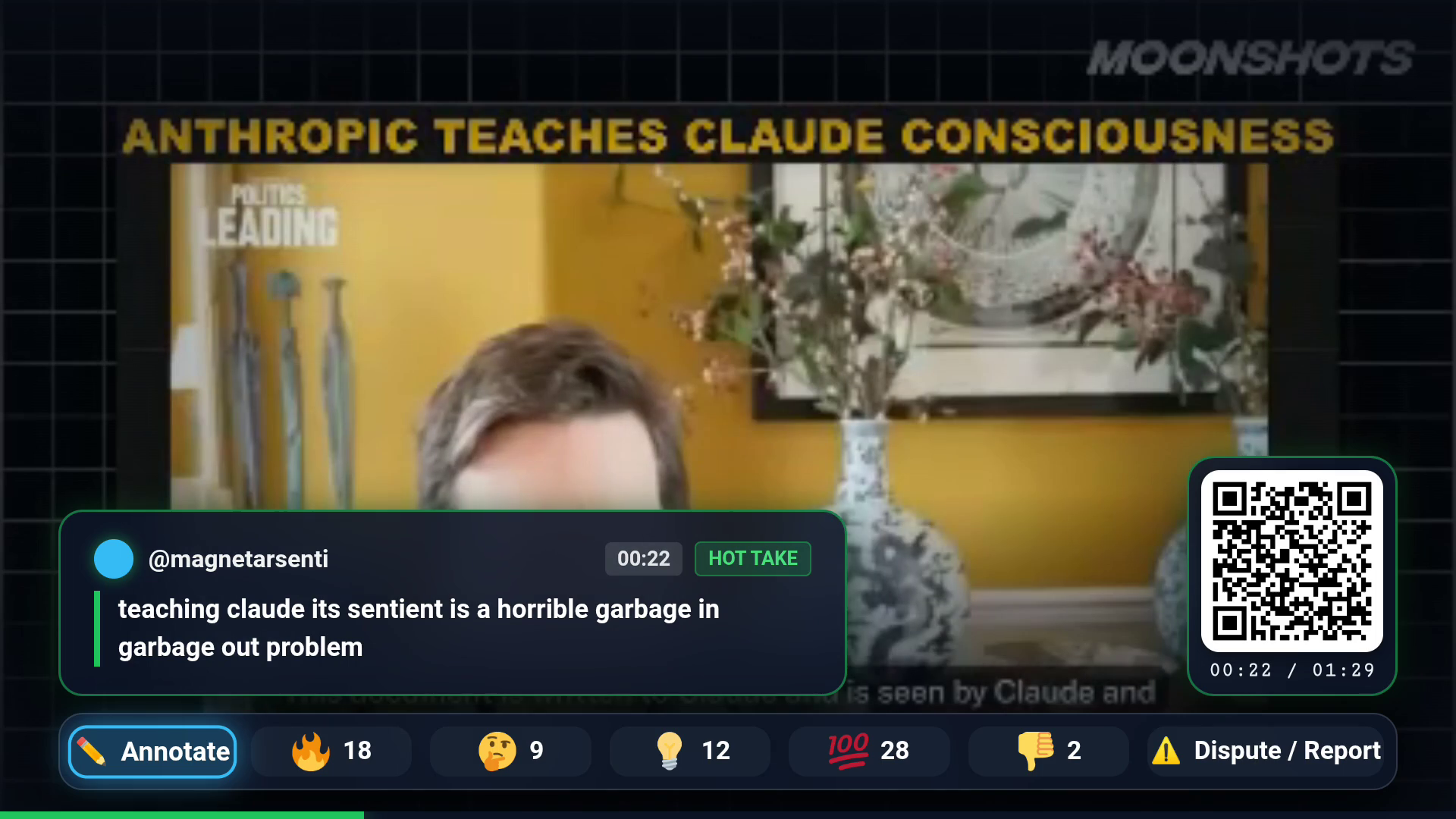
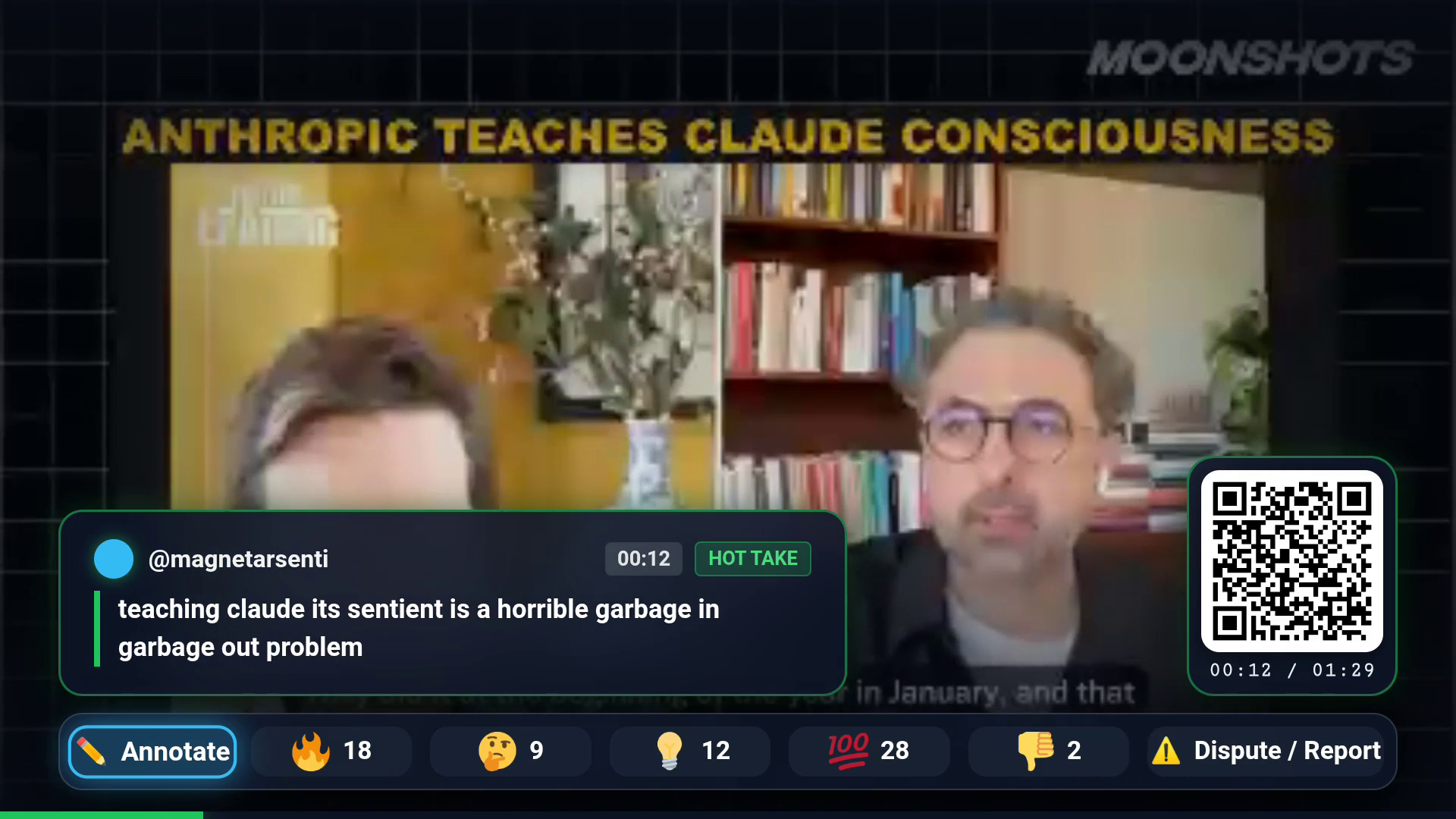
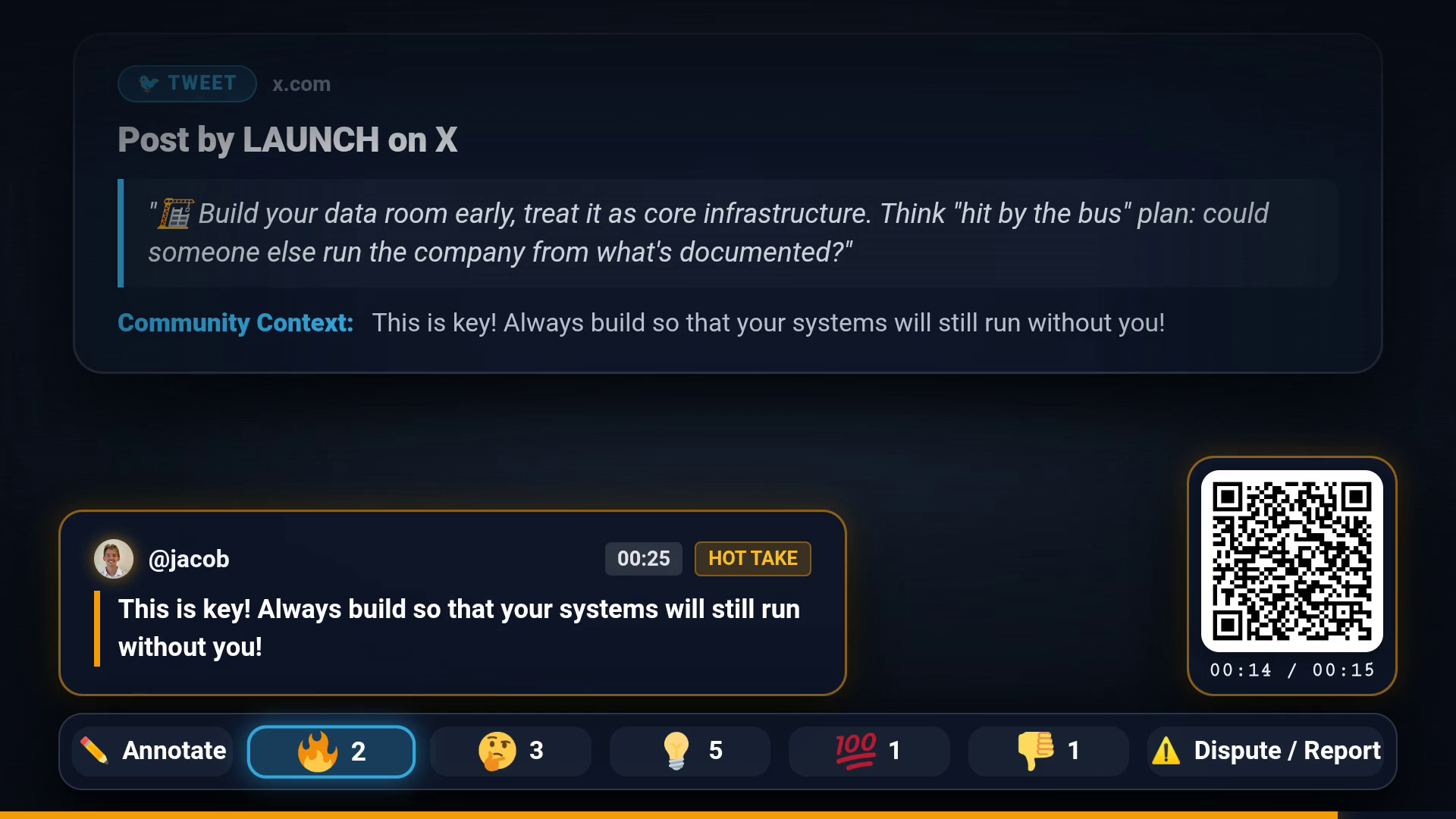
It plays a continuous, full-screen stream of video clips, X/Twitter threads, and web articles paired with a glassmorphic HUD overlay:
- Interleaved Multi-Format Feed Engine: Auto-advances through curated video clips (
.mp4), tweets, and long-form web articles in an interleaved sequence (Video → Tweet → Article → Video). Videos play with full unmuted TV audio up to 90 seconds; static posts display for 15 seconds with a glowing bottom countdown bar. Viewers surf forward and backward using the remote’s D-pad Up / Down buttons. - Ambient AI Truth HUD (At-a-Glance Verification): Viewers absorb context from 10 feet away without reading dense text panels:
- Green Accent: Verified Accurate (backed by primary sources & positive community consensus).
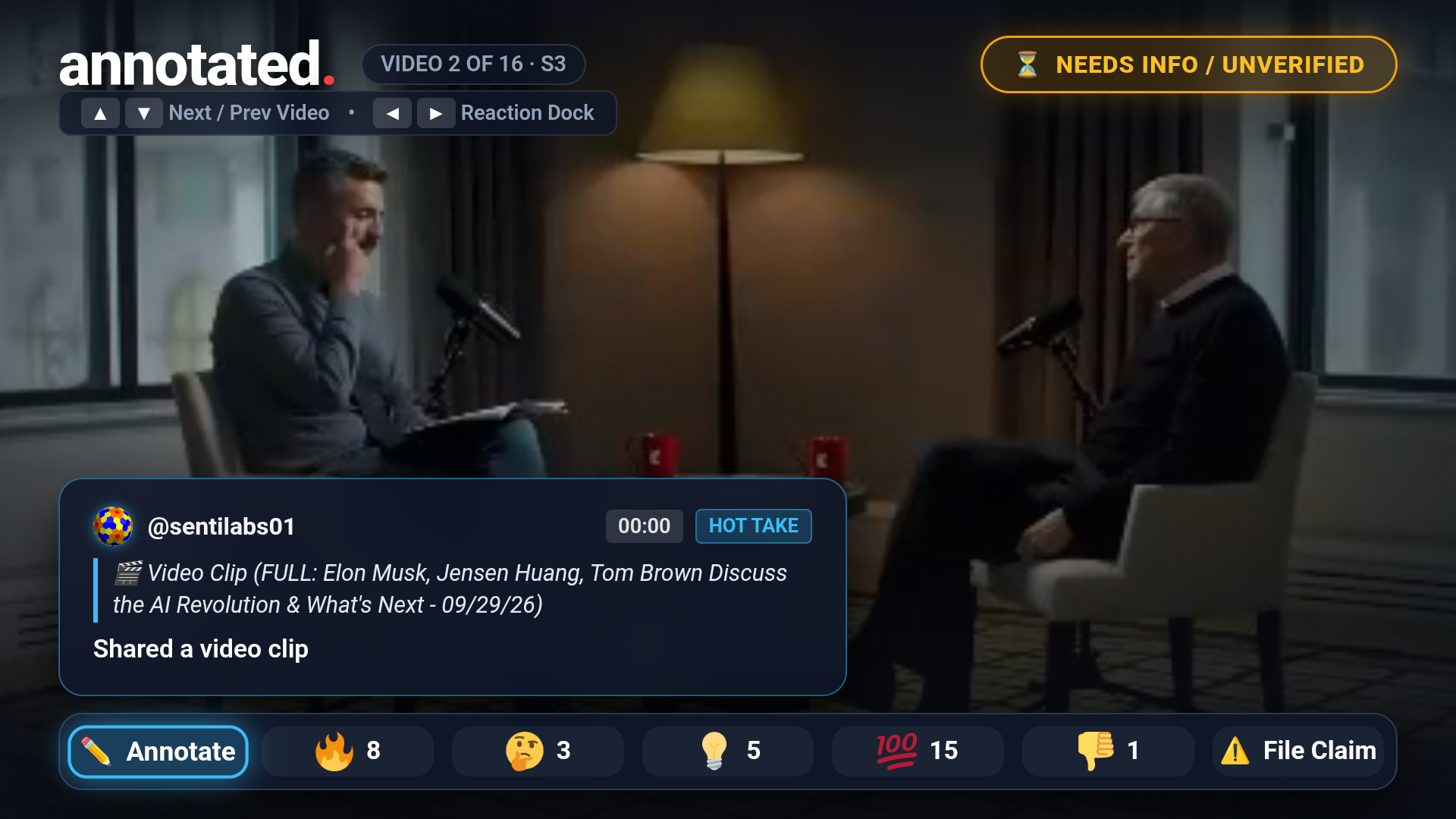
- Yellow Accent: Needs Context (satire/comedy, opinion, or unverified claims).
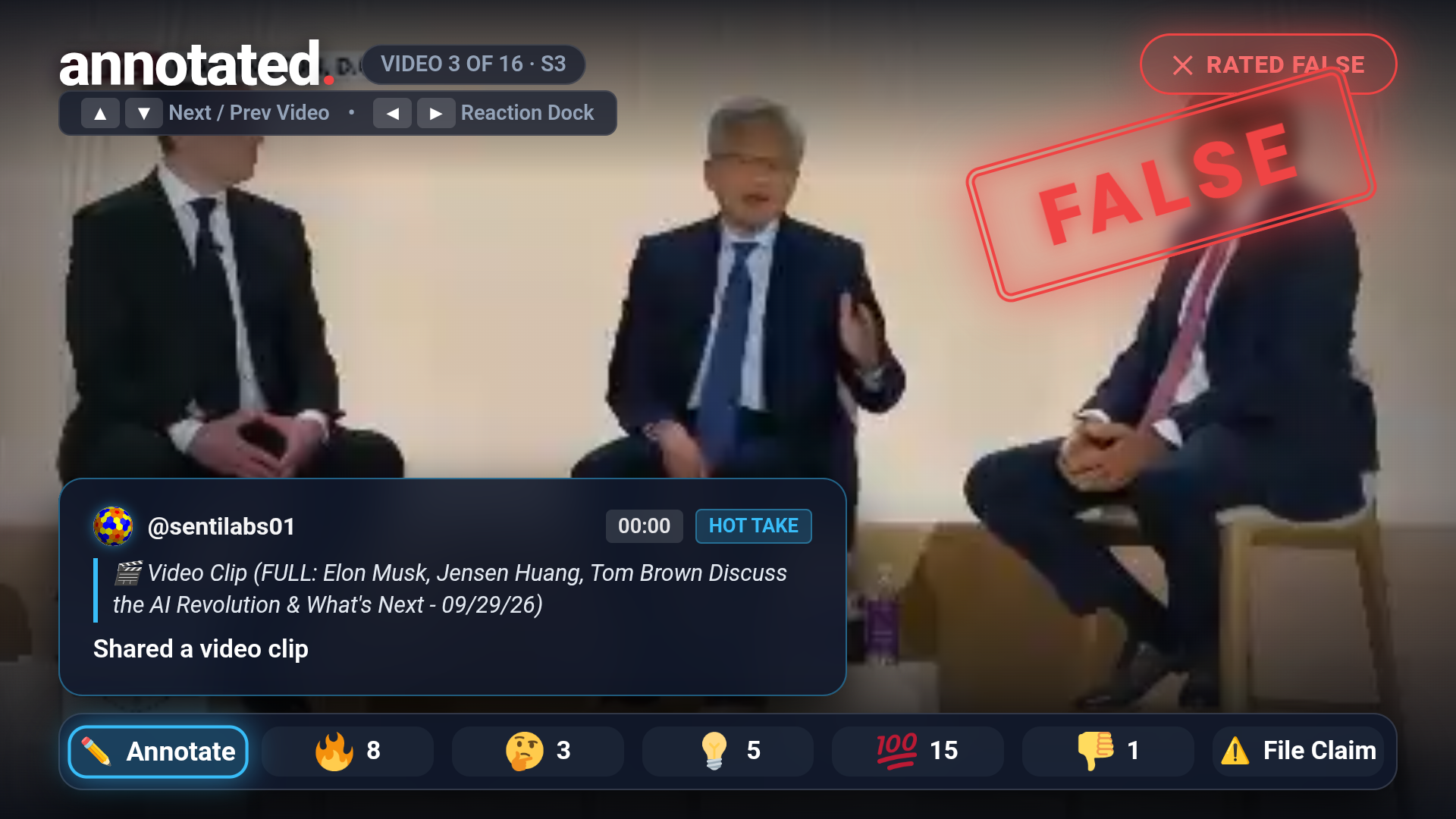
- Red Accent: Disputed / Debunked (stamped with a prominent diagonal "FALSE" rubber stamp overlay).
- Remote Control Reaction Dock (7 Actions): Using D-pad Left / Right and OK / Select, anyone on the couch can react immediately:
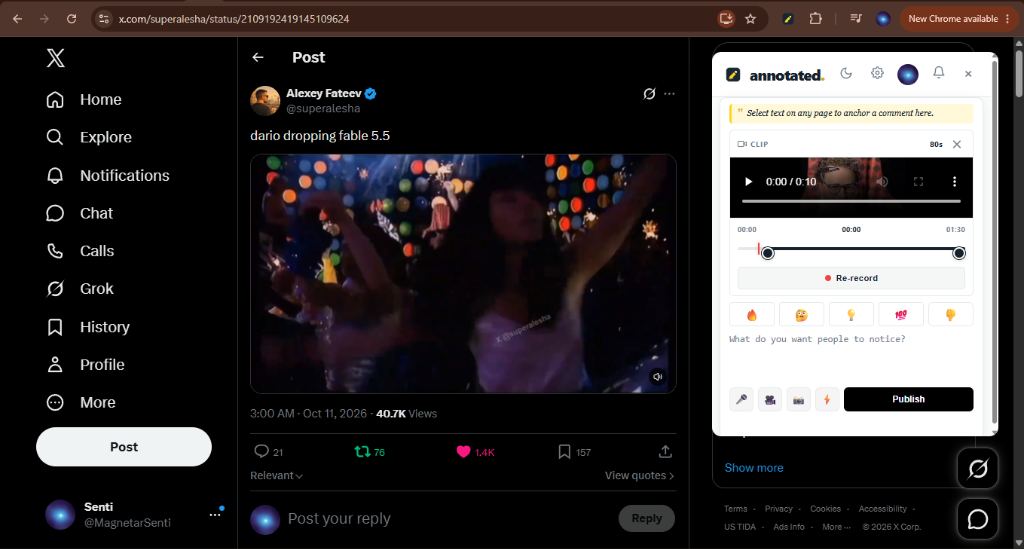
✏️ Annotate— Opens the QR phone bridge to contribute a timestamped note.🔥 Fire— Up-vote / endorse.🤔 Think— Mark as thought-provoking.💡 Idea— Mark as insightful.💯 100— Strong consensus agreement.👎 Down— Down-vote / dispute signal.⚠️ Dispute / Report— Opens our unified moderation & fact dispute modal.
- Interactive QR-to-Phone Bridge: Typing on an on-screen TV keyboard with a remote is clunky. Annotated solves this with a dynamic QR card pinned to the screen — scanning opens the exact claim on the viewer’s smartphone to review source citations, submit counter-evidence, or publish a
Built With
- amazon-fire-tv
- amazon-web-services
- android
- css3
- fire-os
- html5
- javascript
- kotlin
- postgresql
- supabase
- webview


Log in or sign up for Devpost to join the conversation.