-
-
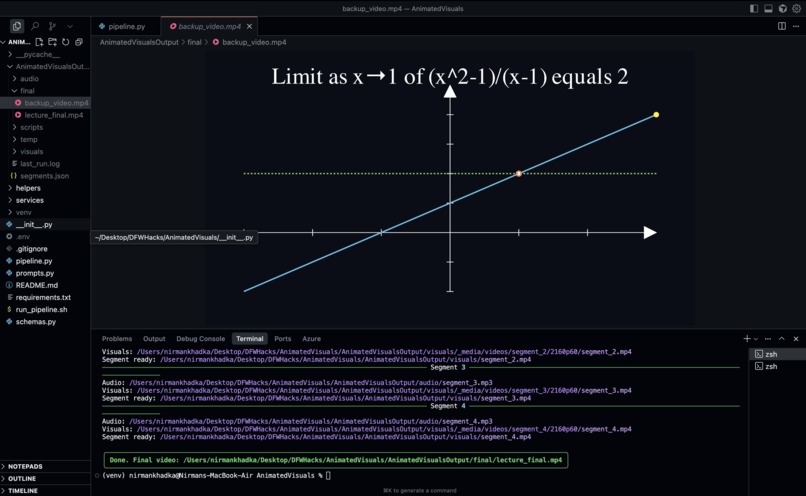
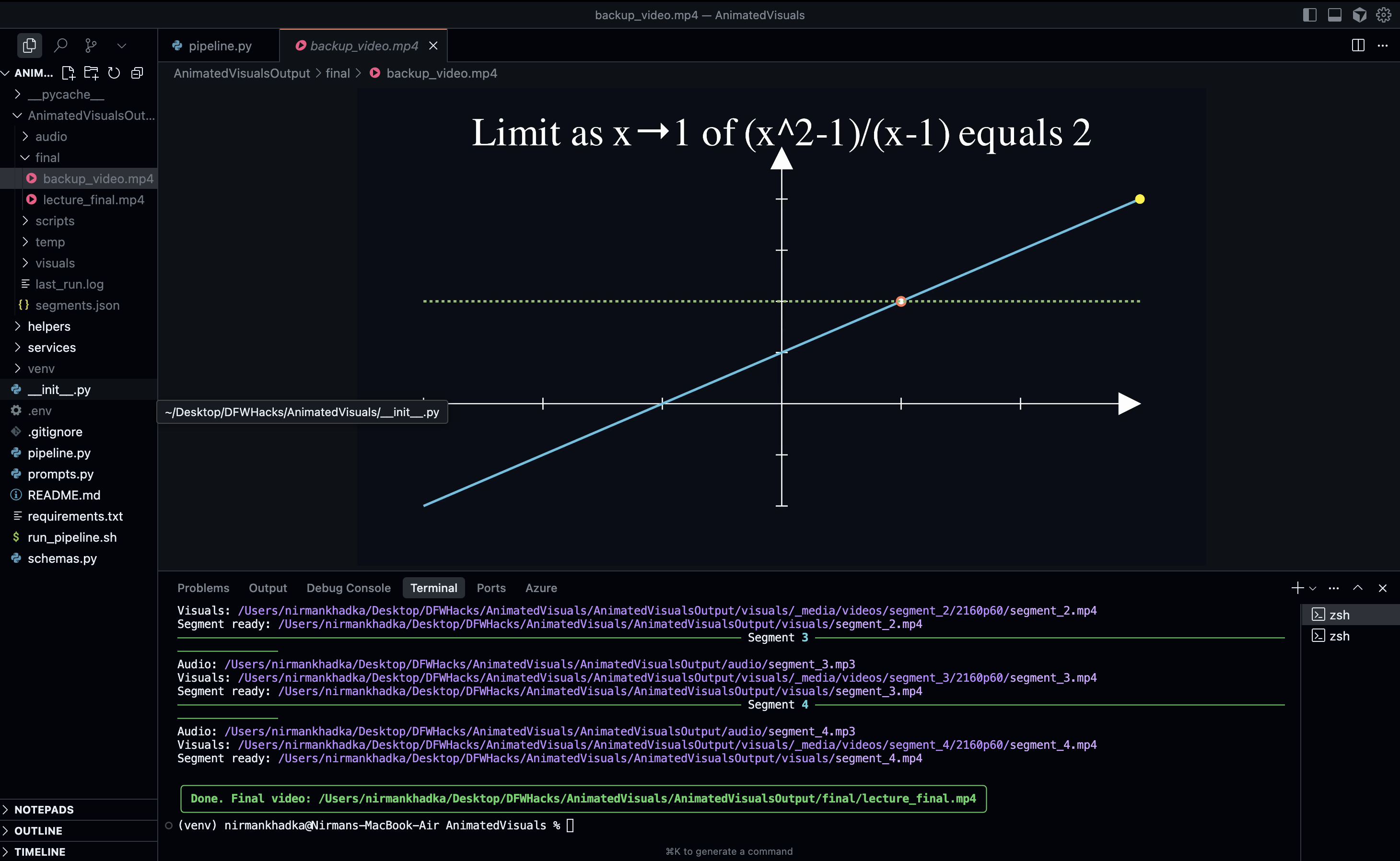
A snapshot of the demo.
Inspiration
I wanted to solve a problem I’ve faced countless times: how to make very hard concepts easy to understand. Reading textbooks often feels abstract, and watching plain lectures can be dry. But when a world-class professor explains with visuals, everything just clicks.
I’ve always admired creators like 3Blue1Brown, who make math and science look magical through animations. My inspiration was to automate that magic - to take any explanation and instantly turn it into a narrated, animated lecture video.
What it does
AnimatedVisuals converts raw explanations into segmented, narrated, and animated lecture videos.
- Segments the input into 2–6 smooth, professor-like lecture units.
- Generates natural narration with pauses, emphasis, and realistic pacing.
- Produces Manim-based animations that illustrate the concepts step by step.
- Syncs audio and visuals so the video feels seamless.
- Concatenates everything into one final MP4, ready to share with students.
The output feels like you’re learning from a top educator, not a machine.
How I built it
- Segmentation: I used Groq LLMs to break down explanations into 2–6 smooth segments with narration scripts and visual descriptions.
- Narration: I integrated Azure Speech Services to generate lifelike audio, complete with pauses and emphasis.
- Animation: I converted visual descriptions into Manim (v0.19) scripts, with retries and repair logic to keep the code error-free.
- Syncing: I used ffmpeg and MoviePy to align narration with animations and handle duration mismatches.
- Assembly: I concatenated all the segments into a final lecture video with smooth transitions.
- CLI/UX: I built a terminal-first pipeline with
richfor progress feedback, and an easy.env-based configuration.
Challenges I ran into
- Manim complexity: Generating correct animations from natural language was tricky. I built a repair loop that retries and fixes broken code automatically.
- Audio-video sync: Narration and visuals often ran at different speeds. I solved this by measuring audio duration and adjusting
self.waitandrun_time. - Consistency across segments: Ensuring transitions felt smooth (not jumpy) required prompt engineering and duration tuning.
- Time: Building a full end-to-end pipeline in a hackathon window meant focusing on core templates first, then extending.
What I learned
- How to design LLM prompts that output structured JSON for both narration and visuals.
- The power of segment-based pipelines: processing audio + visuals per segment makes debugging and syncing easier.
- How to integrate multiple AI services (LLM + TTS + animation) into one seamless tool.
- That even advanced math concepts can feel intuitive when explained with the right timing and visuals.
Accomplishments I’m proud of
- A working prototype that can turn something as abstract as “derivatives” into a professor-like animated mini-lecture.
- Smooth audio narration with realistic pauses and pacing.
- Error-repairing Manim code generation, no manual edits required.
- Building a foundation that could scale to K–12 education and beyond.
What’s next
- Adding a UI interface for teachers and students (beyond CLI).
- Expanding visual templates (e.g., physics diagrams, chemistry animations).
- Support for multi-language narration.
- Integration with learning platforms (Google Classroom, Canvas, etc.).
- Enabling teachers to edit or refine segments before final render.


Log in or sign up for Devpost to join the conversation.