Inspiration
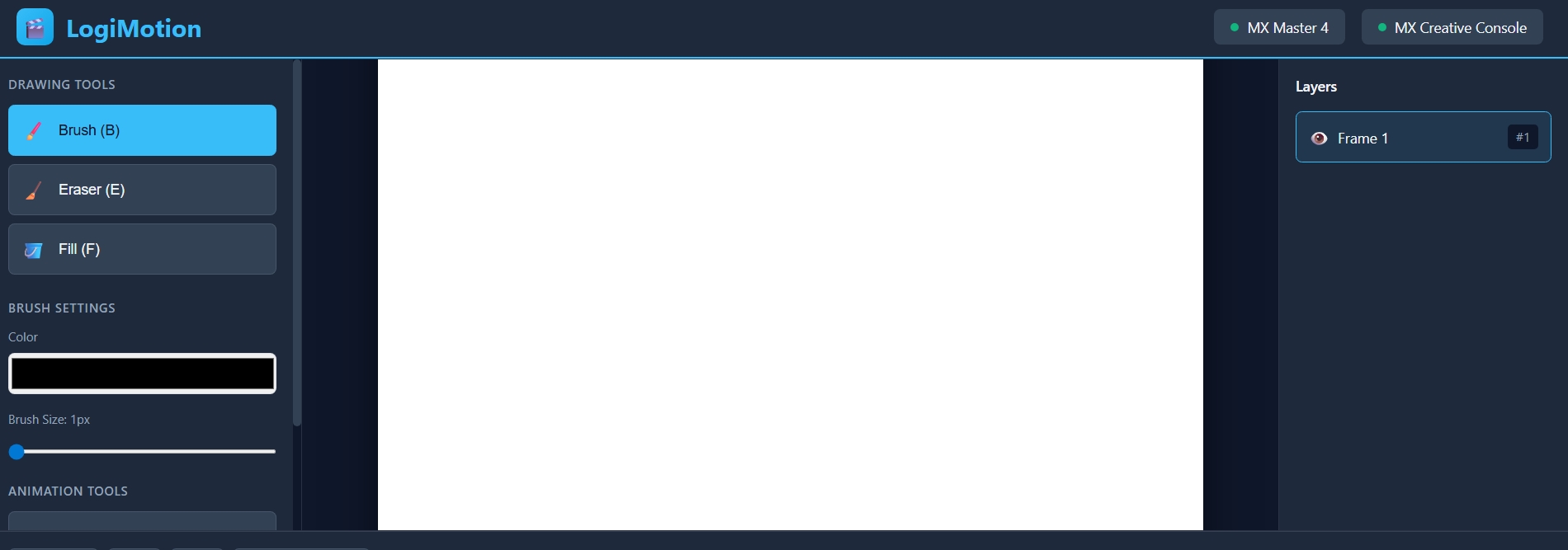
What it does:LogiMotion is an intelligent plugin for the Logitech MX ecosystem that transforms a desktop setup into a professional animation studio. By leveraging the precision of the MX Master 4 and the tactile controls of the MX Creative Console, LogiMotion allows artists to sketch, "flip" through frames, and manage complex animation timelines without ever touching a keyboard.
Functionality:
# Tactile "Flip-Book" Scrubbing: The MX Creative Dial is mapped to "Rotate Actions" that provide sub-frame timeline control. Turning the dial slowly allows for precise frame-by-frame editing, while a faster rotation triggers a "flip-book" effect to preview the animation's fluid motion.
# Haptic Drawing Precision: Using the MX Master 4 Haptic Sense Panel, the plugin provides tactile feedback when the cursor interacts with drawing guides or reaches the edge of a canvas. A subtle vibration confirms when a stroke has been registered or "inked" successfully.
# Actions Ring "Onion Skin" Controller: The Actions Ring acts as a heads-up display for animation tools. Users can hover over custom bubbles to toggle Onion Skinning (translucent overlays of previous frames) and instantly adjust the opacity of those overlays using the Dial.
# Dynamic Keypad Frame Management: The MX Creative Keypad features LCD keys that update their icons based on the animation state. Dedicated "Press Actions" allow users to "Insert Frame," "Duplicate Keyframe," or "Clear Layer" with a single tap. # AI Motion In-Betweening: Integrated with the Logi AI Prompt Builder, a specialized "Genie" key on the console can trigger ChatGPT scripts to generate simple motion paths or suggest "in-between" frame positions based on the user's previous two drawings.
How to build it:
              # SDK Selection: Develop the plugin using the Logi Actions SDK (C#) to ensure native performance and full access to device haptics.
             # Architecture: Use the UsesApplicationApiOnly flag in the plugin class to enable direct communication with a host animation engine (such as Pencil2D, Krita, or Blender Grease Pencil) via WebSocket or a local API.
            # Haptic Waveform Programming: Design custom haptic waveforms within the SDK to represent different drawing states. For example, a sharp "tick" waveform can be triggered for every frame jump on the timeline, while a "soft buzz" can signify that Onion Skinning is active.
            # Contextual UI: Program the Actions Ring to appear near the cursor whenever the MX Master 4's gesture button is held, allowing for tool switching without moving the hand away from the drawing area.
            # Profile Integration: Utilize Adapt to App feature so that the LogiMotion profile—including its custom LCD icons and Action Ring layout—activates automatically as soon as the user focuses on their chosen animation software.

Log in or sign up for Devpost to join the conversation.