-
-
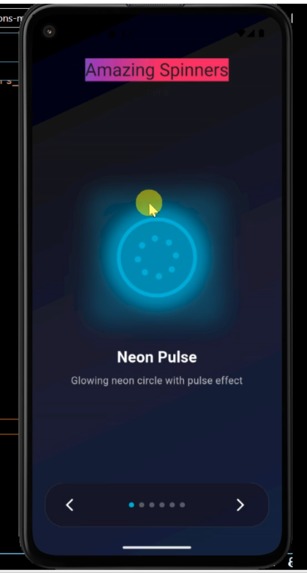
animated spinners screen in Flutter
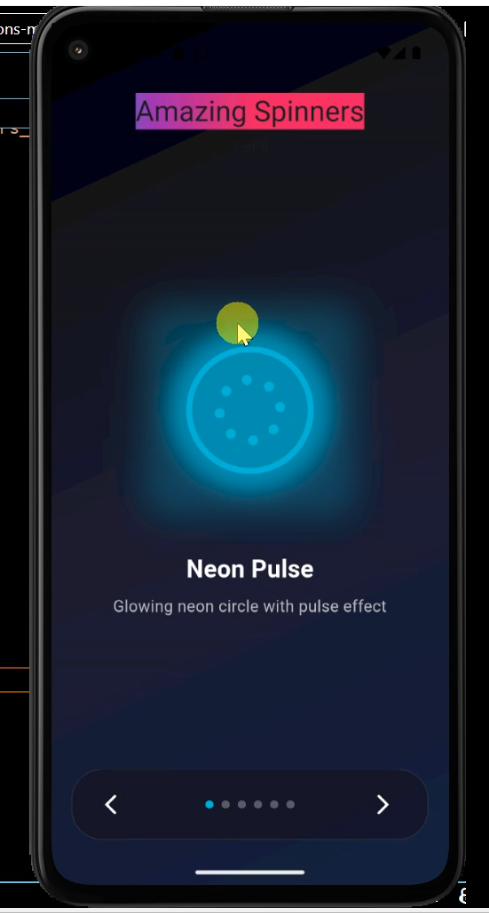
Inspiration
The goal of this project was to move beyond standard Material CircularProgressIndicator widgets. I wanted to explore how mathematical functions can be mapped to UI properties like rotation, scale, and opacity to create fluid, high-performance loading states that enhance user experience.
How I built it
I built the screen using a combination of Flutter’s Implicit and Explicit animations.
CustomPainter: For complex shapes, I used the CustomPainter class to draw shapes directly on the canvas, allowing for pixel-perfect control.
AnimationControllers: I utilized AnimationController to drive the timing, often using a CurvedAnimation with Curves.easeInOut to make the motion feel organic.
Mathematical Foundations: To achieve perfect circular motion and pulsing effects, I applied trigonometric functions.
Challenges I ran into
State Management: Syncing multiple spinners to start/stop without causing memory leaks. I solved this by ensuring all controllers are properly disposed of in the dispose() method.
Math Complexity: Calculating the offset for a "trailing" effect (where dots follow each other with a delay) required deep-diving into lists of animations and staggered delays:
What I learned
Performance Optimization: I learned how to use the RepaintBoundary widget to ensure that only the spinner—and not the entire screen—rebuilds during every frame of the animation.
TickerProvider: Understanding why SingleTickerProviderStateMixin is necessary to tie the animation lifecycle to the widget lifecycle.
The Power of Math in UI: Experimenting with how different curves (like elastic or bounce) change the "personality" of a loading spinner.

Log in or sign up for Devpost to join the conversation.