KNN on the Animal classification, not separated in train test. Write complete code which will split the images then train KNN model test the model tell the accuracy of the trained model.
Inspiration: Working effectively on some classification models which can be trained in 10-15 minutes
What it does: Split the images and then train KNN model on it. At the end test the model and tell the accuracy of the trained model.
How we built it: Using the KNN on the Animal classification
Challenges we ran into: The images are separated in their respective folders. But they are not separated in train test.
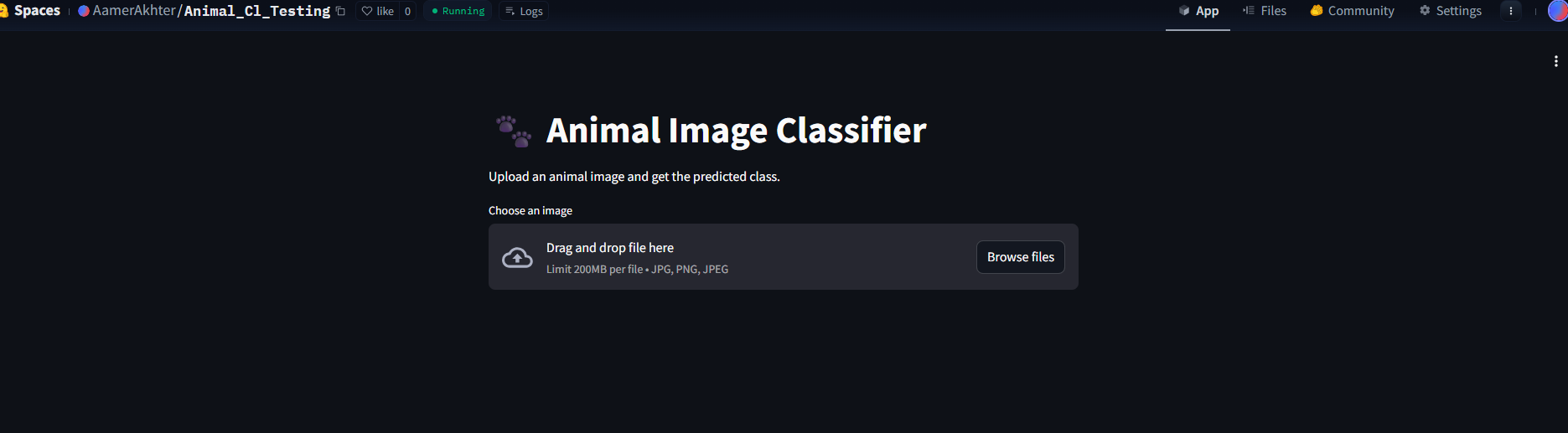
Accomplishments that we're proud of: Using the trained model, created an application using streamlit. then deploy it on hugging face. step by step process
What we learned: Create a new space on Hugging Face and select the Streamlit template. Upload app.py, knn_model.pkl, and class_names.pkl files to the space.Hugging Face will automatically deploy the app. Kaggle Constraints: Kaggle does not support running interactive Streamlit apps within the notebook itself, but you can use it for developing your model and app. Hugging Face Deployment: It's better to deploy the app on Hugging Face Spaces, as they provide an easy-to-use platform for deploying Streamlit apps.
What's next for Animal Classification Model/ Bot: scikit-learn: Used for loading and working with the KNN model (joblib is used to load it).

Log in or sign up for Devpost to join the conversation.