-
-
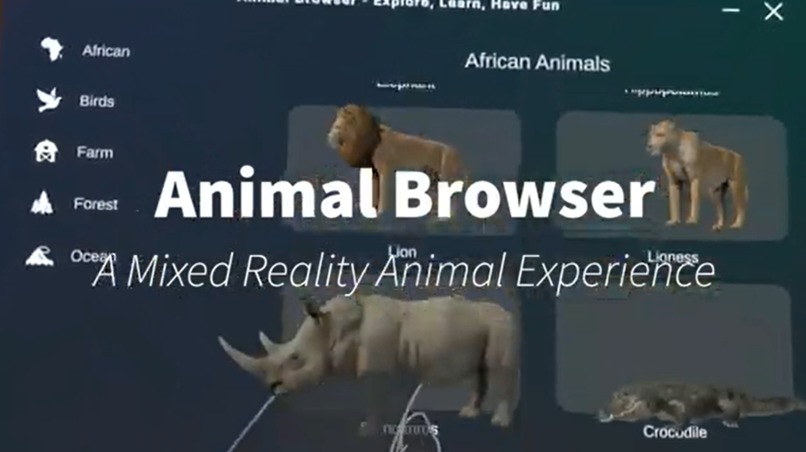
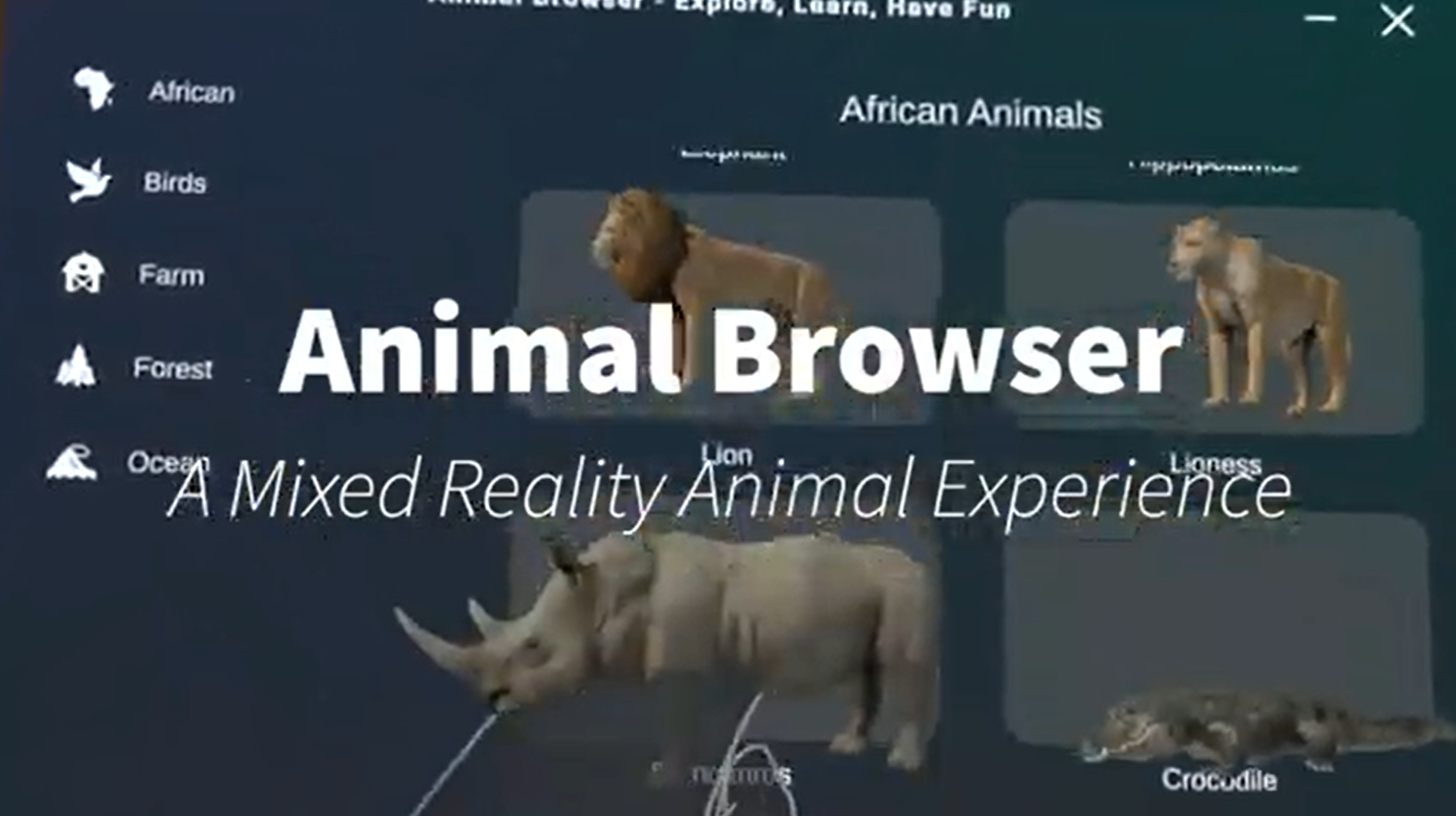
Animal Browser: A Mixed Reality Animal Experience
Inspiration
My enthousiasm about animals and wildlife. I wanted to make it possible for anyone interested in wildlife, animals and zoo's to see and learn about all over the world in mixed reality. Like a mixed reality animal safari. I also felt like this might be a safer and more ethical alternative to other forms of animal entertainment where you can come really close to inspect the animals.
What it does
I wanted to prototype the whole userflow, and eventually built it into an apk for the Meta Quest 3. In the vertical slice demo app you can do 3 things:
- Choose an animal (crocodile is the only one you can really select right now)
- Read, see and listen to the infromation given about the animal and off course view that animal.
- Place the animal in front of you to inspect it really closely.
How I built it
For the UI/UX I have been inspired by the Horizon OS since it is already familiar to Meta Quest users. I also took a lot of inspiration from Apple and their Vision Pro for intuitive one-handed menu and 3D model interactions. I used the Animals Full Pack package from the Unity Asset Store for the animals.
So I used the Figma Meta Horison OS UI Set template and the Meta SDK in Unity and tried to design a user-friendly and hand-tracking focused app prototype that relies only on tap and pinch interactions to make it feel native as well.
Challenges I ran into
So many, but it was fun! I did not use Figma very much before but I set up the layout in Figma. Then I jumped straight to Unity because of time limits. In Unity most of the design and interactions were already provided by the Meta SDK.
I prototyped/designed essential interactions that were missing from the Meta SDK:
- The pill handle to move a window, I wanted it to feel as nice as the Meta Horizon OS one and they did not provide this in the SDK, so I made it myself.
- Tooltip functionality (the template was there already but there was no example or script of it implemented). Used this for the smaller buttons for extra information if helpful.
- 3D models in a carousel made me make a more complex script, controlling the size of the 3D models by the button overlap on the edge of the carousel. I love that I got it to work and the motion feel to it is great. It has been tested and experimented with a lot of times.
- I wanted a voice over for improved immersion, so I used a text-to-speech AI that sounded interesting to me.
- Prototyping and finilizing a new way of moving a big animal around was a design challenge!
Accomplishments that we're proud of
All challenges. Really. I am also proud of the execution. I knew what I wanted to design from the start. Designing the interaction with tools straight in Unity was nice, because I could quickly test movement of panels and the placement of the animal on the headset and other very dynamic interactions.
I know and have used ShapesXR before, but because of the Meta Horizon OS UI Set I decided to design and experiment hands-on in Unity early already. The design process was natural and iterative and there have been variations of the layout, but it all improved over time because the design became less complex.
What we learned
First, this project gave me more confidence as an XR designer/developer. Also, this project learned me to test even more in VR as soon as possible. Despite the technical challenges, this project learned me to go a little further in making it even more user-friendly by taking inspiration from the XR industry and combining it with lots of small usability features. The research and ideation is what gave me lots of value for designing the final result.
What's next for Animal Browser
I would like to continue developing this into a fully polished app and release on the Meta Store!
Future features to work/improve on:
- Placing anchored/favorite animals in your environment, so when you open the app back up you will see them again.
- A real working virtual reality mode for the locations where each animal lives.
- Better visual fidelity to the rendering of the animals. Also some drop shadow would be nice to make it feel grounded to your space.
- More visuals, less text. Showing the size of animals side by side for example.
- Make it possible to scale the animals.
- Make the app more playful and engaging with gamified elements.
Built With
- figma
- meta-sdk
- unity


Log in or sign up for Devpost to join the conversation.