Inspiration
What it does
How we built it
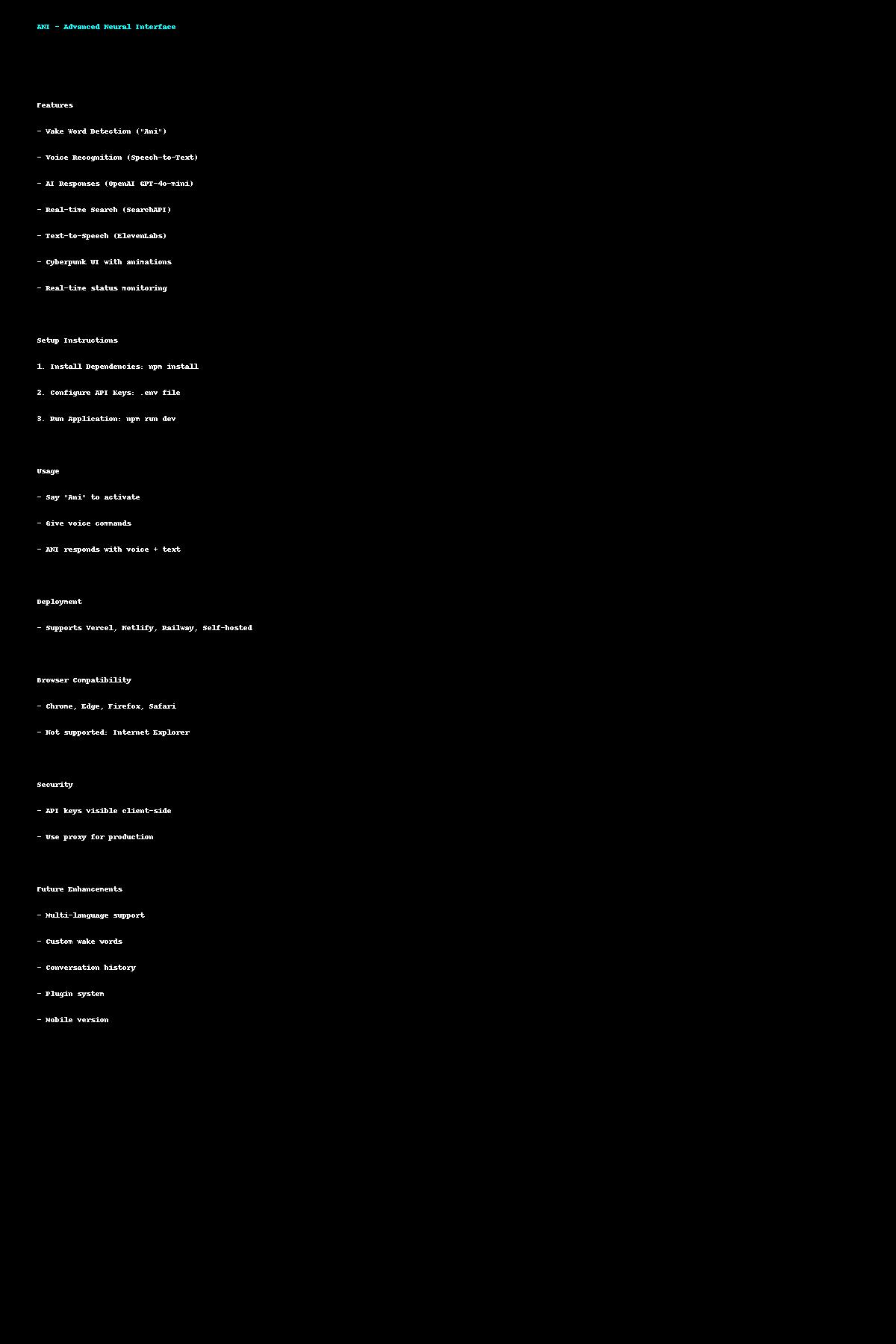
ANI - Advanced Neural Interface
A futuristic AI voice assistant built with React + Vite, featuring wake word detection, voice commands, real-time search, and text-to-speech capabilities.
🚀 Features
- Wake Word Detection: Say "Ani" to activate
- Voice Recognition: Natural speech-to-text processing
- AI Responses: Powered by OpenAI GPT-4o-mini
- Real-time Search: SearchAPI integration for current information
- Text-to-Speech: ElevenLabs for realistic voice synthesis
- Sci-fi Interface: Cyberpunk-themed UI with animations
- Real-time Status: Live system monitoring and feedback
🛠️ Setup Instructions
1. Install Dependencies
```bash npm install ```
2. Configure API Keys
Create a .env file in the root directory:
```env
OpenAI API Configuration (Required)
VITE_OPENAI_API_KEY=your_openai_api_key_here
SearchAPI Configuration (Optional but recommended)
VITE_SEARCHAPI_KEY=your_searchapi_key_here
ElevenLabs TTS Configuration (Optional - fallback to browser TTS)
VITE_ELEVENLABS_API_KEY=your_elevenlabs_api_key_here ```
3. Get API Keys
OpenAI API Key (Required)
- Go to OpenAI Platform
- Create an account or sign in
- Navigate to API Keys section
- Create a new API key
- Add it to your
.envfile
SearchAPI Key (Optional)
- Go to SearchAPI.io
- Sign up for a free account
- Get your API key from the dashboard
- Add it to your
.envfile
ElevenLabs API Key (Optional)
- Go to ElevenLabs
- Create an account
- Get your API key from settings
- Add it to your
.envfile
4. Run the Application
```bash npm run dev ```
The application will start at http://localhost:3000
🎯 How to Use
- Start the Application: The interface will load with the neural console
- Wake Word Activation: Say "Ani" to activate voice command mode
- Voice Commands: After activation, speak your question or command
- AI Response: ANI will process your request and respond with voice and text
- Search Integration: Ask current events questions for real-time information
🎨 Features Overview
Voice Recognition
- Continuous wake word detection
- High-accuracy speech-to-text
- Confidence scoring
- Error handling and recovery
AI Integration
- OpenAI GPT-4o-mini for intelligent responses
- Context-aware conversations
- Sci-fi personality customization
- Response optimization for voice
Search Capabilities
- Real-time web search integration
- Automatic search trigger detection
- Results integration into AI responses
- Visual search results display
Text-to-Speech
- ElevenLabs premium voice synthesis
- Fallback to browser speech synthesis
- Customizable voice settings
- Audio playback management
User Interface
- Cyberpunk sci-fi theme
- Animated neural network visualization
- Real-time system status monitoring
- Responsive design for all devices
🔧 Troubleshooting
Voice Recognition Issues
- Ensure microphone permissions are granted
- Check browser compatibility (Chrome/Edge recommended)
- Verify wake word pronunciation ("Ah-nee")
API Key Issues
- Verify all API keys are correctly formatted
- Check API key permissions and quotas
- Ensure
.envfile is in the root directory
Performance Issues
- Close unnecessary browser tabs
- Check internet connection stability
- Monitor browser console for errors
🚀 Deployment
Vercel Deployment
- Push code to GitHub repository
- Connect repository to Vercel
- Add environment variables in Vercel dashboard
- Deploy automatically
Other Platforms
- Netlify: Add environment variables in site settings
- Railway: Configure environment variables in dashboard
- Self-hosted: Ensure environment variables are set
📱 Browser Compatibility
- ✅ Chrome 80+
- ✅ Edge 80+
- ✅ Firefox 76+
- ✅ Safari 14+
- ❌ Internet Explorer (not supported)
🔒 Security Notes
- API keys are client-side visible (use environment variables)
- Consider implementing server-side proxy for production
- Monitor API usage and set quotas
- Regularly rotate API keys
🎯 Future Enhancements
- [ ] Multi-language support
- [ ] Custom wake word training
- [ ] Voice command shortcuts
- [ ] Conversation history
- [ ] Plugin system
- [ ] Mobile app version
📄 License
MIT License - feel free to use and modify for your projects.
🤝 Contributing
- Fork the repository
- Create a feature branch
- Make your changes
- Test thoroughly
- Submit a pull request
ANI v2.0 - Your Advanced Neural Interface is ready! 🚀

Log in or sign up for Devpost to join the conversation.