-
-
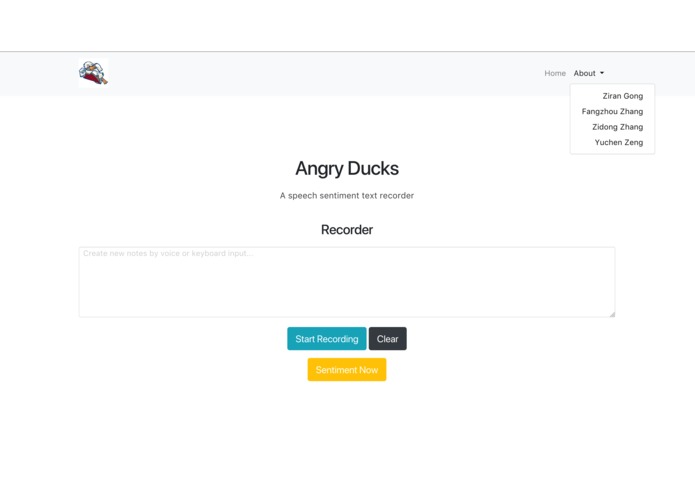
Init Interface
-
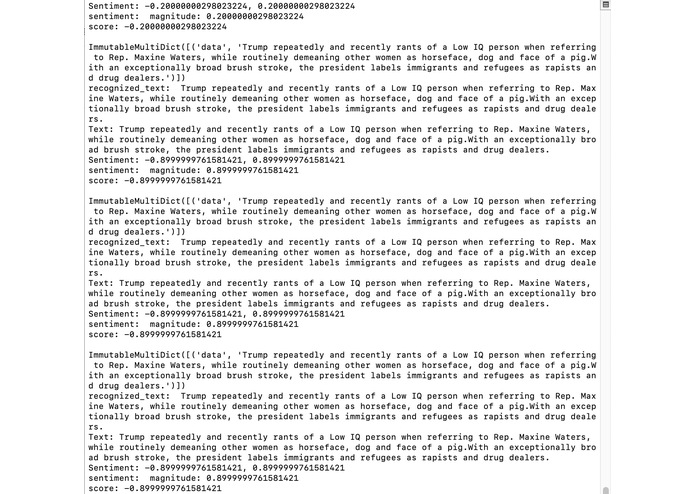
Run Google Cloud Server
-
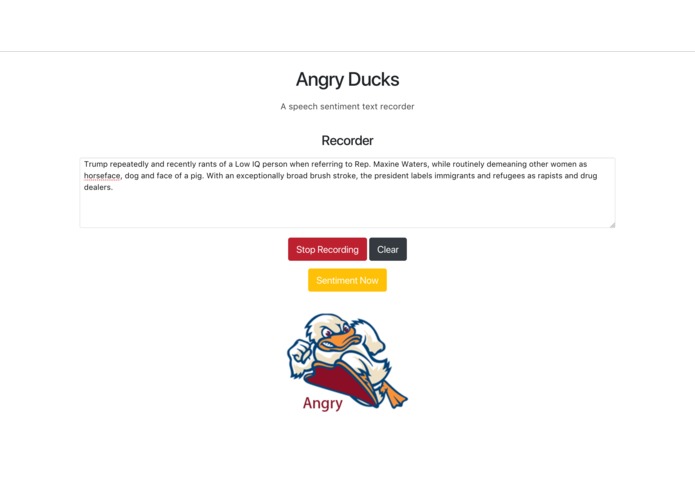
Result display
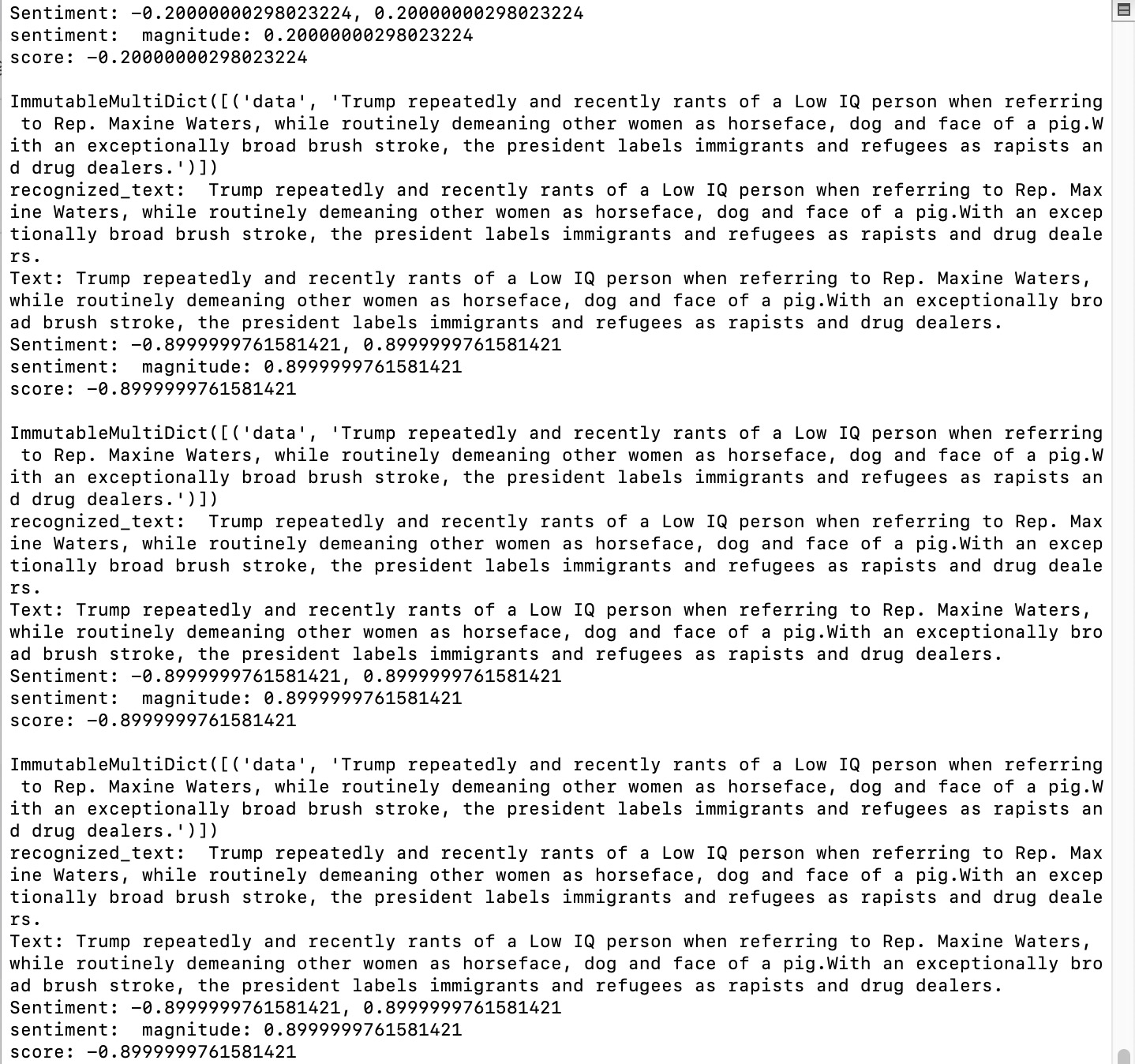
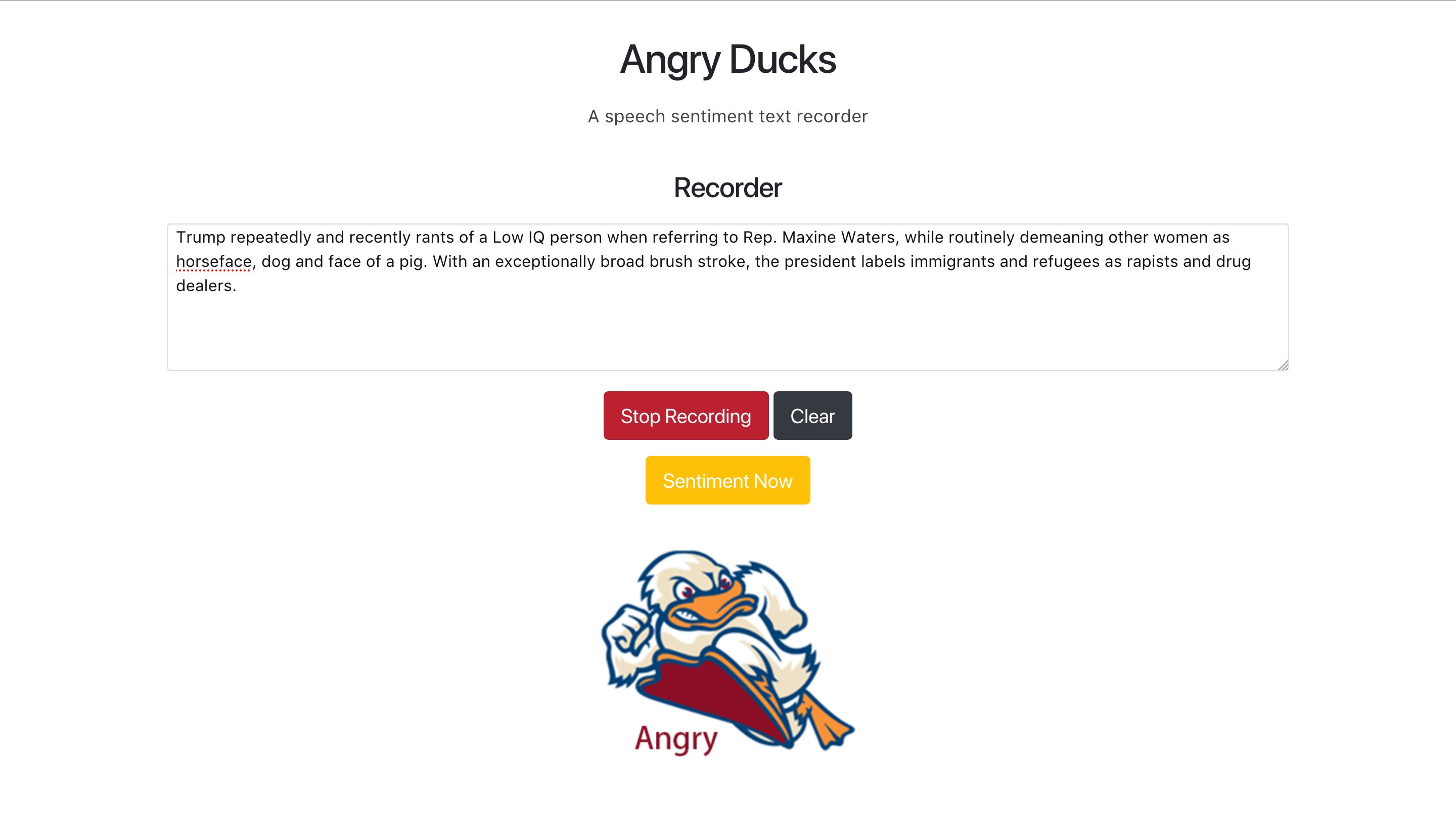
angry-duckhacks


DuckHacks 2019 at Stevens Institute of Technology
If you appreciate the content, support projects, give star!
English| 中文
Introduction
Nowadays, the society has become more and more extensive in international culture, and English has become a bridge for communication between people all over the world. But even if it is a language, people who are not native speakers of English may have different understandings of the language. The result is a bias in emotional understanding.
If our program can record conversations in real time, we can analyze the emotions of the language and assist in speaking to judge whether our emotions are correct. In this way, the most accurate emotions and meanings are expressed.
Purposals
This is a lightweight web service access program that allows you to directly translate text into words and record them. Emotional analysis can be performed while recording.
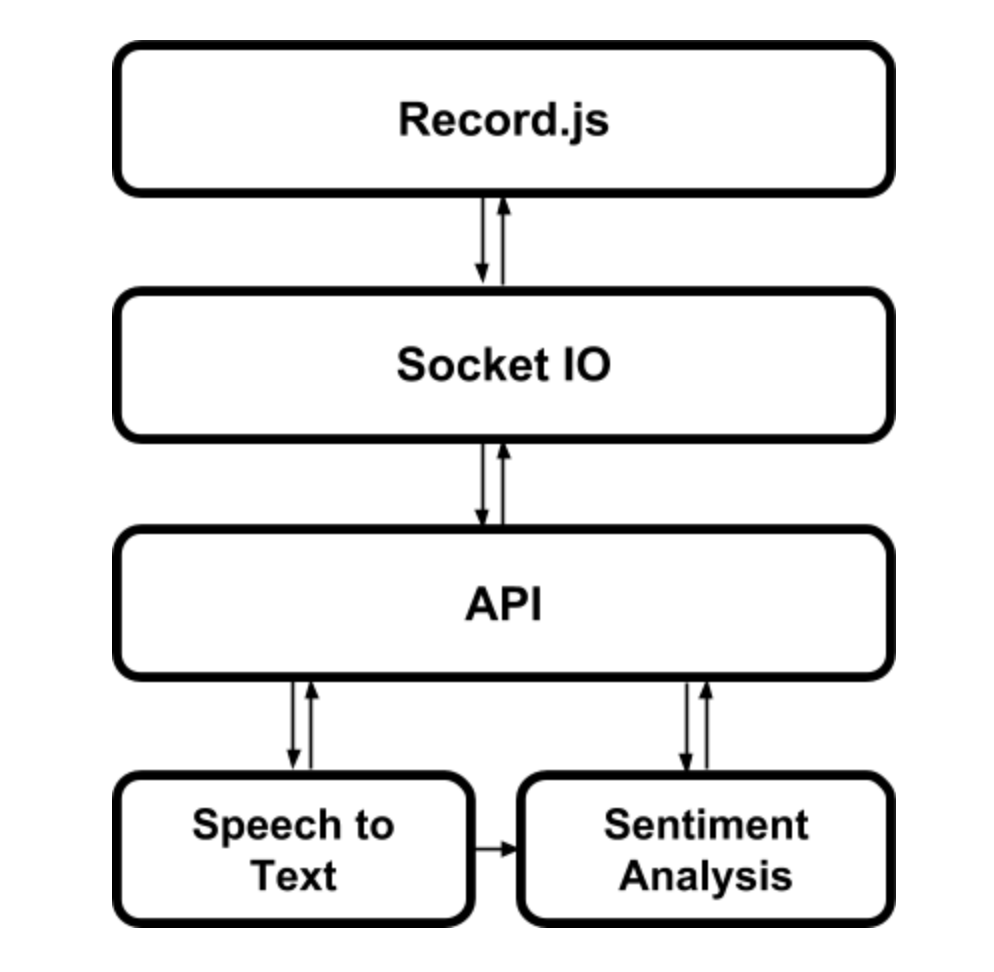
Architecture。
Features
- [x] Create Flask web server
- [X] Build fontend and backend
- [x] Add feature: Real time speech to text
- [x] Add feature: Identify sentiment
- [x] Add feature: Record speech text
- [x] Make real time speech, text, sentiment identification.
- [x] Run Angry-Ducks on the Google Cloud Server
Demo
Run the code:
- Clone this repository:
git clone [email protected]:nature1995/angry-duckhacks.git - Go into angry-duckhacks folder and set up virtual environment (https://pypi.org/project/virtualenv):
cd angry-duckhacks virtualenv env source env/bin/active - Install requirement:
pip install -r requirement.txt - Set up Google Cloud Platform:
- Go to https://console.cloud.google.com
- Click "Select a project"
- Set up a new project.
- Go to APIs & Services and choose “+ENABLE APIS AND SERVICES”.
- Enable “Cloud Natural Language API” and “Cloud Speech-to-Text API”.
- Click “Credentials” => “Create credentials” => “Service account key” =>get your own json key.
- Go to https://console.cloud.google.com
- Put your json key under angry-duckhacks root
/angry-duckhacks/<your project ID>.json - Change setting.py
GOOGLE_API = 'google-api.json' #Your GOOGLE_API - Run server on your own computer:
python main.py 0.0.0.0:5000
Author
License
This software is licensed under the GNU General Public License v3.0 License. For more information, read the file LICENSE.


Log in or sign up for Devpost to join the conversation.