-
-
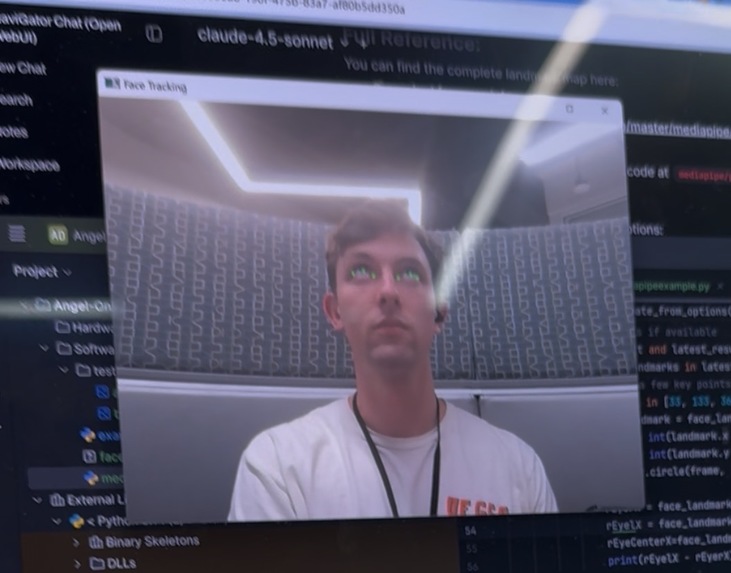
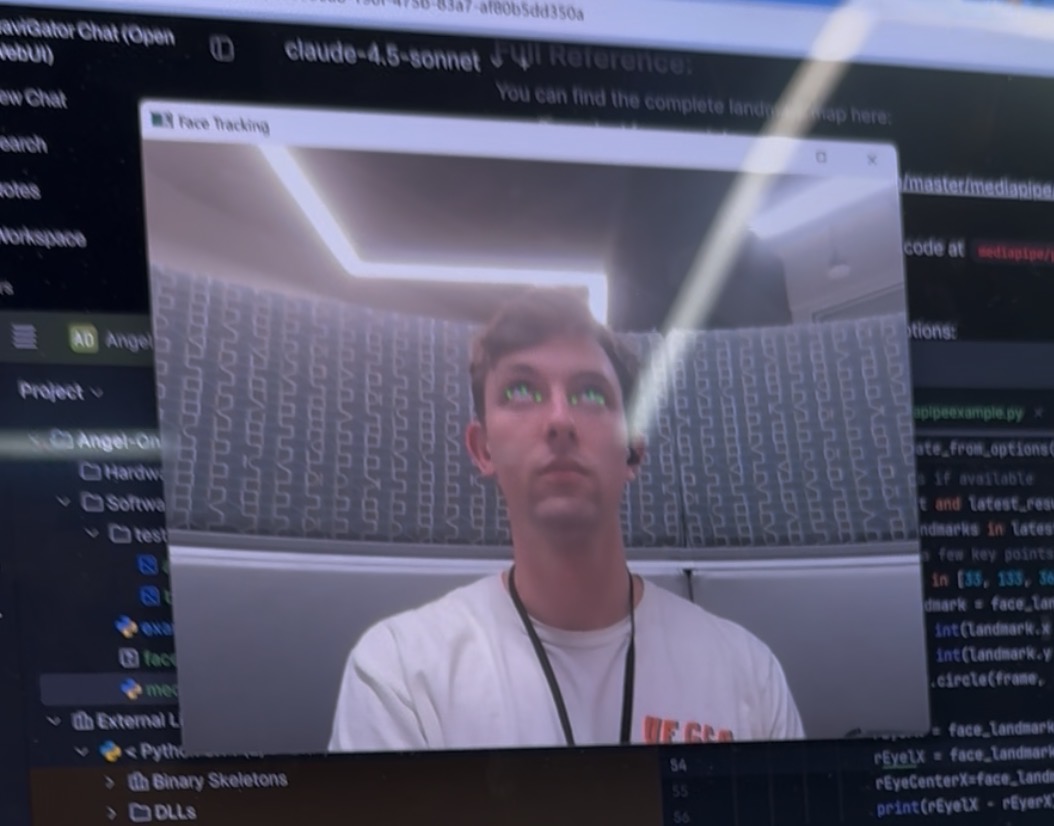
Testing MediaPipe
-
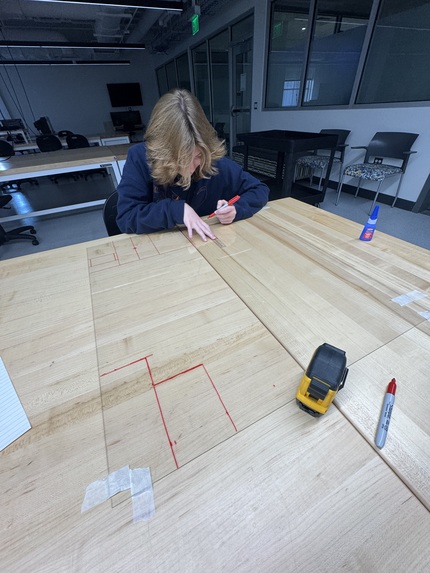
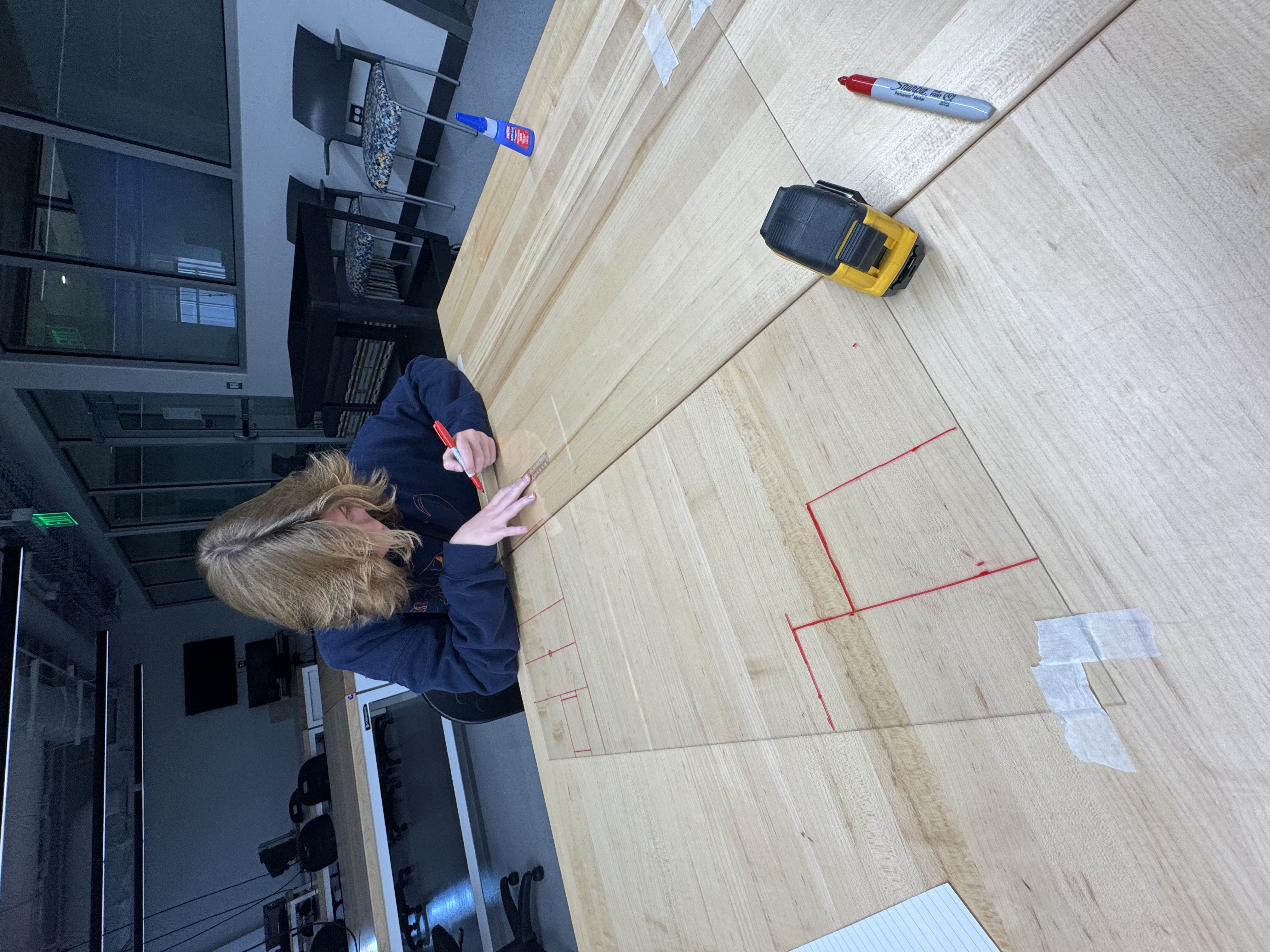
Cutting out acryllic(That got scrapped)
-
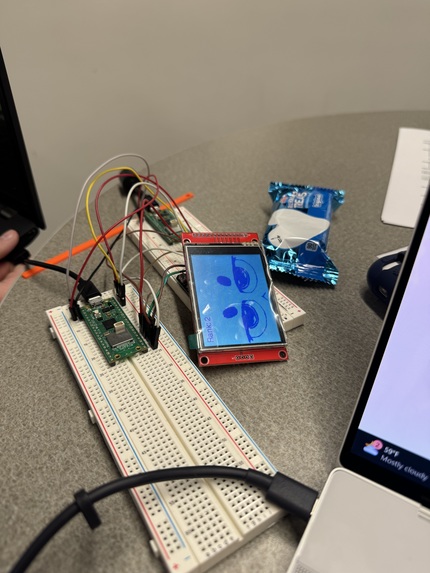
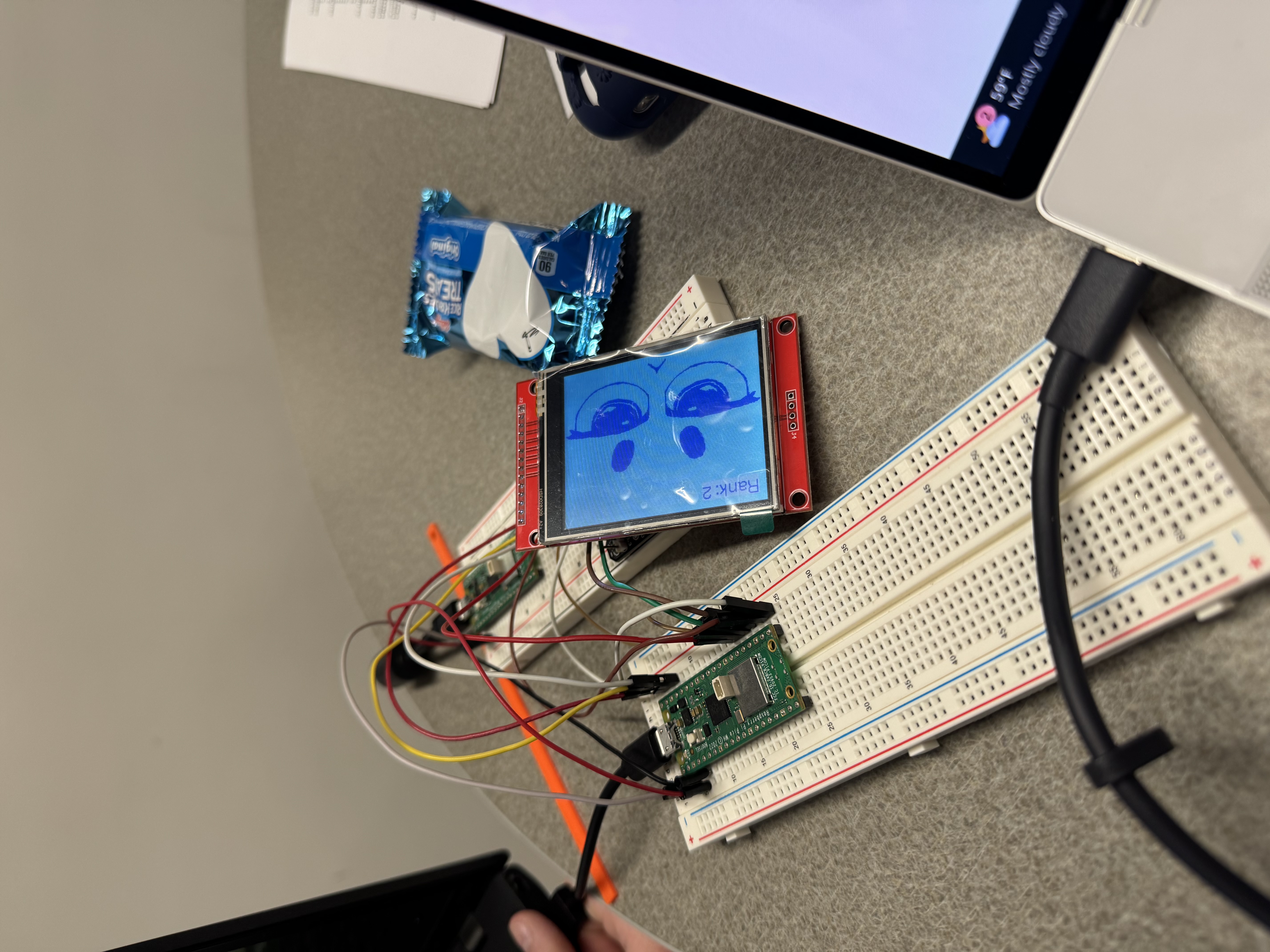
testing LCD
-
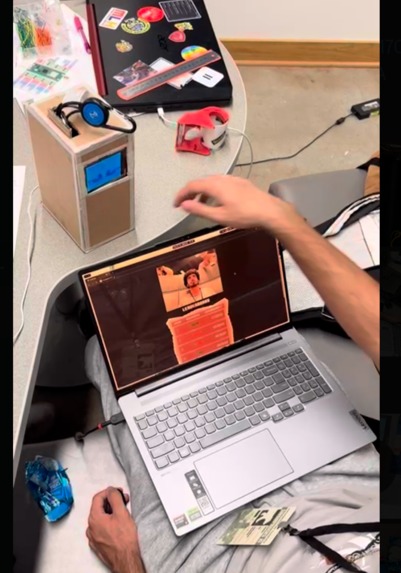
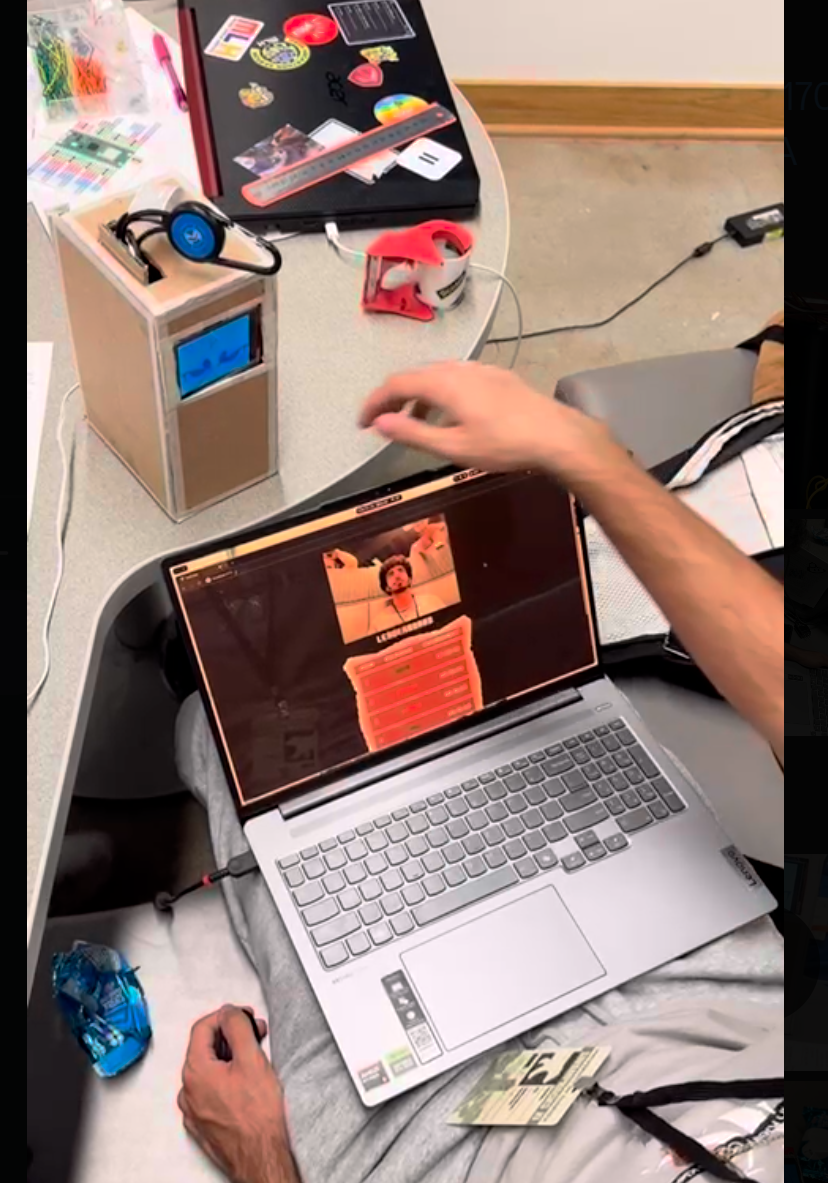
Complete Demo Test 1
Inspiration
Many productivity apps and extensions seek to improve your attention span by preventing you from engaging in addictive behaviour. They often do this by blocking your screen or forcing you to solve simple puzzles. However, we thought that a more physical approach would be better at snapping people back to reality.
What it does
Angel on your desk is a physical productivity buddy that will watch over you at your computer and give you visual cues to get back on track.
How we built it
Our team wanted to utilize computer vision, physical hardware, and cloud architecture to create an independent physical buddy that could efficiently process imagery collected.
On the hardware side of things we utilized two Raspberry Pi Pico Ws, a DC gear motor,a LCD screen , a cardboard chassis,and the user's computer webcam to create the full product. One of our members created the series of pixel sprites that we utilized to indicate the angel's anger level.
For the chasis we blueprinted it, cut it out, and then taped the edges with tape to avoid the ends from fraying, before gluing the materials back together with hot glue and then additionally with super glue to create a durable and secure chasis. We further created railings on the inside back of the box that enabled us to remove and attach the backing at will, allowing us to access electronics when needed
On the software side of things, the final product is in three main parts. Our database is online and hosted through MongoDB Atlas, allowing easy access for the Angel to update its own state. The backend is hosted on a Digital Ocean App, which handles image processing and tracking user engagement. This backend utilizes Google's MediaPipe face landmark library to generate meshes of the user's face, which enables us to track their eyes to see if a user is considered "distracted", which is when the pupils reach certain thresholds we determined experimentally to see if they are looking away from the screen. Our frontend is hosted locally on the computer with React and TypeScript. We utilized the browsers inbuilt MediaStream to capture the user's webcam and frames to be sent to the backend to be processed.
Challenges we ran into
Hardware challenges The Raspberry Pi Pico W was incredibly difficult to work with, especially since the Eduroam wifi block all requests from these kinds of devices, so we had to utilize a mobile hotspot. Furthermore, the external libraries and documentation for both the wifi and the LCD screen were incredibly difficult to understand and work with, with the LCD's documentation being written in Chinese. Creating our chassis had some issues, with our initial goal to create the chassis with acrylic; however, due to tools that were unsuitable, we couldn't cut the plastic properly, and had to swap to cardboard to make it actually feasible.
Software Challenges Our team initially identified OpenCV, an image processing library, as a potential solution. However, we quickly identified that for it's idenfication of eyes and irises was both limited and inconsistent, with the nail in the coffin being one team member being detected as eyes. After doing further research, we found Google's Mediapipe library, which was significantly more accurate and gave us much more details that we were able to leverage.
Initially, our team wanted to use DigitalOcean Cloud Functions to enable simple server processing, since we realistically only had four functions to implement. However, after going through the process of setting up these functions, it turned out that the main library our project hinged on was unable to be installed on DO Cloud functions, so we opted to move to DO App Platform. However, while this fixed the previous issue, it raised another in that we could not get the app to serve both the backend and frontend at the same time. Despite splitting the process into a backend app and a static site, we could not get the frontend to load properly, and decided that, for the sake of time, to run the frontend locally and keep the backend hosted through Digital Ocean App Platform.
Accomplishments that we're proud of
Hardware We were very excited to develop a project using the LCD screen. It was satisfying to build a project in which both of the microcontrollers were used to their fullest potential.
Software Our team is quite proud of our method of tracking whether a user is engaged with their laptop and its accuracy, alongside our clean and minimalistic frontend. Furthermore, with our utilization of MongoDB, almost all of the processing is handled by the Raspberry Pi Pico W, thanks to MongoDB's lightweight and quick database. If we had a stronger microcontroller, we probably would have been able to remove the need for the website to handle any processing at all.
What we learned
What you plan may not necessarily be what you achieve, but those mistakes aren't always setbacks. With our beneficial swap from OpenCV to Mediapipe, our product became much more accurate and reliable. However, with our digital ocean app, we felt that we should have stuck to what we knew worked, instead of trying to break too much new ground at once. We learned much about hardware development over the course of this project. Though we faced quite a few challenges and setbacks, the final product lived up to our initial vision.
What's next for Angel On Your Desk
If we were able to pursue this project further, we would focus on refactoring our code, despite being quite "perfect", to be more verbose when it comes to our backend/frontend systems. We would further want to make it more scalable to handle more angels, and potentially expand their hardware capabilities. In the future, the productivity buddies could be more expressive and personalizable.


Log in or sign up for Devpost to join the conversation.