-
When you find yourself doom-scrolling on tiktok while procrastinating.
-
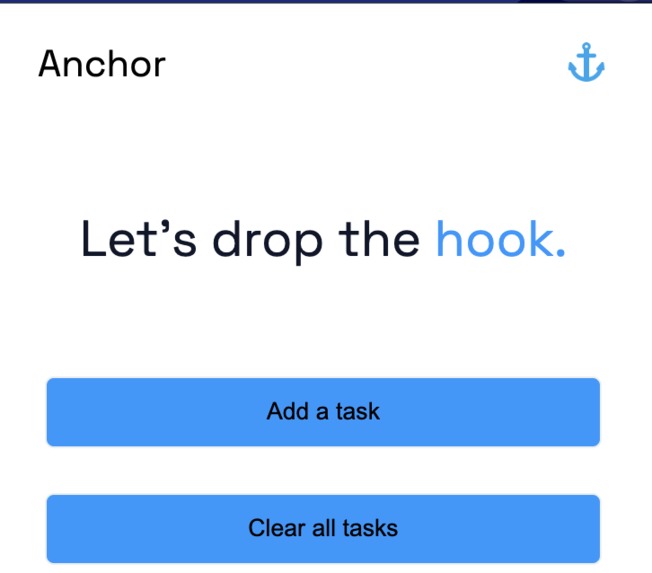
You need someone or something to keep you on task. Look no further than Anchor
-
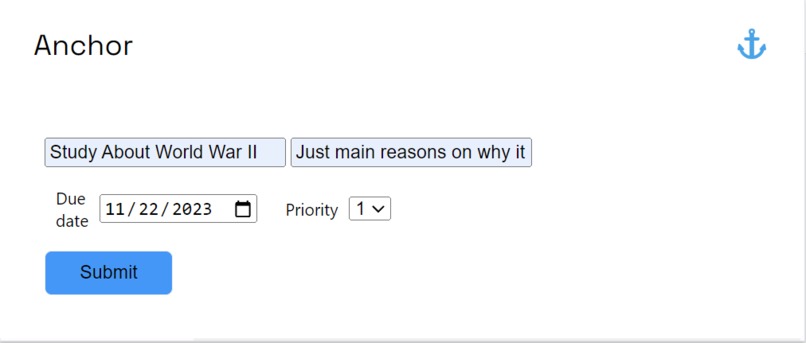
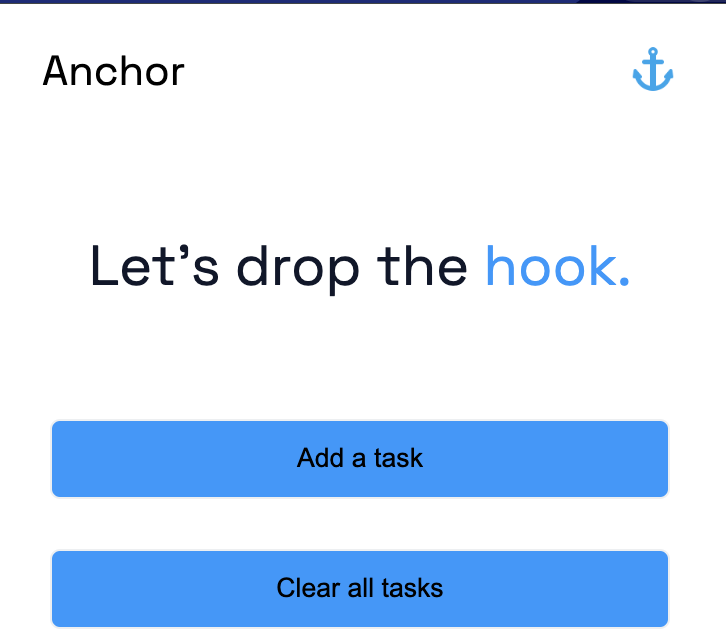
You can add tasks that you need to complete and give a brief description of the task
-
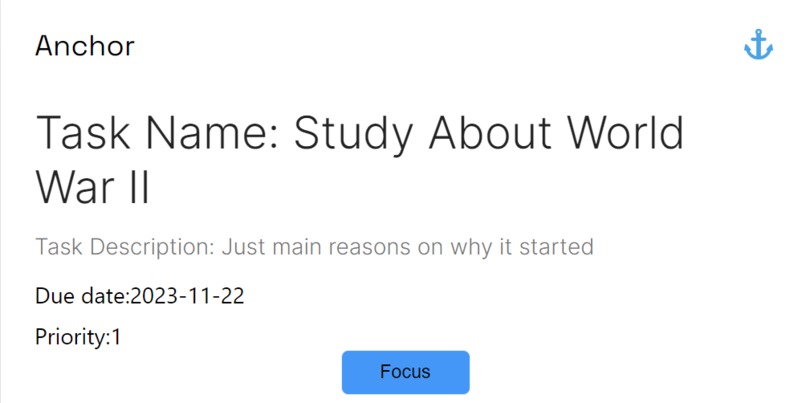
Once you tell Anchor what the task and description is, it generates smaller more actionable subtaks with advice on how to approach the task.



Inspiration
Our inspiration for this project was born from the crucible of procrastinating large assignments until the last possible moment and the art of cobbling together passable submissions fueled only by Monster Energy and divine intervention. As college students, we have all experienced the overwhelming feeling of not knowing where to begin and the paralyzing anxiety of taking that first step into an intimidating project. Developing a clear roadmap to tackle a large assignment is crucial to keep track of progress and manage time effectively, but breaking down a project into smaller actionable steps is often harder than it seems. A common pitfall of many is spending too much time crafting an overly-detailed plan and schedule to work on a task, only to get distracted 10 minutes in after clicking on an interesting link online. Navigating internet resources while studying can be perilous, as it takes mere minutes to find ourselves inexplicably immersed in a Wikipedia rabbit hole on Minecraft lore. Establishing a good roadmap is important, but it can be a true challenge in today’s digitalized world to stay focused on one task at a time without getting distracted by the myriad of attractive websites, communities, and social media platforms online.
What it does
Anchor is a chatGPT-powered Chrome extension that addresses two fundamental challenges: structuring projects into manageable subtasks and avoiding online distractions. After prompting the user to create a new task by adding a name and description, Anchor leverages the OpenAI API to generate concise subtasks. This provides a clear roadmap to tackle large tasks, which mitigates the anxiety around taking the first step. Once ready to start, the user can toggle Focus Mode, which dynamically monitors open Chrome tabs using ChatGPT. In Focus Mode, Anchor ensures that only tabs relevant to the current task remain accessible, blocking distracting websites and serving as a reminder to stay focused. We chose the name “Anchor” to convey our commitment to helping users anchor themselves to a specific task and overcome the temptation to procrastinate.
How we built it
After finalizing which problems we wanted to solve with our project, we settled on developing a Chrome extension to make our tool minimalistic, non-distracting, and easily accessible while browsing. We split the work by assigning a main task to each team member: 1) set up a boiler plate for the extension; 2) create a working interface linking the OpenAI API with the Chrome API; 3) design the UI on Figma; 4) implement the UI. After these tasks were completed, we split into backend (2) and frontend development to continue developing Anchor. Our tech stack uses HTML, CSS, JavaScript, and OpenAI’s GPT-3.5 Turbo API.
Challenges we ran into
Given our limited experience with Chrome extension development, we encountered many roadblocks over the course of the hackathon. Our main challenge was setting up communication between the Chrome and OpenAI APIs, in order to take data from the user and use it to generate responses with ChatGPT. We also had trouble figuring out how to successfully store inputted tasks and access the information related to a task. We were unfortunately unable to render our full user interface design due to time constraints, settling instead on a much simpler version. We also decided to scrap a number of core features we had in mind for Anchor, but we look forward to continue working on the project after HackPrinceton.
Accomplishments that we're proud of
In the short amount of time available, we were able to identify two real issues that affect the productivity of thousands of people and come up with a solution that tackles both. We were able to successfully interface with the OpenAI API, design a clean UI, and implement a basic version of the extension itself.
What we learned
We learned how to integrate the OpenAI API into a project, how Chrome extension development works, how to handle storage, good UI/UX design practices, and how to use pure JavaScript for frontend development.
What's next for Anchor
We are excited to continue developing Anchor into a public Chrome extension! We will work on implementing our Figma-designed user interface, as well as improving the overall functionality of the extension. We want to develop focus mode and integrate it seamlessly with Anchor, as well as improving how each component of the extension is connected.
Built With
- chrome-web-store
- css
- html
- javascript
- node.js

Log in or sign up for Devpost to join the conversation.