-
-
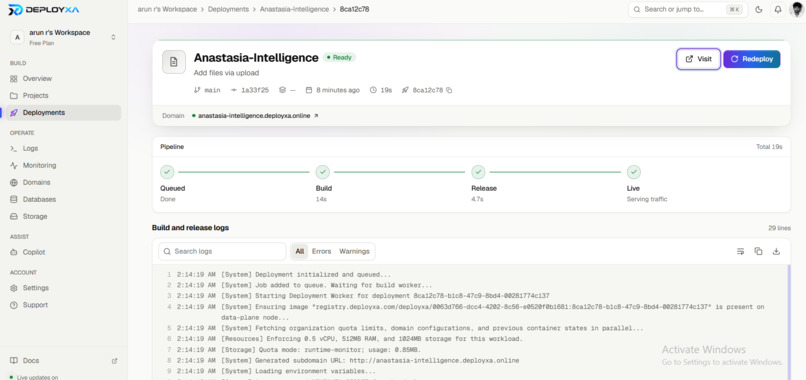
deployxa api run
-
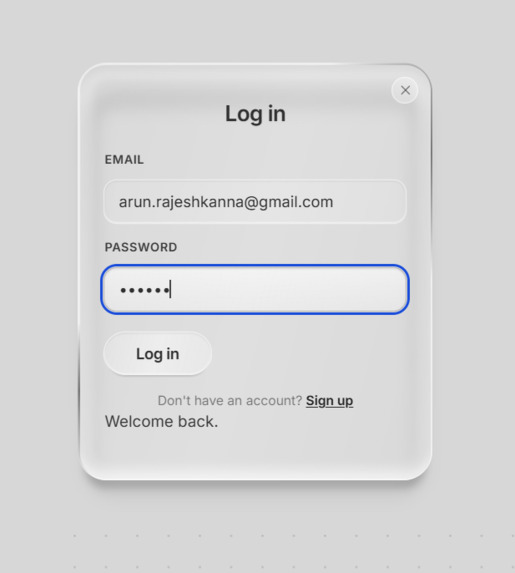
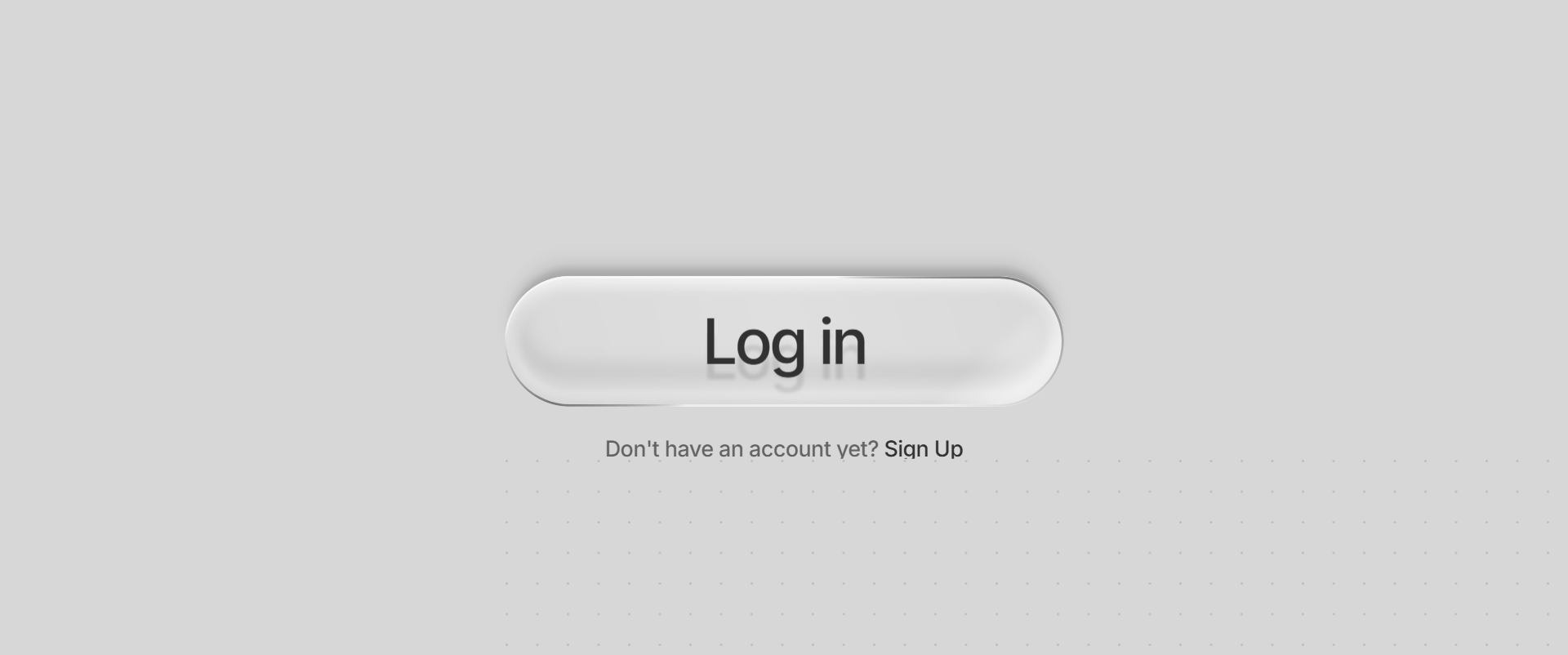
Log In
-
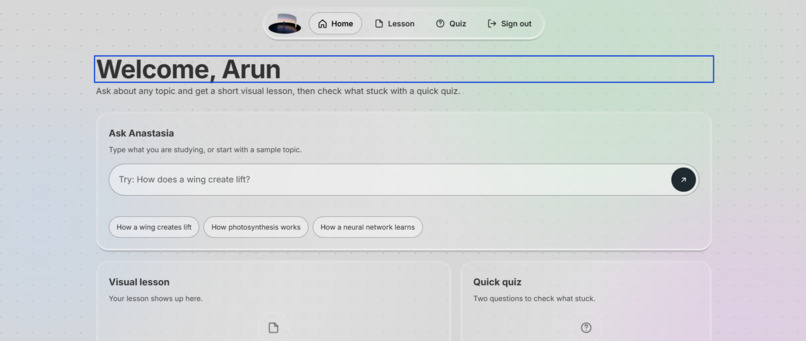
Search bar
-
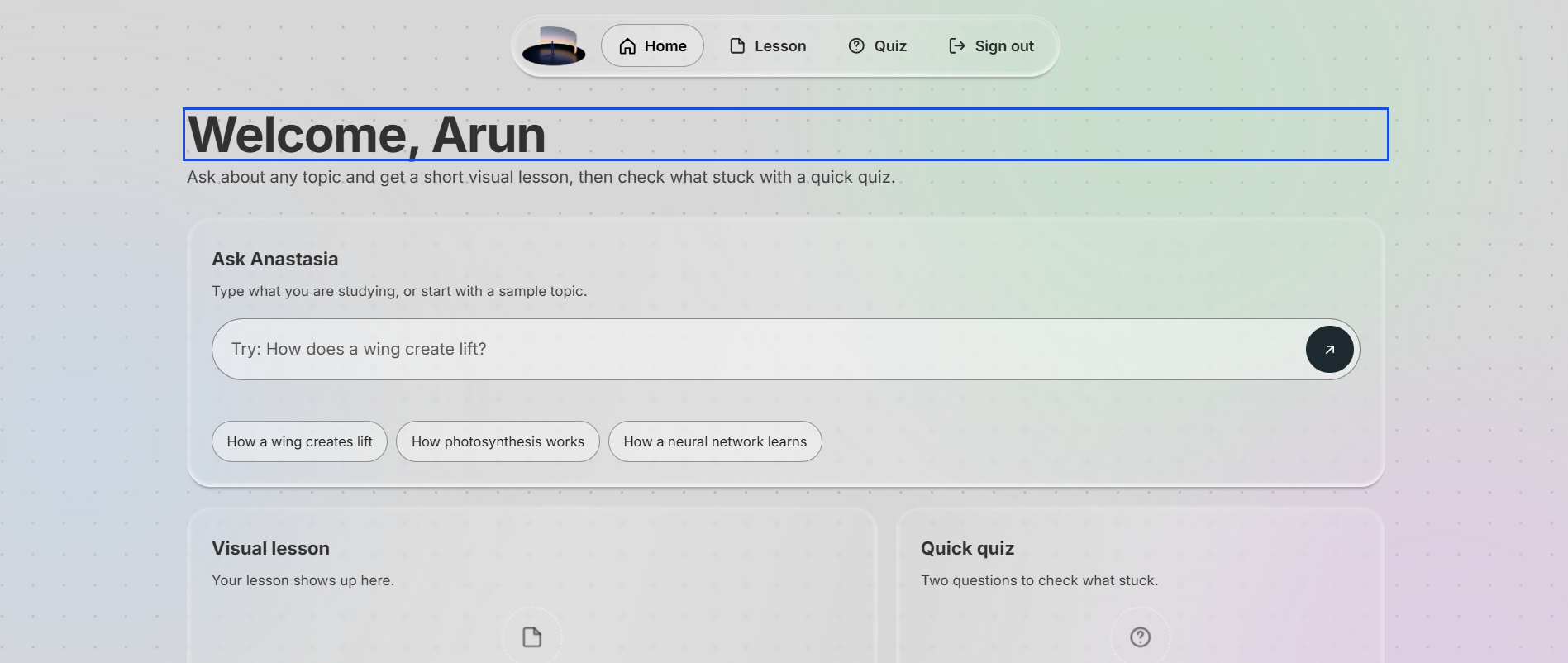
Front page
-
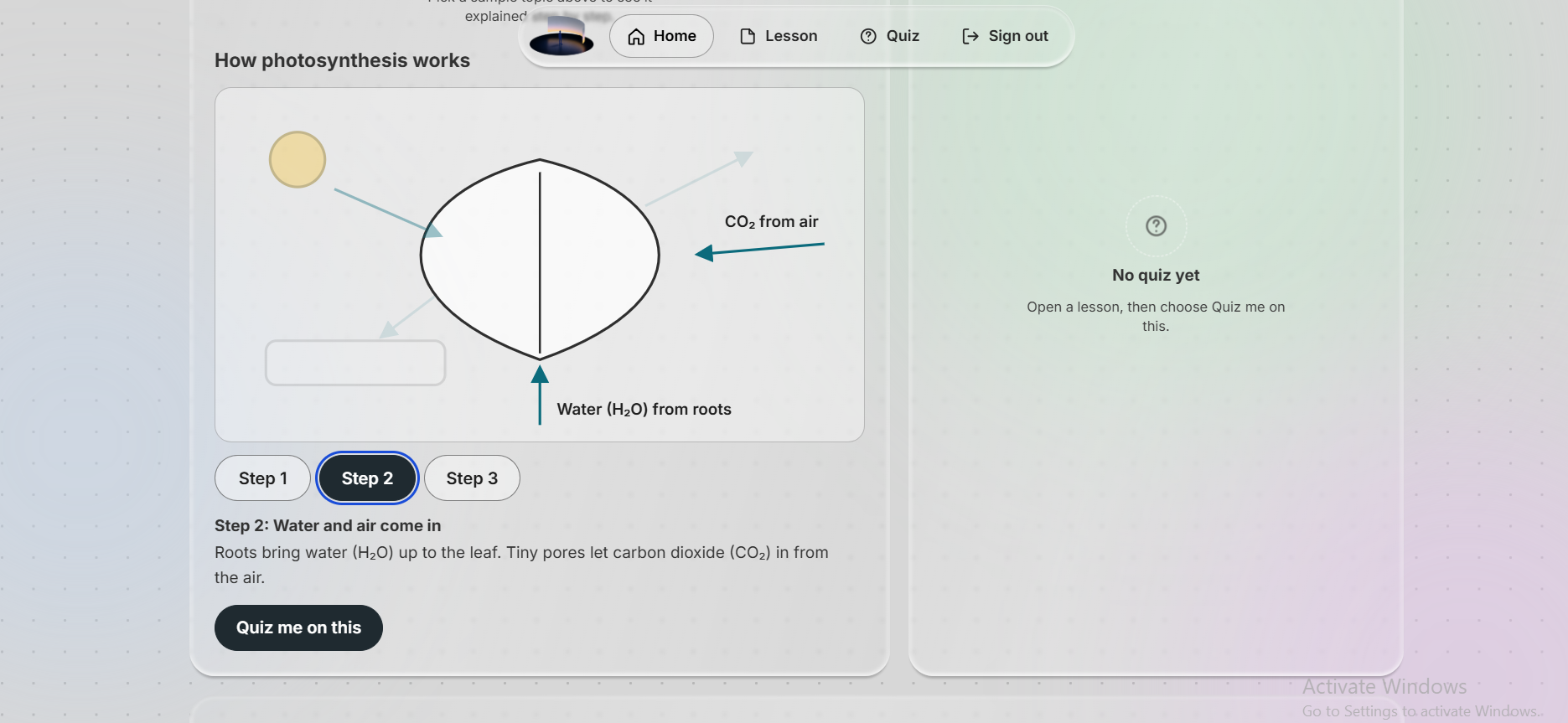
Visual learning
-
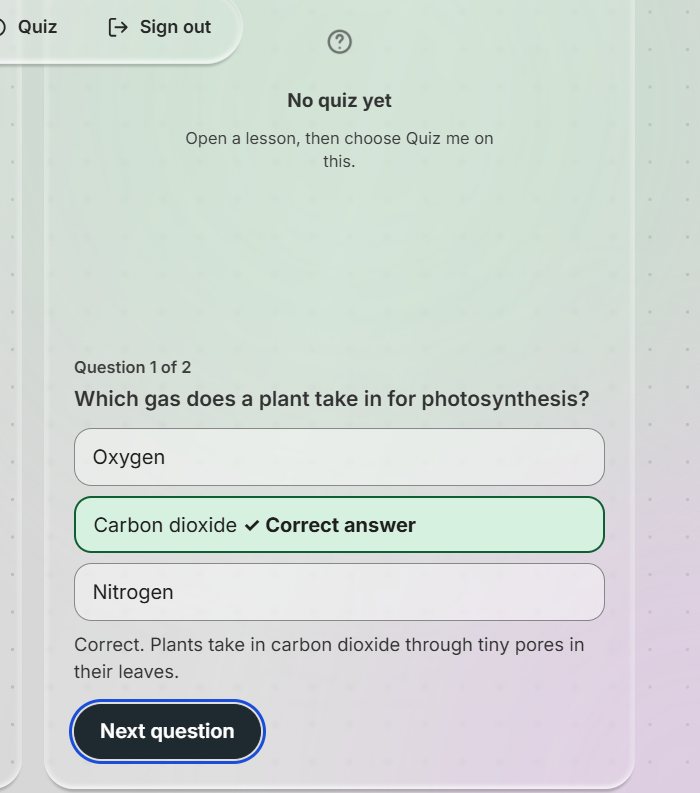
quiz
Inspiration
Most students don’t struggle because a topic is too hard. They struggle because it’s explained as a wall of text. I wanted a study tool where you ask about something, see it explained step by step, and then find out right away whether it stuck. I also wanted it to feel calm and clear, not like a cluttered dashboard.
What it does
Anastasia Intelligence turns a topic into a short visual lesson and a quick quiz.
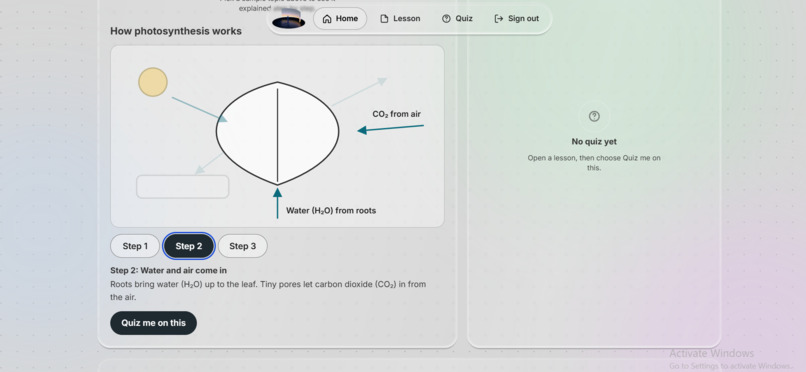
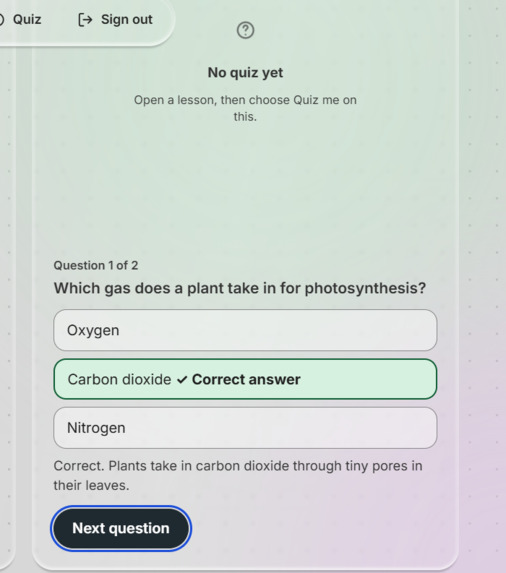
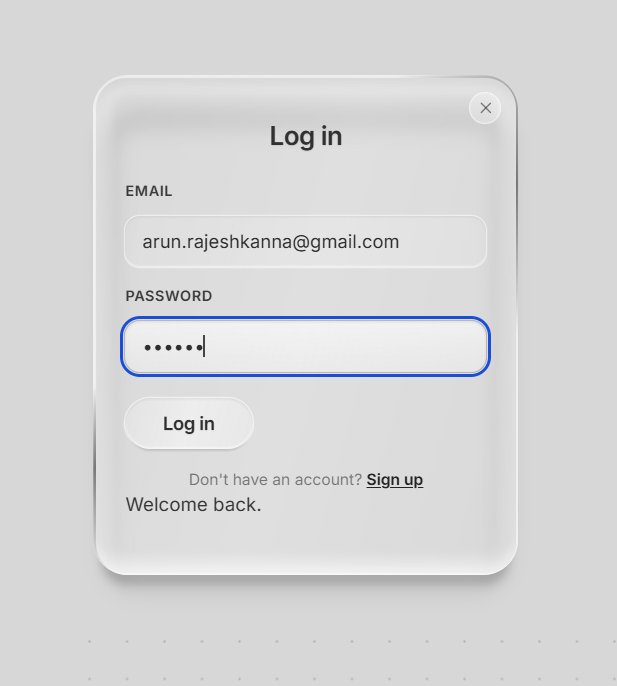
You type a topic or pick a sample, and a three-step animated diagram walks you through it, with a plain-language caption for each step. “Quiz me on this” gives you two questions with instant feedback and a score. A “Your lessons” panel keeps the lessons you’ve opened, your quizzes taken, and your best score for the session. There are working login and sign-up screens with clear error messages.
The demo includes three sample lessons: how a wing creates lift, how photosynthesis works, and how a neural network learns. The lessons are pre-written sample content, and if you ask for a topic outside those three, the app tells you so instead of making something up.
How we built it
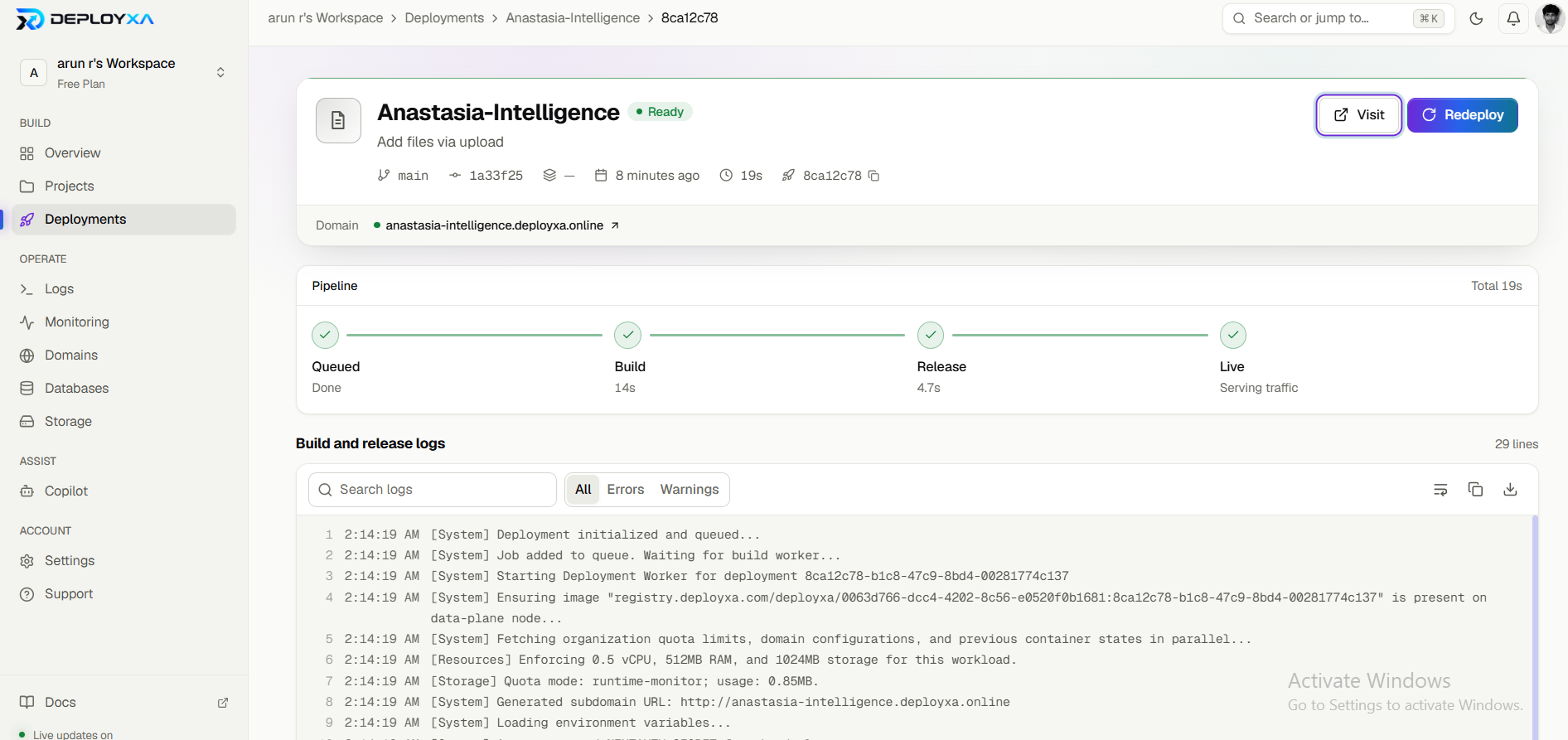
The interface is plain HTML, CSS, and JavaScript in a single page, with no framework and no backend. The glass look started in Webflow, and I rebuilt the dashboard around the learning flow. The diagrams are inline SVG whose parts light up one step at a time. The site is deployed on Deployxa by importing the GitHub repo through the Deployxa VS Code extension. I used an AI assistant (Claude) to help refine the code and build the lesson and quiz flow.
Challenges we ran into
A beautiful login with nothing behind it. The first version was a polished glass login page leading to an empty dashboard, so I rebuilt the dashboard around a single complete flow: ask, learn, quiz, review. Readability on glass. Text on translucent surfaces is easy to make unreadable, so I raised contrast and added visible focus states. Not relying on color alone. Quiz feedback and diagram labels use words and icons, not just red and green. Deploying fast. I didn’t have Git installed, so I uploaded the file through GitHub’s web page and imported the repo into Deployxa.
Accomplishments that we're proud of
A complete, working flow from topic to lesson to quiz to saved progress. A visual style that doesn’t look like a template. Accessibility considered from the start: labels on every input, keyboard-friendly controls, clear error messages, and reduced-motion support. Going from an idea to a live deployed site within the hackathon window.
What we learned
A tool that does one thing from start to finish is more convincing than many half-built features. I also learned that glass effects need extra care to stay readable, and that being upfront about what is sample content makes a prototype more trustworthy.
What's next for Anastasia Intelligence
Connect it to a live AI model so any topic can become a lesson, not just three. Add more diagram types and longer quizzes. Save progress to an account, with spaced repetition to bring back topics you got wrong. Add a Tamil and other-language mode, and test with screen readers. Run formal accessibility audits and test with real students.
Built With
- claude
- css3
- deployxa
- html5
- javascript
- vscode


Log in or sign up for Devpost to join the conversation.