-
-
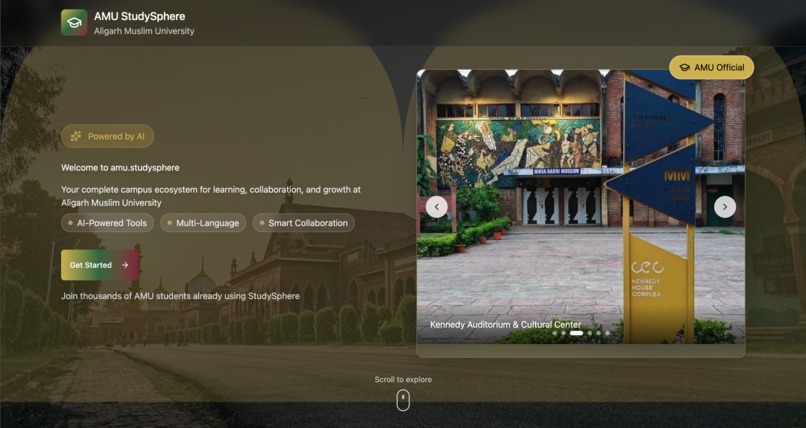
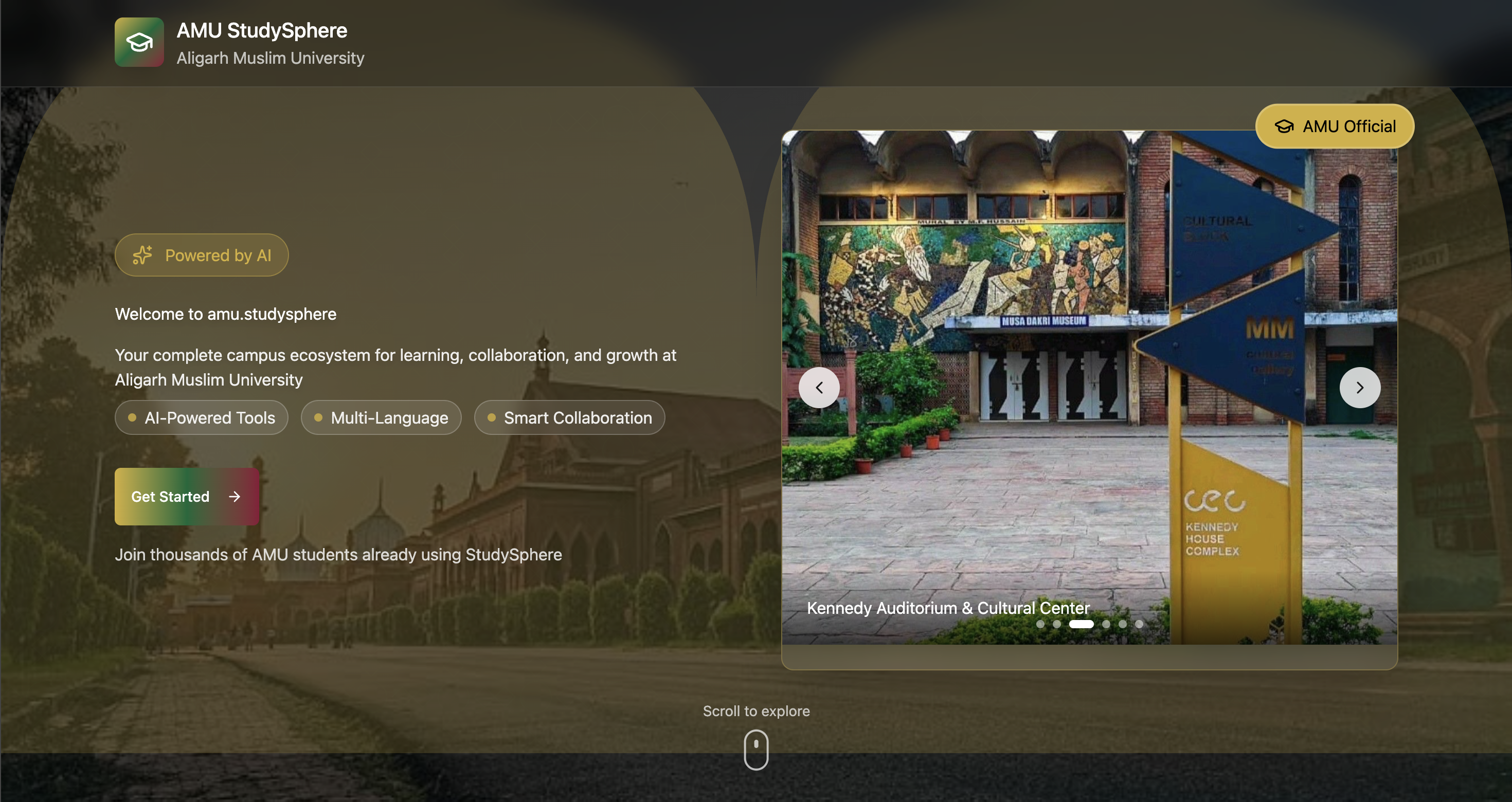
Get a sneak peek of Amustudysphere’s interactive content and explore courses, tools, and features before signing up.
-
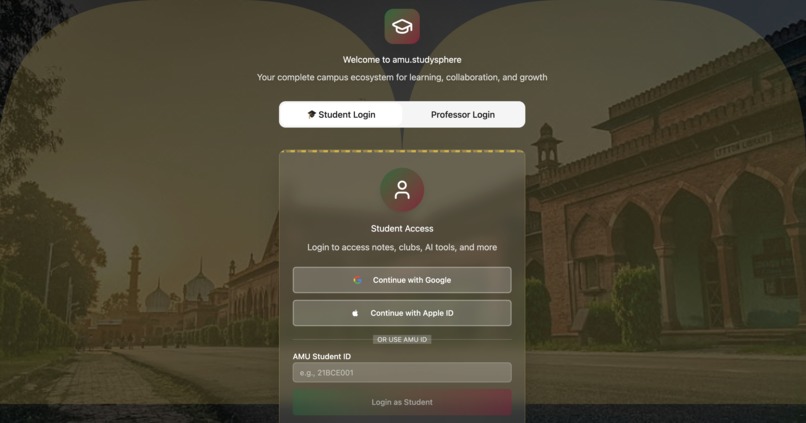
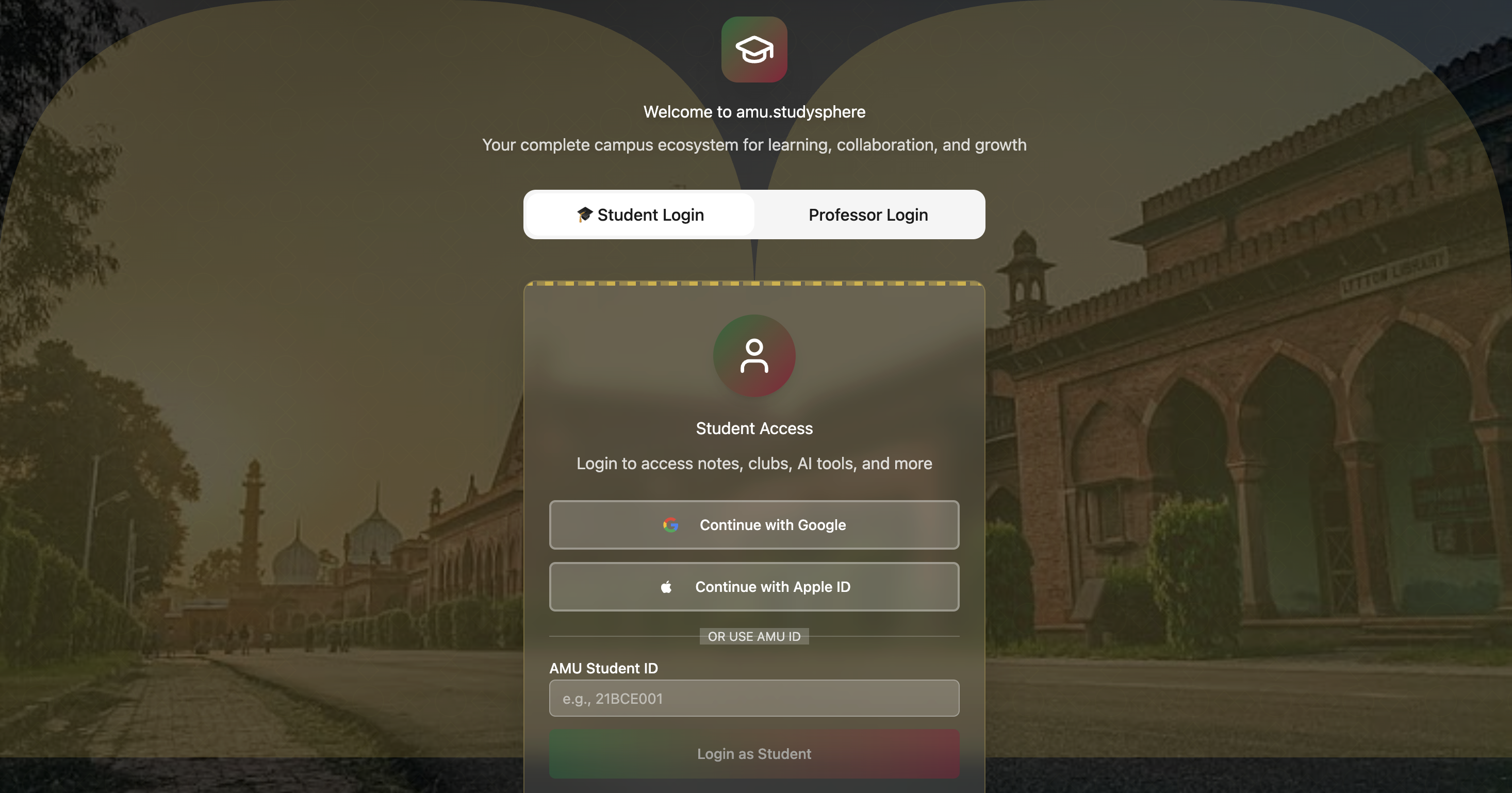
Securely access your personalized dashboard with a simple, intuitive login system.
-
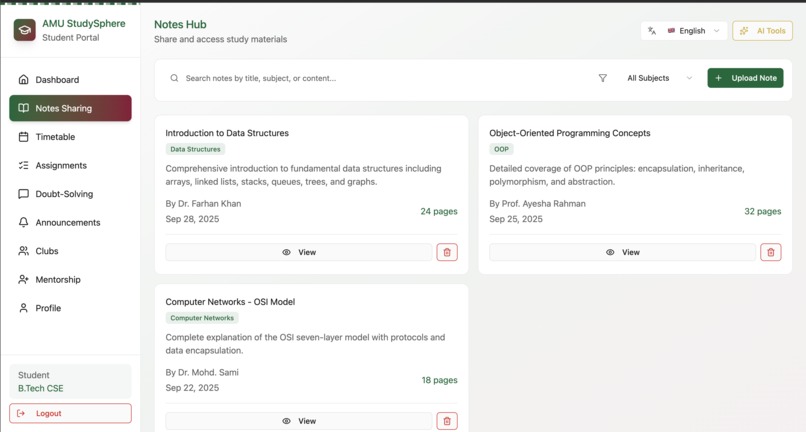
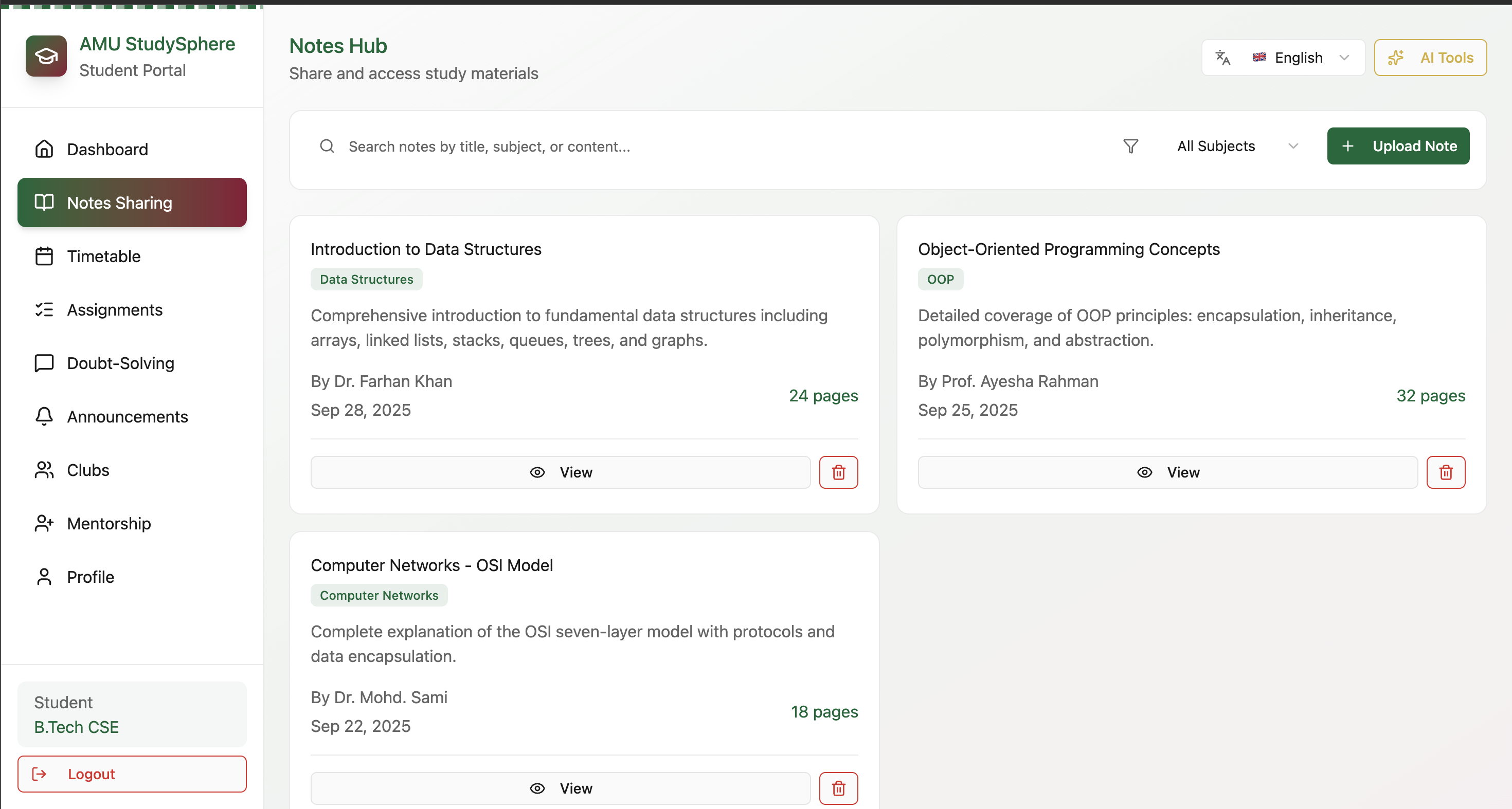
Easily share, collaborate, and access study notes with peers anytime, anywhere
-
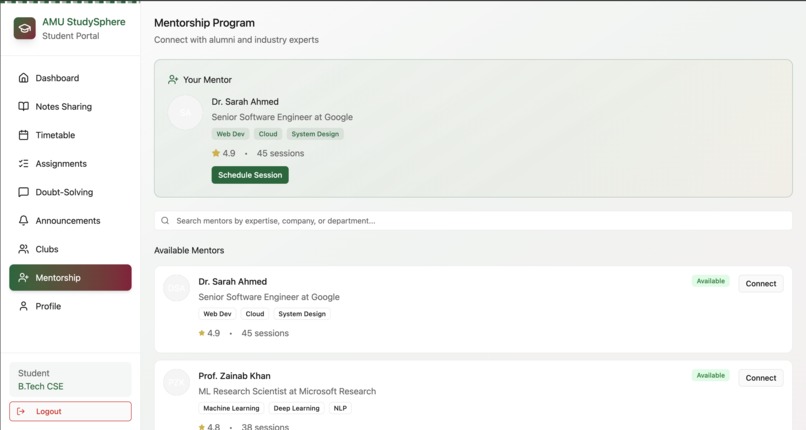
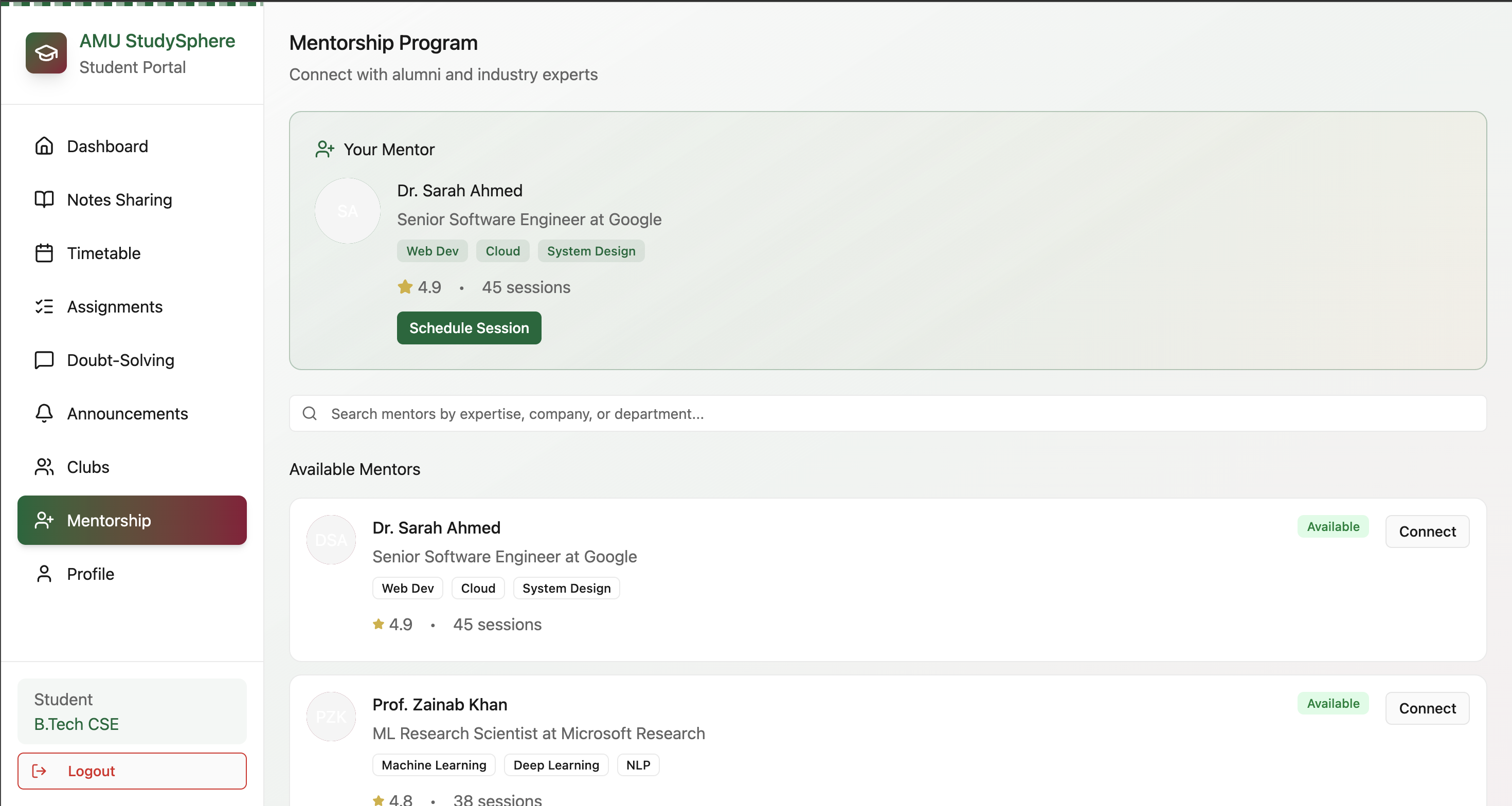
Connect with expert mentors for guidance, doubt-clearing, and personalized learning support.
-
Switch seamlessly between light and dark modes for a comfortable study experience anytime.
-
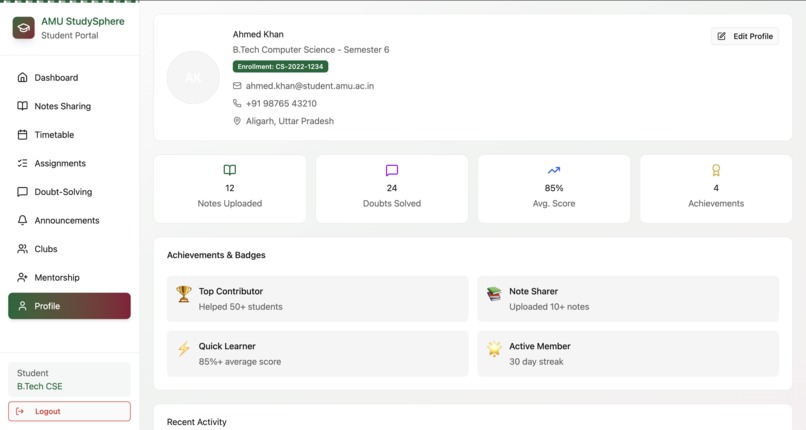
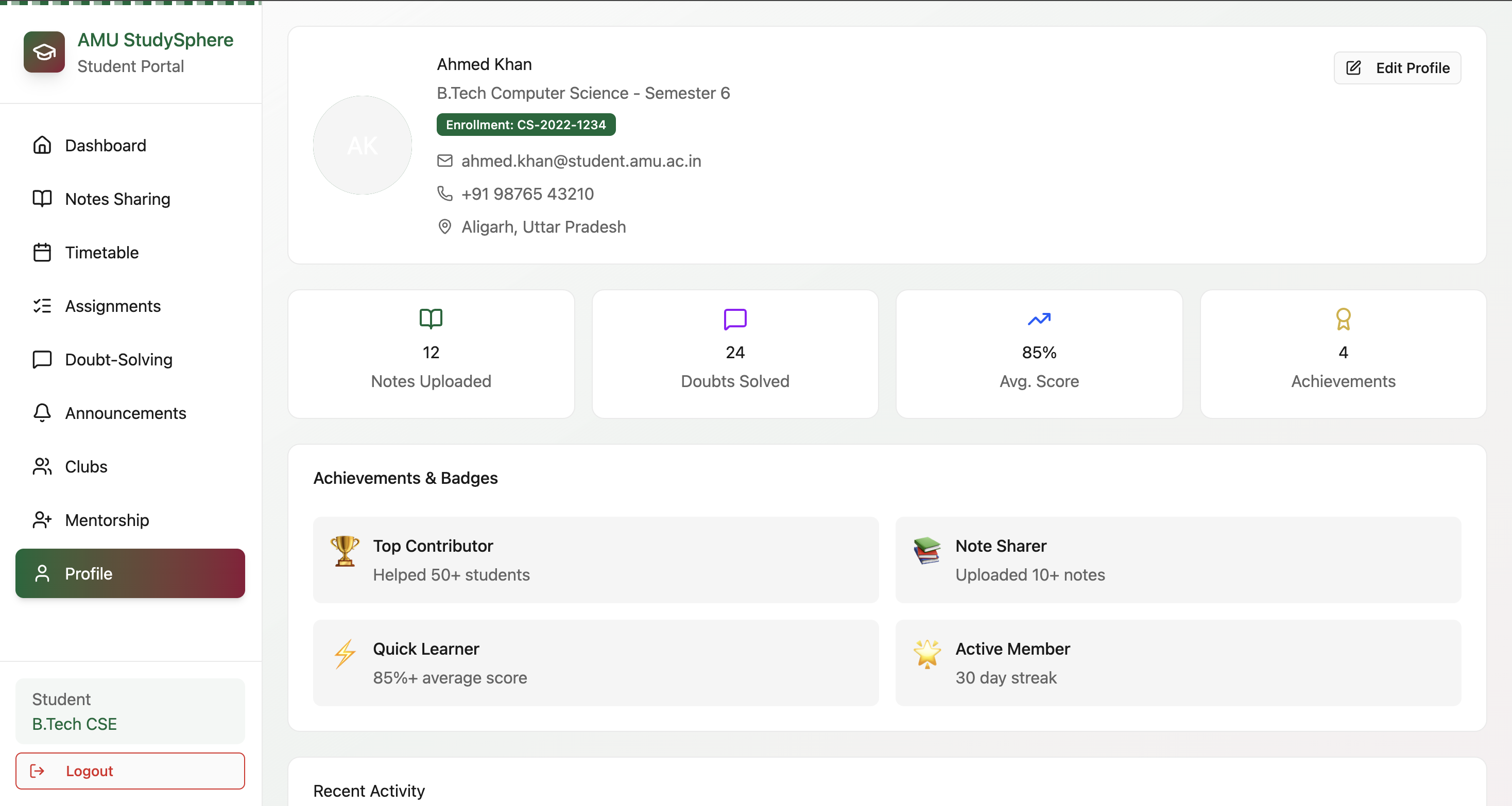
Manage your learning journey track progress, update details, and personalize your dashboard.
🧠 AMU StudySphere
AMU StudySphere is a comprehensive AI-powered platform designed to streamline academic life for AMU students and faculty.
It combines study planning, AI-powered tools, multilingual support, club management, mentorship, and collaboration features to create a one-stop solution for managing learning and teaching activities.
🎯 Purpose
AMU StudySphere centralizes all academic information and resources, helping students and faculty:
- Stay organized with smart reminders, timetables, and tasks
- Collaborate and engage with peers and clubs
- Utilize AI to summarize notes, solve doubts, and enhance learning
- Access resources in multiple languages (English, Hindi, Urdu)
- Receive mentorship and guidance from faculty and ex-alumni
The platform is designed to simplify workflows, increase productivity, and enhance academic engagement.
🌟 Key Features
AI-Powered Tools
- Notes Hub & AI Summarizer – Automatically generate summaries of notes and study materials
- AI Study Assistant – Personalized guidance for study planning and question solving
- Smart Reminders & To-Dos – Stay on top of assignments, tasks, and deadlines
- Multi-Language Support – Full support for English, Hindi, and Urdu with real-time translations
- Audio Mode – Listen to notes and materials via text-to-speech
- Doubt-Solving Forums – Post questions and collaborate with peers
Club & Community Features
- Join and follow club communities to get updates and AI-generated notifications
- View upcoming club events and announcements
- Request the creation of new clubs if relevant options are missing
Timetable & Schedule Management
- Sync class schedules and receive smart reminders
- Track assignments, pending tasks, and class details
- Professors and students both have dedicated dashboards to track lectures and activities
Mentorship
- Connect with ex-alumni and faculty mentors for guidance and career advice
- Personalized mentorship support to enhance student learning
👩🏫 Professor Portal
Professors have a dedicated interface with tools for teaching, management, and engagement.
Login
- Google ID or faculty email authentication
Dashboard
- Overview of courses taught, number of students, and scheduled lectures
- AI-powered teaching tools:
- Quick Quiz Generator – Generate quizzes automatically
- Lecture Notes Translation – Convert lectures to Urdu or Hindi
- Lecture Summarization – Summarize long notes quickly
- Quick Quiz Generator – Generate quizzes automatically
Actions & Resources
- Upload lecture notes, post notices, and manage schedules
- View student Q&A and track student engagement
- Search and filter notes, assignments, and materials
Additional Features
- Timetable view – See classes, lectures, and schedules
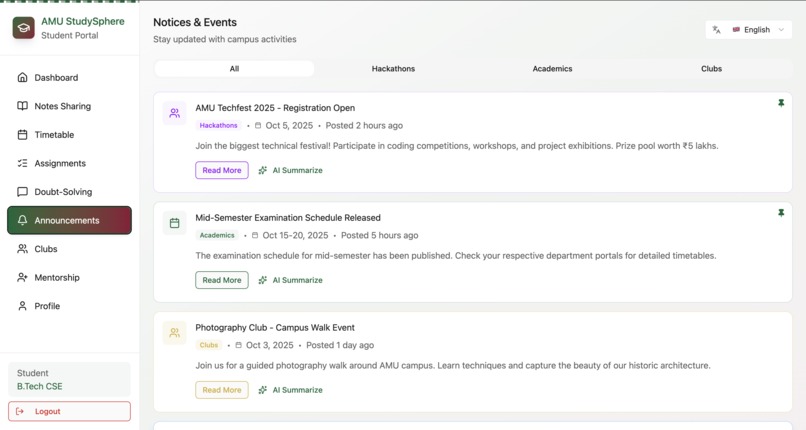
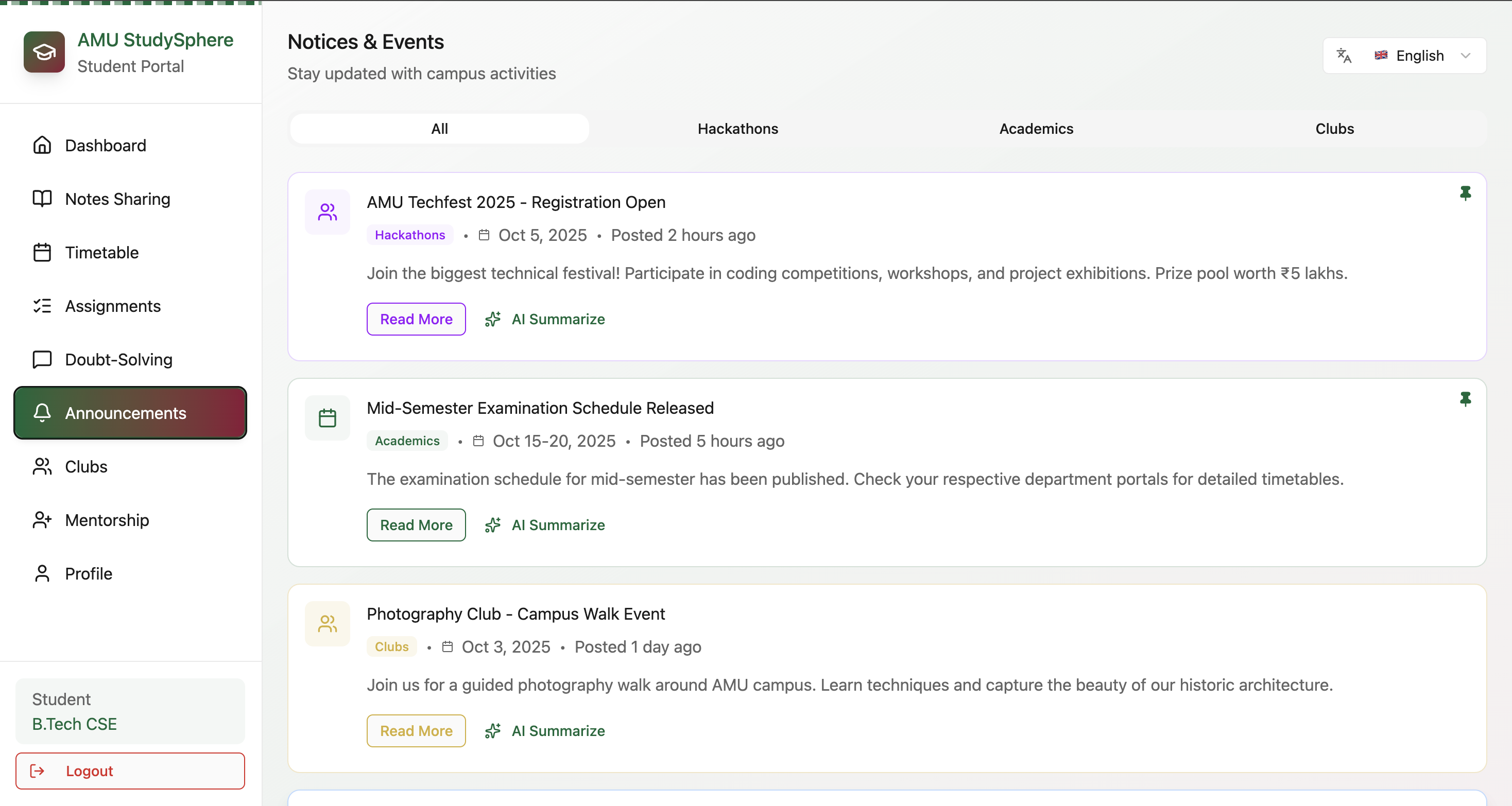
- Announcements – Club events and academic notices
- Profile & Achievements – Badges like Top Contributor, Quick Learner, Note Sharer, and streak tracking (e.g., 30-day streaks)
👨🎓 Student Portal
Students access a dedicated dashboard for study planning, resources, and collaboration.
Login
- Student ID or Google account authentication
Dashboard Overview
- Total notes, upcoming assignments, pending tasks, and today’s classes
- Personalized schedule and reminders
Features
- Notes Sharing – Upload, share, or access notes and previous year papers
- Timetable Management – View classes and room numbers
- Assignments – Track progress and due dates
- Doubt Solving – Ask questions or help other students
- Announcements – Upcoming events and notices from clubs
- Clubs – Register for clubs or request new ones
- Mentorship – Guidance from faculty and ex-alumni mentors
- Profile & Achievements – Badges and daily streaks to track engagement
🛠️ Tech Stack
- UI/UX Design: Figma
- Frontend: HTML, CSS, JavaScript (or React if coded)
- AI Integration: Summarization, translation, text-to-speech tools
- Version Control: Git & GitHub
💡 Future Enhancements
- Backend integration for real-time updates and database storage
- Mobile app version for cross-platform access
- Offline mode for study material access
- Enhanced AI tutoring and resource recommendation
👩💻 About the Creator
Hi! I’m Sadia Peerzada, a tech enthusiast passionate about AI, web development, and productivity tools.
AMU StudySphere is built to make academic and club activities smarter, faster, and more accessible for students and faculty alike.
Built With
- css3
- express.js
- figma
- node.js
- react
- tailwind

Log in or sign up for Devpost to join the conversation.