Inspiration
We all struggle with saving scattered bits of information while browsing the web. We jump between tabs and tools, copying and organizing content, which often breaks focus and disrupts learning or research.
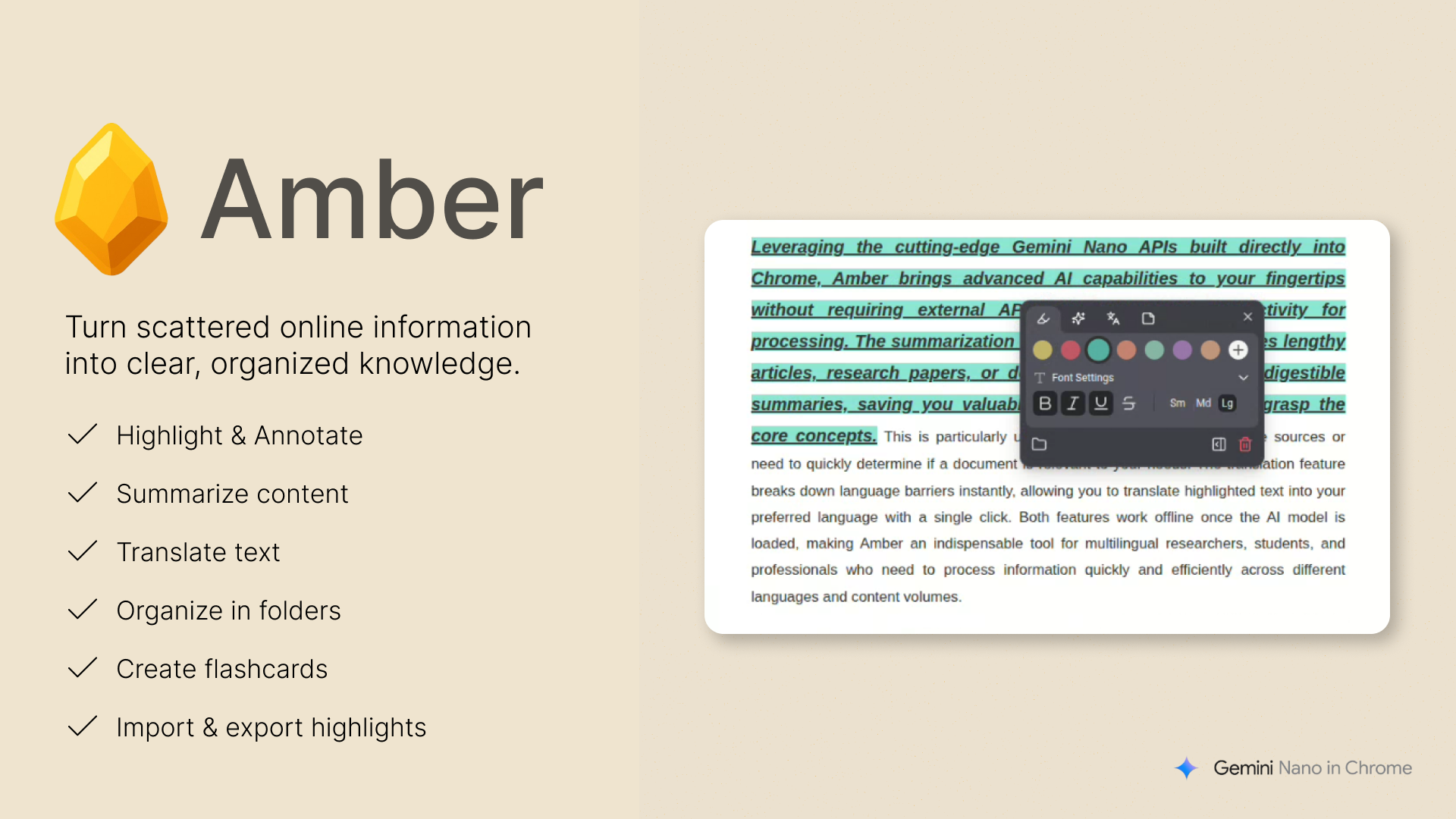
That’s exactly why Amber was created, a Chrome extension that preserves your highlights and organizes them neatly into folders. Just like amber stone preserves objects in time, Amber captures and keeps your web content safe, letting you highlight, summarize, translate, and share your highlights and notes with ease, powered by Chrome’s built-in Gemini Nano API. All your data is stored locally and privately, ensuring your information always stays in your hands.
What It Does
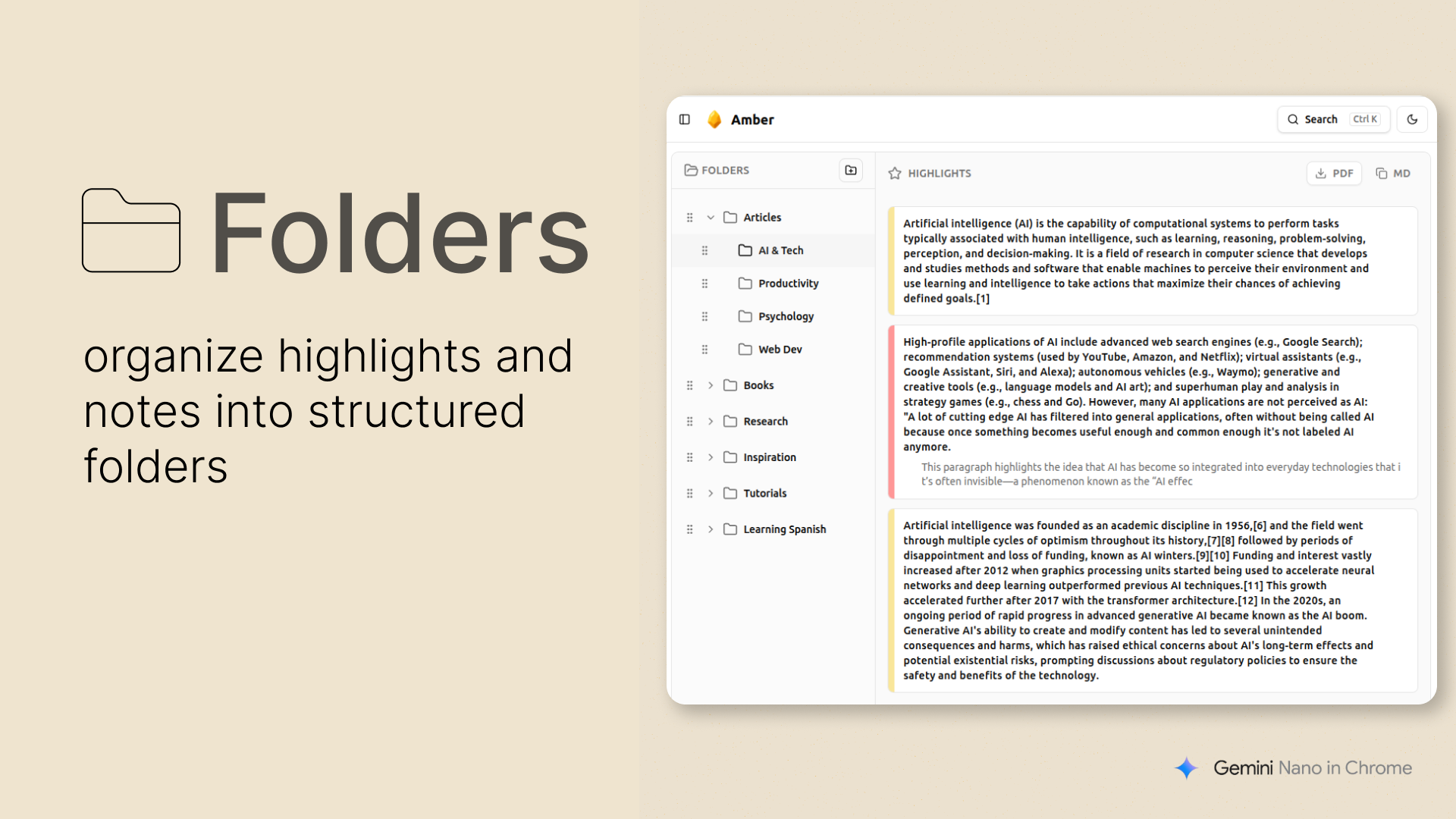
Amber lets you highlight any piece of text on the web, apply different styles, and organize your highlights into folders. Your highlights are automatically saved and reappear whenever you revisit the same page.
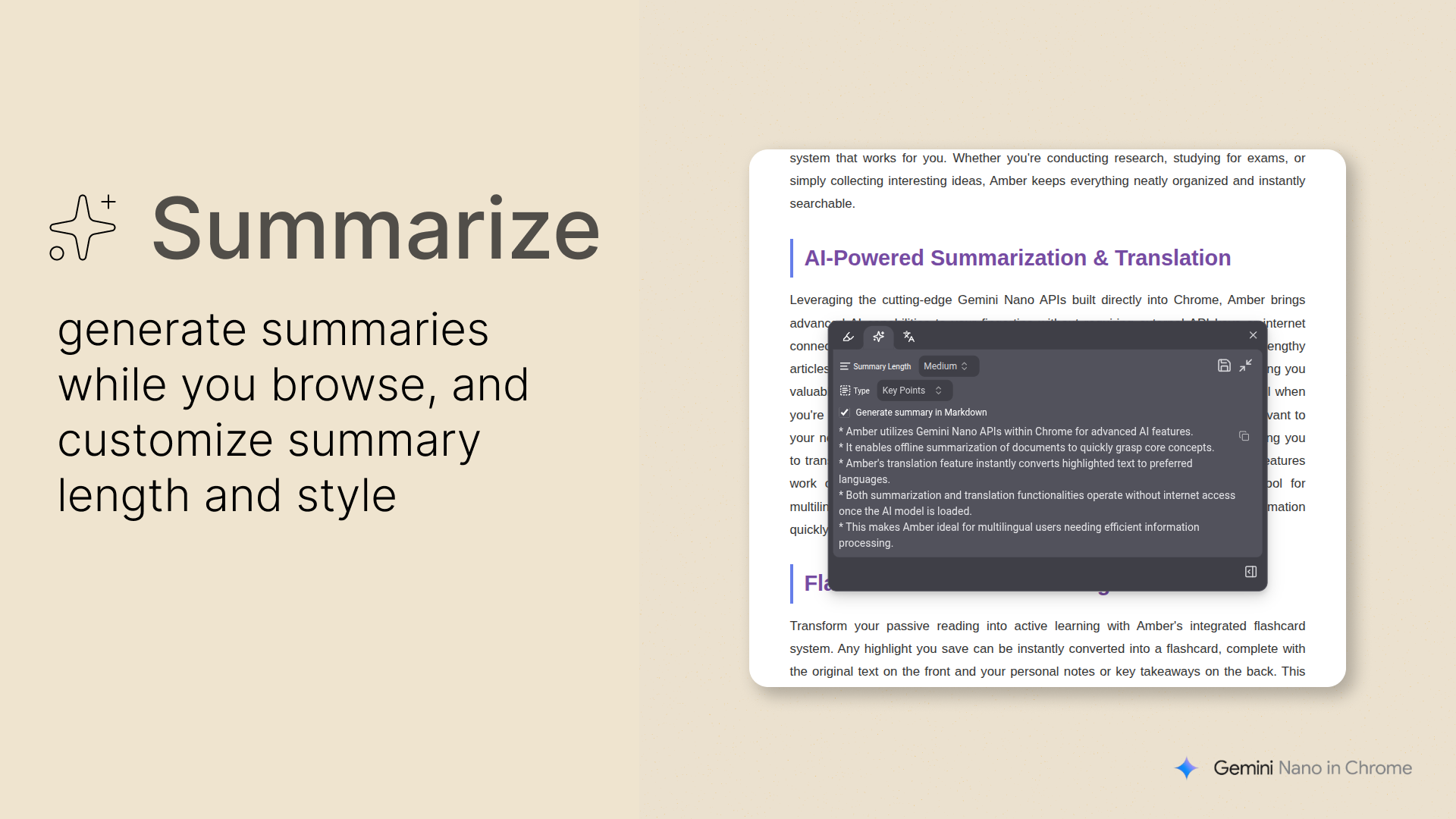
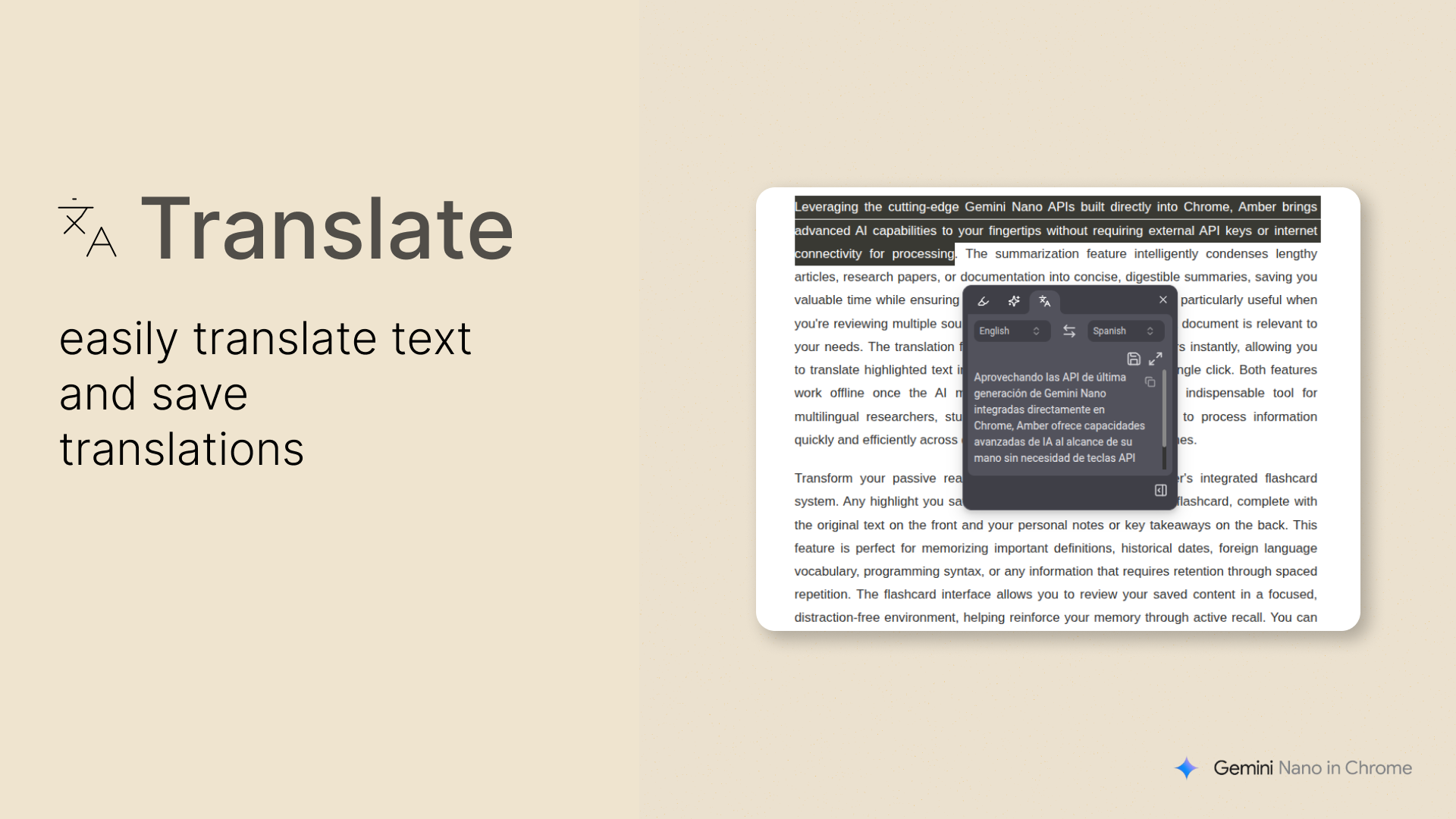
It also provides instant translation and summarization. Simply select any text, and a popup appears with the results while you browse.
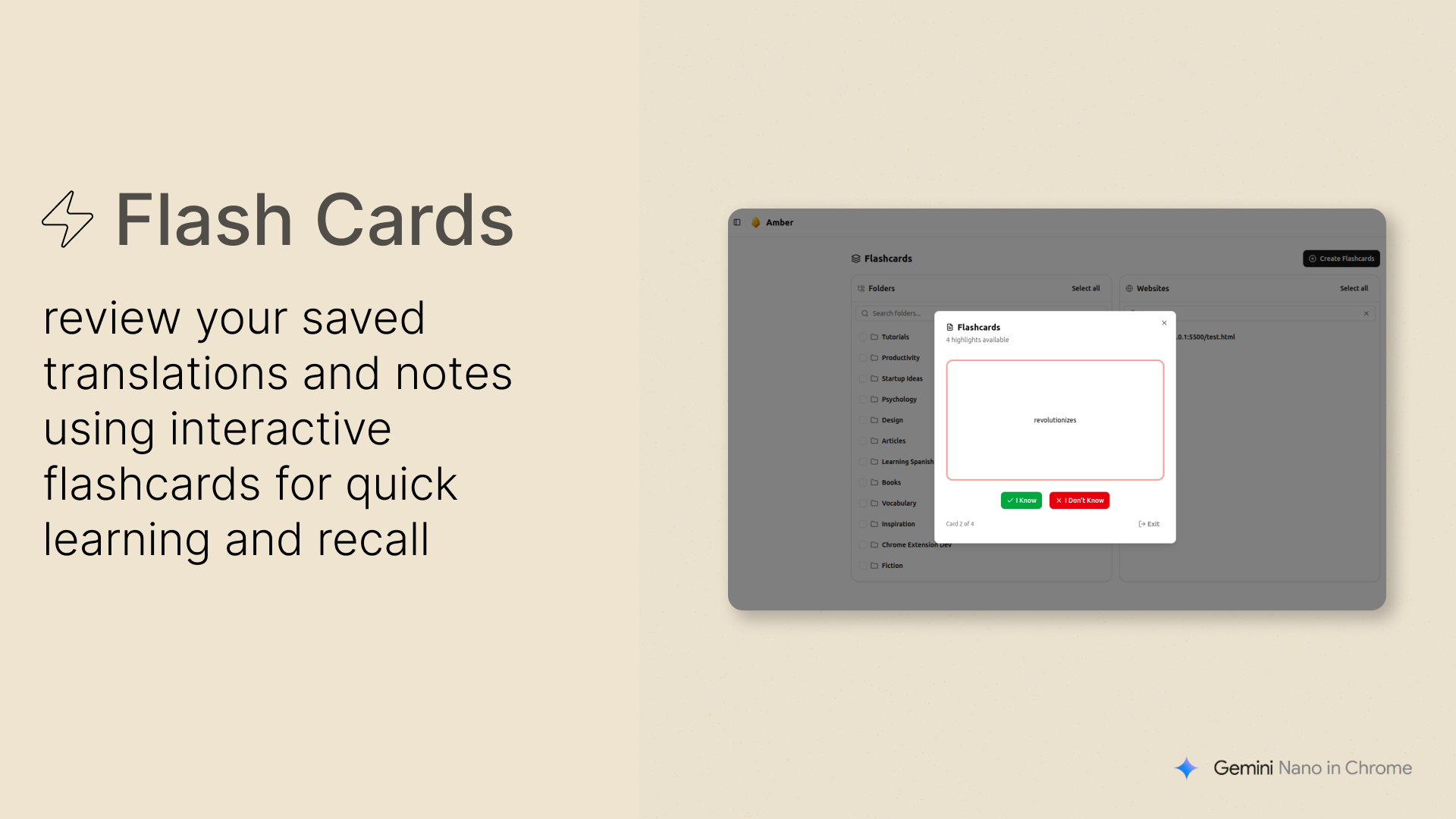
You can turn your saved notes or translated vocabulary into interactive flashcards, helping you review and reinforce what you’ve learned.
All your data in Amber can be imported or exported, allowing you to share your collections or keep secure backups easily.
How It Is Built
Amber is built using the WXT framework and React, enabling modular, reusable components and a smooth development process through Hot Module Reloading (HMR).
The interface is designed with shadcn/ui, ensuring a clean, modern, and consistent user experience.
All user data, including folders and highlights, is stored locally using IndexedDB with Dexie.js, providing high performance and complete privacy.
Integration with the Gemini Nano Summarization and Translation APIs adds offline, built-in functionality that keeps data secure and private while browsing.
Challenges We Ran Into
One of the main challenges was working with the built-in Gemini Nano model, which has multiple possible states for each API such as not available, downloadable, downloading, or available. Handling these cases correctly was essential to ensure the summarization and translation features worked smoothly.
To solve this, a Help page was created to monitor the status of the Gemini Nano model, guide users through the necessary setup steps, and ensure the required APIs are properly triggered. It also displays individual status indicators for each API, helping users understand the current state of both the summarization and translation features. The page provides clear navigation to all the needed Chrome flags and includes trigger buttons that prompt Chrome to start downloading the model directly, making it simple for everyday users to activate all the AI-powered features.
What's Next for Amber
The journey of Amber is just getting started. Several exciting enhancements are planned to make it even more powerful and seamless.
PDF Integration: Support for in-browser PDF highlighting and annotation is being developed by integrating a custom PDF parser. This will bring all Amber’s features such as highlighting, summarizing, translating, and organizing directly into your PDF workflow.
AI Model Expansion: A dynamic system will be added to let users connect Amber with any large language model (LLM) such as Gemini 2.5 or future on-device models, allowing personalized summarization and context-aware insights.
Community Sharing: A dedicated community platform will enable users to share their most insightful highlights, notes, and summaries, creating a collaborative knowledge hub for learners and researchers.
Cross-Device Sync: Planned support for secure cloud sync so your highlights and folders stay consistent across devices while maintaining data privacy.


Log in or sign up for Devpost to join the conversation.