-
-
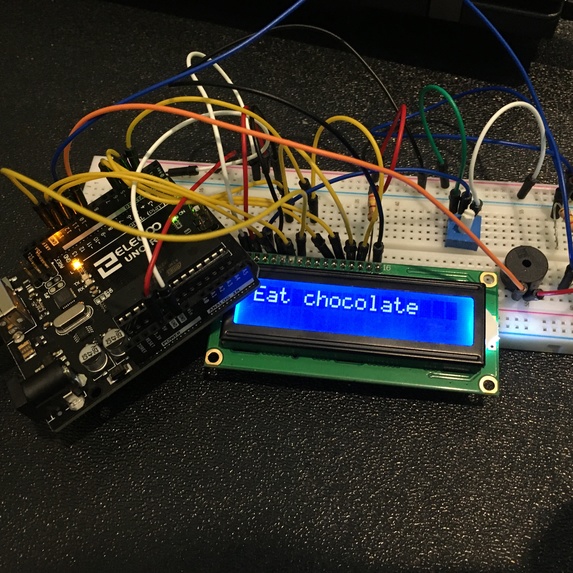
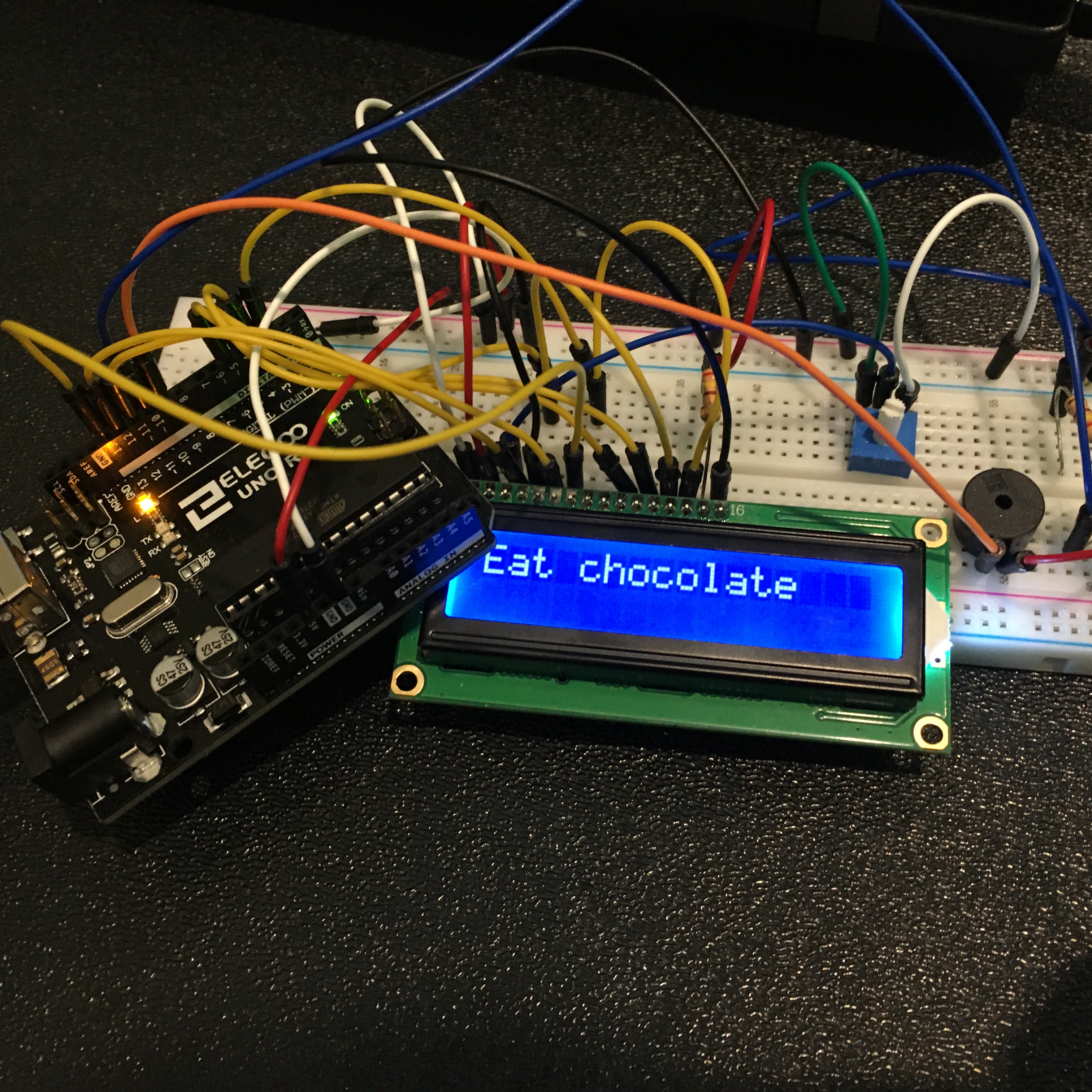
For fun, the alarm also tells you to eat chocolate
-
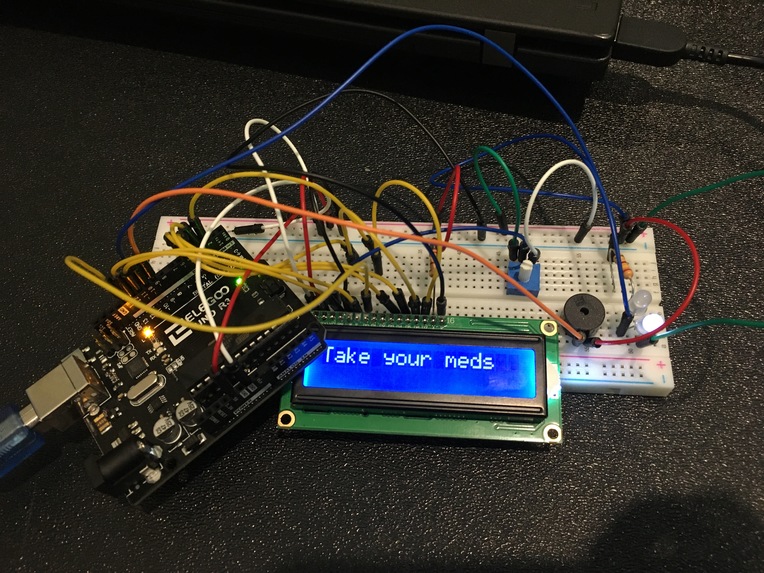
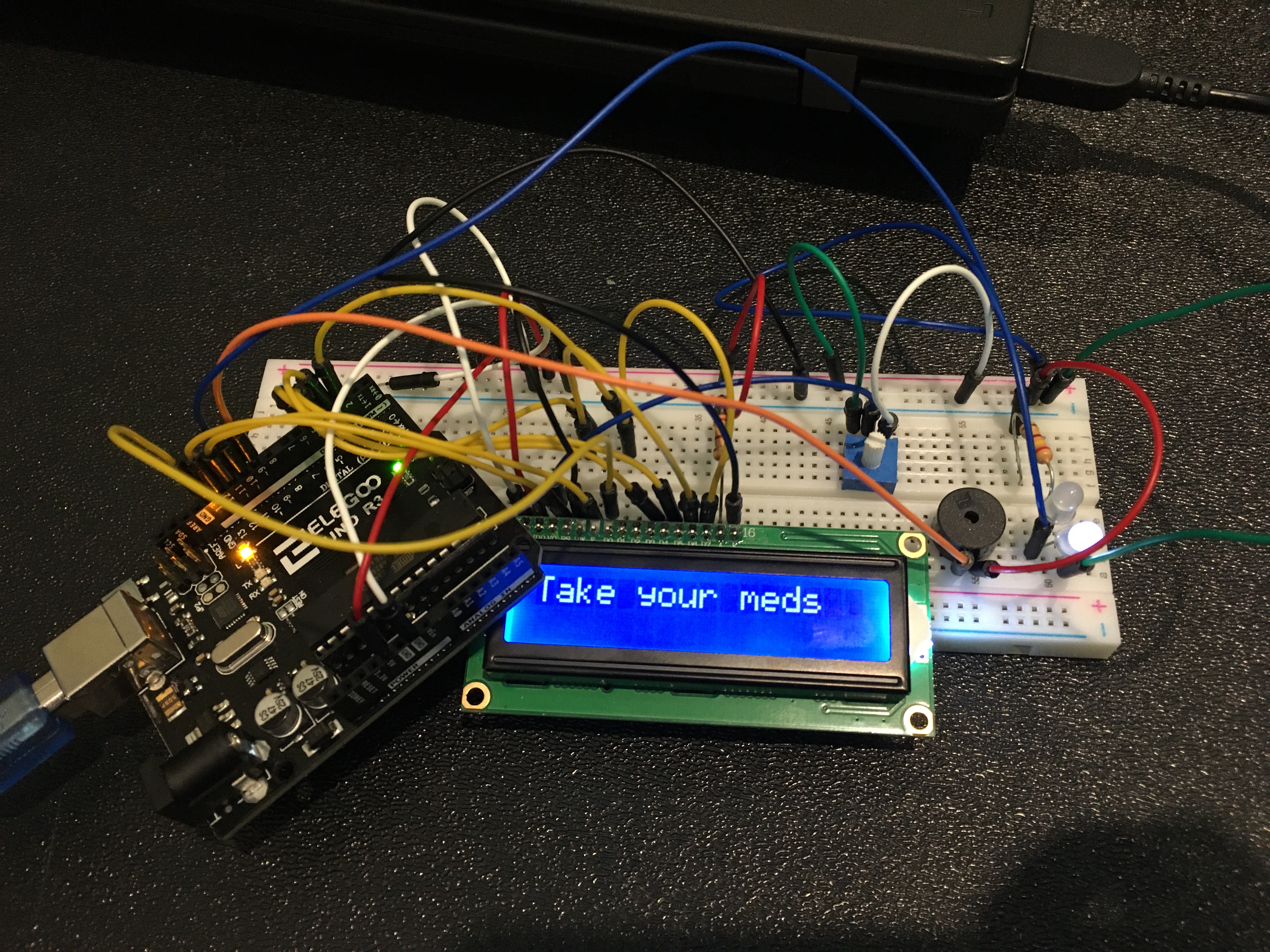
Take your Meds
Inspiration
The inspiration for this project was myself because I personally have a problem forgetting to take medication when my phone is in another room or not loud or visually notifying enough. In addition, this project was inspired by my grandma who like many seniors is not very good with technology and still has a flip phone. In addition, she has trouble figuring out how to set a timer or alarm on a computer or phone because many of these user interfaces were not designed with seniors in mind.
What it does
The Arduino Medication Reminder goes off after a delay of the users choosing. When it goes off it notifies the user to take their medication with blinking lights, a buzzer, and a message on the liquid crystal screen.
How I built it
It is built with an Arduino, a breadboard, jumper cables, resistors, a screen component, a buzzer component, and LED light.
Challenges I ran into
One challenge we ran into was trying to wire our Arduino and breadboard correctly, especially because they were so many wires and some got entangled with each other. Another challenge was matching our code to the specific pins we chose on the Arduino. Additionally, at first we were choosing random resistors instead of reading the amount of ohms each resistor was which gave us some problems. Thankfully, however, we were able to fix this mistake.
Accomplishments that I'm proud of
Our accomplishment we are proud of is planning a project that was doable in the allotted period of time and finishing it within our time constraints. We are proud that we were able to use all the components (lights, buzzer, ect.) that we planned to use from the start.
What I learned
We learned a lot about making circuits and choosing the right resistors for our specific needs instead of using random resistors. We learned how to use the provided Arduino libraries and the specific functions from these libraries.
What's next for Amazing Medication Reminder made with Arudino
We hope to get and RTC component which would allow the Arduino to have actually hard code clock functionality instead of a delay. That way you would be able to ask for a specific time for the Arduino to alarm which is much easier than setting it for a large amount of seconds delay. Also, we would like to have to user be able to set the timer with a clicker or app, so no need to use a desktop or laptop to do so. In addition, In the future we would like to add more LED lights and a louder buzzer. The reason they were not as bright as intended is we are using the 5 volt pin instead of the 3.3V but maybe in a later prototype we will utilize both.


Log in or sign up for Devpost to join the conversation.