-
-
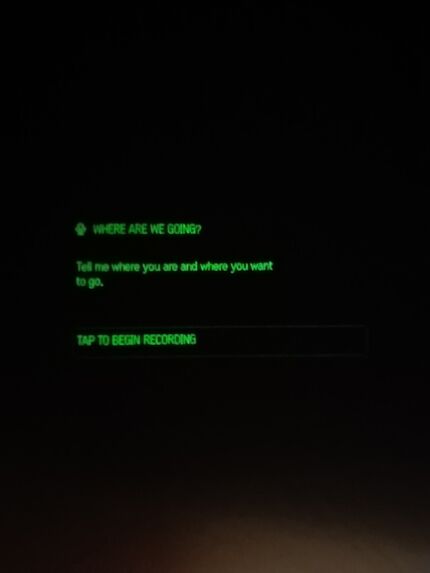
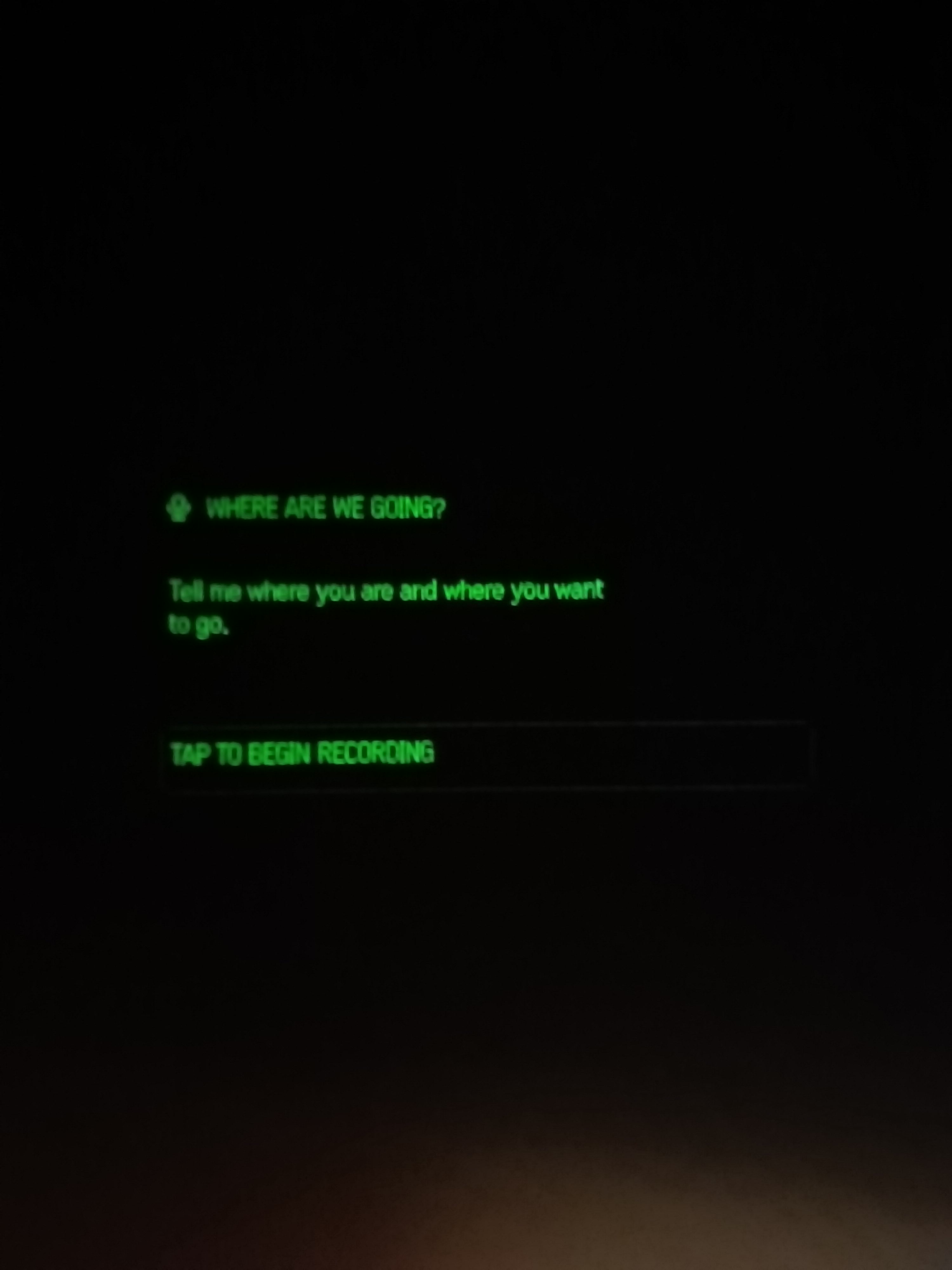
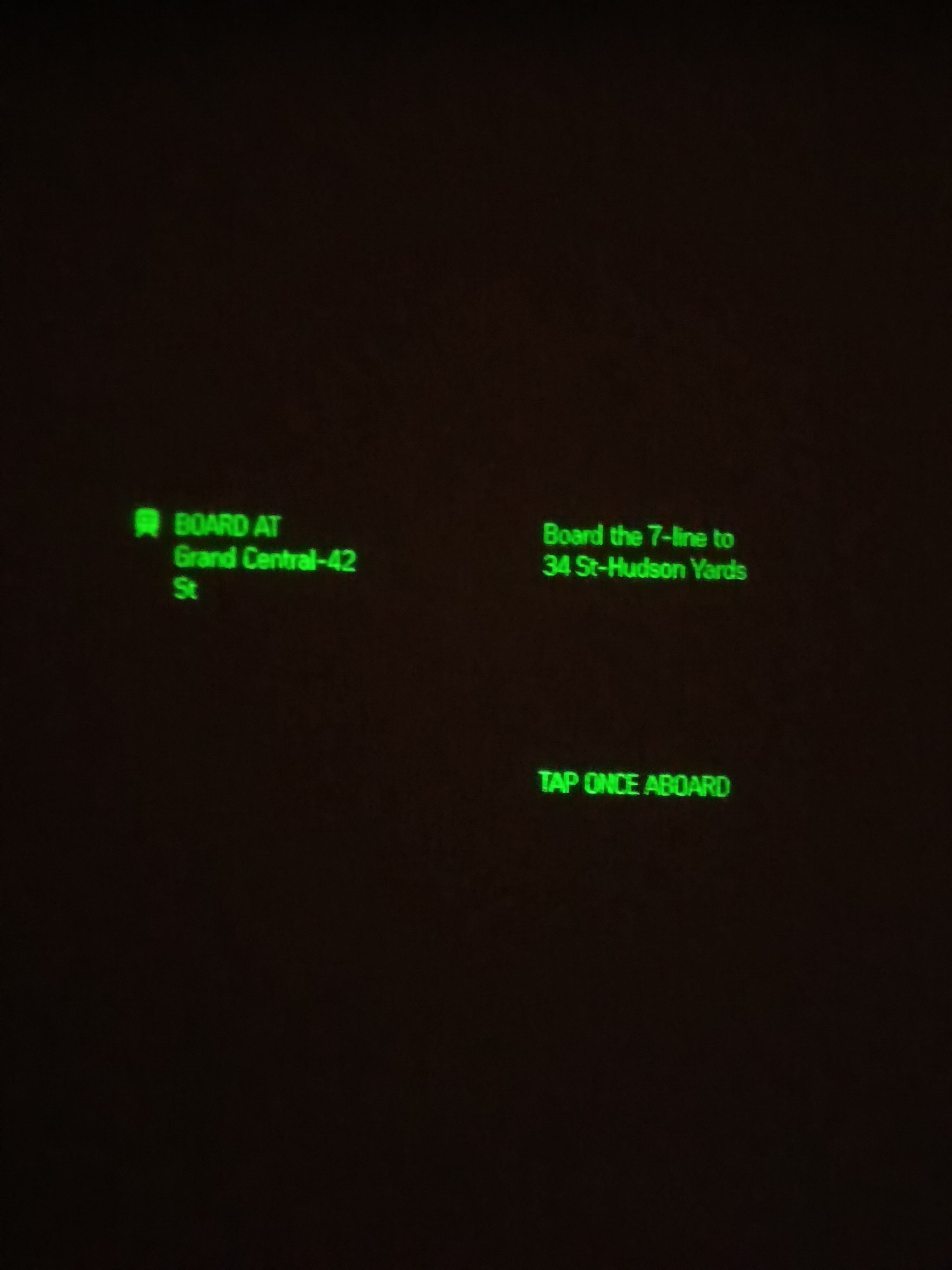
Picture of display through the glasses
-
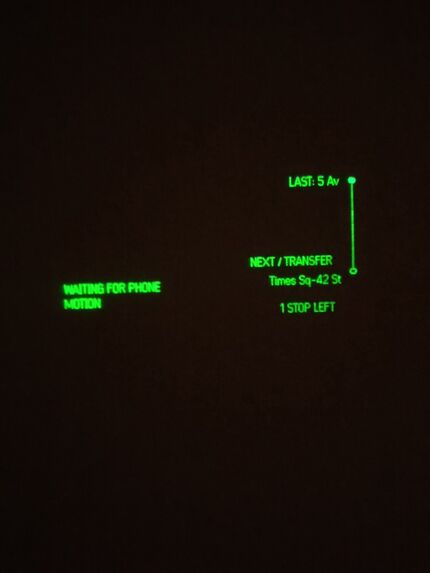
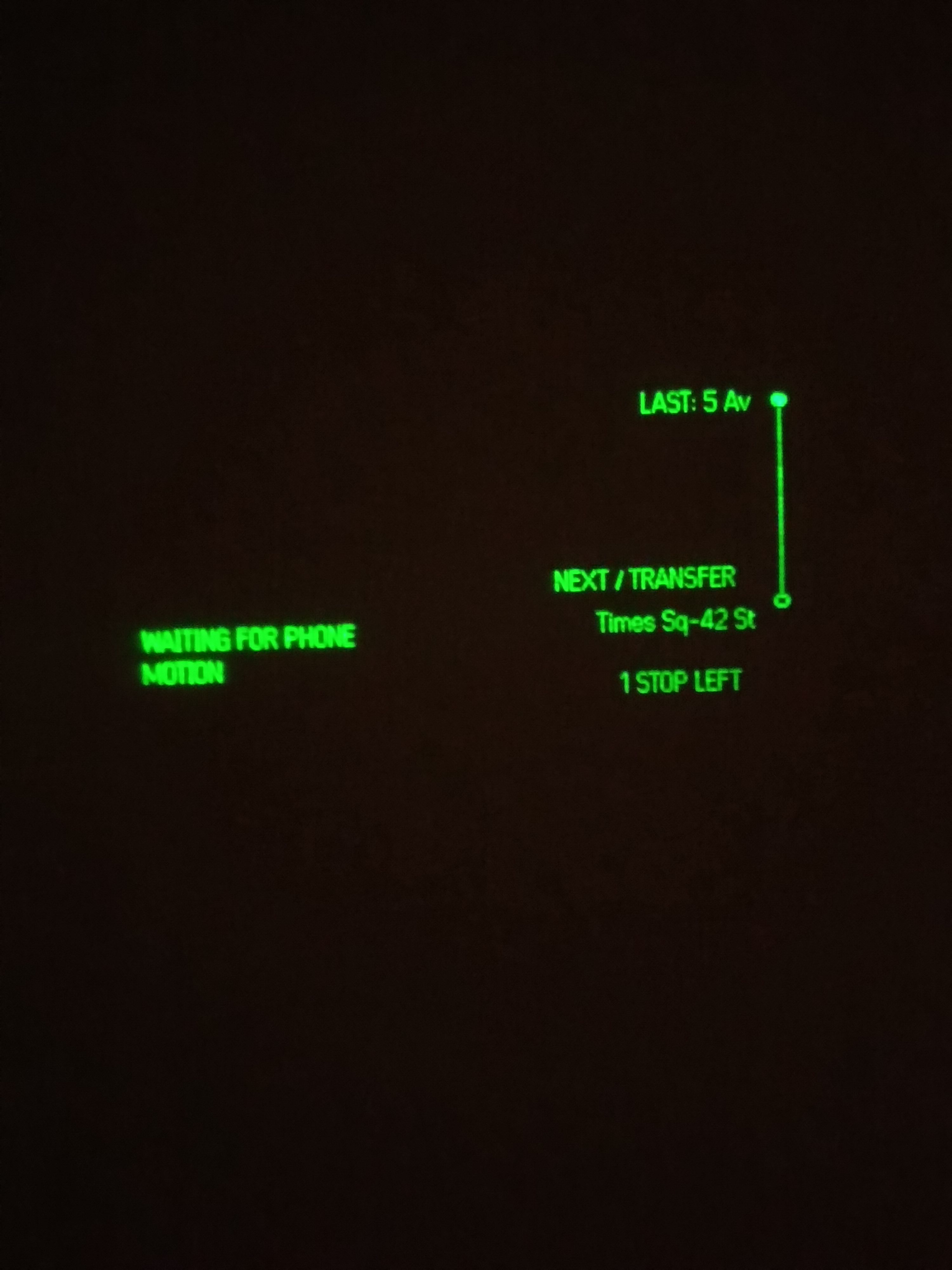
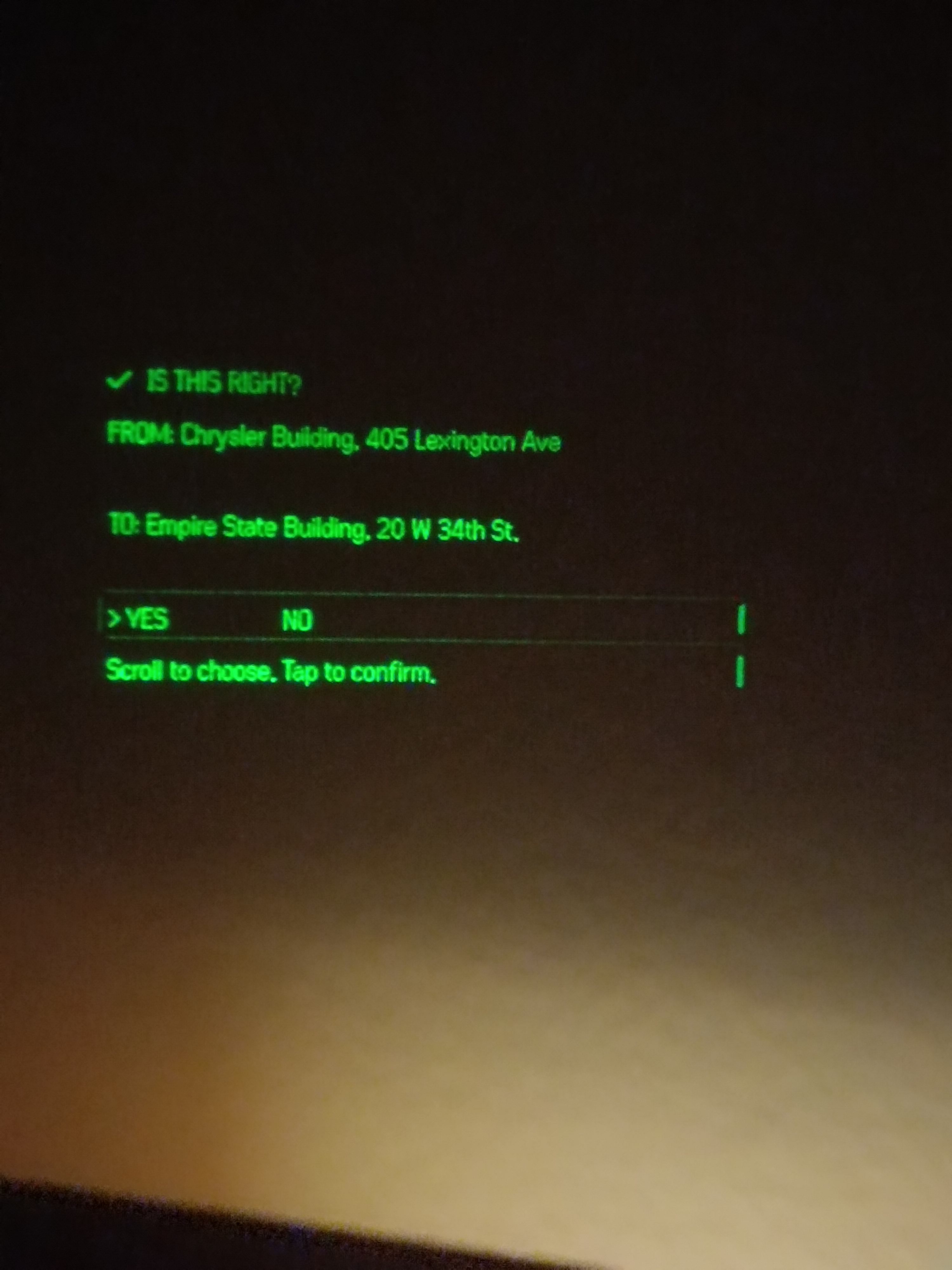
Picture of display through the glasses
-
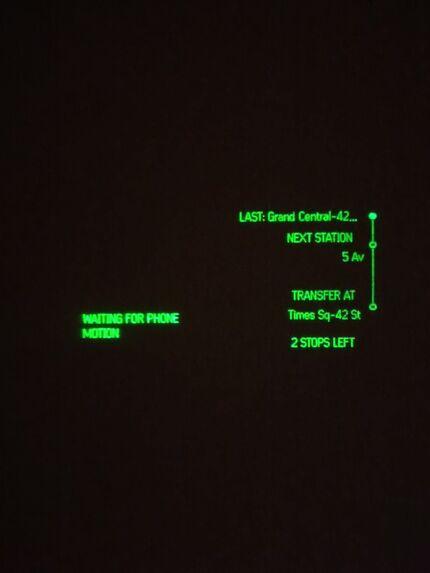
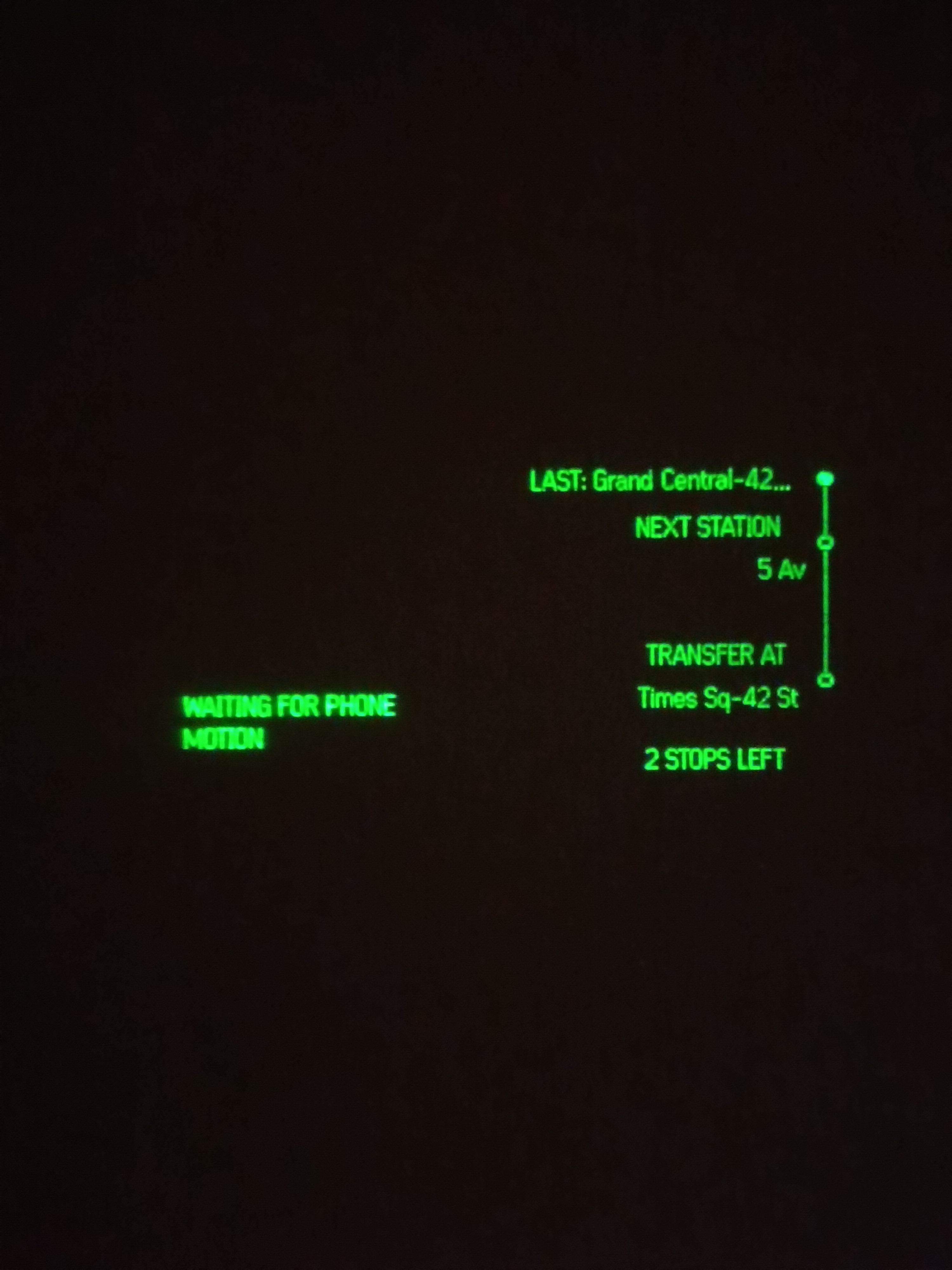
Picture of display through the glasses
-
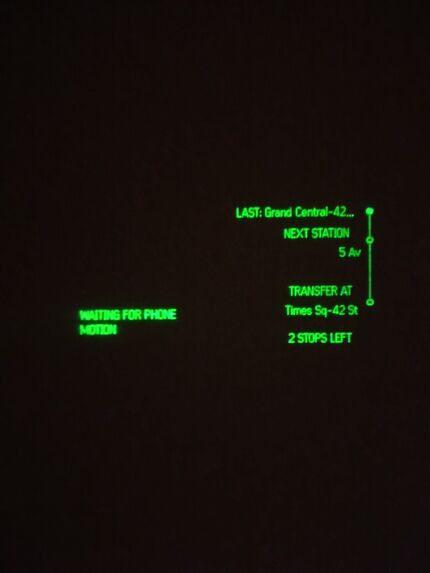
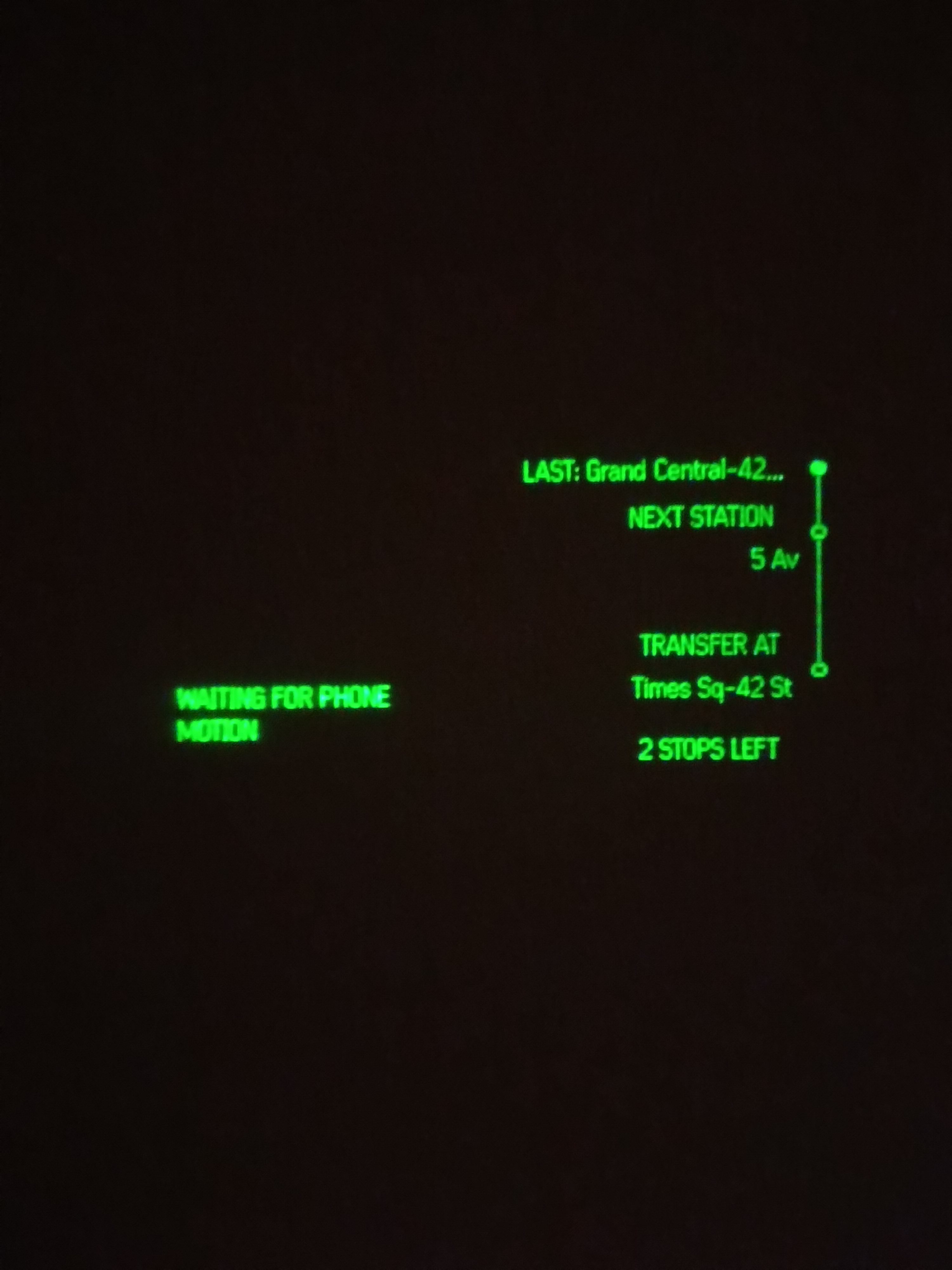
Picture of display through the glasses
-
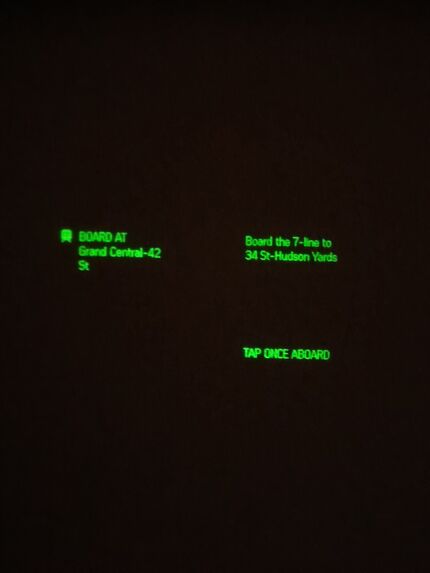
Picture of display through the glasses
-
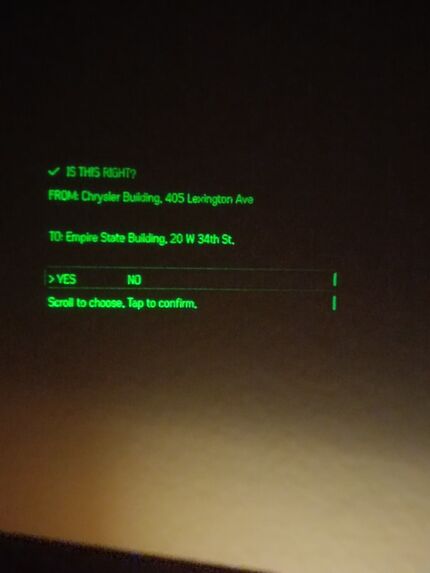
Picture of display through the glasses
-
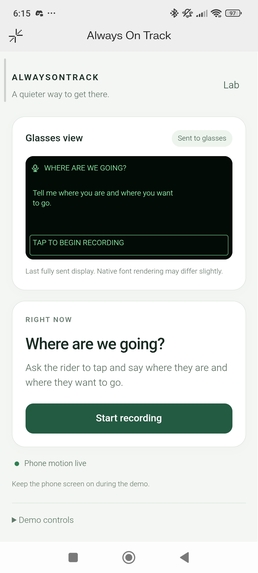
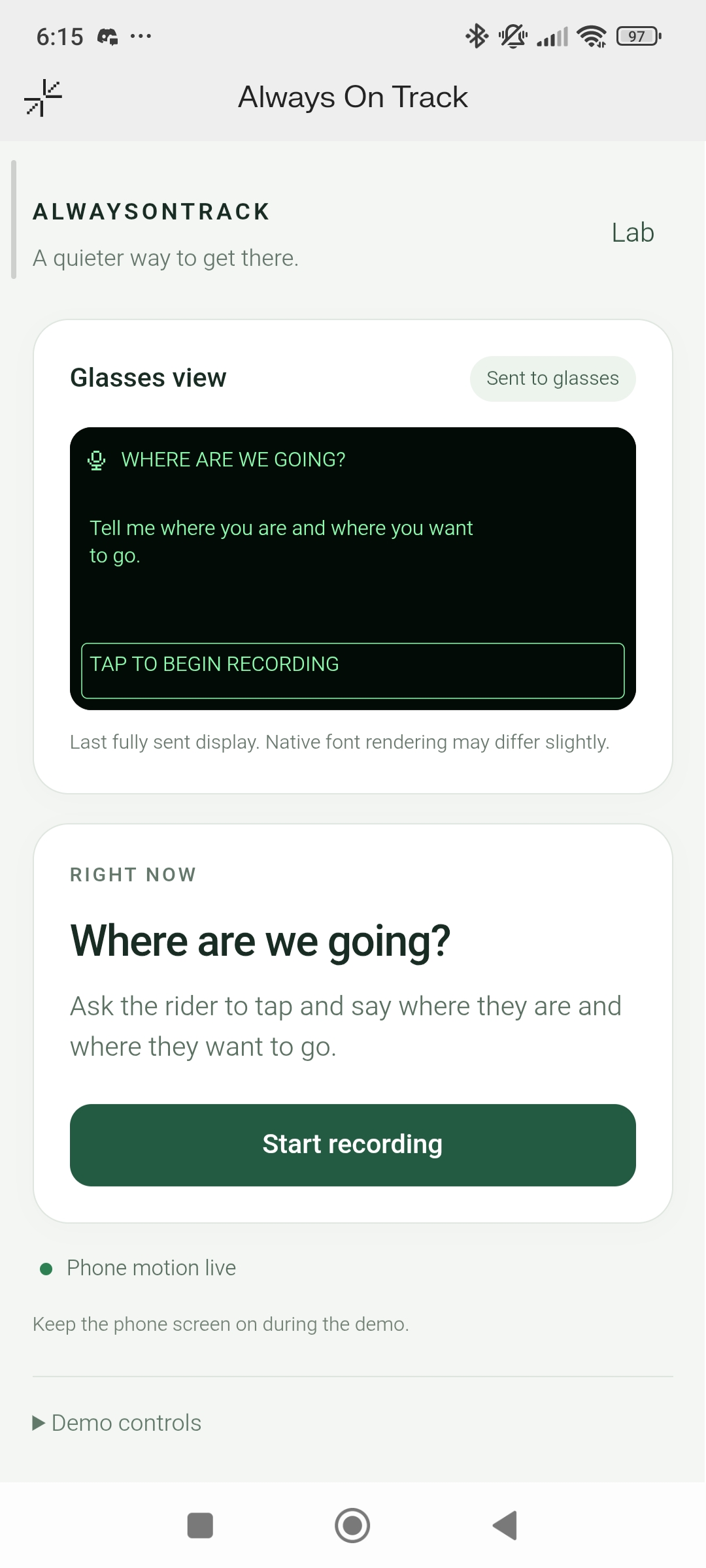
Final phone UI
-
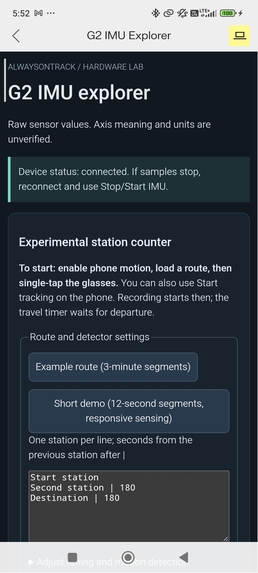
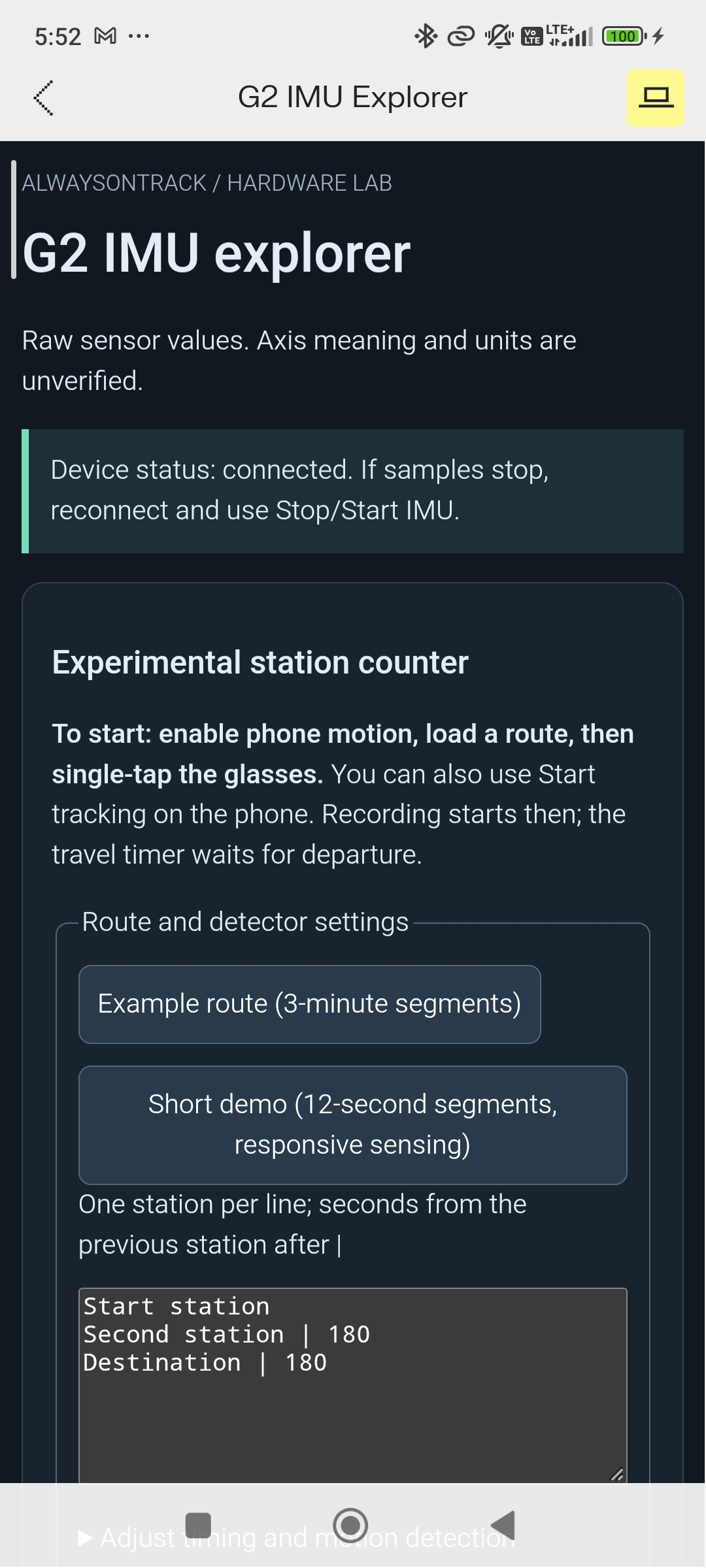
Initial data collection and testing phone UI
-
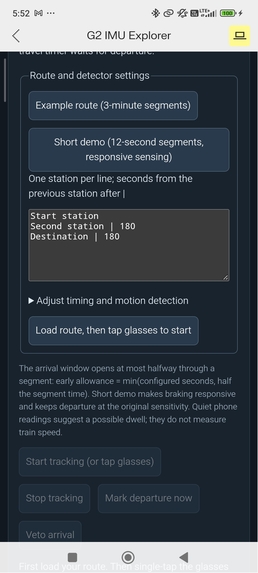
Initial data collection and testing phone UI
-
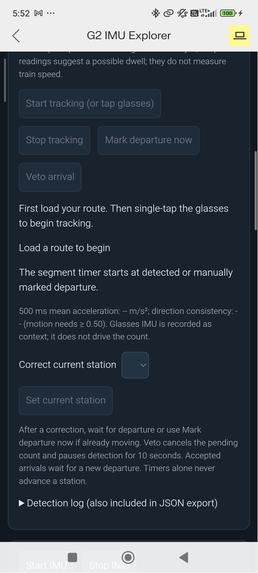
Initial data collection and testing phone UI
-
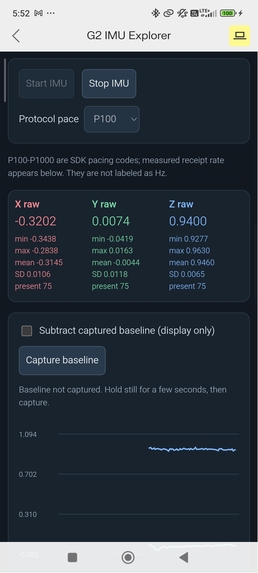
Initial data collection and testing phone UI
-
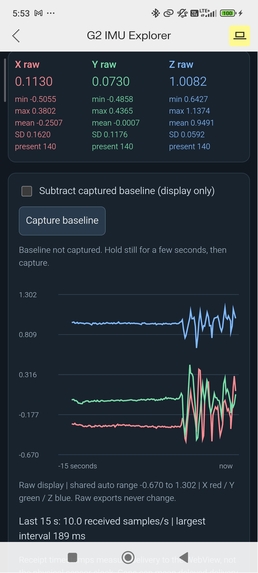
Initial data collection and testing phone UI
-
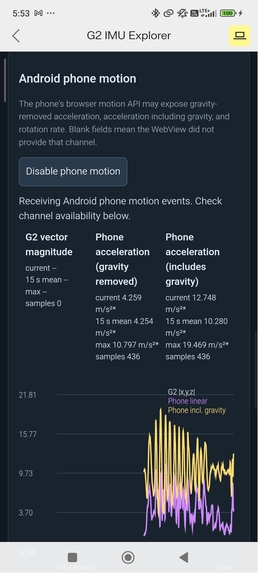
Initial data collection and testing phone UI
-
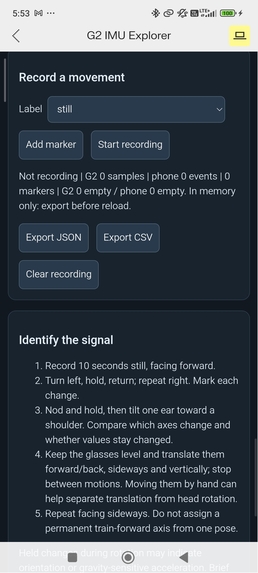
Initial data collection and testing phone UI
-
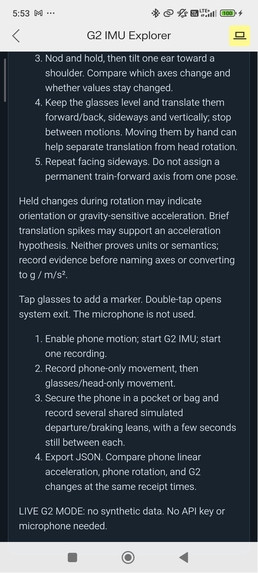
Initial data collection and testing phone UI
-
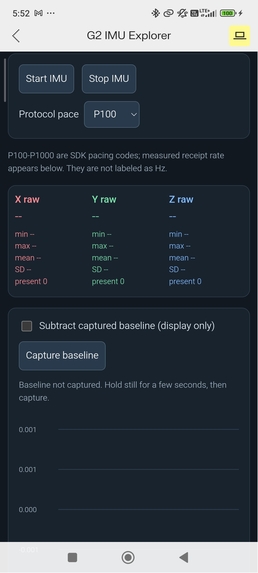
Initial data collection and testing phone UI
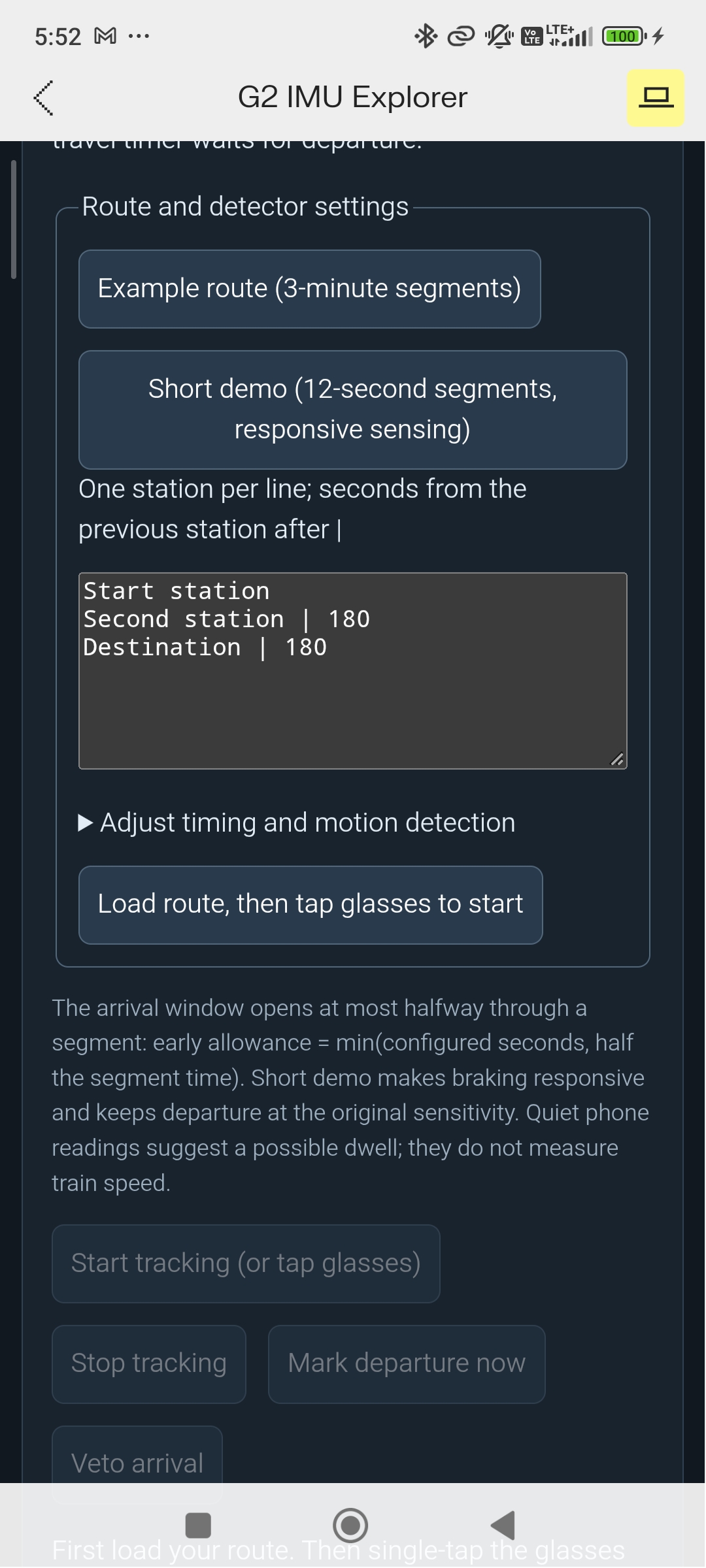
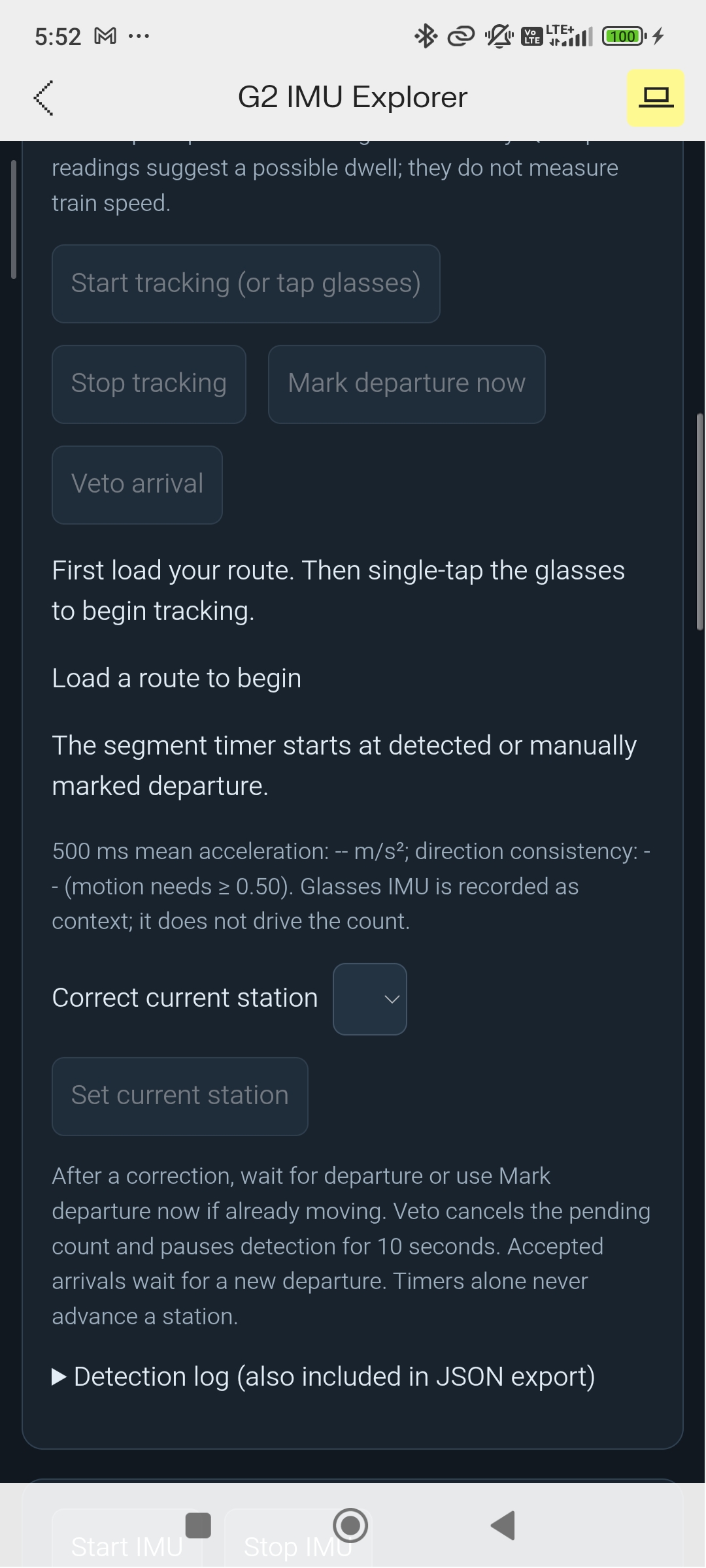
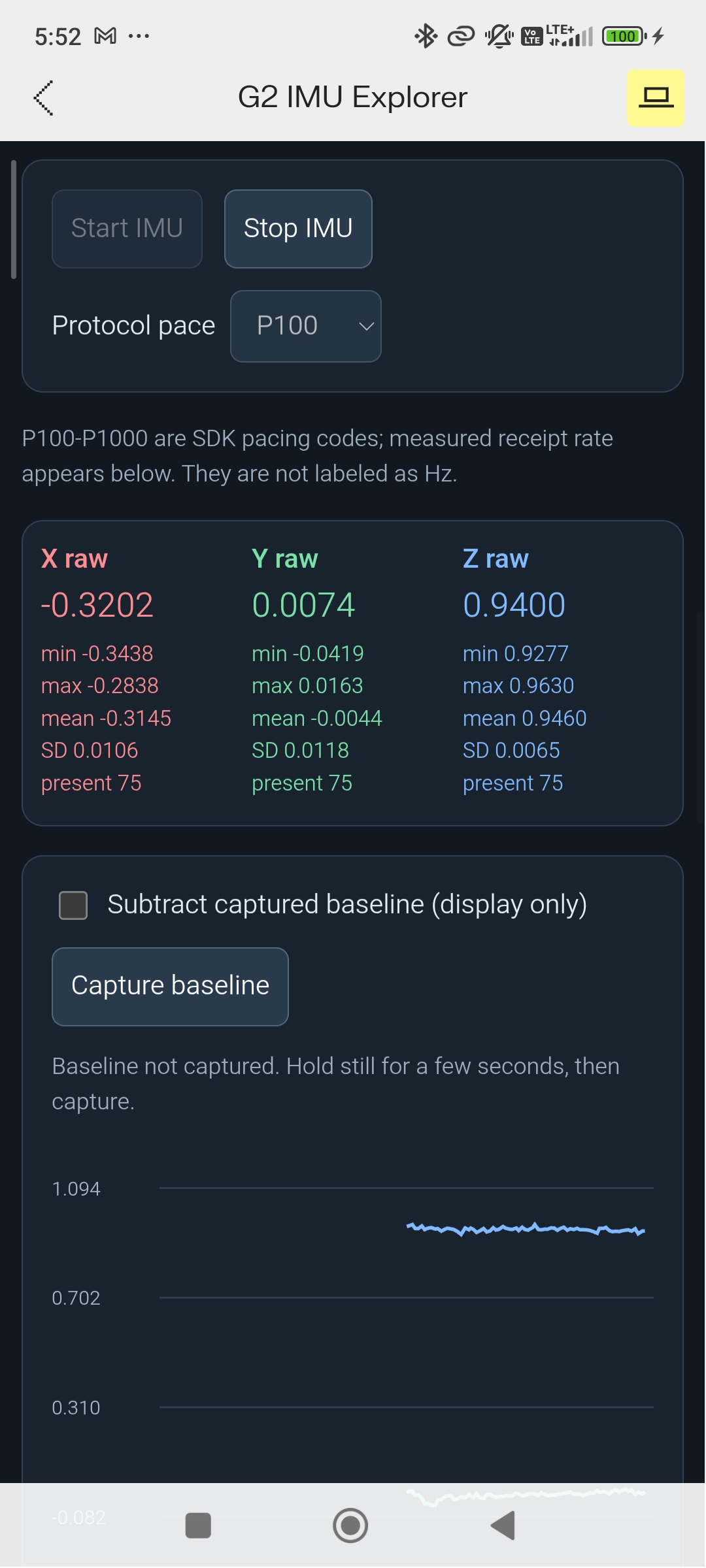
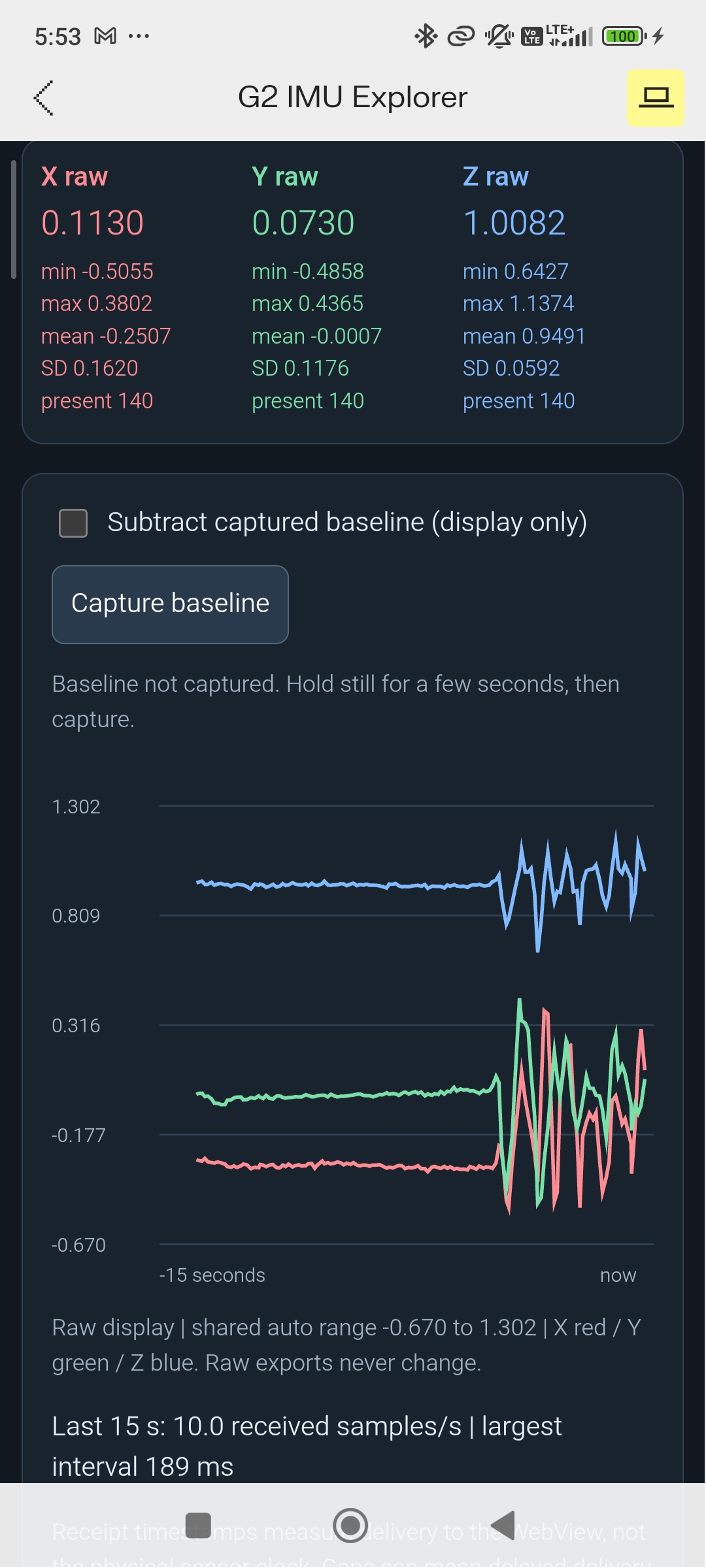
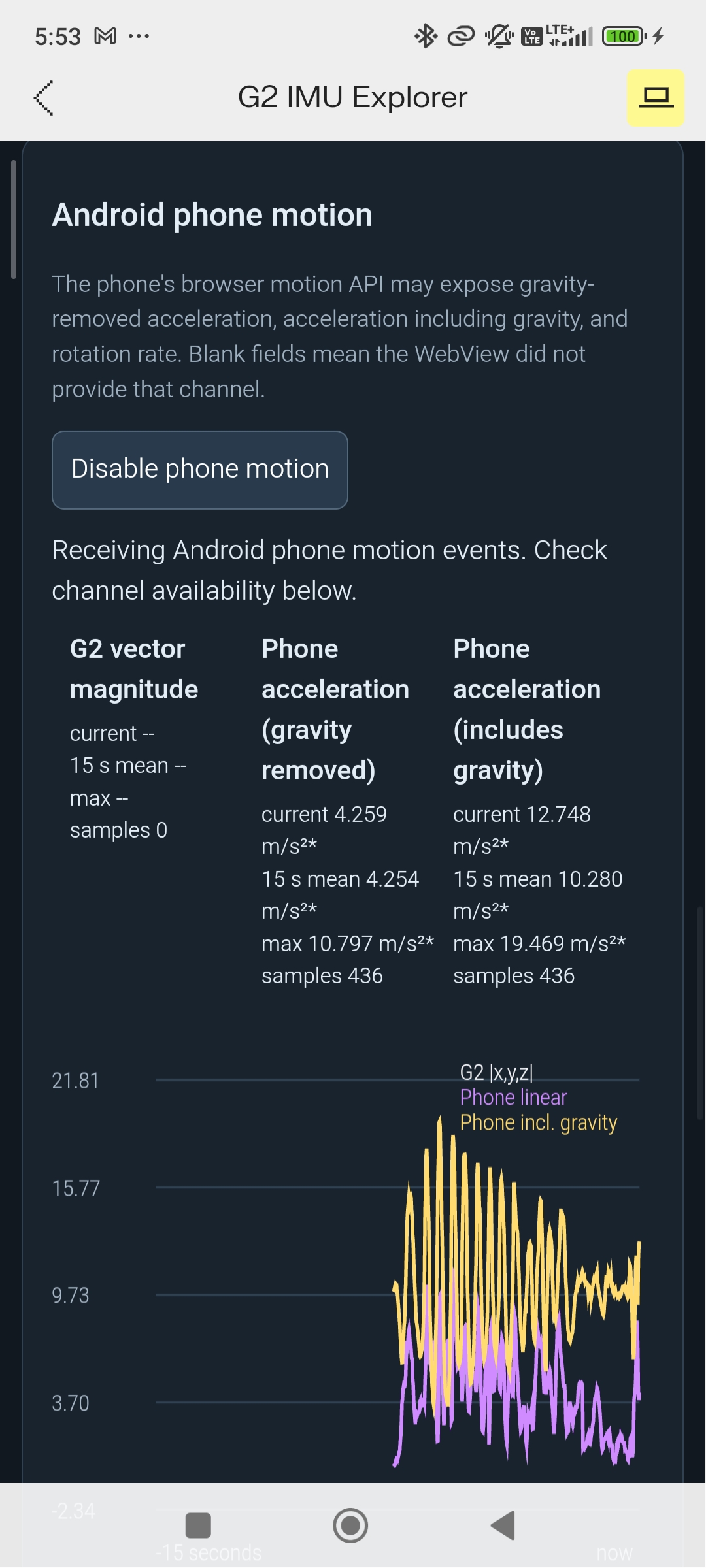
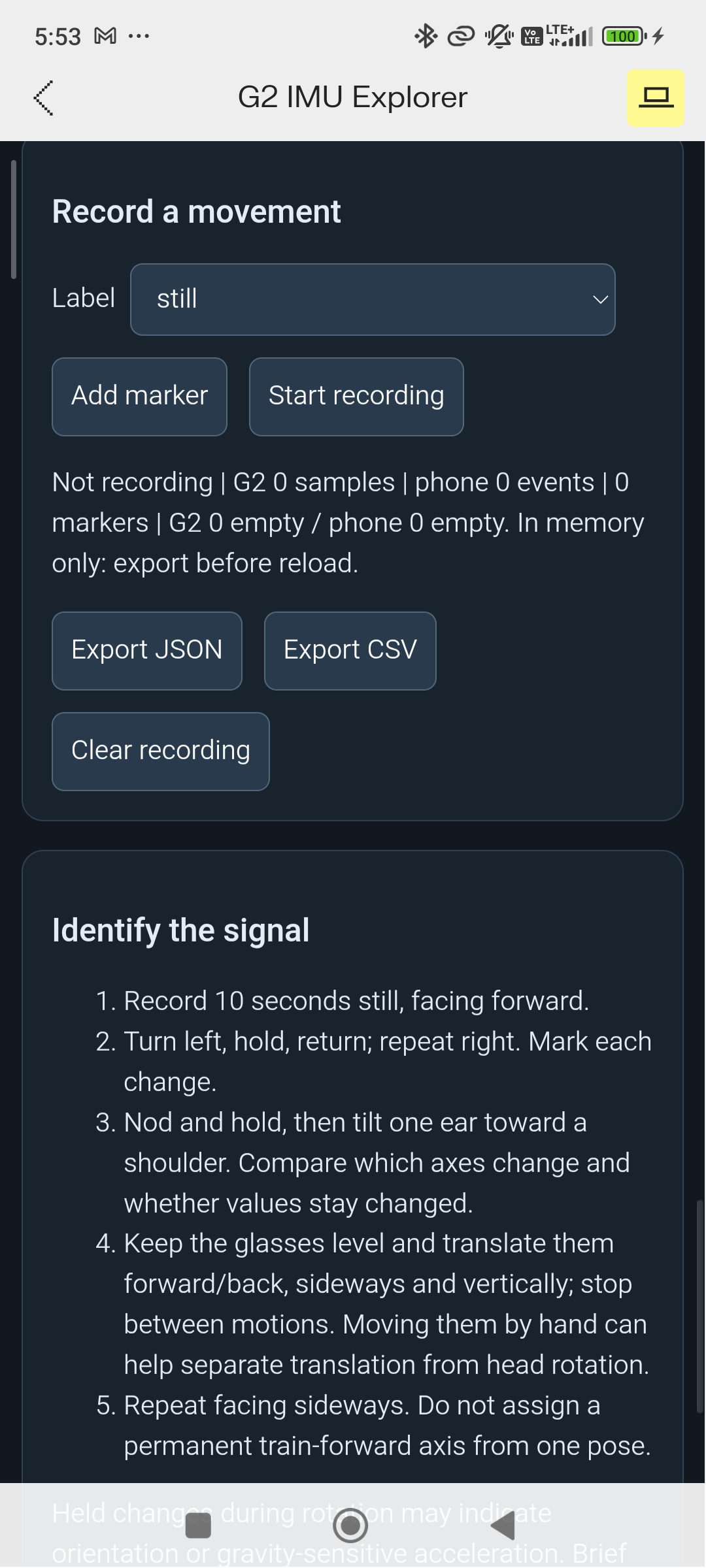
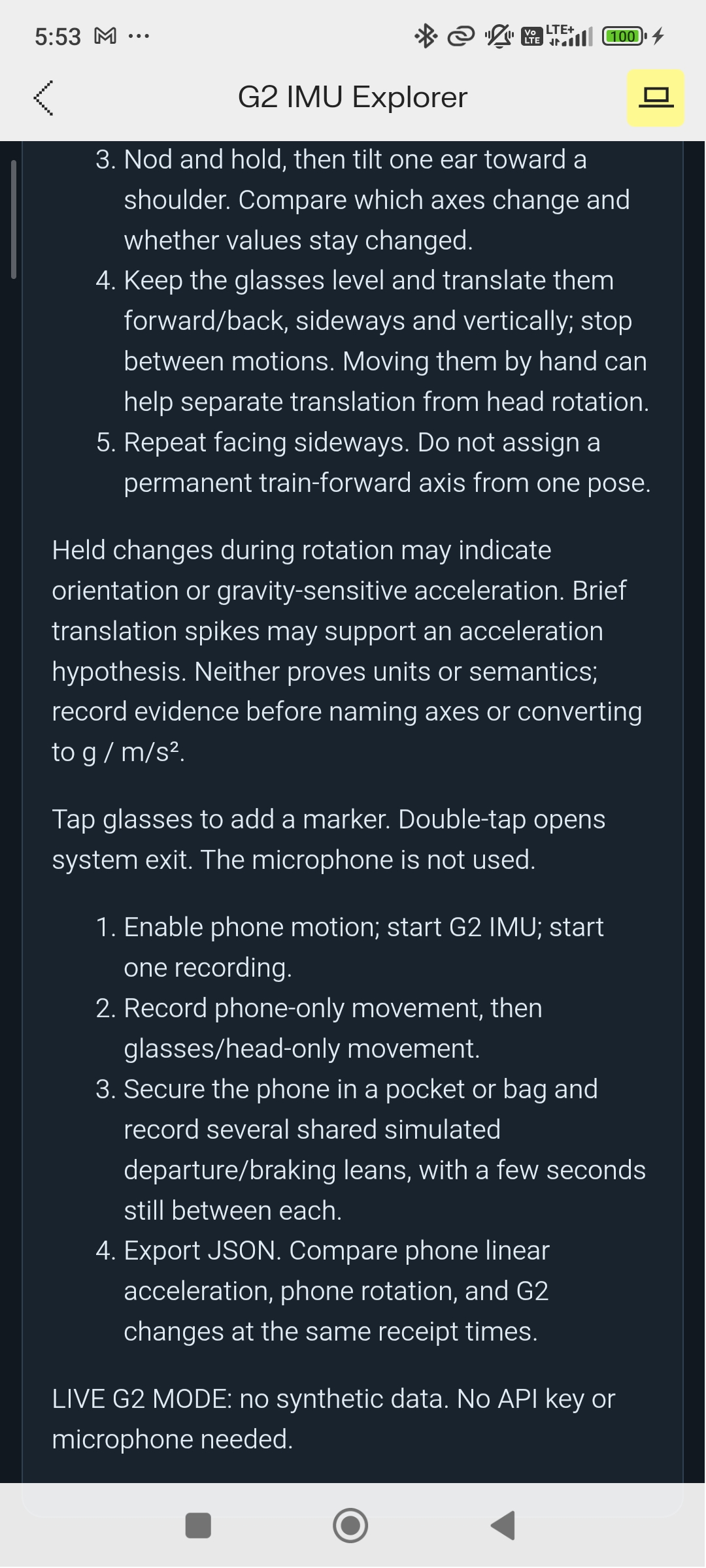
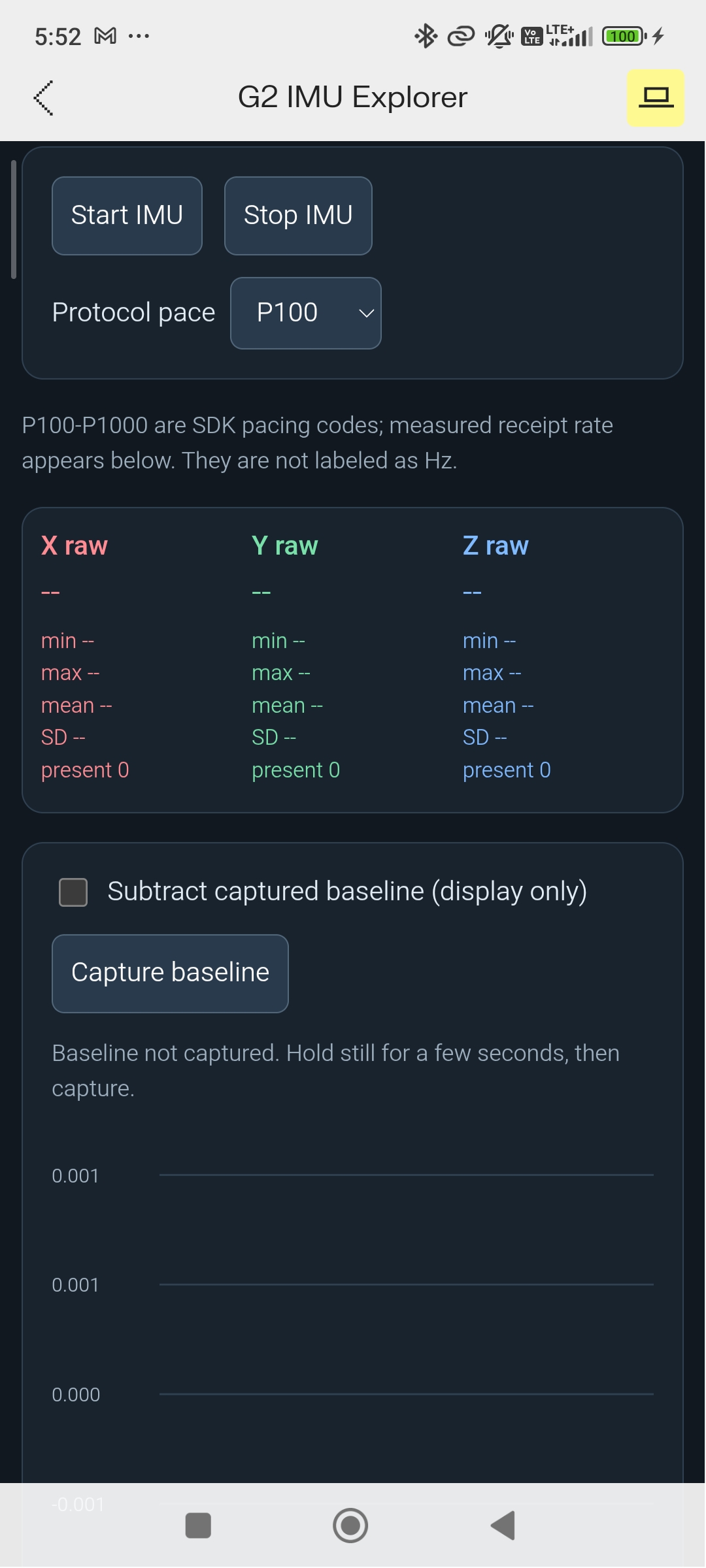
"Always On Track" on Even Hub Beta
Inspiration
Ever taken a subway you're not familiar with? What if you forget which station you get off at or transfer at? Or what train do you transfer to? Your phone won't help much underground without internet or GPS. And even if you screenshotted your planned stop, why interrupt a conversation you could be having with whoever you're traveling with just to scroll through your gallery? Why not combine the technology of augmented reality and AI to rid your mind of worrying about these issues, and instead empower you to focus on connecting with others and being in the present?
What it does
Always on Track is a tool purpose-built for the Even Realities G2 glasses that tracks what station you're at completely offline (no GPS, no internet, no cellular data), with an emphasis on the NYC subways. While above ground, simply tell the AI agent where you are and where you want to go. The AI Agent will use the internet to plan a route for you using the official MTA data and then store it locally on your device. Once below ground, everything operates offline with minimal user input. The goal is to be intuitive and unobstructive.
You shouldn't have to actively keep track of which station you're at. Using accelerometers, the app automatically detects when you arrive and depart a station, updating your location as you travel to your destination.
Want to quickly check when your stop is? Simply shift your eyes for a fraction of a second to glimpse at the minimalistic display to get your bearings. Need to know which train to transfer to? The app will tell you that too. All without ever having to pull out your phone once you've entered the subway.
Always on Track helps you travel with confidence.
How we built it/Challenges we ran into/Technologies used
Data Collection: The project began with experiments using the glasses’ IMU to detect train departures and stops. Hundreds of thousands of recorded samples showed that head movements made train accelerations difficult to distinguish reliably. We shifted to the phone’s gravity-removed acceleration and developed a deterministic tracking loop with state management: detect departure, wait through most of the expected travel time, then look for a braking-like motion followed by stillness. Detected arrivals update the display immediately, while a correction window lets the rider reject an incorrect station detection (such as stopping at a red light).
How it works: Trip preparation combines speech recognition, an AI agent, and verified transit data. The G2 microphone captures the request, Gemini or Groq’s Whisper Large V3 Turbo transcribes it, and GPT-OSS 120B extracts the starting point and destination. Google Places API resolves landmarks and addresses for rider confirmation. Google Routes API generates subway alternatives, and an MTA GTFS schedule matcher built on 220+ mb of MTA data supplies the complete intermediate station sequence and expected travel times. The agent recommends one of the resolved routes; it does not invent anything.
The application uses TypeScript, HTML, CSS, and Vite, with the Even Hub SDK handling glasses input, microphone access, and display updates. The glasses interface combines native text with custom monochrome pixel graphics and a compact station rail. A mobile dashboard mirrors the app’s glasses layout and provides motion status and recovery controls.
A Node.js backend hosted on Render handles AI requests, Google API calls, and schedule matching while keeping provider credentials off the phone. The frontend is packaged as an Even Hub beta. Once a trip loads, its itinerary and station-tracking logic run locally on the phone. Automated tests cover routing, speech handling, detector transitions, display layouts, and backend access controls, alongside physical G2 testing.
Accomplishments that we're proud of
We're proud to have created a full, polished user experience for the G2 smart glasses that solved a real pain point that for anyone traveling in a subway they're not familiar with. We're also proud of having quickly thought of pivoting to utilizing the phone's accelerometer data when it became obvious the glasses' internal IMU was too prone to noise.
What we learned
I learned how important collecting data is for making informed decisions that would save lots of time down the line. By spending 4-5 hours collecting, processing, and analyzing IMU data at the beginning of the hackathon, it allowed me to pivot ideas and identify major technical challenges early on and focus on resolving those. Then, solving the following hardest technical hurdles first allowed me to quickly validate an idea so I had more time later to focus on refining the user experience.
What's next for Always on Track
Currently, the app is designed only for Android devices. I'd like to expand to support iOS devices in the future. Another feature that I didn't have time to delve too deeply into is how to maintain a link to accelerometer data from the phone while the phone is off. The beta currently requires the phone to be on at all times since Android automatically turns off any accelerometer data shared over the web, meaning the glasses would lose the ability to tell when you've reached or departed a station. This is something I look forward to fixing.
Built With
- android
- androiddebugbridge
- androiddevicemotionapi
- androidwebview
- cloudflaretunnel
- css
- evenhubsdk
- geminiapi
- google-places
- googleroutesapi
- gpt-oss-120b
- groqapi
- groqwhisperlargev3turbo
- html
- javascript
- mta-gtfs-data
- node.js
- node.js-testrunner
- render
- typescript
- vite

Log in or sign up for Devpost to join the conversation.