-
-
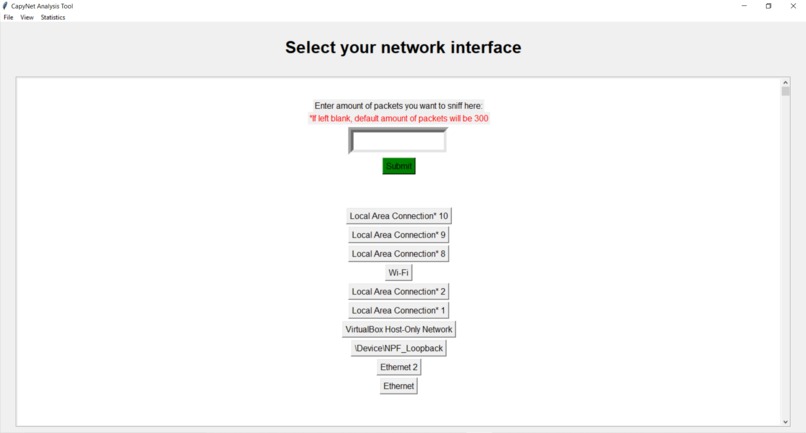
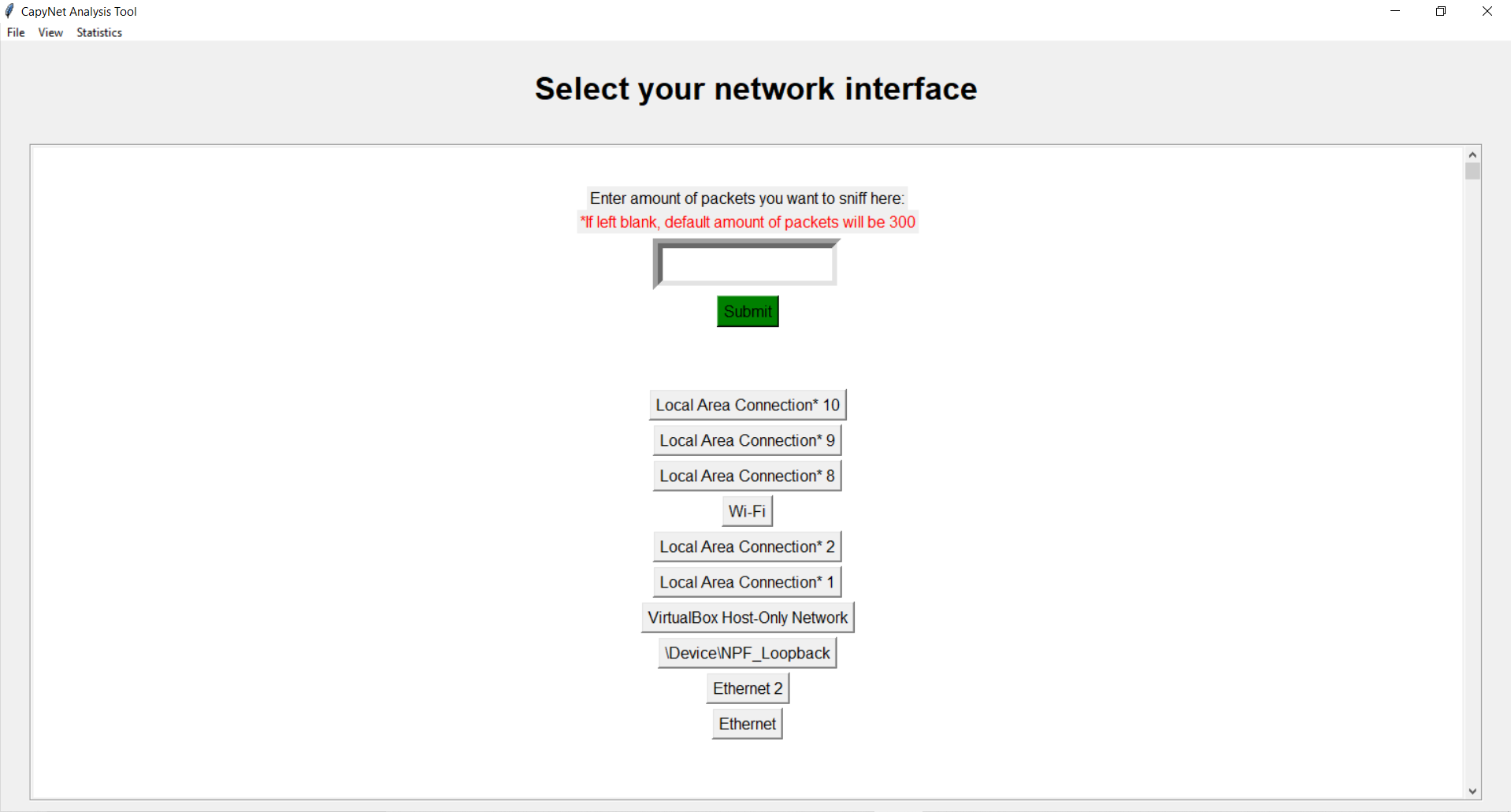
Home Screen, select amount of packets to sniff and network interface
-
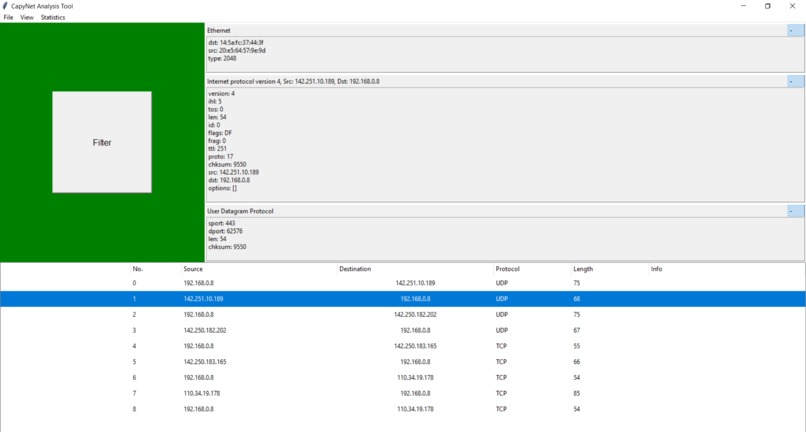
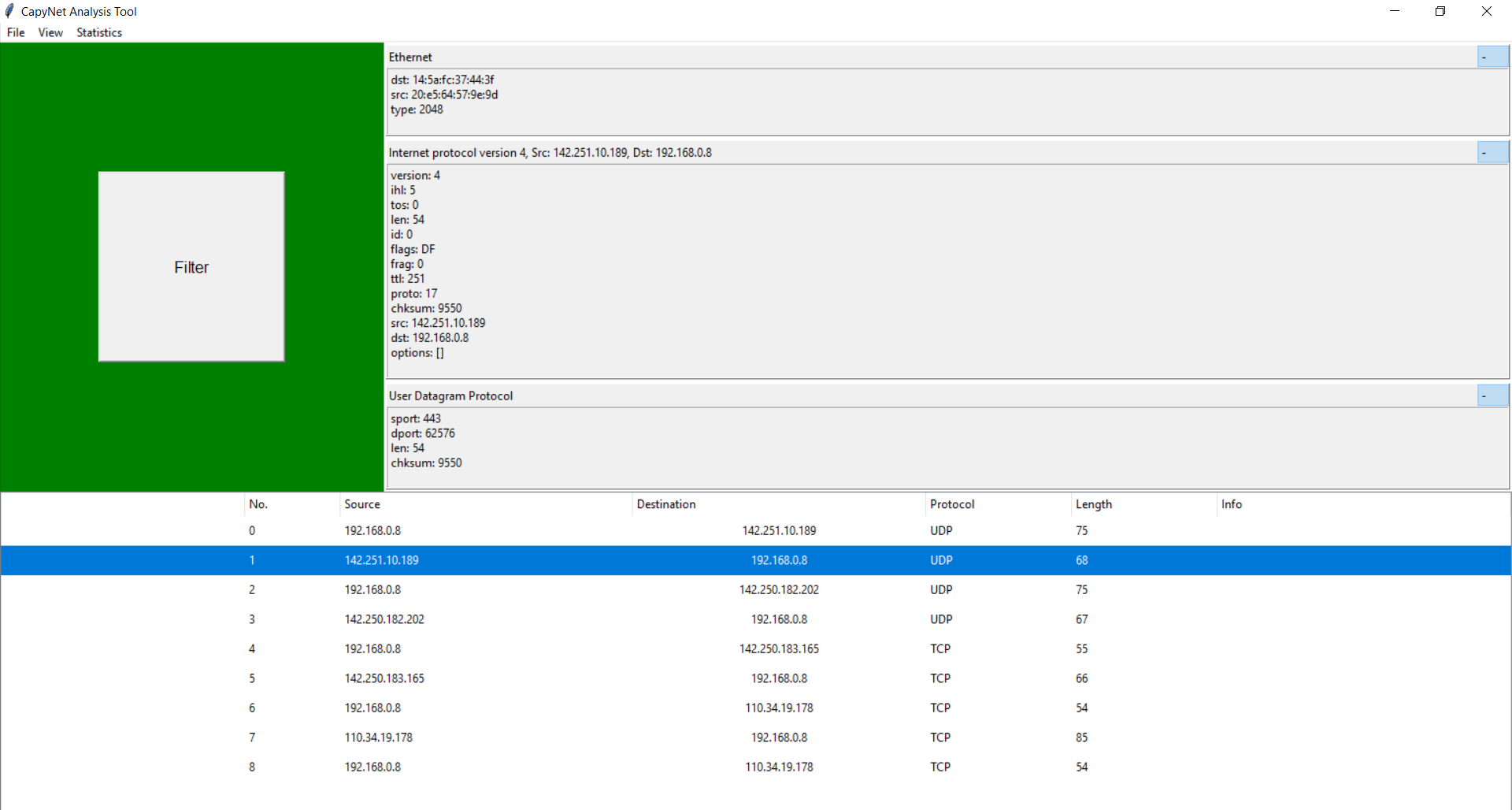
Example of sniffed packets, double click to view more detailed information on packets.
-
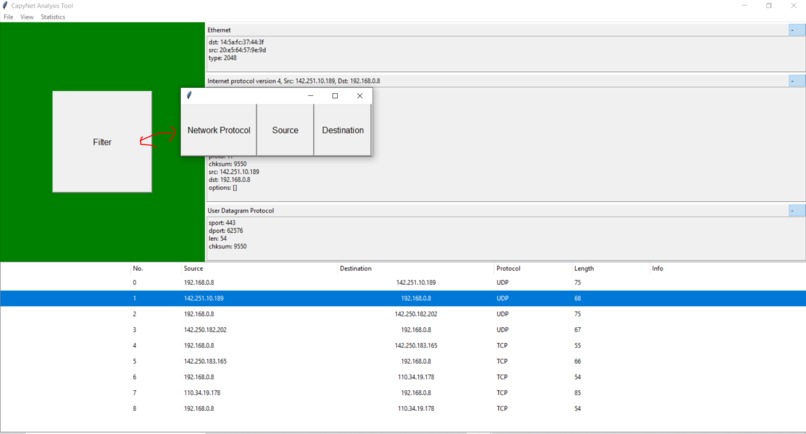
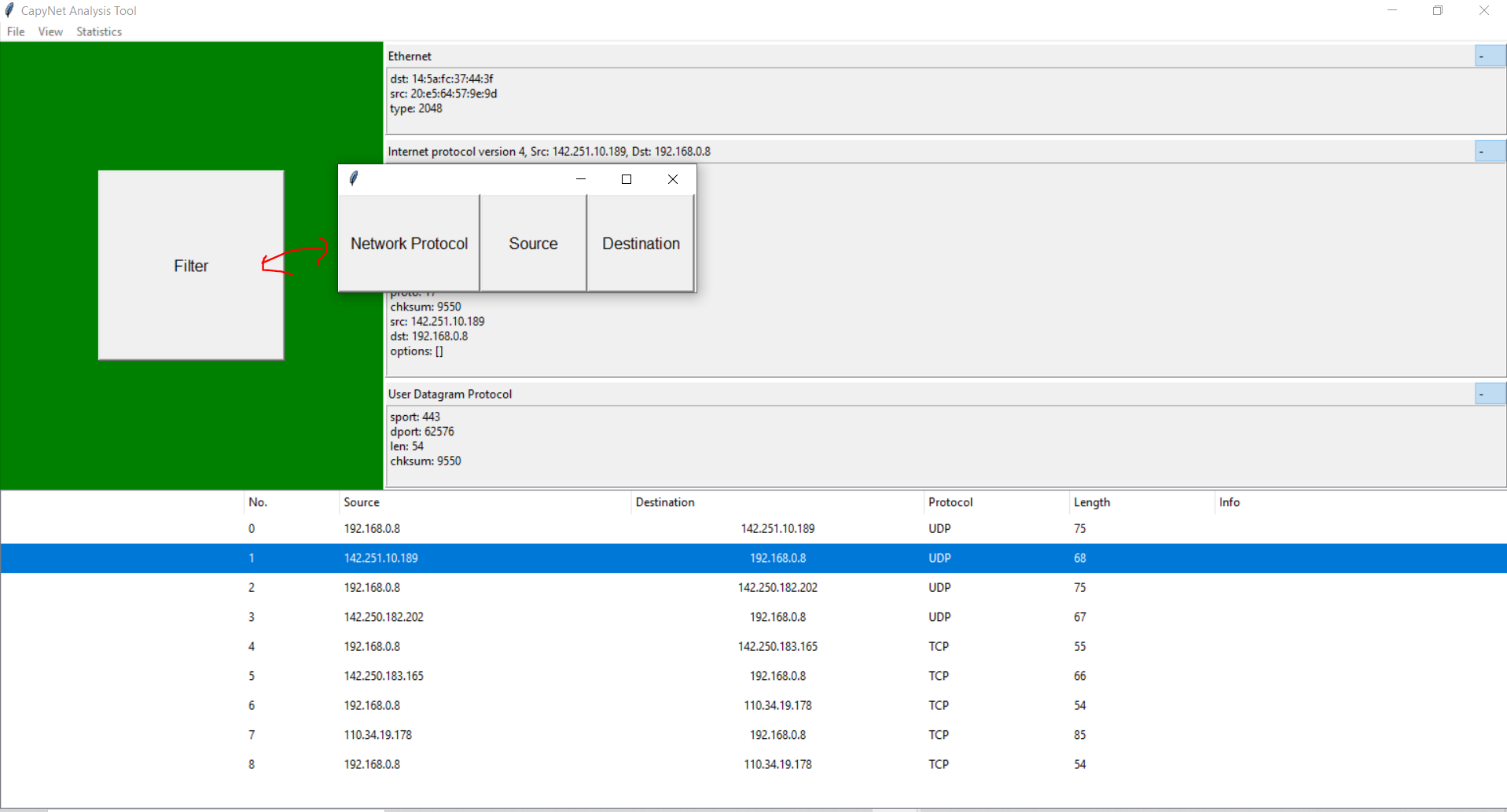
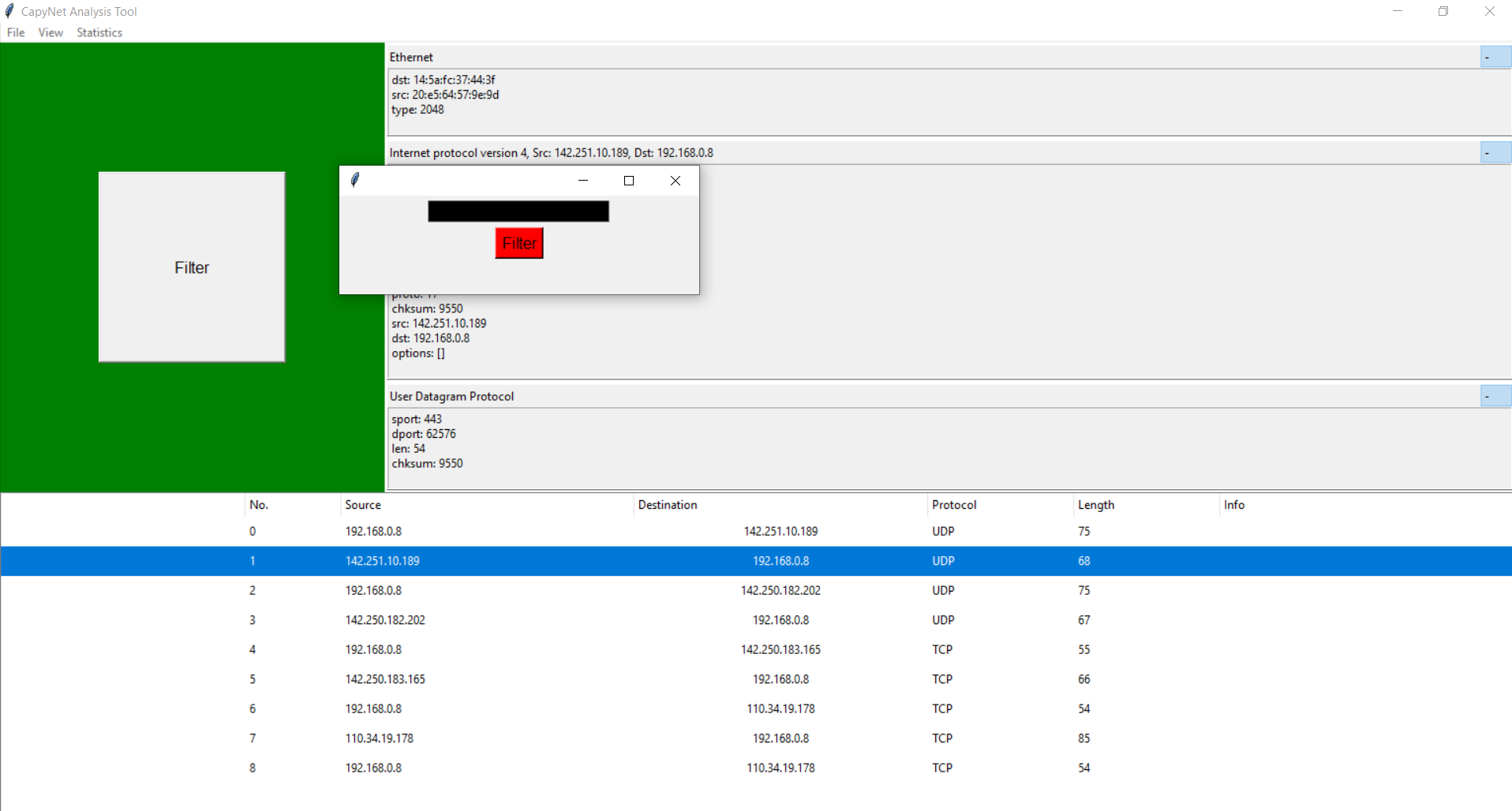
Click on the filter button to filter packets by network protocol, source, or destination
-
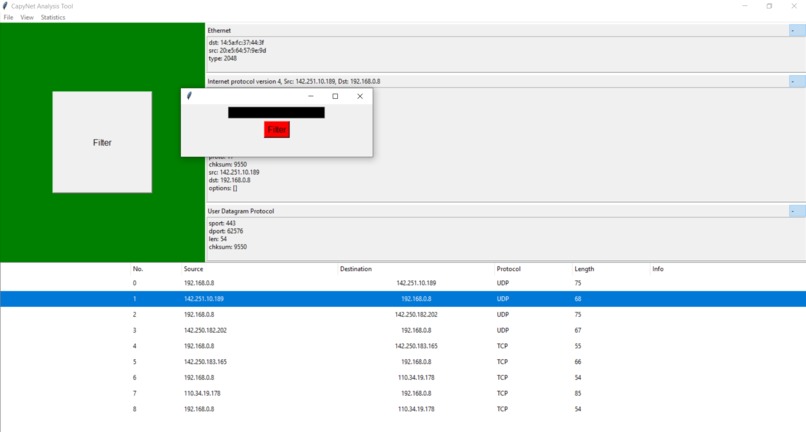
After clicking one of the 3 filtering options, type in the filter (Ex: "TCP" for network protocol, 192.168.0.8 for source/destination)
-
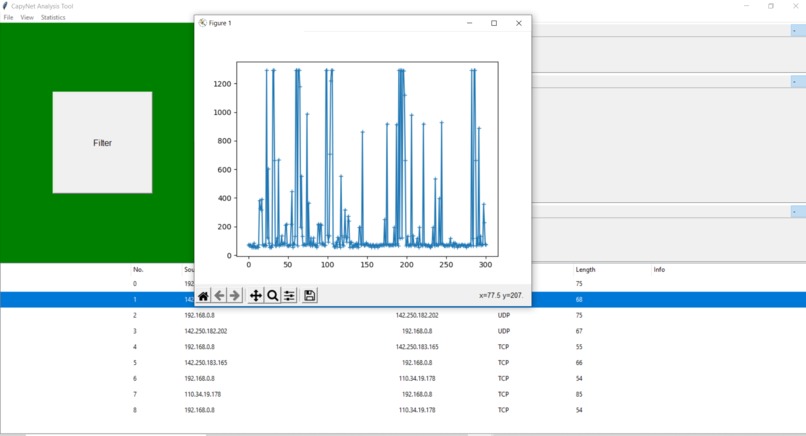
I/O Graph of captured packets

Inspiration
Being interested in network security, I use the app wireshark a lot, which is a network analyzer software. This is basically the only universally used network analysis app, and using it was pretty complicated, and when getting started I had to lookup how to do certain things all the time, like resolving DNS hostnames, or even starting to capture packets. I decided to create an app that was more user-friendly, had the same features and abilities, and had in-depth storing and visualizing of packet data.
What it does
It is a app that allows users to capture packets on their networks, allowing for a variety of things like examining for network attacks and vulnerabilities, monitor network traffic, and identify network performance hindering.
How we built it
I built this app using only python (3.7.9), Scapy, a python module that is a network packet manipulation tool, and Tkinter, the default python GUI interface.
Challenges we ran into
I was not very familiar with python as I was with other coding languages, and I also had no experience at all using scapy, so I made it a challenge for myself so I could learn app development using python and scapy all in the process to build this app. It was very hard in the beginning learning the basics of building the user interface, and doing simple things like allowing users to open packet files in new windows. I spent a lot of time in the beginning learning all the basics of Tkinter, python's GUI interface, and that was definitely the most challenging part for me.
Accomplishments that we're proud of
I'm very proud of everything I've done through this project, more specifically some milestones that took the longest time to reach like first being able to capture packets and simply display them in a simple text box, and recognizing and displaying information about HTTP and DNS packets.
What we learned
I learned a lot of python syntax, how to use tkinter to create a GUI, and how to use scapy to analyze and manipulate packets.
What's next for Capynet
I will be adding more features definitely in the future. I have a lot of features already other than capturing and displaying packet information, like a user friendly filtering system, resolving DNS host names, generating I/O graphs
Built With
- python
- scapy
- tkinter

Log in or sign up for Devpost to join the conversation.