-
-

Logo - Heart with an A
-
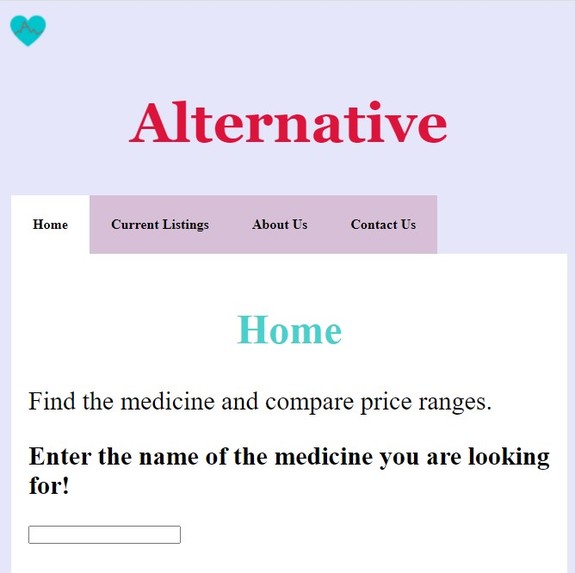
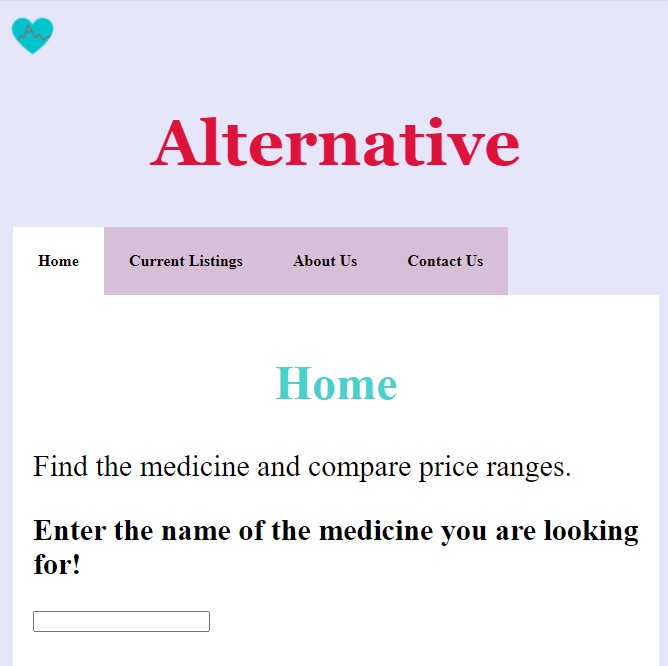
Home Page of Website Alternative
-
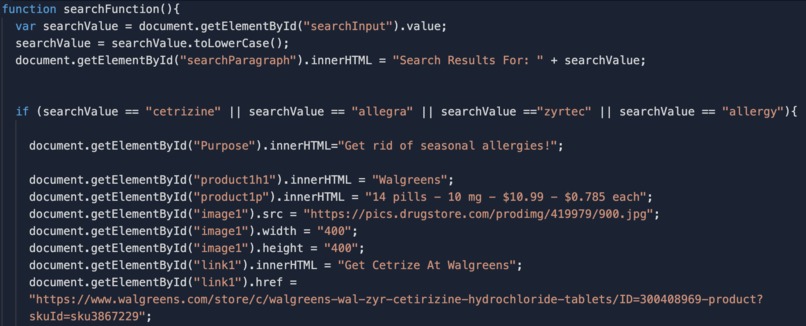
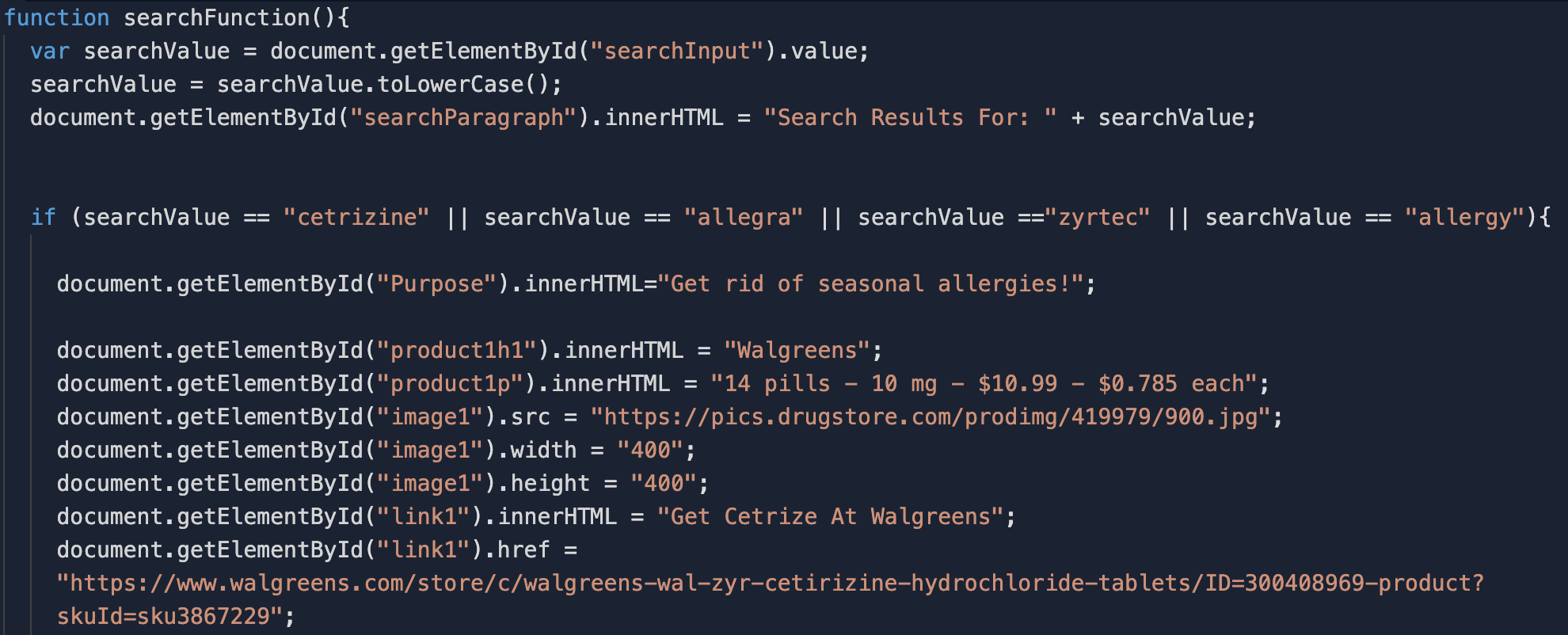
JavaScript Sample Code of Search Input Function and Brands It Presents
-
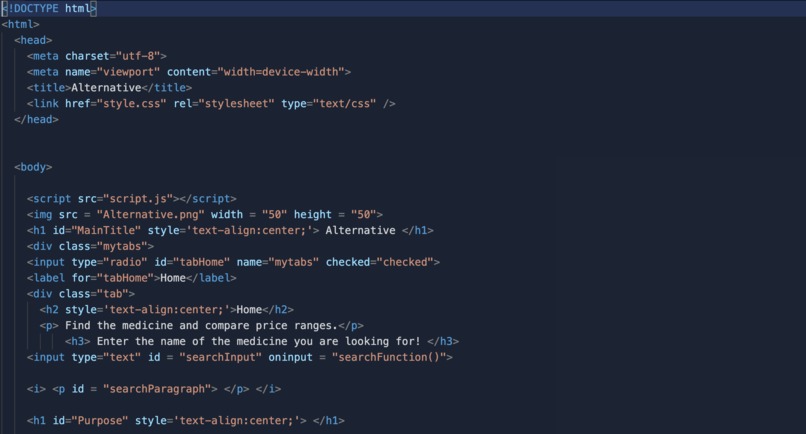
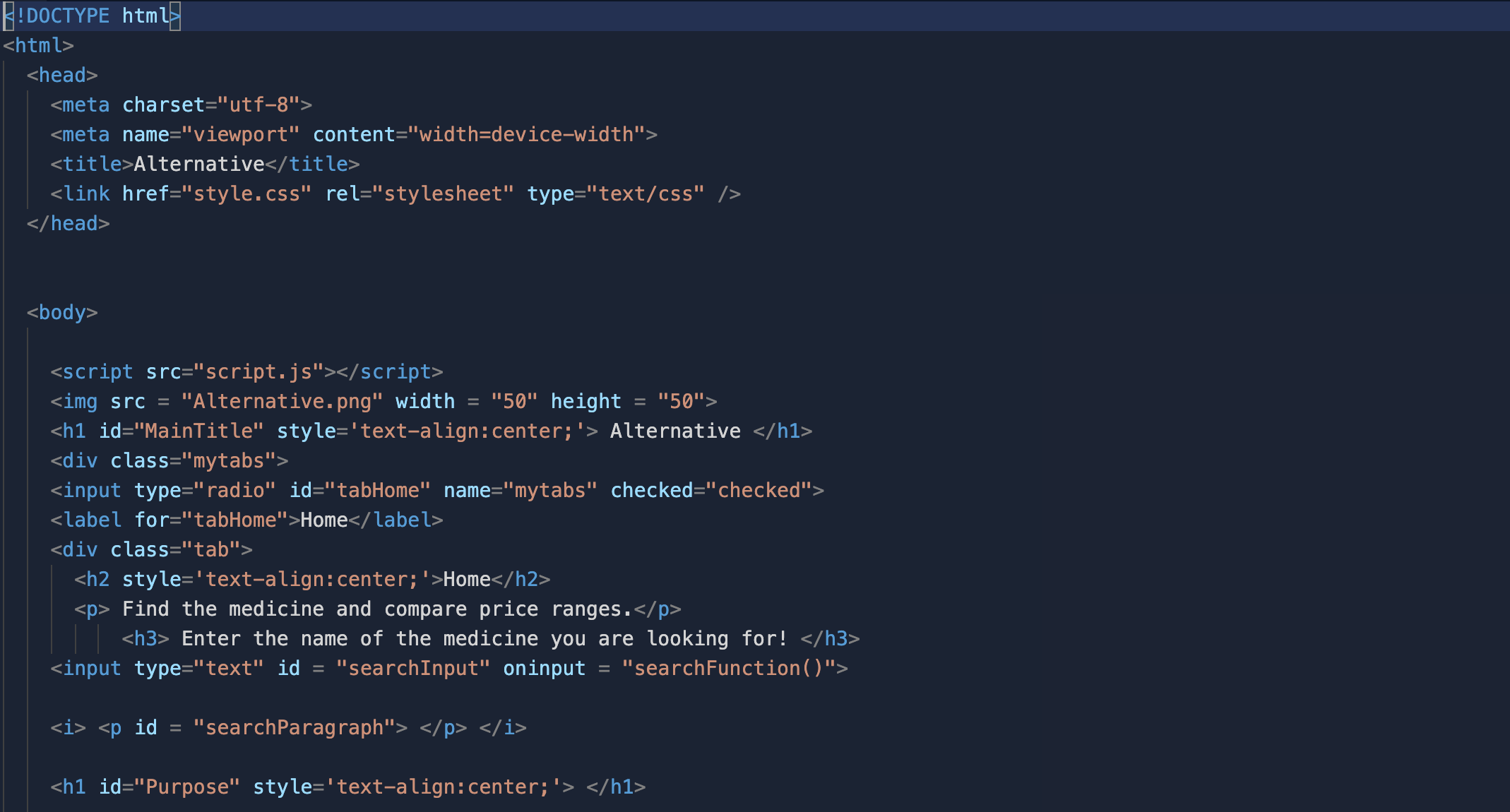
HTML Sample
-
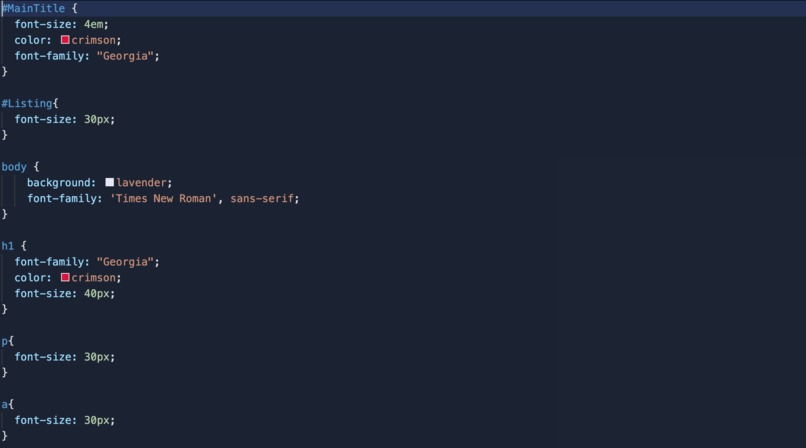
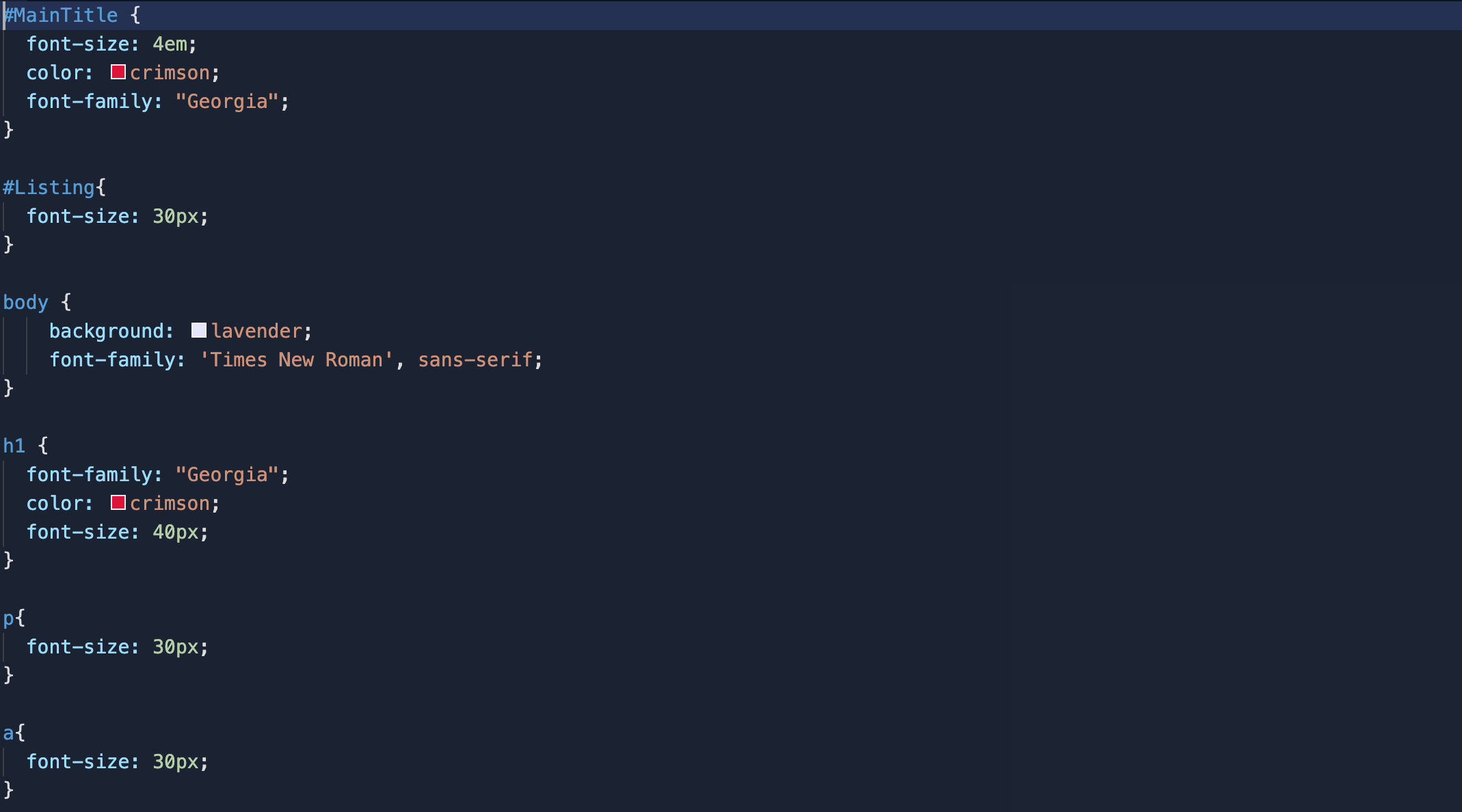
CSS Style Font Sample

Inspiration
When going to the store, the stacks of medicine on the aisles can get overwhelming to patients. There are some medicines that are affordable, but people simply are not aware of better options because they are at the wrong store. We want to allow people to look at other brands of medication at once and choose an option that fits their budget. Since most existing apps only look at prescription medication, we want to build something that educates patients about over-the-counter drugs.
However, people have a plethora of over-the-counter medications to choose from but are unable to due to health illiteracy. People do not know that many brands often offer the same medication - some at lower prices than others. In fact, members of our own team use medications. They were not aware of the cheaper alternative, and the lack of health literacy led to regret later on. Therefore, we want to build our website Alternative that lets patients choose budget-friendly over-the-counter drugs by providing comparisons across brands.
What it does
Alternative requests the users to input a medication. Then, the users will be directed to a page that provides different brands, the sale price, the price per unit, and the dosage of the medication. These are important factors that contribute to purchasing the medicine which would otherwise lead to biases in drug stores that highlight their own brands rather than budget-friendly options. There are also pictures on Alternative to identify the brand and external links to purchase various brands of the medication. Additionally, the website provides a ‘Contact Us’ and an ‘About Us’ page and a summary of the current listing of comparisons available.
Right now, Alternative can only compare cetirizine, acetaminophen, and eye drops because of the website’s prototype nature. Since people associate medicines with brand names instead of chemical names, we added a list of renowned brands so people can look up the sample medicines in the prototype (i.e. Tylenol for acetaminophen or Allegra for cetirizine).
How we built it
We used CSS, Javascript, and HTML to create a website. We also used Replit to host our website.
For HTML, we created 4 tabs that would direct the user to the homepage where brands are compared, to the listing page that describes the drugs analyzed, to the about us page and the contact page. We also used HTML to add headings, properties of the drugs, images, and links to external websites.
We used CSS to design the website. We changed the font size, type, and colors using CSS. We also added margins, paddings, response grids, background colors, and tab colors with CSS. Furthermore, we used text and image alignment to give our website a more professional touch.
We also used JavaScript to store the search input and convert it to lowercase letters. We changed the content of the inner HTML tags for various product descriptions, pictures, and links depending on the search input using conditional statements. If the search input did not match cetirizine, acetaminophen, and eye drops, the tab would clear the contents of any previous search.
To personalize our website, we created a logo for Alternative using Canva. Our logo has a medical heart with pulse rate frequency that forms an A for Alternative. We also created avatars of our team members using Picrew and uploaded the images to the ‘About Us’ page on our website.
Challenges we ran into
This is our first hackathon, so we had a lot of trouble choosing a platform: we originally started with Thunkable and AppLab. However, those were low-code platforms. Therefore, we decided to move to Replit to host our website. JavaScript troubled us the most because none of us knew JavaScript. We had trouble figuring out how to best display our information, how to collect input from the users, and how to provide an output. We also had trouble figuring out how to store the input using forms, but we switched to using the onInput event and creating functions in JavaScript. Furthermore, we had difficulty with CSS when we had to manage the text alignment with the response grids and use classes to separate the tabs.
Accomplishments we're proud of
We pride ourselves on having a working prototype website. We had to learn JavaScript from scratch for this project. Therefore, the ability to have a search bar that can take in the name of a medication and provide users a corresponding list of cheaper alternatives is a proud achievement of ours. We are also proud of the multiple tabs included on our website, which makes it look more professional. We learned how to use divisions in HTML to create tabs and format pictures in response grids that furthered the aesthetic of the website. We also like the use of IDs and classes in CSS to group elements of the page and modify properties at once. Furthermore, we believe we have chosen good examples in the medications as there are many brands for each of these drugs.
What we learned
We gained more insight on how to format HTML and JavaScript to use the onInput event to gather text input. We also learned how to use innerHTML to provide an output for the user’s input. We grasped how to use conditional flow statements in JavaScript to control the innerHTML and other HTML elements (headings, images, and paragraphs).
We learned about response grids to format pictures and texts side by side in order to fill the width of the screen. The use of tabs using radio buttons also allowed us to learn about changing the page’s content. We used classes in CSS to group and style certain HTML elements together.
What's next for Alternative
Right now, we only have three test cases. In the future, we hope to use APIs and web scraping with Python to automate and collect more over-the-counter drugs, specifically the prices, dosage, links to websites, and brand information to display on our website. This will establish Alternative as a larger database and make it more trustworthy while giving the users more options on the existing US medicines. Also, we want to enable it so that patients across the United States can access the results of our website.
We want to use an extension that can cluster certain words together, such as pairing ‘allergy medication’ with ‘Allegra and with ‘allergy.’ In the future, users could input keywords associated with certain medicines and receive brand names; they would receive a corresponding list of medications through cluster analysis of the input keywords.
Another feature we want to introduce is a price filter, so people can filter out drugs outside of their price range. This would work best when using API calls to create objects of each brand, with the price as one property. We can also filter drugs containing the user’s allergies by asking users to input their personal allergies/restrictions.
With Alternative, our team seeks to improve the user’s health literacy by increasing awareness of different brands of similar medication at a much affordable price. We also hope that the users focus on budget-friendly medication rather than the biased marketing techniques of drug stores.
References
We used W3Schools, HTML Color Codes, YouTube, Picrew - Used Djarn’s Picrew to make avatars, Canva, and non-copyright music from the Youtube Library for the video.
Built With
- css
- html5
- javascript
- replit


Log in or sign up for Devpost to join the conversation.