-
-
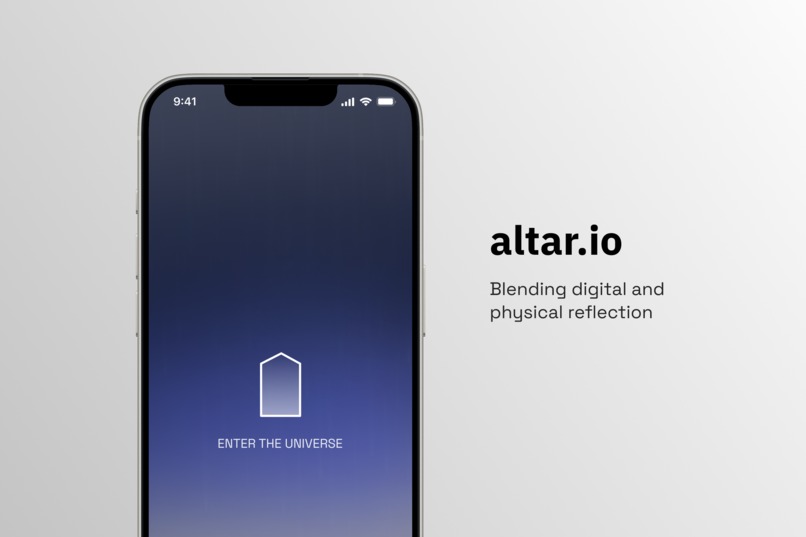
Cover image for altar.io
-
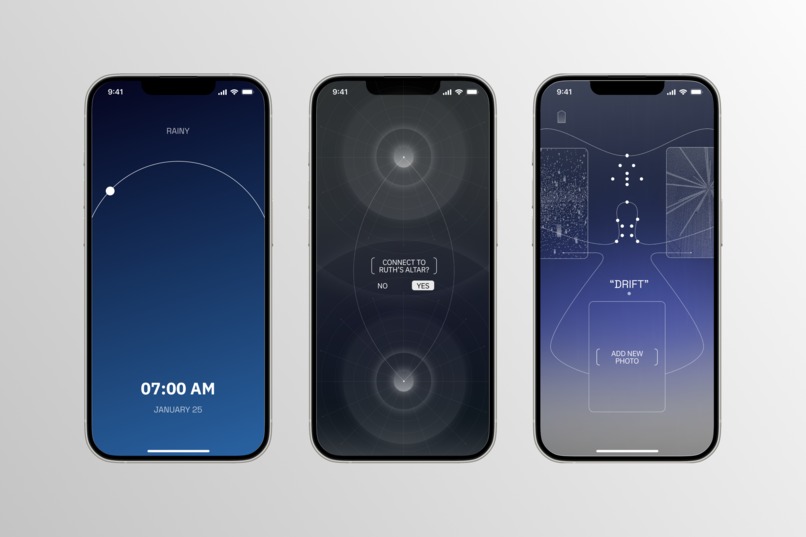
Screens from altar.io
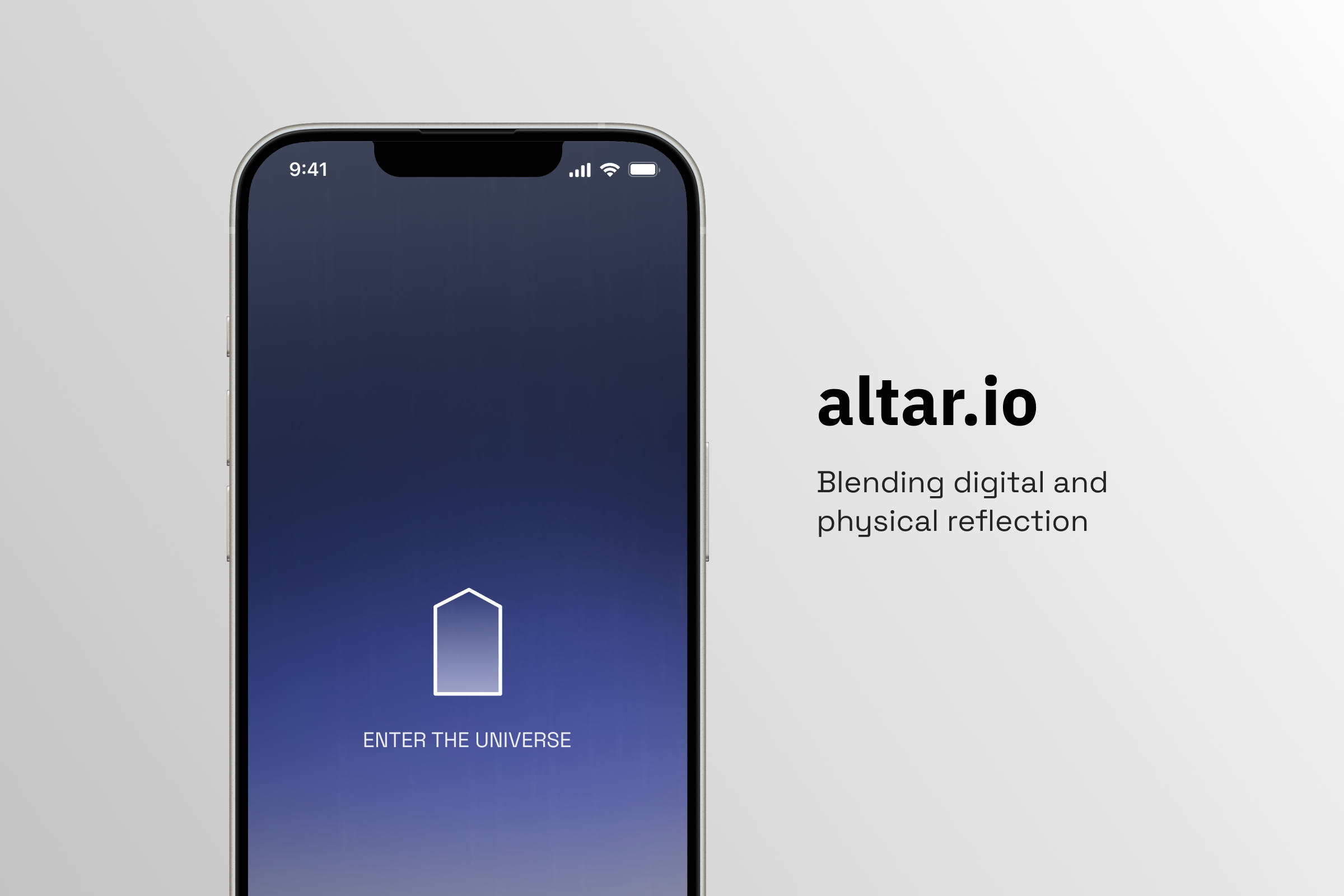
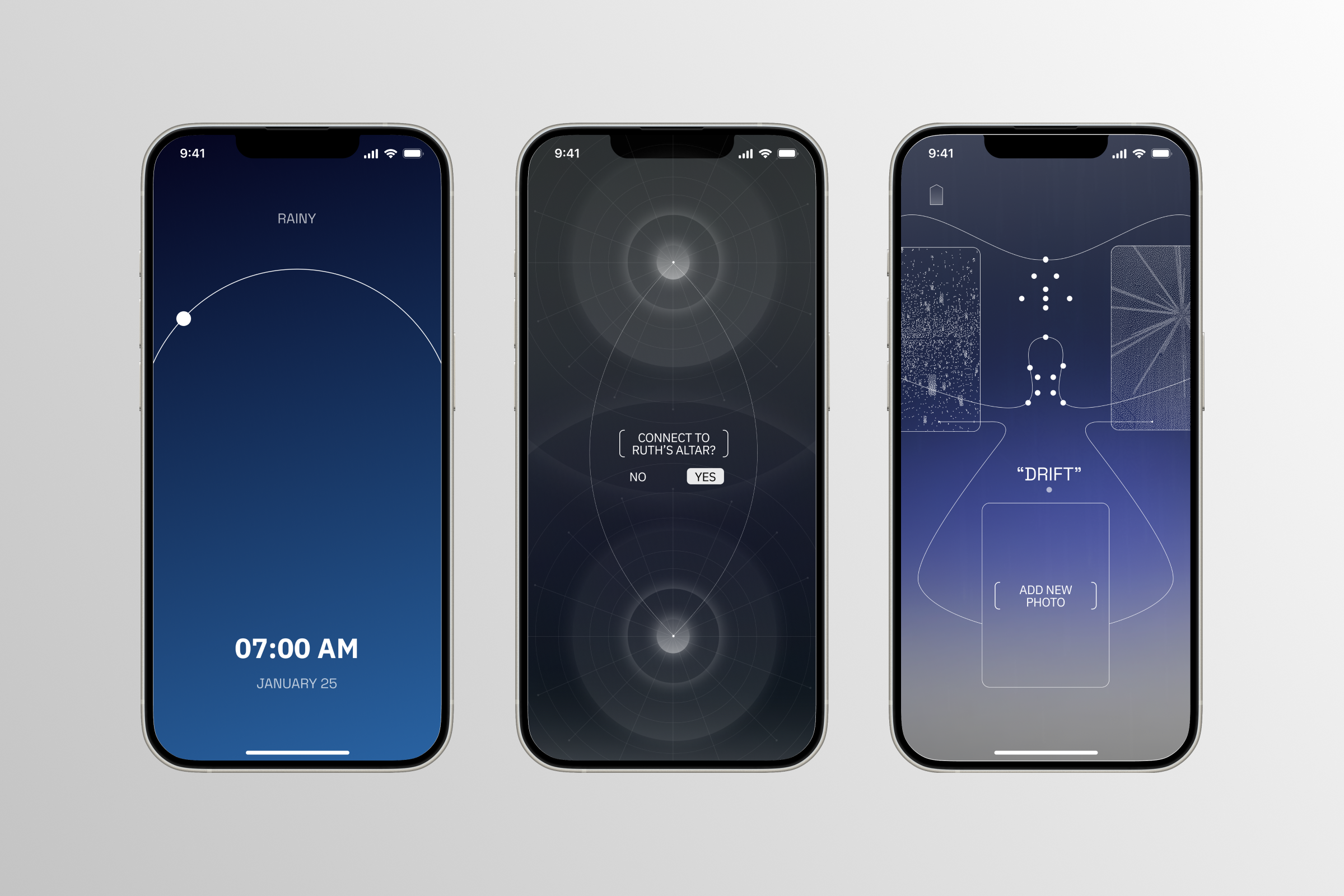
Prototype Link
Project Description
Altar.io is a mobile app designed to foster self-reflection, belief system building, and community by bridging the digital and physical world. Inspired by innately human qualities—such as morality, spirituality, and spontaneity—we envisioned a personal “altar” where users can engage with their surroundings and meaningfully record their personal values. The altar includes interactive elements like lighting a candle (presence), recording ambient sounds (environmental awareness), taking photos (prompted visual records), and journaling (belief-building over time). Dynamic backgrounds shift with real-world factors like weather and time of day, grounding users in their physical environment. Community features allow users to see each others’ altars on a node map, fostering intimate connection without the superficiality of typical social media. Through robust research and usability testing, we synthesized user personas and uncovered needs that informed crucial components of our design. Altar.io promotes deliberate engagement, offering a digital sanctuary preserving humanity in a technological world.
Research Process and Findings
Once the prompt was released, we held a 3 hour brainstorming session for group ideation. We focused on qualities that remain innately human despite developments in AI/tech: physicality, love, social connection, death/mortality, moral values, religion/spirituality, spontaneity, and imperfection. This inspired us to design an application centered on belief system visualization, self-reflection, and community, incorporating a physical world component. During this session, we deconstructed the prompt, defined our application’s purpose and core features, identified our target users, and sketched out low-fidelity prototypes. A brief competitor analysis revealed that existing self-reflection tools–like journaling, diarizing, and mood-tracking apps–often lack physical world, community, spiritual, and personal value-focused elements. We drew inspiration from internet maps, social media posts and blogs (e.g. platforms like diagram.website, internet maps, Quiet Web, Ritual Technologies, and AncientFutureTech). To differentiate our application, we envisioned a personal “altar” where users can maintain a sacred, reflective space dedicated to both personal growth and human connection. The altar would be able to bridge the digital and physical world, prompting users to engage with their values and the environment around them. Given the app’s community aspect, we decided on a mobile format.
User Research. To understand user needs and preferences, we distributed a survey and conducted brief interviews. We received 27 survey responses and conducted 7 interviews with students ranging from freshmen to seniors at UPenn, which we determined was appropriate given our target audience (users our age with similar behaviors and challenges).
Using a mix of qualitative (open-response) and quantitative (numerical) data from our survey, as well as insights from our interviews, we synthesized 2 user personas: Persona 1: Sarah is a 21-year-old Philosophy major in college. She is creative and passionate about self-exploration; she frequently journals and meditates. She aims to disconnect from AI-driven algorithms and find an authentic digital space for daily personal reflection. She dislikes typical self-reflection apps because they are generic and superficial, is uncomfortable with the “wellness industry”, and is skeptical of AI insights. She wants to respond to introspective, thought-provoking prompts and engage with a minimalist app that is not too overstimulating.
Persona 2: Max is a 19-year-old Computer Science major. While tech-savvy, he often feels overwhelmed by his heavy course load and is disillusioned by the constant presence of technology in his life. He wants to reconnect with the physical world and ground himself in his personal values. Though he can’t fully detach from technology, Max’s goal is to find an app that helps him carve out a sacred and distraction-free space removed from his academics.
Your most important design decisions
Our goal from the outset was to create an application fostering self-reflection, community, and connection to the physical world. Onboarding & Altar Customization We initially considered offering minimalist and geometric altar shapes, but realized they might unintentionally impose concrete/restrictive interpretations onto users during their customization experience. For a sense of free interpretation, we shifted to abstract shapes inspired by Rorschach inkblots. This ambiguity allows users to project onto their altars of choice freely. Altar Components & Interactive Prompts A user’s altar serves as a sacred personal space to blend digital interactions with real-world stimuli. We offer variations of altars, but all of them have central interactive components: Candle: Tap to light, symbolizes presence and intention (encourage regular user engagement). Chimes: Tap to record ambient sounds in response to a spontaneous prompt. Album: Tap a photo card to open, taking or uploading a photo in response to prompts. Users can also access their last two photos (past history of photos can be seen from Account). Offering: Tap the dish beneath the altar to input a journal entry in response to a thought-provoking prompt, building your belief systems through written records over time. We prioritized intuitive visual design, but during usability testing, users struggled to differentiated interactive elements from static ones. To address this, we added a tutorial to the onboarding flow. Ambient Background Transformations To ground the app in the physical world, we incorporated dynamic backgrounds in the user’s Universe (Home and Altar displays). These backgrounds change based on real-world factors, e.g. time of day and weather, creating a minimalist but tangible bridge between the digital and physical world. Community Features By scrolling down from their altar, users can access a Community Map. Users are able to see other users in their geographic region if they toggle on Location Services, or manually add users to their map by meeting in person and doing Tap To Share (making phone-to-phone contact). From the start, we envisioned connective imagery, e.g. trees, node maps, star charts and cartography, but chose to implement nodes due to their minimalist look. Clicking on a node on the map opens a portal to another user’s altar, fostering a sense of intimate connection without the superficiality of typical social media. App Navigation & Interaction Philosophy Fundamentally, we see user flows as a journey. While intuitive design and navigation was crucial, we also wanted users to slow down, discover the app, and engage organically as autonomous agents rather than mindlessly tapping through features. In opposition to the addictive and utilitarian UI of many social media feeds, as well as apps that completely eliminate user frictions to the point of dopamine-driven numbness, we intentionally designed interactive indicators and navigation between displays to encourage deliberate and thoughtful usage. Usability Testing & Iterative Design Due to limited time constraints, we conducted small-scale testing. We asked friends to navigate around our prototype altar display; he struggled to differentiate interactive from static altar elements. Thus, we responded by adding a tutorial section to the user onboarding flow.
Built With
- adobe
- figma


Log in or sign up for Devpost to join the conversation.