Inspiration
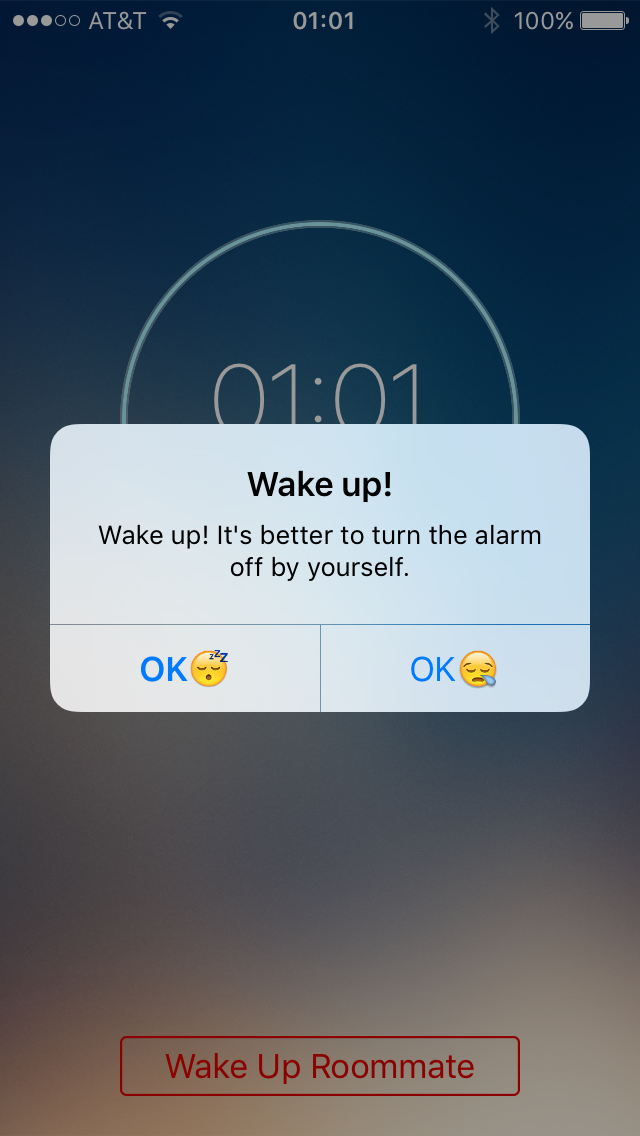
We've all had a roommate who always sets an alarm that goes off in the earliest hours of the morning, which pulls you out of your deepest slumber, leaving you wide awake while he/she continues to sleep through it. You are stuck in limbo where you don't really want to get out of bed and walk across the room to wake your roommate or kill their alarm (and hopefully not the roommate!) and you just want it to stop! What if you could just tap a button on your phone to kill their alarm and go back to sleep?
What it does
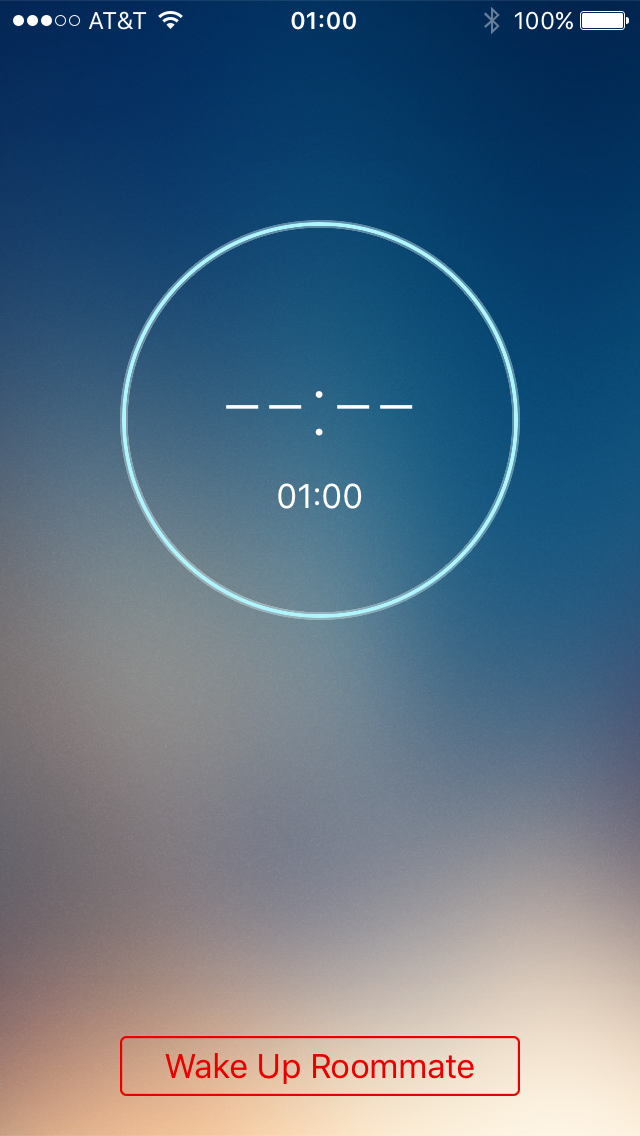
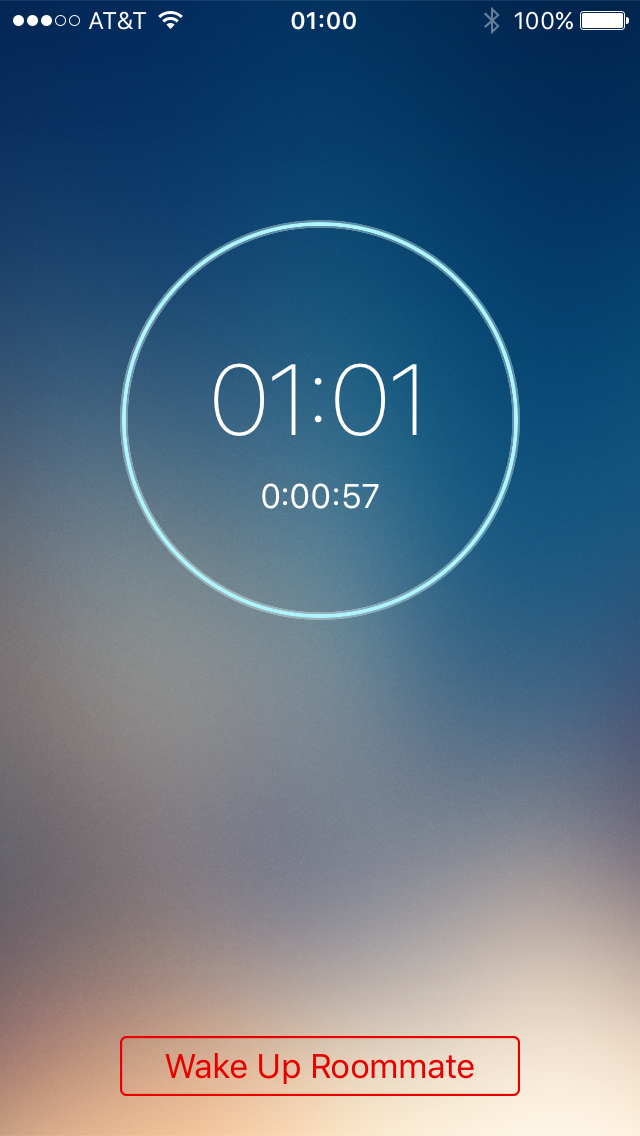
This alarm clock app has an added feature to turn off the alarm on a neighboring device via bluetooth with just the tap of a button
How I built it
We built it using objective-C. It mainly has two core features
- Function as an alarm clock.
- Turn off the alarm (via bluetooth) on another device that uses this app.
We referred documentation and sample codes on developer.apple.com to implement bluetooth communication, creating timer objects and handling gestures.
Challenges I ran into
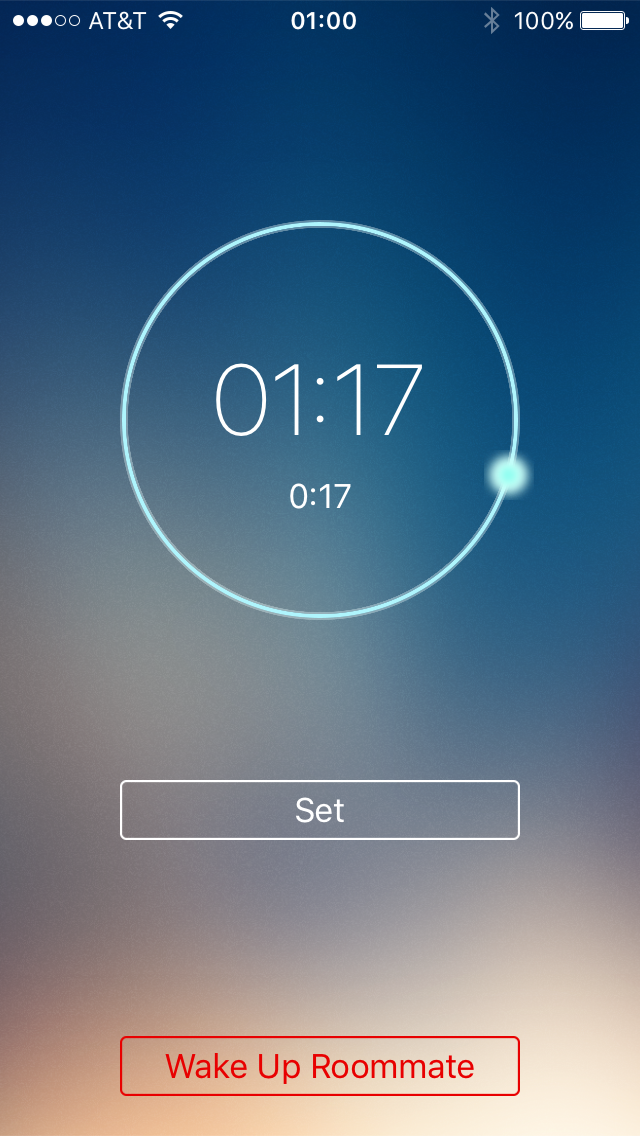
The main challenge was figuring out how we can use bluetooth to serve our communication purpose and also figuring out circular motion gestures that allows the user to scroll to set the alarm time.
Accomplishments that I'm proud of
We kept it simple and minimalistic and were able to get the core intended features working. The gesture control to set the alarm time is really cool.
What I learned
Learnt swift and objective-C and how to use APIs to communicate via bluetooth and gesture control.
What's next for ALRM-Kill
- Ensure that a roommate cannot kill an alarm until a minimum of 'N'-snooze cycles (pre-defined by user).
- Change the alarm to just vibrate mode by turning off the sound.
- Change to vibrate only on the apple watch.
- Option to either kill the alarm or send a different pre-recorded alarm tone (Maybe a rude voice-recording that the user had saved for his/her roommate).



Log in or sign up for Devpost to join the conversation.