-
-
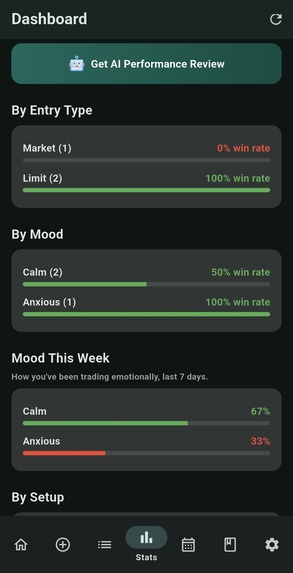
Dashboard Englis #2
-
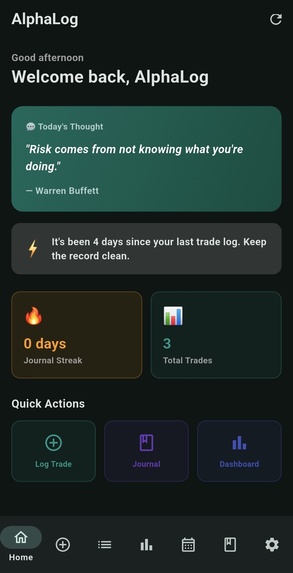
Homepage English
-
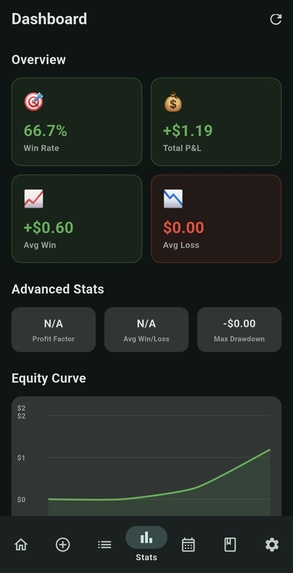
Dashboard English
-
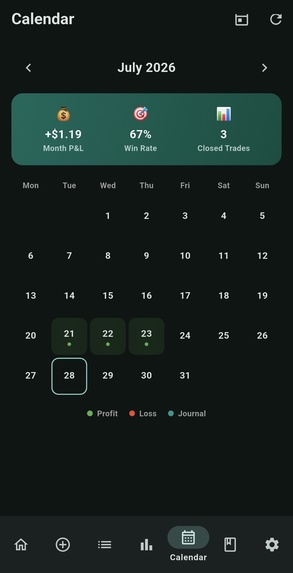
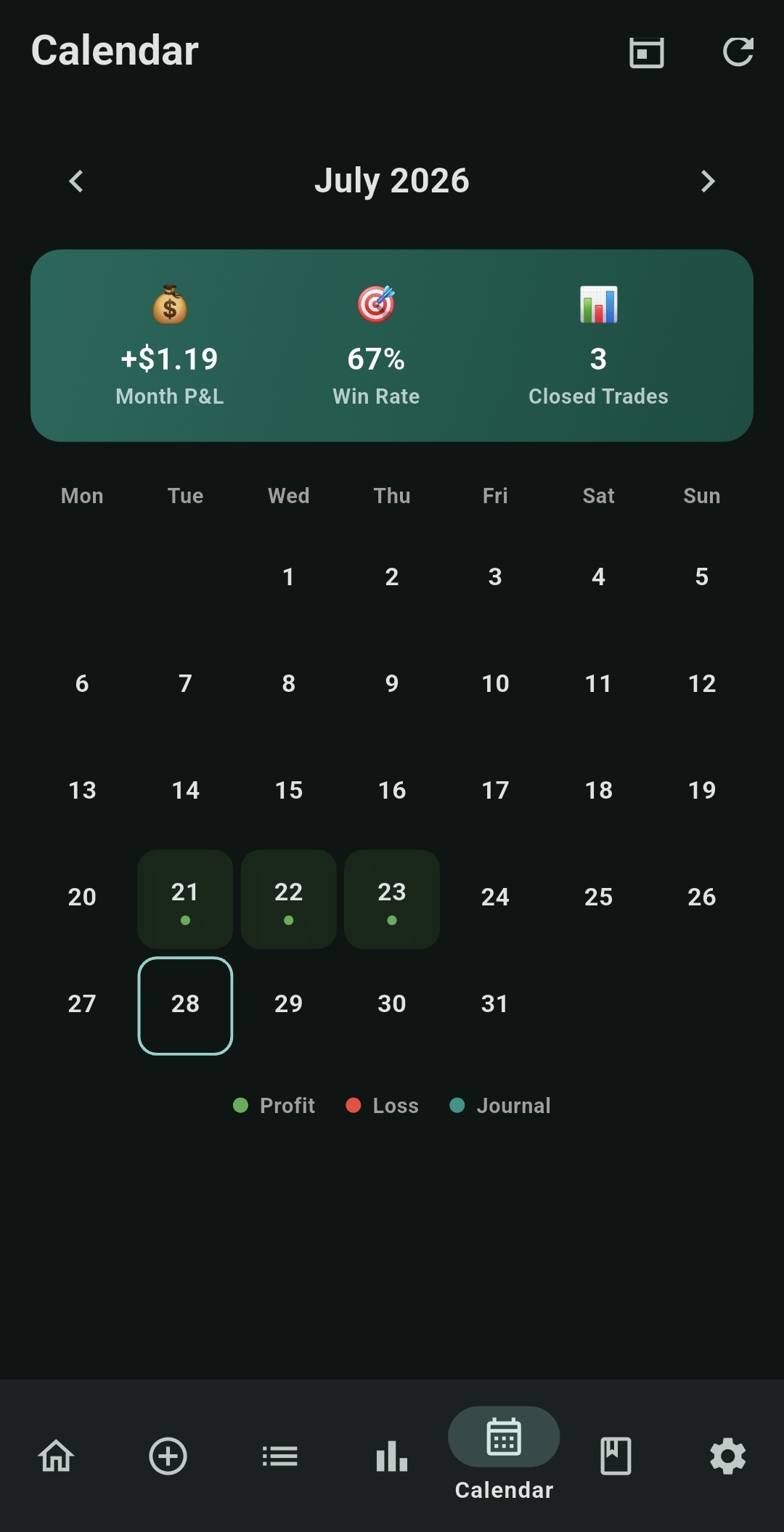
Calender English
-
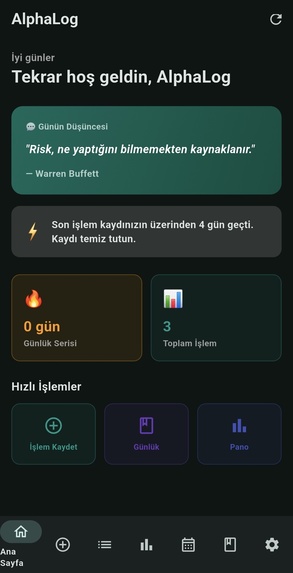
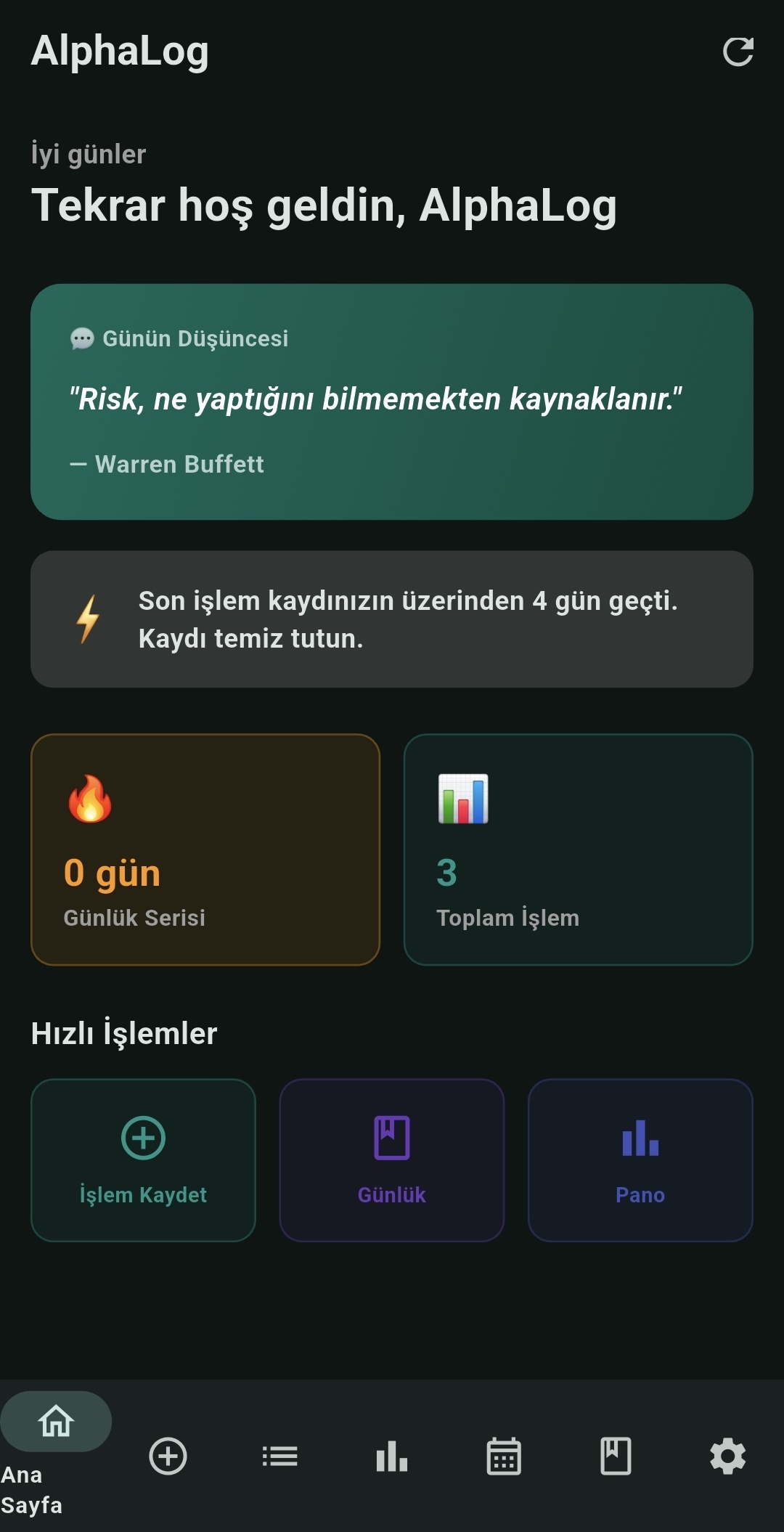
Homepage Turkish
-
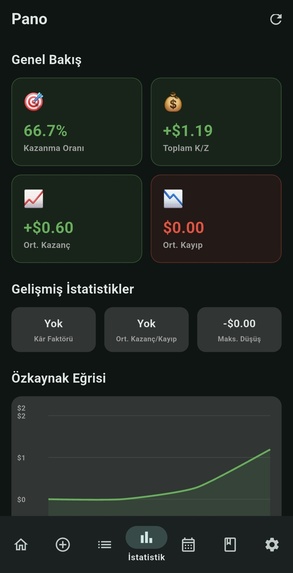
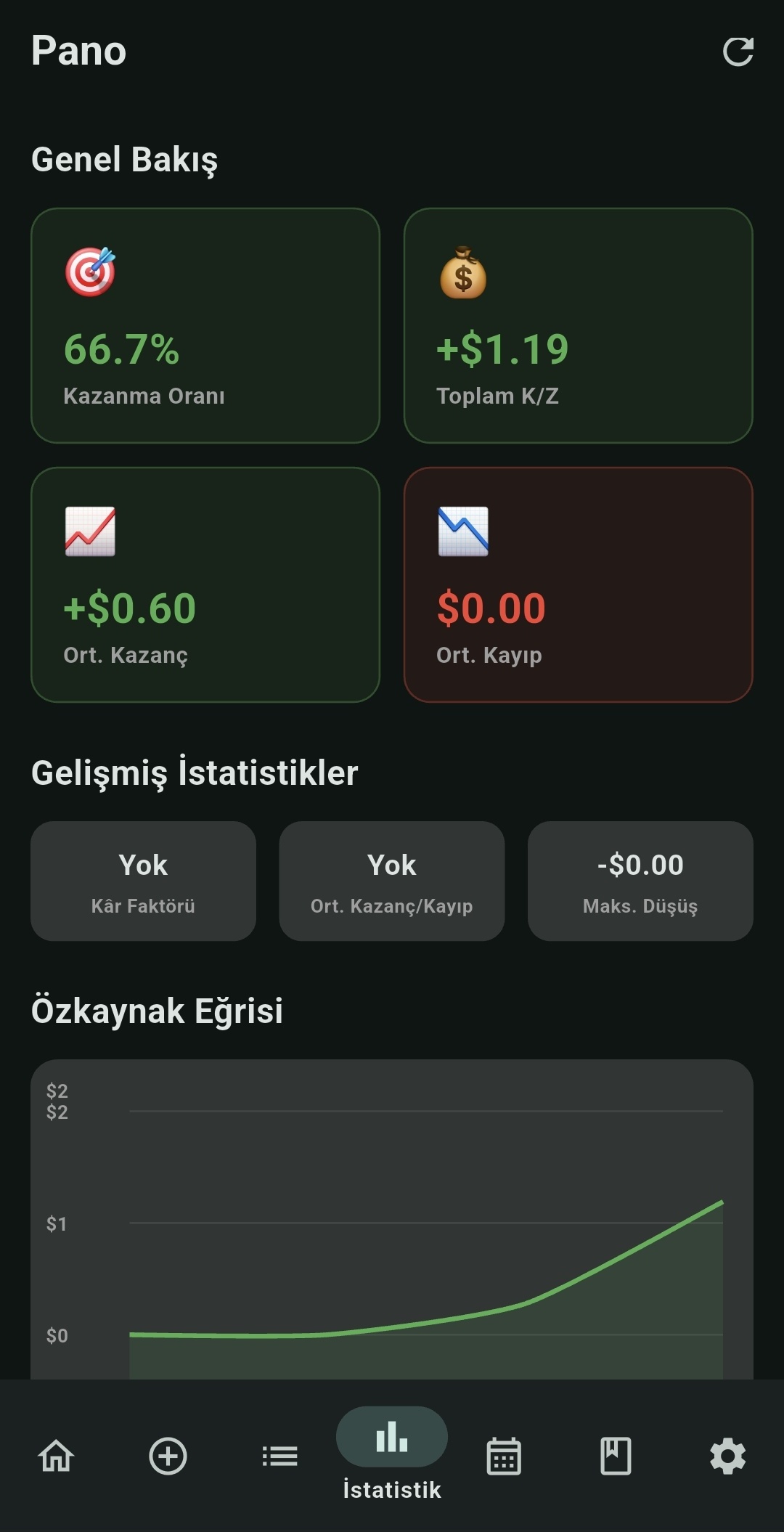
Dashboard Turkish
-
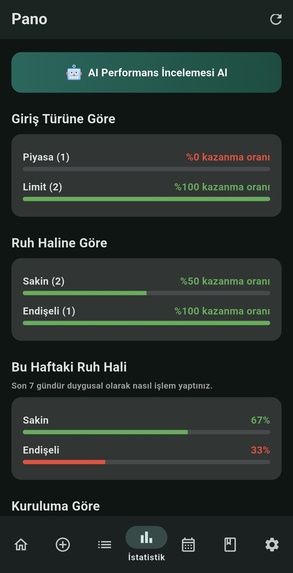
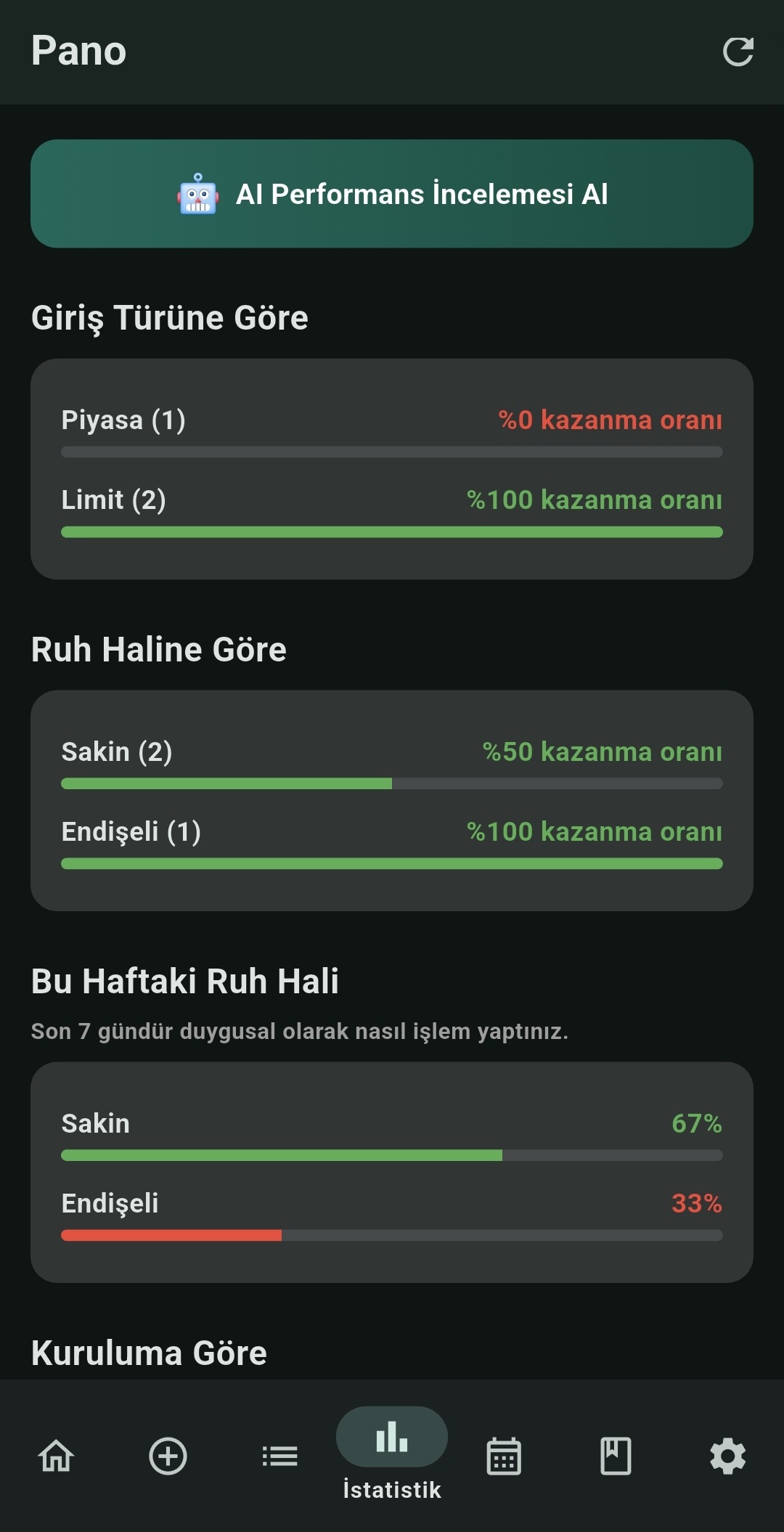
Dashboard Turkish #2
-
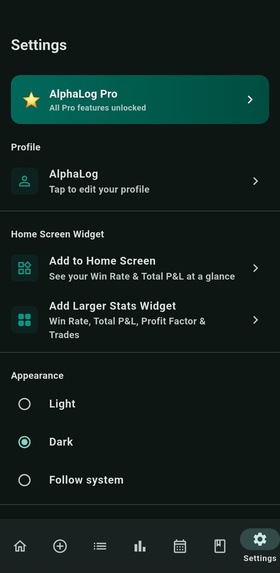
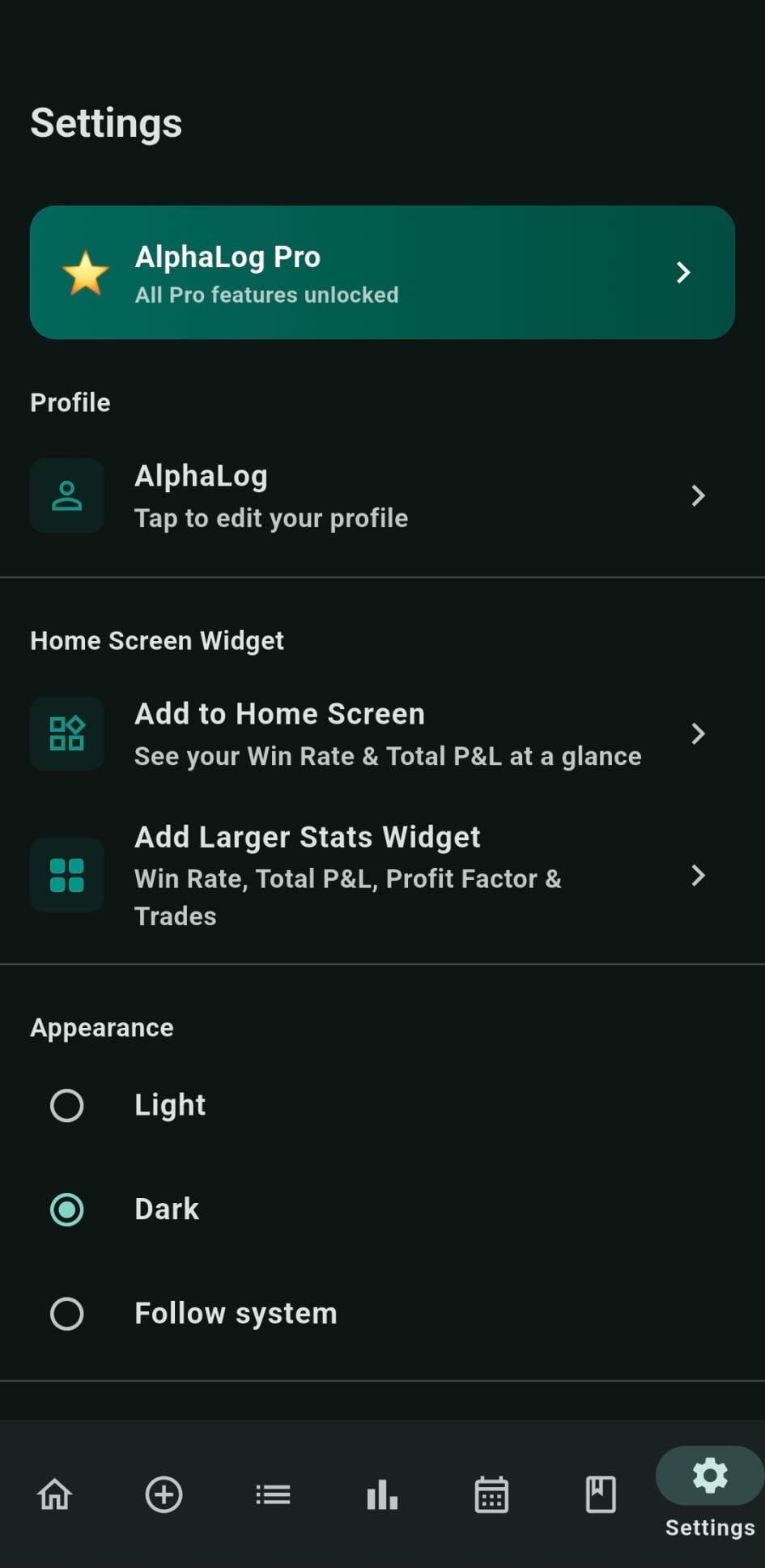
Settings
-
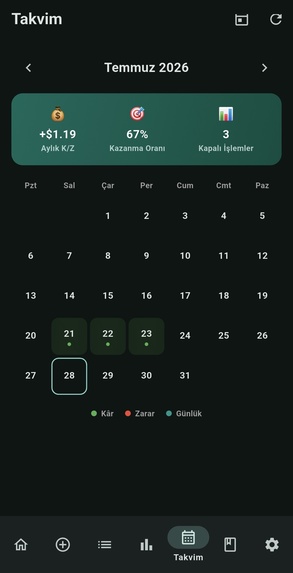
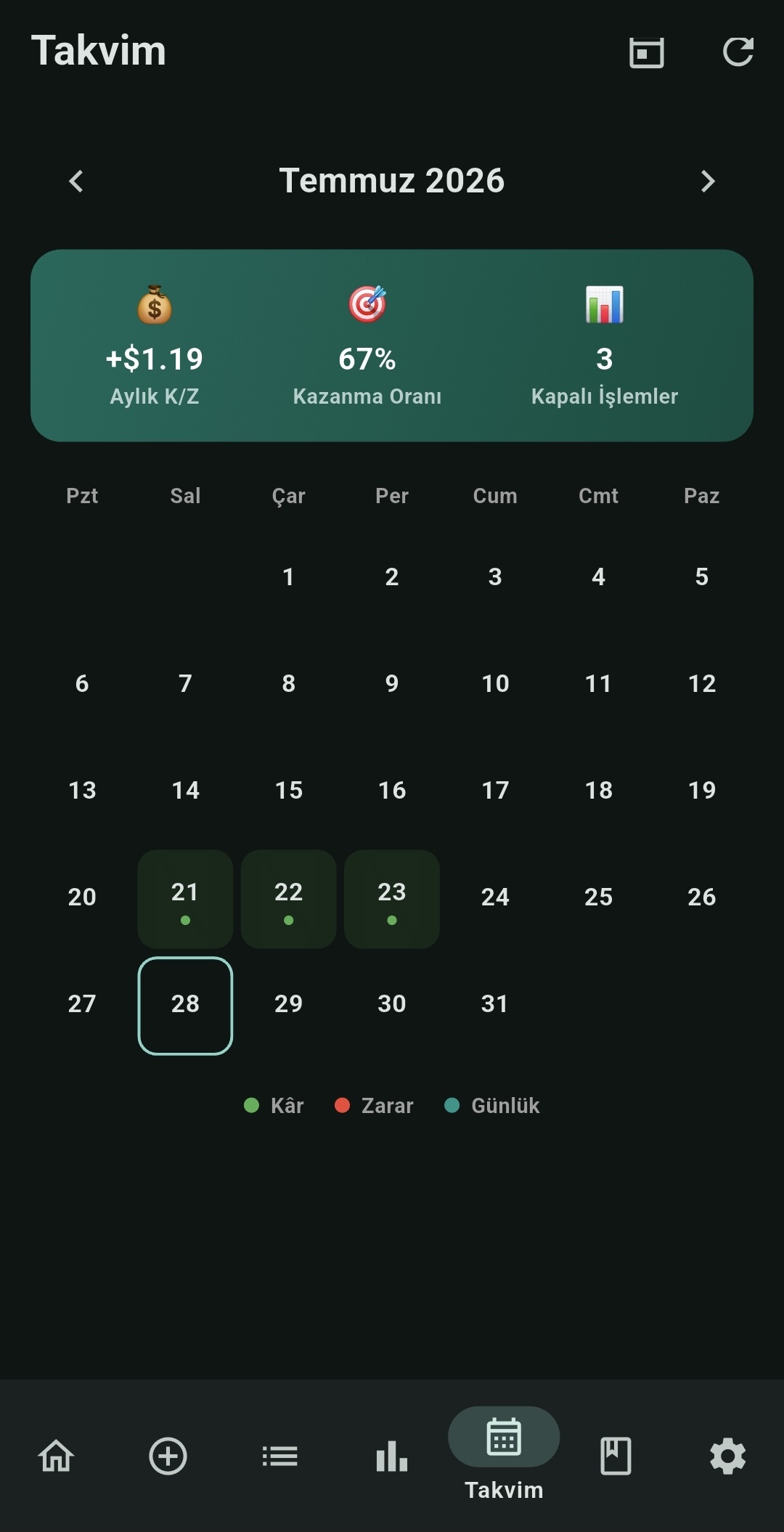
Calender Turkish
-
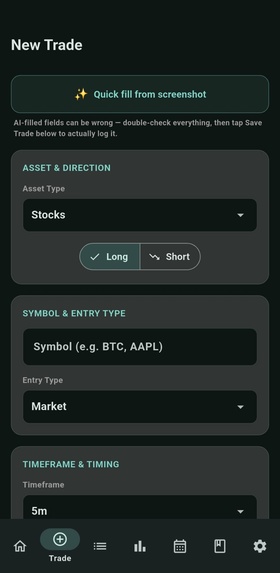
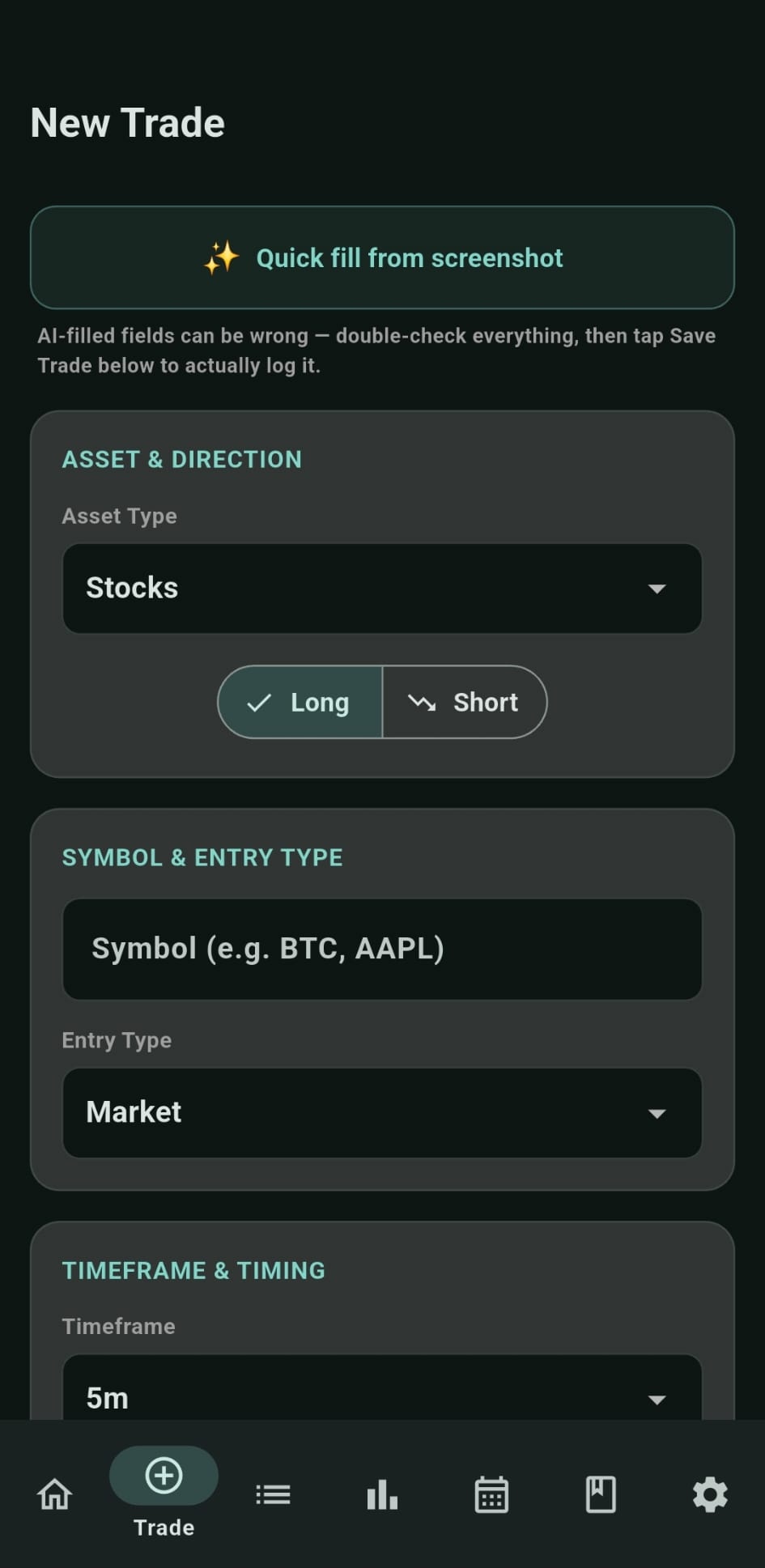
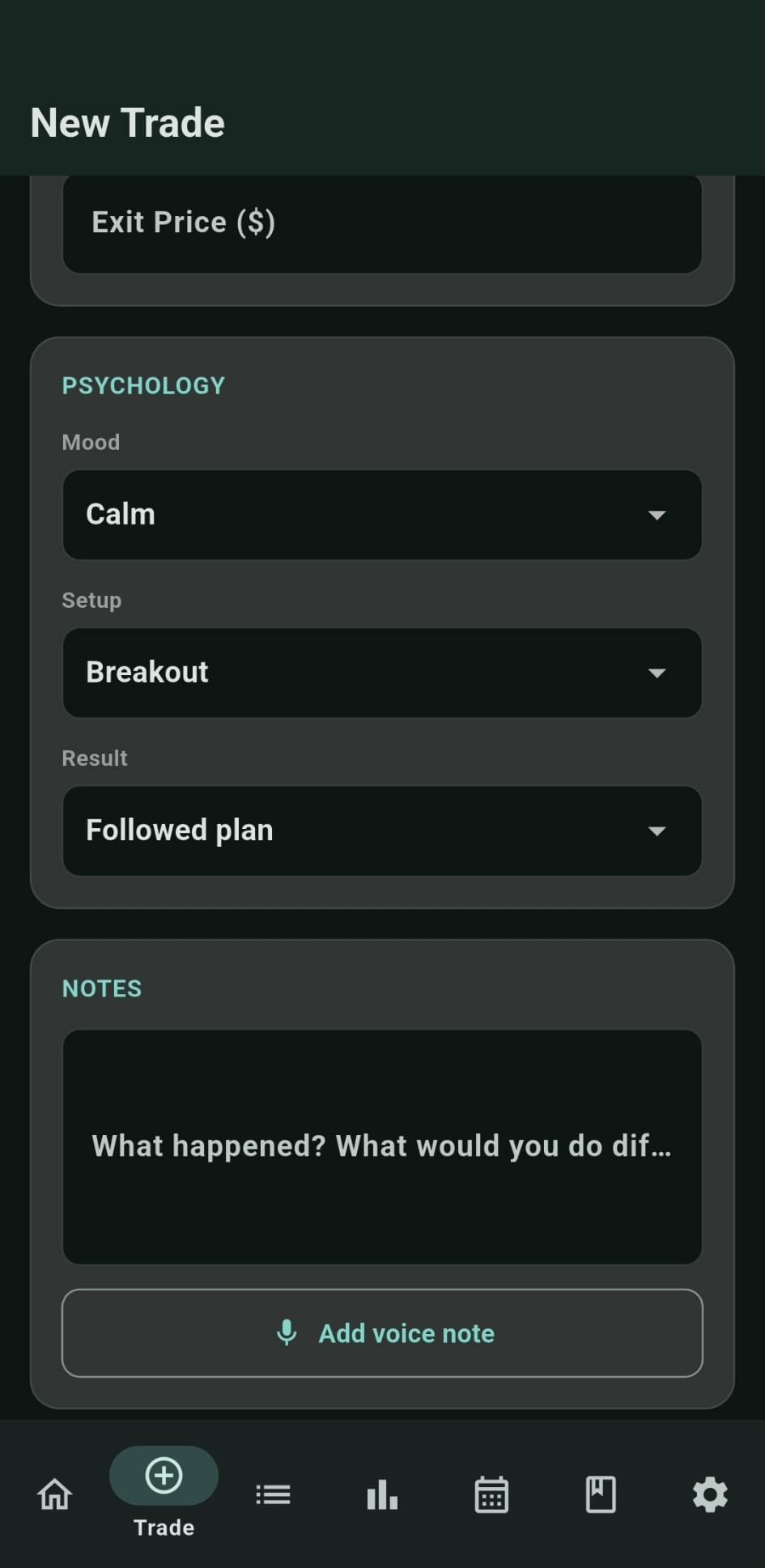
New Trade
-
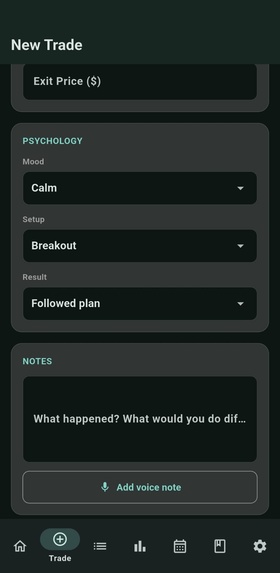
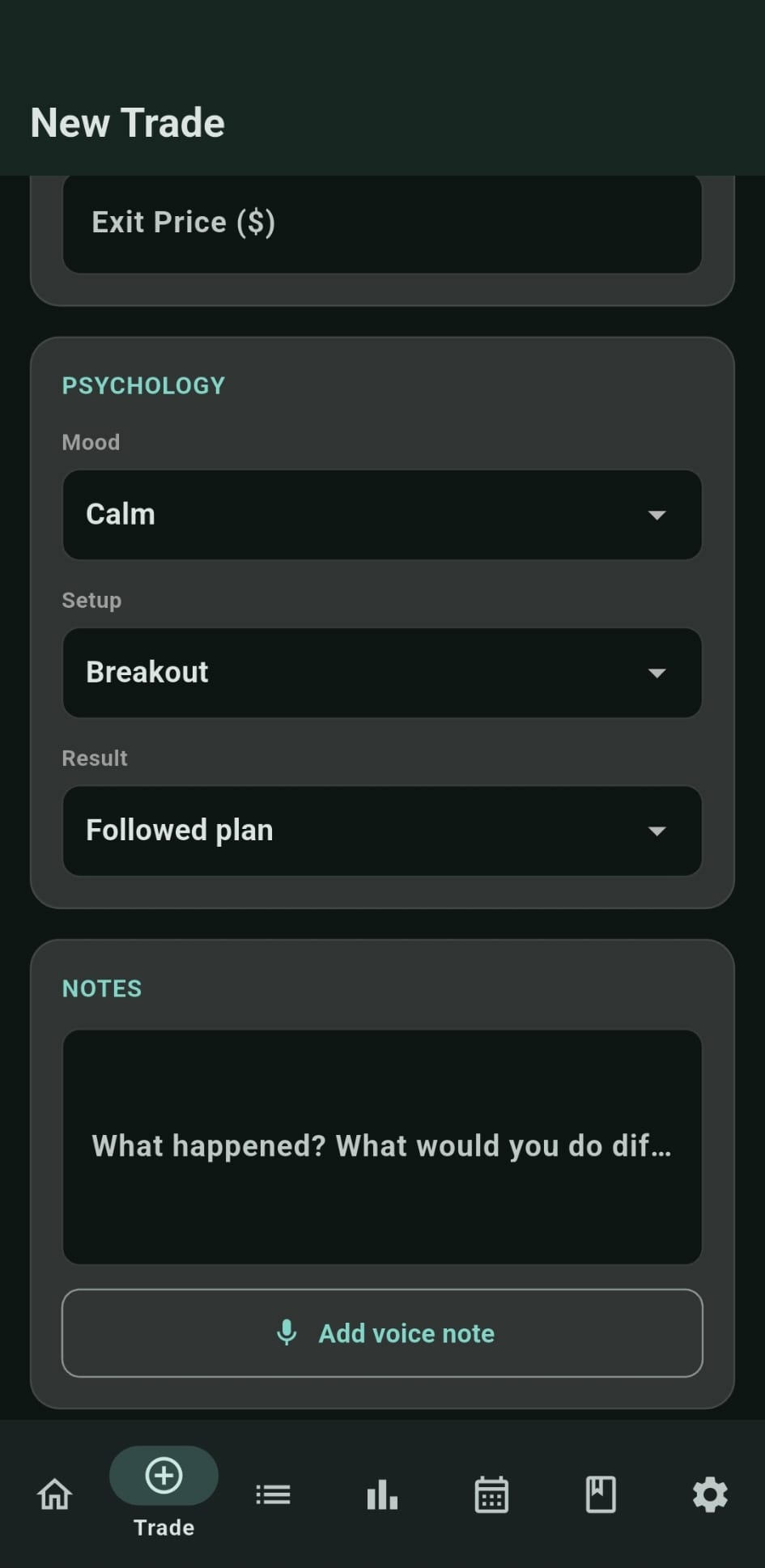
New Trade 2 / Voicenote
-
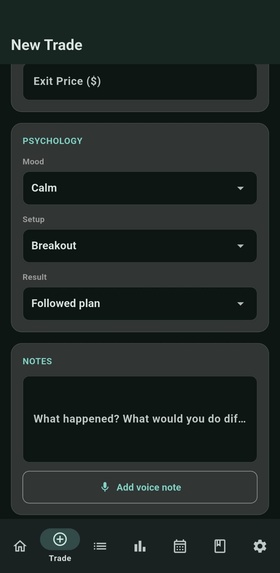
New Trade 3 / Screenshot
-
Logo
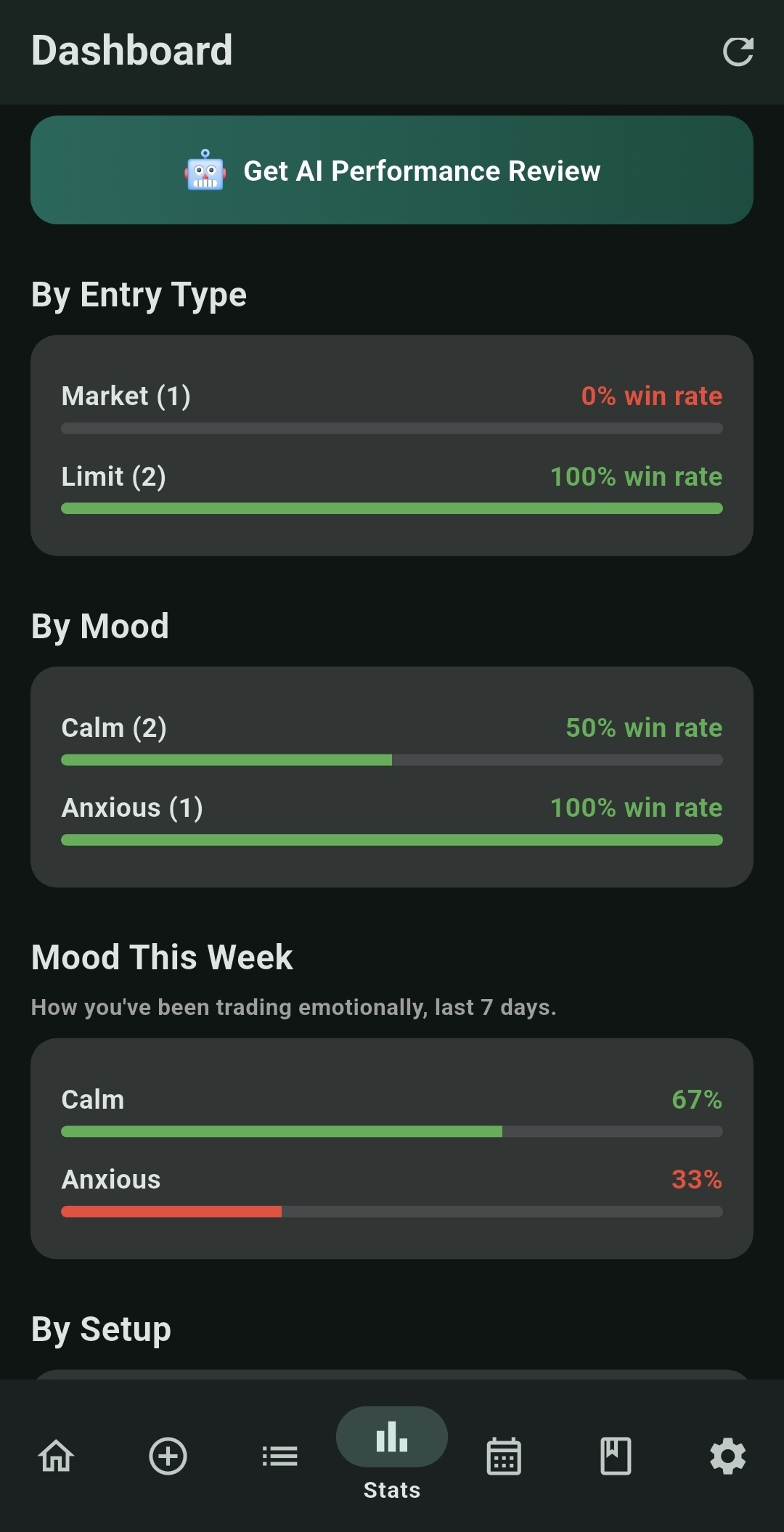
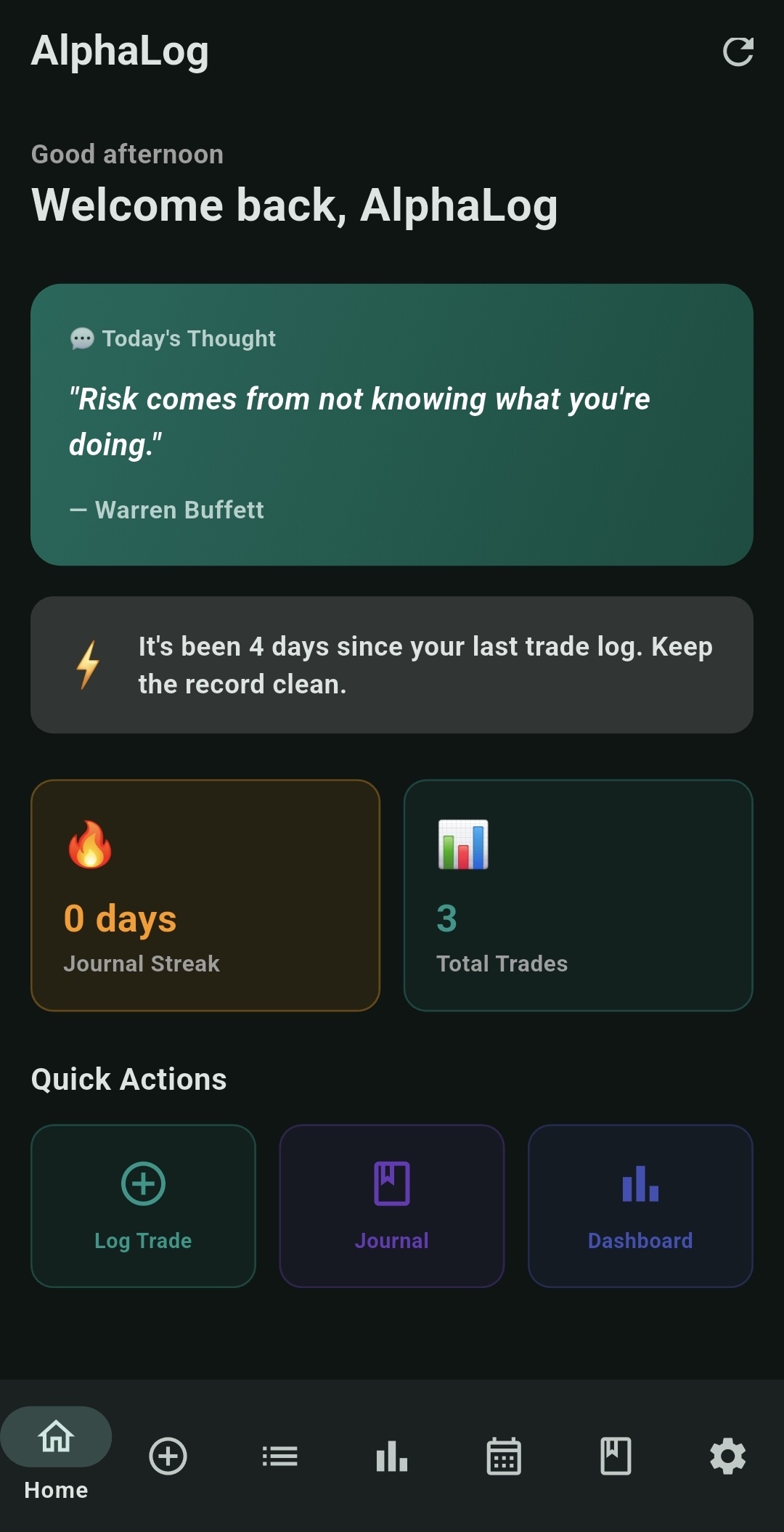
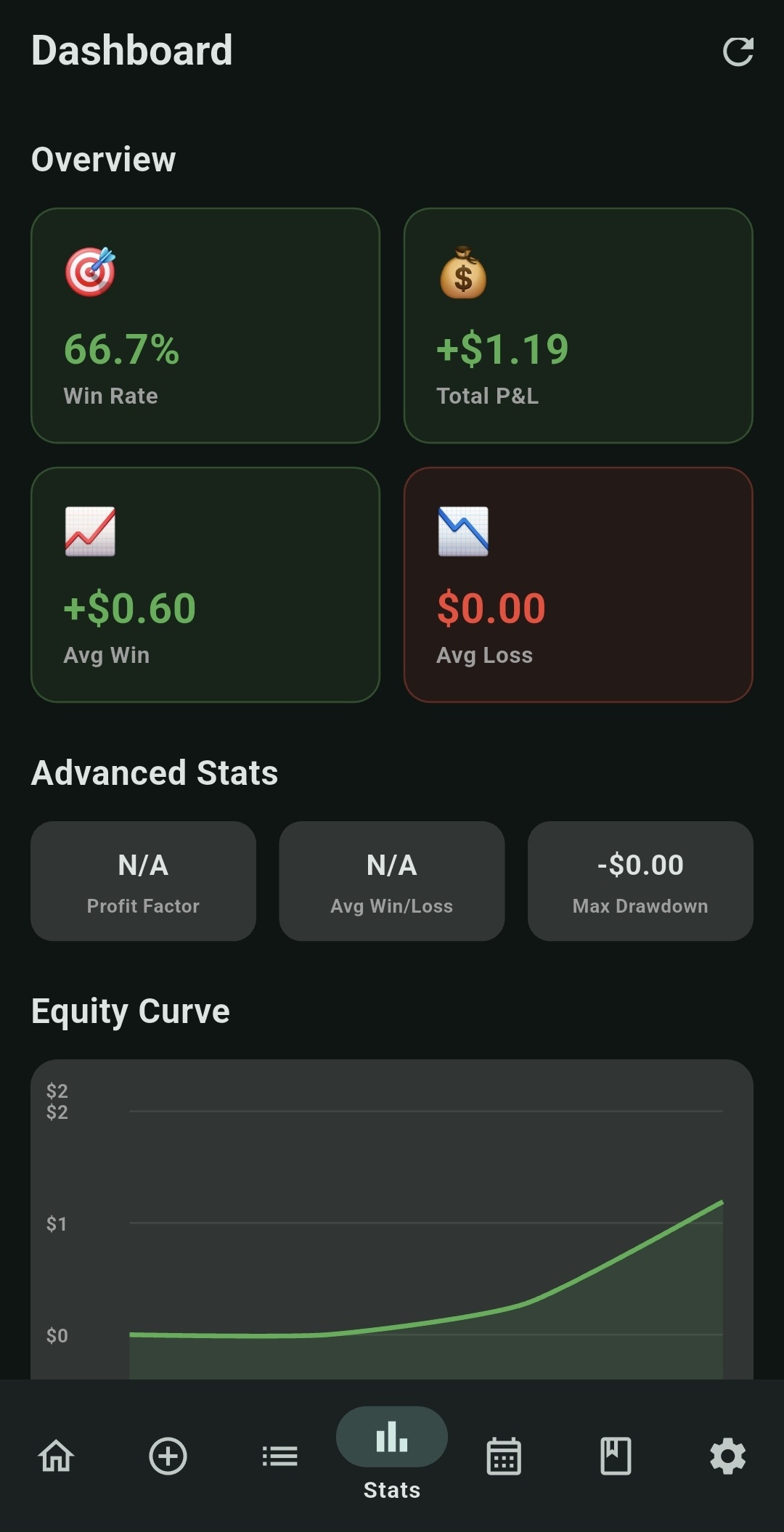
Inspiration
My husband is a trader, and while he was learning the markets he kept struggling to keep up with and learn from his own mistakes. I did some research and found that journaling is one of the most effective ways for traders to build self-awareness and improve — but he never liked physically writing on paper, so it just didn't stick. I started looking at trading journal apps to solve this for him, and out of his specific struggles and needs, AlphaLog was born. From there I kept refining it — he checks in on it regularly and tells me what's working and what isn't, and I adjust the app based on that real feedback to figure out what actually helps traders build the habit.
What it does
AlphaLog is an Android trading journal that helps traders log trades, reflect daily, and actually build the habit of doing both. Core features:
- Trade logging with the details that matter for review, not just P&L.
- Screenshot quick-fill: snap or attach a screenshot of your trade and let AlphaLog pull the details in, instead of typing everything by hand.
- Voice notes, so you can capture your thinking on a trade in the moment without breaking your flow to type it out.
- A daily journal prompt, separate from trade logging, for the behavioral side of trading.
- AI-powered performance reviews that analyze your trading and journal history and give you feedback on patterns, mistakes, and areas to improve not just raw numbers.
- Full bilingual support in English and Turkish, so the app works naturally for traders in either language.
- Stats screens tracking win rate, total P&L, and profit factor over time
- Home screen widgets showing win rate and P&L at a glance, without opening the app.
- Daily reminder notifications for both trade logging and journaling, configurable by time.
- A subscription tier (via RevenueCat) unlocking deeper analytics.
How I built it
AlphaLog is built in Flutter/Dart for the core app and cross-platform UI, with native Kotlin for the Android home screen widgets (using AppWidgetProvider and RemoteViews, bridged from Flutter via the home_widget package). Trade and journal data is stored locally with SQLite (sqflite). Subscriptions and paywalling run through RevenueCat. Any calls that need a secret API key go through a small Cloudflare Worker that acts as a proxy, so no key ever ships inside the APK.
I'm a self-taught developer — I came into this with no formal engineering background, working up from basic scripts to a full production Android app, using AI pair-programming tools (Claude) heavily throughout the build process to move faster while I learned the platform as I went.
Challenges I ran into
The trickiest one was Android's notification permission model. Android 13+ has a native runtime dialog for POST_NOTIFICATIONS, but the separate "Alarms & reminders" permission (needed for exact-time daily reminders on Android 12+) has no native prompt at all — the user has to find it themselves in system Settings. Early versions of AlphaLog relied on users discovering that manually, which meant reminders silently failed to fire for anyone who didn't dig into Settings. I fixed this by adding a one-time, proactive in-app prompt that walks the user through both permissions, and by rescheduling all reminders every time the app resumes (not just on cold start), so a permission granted later actually takes effect immediately instead of requiring a restart.
Keeping the native Kotlin widget code in sync with the Flutter side was also a challenge — the widgets read from SharedPreferences that Flutter writes to, so timing and data format had to be exactly right on both sides for the widgets to update reliably.
Accomplishments that I'm proud of
Shipping a real, published Android app end-to-end as a self-taught developer — from local trade storage, to native widgets, to a working subscription model, to a backend proxy for key security — and fixing a subtle platform-level permissions bug that most tutorials don't cover.
What I learned
How deep Android's permission model actually goes once you're past the basics — that "notifications" isn't one permission, it's several, each with different UX rules depending on OS version. Also a lot about structuring a Flutter app so native platform code (the widgets) stays cleanly separated from the Dart side.
What's next for AlphaLog
AlphaLog started as a fix for one trader I love — but discipline and self-reflection are universal problems for traders everywhere, and that's where I want to take this next.
Going worldwide. AlphaLog was built to solve a real problem, not a niche one — every trader, on every market, in every country, struggles with the same thing: staying honest with themselves about their own mistakes. My goal is for AlphaLog to reach traders globally and become a tool that genuinely changes how they grow, not just another app they download and abandon.
Coming to iOS. AlphaLog is Android-only today. Bringing it to Apple is the next major milestone, so every trader can build this habit regardless of which phone they carry.
Built with the community, not just for it. The same feedback loop that built this app — real traders, real struggles, real iteration — is how I want to keep growing it. I want users to shape what AlphaLog becomes next, and to genuinely benefit from every version of it.
Built With
- android
- anthropic
- api
- claude
- cloudflare
- dart
- flutter
- kotlin
- revenuecat
- sqlite

Log in or sign up for Devpost to join the conversation.