-
-
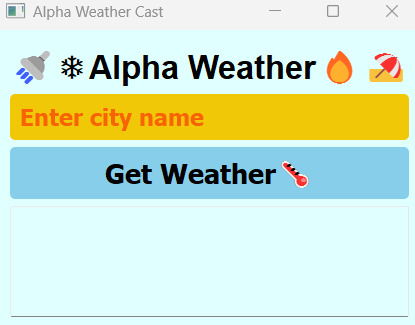
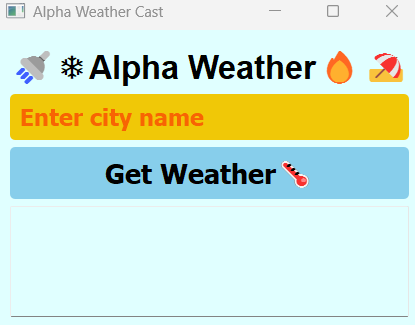
Zoomed in Result
-
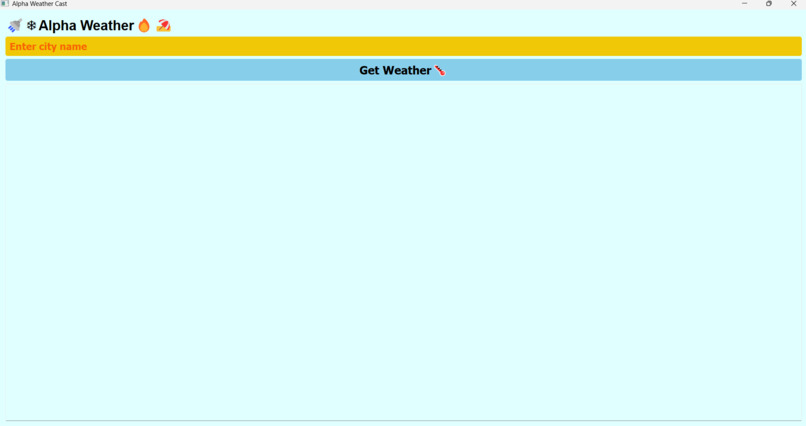
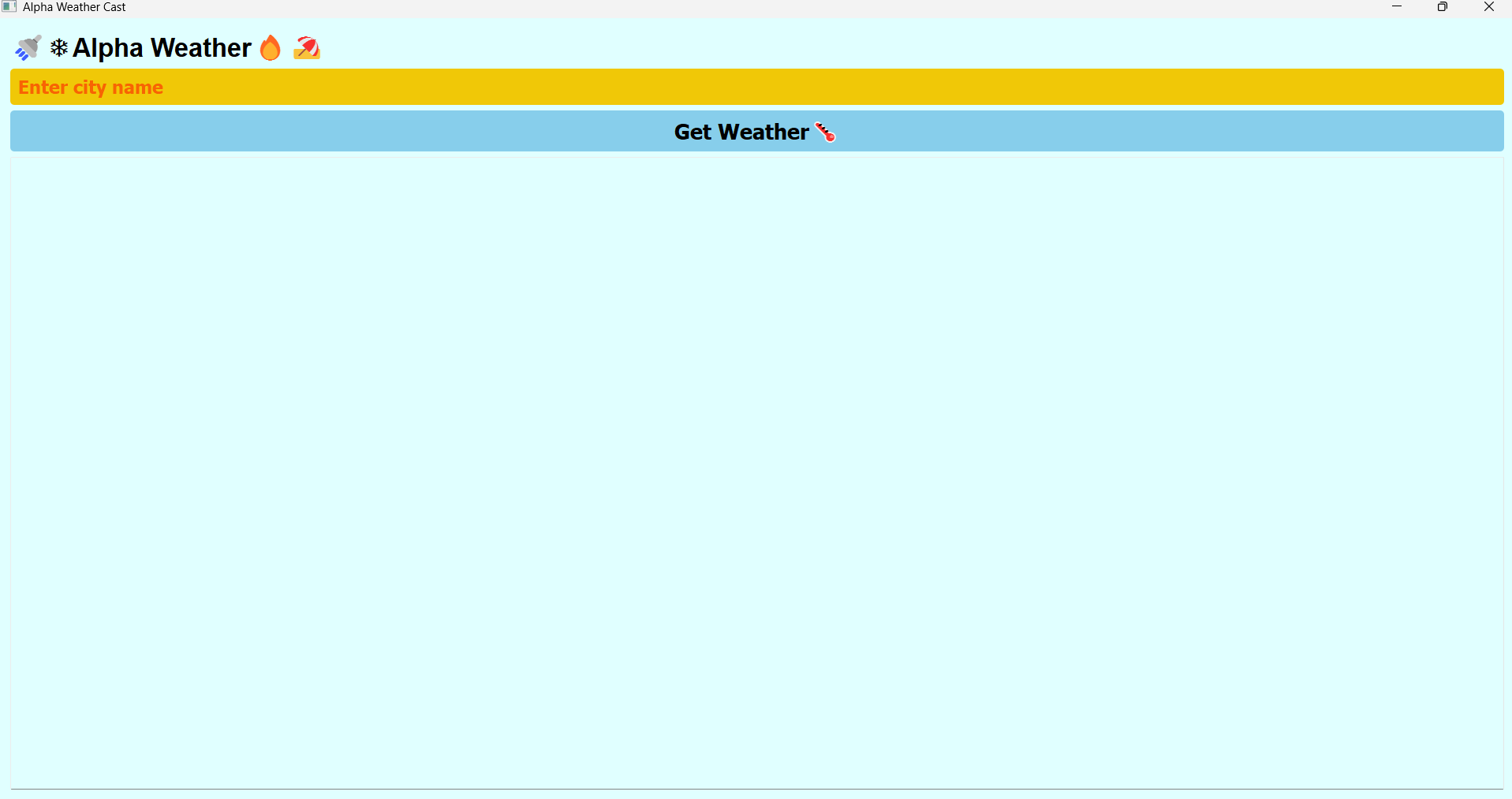
Zoomed out Result
-
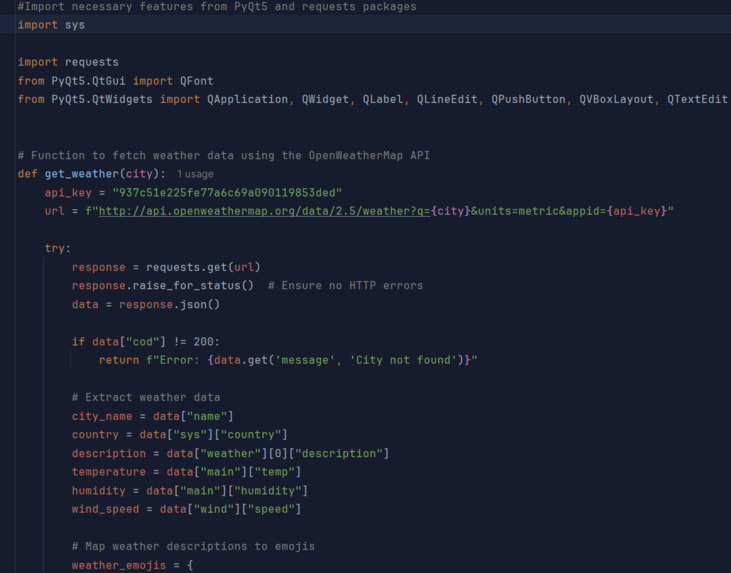
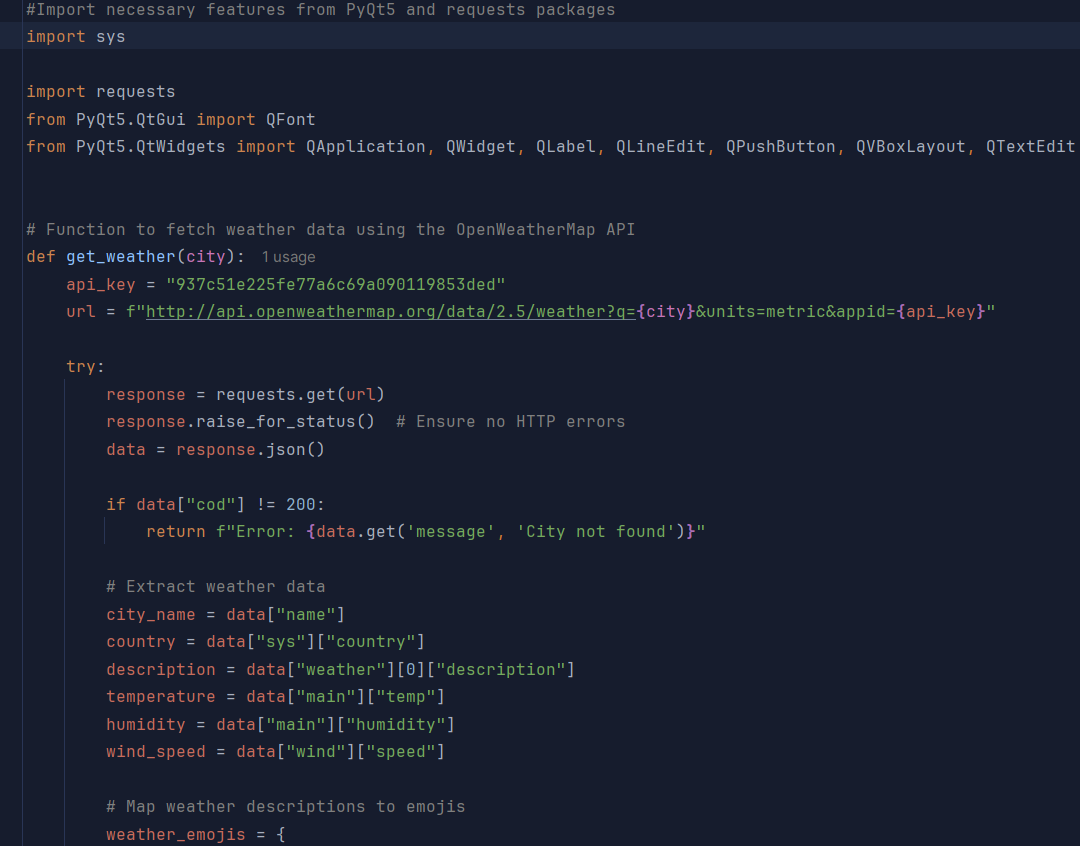
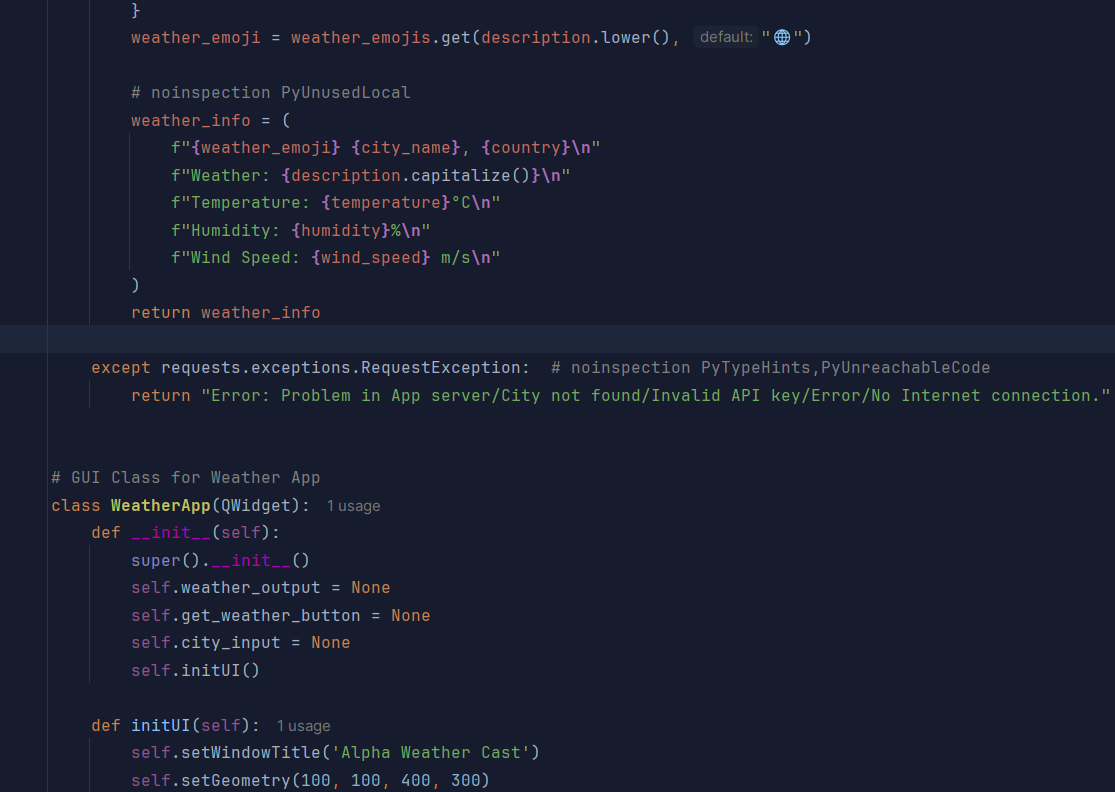
Code1
-
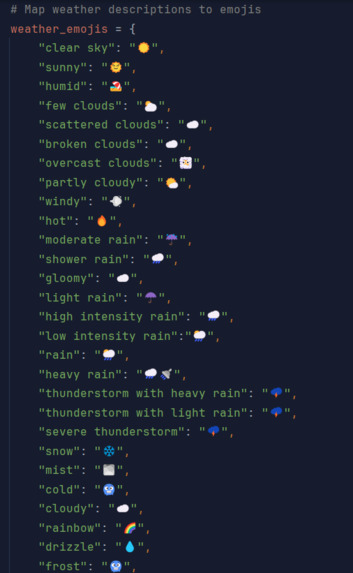
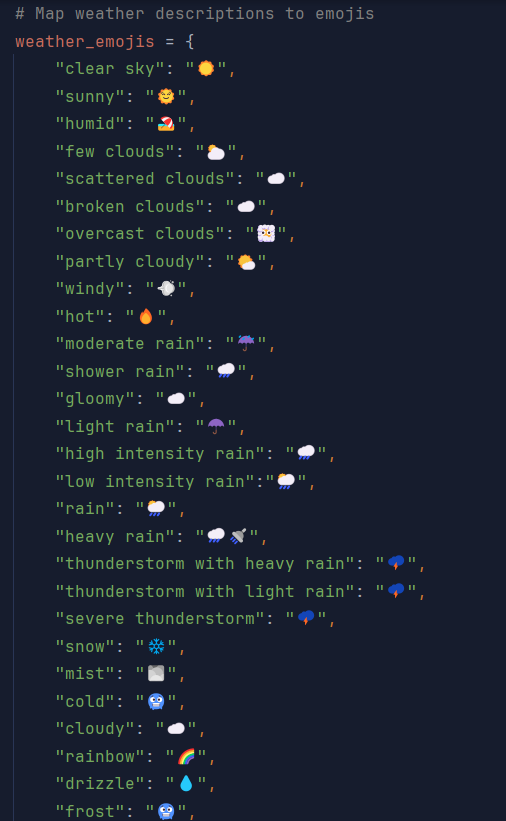
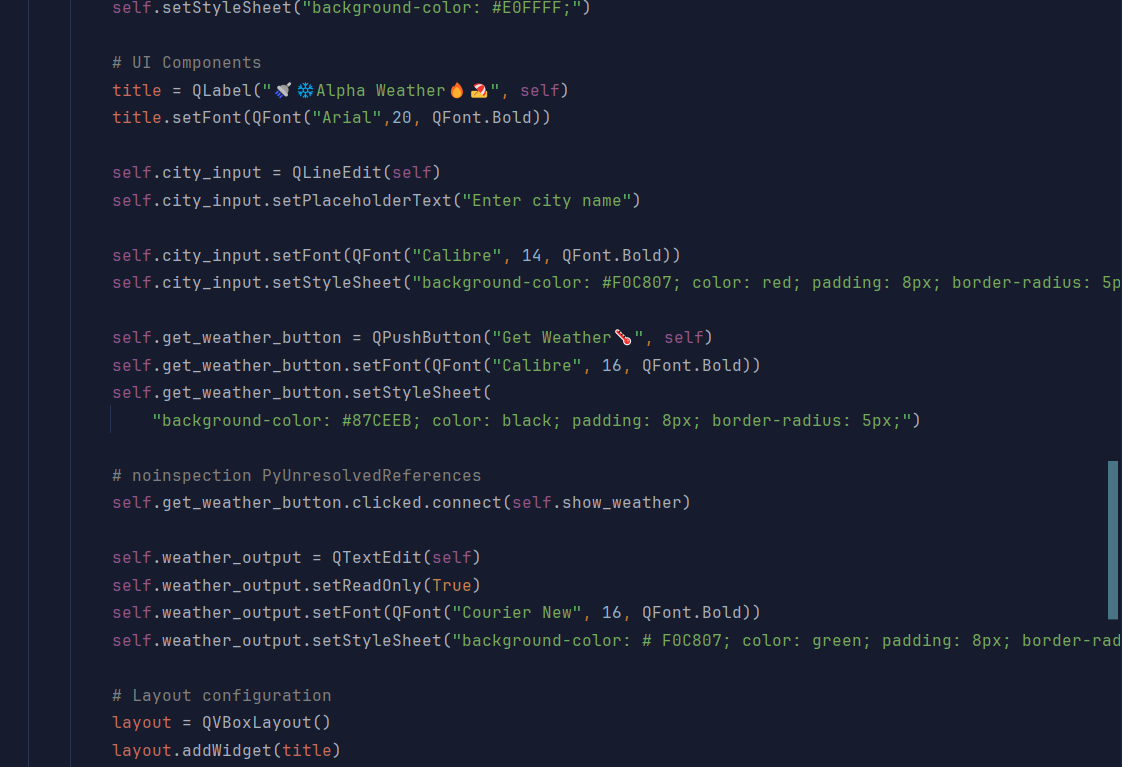
Code2
-
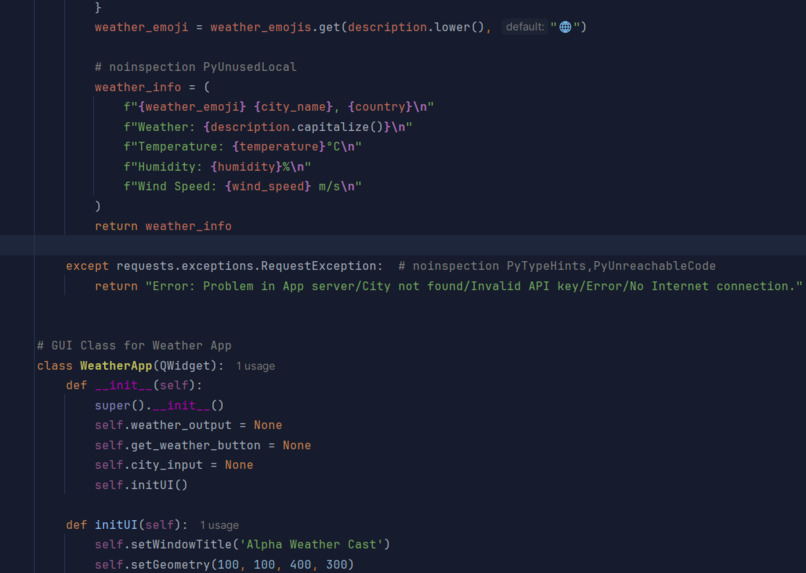
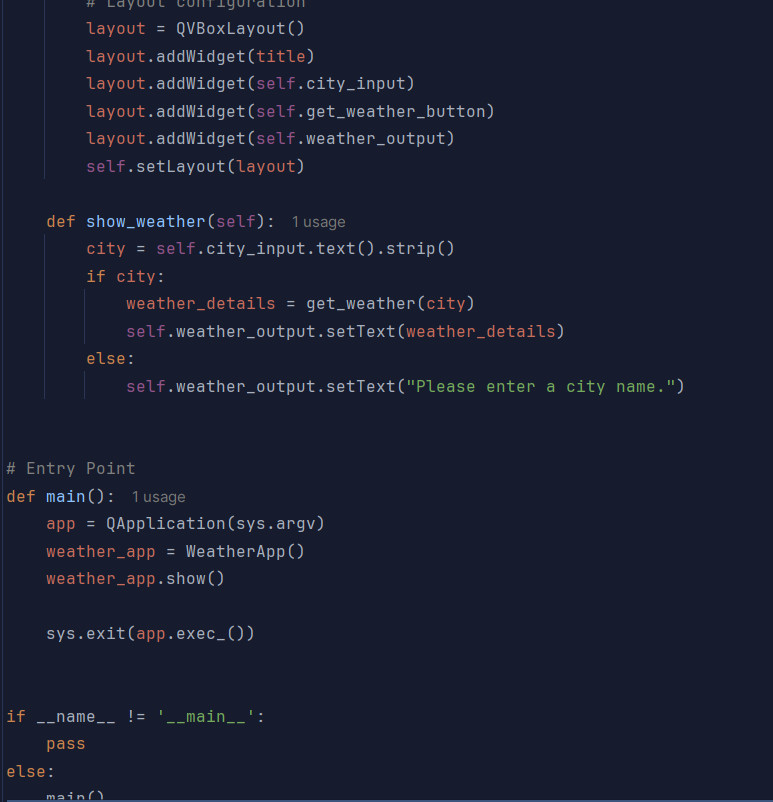
Code3
-
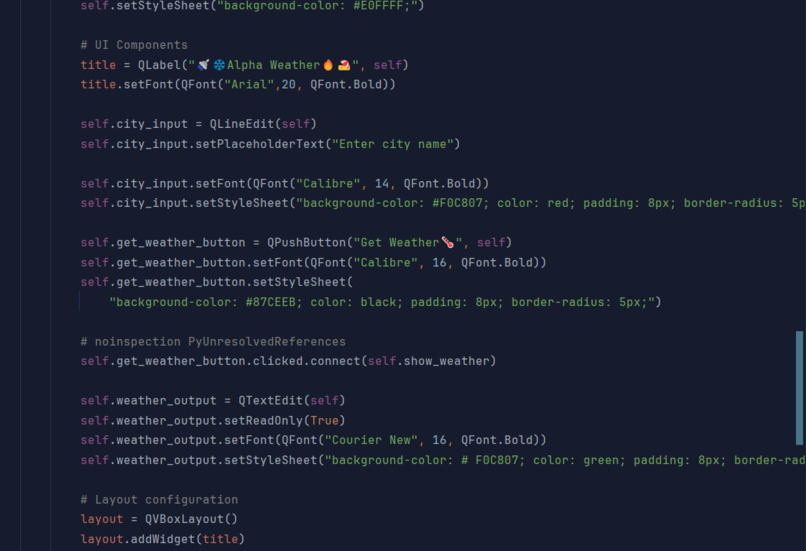
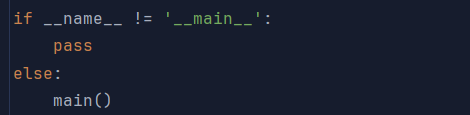
Code4
-
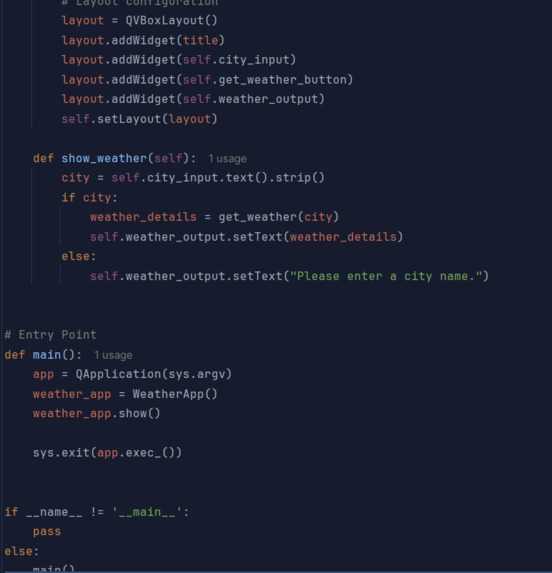
Code5
-
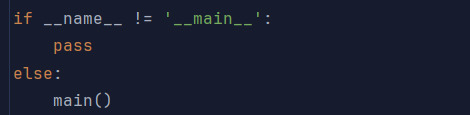
Code6
Inspiration
I wanted a simple weather tool that answers one question fast: what is the sky doing in my city right now? Most weather apps are crowded with ads, maps and extra tabs. I wanted something where you type a city, press one button, and see only what matters: temperature, humidity and wind. Emojis make the result readable at a glance.
What it does
Alpha Weather Cast is a desktop weather app. You enter any city name and click "Get Weather". It shows the city and country, the current conditions, the temperature in °C, the humidity and the wind speed, with an emoji that matches the weather (☀️ for a clear sky, ☔ for moderate rain, 🌫️ for mist). It also gives a clear message when a city isn't found or the internet is down. I later built a web version in HTML, CSS and JavaScript whose background colors change with the weather.
How we built it
Language: Python Interface: PyQt5, with automatic fallback to PySide2 or PyQt6 so it runs on different setups Data: the OpenWeatherMap API, called with the requests library Styling: Qt Style Sheets (QSS) for colors, rounded corners and fonts Emojis: a dictionary that maps weather descriptions to emojis, with a 🌐 fallback for unknown conditions Web version: plain HTML, CSS and JavaScript using fetch(), with the page theme changing for clear, cloudy, rain, storm, snow and mist
Challenges we ran into
Different Qt libraries behave slightly differently. For example, the event loop is exec_() in some and exec() in others, so the code checks which one exists. The API returns many different weather descriptions, so I had to build and test the emoji mapping carefully. Error handling needed care: a wrong city name, a bad API key and no internet all had to give understandable messages instead of crashing. Small details caused bugs, such as a stray space in a color code (# F0C807) that made Qt ignore the style. I learned that an API key written directly in the code is a security risk, and that it should be stored in an environment variable instead.
Accomplishments that we're proud of
A working app that fetches live data for any city in the world Code that runs on three different Qt libraries A clean, colorful interface with emoji that match the weather Turning the desktop app into a web version with a background that reflects the current weather Handling errors in a way that tells the user what went wrong
What we learned
How to call a REST API, read JSON and handle errors, in both Python and JavaScript How GUI apps work, including widgets, layouts and signals That QSS looks like CSS but is a separate, smaller system, and how that differs from web CSS3 Why API keys must be kept private How to take one idea and rebuild it on a different platform
What's next for Alpha Weather Cast
A 5-day forecast and hourly updates Automatic location detection A °C/°F toggle and a dark mode Moving the API key into an environment variable, or a small backend Saved favorite cities and search suggestions Packaging the desktop app as a standalone installer


Log in or sign up for Devpost to join the conversation.