-
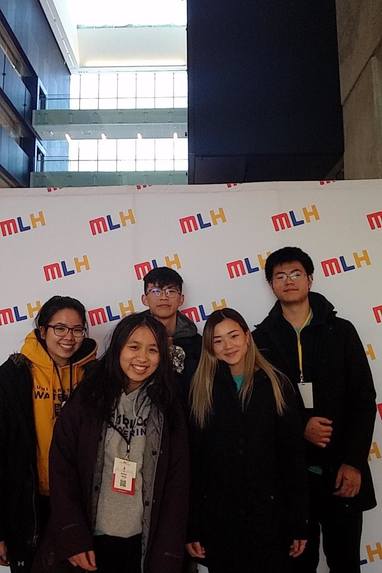
Our Team
Inspiration
We decided to make a application that would make our lives easier. Decided to add features we would like to see in a budgeting application. Made something that we would enjoy using.
What it does
Analyzes user data and translates it into a user interface that is easy to understand. Multiple forms of data collection: via user input, image recognition and google maps API position recognition. Applies searching and grouping algorithms to analyze data and create trends.
How we built it
Used the google API to map location and place markers for frequently shopped places. Used and trained Tesseract OCR, employed various scripts to optimize processes. Transfer data using CSV files. Front end made using Bracket.
Challenges we ran into
Increasing the accuracy of the OCR software. Connecting back end to front end.
Accomplishments that we're proud of
ML implementation and training and OCR API. Developing front end graphs and data and using them to present back end data from CSV and JSON files.
What we learned
Implementing various APIs and using ML to search through images and collect data from them.
What's next for Aloecate
Further improving accuracy and efficiency and managing using data using a server.

Log in or sign up for Devpost to join the conversation.