-
-
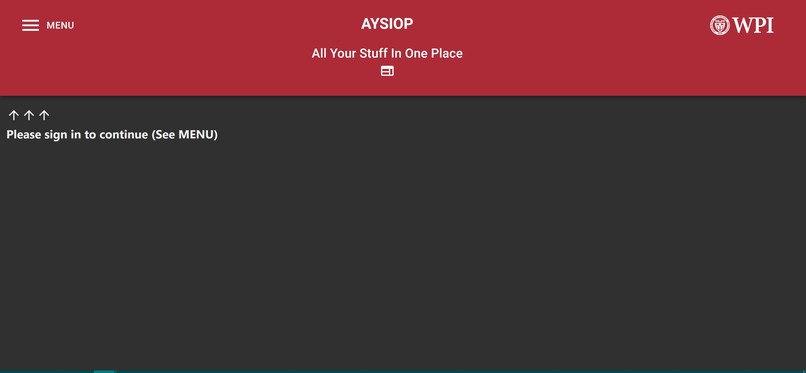
Signed Out
-
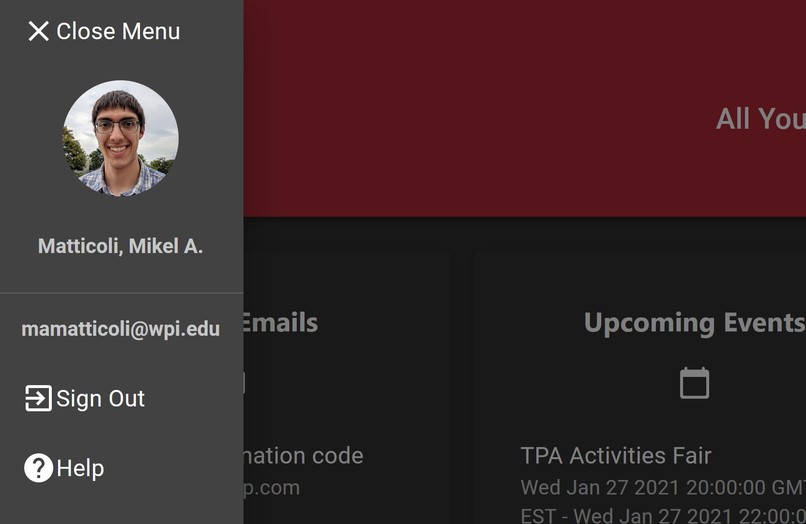
Account Drawer
-
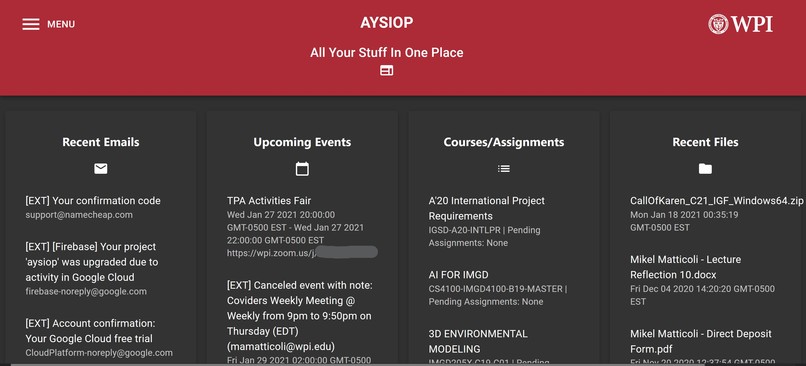
Dashboard
Inspiration
WPI students and faculty have too many communications platforms to keep track of, especially with online learning. At any given time, I have 5 different chat apps and 20+ browser tabs open that I need to jump between constantly - this is a shared grievance that I have heard from many peers and professors, especially since the shift to hybrid and online learning during COVID-19. It's overwhelming to keep track, difficult to navigate, and results in frequent context switching resulting in lower productivity and higher stress.
What it does
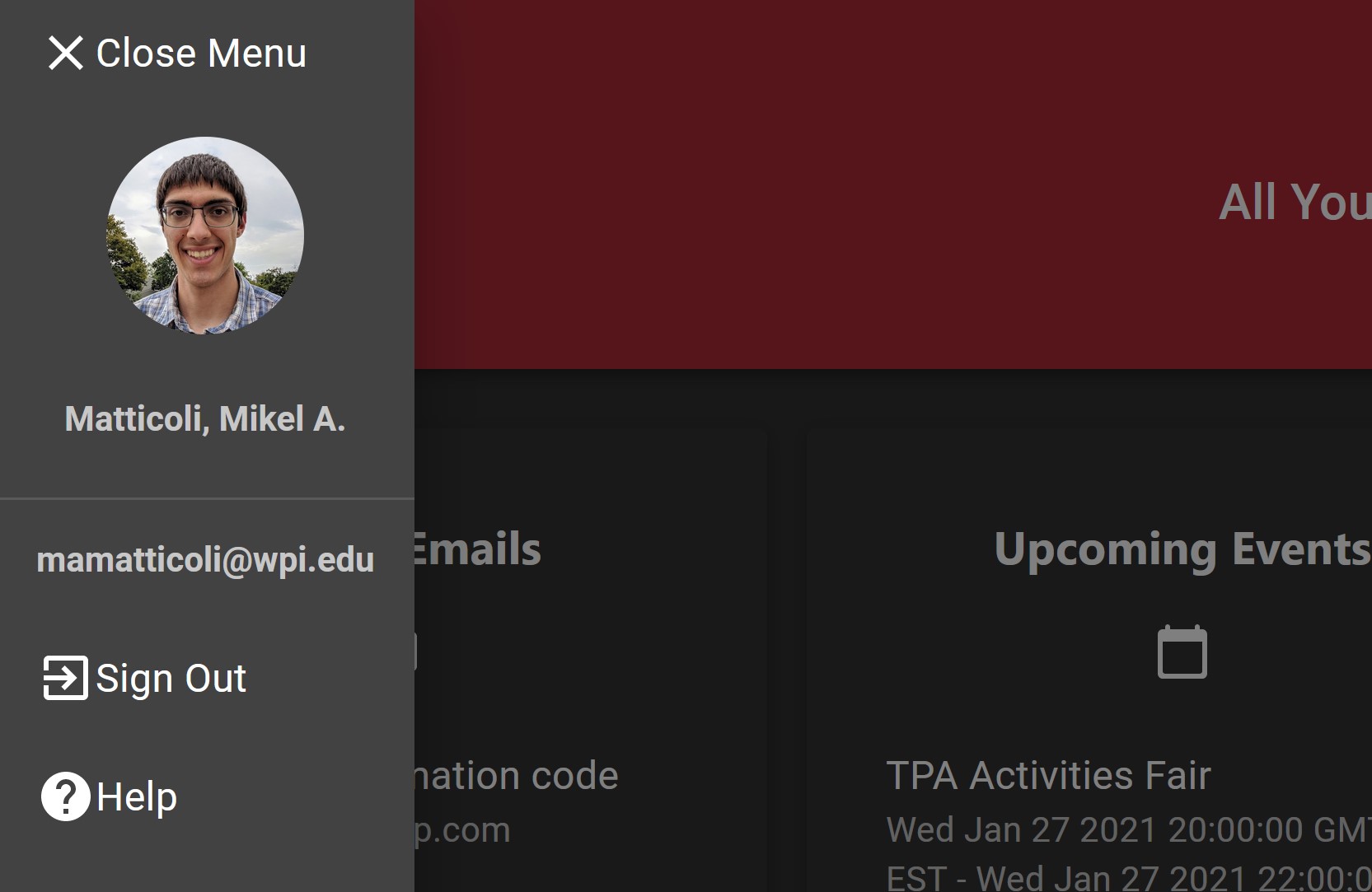
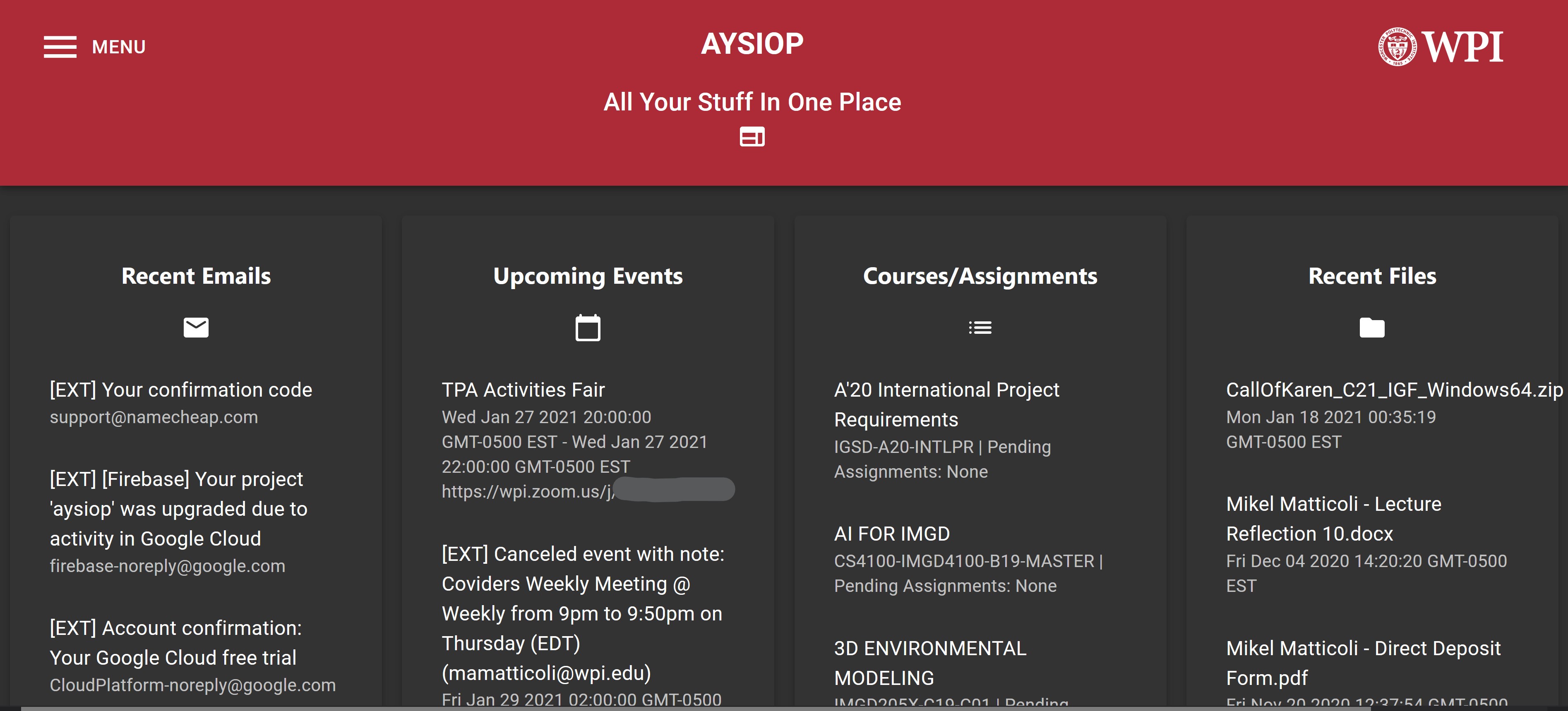
AYSIOP is a simple web app that allows anyone with an active WPI email account to log in, and view summaries from all their communications platforms in one place. Due to time constraints, the proof of concept only includes mail, calendar, canvas (for class assignments) and files. However, the infrastructure is in place to include all other API-enabled communications platforms used at WPI, including Microsoft Teams, Slack, Zoom, Discord, Workday, etc. There is a demo available at https://aysiop.web.app (Due to a discrepancy with Canvas's terms of service, the public demo of the app does not include Canvas data)
How I built it
With love 💙 a lot of trial and error.
I started off with a bare-bones boilerplate logic that included a hello world expressJS app and a blank React app with a title bar. From there, I started off by setting up the Firebase app and the Azure AD App registration to integrate single sign-on. With the template I set up Parcel for development with hot-reload and packaging, as well as the colors for the material-ui theme. After successfully integrating WPI login support, I began experimenting with Azure AD scopes and API permissions for the email and calendar APIs. I added each of the services one by one, first testing the backend calls and then adding UI once the data looked right. By about 2AM I'd reached a feature-complete phase and began cleaning up the code and setting up the Google App Engine infrastructure to deploy it.
The technical documentation is available alongside the code at https://github.com/matticoli/aysiop
Challenges I ran into
The most complex part of this project was definitely integrating with WPI's single sign-on system in a way that would allow access to all the different data sources. Although we sign into most of these systems with our WPI accounts, the API for Canvas for example is completely separate from that of any Microsoft service. It involved a lot of troubleshooting and digging through the documentation for Azure Active Directory, as well as writing test code to do some sanity checks on the Canvas API and narrow down the cause of different bugs as they came up. I'm glad that I was able to overcome these challenges sufficiently to create a proof-of-concept utilizing non-Microsoft services.
Accomplishments that I'm proud of
Previous projects like this that I have done have taken me several days or even weeks to reach a stable and usable state. I was successfully able to leverage my experience form these prior projects to create something similar in scope in less than a single day. More importantly, though there is room for improvement, the prototype is fully functional and any member of the WPI community could currently log into it at https://aysiop.web.app! This means that, in addition to my own personal growth, I have succeeded in creating something that is accessible and potentially helpful to the community within the scope of the hackathon.
What I learned
While I have worked with many of the technologies I used in separate projects, this was my first time integrating all of them into a single app. Figuring out how to piece together these separate technologies (from Firebase to the Canvas API) was very enlightening and rewarding! It was also my first time using the Microsoft Graph API, and learning how to navigate the documentation for that was an added bonus.
What's next for All Your Stuff In One Place
- More source apps: Though it was out of scope for this weekend, some of the biggest pain points for me personally are applications with real-time data (Discord and other instant messaging platforms). I'd love to dive into those use cases and figure out how to get a concise monitoring view of chat messages across different platforms. That said, I am content with the platforms I chose for this proof-of-concept as they are the most widely applicable to the WPI community as a whole.
- Better UI: I like that the list format I chose to display the data is clean and simple, but small enhancements like color coding class assignments by status and allowing for some personalization (e.g. re-arranging widgets so mail and calendar aren't always in the same place for all users) would go a long way in improving the end-user experience.

Log in or sign up for Devpost to join the conversation.