All-in-One Calculator
The Idea
We started with a simple problem: people often need many different calculators, but each calculator usually lives in a different app or website.
A person might need an EMI calculator for a loan, a GST calculator for a purchase, a BMI calculator for fitness, a percentage calculator for school, and a unit converter later in the day.
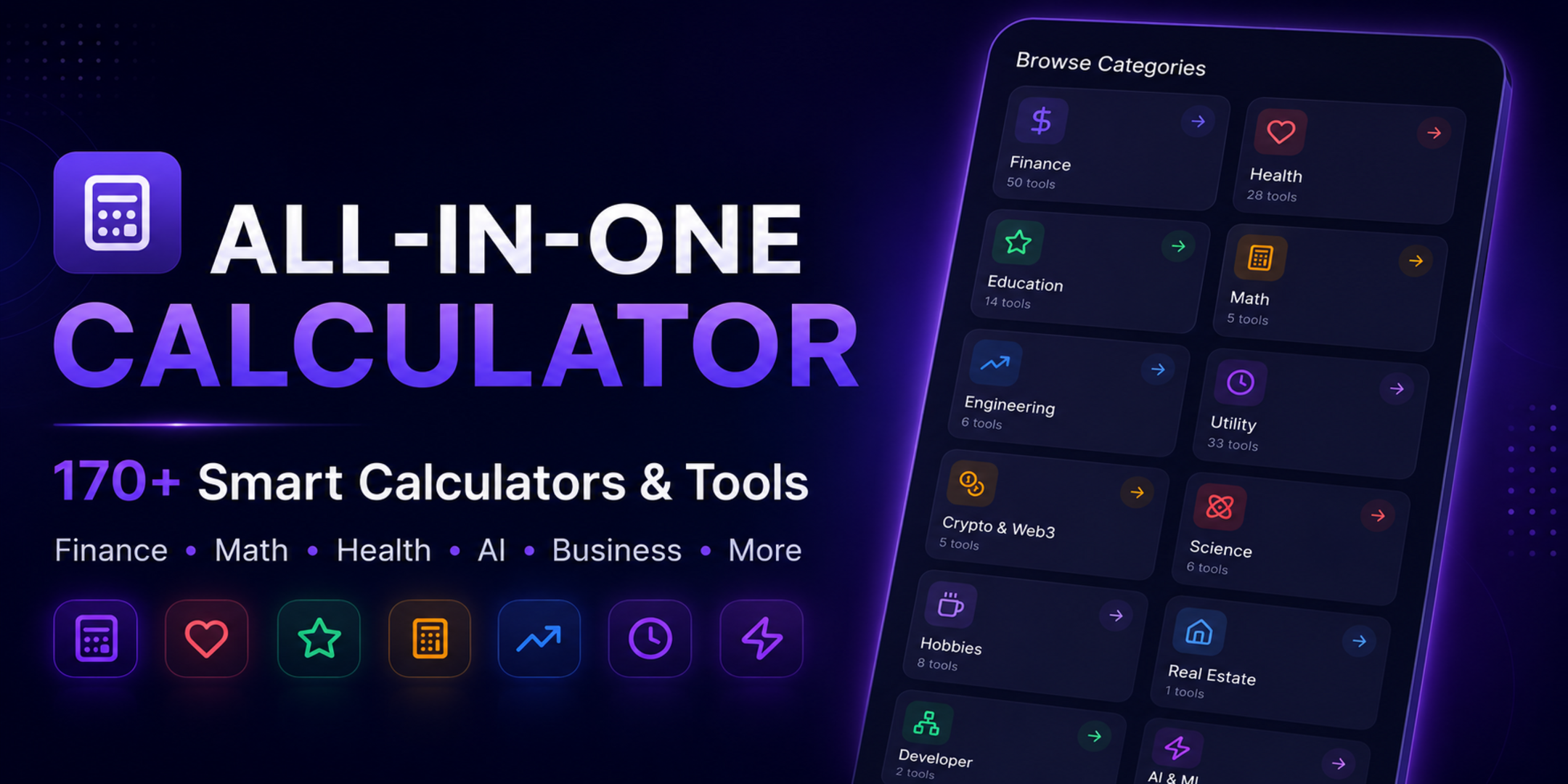
Instead of building another single-purpose calculator, we decided to build All-in-One Calculator — one Android app containing 170+ calculators and useful tools.
Our goal was to make calculations easier to discover, faster to use, and available in one place.
What We Built
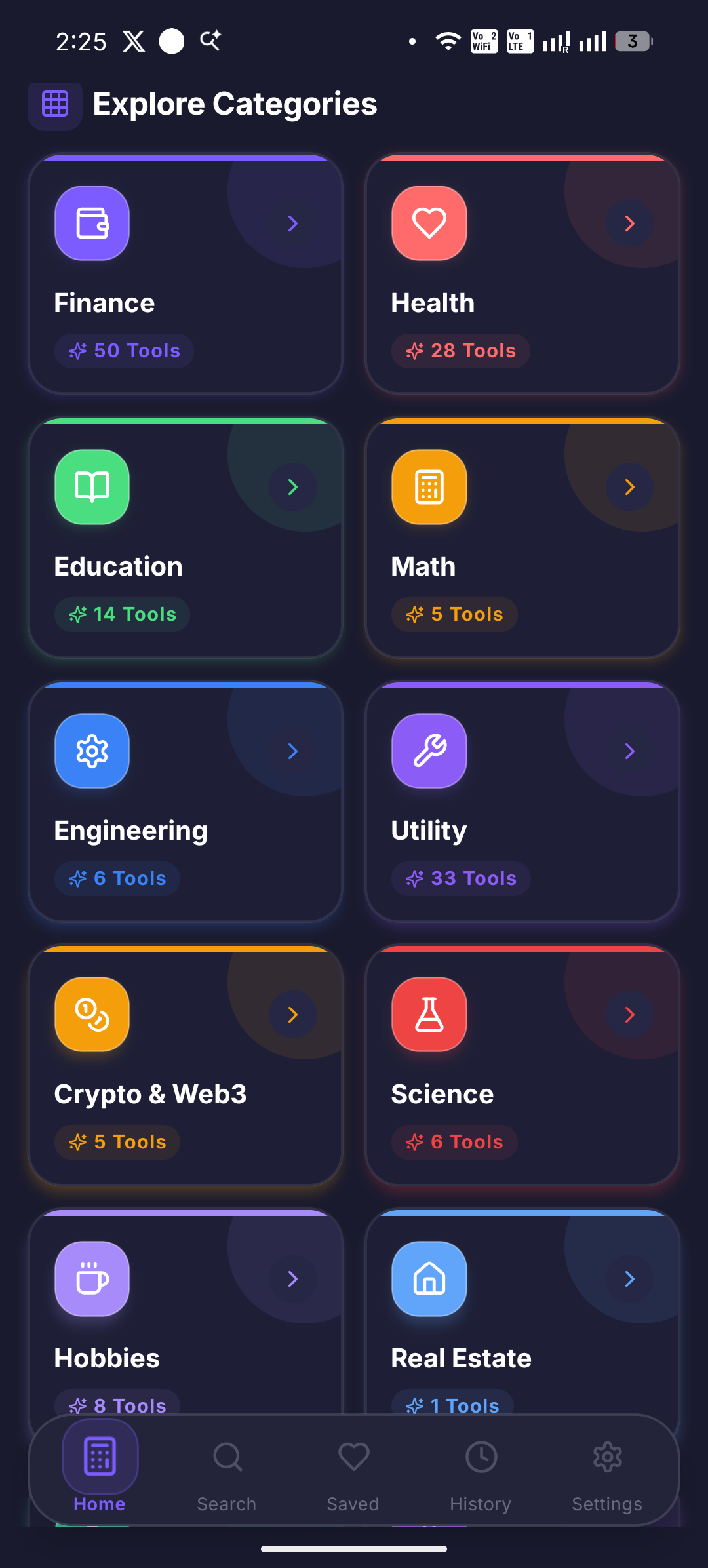
All-in-One Calculator currently includes more than 170 calculators and tools across multiple categories:
- Finance: EMI, loans, SIP, CAGR, compound interest, FD, RD, PPF, ROI and retirement calculations
- Business & Tax: GST, income tax, profit and loss, margin, markup, break-even and business metrics
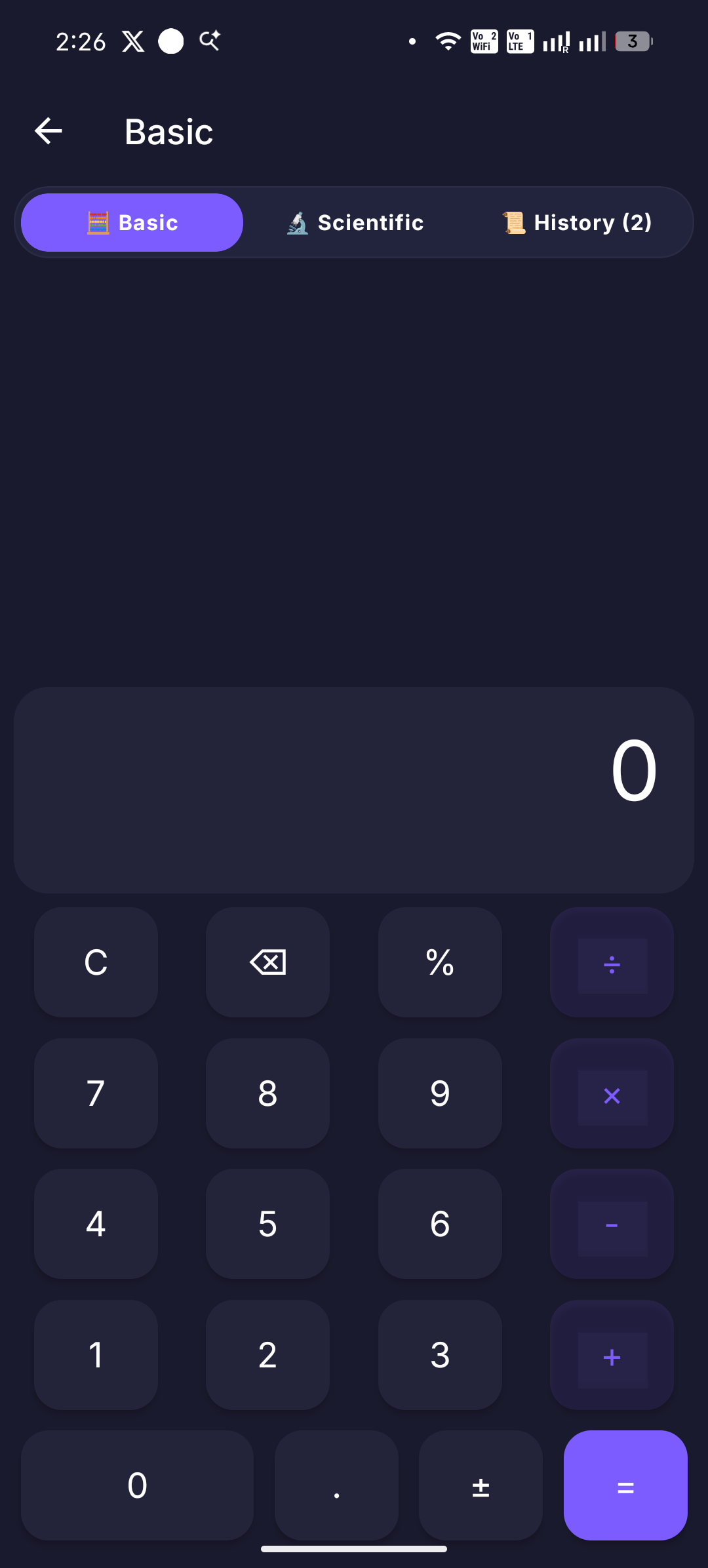
- Math: scientific calculations, percentages, fractions, ratios, equations, statistics, geometry and trigonometry
- Health & Fitness: BMI, BMR, TDEE, calories, macros, water intake and fitness calculations
- Education: GPA, CGPA, attendance and study-related tools
- Conversions: currency, length, weight, temperature, area, volume, speed and data
- Engineering: Ohm's Law, force, pressure, torque, electrical calculations and more
- Developer Tools: JSON, Base64, UUID, regex, timestamps and other utilities
- Crypto: DCA, staking, gas fees and other crypto-related calculations
- Everyday Tools: age, date difference, countdown, Pomodoro, work hours and other utilities
The challenge wasn't simply creating many calculators. It was making them feel like one coherent application.
Why RevenueCat?
One of the important parts of the project was building a sustainable premium experience.
We integrated RevenueCat to manage our in-app subscription and premium entitlement system rather than building the entire subscription infrastructure ourselves.
This allowed us to focus on the product experience while RevenueCat handled much of the subscription management layer.
The app can determine whether a user has the Premium entitlement and use that entitlement to control premium functionality.
This separation also makes the architecture easier to maintain as we add more products and features.
How We Built It
The application was built for Android using the React Native ecosystem and Expo.
Our development process focused on creating reusable calculator components and shared UI patterns instead of treating every calculator as a completely separate application.
This was important because 170+ calculators can quickly become difficult to maintain.
We worked on reusable patterns for:
- Input fields
- Numeric validation
- Calculation results
- Units
- History
- Navigation
- Search
- Category organisation
- Error handling
- Premium features
This allowed new calculators to be added without rebuilding the entire application architecture each time.
The Technical Challenges
Building a large calculator application sounds straightforward until the number of calculators starts increasing.
1. Calculation Accuracy
A calculator app has very little room for incorrect results.
We had to pay close attention to:
- Decimal precision
- Percentage calculations
- Financial formulas
- Unit conversions
- Input validation
- Edge cases
- Empty and invalid inputs
For financial calculations especially, small mistakes can produce significantly different results.
2. Managing a Large Number of Features
With more than 170 tools, navigation became a major UX challenge.
A simple list of calculators quickly becomes difficult to use.
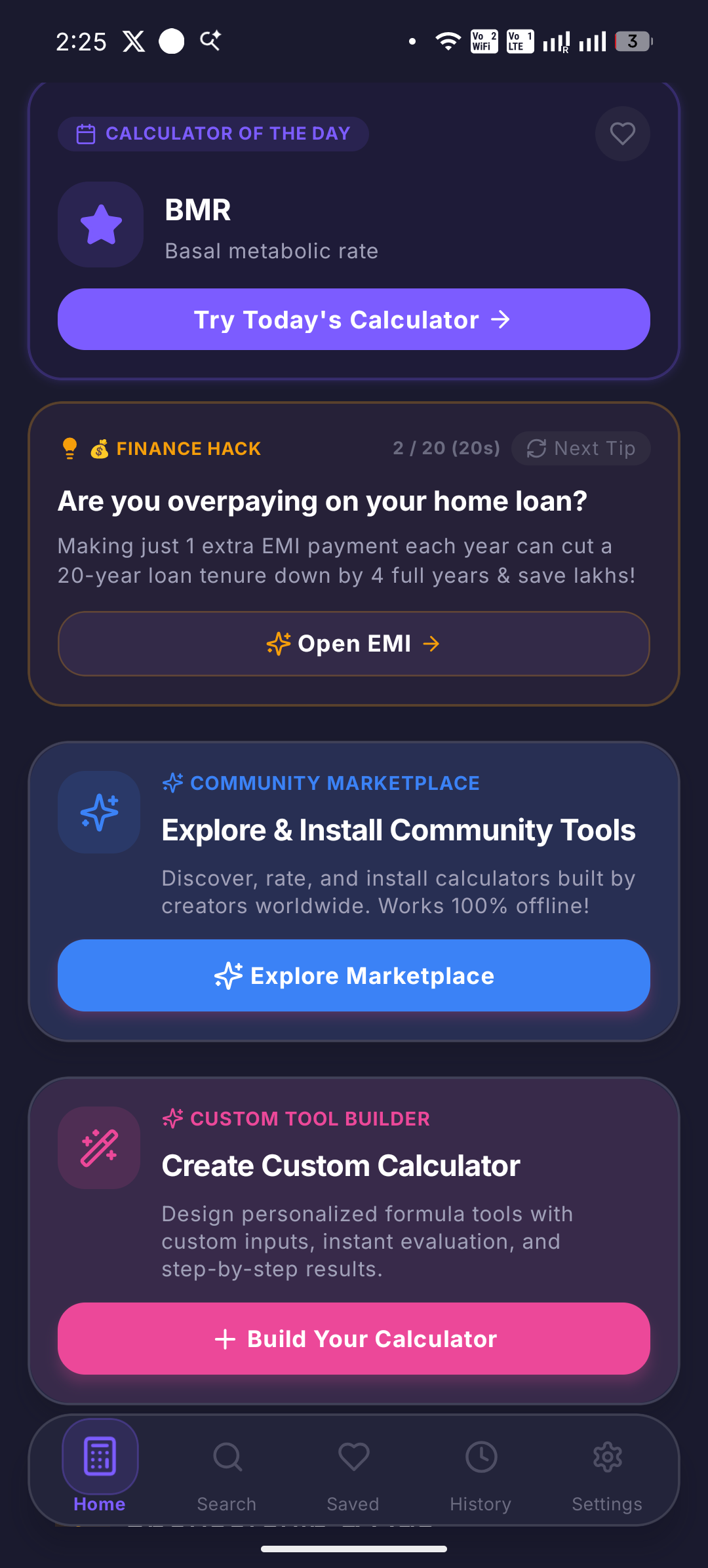
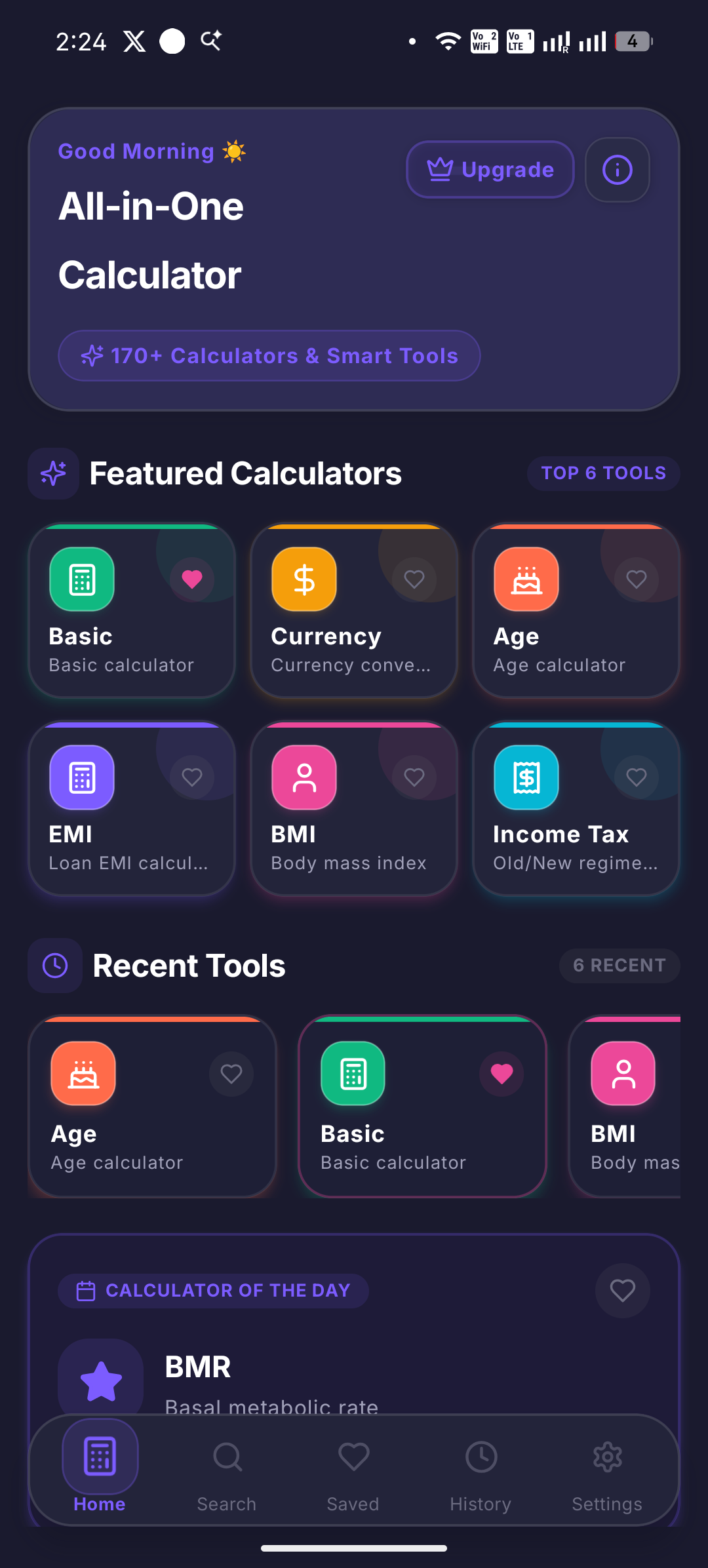
We therefore introduced categories, search, and structured navigation so users could find a calculator without scrolling through everything.
3. Android Build Challenges
Using Expo and React Native made development much faster, but we still had to deal with native Android tooling.
During development we encountered issues involving:
- Gradle
- Android SDK configuration
- Java versions
- CMake
- Native React Native modules
- Android build paths
- Dependency compatibility
These problems taught us an important lesson:
Cross-platform development reduces a lot of platform-specific work, but it doesn't eliminate the need to understand the underlying platform.
When a native build fails, knowing how Android's build system works becomes extremely useful.
4. Testing
We tested the application across multiple Android devices and focused on both functionality and usability.
Testing included:
- Calculator accuracy
- Navigation
- UI consistency
- Performance
- Different screen sizes
- Android compatibility
- Deep links
- Subscription flows
- Premium entitlement handling
We also used feedback from testers to identify areas that weren't obvious during development.
What We Learned
The biggest lesson was that building many features isn't the same as building a good product.
It is easy to keep adding calculators.
It is much harder to make 170+ calculators feel simple.
We learned to focus more on:
- Discoverability
- Consistent UI
- Clear inputs
- Useful result presentation
- Fast navigation
- Error prevention
- Real user feedback
We also learned that third-party services such as RevenueCat can remove a significant amount of infrastructure work when building subscription-based applications.
Instead of spending most of our time maintaining billing infrastructure, we could focus more on the actual product.
What's Next
All-in-One Calculator is still evolving.
Our next priorities are improving the interface, expanding calculation history, improving search and navigation, optimising performance, and continuing to add useful calculators based on user requests.
The project is also the beginning of a larger goal for RitualDev: building practical applications that solve everyday problems without requiring users to install a separate app for every small task.
Try It
Google Play: https://play.google.com/store/apps/details?id=com.allinone.calculator.plus
We'd love to hear which calculator or tool you would find most useful and what we should improve next.

