Inspiration
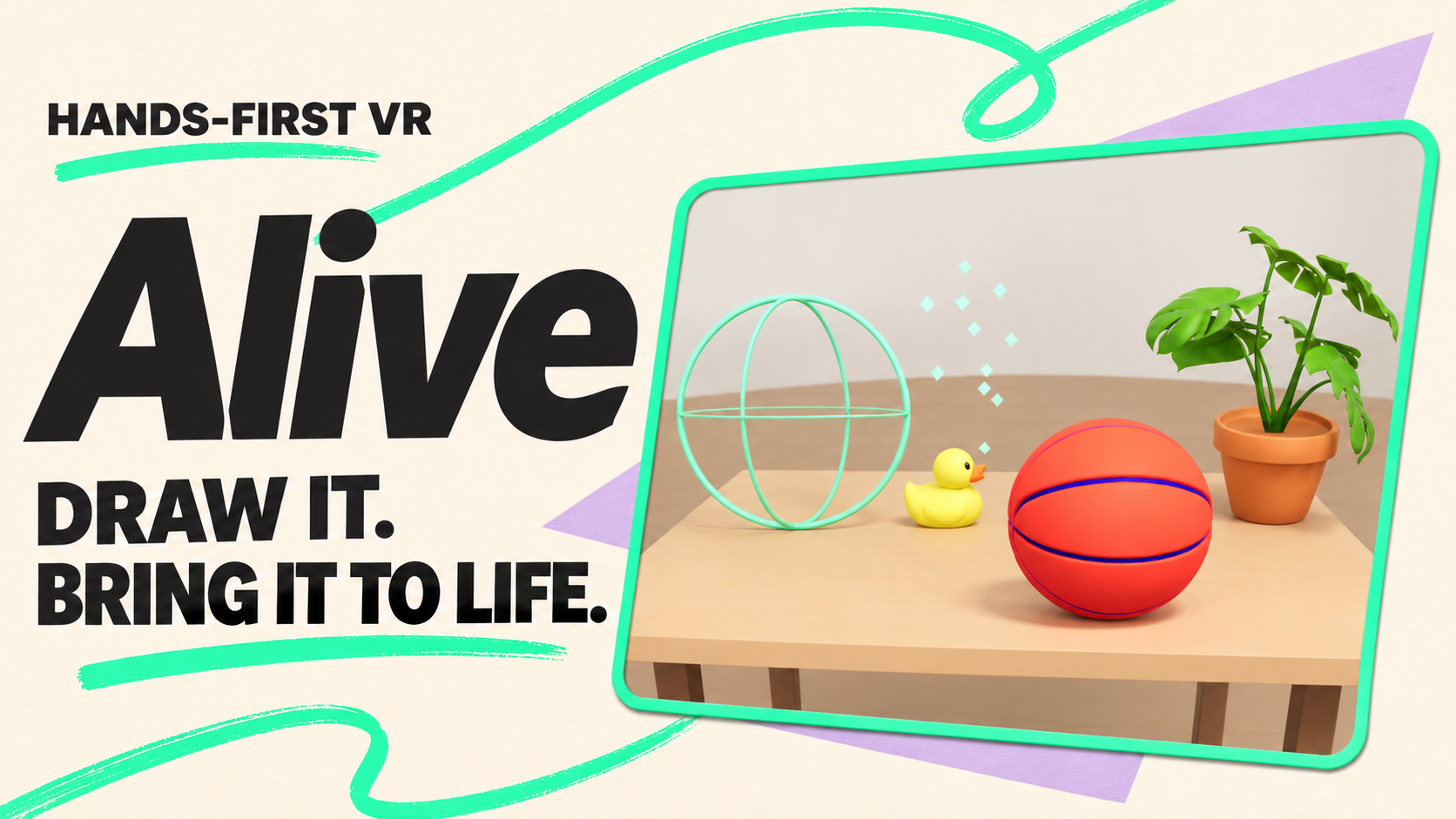
Alive | If you can dream it, you can bring it to life, Most creative software starts with menus, blank canvases, and technical tools. ALIVE begins with the simplest human instinct: drawing an idea with your hands.
We were inspired by the moment a child sketches a creature and imagines it moving, playing, and living in the room. ALIVE turns that imagination into a spatial creative tool: draw something, bring it into 3D, and watch it become part of an interactive world. Instead of learning complicated modelling software first, people can start with a gesture, a sketch, or a simple idea—and immediately explore what it could become.
What it does
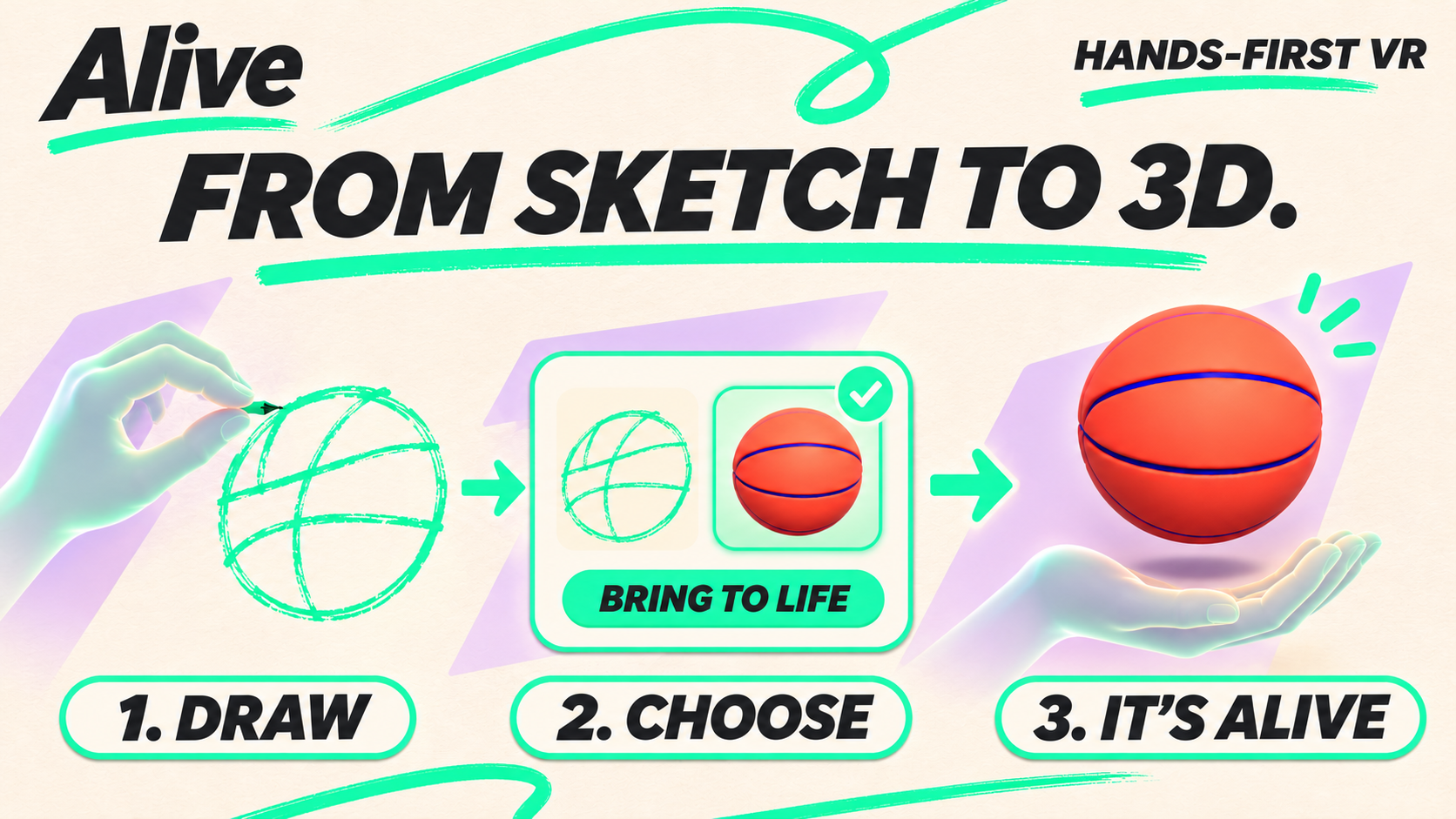
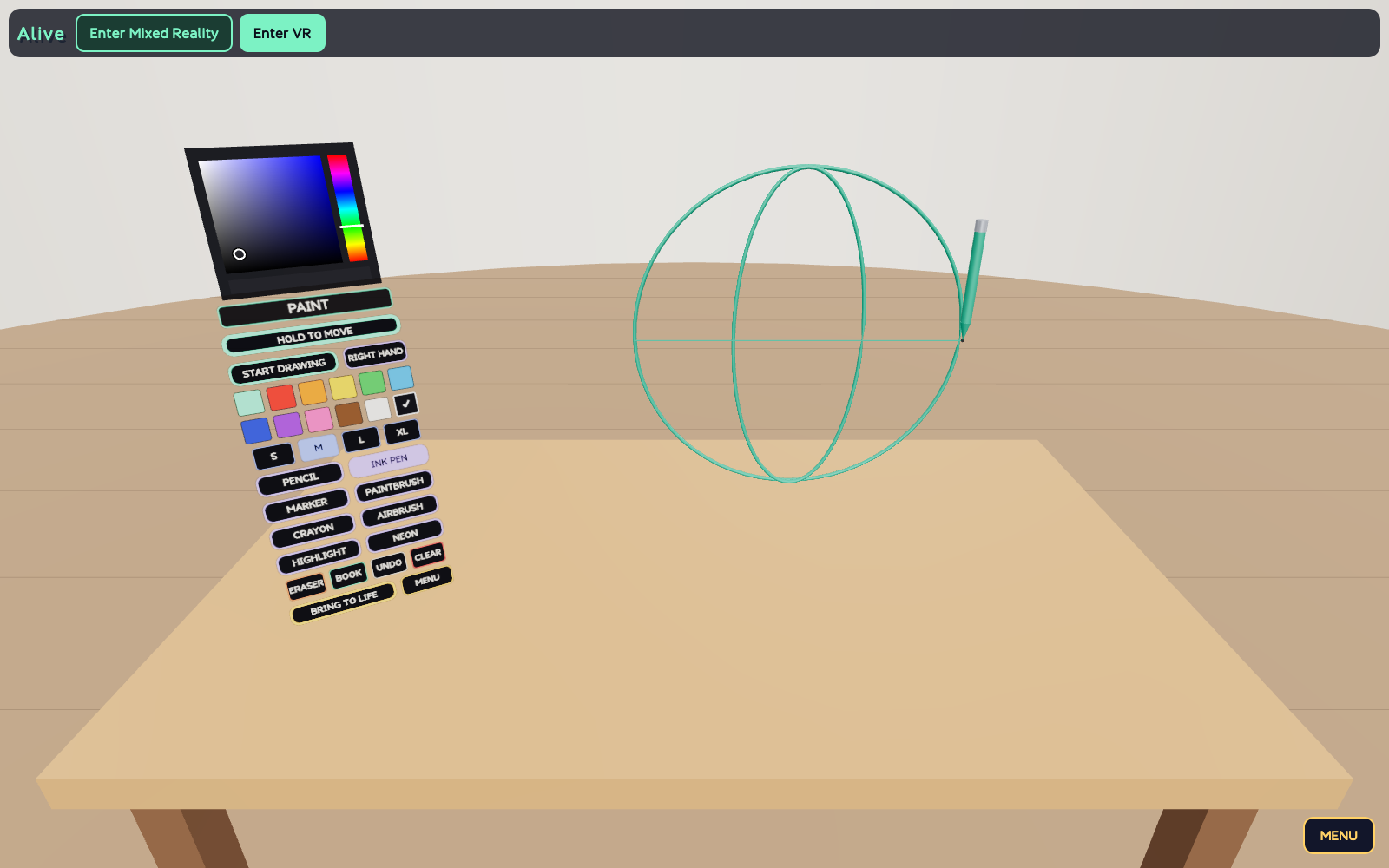
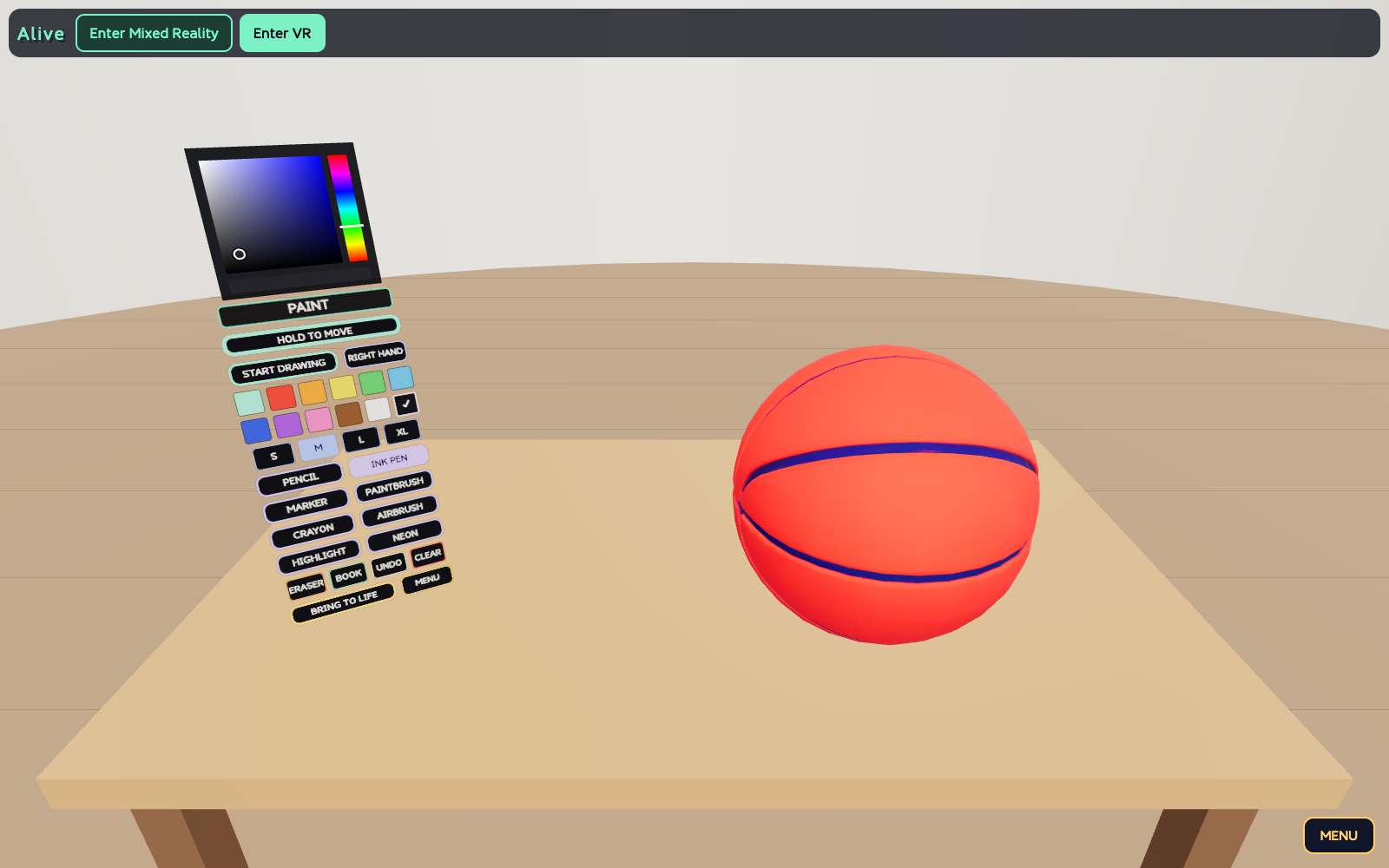
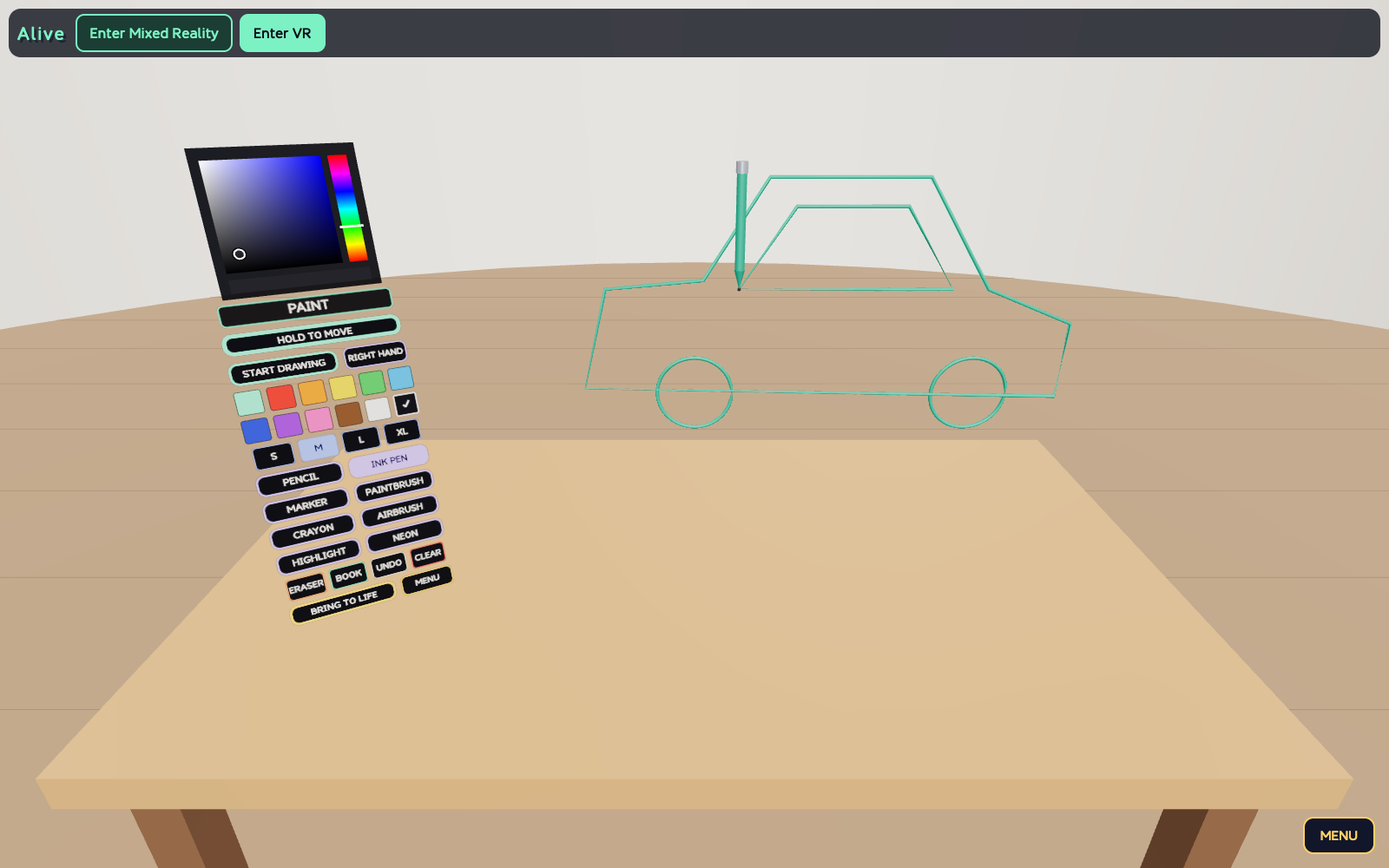
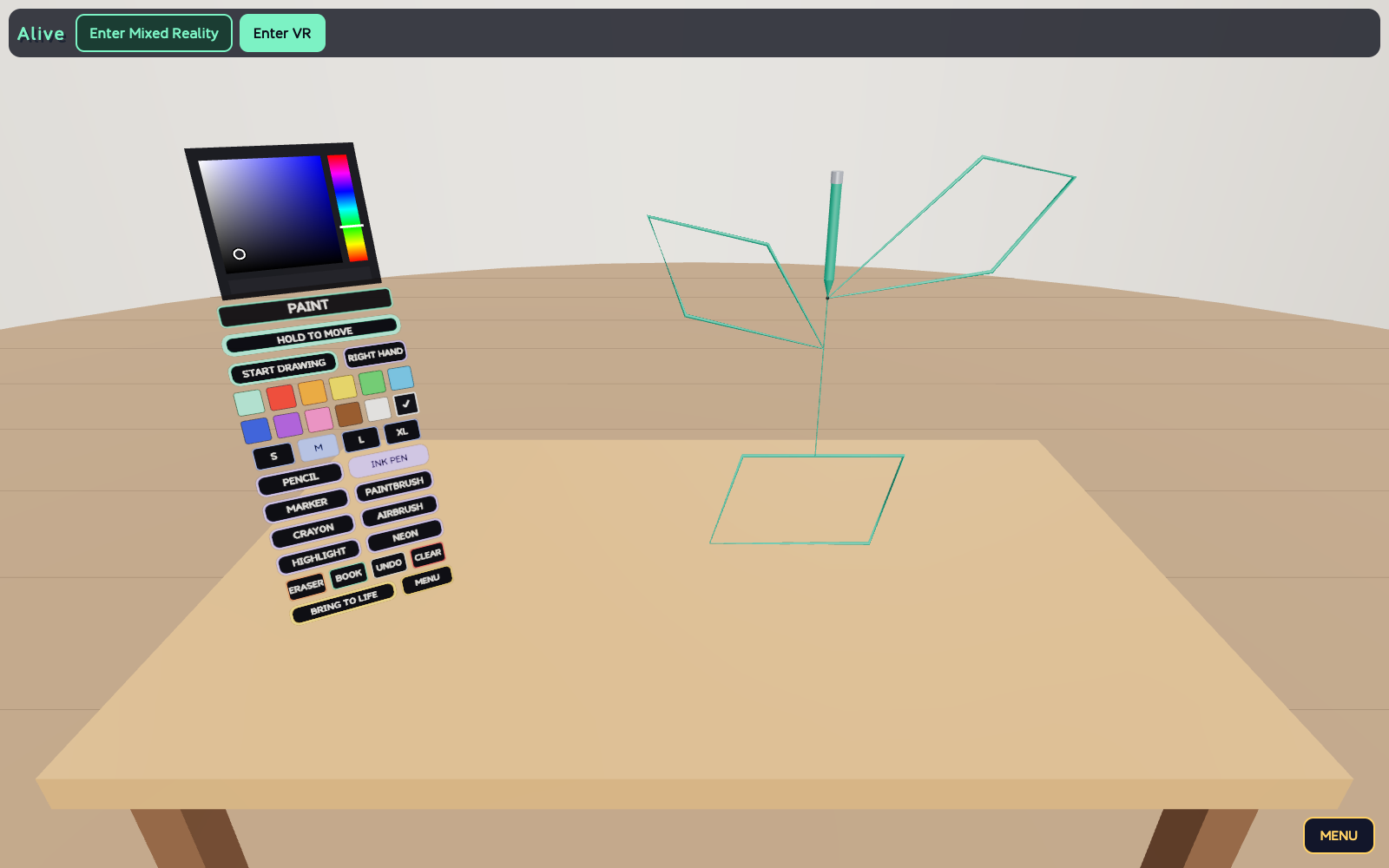
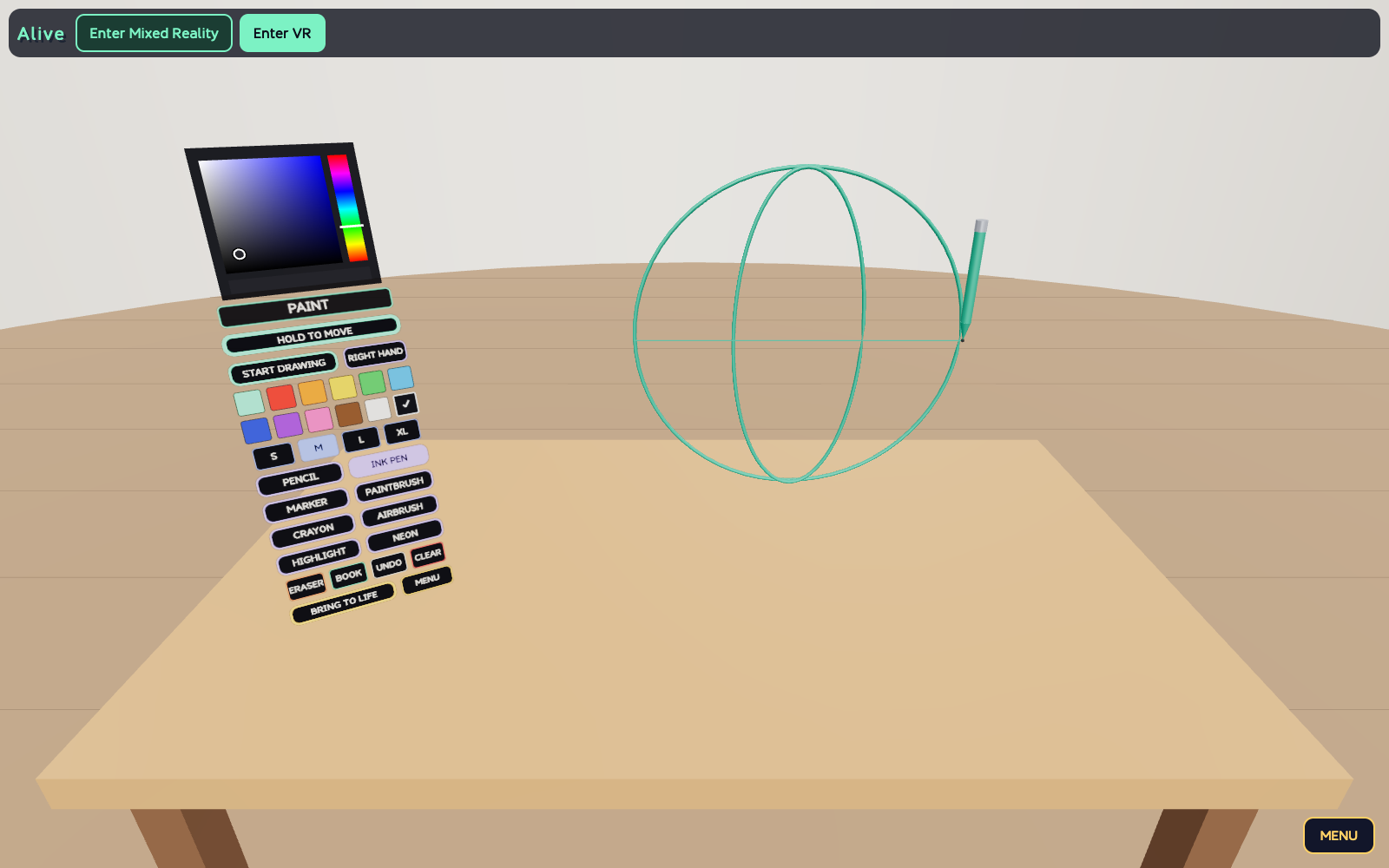
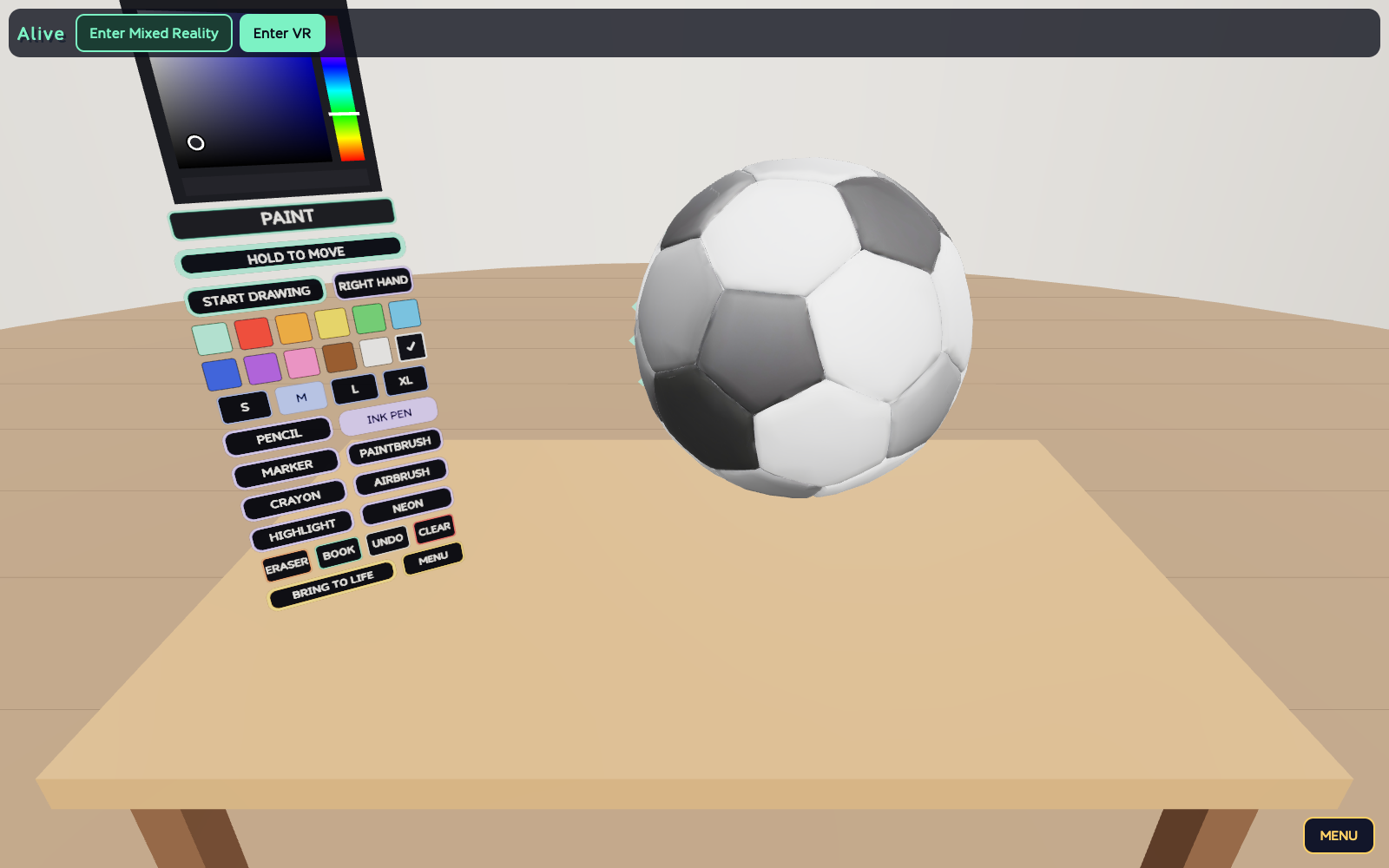
Alive is a hands-first drawing and creation experience for Meta Quest Browser. Choose your drawing hand, pinch to draw, and release to stop. A visible pen follows your ink. Move the floating palette where it feels comfortable, choose brushes and colours, and draw in the air or on a sketchbook page.
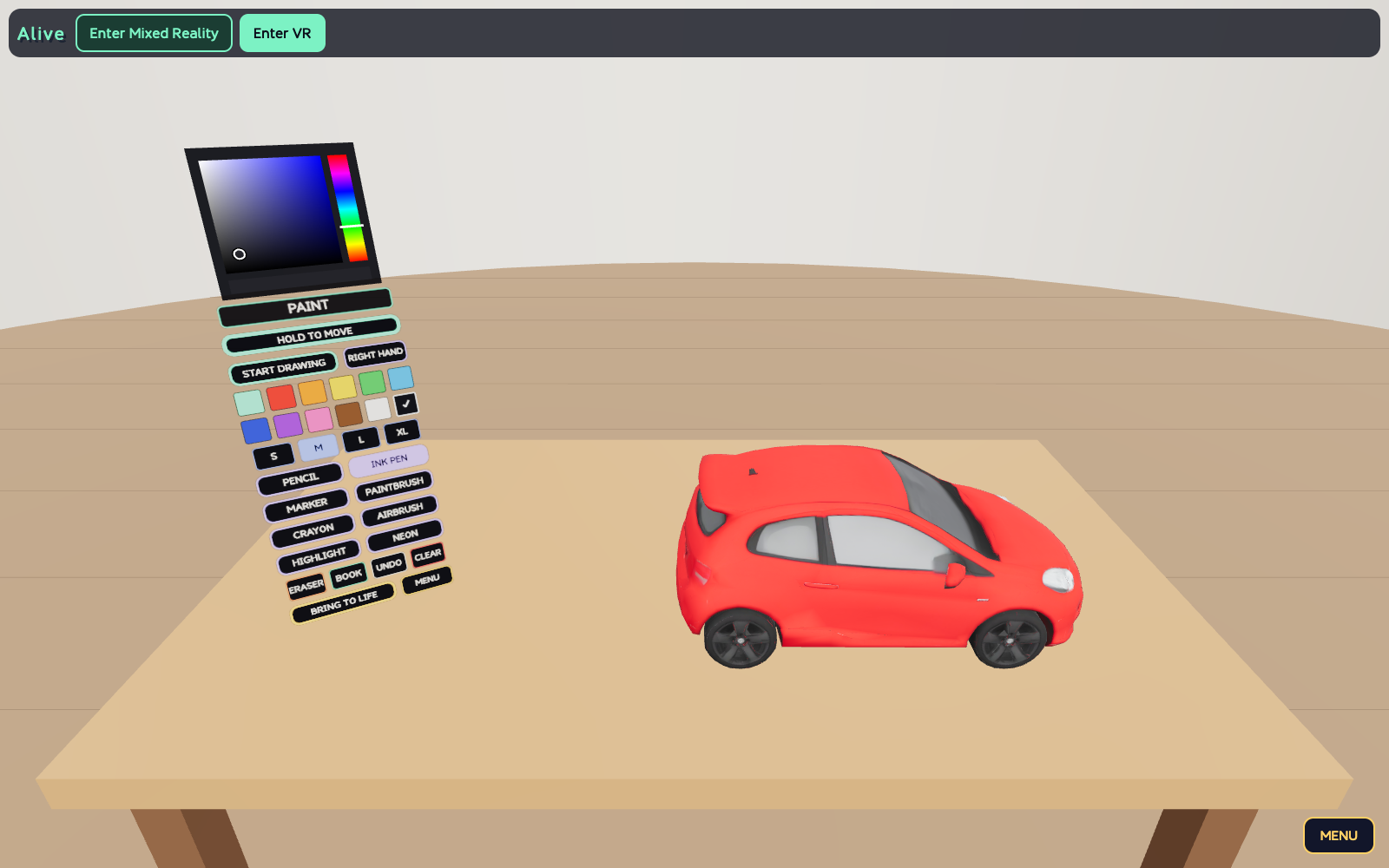
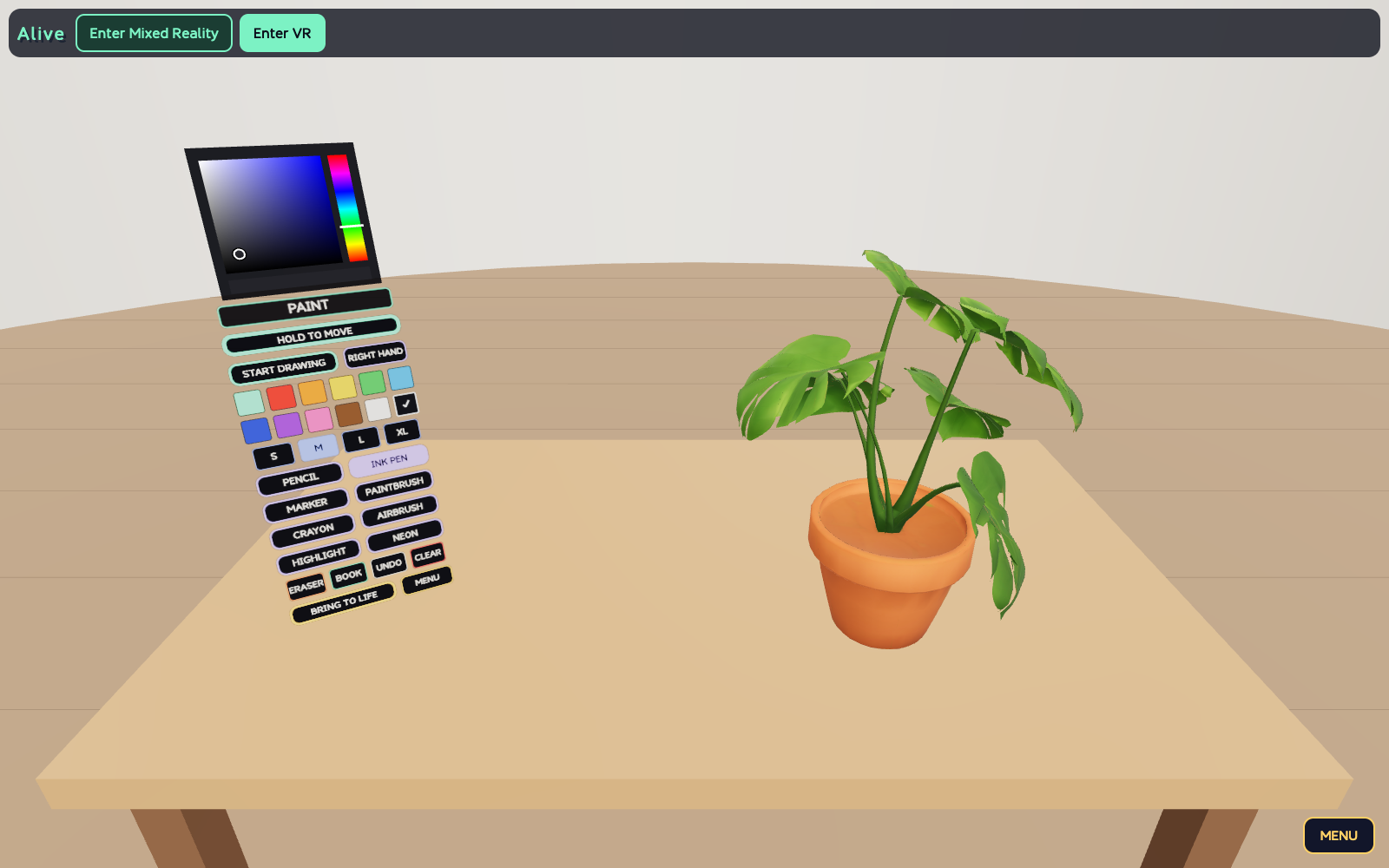
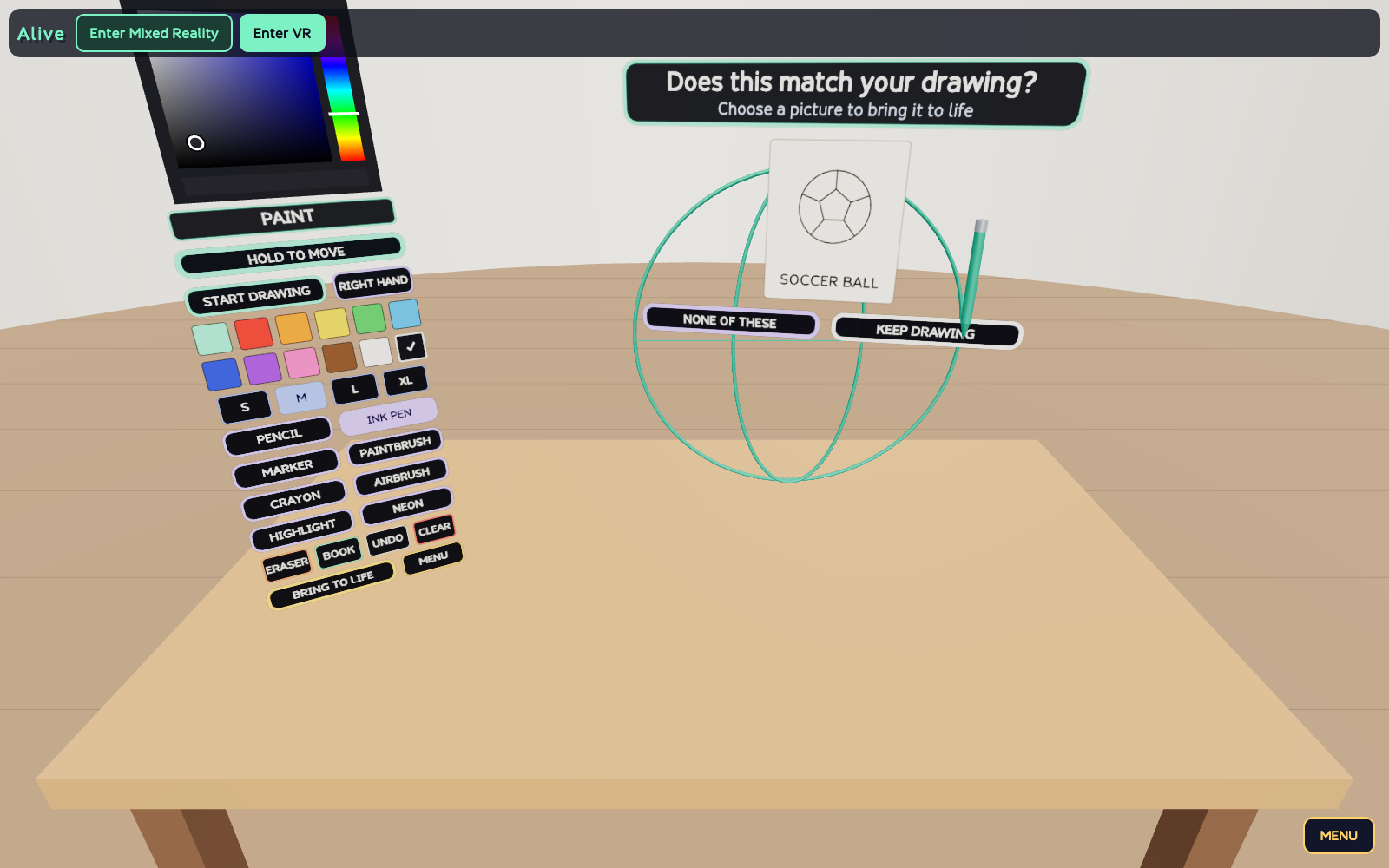
When you press BRING TO LIFE, Alive offers pictured interpretations from its supported objects. Choose a matching model, or use your own drawing as an animated 3D sketch. If there is no suitable model, BRING MY DRAWING TO LIFE still turns the ink into a stylized 3D creation. A fish sketch can swim, and movement controls let you try other behaviours. This sketch creation path also works when recognition is unavailable.
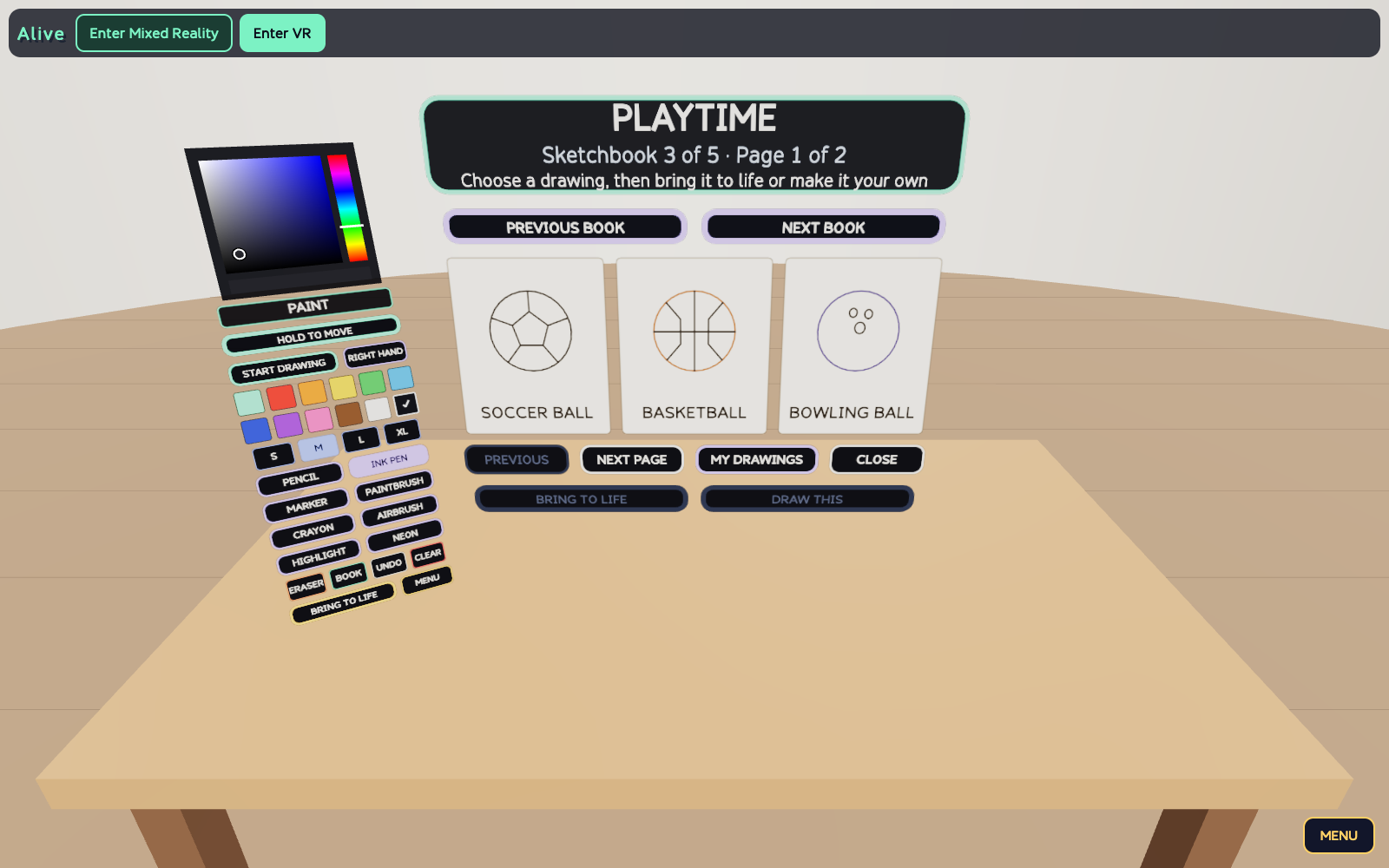
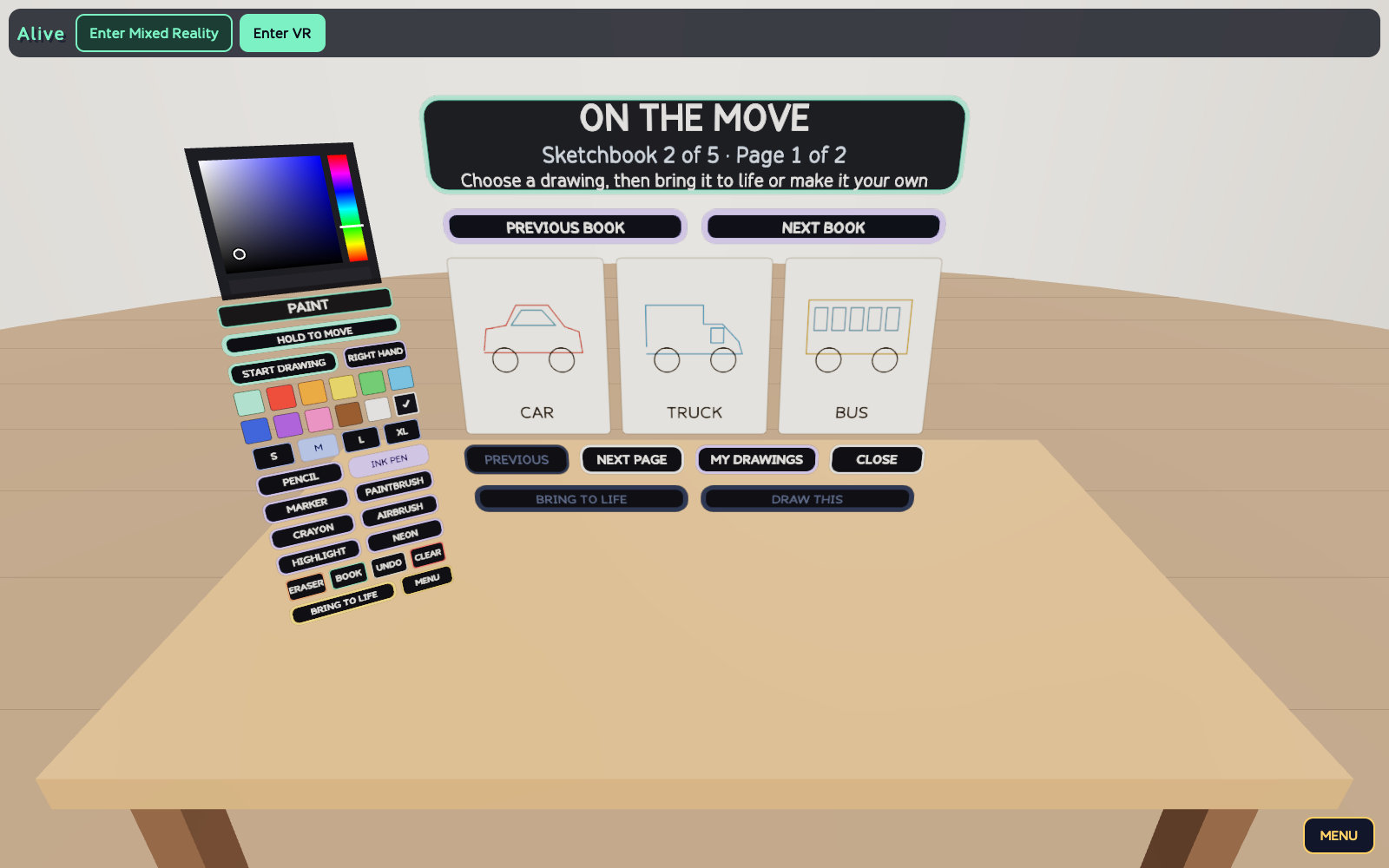
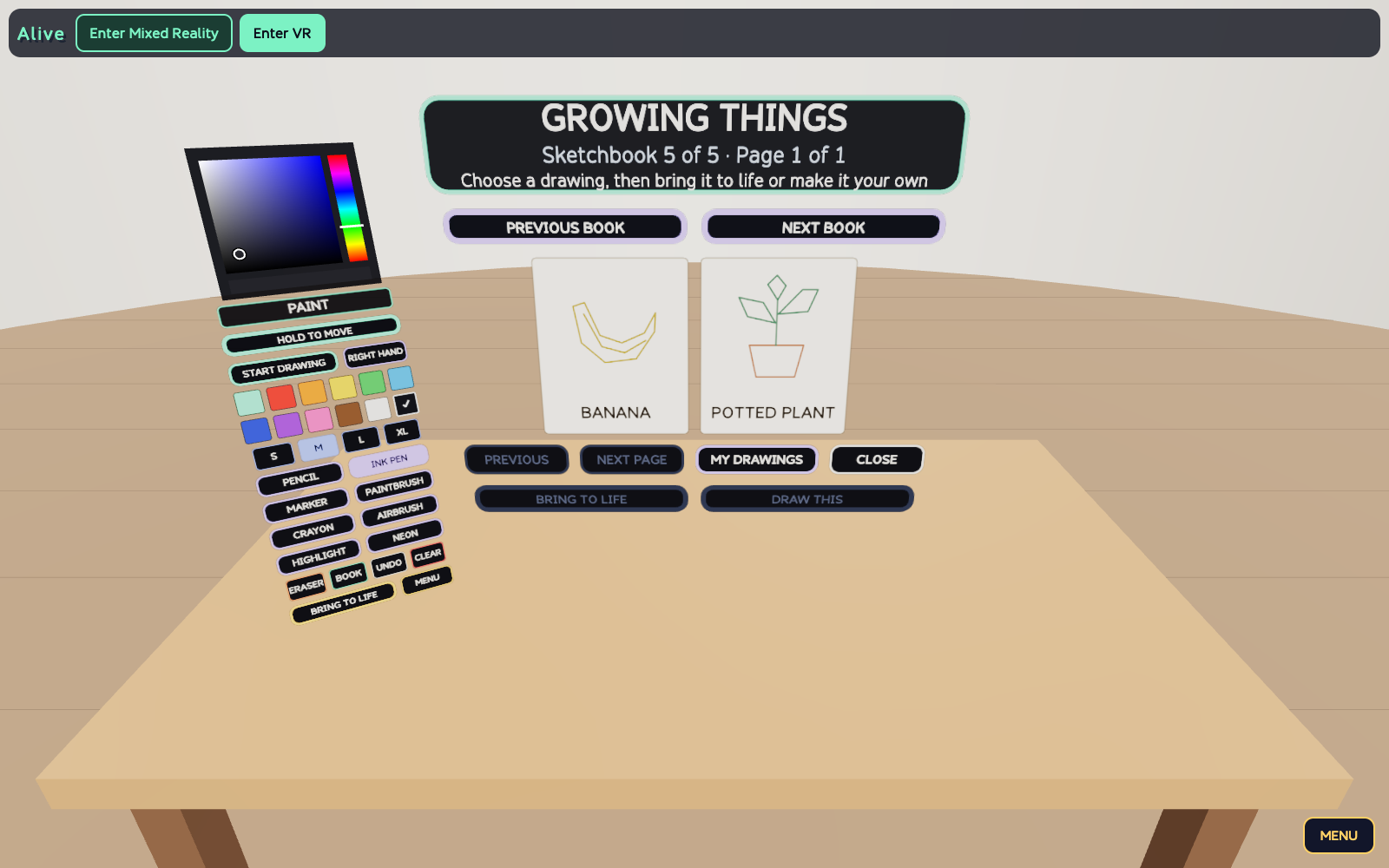
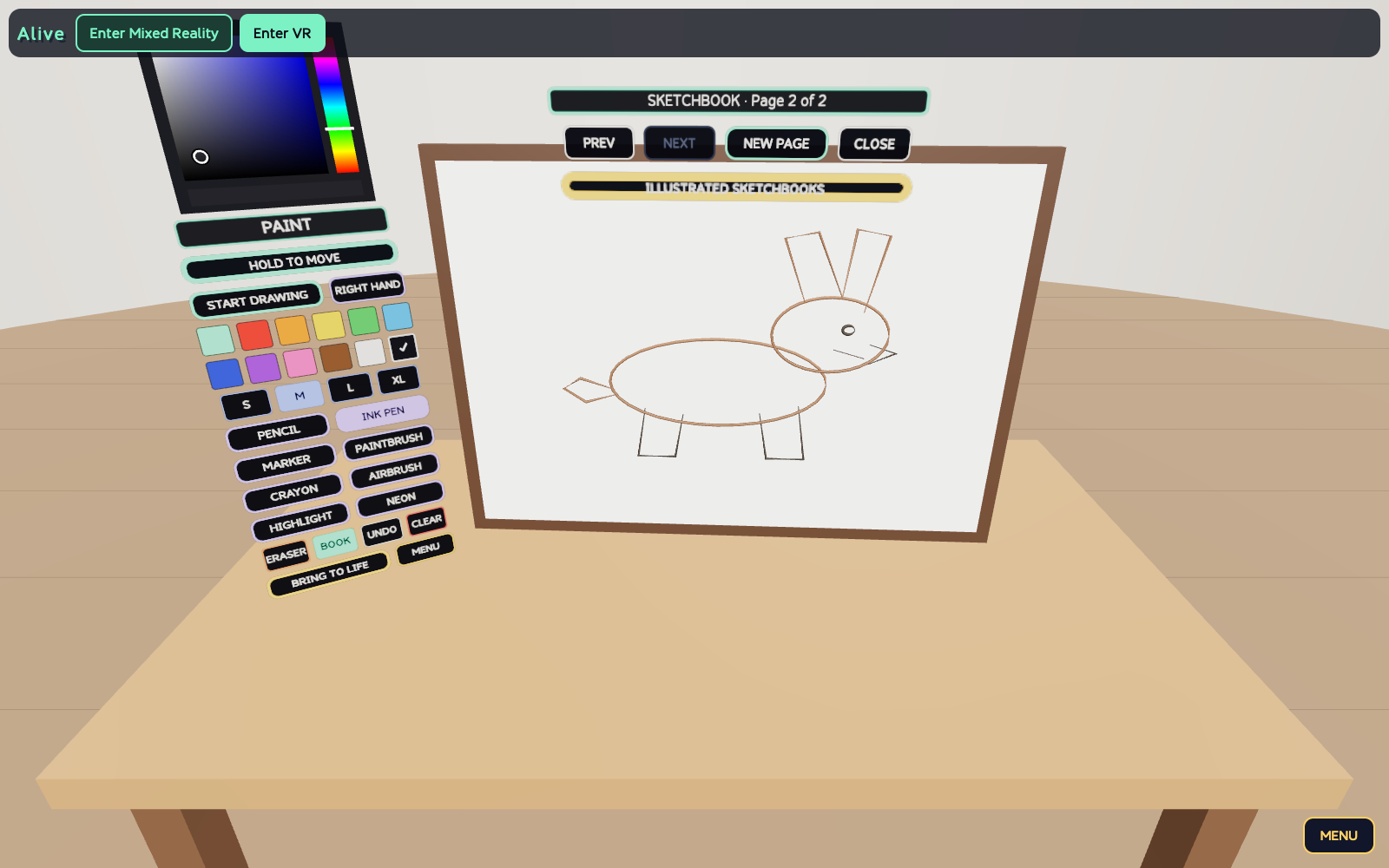
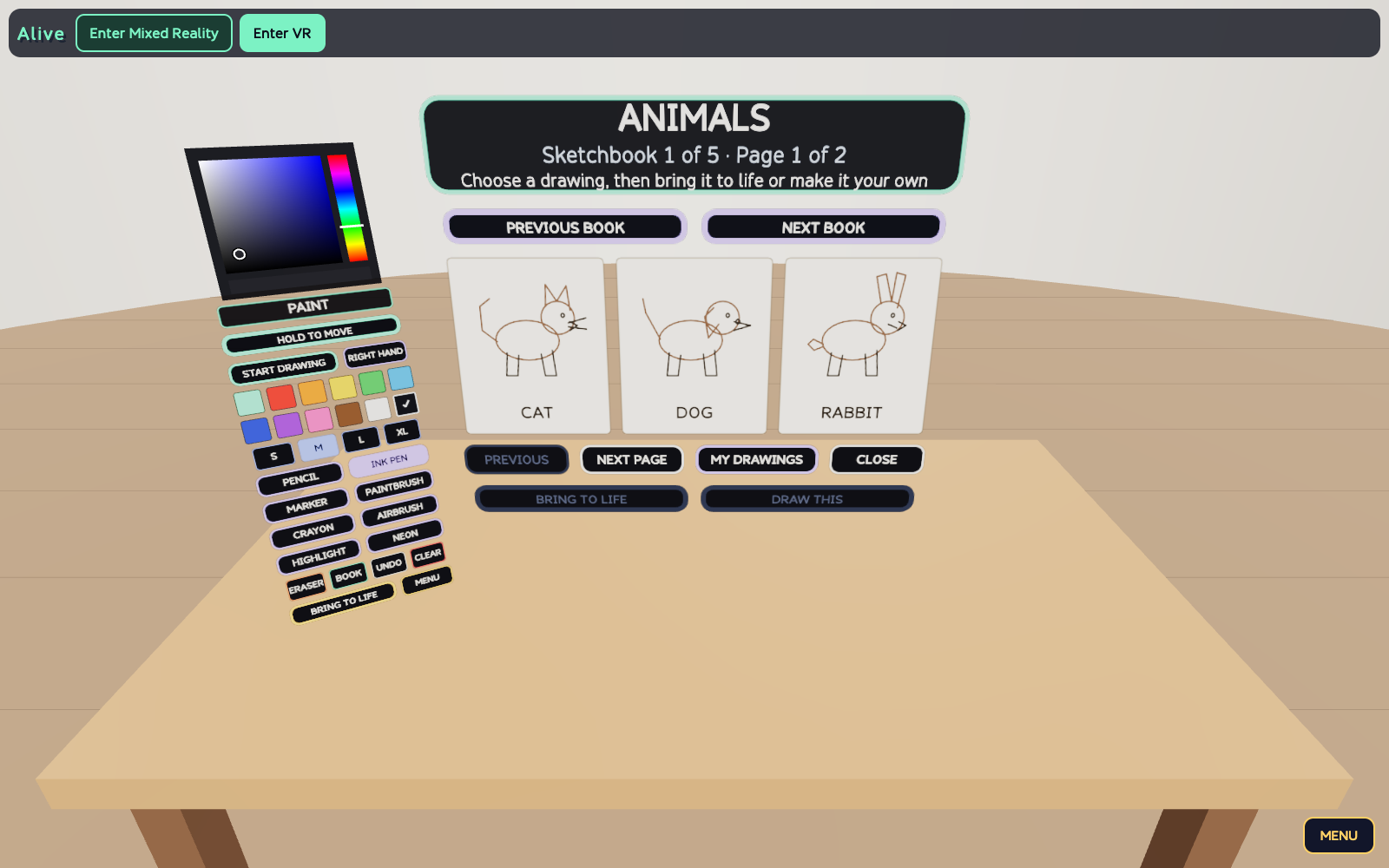
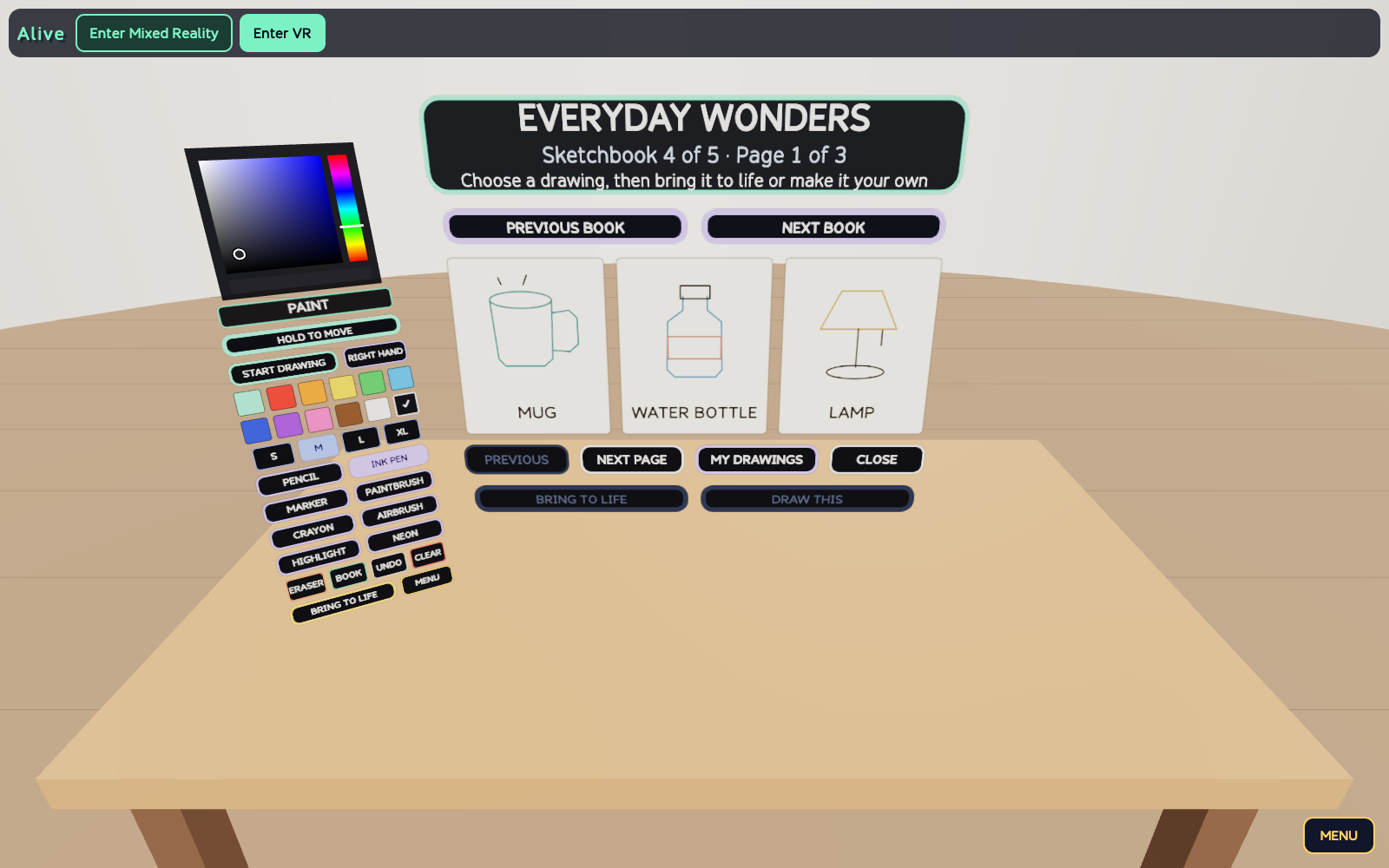
Five themed sketchbooks contain 25 ready-drawn objects. Bring a selected picture to life directly, or copy its strokes onto an editable page and make it your own. Personal pages save locally in the browser.
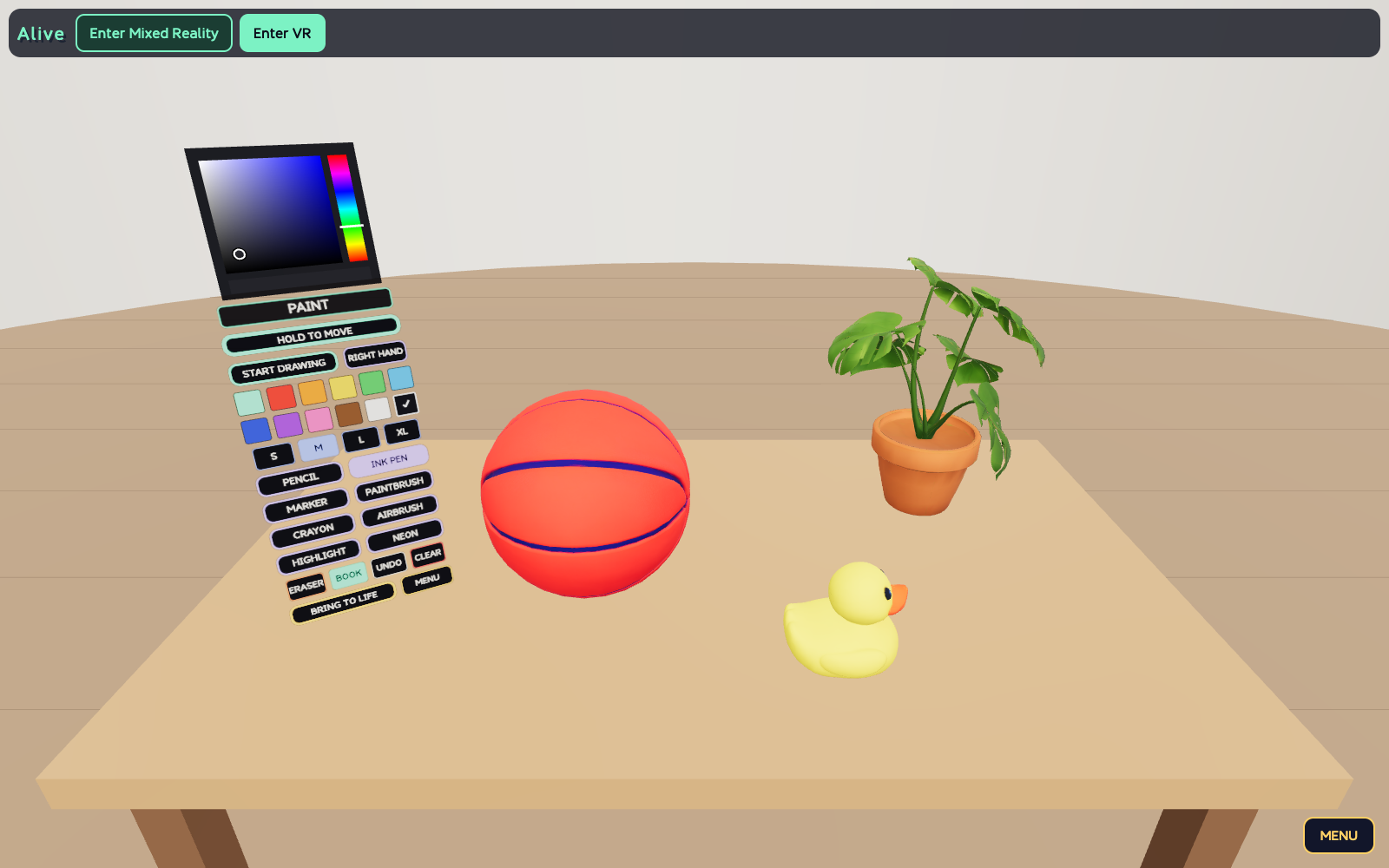
Created objects can be grabbed, moved, scaled and explored. In Mixed Reality, detected room surfaces support explicit object placement, with WebXR session anchors where available and a tracked-plane fallback.
How we built it
The client uses TypeScript, Three.js and WebXR for spatial rendering, hand input and immersive sessions. Cannon ES supplies object physics. The app and server run on Railway over HTTPS.
Sketch recognition uses OpenAI, with Gemini providing an independent check for uncertain or unavailable primary results. The server keeps credentials private. Recognition selects from supported 3D assets; it does not generate arbitrary meshes. Known sketchbook pictures work without a recognition request.
The interaction work is the core of the project: deliberate pinch activation, release to stop, stroke smoothing, tracking-loss handling, a visible drawing tool and a movable palette. Editable ink remains visible across the virtual table, while finished objects keep ordinary depth.
Room handling uses detected polygons for placement, collision and occlusion, plus session anchor tracking and cleanup. This browser build uses WebXR APIs rather than the native Unity MRUK package.
Challenges
Hand movement should not automatically mean drawing. We added deliberate activation and release requirements, rejected discontinuous poses and prevented accidental UI activation during a stroke.
A second challenge was preserving the creator's intent. A wrong object breaks the moment. Creation now waits for the user's choice, and recognition failures preserve the drawing instead of substituting a random model.
We also reduced eager model loading and invisible UI rendering work. Detailed models now load on demand instead of loading the whole collection at startup.
Accomplishments
We have a live HTTPS experience running on Quest 2. Headset testing confirmed that drawing stops on pinch release and that both ink and the pen remain visible across and below the virtual table.
The current build passes 67 automated tests and browser checks for drawing, pictured choices, sketchbooks, model loading, animated sketch creation and simulated room tracking. Physical room alignment and longer performance sessions remain part of ongoing testing.
What we learned
The creative experience depends on small interaction details: when ink begins, when it stops, whether the pen stays visible, and whether a failed interpretation respects the original drawing. Clear user control matters as much as recognition quality.
What's next
Our next priorities are broader hands-only testing, physical validation in unfamiliar rooms, longer performance measurements, more carefully selected 3D assets and clearer sketch interpretation. We also want to improve saved creations and room placement across sessions.
Public WebXR beta: available now.
Meta Horizon Store launch: date to be announced after further device testing and release preparation.
Built With
- cannon-es
- gemini
- node.js
- openai
- railway.
- three.js
- typescript
- webxr

