Inspiration
Skincare advice is mostly generic: people buy products because of trends, ads, or what worked for someone else, without knowing what their own skin needs. Even when they use a skin analysis app, they usually get a one-time report with no context and no idea what to do next.
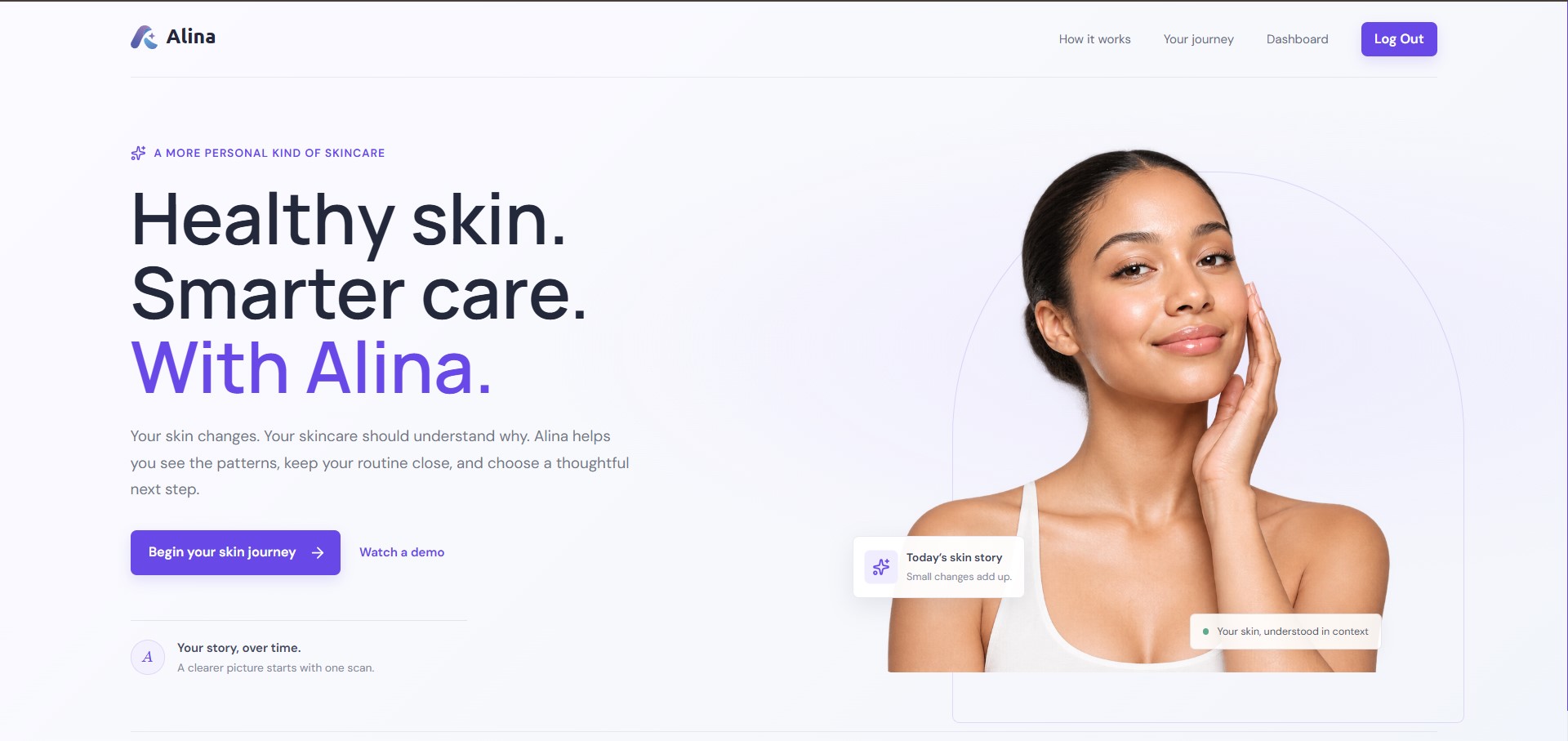
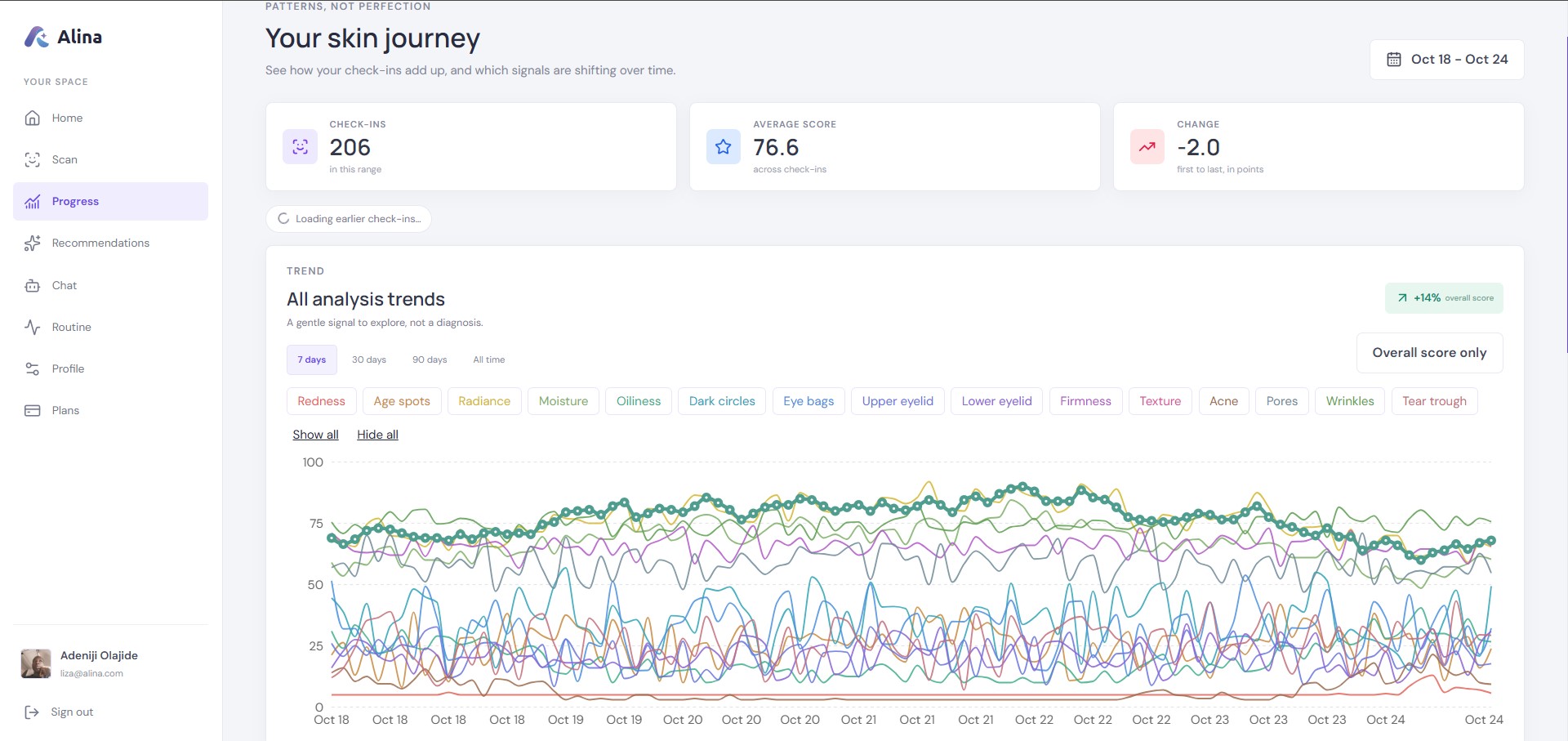
The Skin AI track asks for tools that help users understand their skin and decide what to do next. I wanted to build exactly that. Alina is a personal skincare companion rather than a scanner. It remembers every scan, understands how a person's skin is changing, and turns YouCam's professional analysis into guidance that keeps improving over time.
What it does
Alina is built around YouCam: every feature starts from a YouCam API, and an AI agent turns the results into advice.
| YouCam API | What it gives Alina | Where it shows up |
|---|---|---|
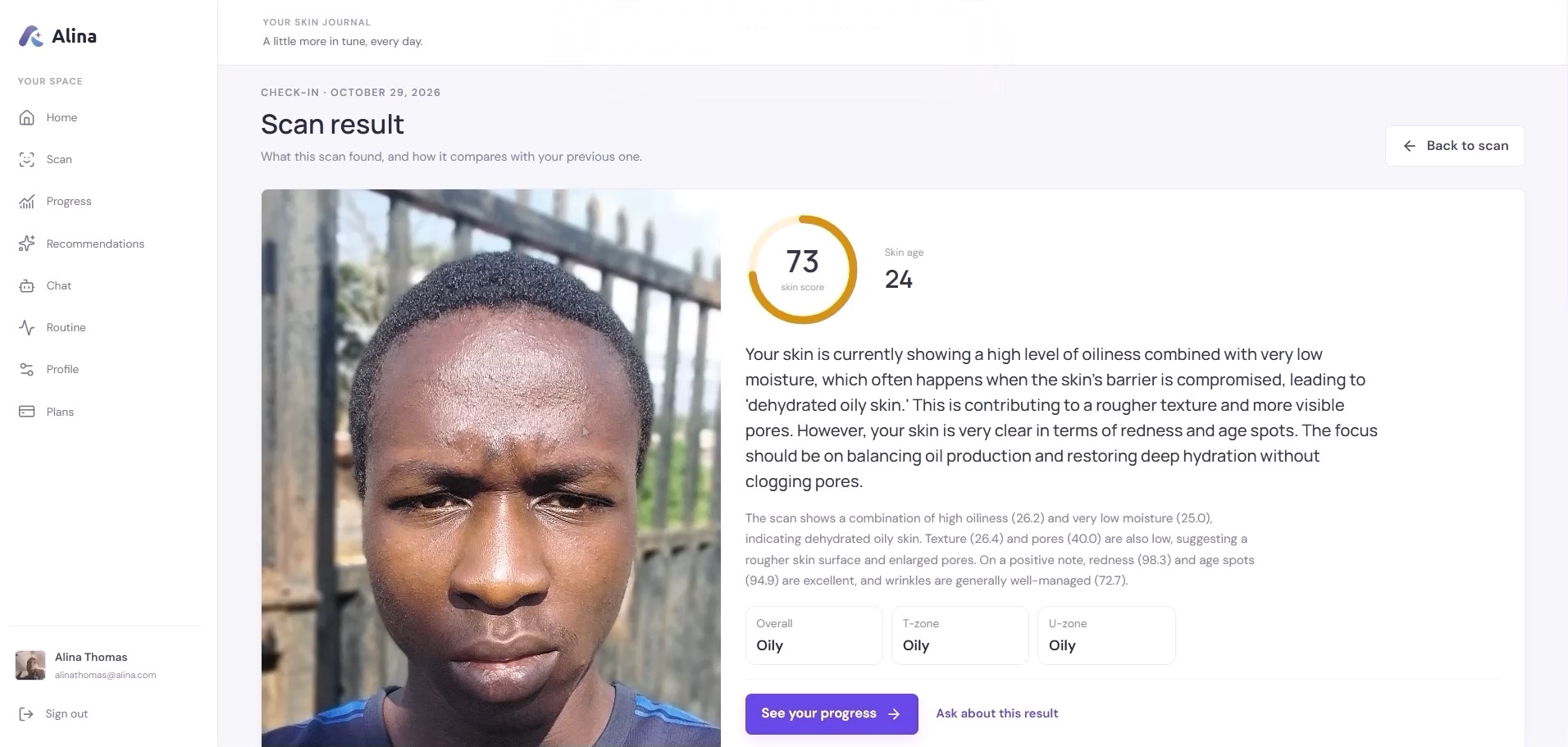
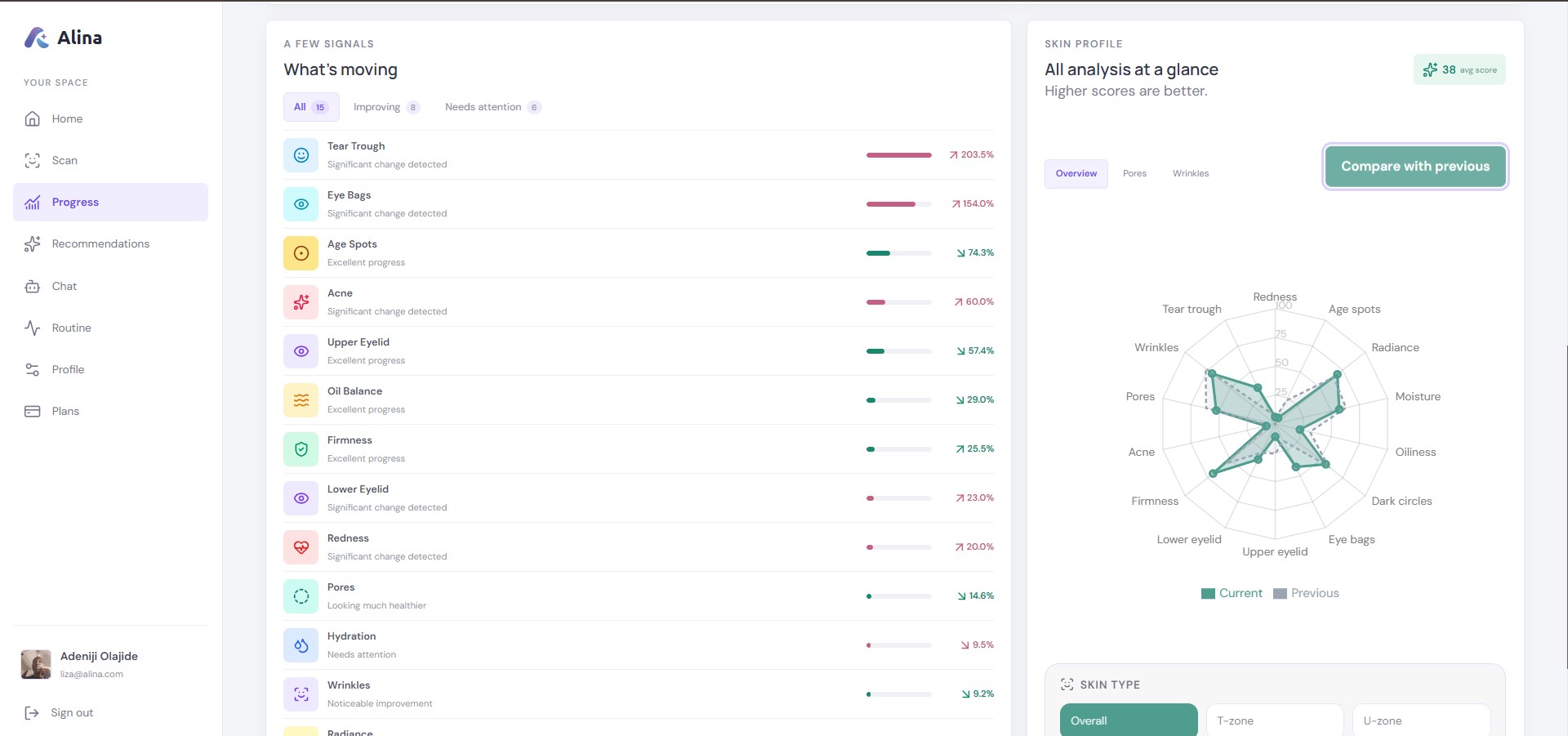
| AI Skin Analysis | Skin score, skin age, acne, wrinkles, pores, redness, oiliness, moisture, firmness, texture, radiance, dark circles, eye bags, droopy eyelids, tear troughs, age spots | Every scan, dashboard and progress tracking |
| Skin Tone Analysis | Skin, eye, lip, eyebrow and hair colors | Scan results, product matching |
| Fitzpatrick Skin Type | How the skin reacts to sun | Sun-protection advice |
| Facial Attribute and Ratio Analysis | Face shape, eyes, brows, lips, nose, cheekbones, facial proportions | Chat, on request |
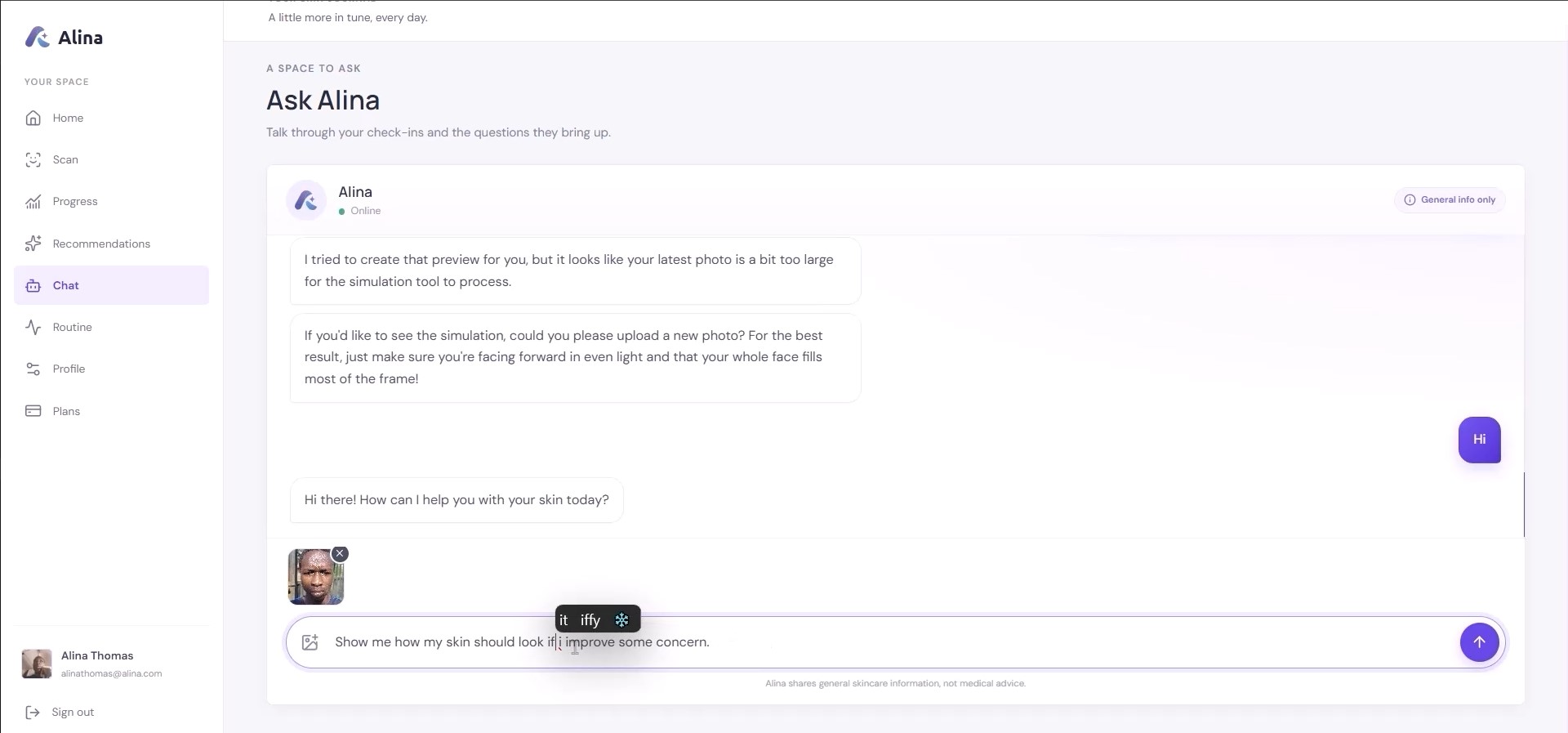
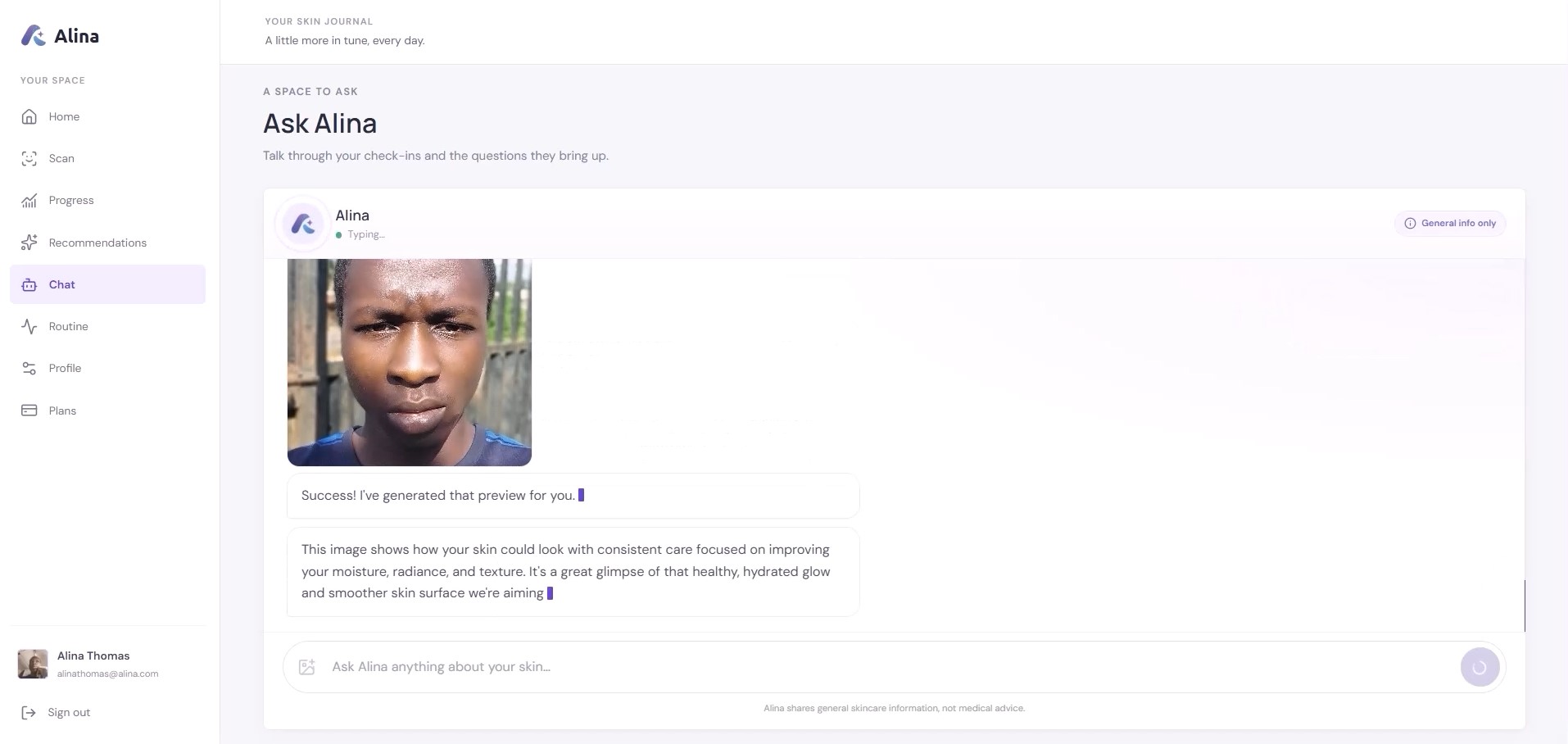
| AI Skin Simulation | How the skin could look after improving chosen concerns, at an intensity the user picks | Chat, on request |
| AI Aging Simulation | A series of photos from youth to old age | Chat, on request |
| AI Face Reshape | A preview of cosmetic changes to the face, eyes, nose and lips | Chat, on request |
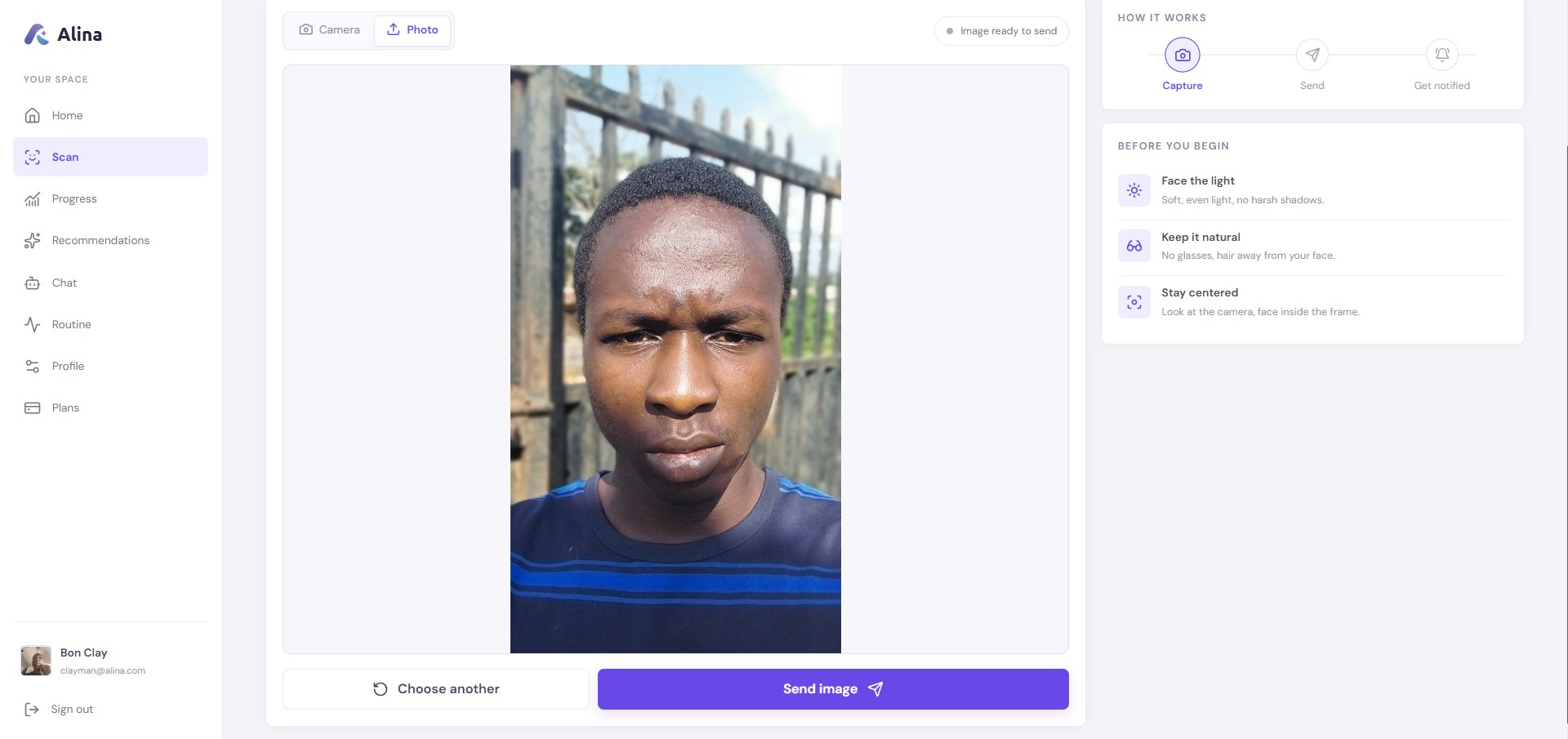
Scan. Users capture a face with camera or upload a photo, and Alina runs skin analysis, skin tone and Fitzpatrick on it.
Ask. In chat, users can ask Alina to run more YouCam tools on any photo: the latest scan, one from a specific day in their history, or one they attach. Skin simulation makes "what should I work on?" visible, and aging simulation makes the case for sunscreen and consistency.
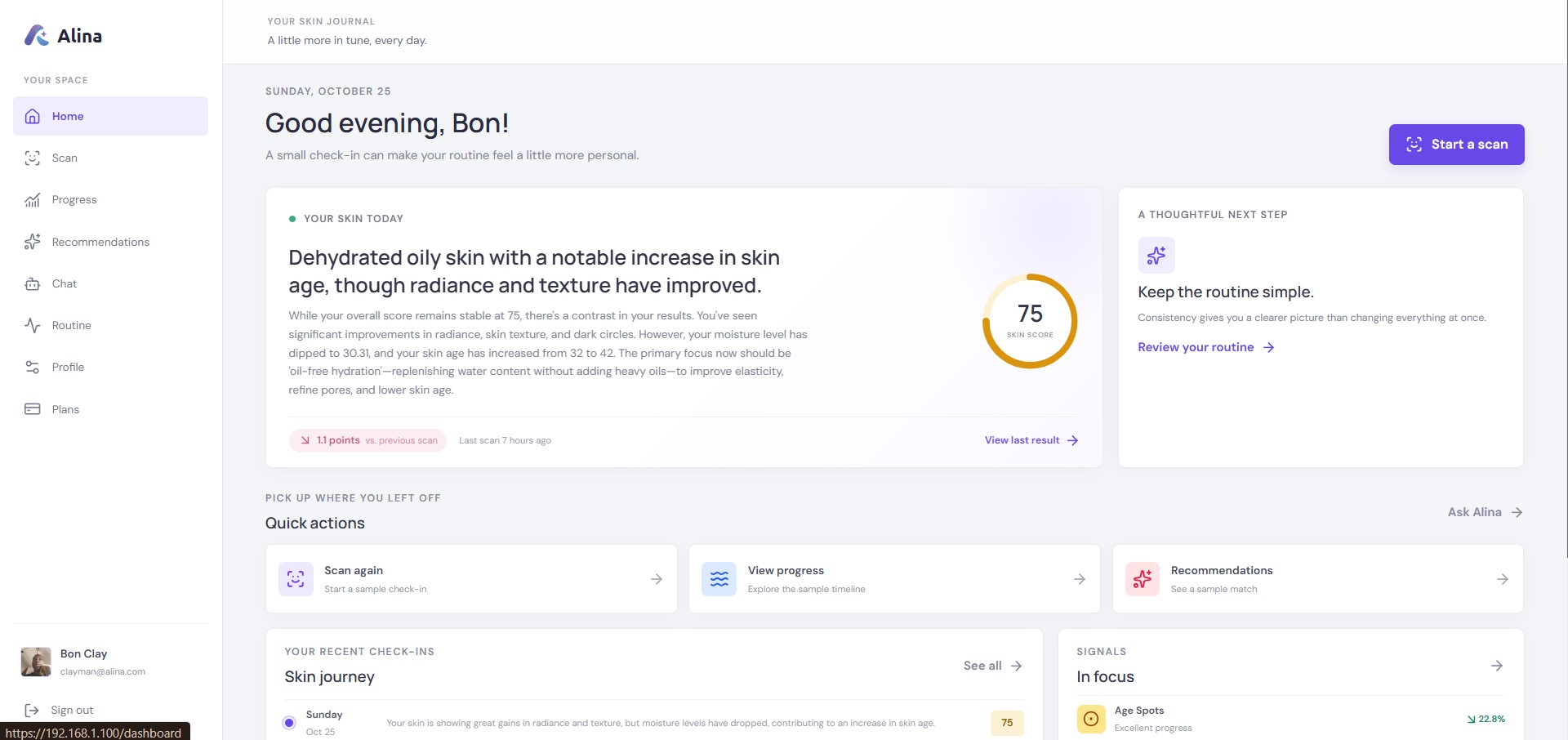
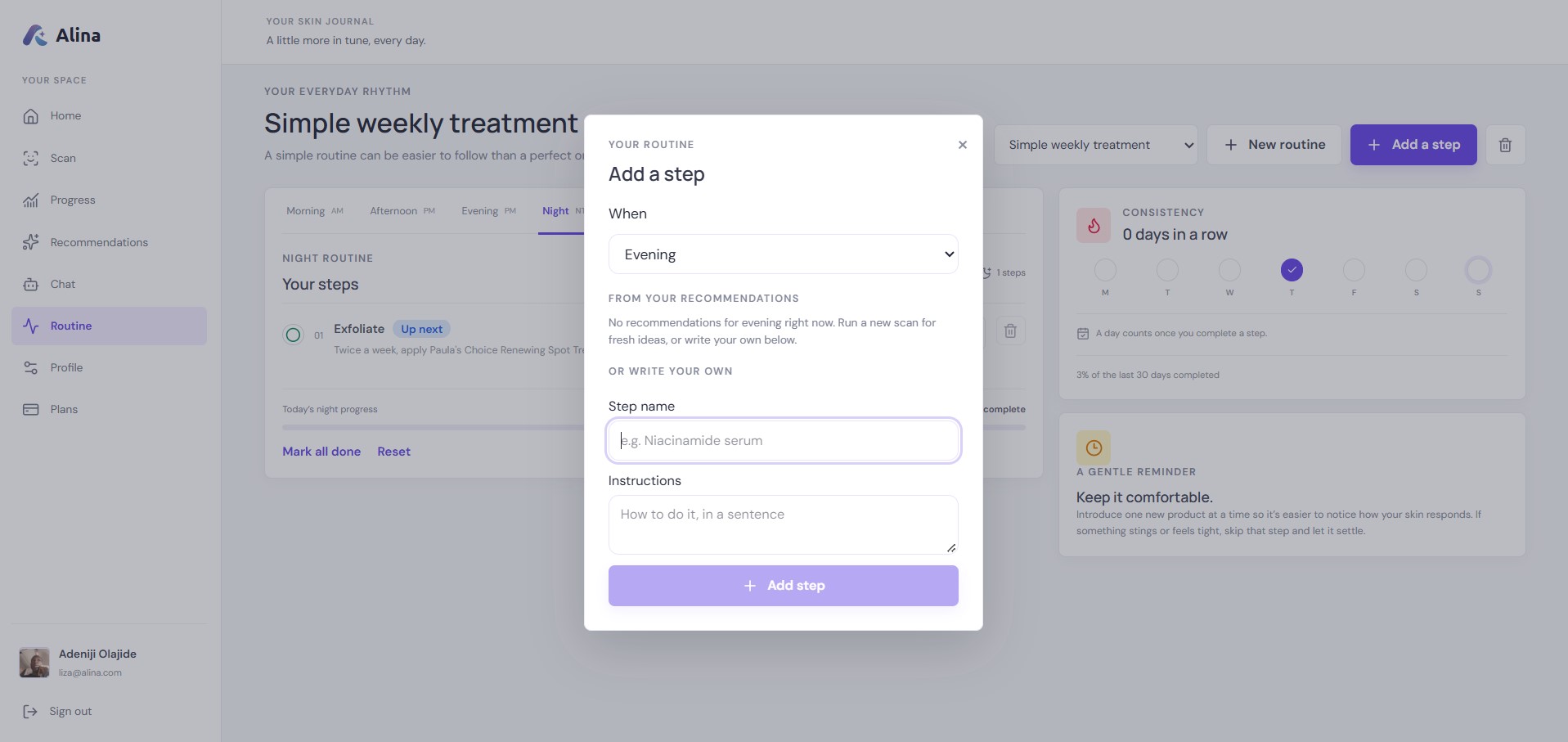
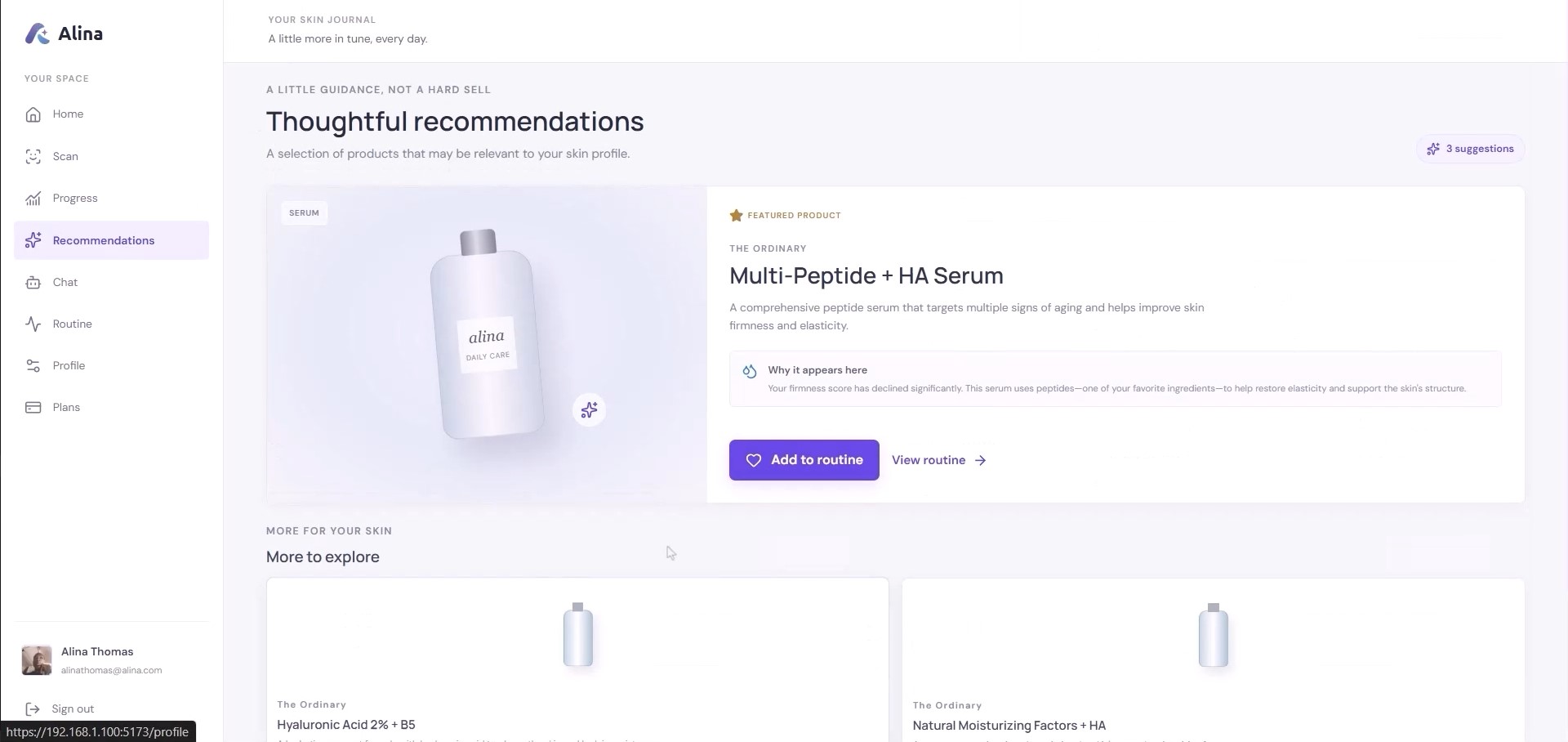
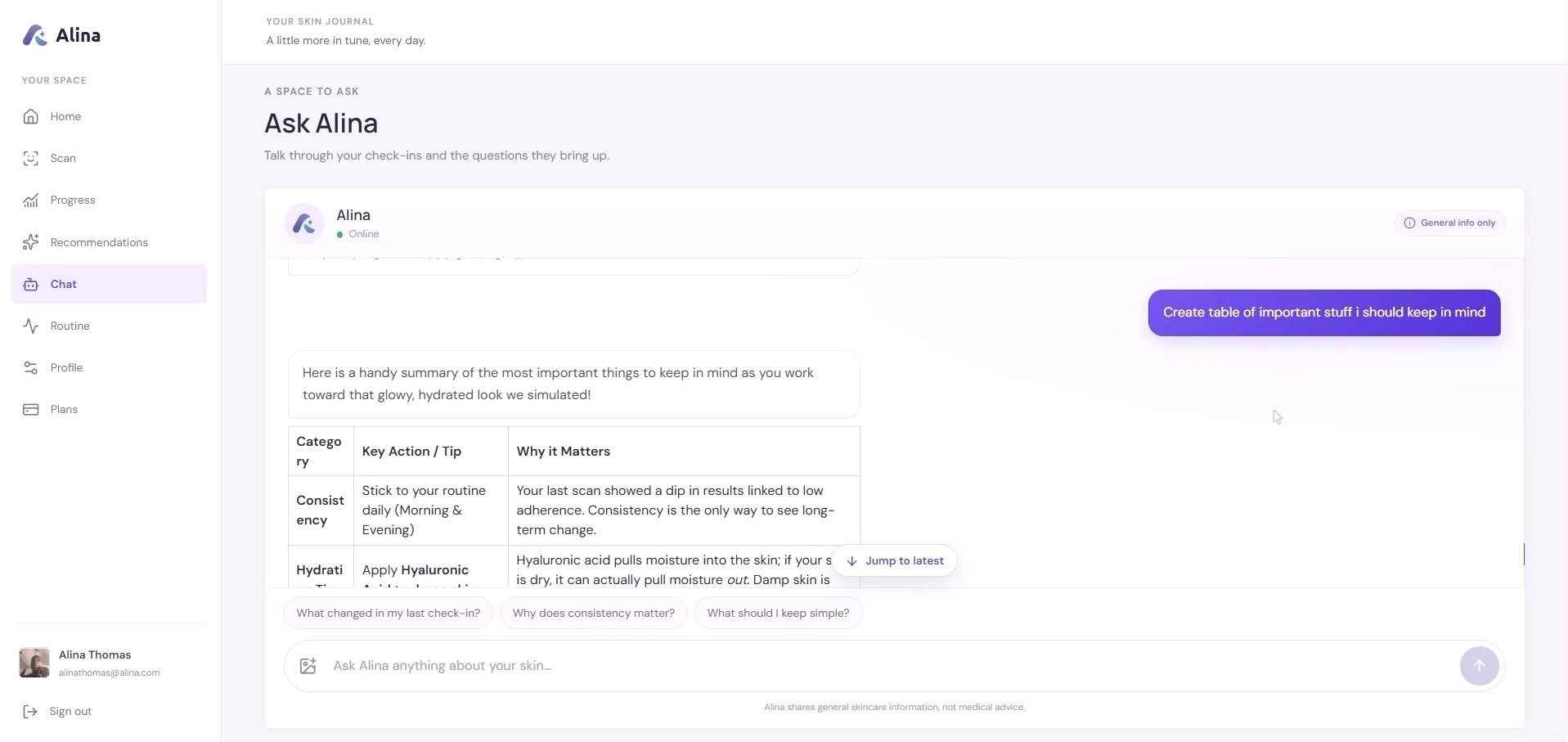
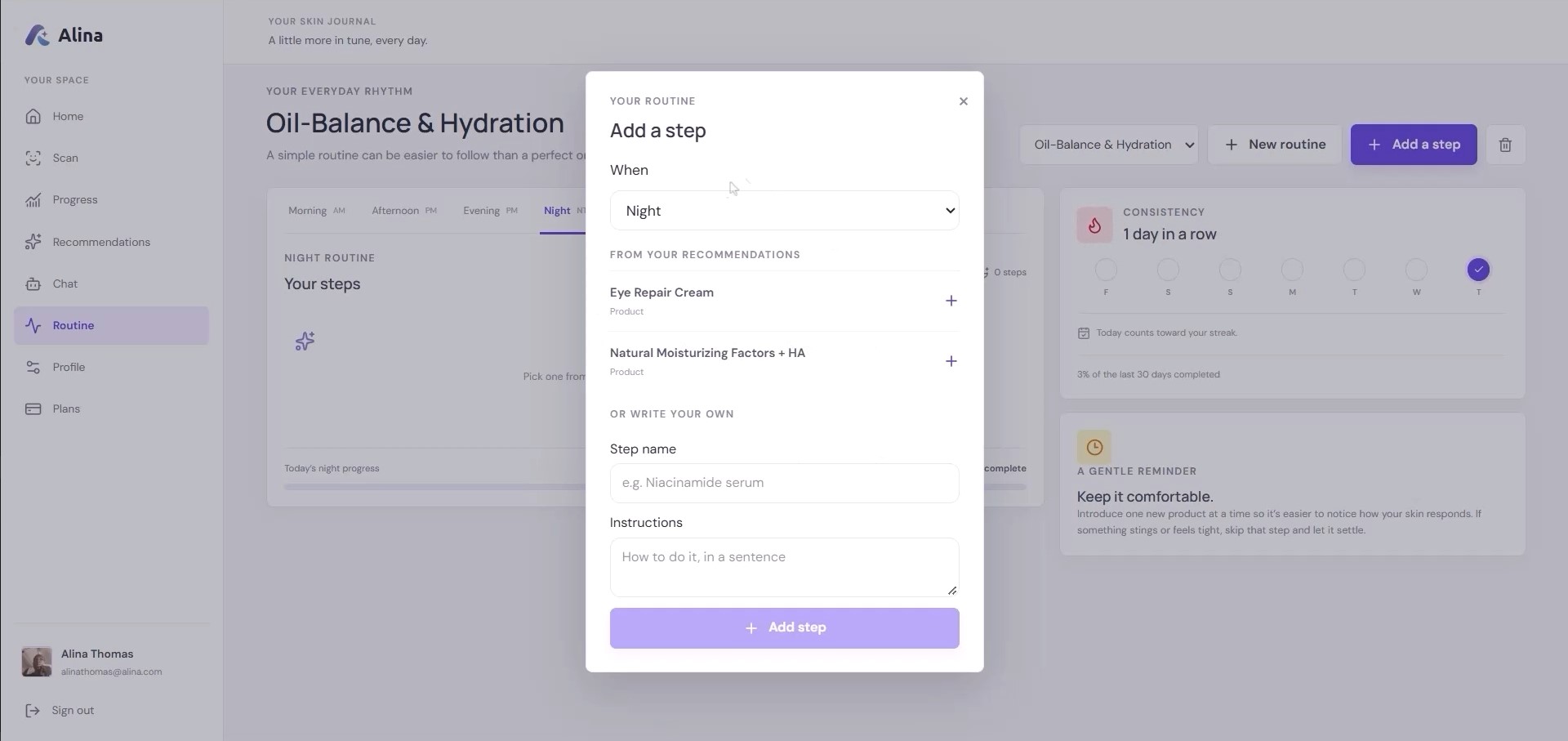
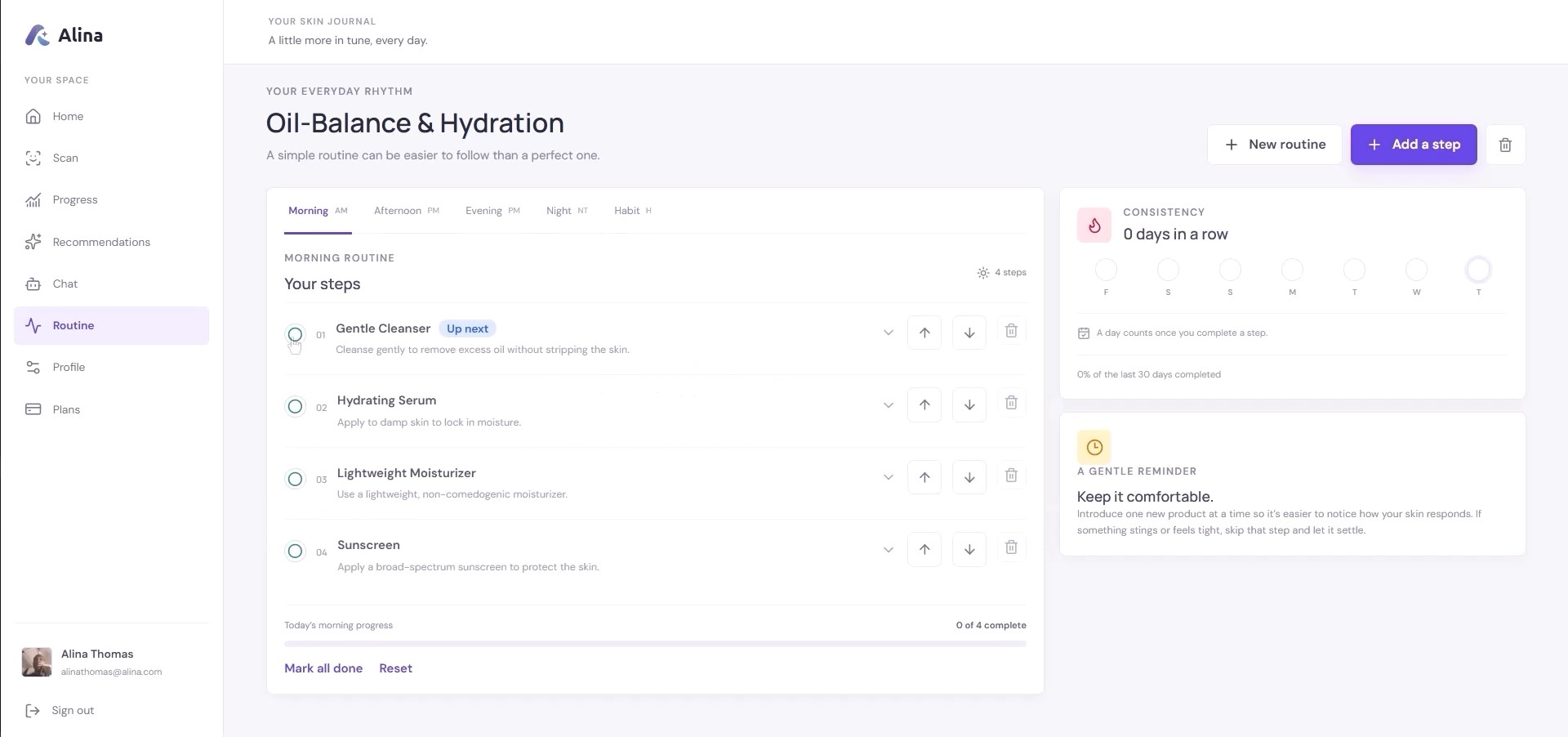
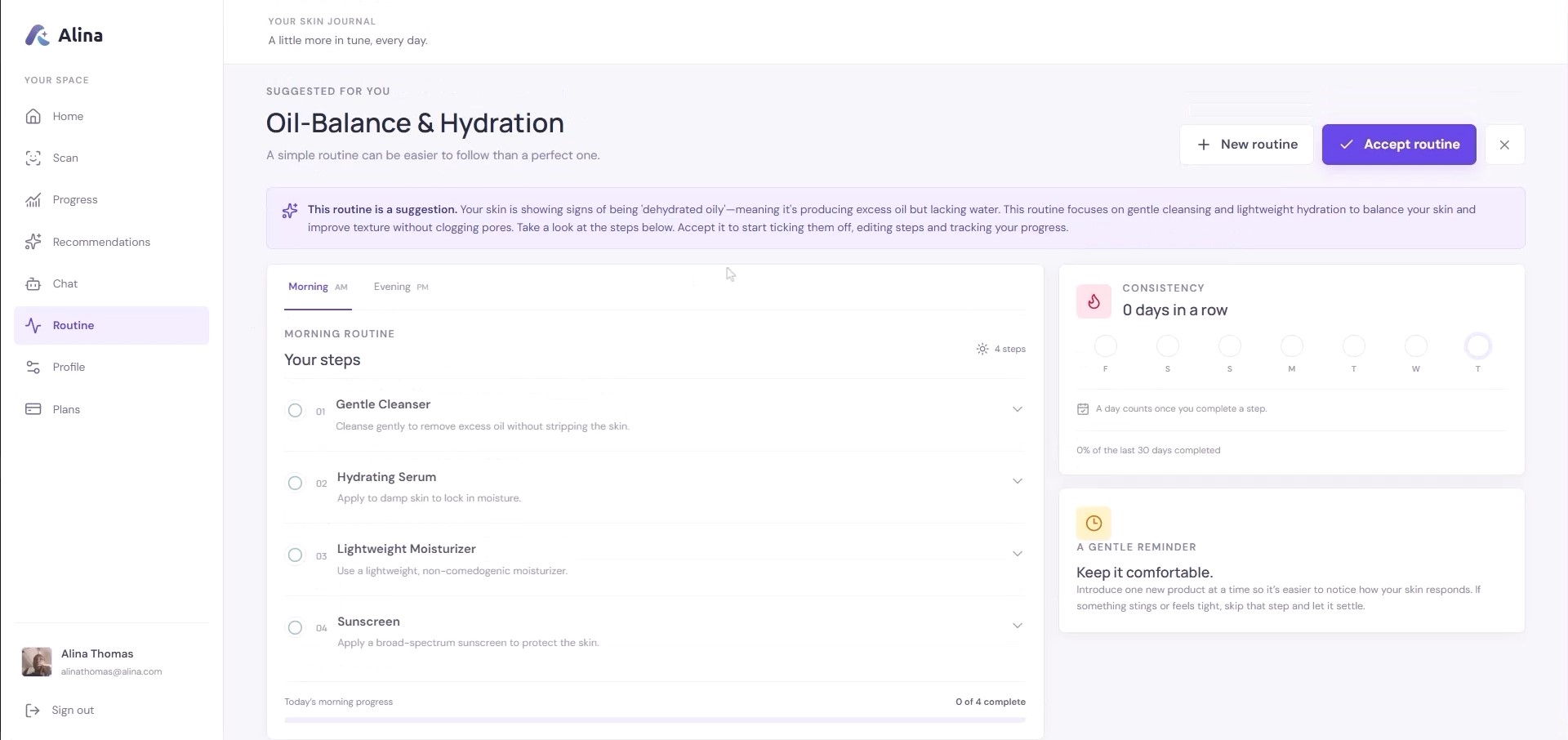
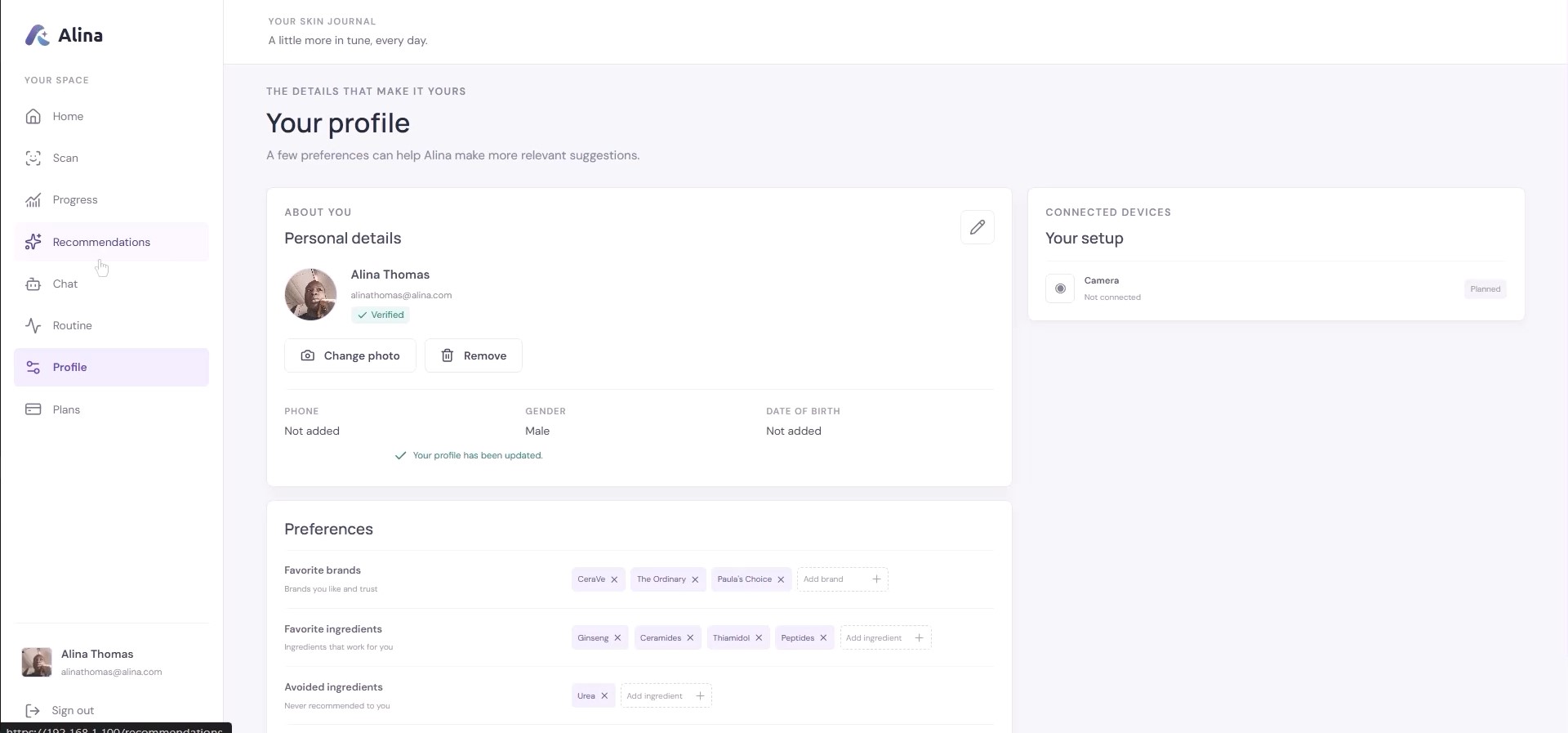
Understand and act. After a scan, a Gemma 4 agent compares it with earlier scans, writes plain-language summaries and observations, and recommends routines, products and habits. It checks the user's saved preferences, so it never suggests an ingredient the user avoids. Users can then talk to Alina about their results, send images, and get generated images back in the conversation.
How we built it
The frontend is React (Vite) and TypeScript. The backend is Fastify, TypeScript, PostgreSQL and Prisma, with Redis for caching, BullMQ for background jobs, and WebSockets for real-time chat and streaming.
YouCam integration. I wrote a server-side YouCam service that handles the whole API flow: image validation, the two-step file upload, task creation, polling, rate-limit retries, and saving results. It wraps seven YouCam endpoints: skin analysis, skin tone, Fitzpatrick scale, face attributes and ratios, aging, skin simulation, and face reshape with face detection. The API key stays on the server.
Agent. Gemma 4 uses function calling. The YouCam features are exposed as tools next to tools for scan history, summaries, observations, routines, preferences and recommendations. The agent decides what it needs, calls several tools, reads the results, and only then answers. A scan triggers a background job that runs this agent automatically, so the insights are ready when the user returns. Qloo adds taste data, so recommended brands and products fit the person as well as the skin.
Images. Each YouCam tool takes an optional image path. By default it uses the latest scan. The agent can look up an older scan by date, and users can attach or paste their own image in chat. Generated images are saved and streamed back into the conversation.
Challenges we ran into
One of the funniest (and most frustrating) bugs happened because I forgot to register the AI tools I had created. I assumed everything was working, but whenever a user started a skin scan, Gemma kept trying to call the missing tools over and over again. The scan never finished because the model expected the tools to exist and repeatedly retried them. I added a retry limit, but after the analysis completed, I discovered the AI hadn't actually done anything. After three days of debugging, I finally realized I had simply forgotten to register the tools.
Another major challenge came from Gemma 4 itself. After YouCam completed a skin analysis, I stored the results in the database and passed them to Gemma for processing. Once the processing finished, Gemma created a new interaction with a completed status but no text content. When I later reused that chat history for another analysis or conversation, the API returned an error indicating that a message of type text did not contain valid text. My debugging showed I was sending text correctly, but the problem was actually the previous completed message with an empty payload, which corrupted the conversation history. My temporary solution was to automatically start a new chat whenever this situation occurs. In the future, I plan to implement a cleaner way of filtering or repairing these messages.
The final challenge was working with the free Gemma 4 31B IT model. Because it is a shared free-tier model, it can be slow, occasionally interrupt streaming responses, enforce a throughput limit of around 16,000 tokens per minute, and sometimes become unavailable during periods of heavy traffic. Rather than redesigning the application around these temporary limitations, I implemented retry logic and made the system resilient enough to recover automatically. Despite these constraints, the application performs well and demonstrates that it would provide an even smoother user experience when powered by a paid Gemini API.
Accomplishments that we're proud of
- Using seven YouCam APIs in one product, where each one serves a clear purpose: understand, explain, visualise, then act.
- An agent that retrieves its own context, compares scans over time, and calls YouCam only when it makes sense.
- Simulations that show the user the effect of changes to their skin, which makes advice more convincing than a score does.
- A complete experience: camera scan, dashboard, progress tracking, routines, product recommendations, and a conversational assistant in one product.
What we learned
- The value of a skin-analysis API grows once its output is remembered and compared over time. The skin age, concern scores and tone from one scan become more useful next to the previous ones.
- Exposing an API to an agent takes design work. Descriptions, cost awareness, safe inputs and readable errors decide whether the agent uses a tool well.
- Handling the asynchronous, rate-limited, expiring parts of a production API is a large share of the work, and users never see it.
- Visual features like simulation help people understand their skin faster than text does.
What's next for Alina
- Real-time scanning with live guidance for lighting and angle (considering connecting to external camera source, for example home camera or ring).
- Android and iOS apps, and voice conversations with Alina.
- Ingredient compatibility checks, routine adherence tracking, and trend analysis across months of scans.
- Proactive check-ins, so Alina helps users build habits instead of only responding after a scan.
Built With
- bullmq
- fastify
- gemma4
- ipinfo
- postgresql
- prisma
- qloo
- react
- socket.io
- tailwind
- typescript
- youcam


Log in or sign up for Devpost to join the conversation.