Inspiration
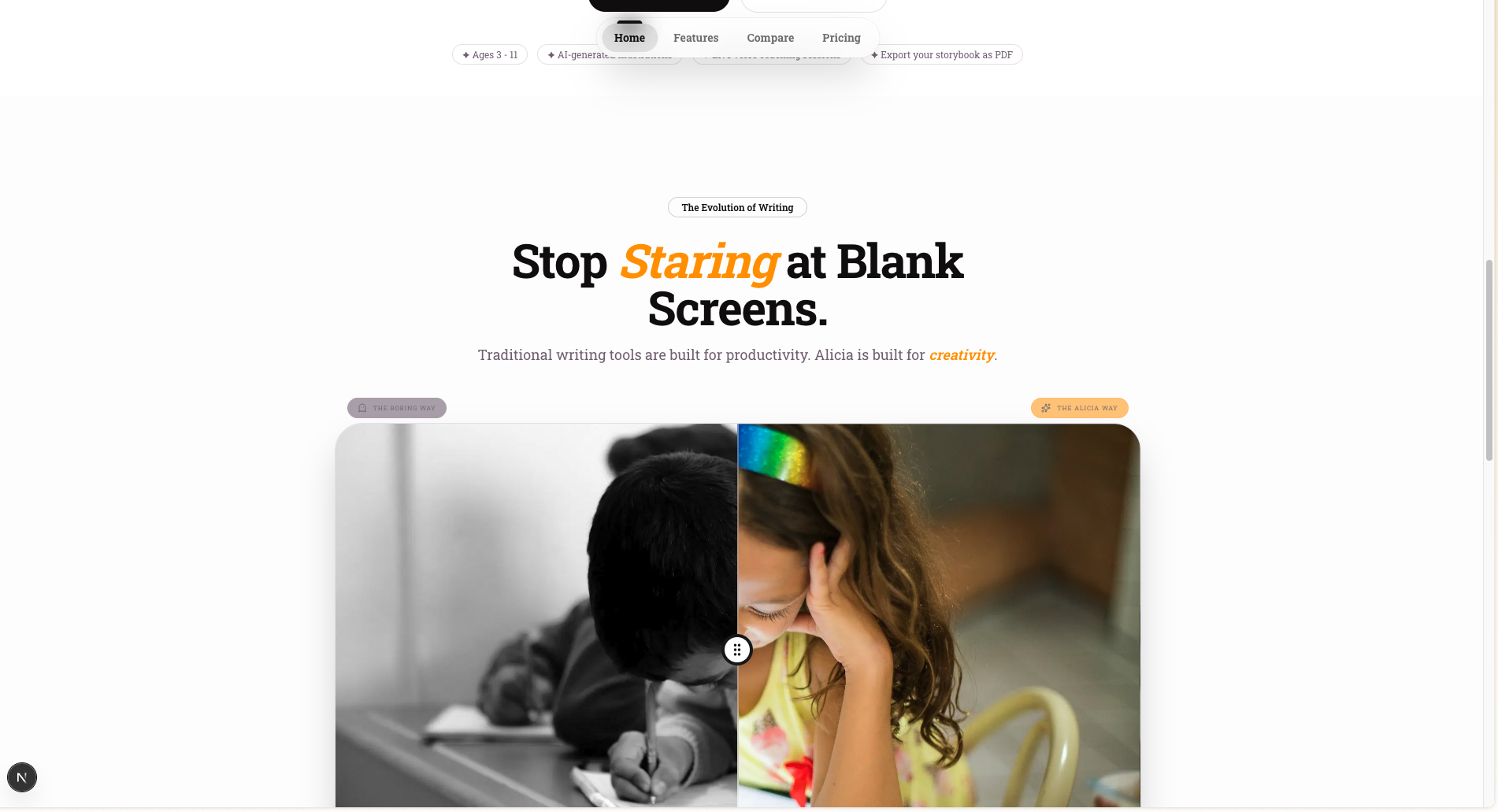
We built Alicia because kids and first-time writers often have amazing story ideas but get stuck at the blank page. Most writing tools either feel too academic or generate everything for you, which removes ownership. We wanted to create a co-creative experience where AI helps you think, structure, and finish — while the story still feels truly yours.
We were also inspired by the emotional power of seeing words become visuals in real time. If a child writes one page and instantly sees a matching illustration, motivation spikes. That “I made this” moment became the heart of Alicia.
What it does
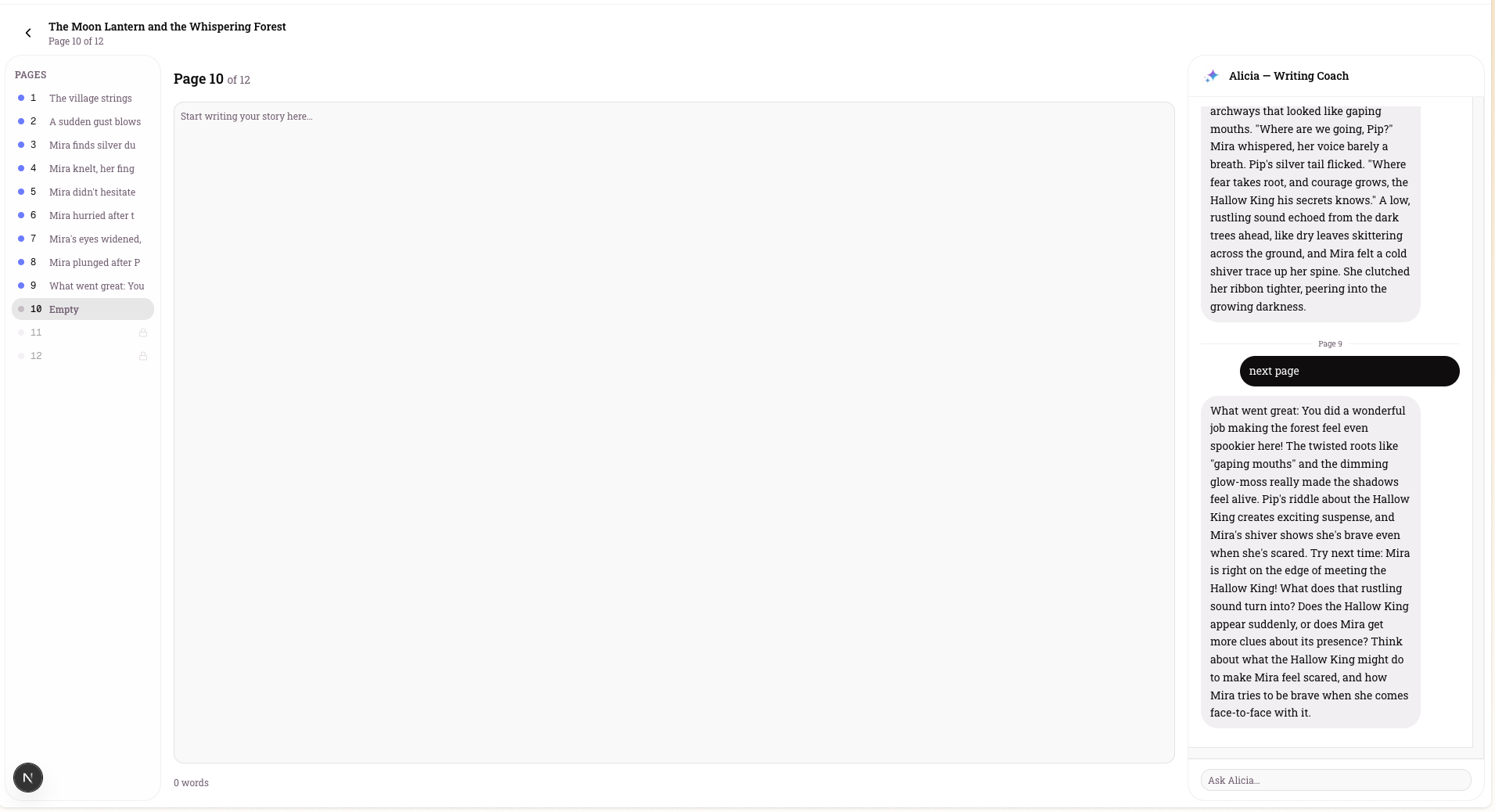
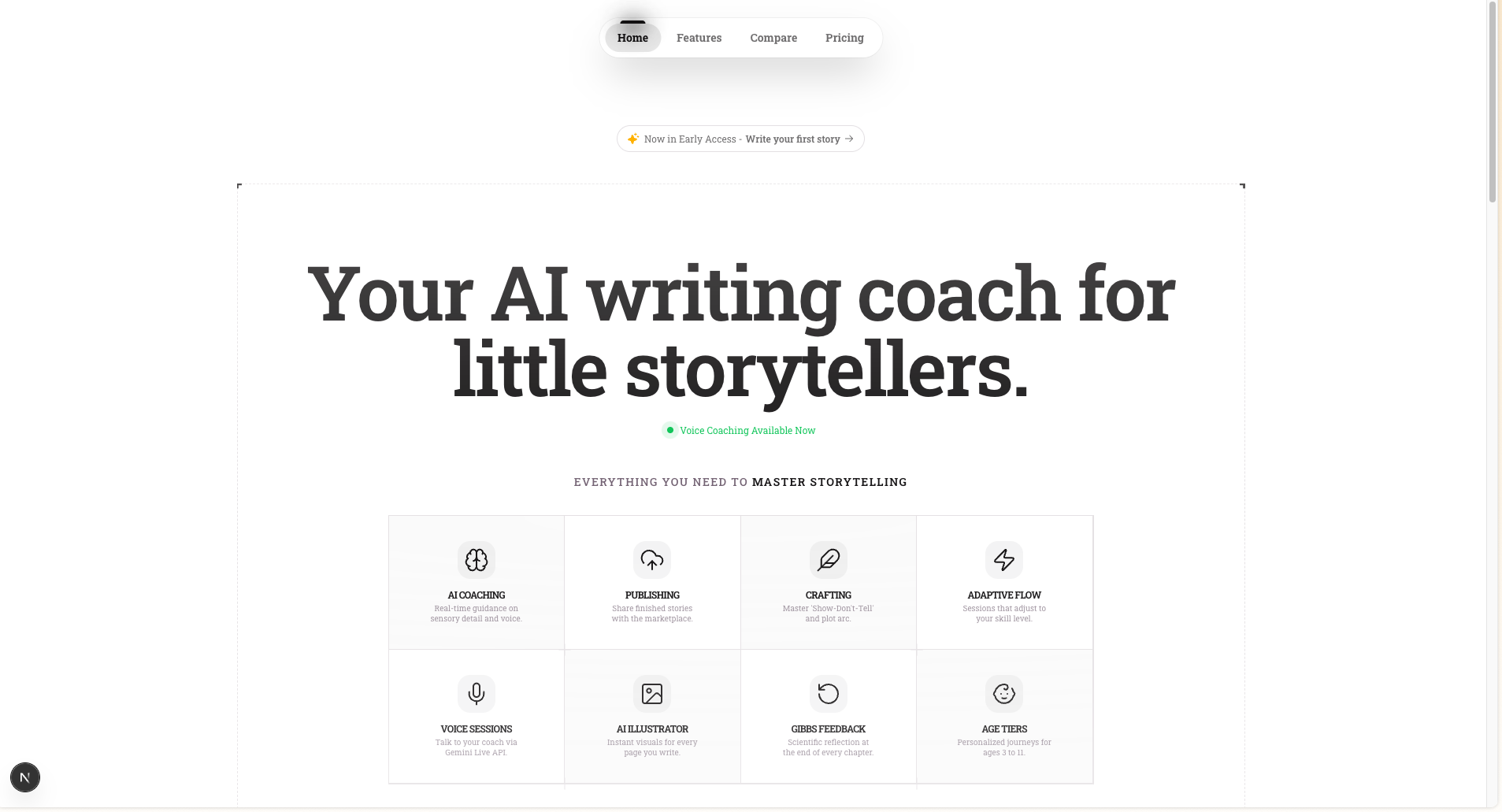
Alicia is a multimodal AI storytelling app that helps users create a complete 12-page illustrated storybook.
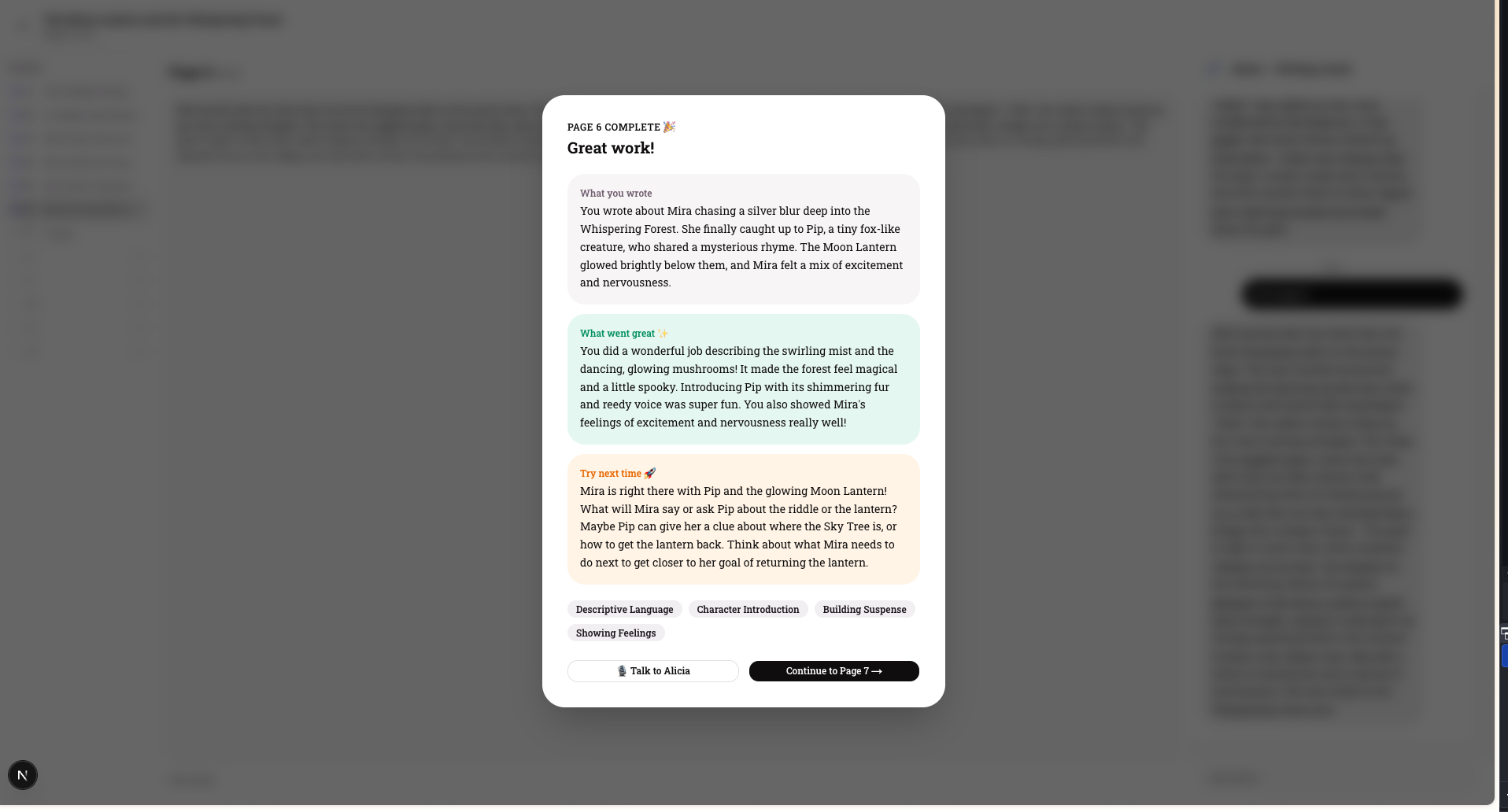
Guides users through onboarding and story setup Coaches writing page-by-page with contextual AI feedback Supports live conversational interaction (voice + text) Generates illustrations for each page Organizes work into a creator workflow and publish-ready output Uses guarded access for premium AI-heavy features to prevent abuse In short: Alicia turns a story idea into a structured, illustrated book draft fast, while teaching storytelling craft along the way.
How we built it
We built Alicia as a full-stack web app using:
Next.js + React + TypeScript for the product experience Tailwind/shadcn for UI system and fast iteration Firebase Auth for login, Firestore for profile/story state, and Storage for generated assets Gemini models (via Google GenAI/Firebase AI integrations) for text coaching, illustration workflows, and live interactions We designed the flow around a 12-page narrative arc. Prompt engineering was a major part of the build: we tuned system prompts so AI responses stay age-appropriate, context-aware, and aligned with story pacing — especially around ending structure on page 12 (resolution or clear continuation hook).
Challenges we ran into
- Balancing creativity with structure: giving users freedom while still helping them finish a coherent story
- Prompt reliability: keeping responses consistent across text coaching, live mode, and page context
- Multimodal orchestration: handling text, voice, and image generation in one seamless loop
- UX state complexity: managing onboarding, auth, creator tools, and guarded access states without friction
- Cost/safety concerns: preventing API abuse while preserving a smooth reviewer experience
Accomplishments that we're proud of
- End-to-end storytelling pipeline from idea → pages → illustrations
- Strong “visible progress” UX that keeps users engaged
- Cohesive multimodal AI experience instead of isolated AI demos
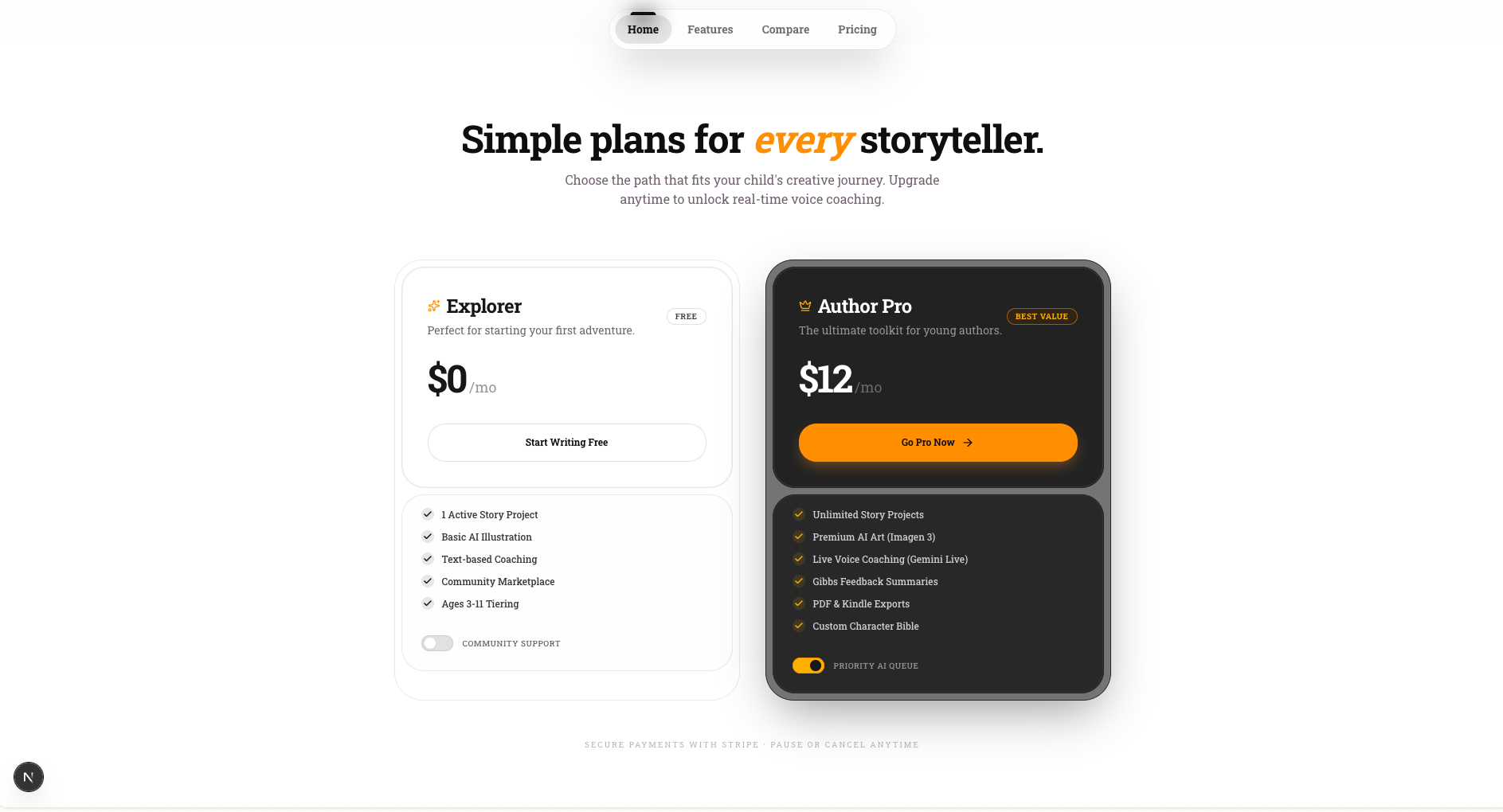
- Practical guardrails for usage control (coupon/free-trial based feature access)
- A polished demo flow with sample story scaffolding and intentional AI-fill gaps for live judging
What we learned
- AI is most effective as a collaborator, not an autopilot
- Narrative constraints improve creativity; boundaries like a 12-page arc help users finish
- The fastest way to boost retention is to show tangible output early
- Prompt design is product design: wording choices directly shape trust, quality, and safety
- Shipping multimodal experiences requires equal focus on model quality, UX transitions, and fallback handling
What's next for Alicia Storybook
- Add stronger server-side entitlement checks across all AI routes
- Introduce educator/parent dashboards to track writing growth over time
- Expand publishing options (export formats, printable templates, sharing)
- Add collaborative mode (co-author with classmates/family)
- Personalize coaching difficulty by age and writing level
- Build analytics around completion and learning velocity, e.g. $$ \text{Completion Rate}=\frac{\text{# users who finish 12 pages}}{\text{# users who start a story}} $$
NOTE: Judges have full access to the platform via the code shared in the uploaded file CODE.pdf on the next stage.
Built With
- firebase
- gemin
- nextjs

Log in or sign up for Devpost to join the conversation.