-
-
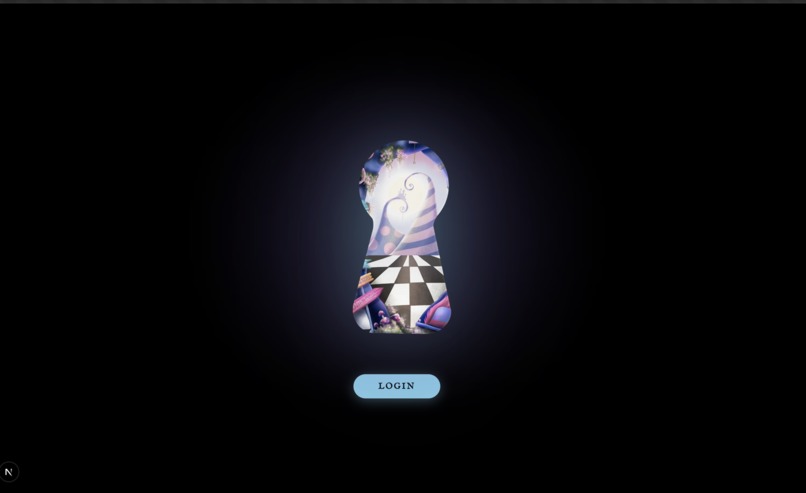
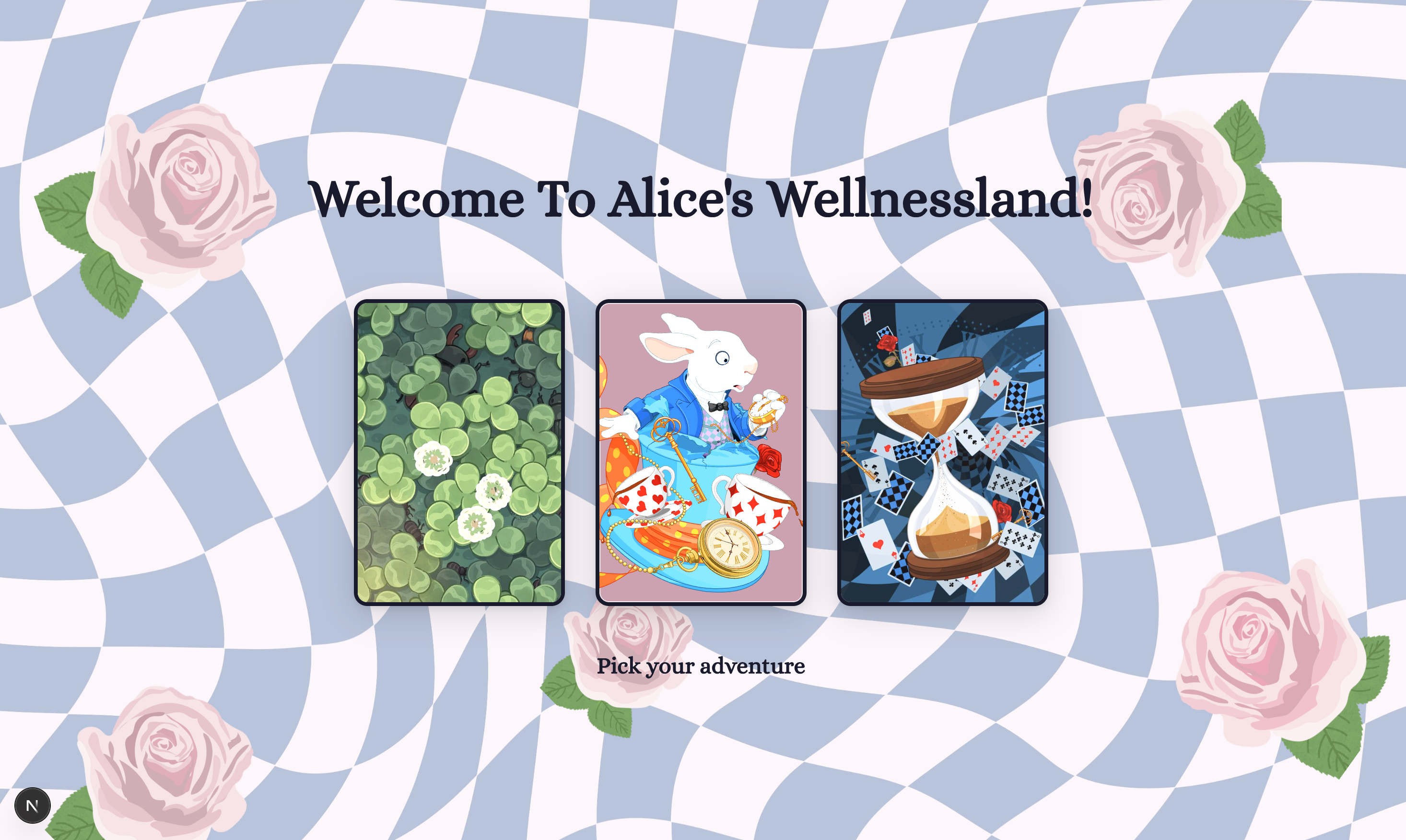
Landing Page
-
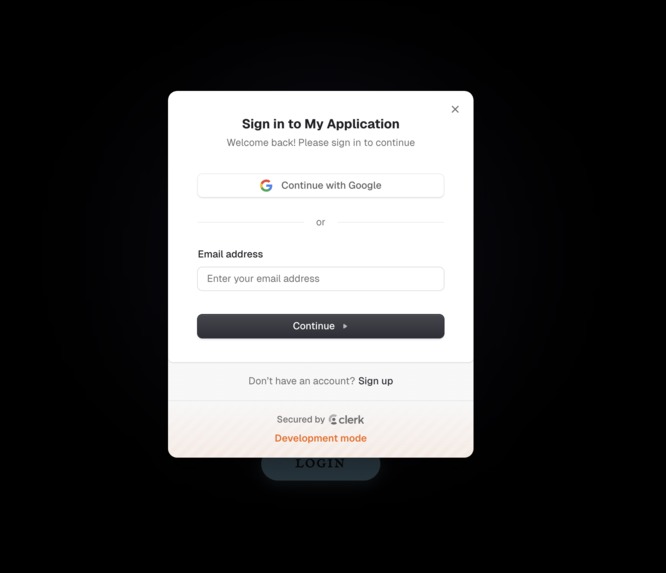
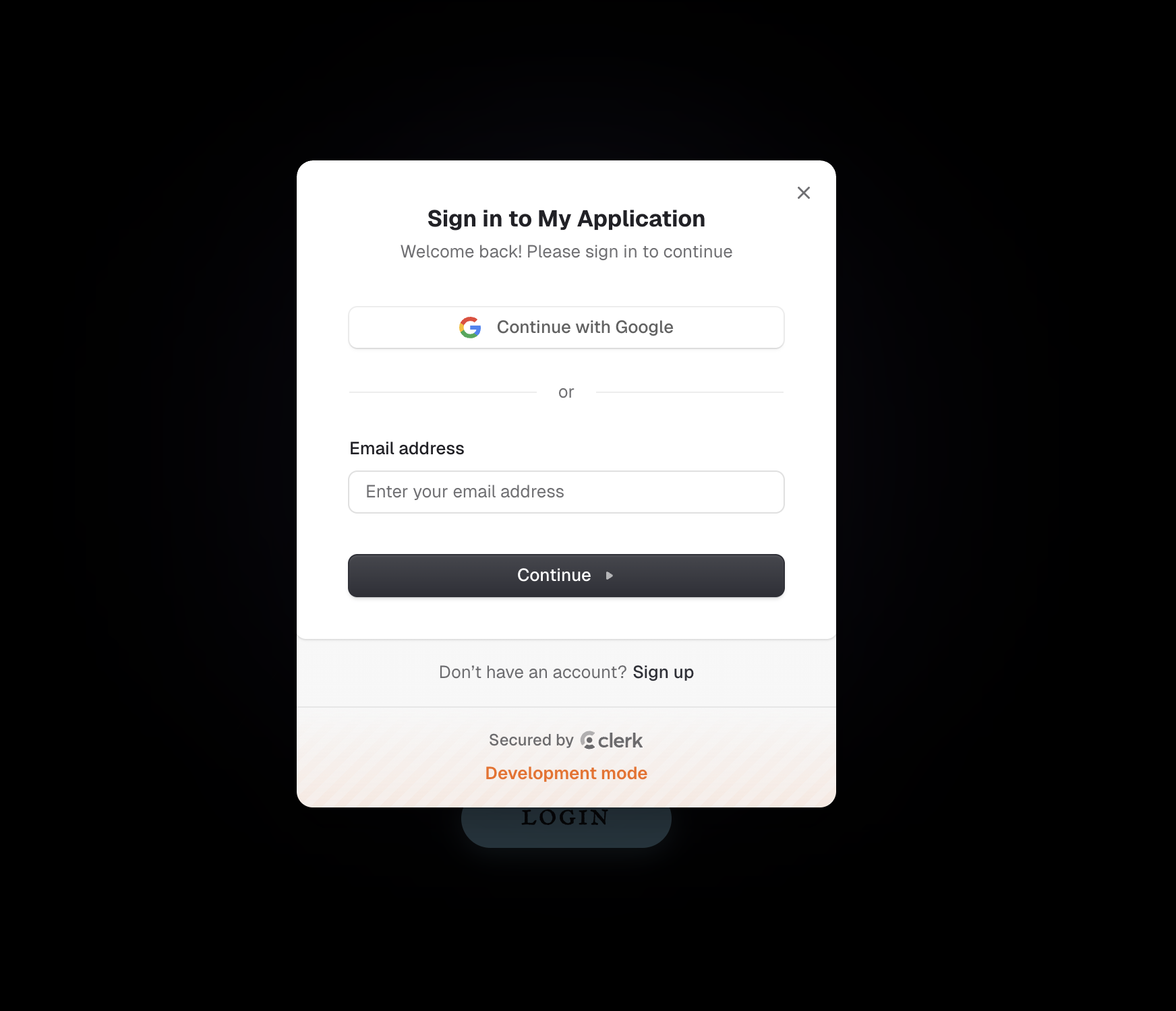
Login
-
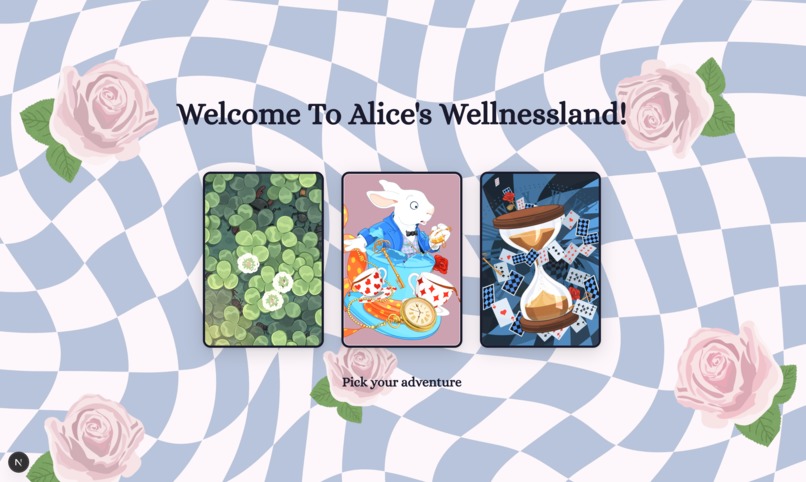
Homepage
-
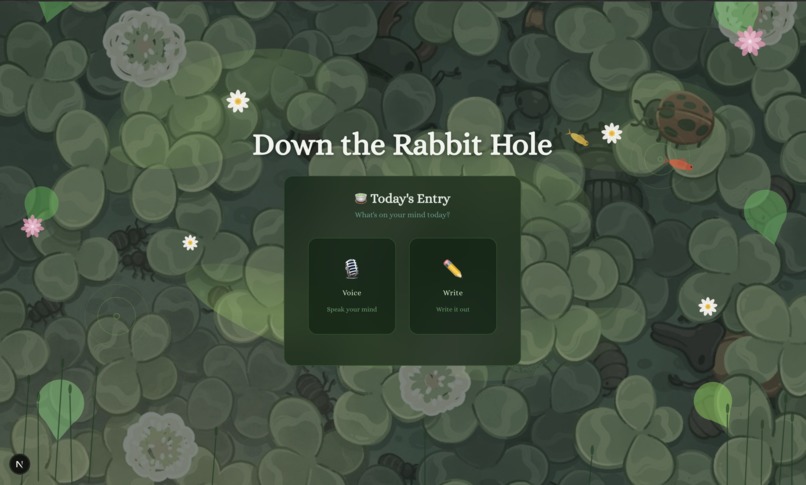
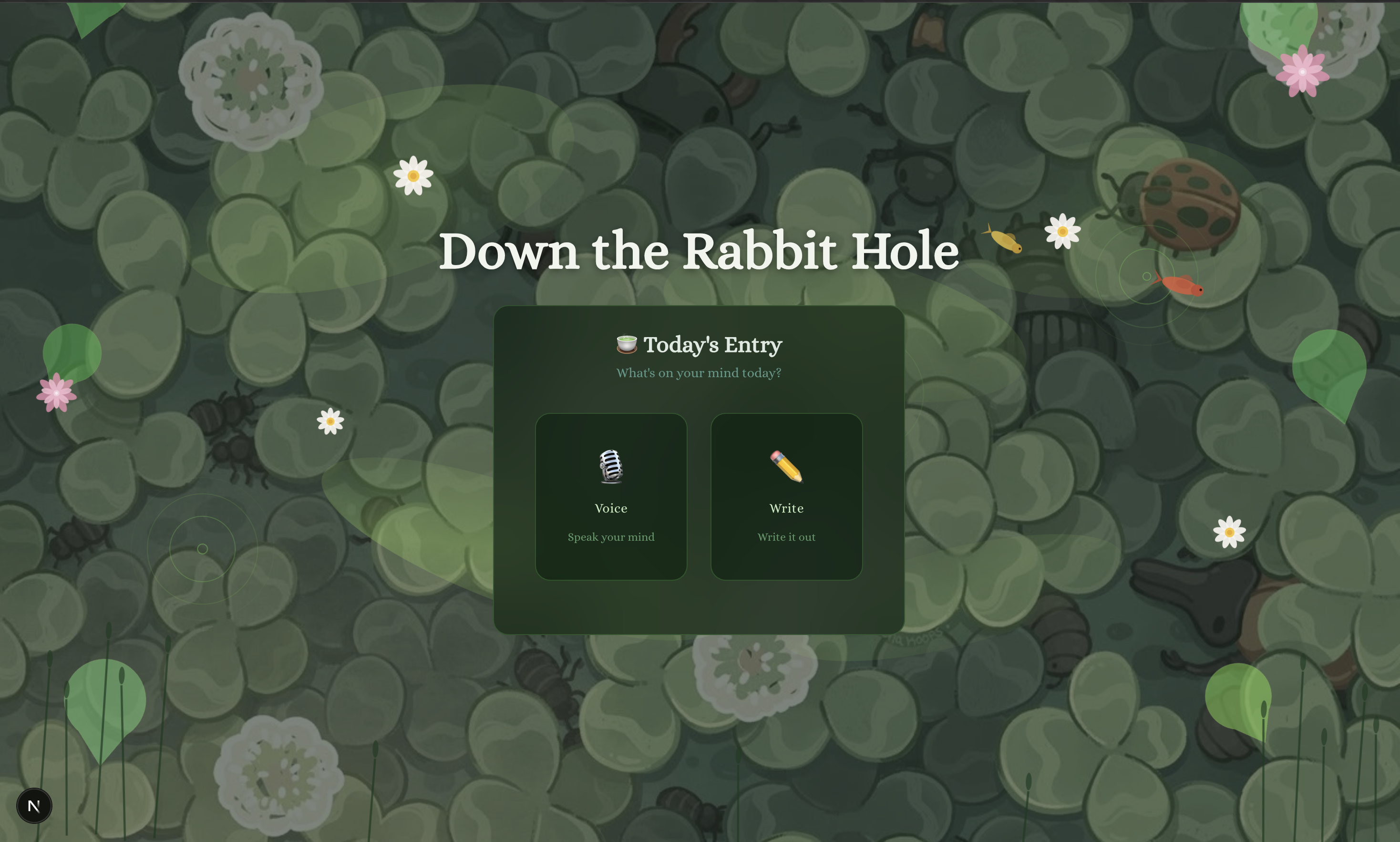
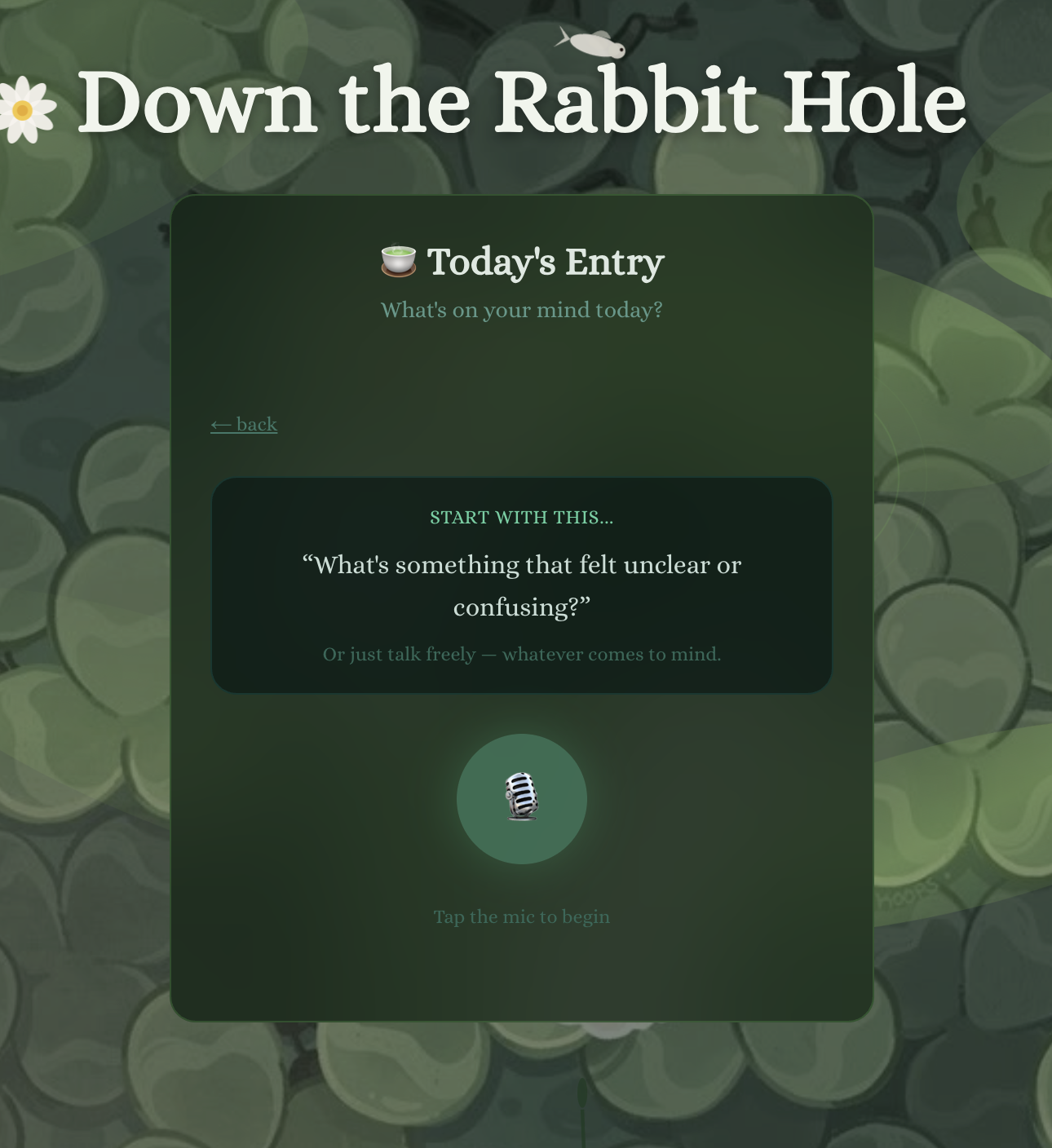
Journalling - Down the Rabbit Hole
-
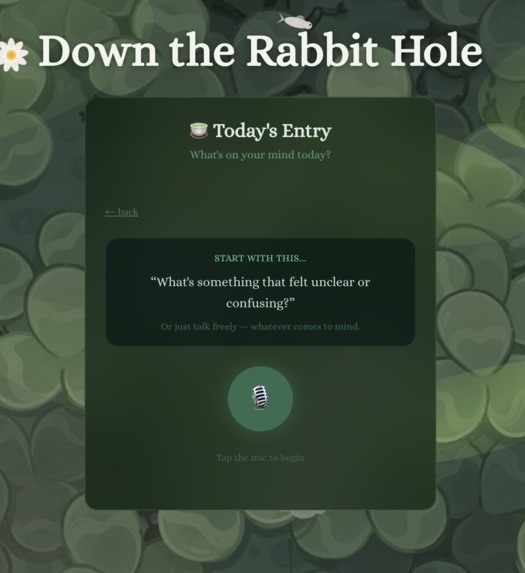
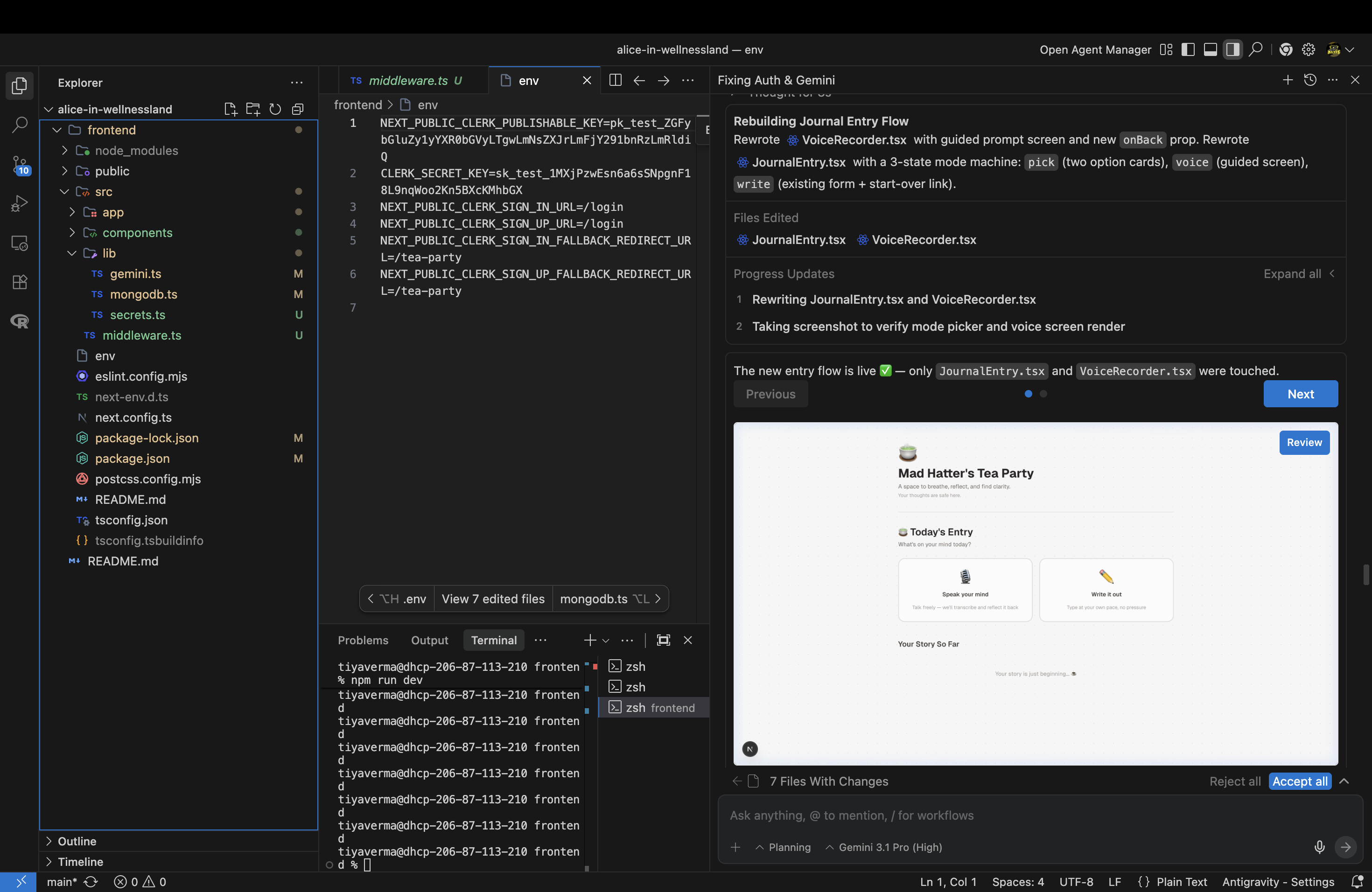
User selects speech to text journalling with Gemini API
-
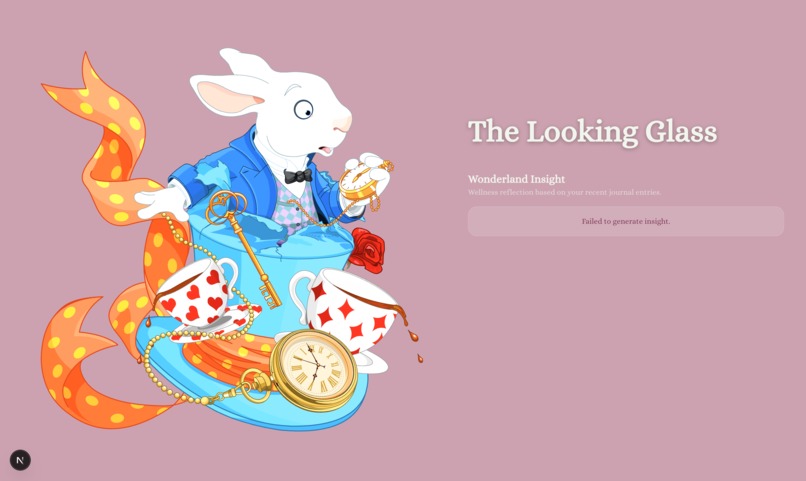
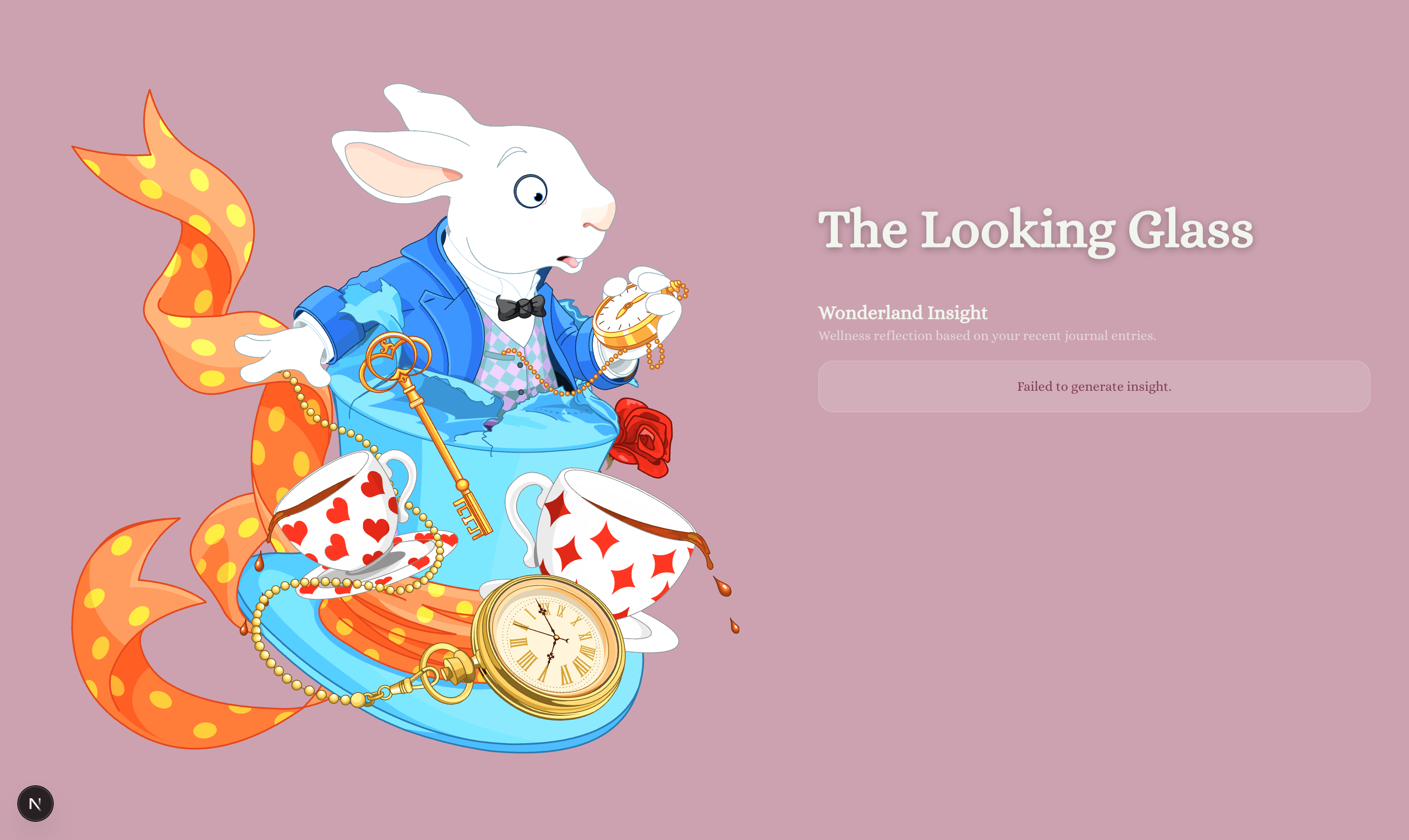
Mood Tracker - Looking Glass
-
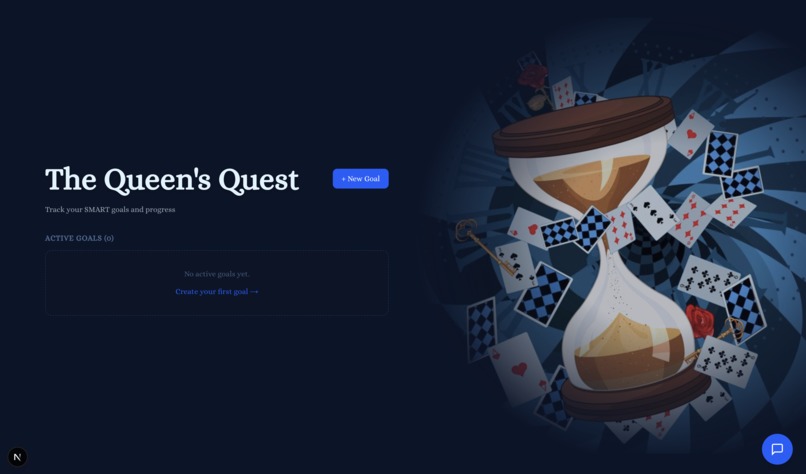
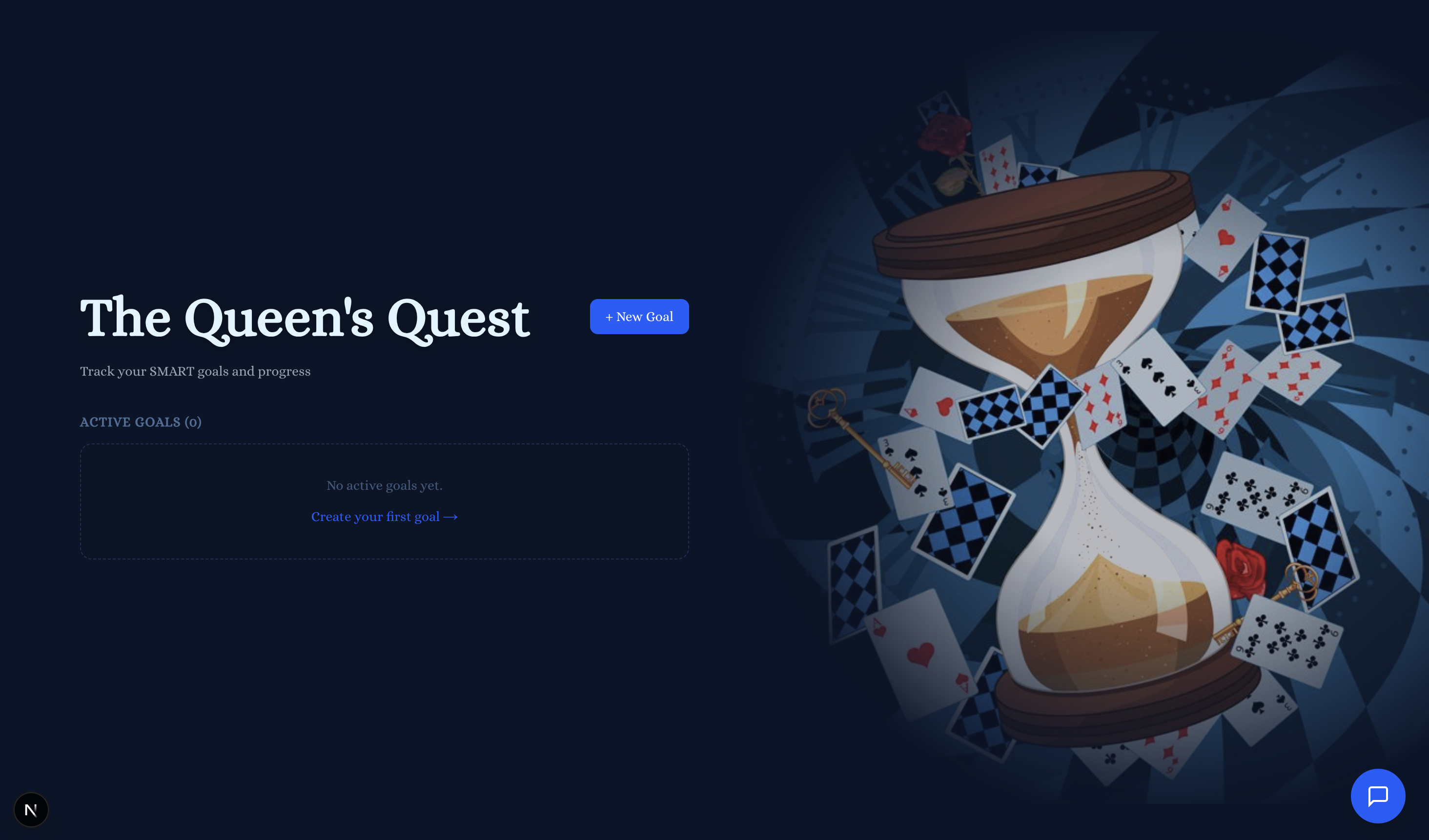
Goal Setting - The Queen's Quest
-
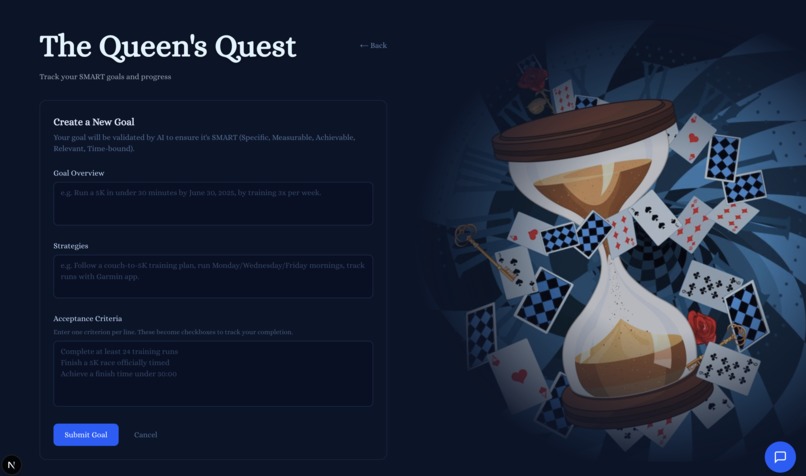
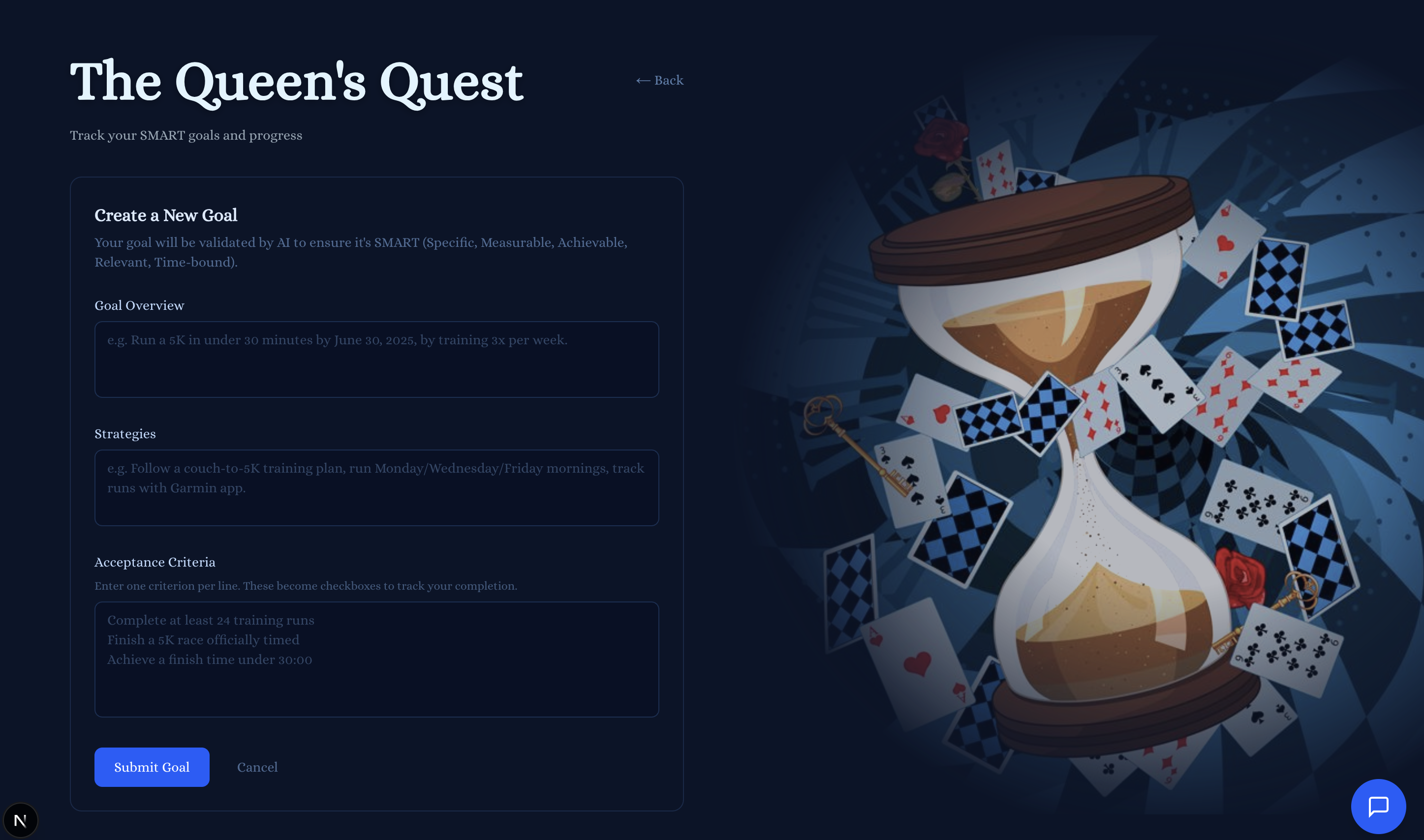
Setting up a goal (Gemini API for SMART goal validation)
-
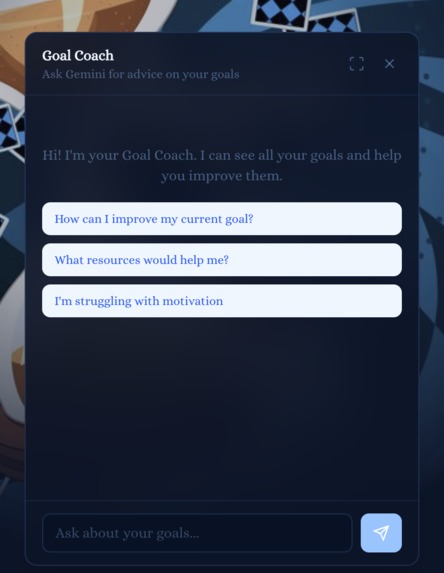
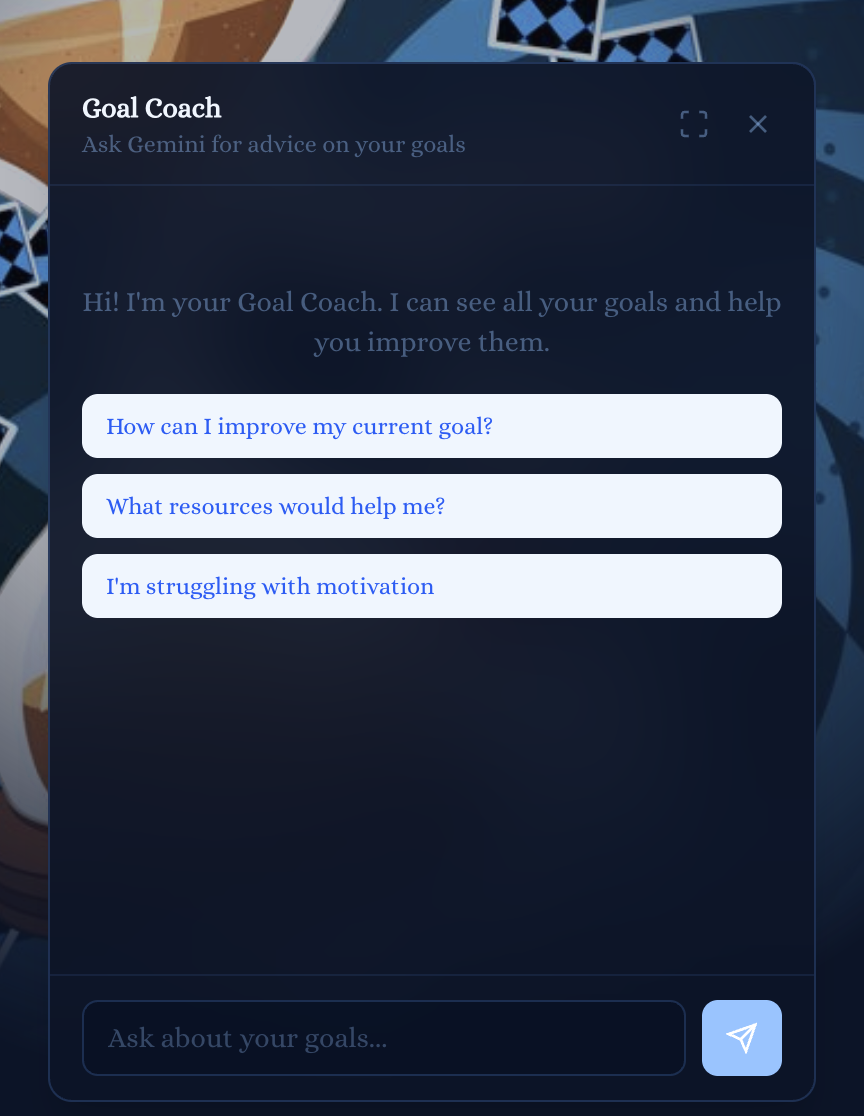
Chatbot for extra help with goals (Using Gemini API)
-
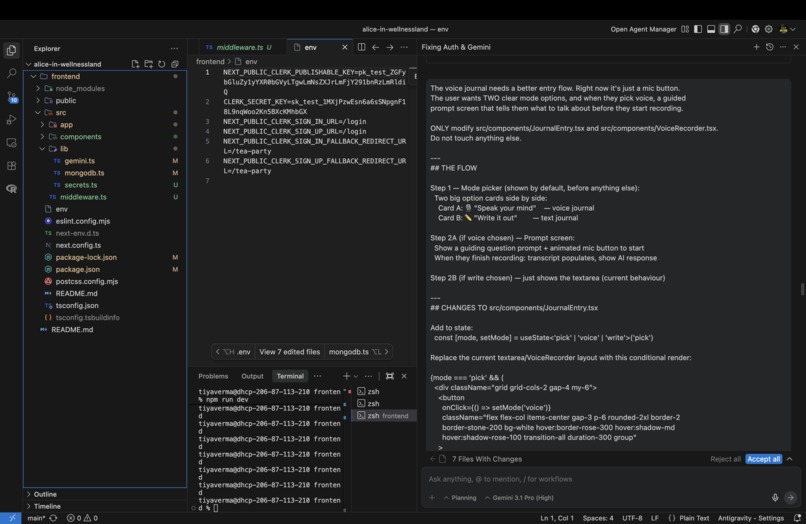
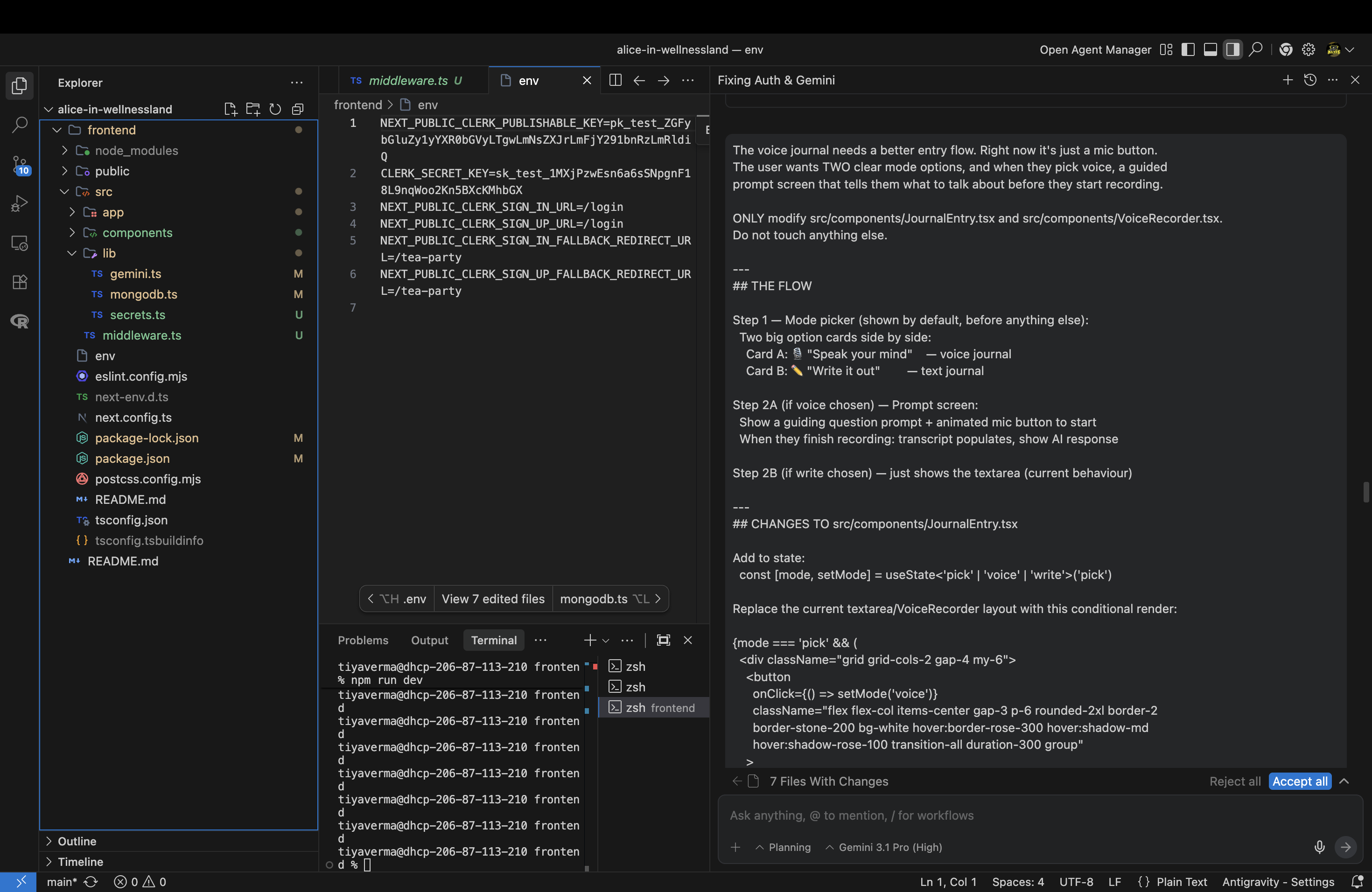
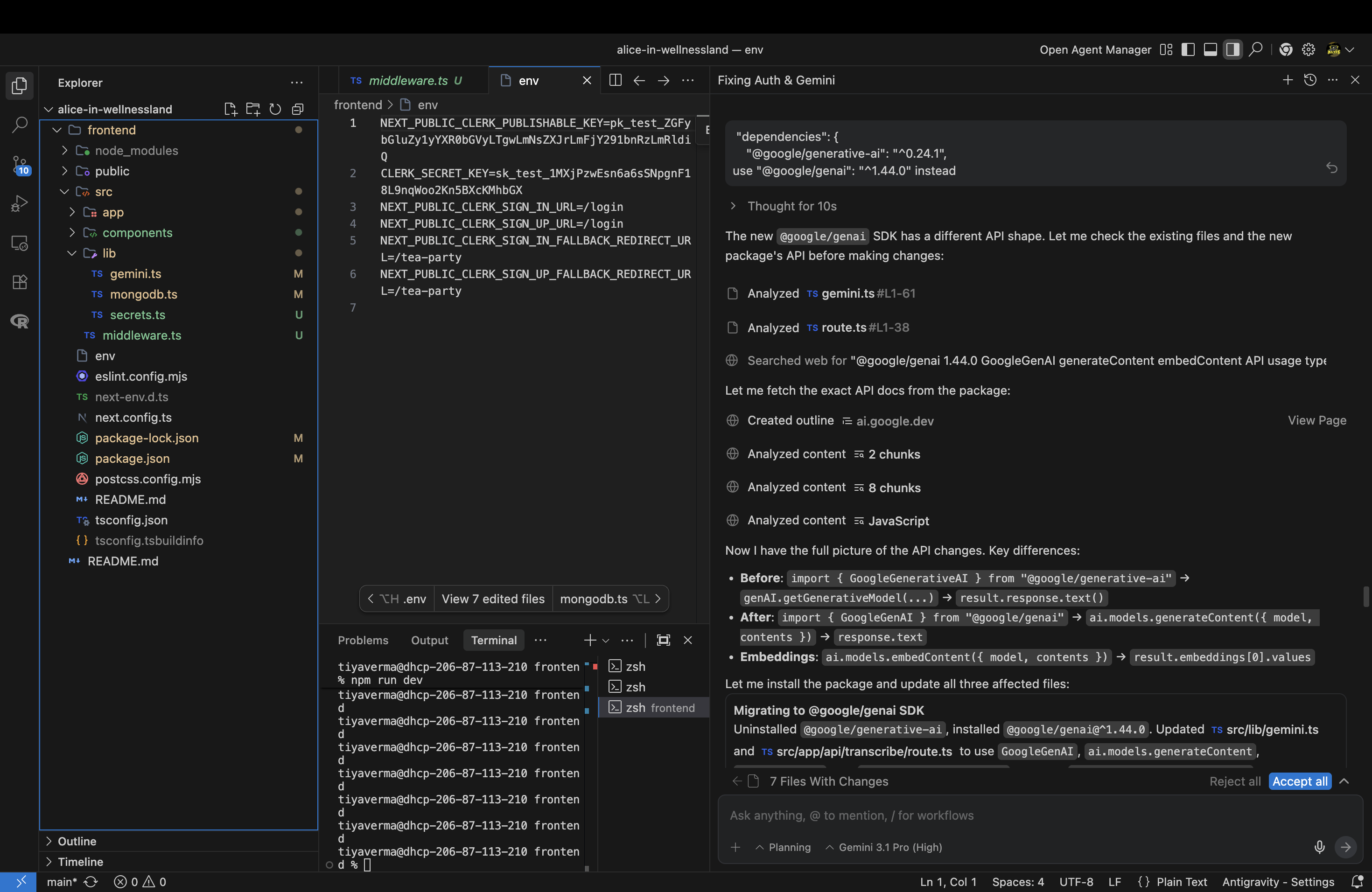
Google AntiGravity Use #1
-
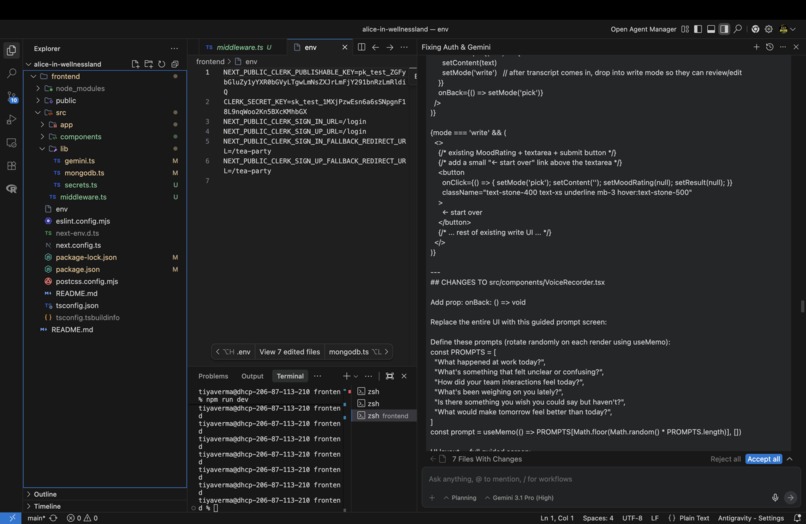
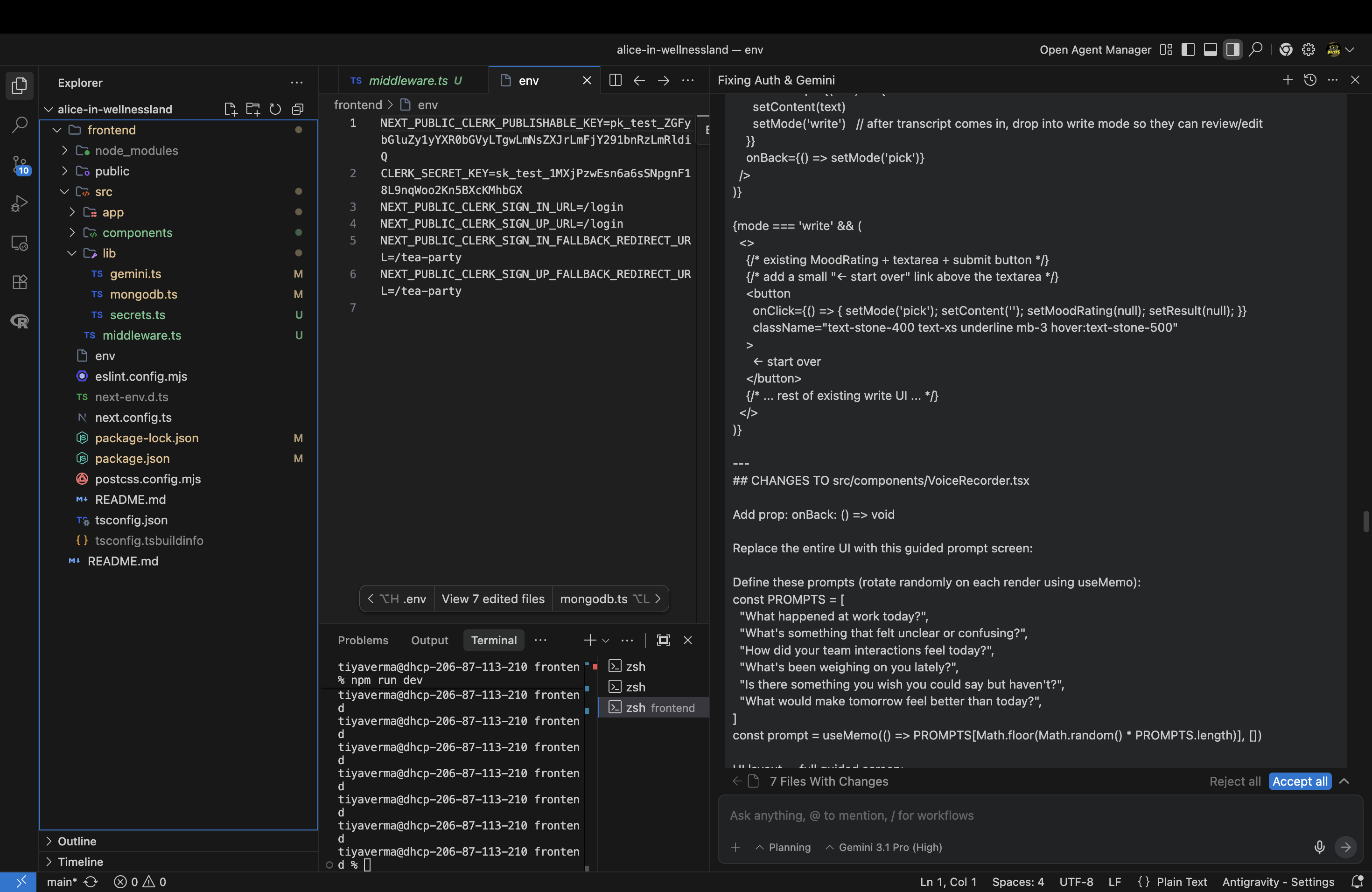
Google AntiGravity Use #2
-
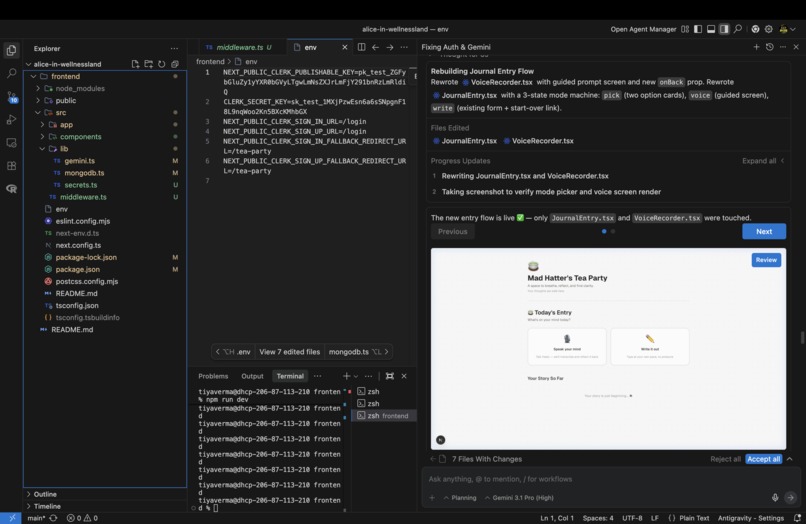
Google AntiGravity Use #3
-
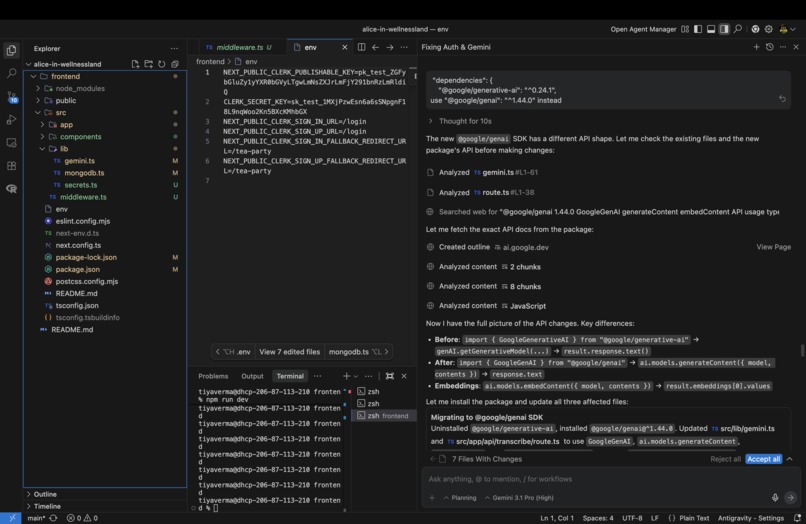
Google AntiGravity Use #4

Inspiration
We drew inspiration from Alice’s story in Alice's Adventures in Wonderland. She steps into a completely unfamiliar world, feels confused and overwhelmed, but keeps moving forward and eventually figures things out. That feeling is something many people experience in real life when they start something new or go through stressful periods.
We also noticed that many wellness tools feel scattered. You might use one app for journaling, another for mood tracking, and something else for goal setting. We wanted to create a single space that brings these pieces together in a way that feels supportive, creative, and a little magical.
What It Does
Alice in Wellnessland is an AI powered wellness app designed to help people reflect on their thoughts, understand their emotions, and set meaningful goals.
The app has three main features:
Down the Rabbit Hole lets users vent and reflect either by typing or speaking. We recognize that some people express their emotions more naturally through speech, so the feature supports both forms of journaling. Voice entries are converted into text using the Google Gemini API’s speech to text capability, which then allows the system to provide thoughtful AI reflections.
The Looking Glass is your personal mood mirror. Write about your day and the Gemini API analyzes your entry in real time, detecting your mood score, emotions, stressors, activities, social interactions, and health behaviors, then synthesizes your patterns across entries into a warm, personalized narrative that shows you the bigger picture of how you've been feeling and what's been shaping your days. The more you write, the clearer the reflection becomes.
The Queen’s Quest combines goal setting with an AI chatbot that helps guide users as they plan their goals. The system uses the Google Gemini API to validate whether a goal follows the SMART framework and provide feedback if it needs improvement. It also acts as a conversational assistant that offers advice and encouragement while users work toward their goals.
All of these features live inside one themed space so the experience feels cohesive rather than like separate tools.
How We Built It
We built Alice in Wellnessland as a full stack web application using Next.js, React, TypeScript, and Tailwind CSS.
The backend logic runs through Next.js API routes, which allowed us to keep everything within a single framework without needing a separate server.
For AI features we used Google Gemini. The Gemini Flash model powers the text insights, the Live API supports voice journaling and transcription, and embeddings are used to help analyze journal entries more meaningfully.
Journal entries and embeddings are stored in MongoDB Atlas, where we use vector search to enable semantic analysis of reflections. Authentication is handled with Clerk, and sensitive credentials are securely managed using the 1Password TypeScript SDK so that API keys are never stored in plaintext environment files. The application is deployed on Vercel.
Challenges We Ran Into
One of the biggest challenges was resolving merge conflicts across important files like package.json, package-lock.json, and the Gemini integration code. These conflicts created cascading build issues that took time to trace and fix.
We also ran into issues with Turbopack detecting the wrong project root because of a lockfile located in a parent directory. Debugging that configuration required digging into the project structure and adjusting the build setup.
Another challenge was integrating real time voice transcription using the Gemini Live API. Handling streaming responses and error states properly took experimentation and careful testing.
Accomplishments We’re Proud Of
We are proud that we built a complete AI powered wellness application in a short amount of time while still keeping a strong theme and thoughtful user experience.
We successfully integrated voice, text generation, and embeddings from Gemini into a single cohesive workflow. We also implemented secure secret management using 1Password so that sensitive credentials are never exposed.
What We Learned
Through this project we learned how to design and build a full stack application entirely within Next.js without relying on a separate backend server.
We also gained experience working with the Gemini API across different modalities such as text generation, voice processing, and embeddings. In addition, we explored how vector search in MongoDB can be used to analyze and relate user reflections.
Beyond the technical skills, we learned a lot about collaboration, debugging complex integration issues, and staying patient when things do not work the first time.
What’s Next for Alice in Wellnessland
Privacy & Encryption
Our secrets pipeline is already secured via the 1Password TypeScript SDK, ensuring API keys are never stored in plaintext. The next step is extending that trust to users' most vulnerable data: encrypting journal entries before they are stored in MongoDB Atlas, so that even at the database level, personal thoughts remain private and unreadable to anyone but the user.
Momentum & Streaks
A consistency tracking system that rewards users for showing up for themselves every day, celebrating journaling streaks and milestones to make wellness a habit, not just a moment.
Polished Insights UI
Replace the raw JSON payload in The Looking Glass with beautiful, user-friendly mood trend visualizations, soft charts, color-coded emotion tags, and pattern summaries that feel like Wonderland, not a developer console.
Best Use of Google Antigravity
How We Used Google Antigravity
We used Google Antigravity as a development assistant while building our AI powered wellness application. It helped us integrate the Google Gemini API into our Next.js project, including setting up API routes, configuring environment variables, and debugging server errors during development.
Antigravity was especially useful when refining the habit correlation logic behind our Looking Glass feature. Our system analyzes journal entries and mood check ins to surface patterns between emotions and habits. Because hackathon datasets are small, Antigravity helped us design a heuristic that could still identify correlations even when a new user only had a few entries instead of a full historical dataset.
It also helped guide the structure of our backend workflows, including how we organized our Gemini API usage for journaling insights, goal validation, and voice transcription.
How It Benefited Our Project
Antigravity accelerated development by helping us quickly prototype and debug features that relied on the Gemini API. Instead of spending hours troubleshooting integration issues, we were able to focus more on building meaningful user experiences.
It was particularly valuable for logic design and debugging. For example, when our mood habit analysis initially failed with small datasets, Antigravity helped us rethink the approach and implement a more resilient heuristic. This allowed the Looking Glass feature to work even for new users who had not yet built a large history of journal entries.
What We Learned
Using Antigravity taught us how to integrate AI APIs more effectively into a full stack application. We learned how to structure API routes in a Next.js environment, how to safely manage secrets, and how to design AI powered features that still work under real world constraints such as limited user data.
We also learned the importance of building fallback logic for AI driven features so that the system remains helpful even when data is sparse.
Would We Use It Again?
Yes. Antigravity was extremely helpful during rapid prototyping and debugging. For future projects, we would continue using it to explore new architectures, troubleshoot integrations, and experiment with AI powered features more quickly.
Challenges We Ran Into
One challenge was ensuring our Gemini API configuration worked consistently across different environments. We initially configured API keys through a local .env.local file for development, but for better security we later integrated 1Password as our secrets management layer.
This required us to implement a runtime secret retrieval system that resolves credentials from a 1Password vault in production while still allowing local development through environment variables. While this added complexity, it ultimately improved the security and robustness of our application.
Built With
- 1password
- api
- gemini
- mongodb
- next.js
- react.js
- tailwind
- typescript


Log in or sign up for Devpost to join the conversation.