Inspiration
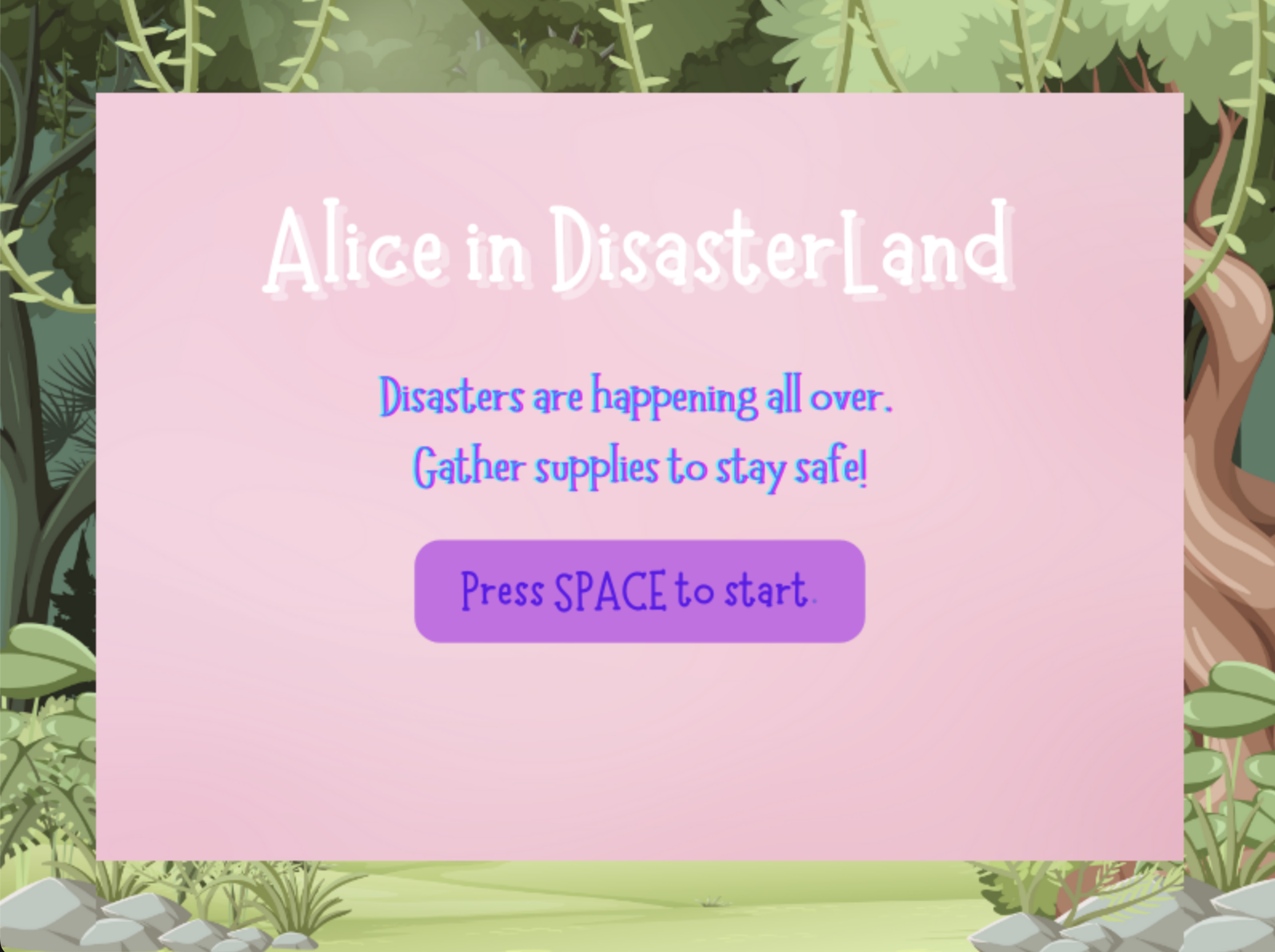
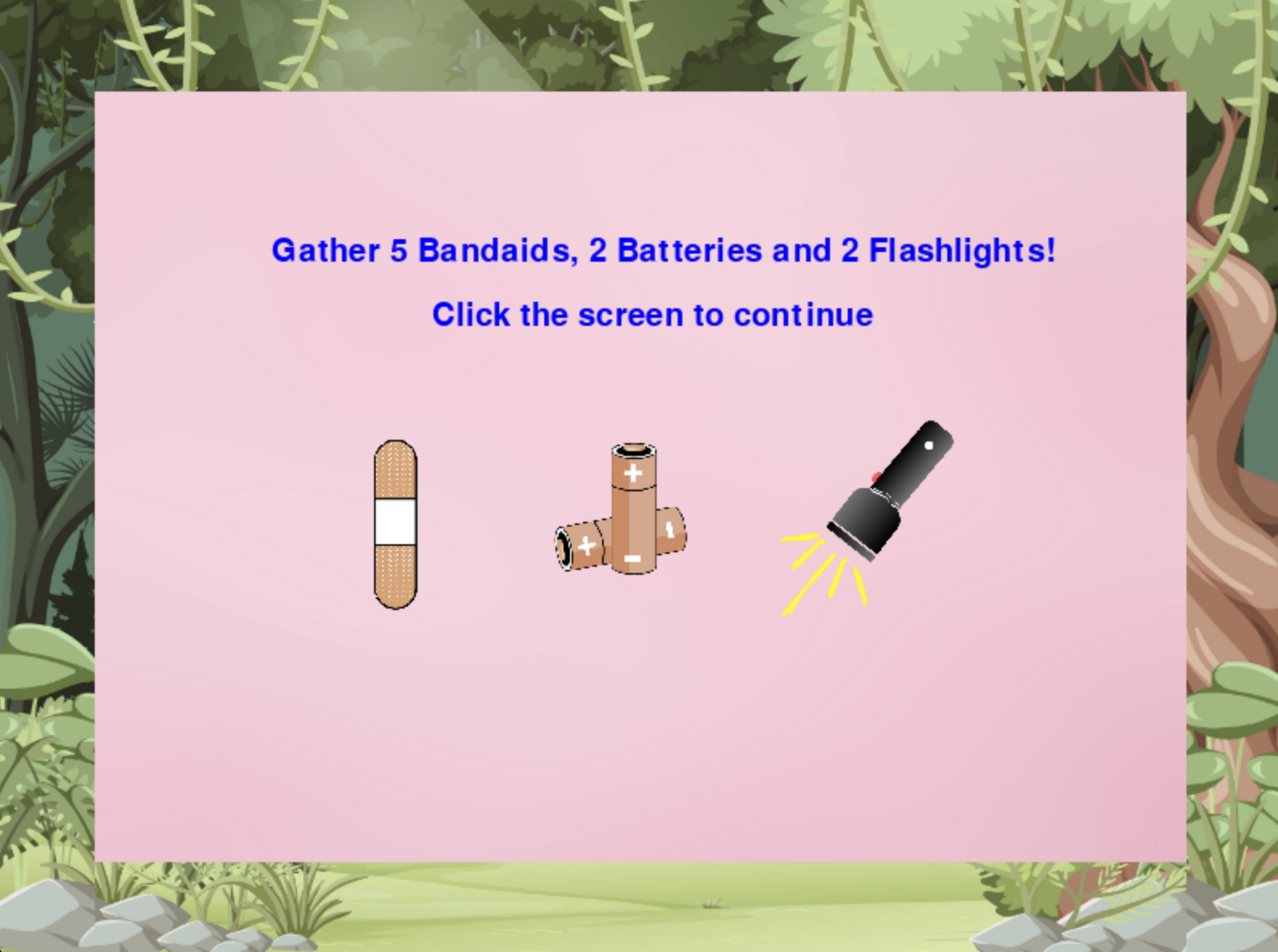
With the influx of several natural disasters in the US, we wanted to create something that was inspired by natural disaster preparedness/survival. The “Alice in Disasterland” game collects some of the supplies needed in the event of a natural disaster for people to evacuate safely. There are regular supplies that you need, and “trickster” supplies that should be left behind, inspired by Alice in Wonderland.
What it does
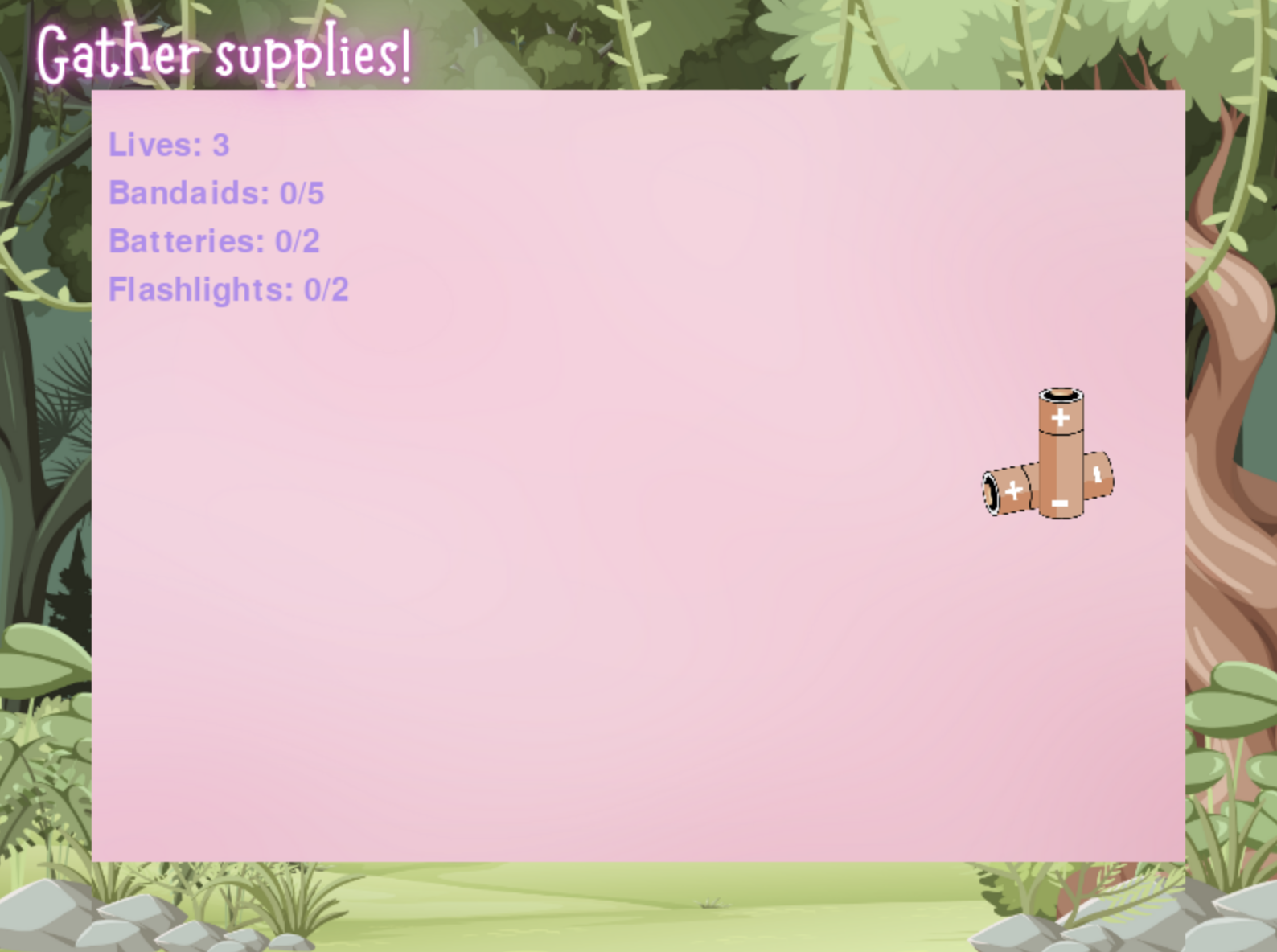
Alice in Disasterland is a fun, disaster preparedness game that tests how quickly the player is able to collect the correct falling supplies necessary to survive the natural disaster.
How we built it
We built this game by first learning and understanding pygame concepts and managing object movement interactions. We used python to create a game window where we incorporated handling events like mouse clicks and key pressed while using a game loop to keep the game running. We also imported images that we ourselves designed and scaled them to size to fit the game screen properly. We used basic programming concepts like if statements to check conditions (e.g. whether a player clicked the right object or lost a life) and functions / dictionaries to organize the game actions. For aesthetics we used Canva to create designs and then imported them as PNGs for the game. For the title, instead of using text we replaced it with a “game_title” image to make it more aesthetically pleasing. We also changed the background to fit the Alice in Wonderland theme more and made sure to scale the text to fit the screen as we liked.
Challenges we ran into
We ran into a couple challenges such as how to get the objects to fall smoothly and detect when a player was clicking on an object because we had to learn how to track those positions and manage what happened when a player clicked on the object. We overcame this obstacle by visualizing each step of what we wanted to happen. We wanted to update the position of objects and check if the mouse click coordinates matched the object's position. Also, using print statements for debugging also helped us understand if the collision detection logic was working. Another challenge we ran into was resizing images and text to fit the game screen properly. It was a lot of trial and error but eventually we got it right. In addition to that, we struggled with changing the font style but fixed that by importing creative text designs that we made on canva and replacing the text with the PNGs. In addition to that, keeping track of the collected items and lives was challenging but using dictionaries to store item counts and breaking the logic into small functions helped.
Accomplishments that we're proud of
We were able to quickly brainstorm and work together to combine design/graphic skills, with Python coding experience in order to create a visually appealing game.
What we learned
We were able to discover different libraries and tools that are used for game development using python. One of the main things we learned is how the pygame library works.
What's next for Alice in DisasterLand
Next, we aim to expand the game by incorporating additional mini-games, each focusing on a specific natural disaster. Each new game will teach players the essentials of disaster preparedness—like what supplies to gather, where to find safe shelter, and how to act quickly in a crisis. For instance, we might add a game for earthquakes, where players must secure items in different ways and find safe zones, or a wildfire scenario, emphasizing evacuation routes and emergency kits. As we build out these scenarios, we'll refine the gameplay to ensure users not only learn critical survival skills but also feel motivated to share this knowledge, especially in areas prone to these disasters. With each new mini-game, "Alice in Disasterland" will offer a richer, more comprehensive understanding of disaster preparedness.


Log in or sign up for Devpost to join the conversation.