Inspiration
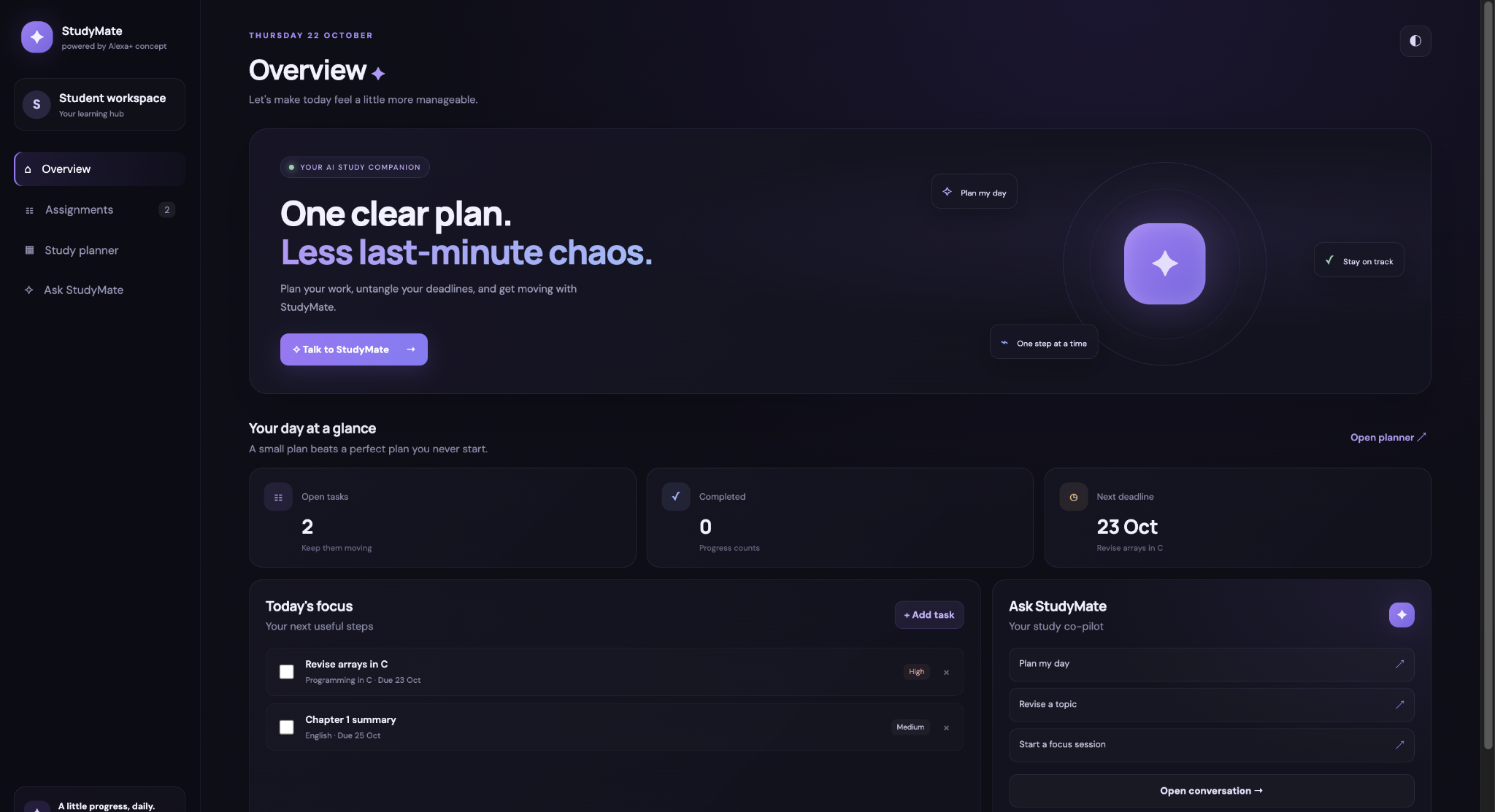
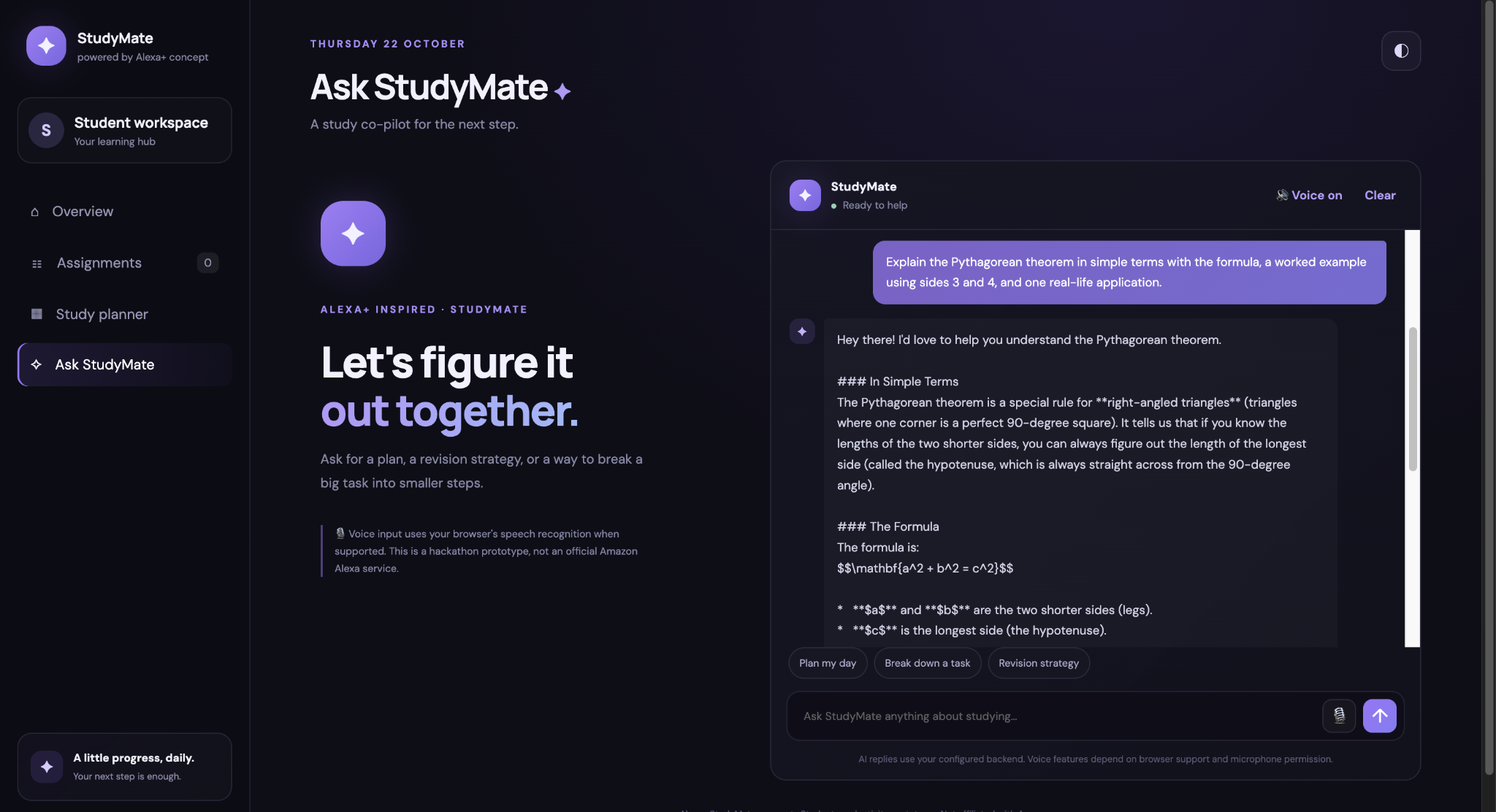
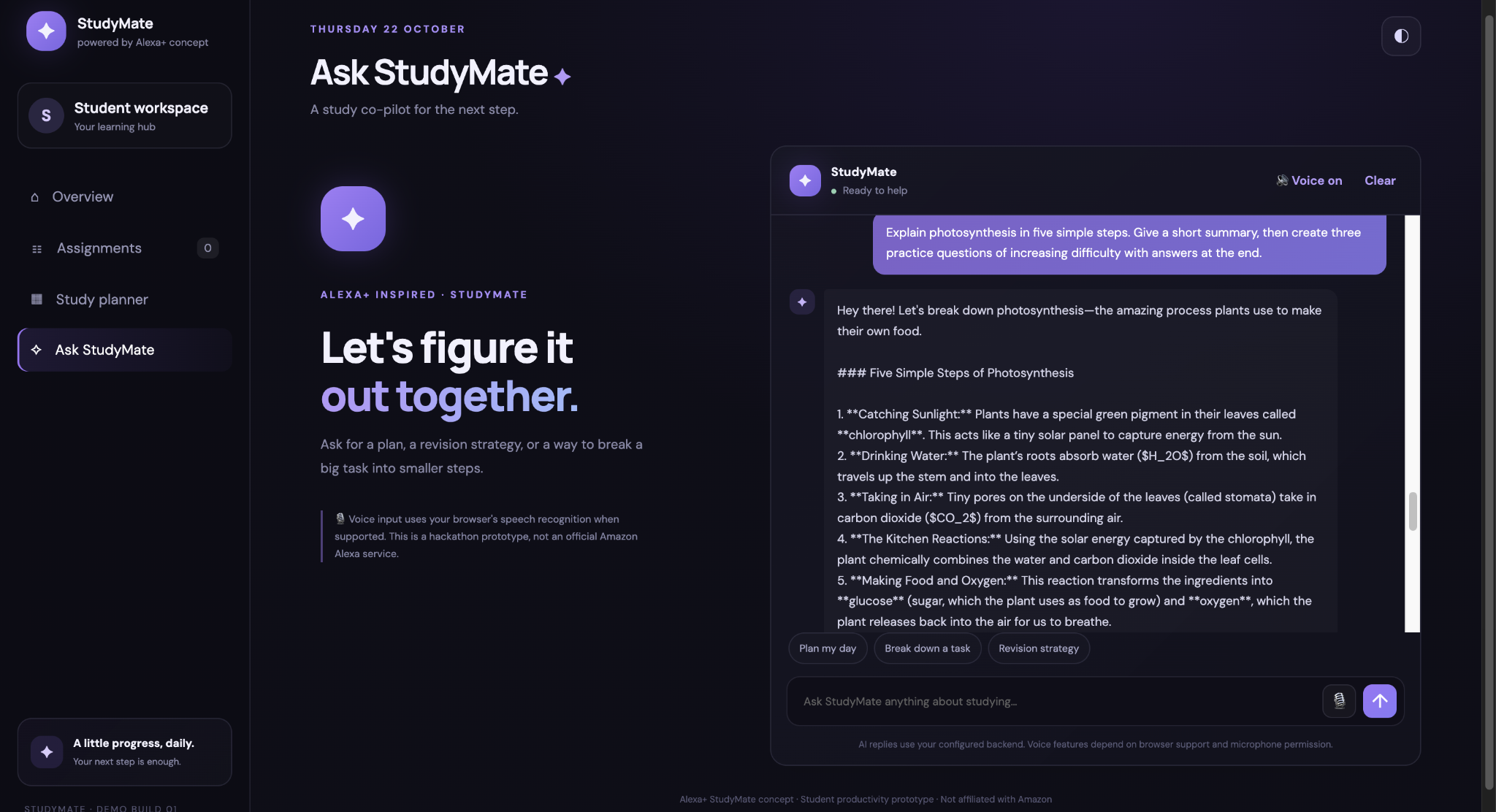
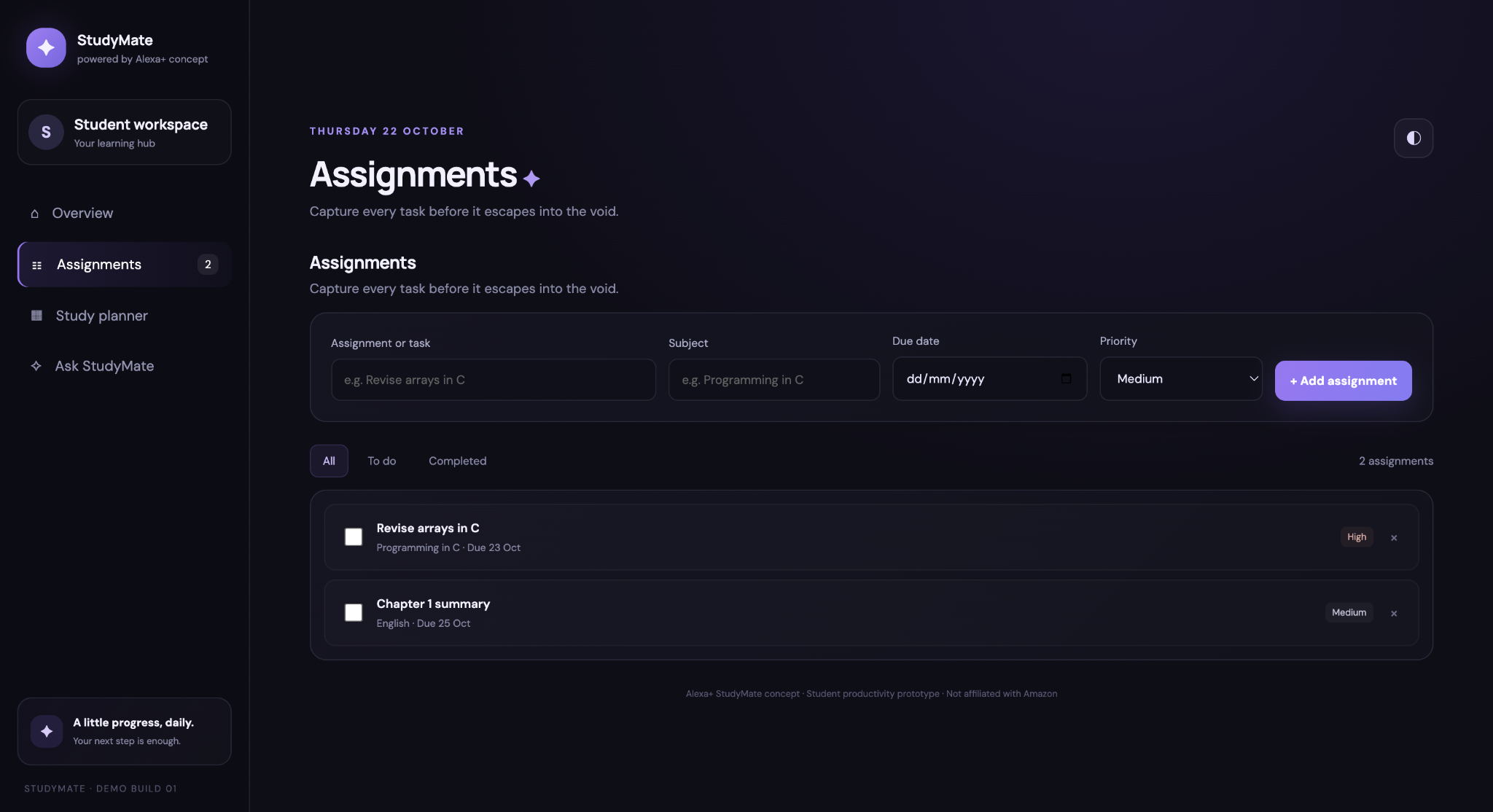
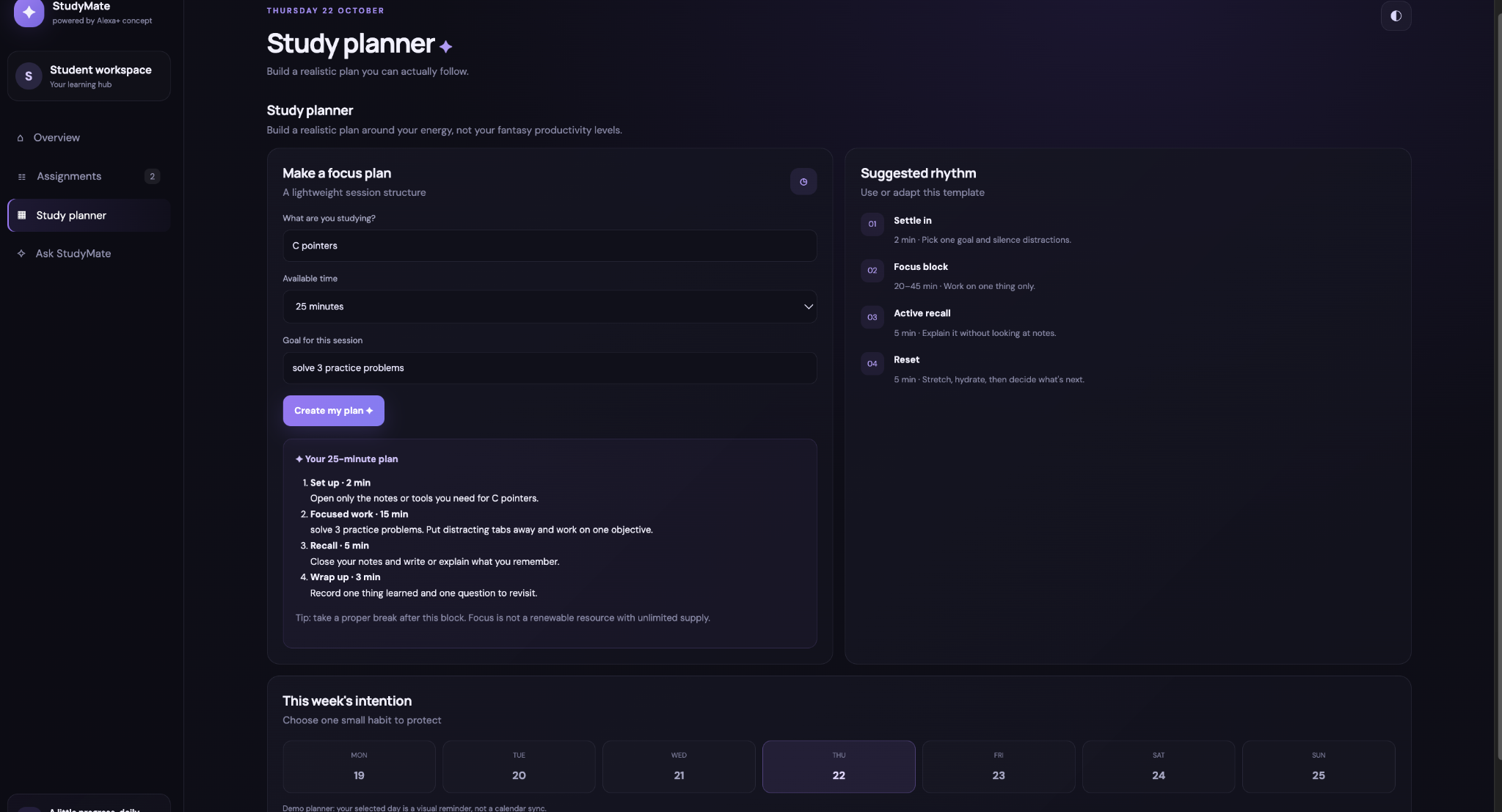
Students often need quick explanations and structured revision support while studying. I wanted to explore how generative AI could make learning more interactive and help students understand concepts without constantly switching between resources. This inspired me to build Alexa StudyMate, an AI-powered study companion.
How I Built It
I developed the application using HTML, CSS, and JavaScript for the frontend, with Node.js and Express.js handling backend requests. I integrated Google's Gemini API to generate explanations and responses to students' questions. I also explored an Alexa skill interaction model as part of the project's connection to voice-based assistance.
The backend handles communication with the AI service, while environment variables keep sensitive API credentials separate from the frontend code.
Challenges
One of my biggest challenges was connecting the frontend, backend, and Gemini API reliably. I encountered API availability errors, model configuration issues, and request timeouts. Debugging these problems helped me understand how different parts of a full-stack application interact and why error handling matters.
What I Learned
As a first-year Information Science and Engineering student, this project gave me practical experience with full-stack web development, API integration, asynchronous JavaScript, environment variables, and debugging. It also taught me that building an AI-powered application involves more than integrating a model: security, reliability, and usability are equally important.
What's Next
I hope to improve the application's reliability, expand its study-support capabilities, and explore deeper integration with voice-based learning tools.
Built With
- ai
- api
- artificial
- css
- express.js
- gemini
- generative
- html
- intelligence
- javascript
- node.js
- rest
- web-development

Log in or sign up for Devpost to join the conversation.