-
-
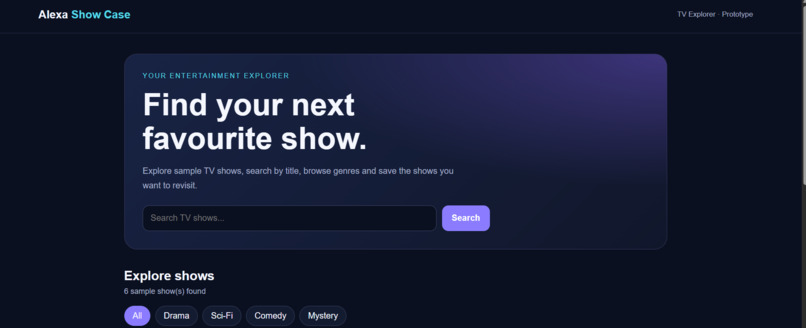
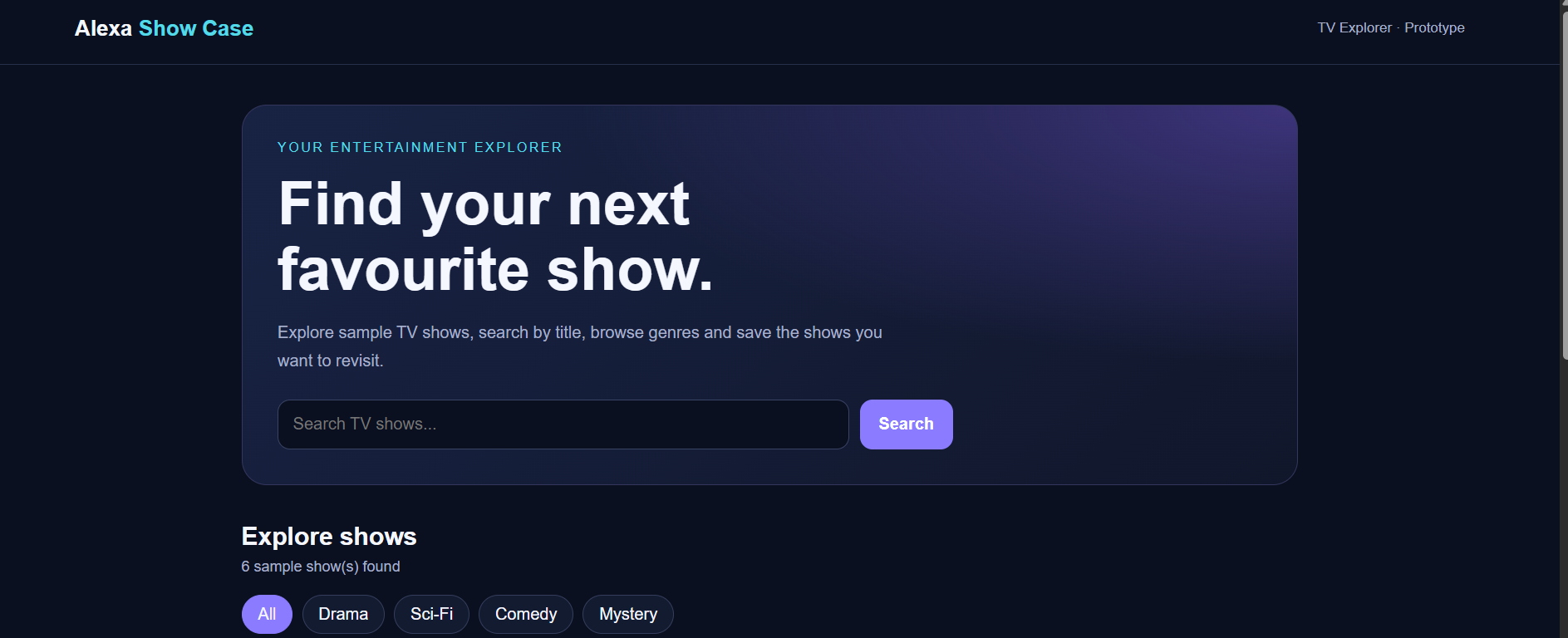
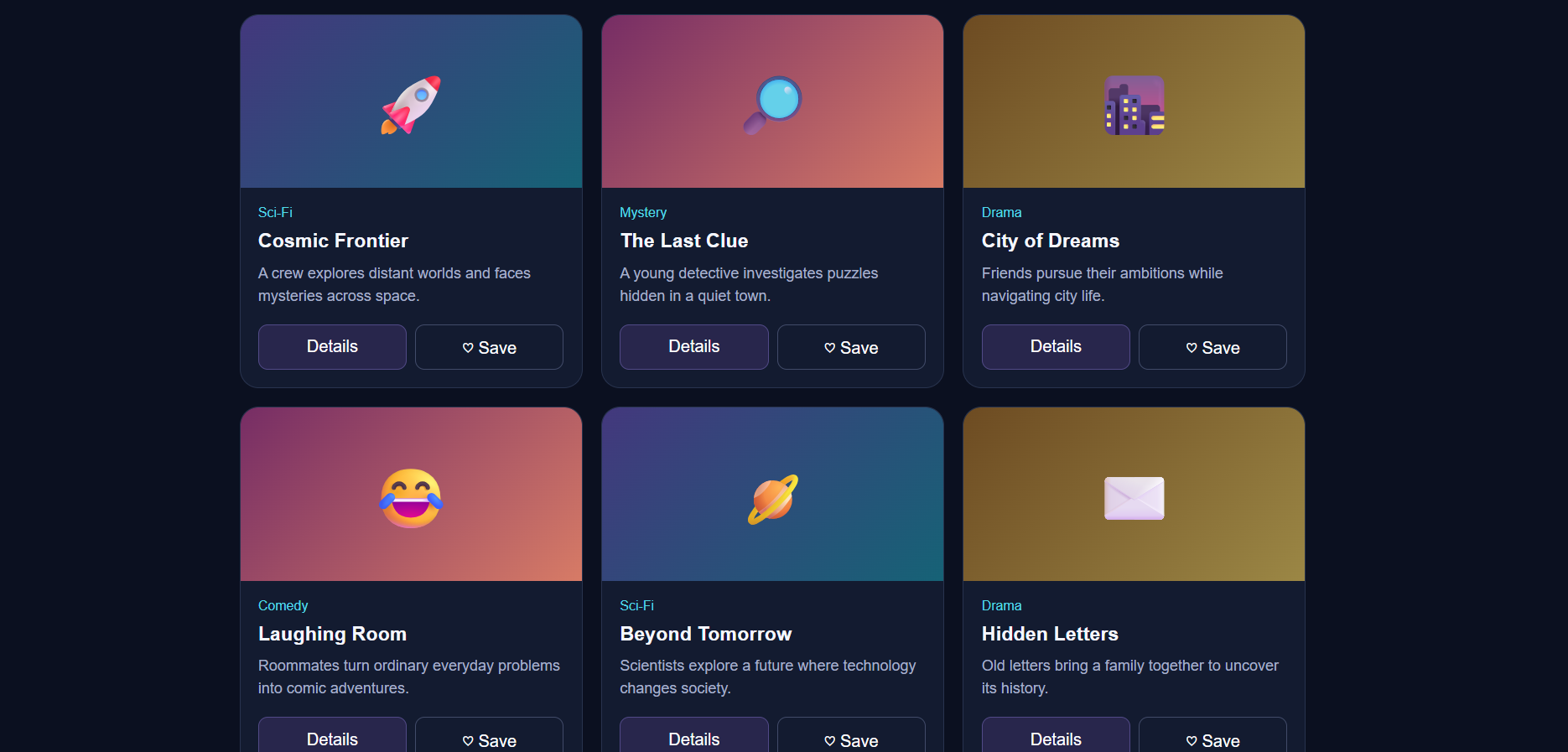
Search and Genre Filters: Explore sample TV shows by title and browse Drama, Sci-Fi, Comedy, and Mystery categories.
-
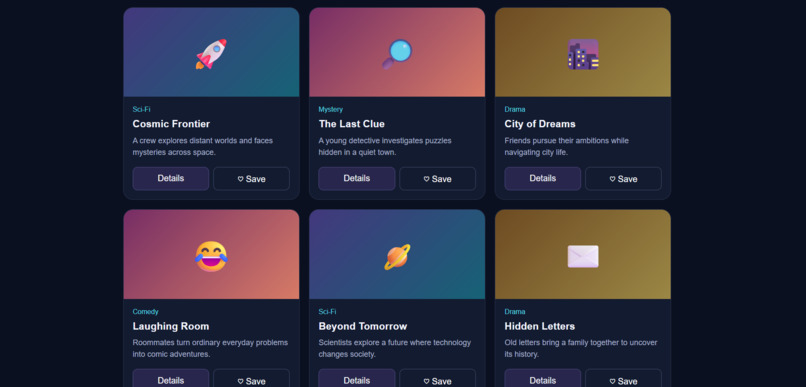
TV Explorer – Main Interface: A modern interface for discovering and exploring TV shows.
-
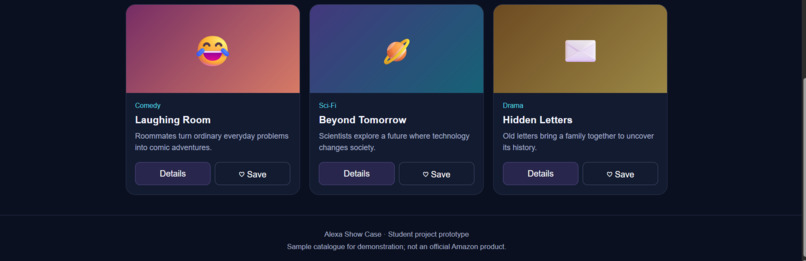
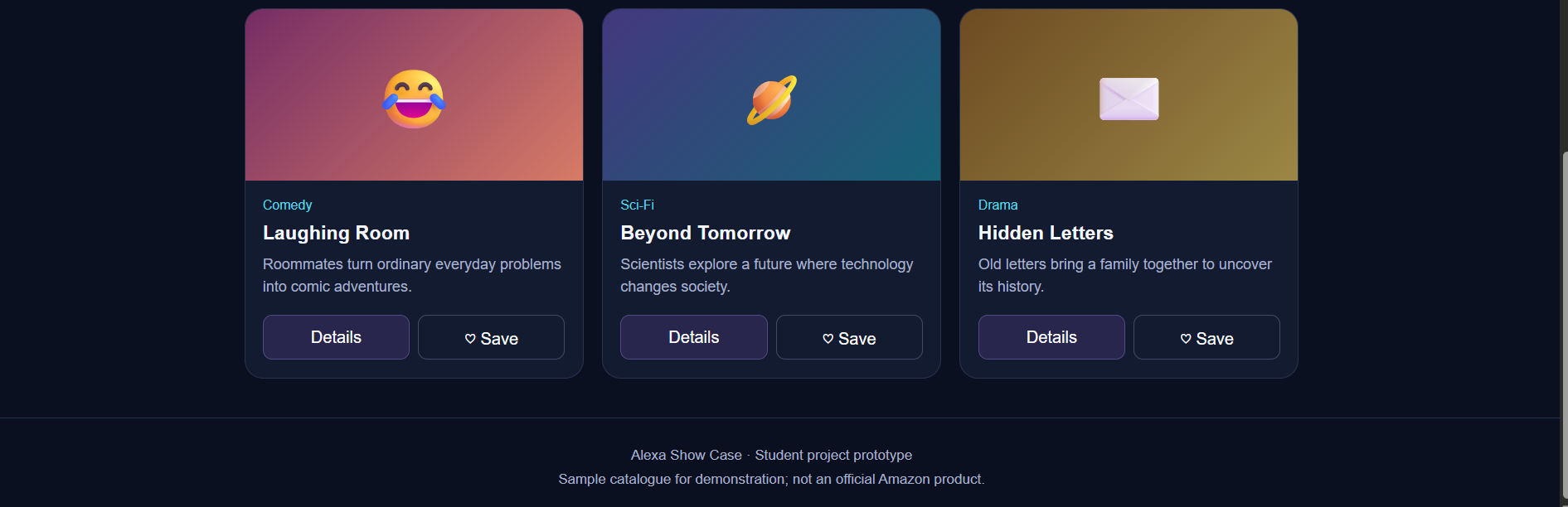
Show Details: View additional information about a selected TV show and save favorites for later.
Inspiration
I was inspired by the idea of making TV show discovery easier and more enjoyable. With so many shows across different genres, users may find it difficult to decide what to watch. I wanted to build a simple, attractive, and interactive platform where users could explore shows by genre, search for titles, view details, and save their favorites. I also wanted to explore how this experience could connect with Alexa voice interaction in the future.
What it does
Alexa Show Case – TV Explorer is a web-based prototype for exploring sample TV shows. Its main features include:
- Searching for shows by title.
- Filtering shows by Drama, Sci-Fi, Comedy, and Mystery.
- Viewing additional details about a show.
- Saving favorite shows for later.
The project provides a simple, modern interface designed to make browsing sample TV content easy and enjoyable.
How we built it
I built the TV Explorer web interface using HTML, CSS, and JavaScript. HTML provides the page structure, CSS creates the visual design and responsive layout, and JavaScript powers the search, genre filters, show details, and save interactions.
I used Visual Studio Code for development and GitHub to store the source code. I published the website using GitHub Pages and also explored creating an Alexa skill as part of the project.
Challenges we ran into
As a beginner working solo, I faced challenges while setting up the Alexa skill, configuring intents, and navigating the developer console. I also worked through publishing the website on GitHub Pages and making sure the required files were uploaded correctly.
These challenges taught me to troubleshoot step by step, test features carefully, and keep the project organized. Full integration between the website and Alexa skill remains future work.
Accomplishments that we're proud of
I am proud that I built and published a working TV Explorer web prototype independently. The website includes search, genre filtering, show details, and save interactions. I also uploaded the source files to a public GitHub repository, deployed the website using GitHub Pages, and recorded a short demo video.
As a first-time solo project, this experience helped me turn an idea into a working web application and take real steps toward a hackathon submission.
What we learned
I learned how HTML, CSS, and JavaScript work together to create an interactive website. I also gained practical experience with Visual Studio Code, GitHub repositories, GitHub Pages deployment, demo recording, and the basics of configuring an Alexa skill.
Most importantly, I learned how to break a large project into smaller tasks, solve problems one step at a time, and keep learning when things do not work on the first attempt.
What's next for Alexa show case
Future improvements for Alexa Show Case include:
- Connecting the app to a real TV show database or API.
- Completing and testing Alexa voice integration.
- Allowing users to search for shows using voice commands.
- Improving the favorites feature and adding persistent storage.
- Enhancing accessibility and mobile usability.
The long-term goal is to make TV discovery more convenient by combining a clean web interface with a reliable voice-driven experience.
Built With
- alexa
- css
- github
- html
- javascript
- skills
- visual-studio-code

Log in or sign up for Devpost to join the conversation.