What it does
Alexa ONE TV is a unified entertainment control experience built around one simple idea: you shouldn't have to think about which remote, input, channel, or app you need.
Instead of navigating through multiple controls, users can simply express what they want. For example:
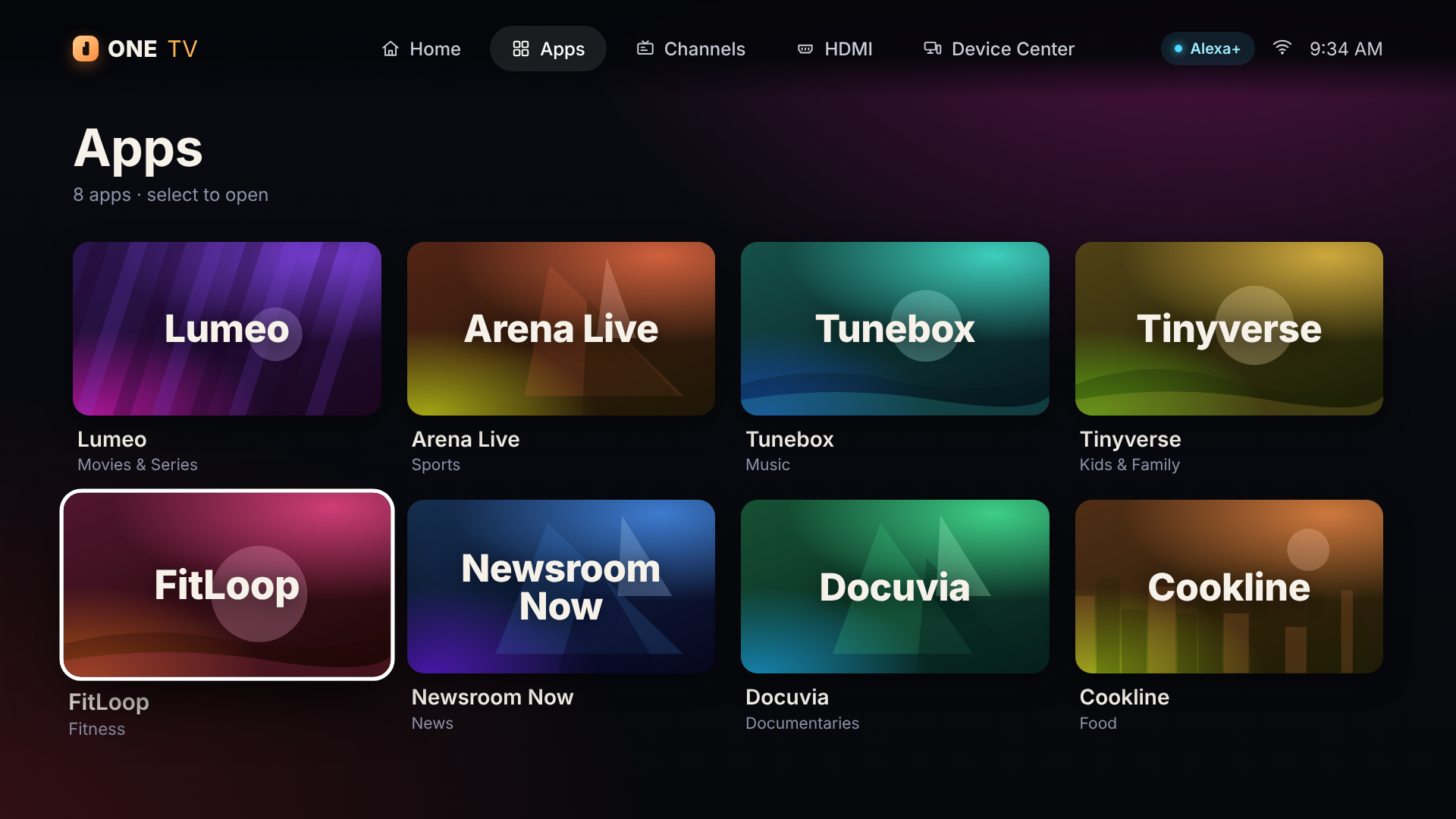
- “Open Lumeo.”
- “Change to channel 105.”
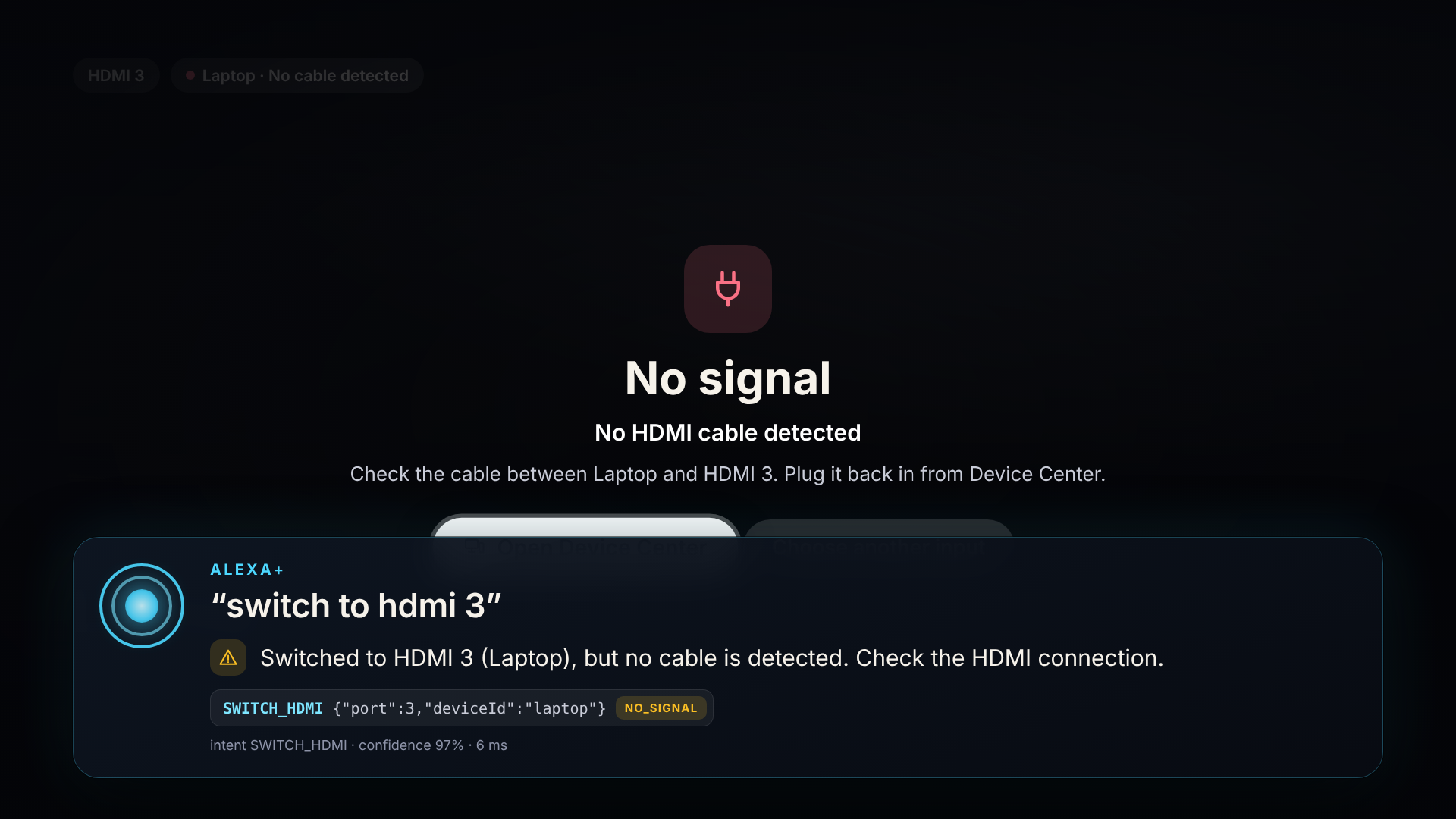
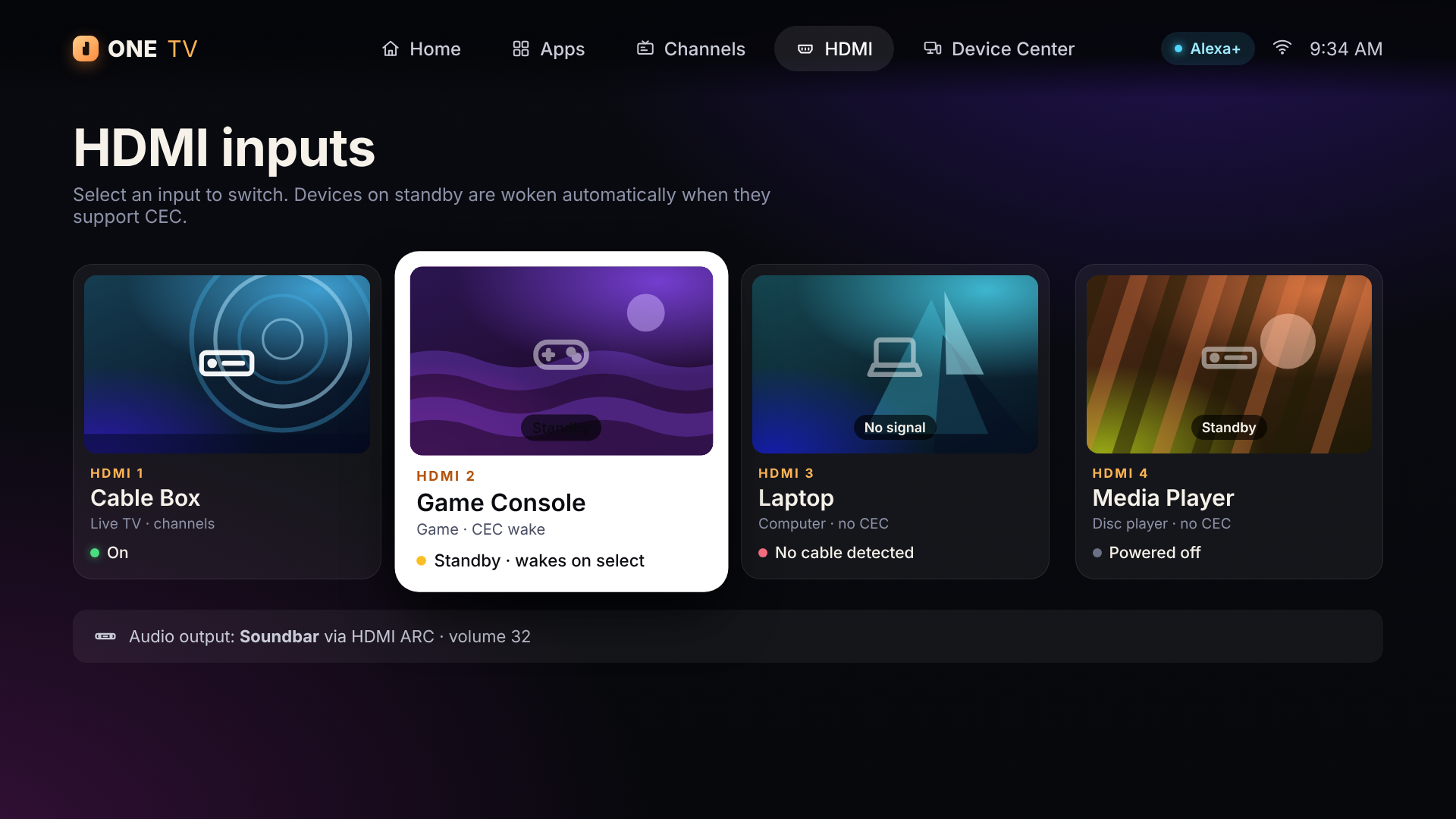
- “Switch to my game console.”
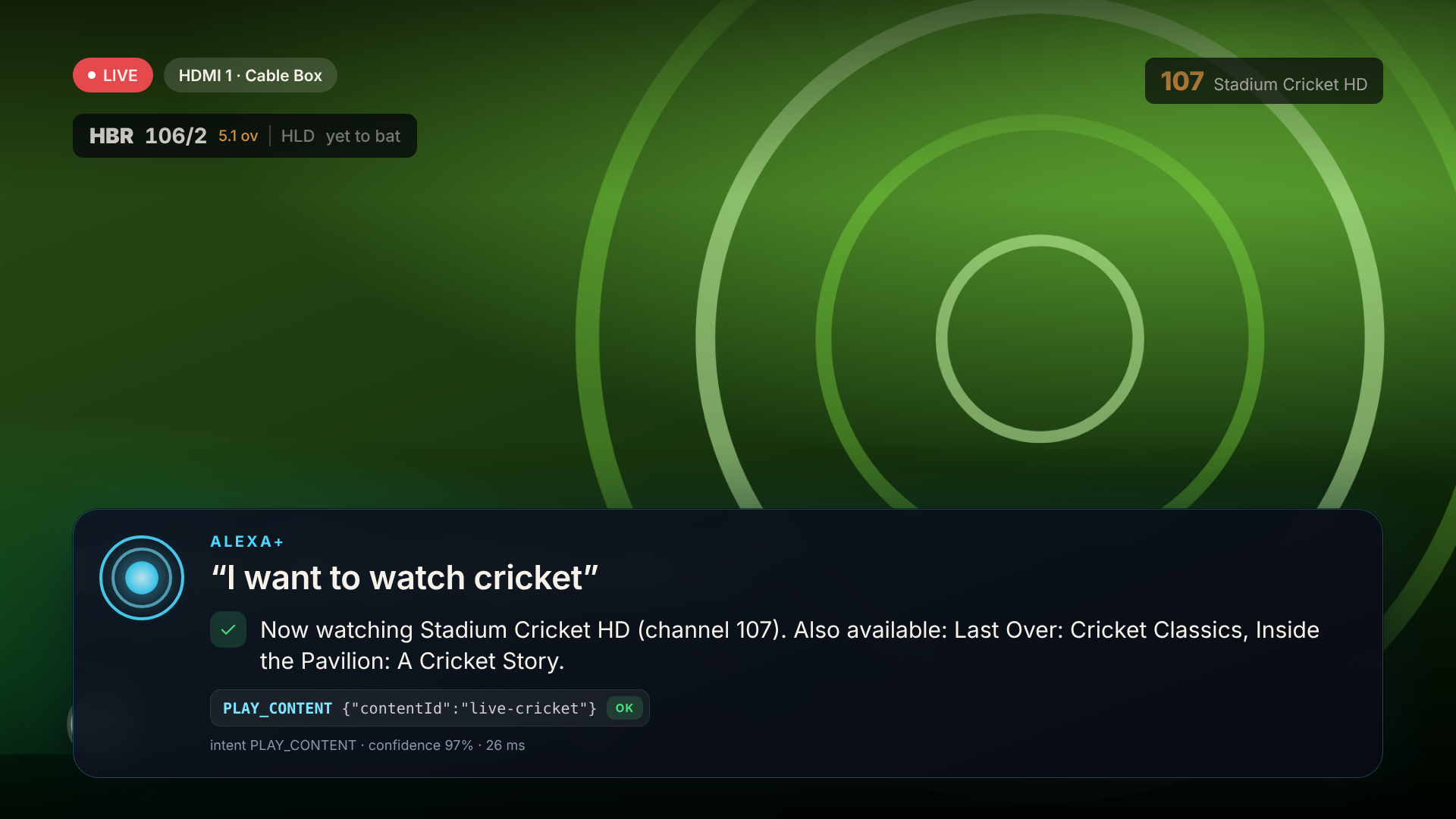
- “I want to watch cricket.”
- “Set the volume to 25.”
ONE TV interprets the request and converts it into a structured action such as opening an app, changing a channel, switching HDMI inputs, controlling playback, adjusting volume, or navigating the TV interface.
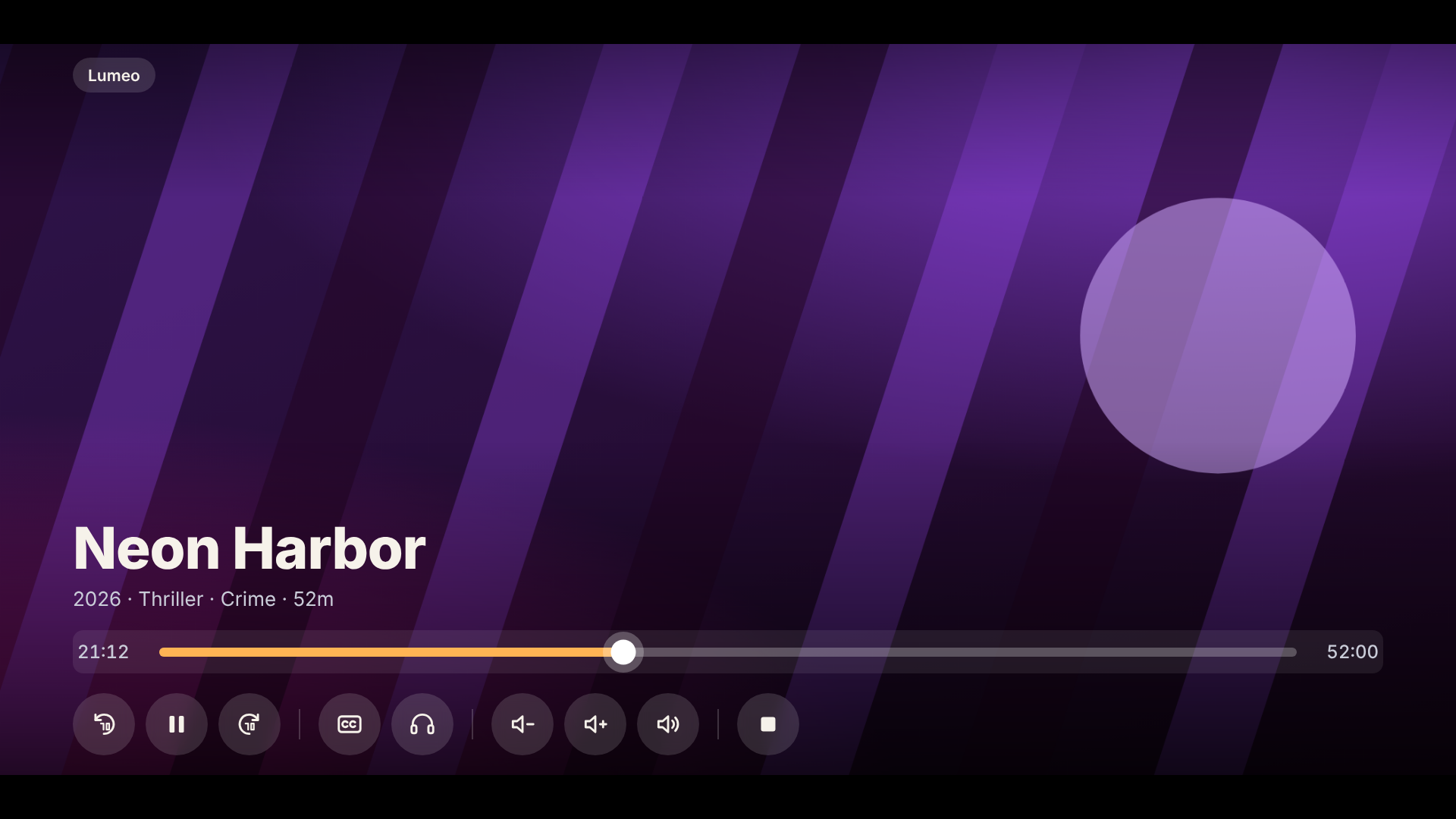
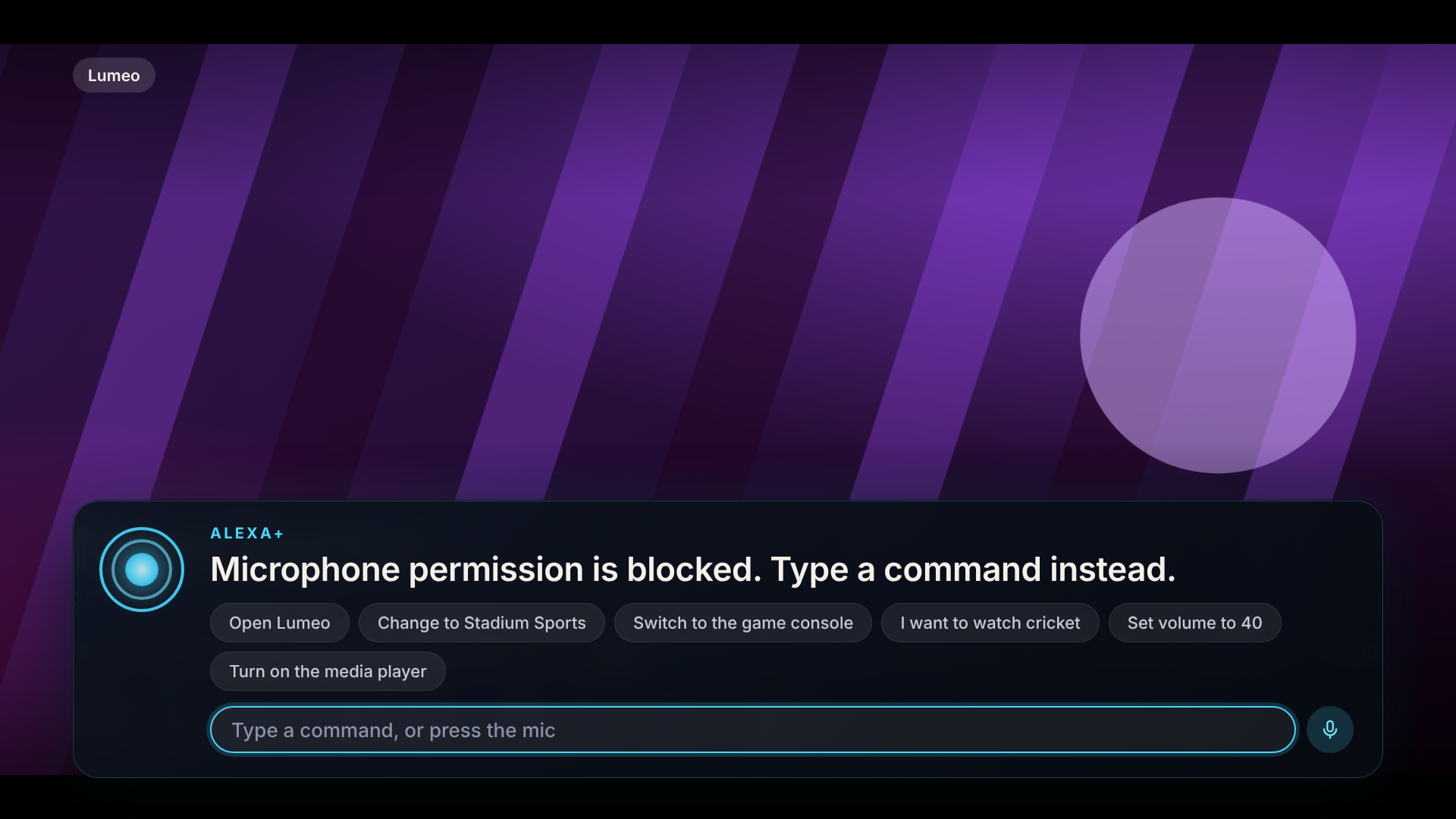
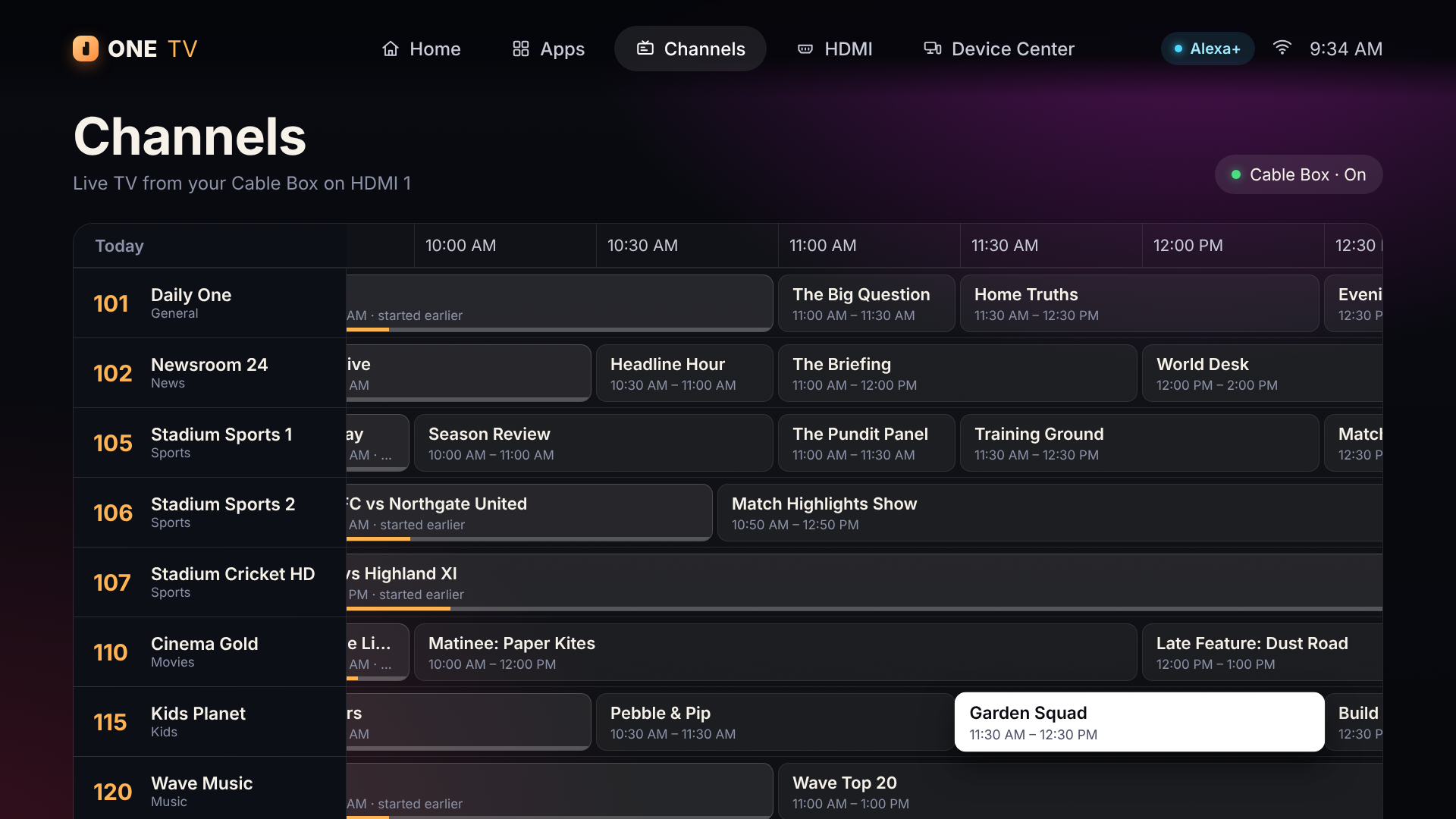
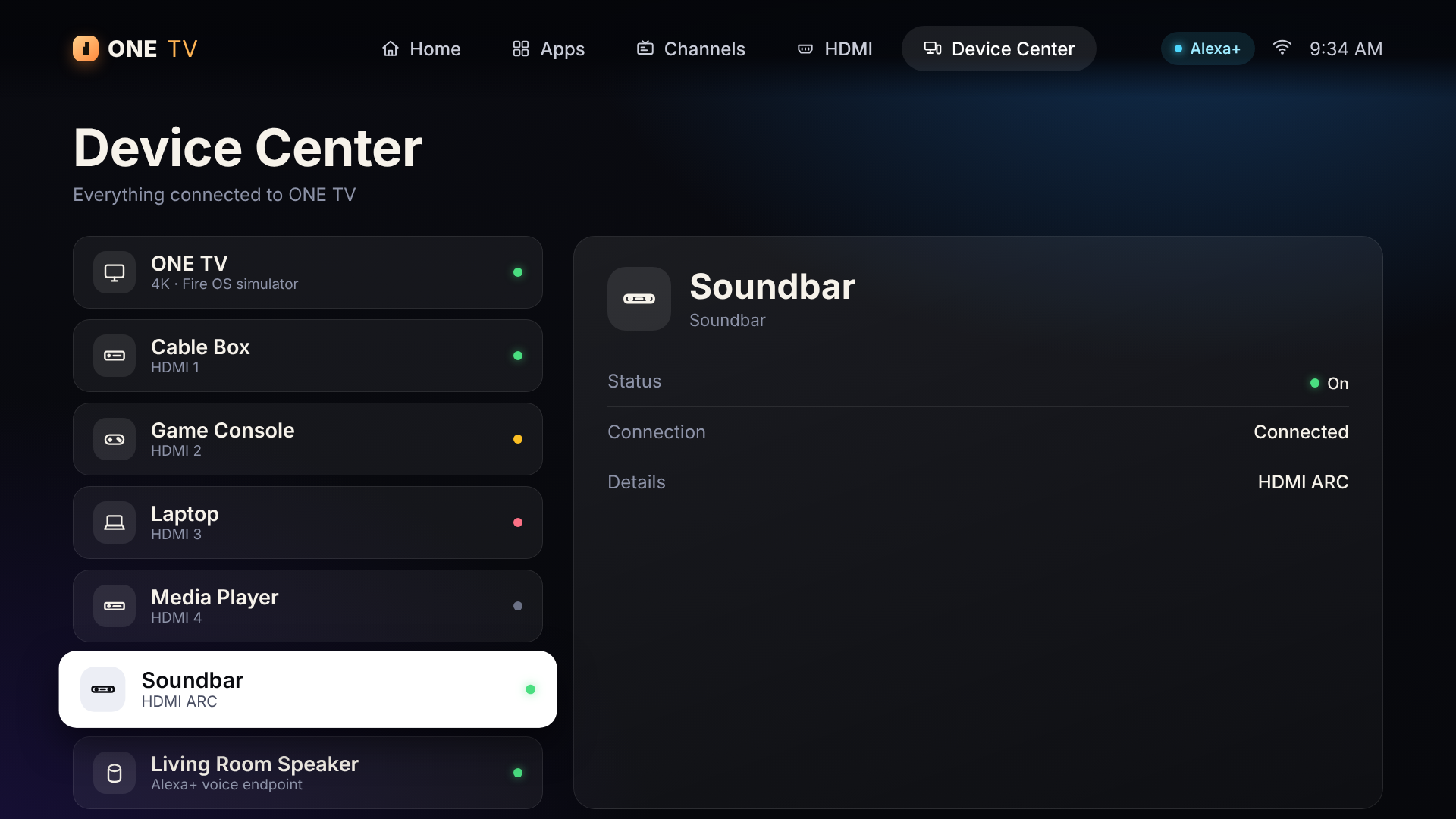
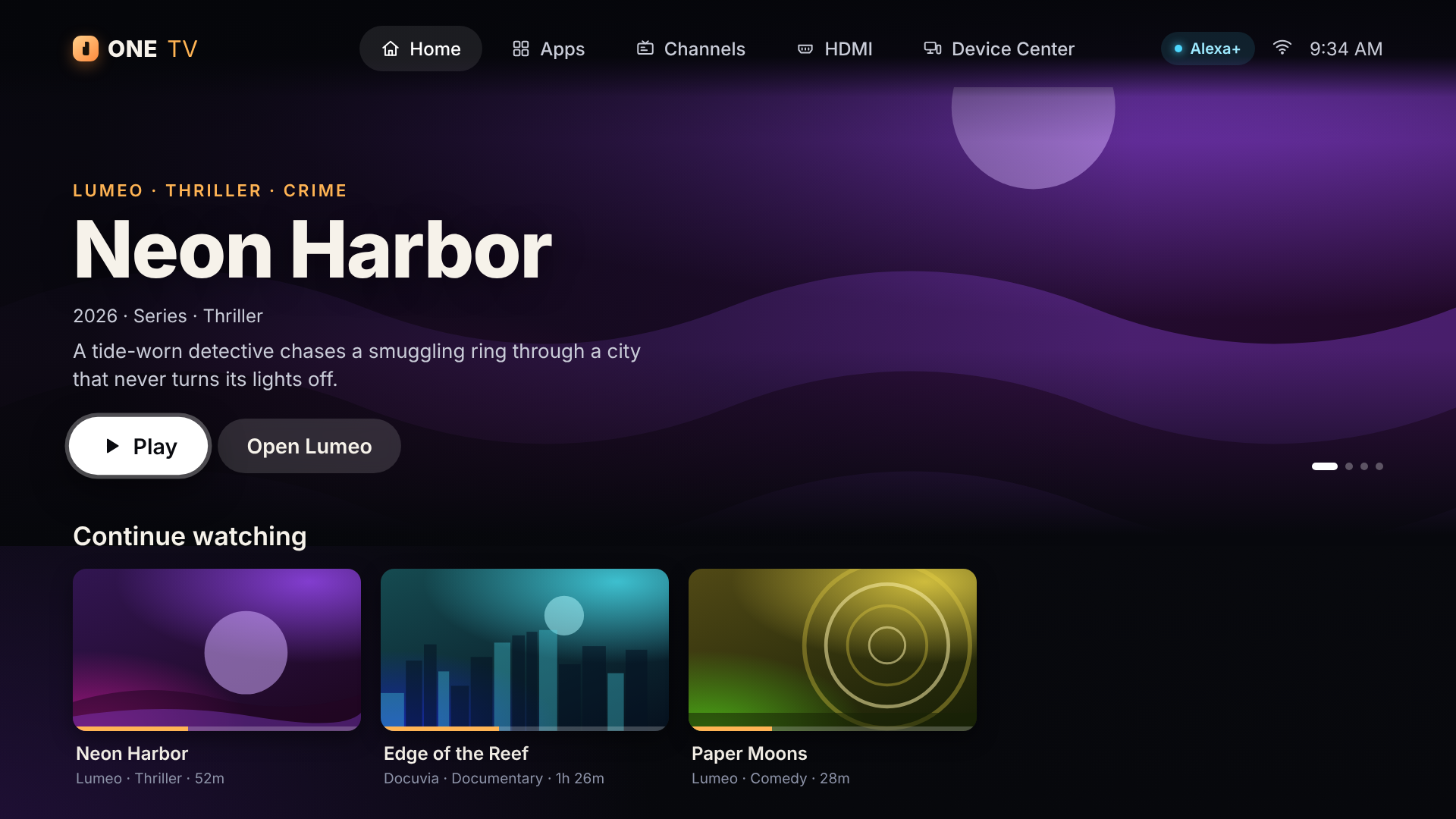
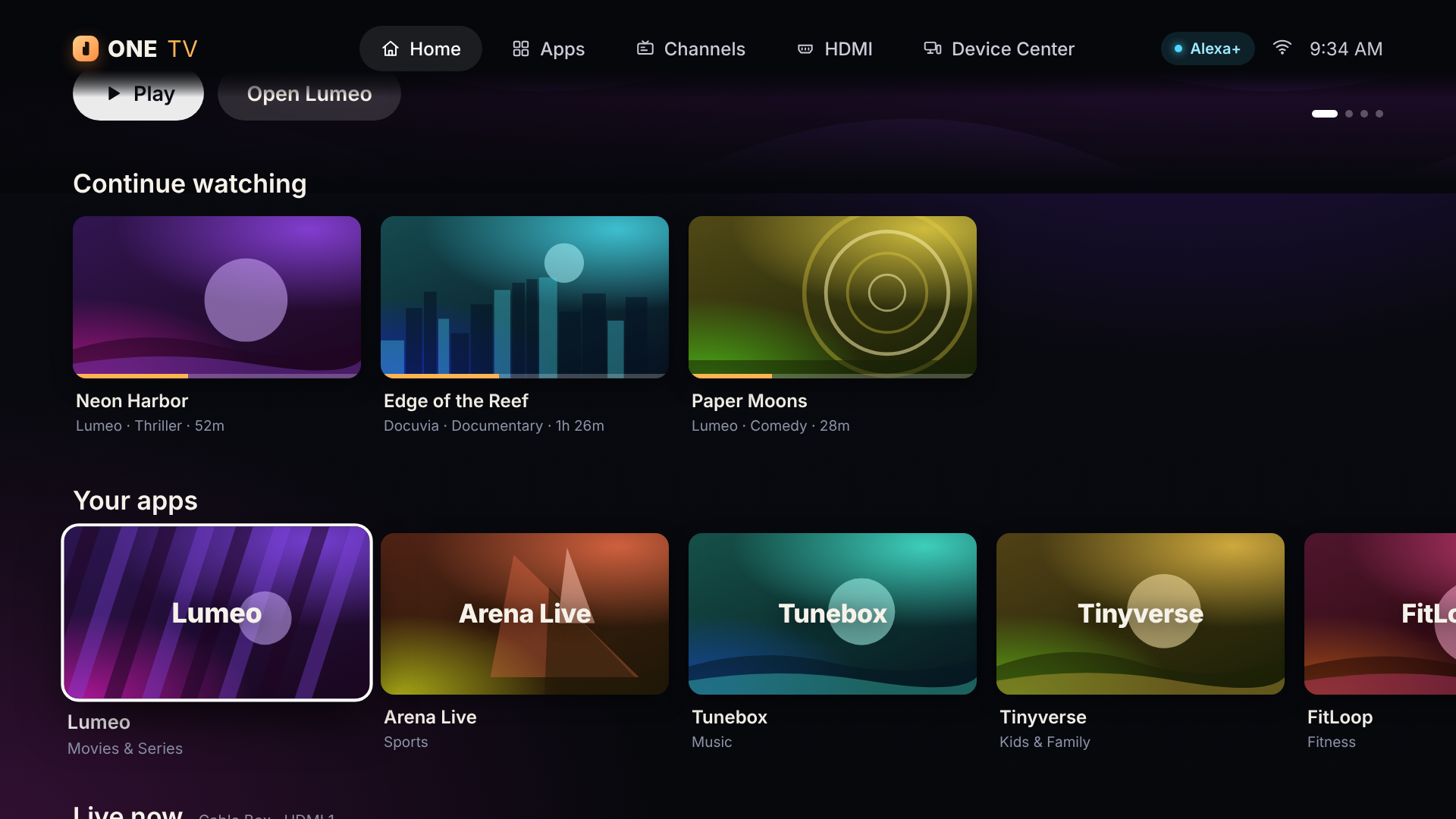
The project includes a cinematic Fire TV-style interface with Home, Apps, Channels, HDMI, Device Center, Now Playing, and voice control experiences. Remote/D-pad controls and voice commands use the same underlying action system, keeping the experience consistent.
The current project uses a simulated TV ecosystem, including fictional apps, channels, and devices, allowing us to demonstrate the complete interaction flow without requiring real cable boxes or streaming hardware.
How we built it
We built ONE TV as a 1920×1080 TV-first web interface using HTML, CSS, and JavaScript, designed specifically for large screens and D-pad navigation.
The architecture is divided into three main layers:
- TV Interface — Provides the cinematic Fire TV-style experience and screens for apps, channels, HDMI devices, playback, and device management.
- Command & Intelligence Layer — Natural-language commands are interpreted and converted into structured actions such as
OPEN_APP,CHANGE_CHANNEL,SWITCH_HDMI,PLAY_CONTENT, andSET_VOLUME. - Alexa+/MCP Integration Layer — An MCP server exposes ONE TV capabilities as structured tools so an Alexa+ experience can communicate with the TV system.
We also built a simulated device bridge using server events so that commands can update the TV state and provide feedback to the interface.
The important design decision was to create one common action path. Whether the command comes from a remote, keyboard, or voice interaction, it eventually reaches the same state-management system.
Challenges we ran into
One of our biggest challenges was designing something that feels like a TV experience rather than a website.
A normal website can rely heavily on mouse interaction, small buttons, and scrolling. A TV interface needs large visual targets, clear focus states, simple navigation, and predictable D-pad movement.
Another challenge was making voice and remote interaction behave consistently. We didn't want voice commands to become a completely separate system, so both interaction methods feed into the same action and state architecture.
We also had to deal with the limitations of a simulated environment. We don't have direct access to every real cable box, console, broadcast channel, or streaming service, so we created a self-contained simulated ecosystem to demonstrate the orchestration concept without pretending that simulated integrations were real.
Finally, connecting conversational commands to actual TV actions introduced another challenge: the system needs to understand the user's intent, not just individual keywords.
Accomplishments that we're proud of
We're proud that ONE TV turned the idea of a universal TV controller into a working end-to-end prototype.
The project includes:
- A complete cinematic TV interface
- D-pad and keyboard navigation
- Natural-language command processing
- Voice interaction
- App launching
- Channel switching
- HDMI/device switching
- Playback controls
- Volume control
- Device power/state handling
- A simulated TV/device bridge
- MCP tools for exposing TV capabilities
- A centralized action/state architecture
- Automated tests covering the core system
Most importantly, we built the experience around intent rather than buttons.
Instead of teaching users where a feature lives, ONE TV tries to understand what they actually want to accomplish.
What we learned
The biggest lesson was that a good conversational interface is not simply about adding voice commands to an existing UI.
The real challenge is connecting natural language → intent → action → device state → visual feedback.
We also learned the importance of having a common action layer. When remote and voice controls share the same underlying actions, the system becomes easier to reason about, test, and extend.
Building for a TV also changed how we think about UI design. On a large screen, focus management, readability, animation timing, and navigation flow are just as important as visual appearance.
We also learned that simulated hardware can be useful during development because it lets us validate the orchestration experience before connecting physical devices.
What's next for Alexa ONE TV
The next step is moving from our simulated ecosystem toward real-world validation.
We want to:
- Test the interface on an actual Fire TV device or simulator.
- Complete and validate the Alexa+ integration.
- Connect more real device-control workflows.
- Improve conversational understanding beyond the current deterministic NLU.
- Add cross-service content discovery.
- Add contextual commands such as “continue what I was watching.”
- Support multi-device routines such as a Movie Night mode.
- Explore personalized profiles and smarter recommendations.
Our long-term vision is simple:
One voice. Every screen.
Instead of making users learn how their entertainment system works, Alexa ONE TV should understand what they want and figure out how to make it happen.
Built With
- ai
- alexa
- amazon
- amazon-web-services
- conversational
- device
- fire
- javascript
- mcp
- node.js
- smart
- tv
- voice


Log in or sign up for Devpost to join the conversation.