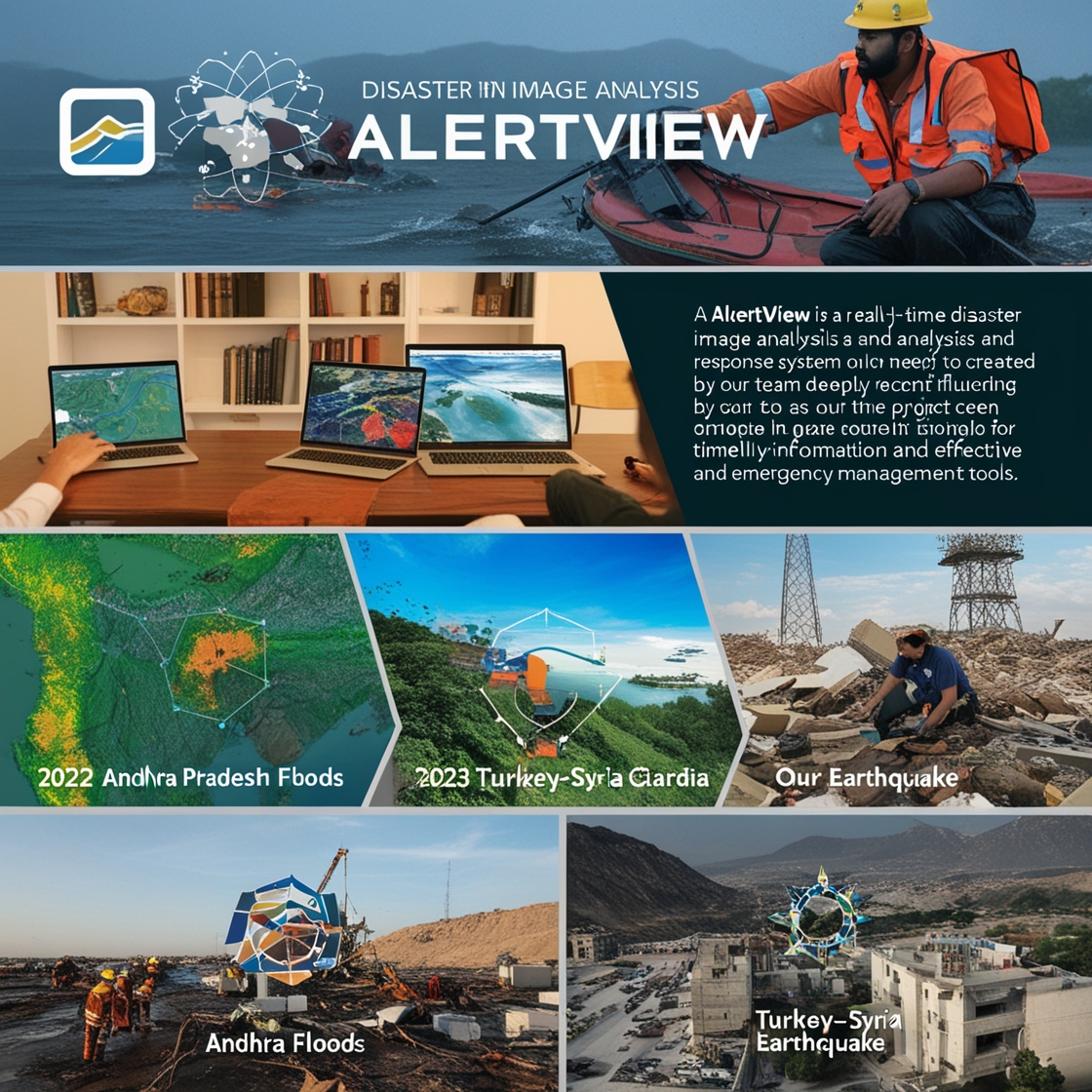
Inspiration
As a team, we were deeply moved by recent tragedies and wanted to make a real difference. We looked to successful apps like Swiggy and Zomato, which excel in real-time order management and logistics. Their ability to handle vast data, provide instant updates, and optimize resources inspired us profoundly. We saw a parallel in how such technologies could revolutionize disaster management.
We envisioned AlertView as a system designed to act during the "golden hour"—the critical first hour after a disaster strikes when timely action can significantly impact survival and recovery. Just as these apps have transformed logistics in everyday scenarios, we aimed to create a tool that could instantly analyze data, automate critical processes, and expedite response efforts.
The idea that AlertView could have alleviated suffering and potentially saved lives during past disasters fueled our drive and commitment. Our goal is to harness this system to ensure that when every second counts, we are prepared to act swiftly and effectively. We hope AlertView stands as a testament to our dedication and makes a meaningful impact when it matters most.
What it does
Real-time Risk Levels: Displays current risk levels for earthquakes, floods, and wildfires using a color-coded system (red for high severity, yellow for moderate, green for low). Interactive Map: Allows users to hover over areas to view detailed metadata for quick assessment. Comprehensive Dashboard: Severity levels,Affected areas,Resource allocation (e.g., medical teams and supplies) Response Information:Response plans,Shelter locations,Emergency contacts Real-time Metrics:Response times,Resource allocation graphs,Affected population Additional Insights: Provides a window for further information and analysis. Preparedness Resources: Offers links to additional disaster preparedness resources on the website.
How we built it
Data Ingestion: We used AWS Kinesis to handle real-time data streams and ensure seamless information flow. Image Annotation: We implemented Amazon SageMaker for automated image tagging to enhance situational awareness. Metadata Management: We utilized DynamoDB for efficient storage and management of critical disaster-related metadata. Search and Filtering: We integrated Pinecone for dynamic search and filtering capabilities to quickly access relevant data. Dashboard Creation: We developed an interactive Streamlit dashboard for real-time data visualization and decision-making. Notification System: We added a chatbot feature for instant alerts to officials and coordination of resource deployment.
Challenges we ran into
Model Overfitting: The risk of the machine learning model overfitting to specific disaster types or conditions, requiring continuous tuning and validation to generalize effectively. Solution: Implemented cross-validation and regularization techniques to prevent overfitting. Continuously retrained the model with diverse datasets to enhance its generalization.
Disaster Scale Variability: Adjusting the system to handle varying scales and intensities of different types of disasters, which required flexible and scalable design solutions. Solution: Designed the system with scalable architecture and modular components. Used adaptive algorithms to handle different disaster scales and scenarios effectively.
Accomplishments that we're proud of
Successful Integration: Seamlessly integrating multiple AWS services to create a cohesive disaster management tool. Real-time Functionality: Implementing a system that processes and displays live data with minimal latency. Enhanced Accuracy: Developing a model that provides accurate metadata and actionable insights. User-Friendly Dashboard: Creating an intuitive dashboard that effectively communicates critical information. Efficient Resource Management: Successfully visualizing resource allocation and response plans in real time. Impactful Design: Designing a system that adapts to various disaster types and scales, improving overall response efficiency.
What we learned
Importance of Data Optimization: Efficient data processing and caching are crucial to managing latency and ensuring timely updates in real-time systems.
Scalability is Key: Properly configuring cloud services and using auto-scaling techniques are essential for handling high volumes of data and preventing service interruptions.
Image Preprocessing Matters: Standardizing image quality and applying data augmentation improve model performance and reliability, especially when dealing with varied conditions.
Integration Requires Thorough Testing: Detailed testing and leveraging support resources are vital for smooth integration of complex systems and services.
Cross-Validation Prevents Overfitting: Using cross-validation and regularization techniques helps ensure that machine learning models generalize well to different scenarios and conditions.
Effective Communication Systems: Robust synchronization protocols and message queuing are necessary to maintain real-time communication and data consistency.
Feedback Drives Improvement: Establishing a feedback loop with users allows for rapid identification of issues and incorporation of valuable improvements.
Flexibility in Design: Designing a scalable and adaptable system is essential for handling varying disaster scales and ensuring the system remains effective across different scenarios.
What's next for AlertView
Feature Expansion: Adding more features and functionalities based on user feedback and evolving needs. Enhanced Accuracy: Continuously improving the accuracy of data processing and model predictions. Broader Integration: Exploring integration with additional data sources and emergency management tools. User Engagement: Enhancing user engagement through advanced training and support resources. Global Reach: Expanding the system’s capabilities to support disaster response efforts on a global scale.
Built With
- chatbot
- clip
- comprehend
- css
- dynamodb
- gis
- html5
- javascript
- kinesis
- lambda
- machine-learning
- maps
- navigation
- pinecone
- real-time
- s3
- sagemaker
- satellite
- streamlit
- tf
- yaml


Log in or sign up for Devpost to join the conversation.