-
-
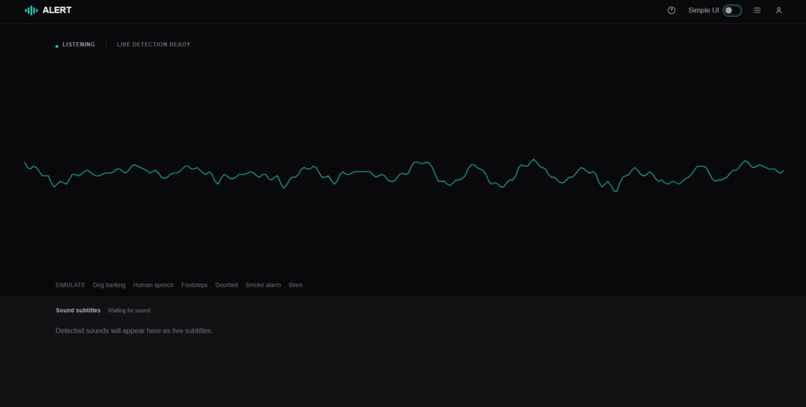
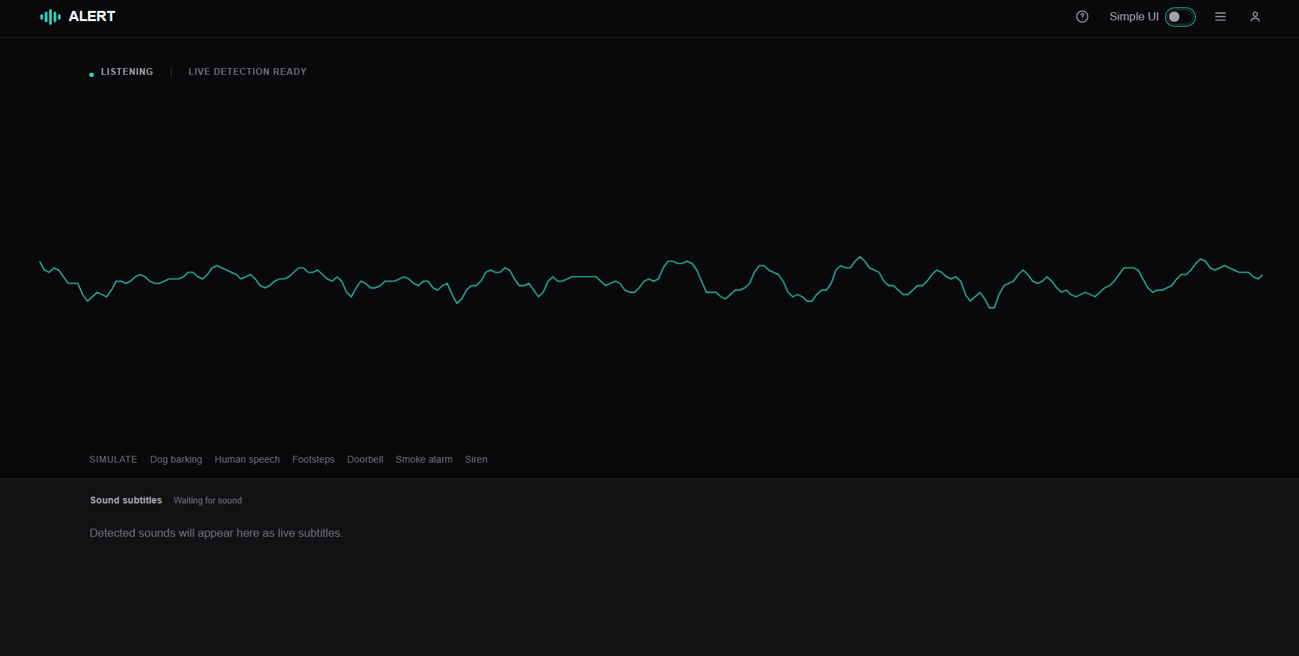
Home/landing page
-
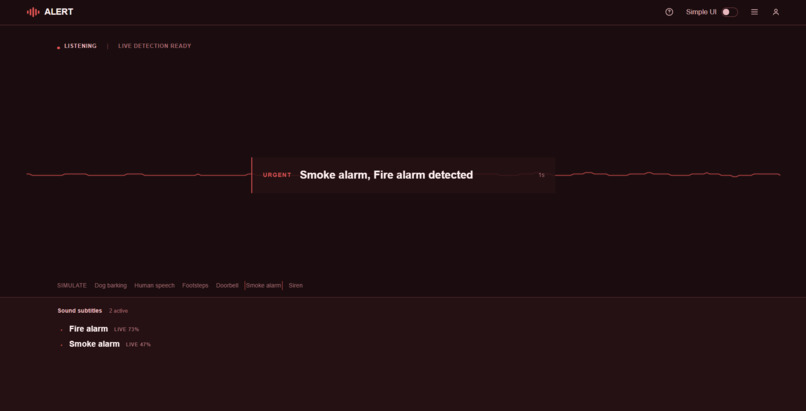
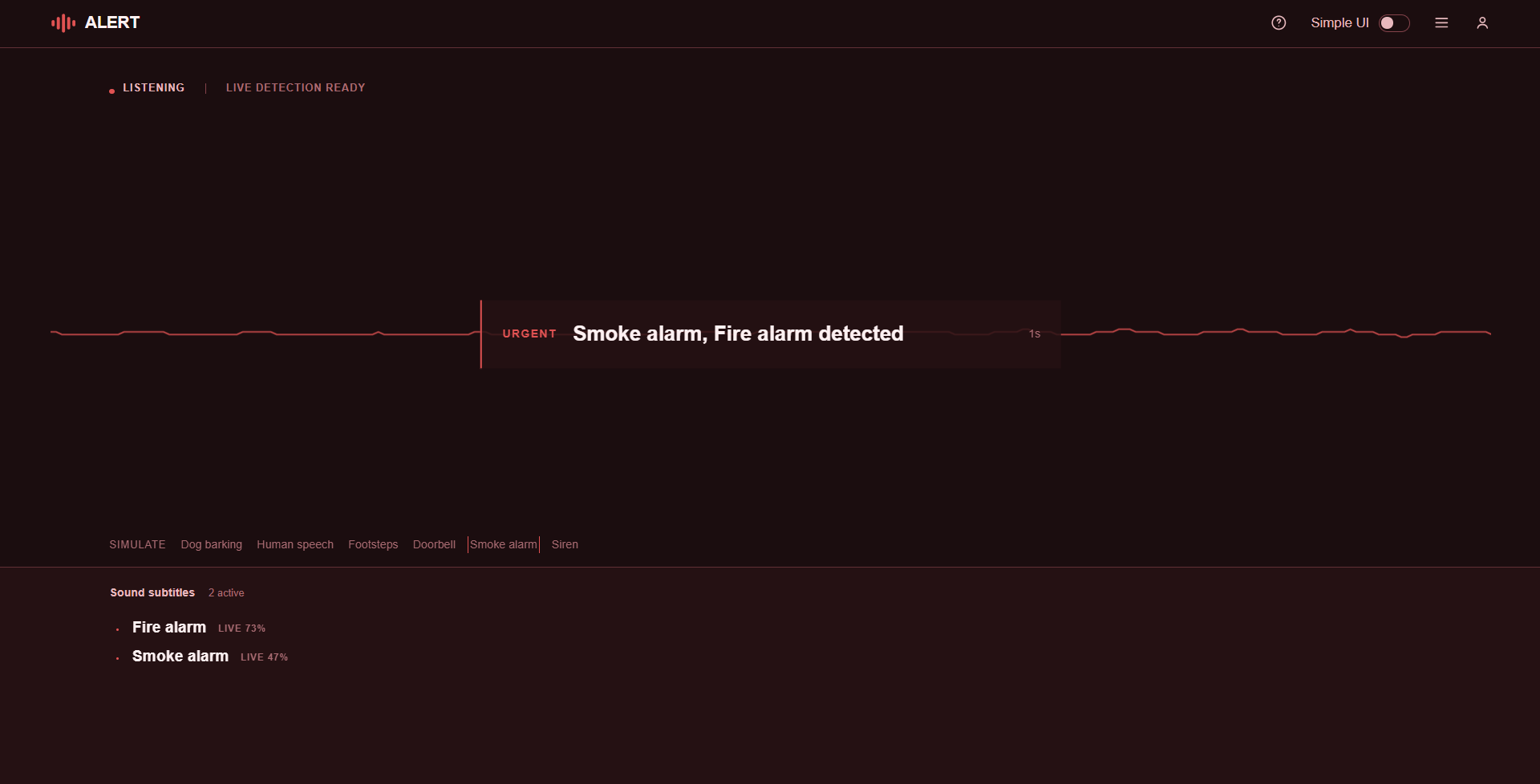
Detecting a smoke amount
-
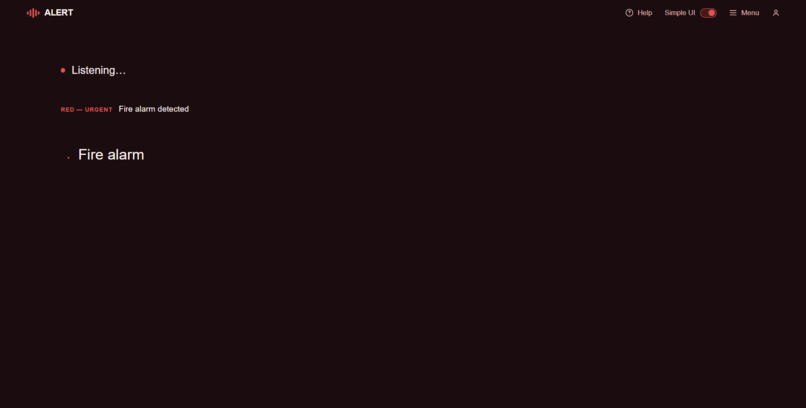
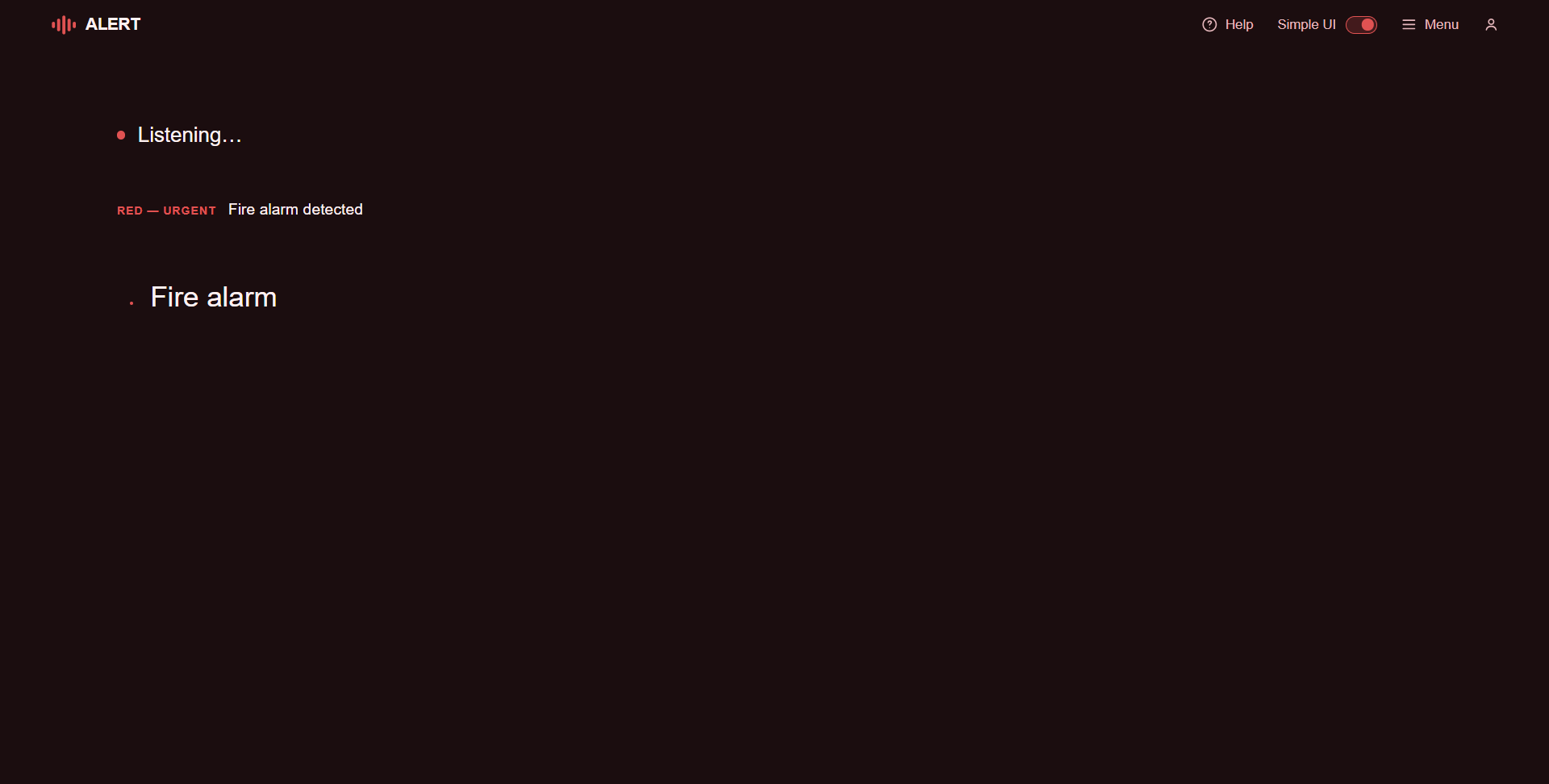
Detecting a smoke amount (Simplfied)
-
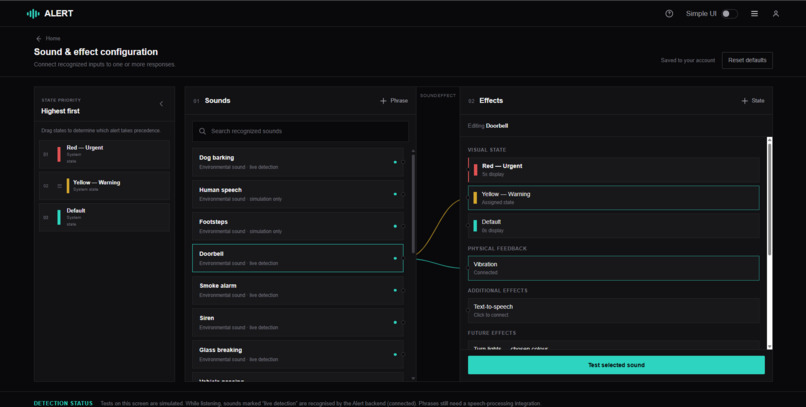
Main menu
-
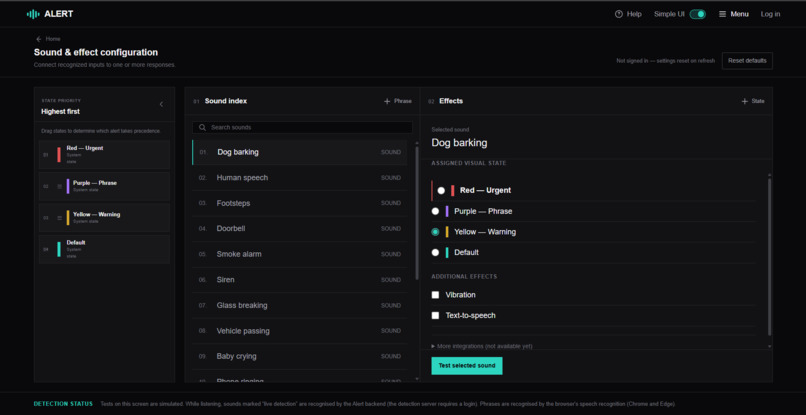
Menu (Simplified)
-
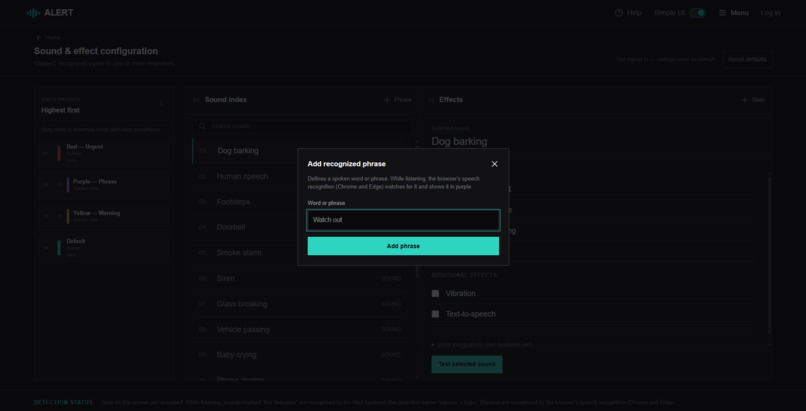
Menu - Adding a sound
-
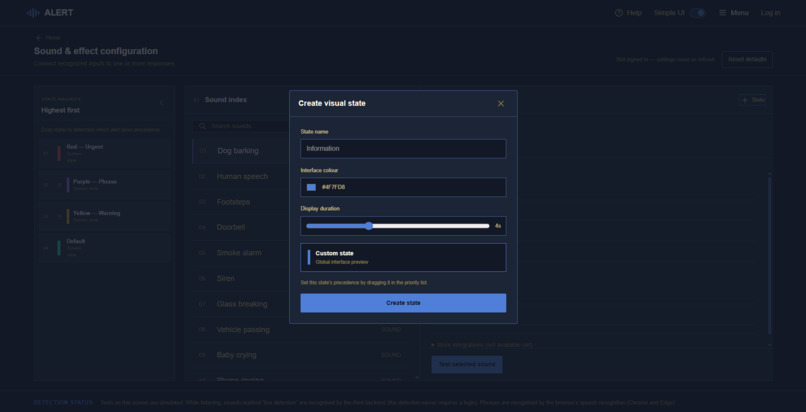
Menu - Adding a custom state
-
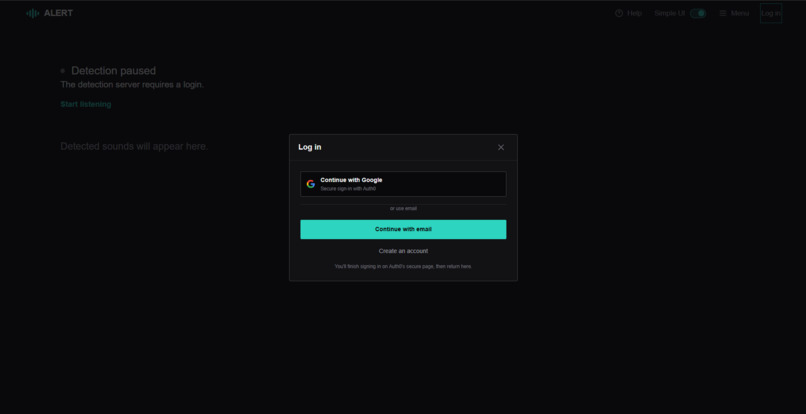
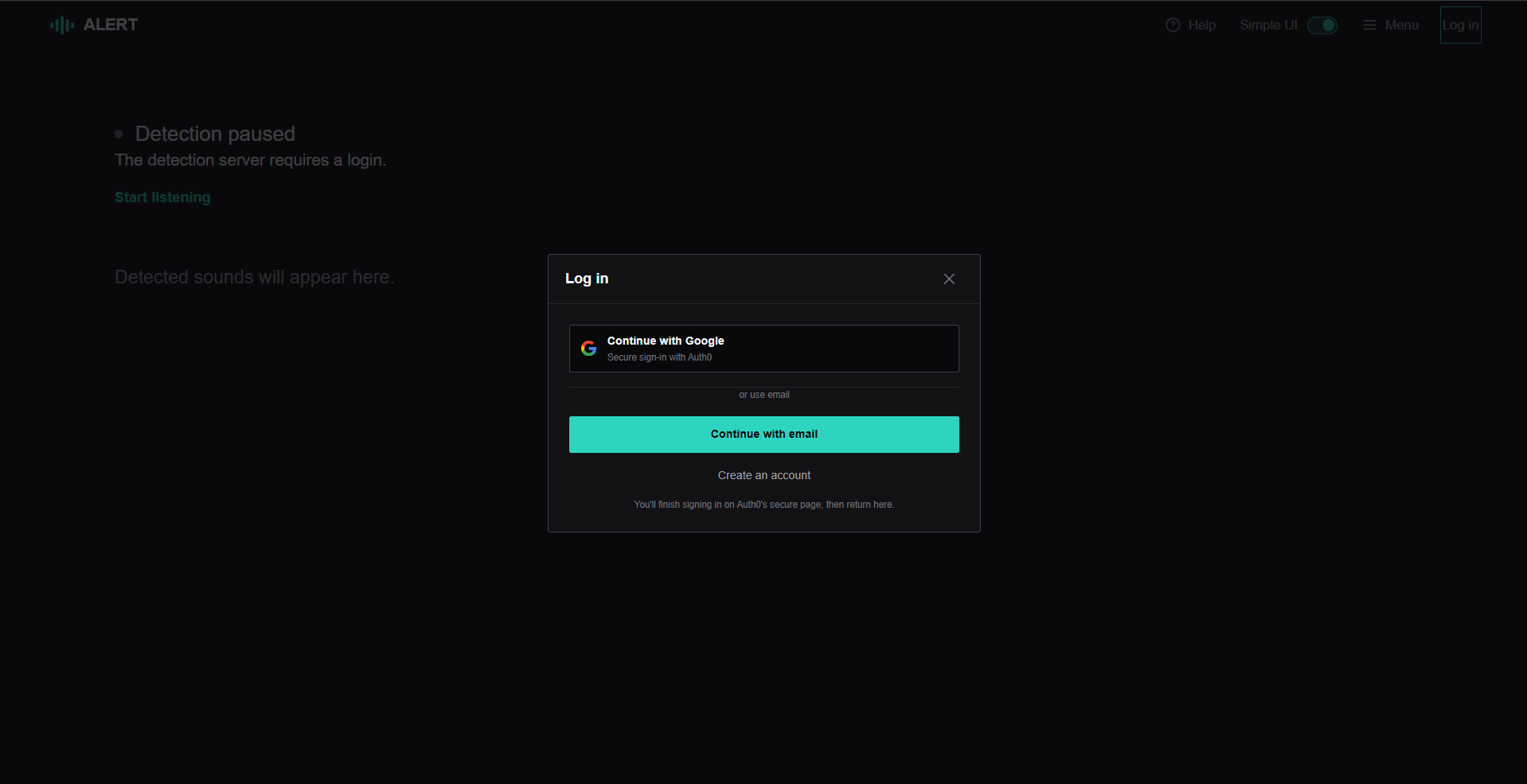
Login
-
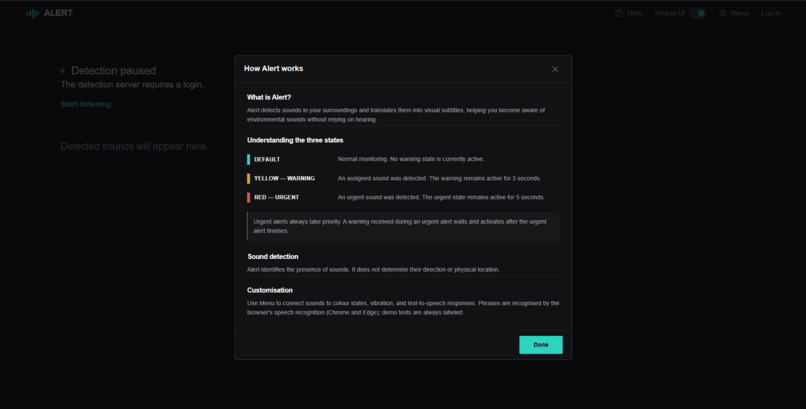
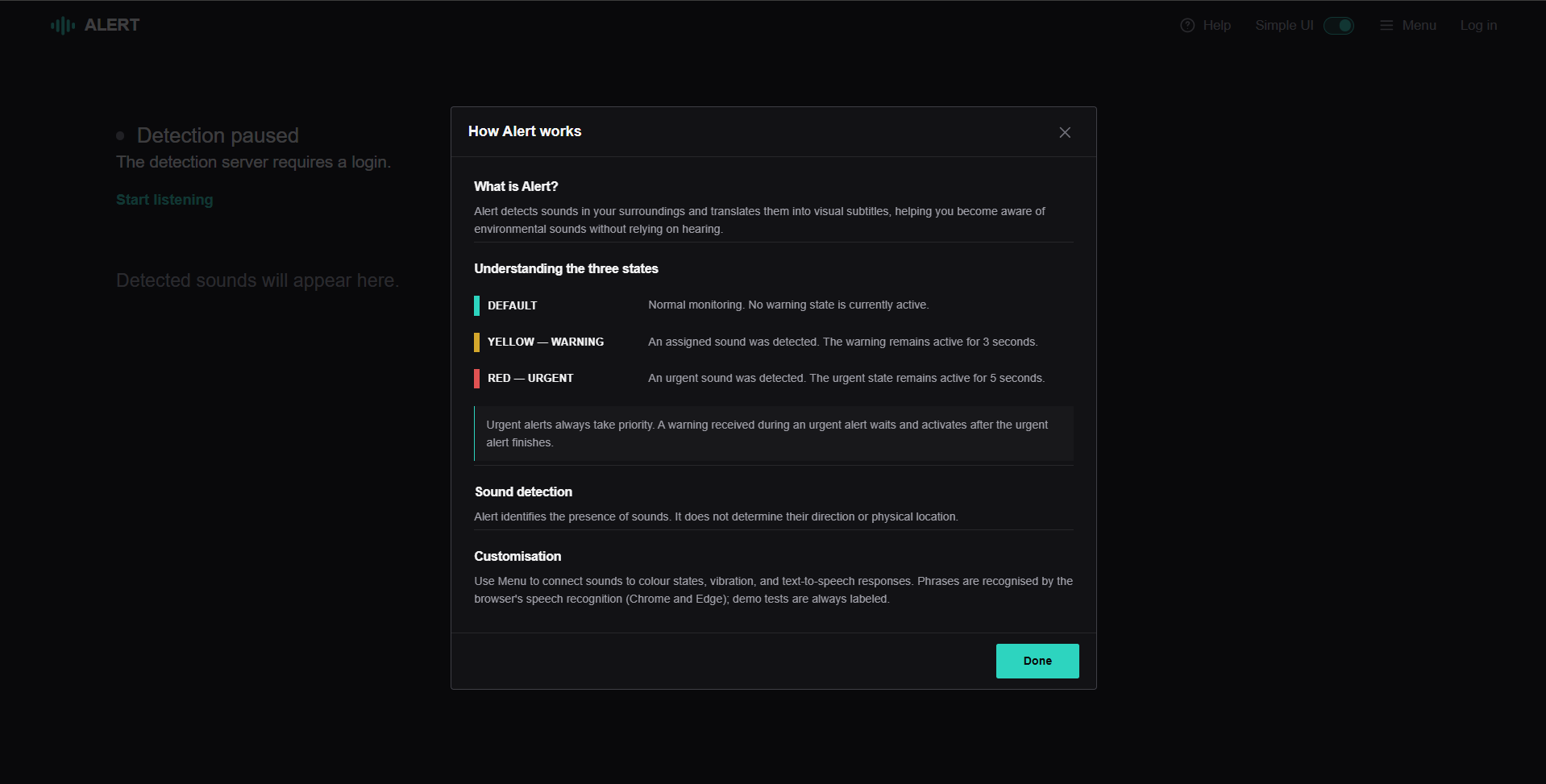
Info/Help
Inspiration
Imagine you’re in a hotel room with an eye mask on. The hotel is conveniently placed next to the highway, but thankfully, you brought your noise-cancelling earbuds. Late at night, a fire begins in the kitchen. The fire alarm rings through the building and strobe lights flash in the hallway. But you don’t wake up. The simple solution would be to not go to sleep with noise-cancelling earbuds on. However, if you were deaf, it would not be as simple.
This is why we built Alert: Keeping Alert to Distribute Alerts.
What it does
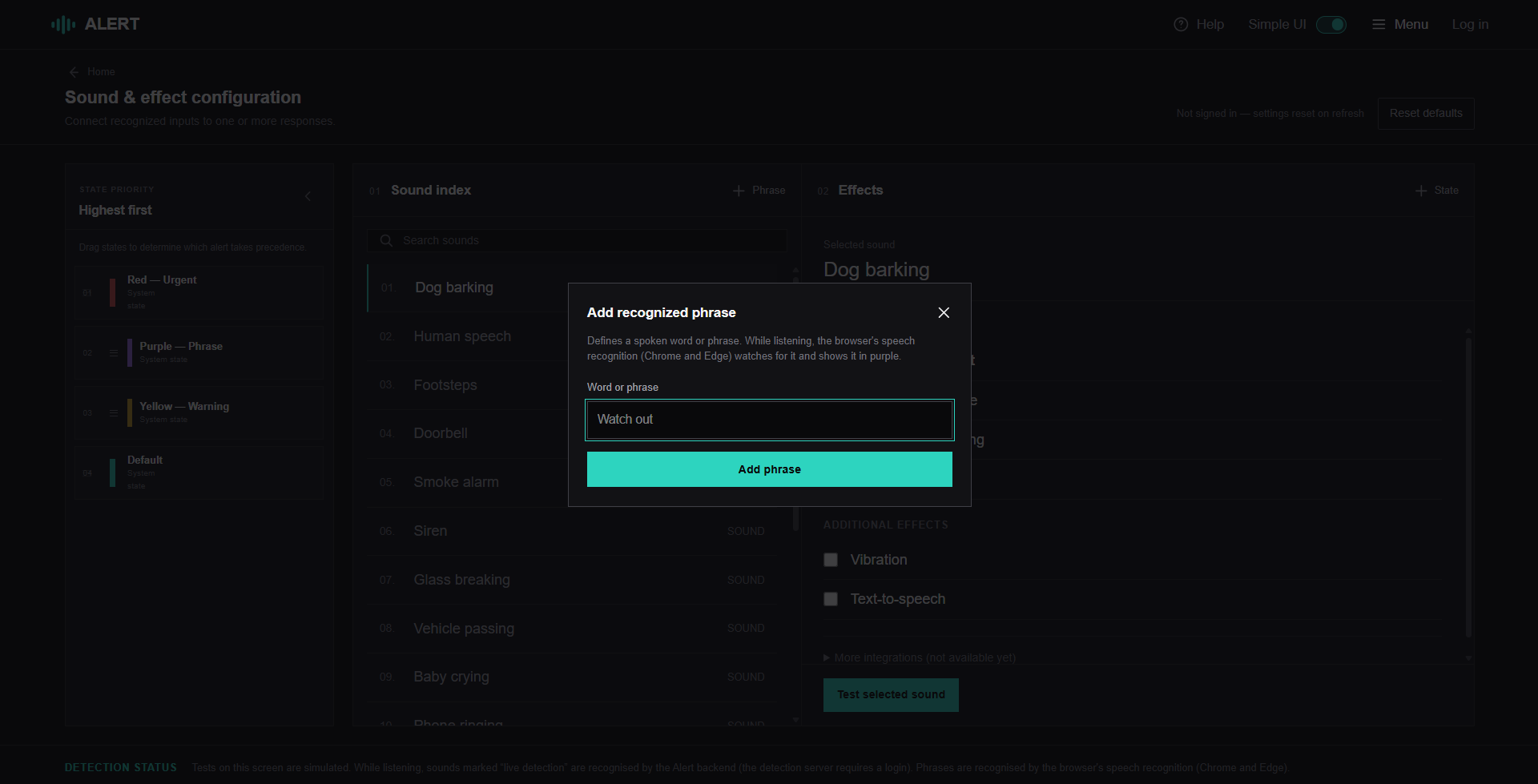
Alert is an accessibility tool for individuals who are deaf or hard-of-hearing. It captures environmental sounds and translates them into real-time visual subtitles. Alert filters for requested sounds–such as doorbells–and speech.
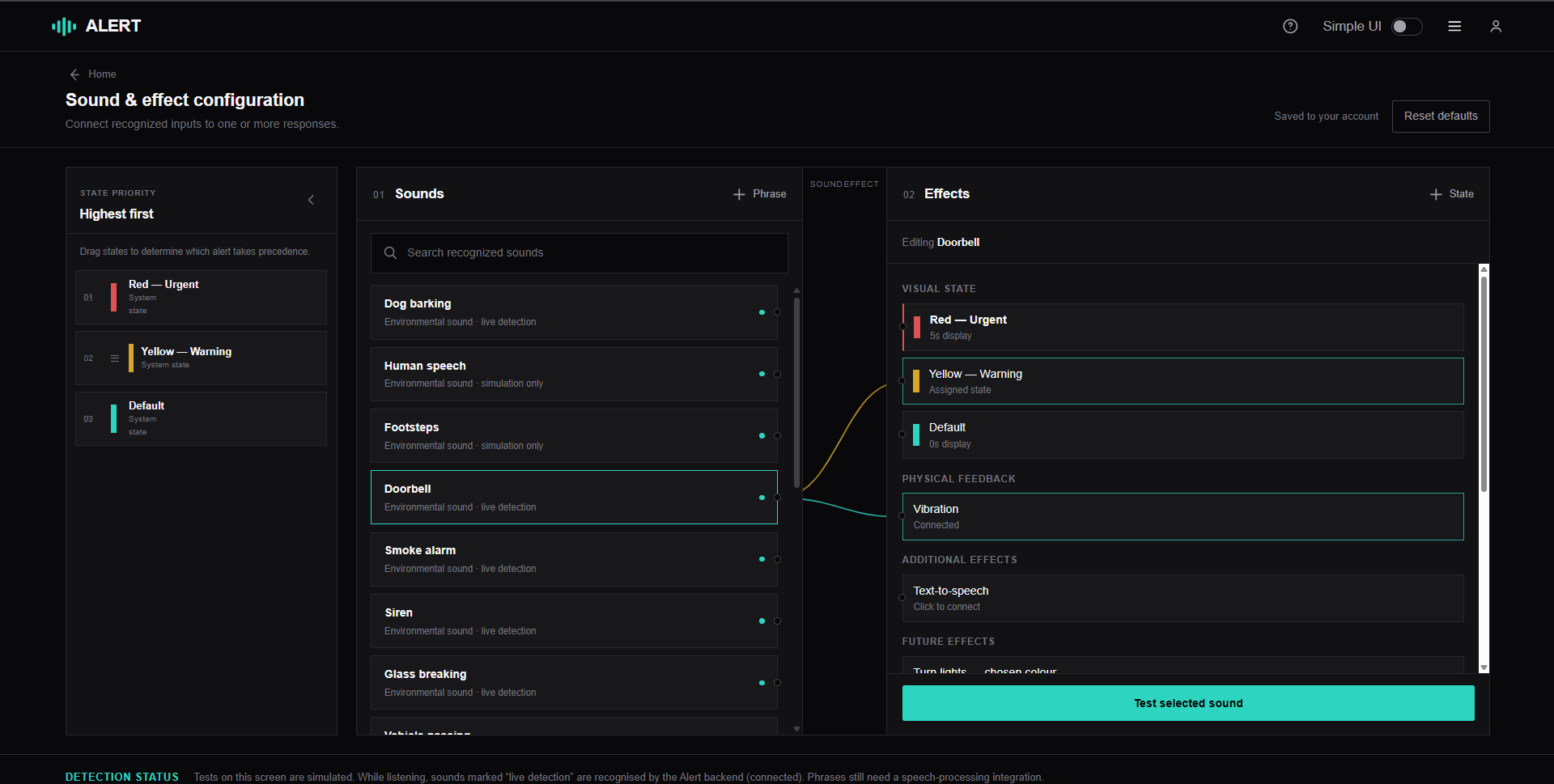
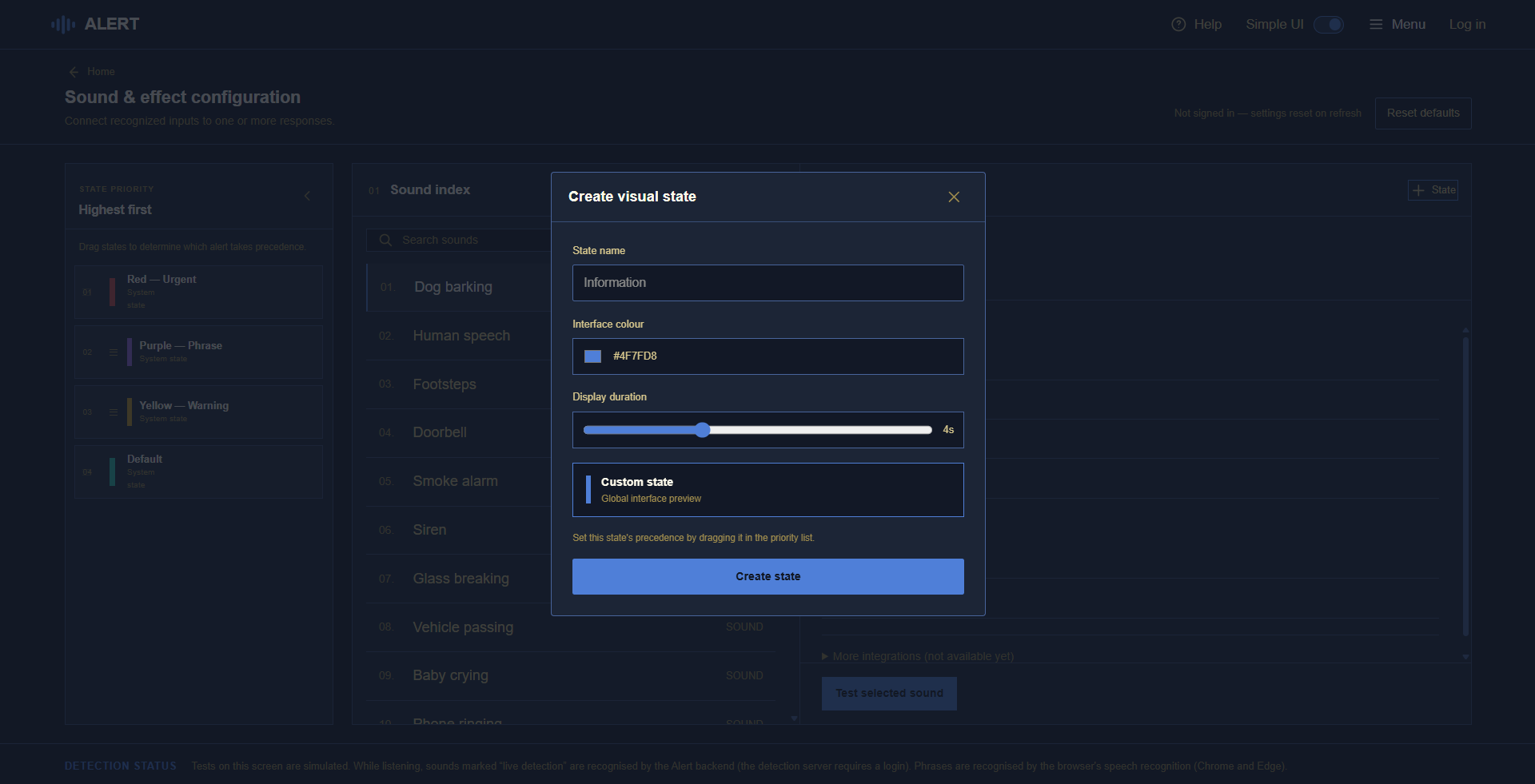
Unlike other tools in the field, Alert takes inspiration from the iOS Shortcuts app to allow users to interact with a vast node tree network to customize what happens when a disturbance is detected.
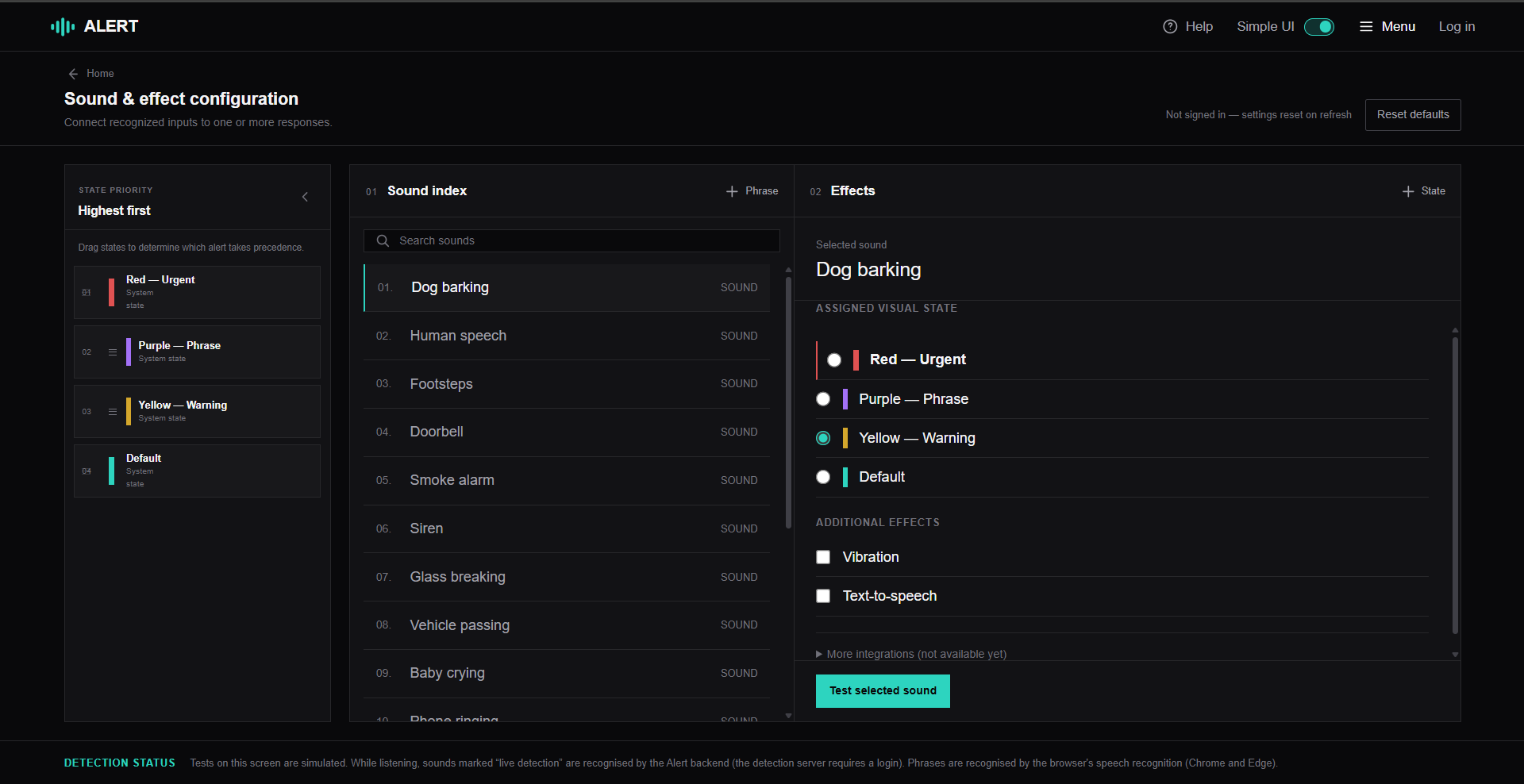
It offers a variety of accessibility features, such as an option to simplify the UI and one-click logins.
How we built it
The frontend uses Next.js 16.4.2 with the App Router and React 19.3.1, written in TypeScript 6.0.3 with support from Lovable and Figma Make. Styling combines Tailwind CSS v4 with custom CSS in styles.css. Authentication uses Auth0 React SDK 2.30.0. Browser APIs include MediaDevices/getUserMedia, Web Audio API/AudioWorklet, and fetch/FormData to capture audio and communicate with the backend in alert-api.ts. The app UI is primarily in AlertApp.tsx, rendered by page.tsx. There is no separate component library; it uses custom React components and SVG icons.
For the backend, we used Python with FastAPI. Our website is deployed on Vercel. Users log in with Auth0 (including Google sign-in), and the backend verifies each user's login token on every request. To detect sounds like alarms and dog barks, we used Google's YAMNet, a pretrained model that recognizes 521 kinds of sound, and wrote our own logic on top. We included per-sound thresholds, a "two weak hits in a row" rule for quiet sounds, and prioritized urgent sounds. We used Databricks for two major parts. Firstly, for our AI model hosting, YAMNet needs TensorFlow, which is too large for Vercel. We packaged YAMNet with our mapping to the sounds the user hopes to detect as an MLflow model, registered it in Unity Catalog, and served it through a Model Serving endpoint that scales to zero when the microphone is turned off. Secondly, we use a Databricks SQL Warehouse to store users in a Delta table (ID, email, name, first and last login) and each user's menu settings. Audio is processed in memory and never stored.
Challenges we ran into
There were a few challenges we ran into during the hackathon. The first major challenge we had was trying to combine frontend and backend together, since most of the backend didn't really work as it should have. To fix this, we traced each request from the browser to the backend and fixed every broken link one by one. Locally, the frontend was sending requests to the wrong address, so they never reached our FastAPI backend. We pointed the frontend at the backend, enabling the frontend's origin (CORS) to connect correctly. Another main issue we ran into was low accuracy in detecting certain sounds. This was due to every sound needing a certainty of 0.75 to be detected, which missed about half of real recordings. The temporary solution we had for this issue was lowering the general threshold from 0.75 to 0.6 and giving each sound its own threshold, set just above the worst false alarm we measured (for example, 0.35 for doorbells and 0.4 for fire alarms), which raised detection on real recordings from 13 out of 24 to 17 out of 24. While this is a strong temporary fix, future iterations should train a new model to further raise the accuracy.
Accessibility
We made several accessibility choices throughout the build process.
For UI, the node tree connecting the sounds to effects provided a creative and interactive method of presenting the menu. Small details, such as the lines connecting the menu sections moving with the section when scrolling, brought the project together.
Additionally, the idea of having an option to simplify the UI is something we’re especially proud of. For individuals who aren’t tech-savvy, a simplified UI can greatly help them navigate the application. According to Statistics Canada in a 2024 report titled “Persons with disabilities or long-term conditions and barriers in their online activities”, 62.7% of persons with disabilities or long-term conditions had barriers with online activities. Accessible design choices, like having the option for a simplified UI, work towards lowering this percentage.
What we learned
Building Alert allowed us to develop our hard and soft skills through hands-on experience. It was our first time using an authentication system to validate profiles. As well, we became familiar with when AI assistance is beneficial and when to step in. Major design choices and connecting tasks required human input, and oftentimes, the proposed solution an agent suggests is not the most logical.
What's next for Alert
With Alert being a proof-of-concept, a developed version will likely bring the web app as an iOS and Android application, continuously running in the background. With this change, further optimization will be needed to ensure the app doesn’t significantly drain the device’s battery.
Additionally, additional effects and webhooks can be added for when a sound is detected. Similar to the iOS Shortcuts app, we imagine Alert having a variety of simple tasks it can perform. While not the original purpose, it would allow Alert to become a part of day-to-day sounds. For example, users can sync up their lights to their claps to trigger the lights from bed.
With the rise of personal AI agents, like Meta’s Muse, Alert can also be a tool these AI agents can use to further support daily life.


