

Inspiration
As a student, I kept hitting the same walls: studying felt monotonous, productivity tools were bland, and burnout was always lurking. I wanted to create something that made learning actually enjoyable- something that felt more like playing a game than doing homework. The idea hit me: why not combine the engagement of retro games with the practicality of study tools?
What it does
Alectrix is like having a personal study companion that lives in a retro game world. It's built around three core experiences:
✨ The Productivity Hub
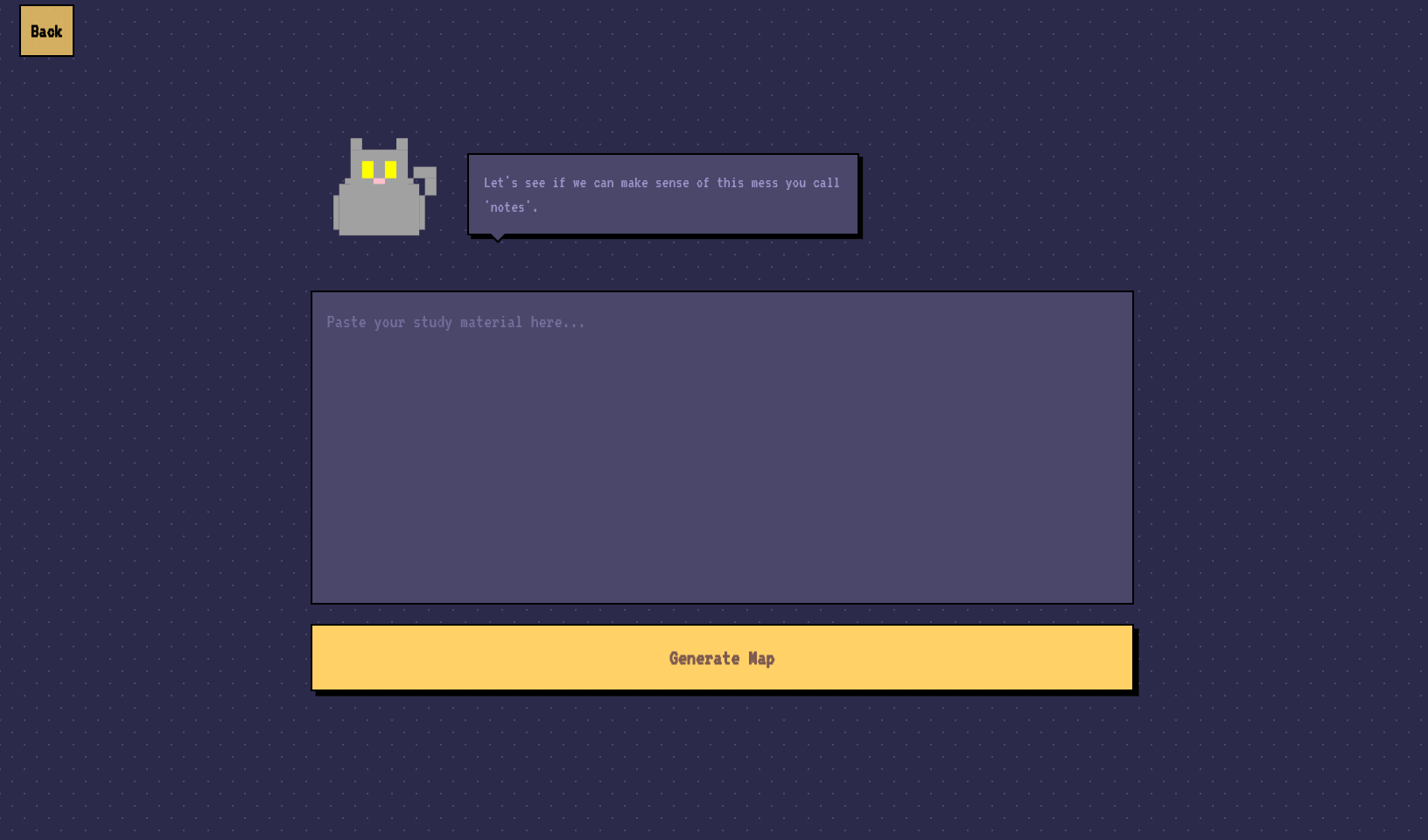
An interactive Knowledge Map that helps visualize how concepts connect
A Flashcard Forge for active recall practice
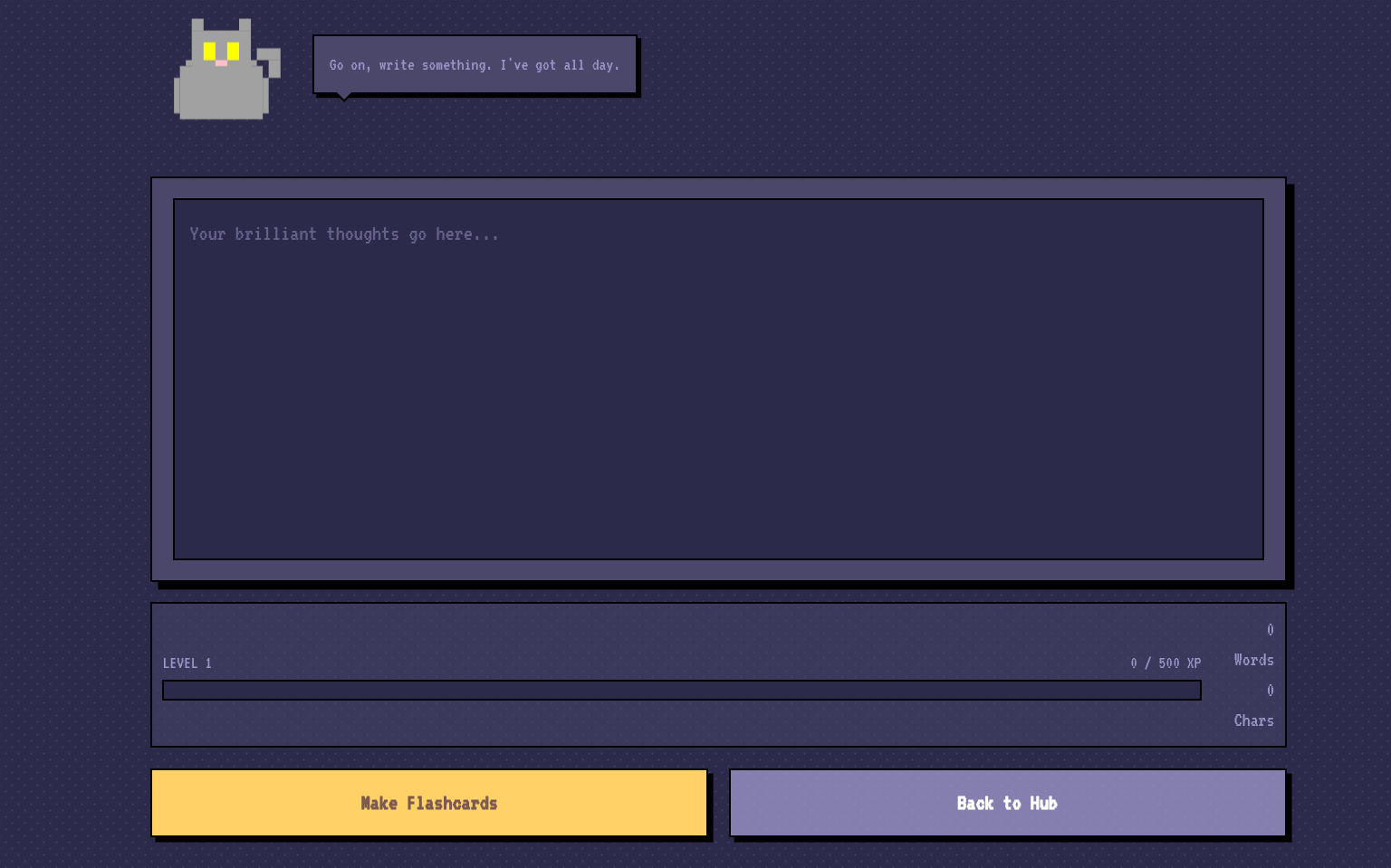
Pixel Notetaker - a clean, distraction-free editor for your study materials
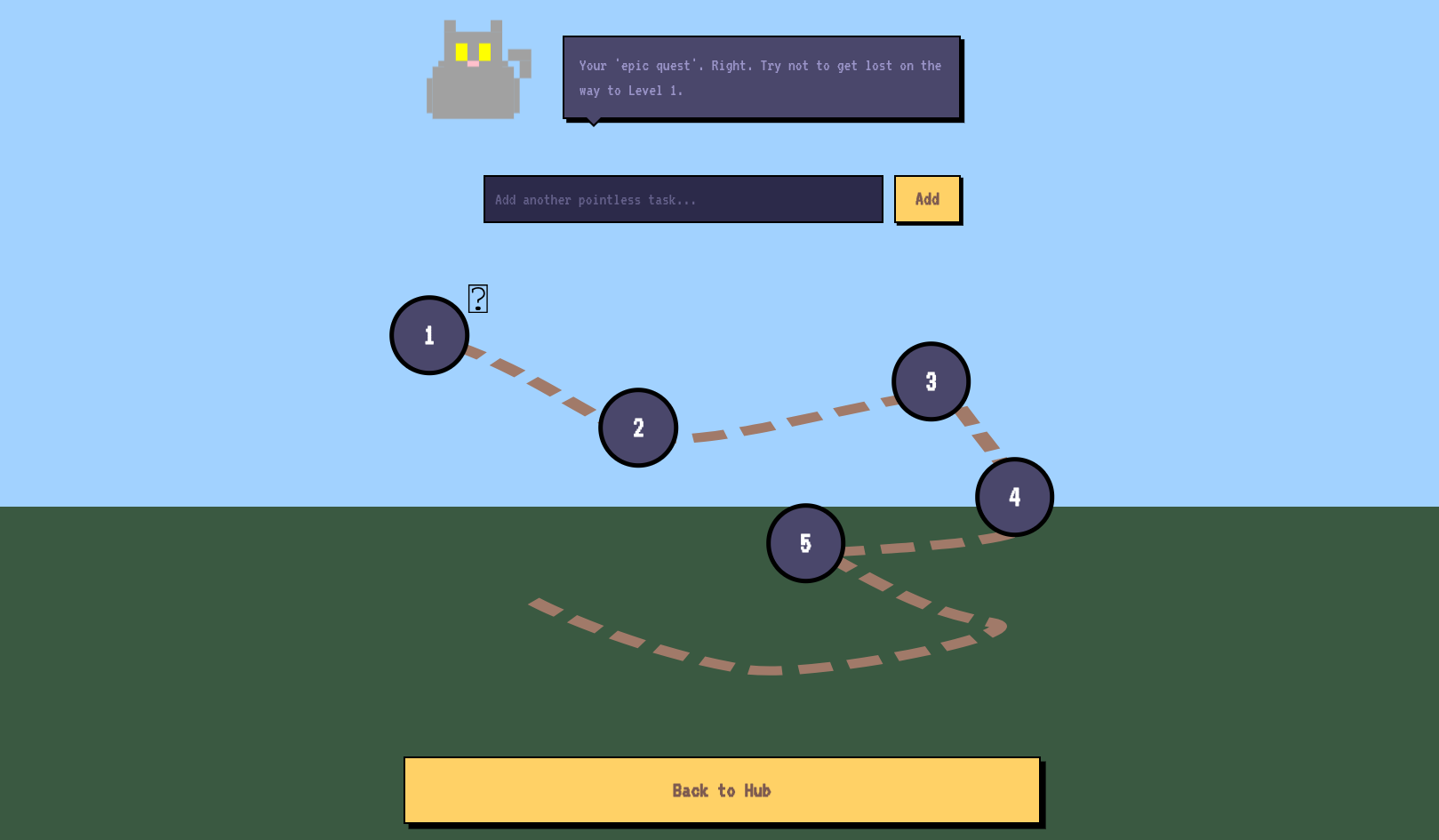
Quest-Based To-Do List where tasks become levels to conquer on a game map
✨ The Wellness Arcade When you need a break, there's:
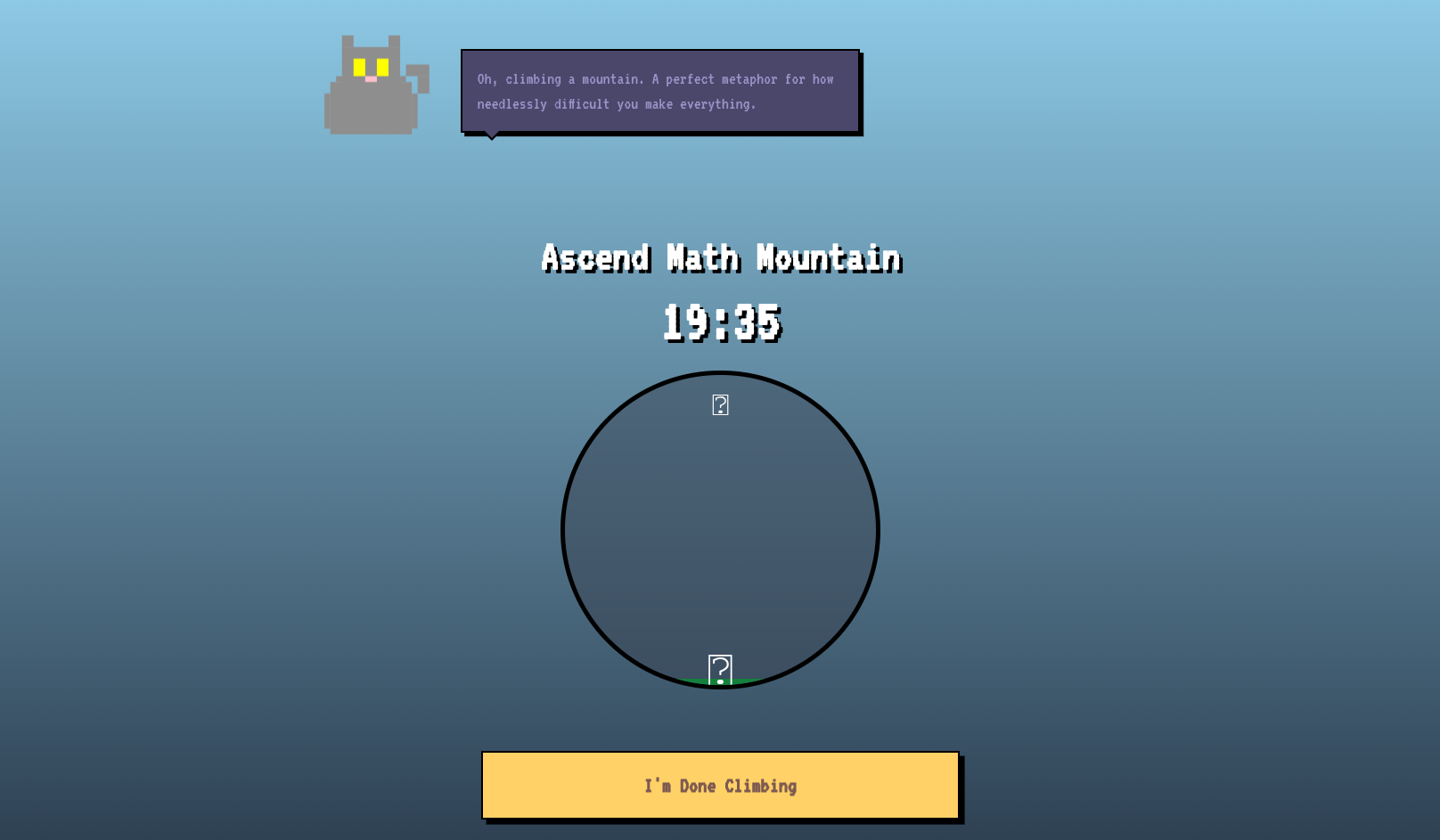
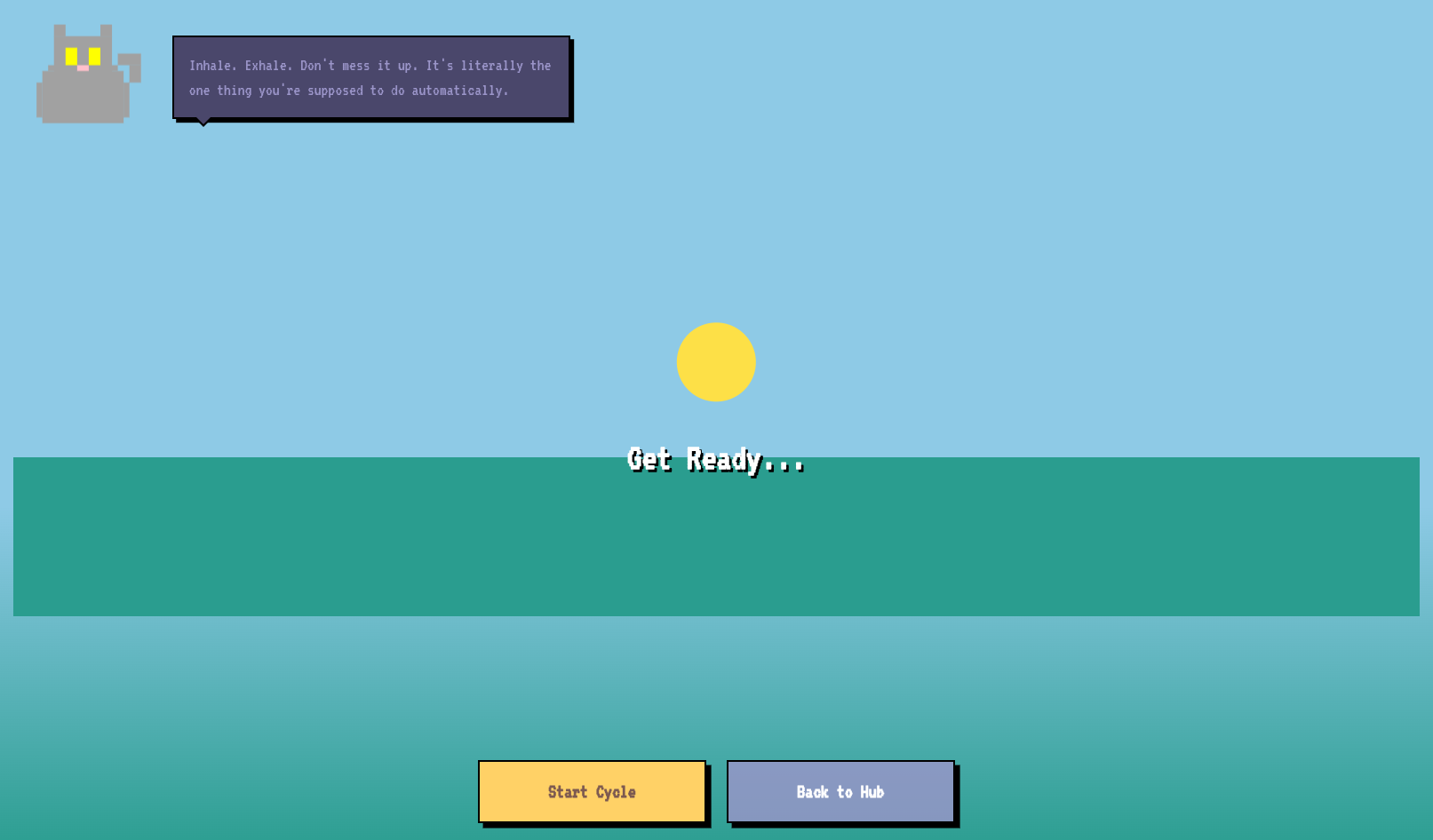
Mindful Meadow - guided breathing with calming visuals
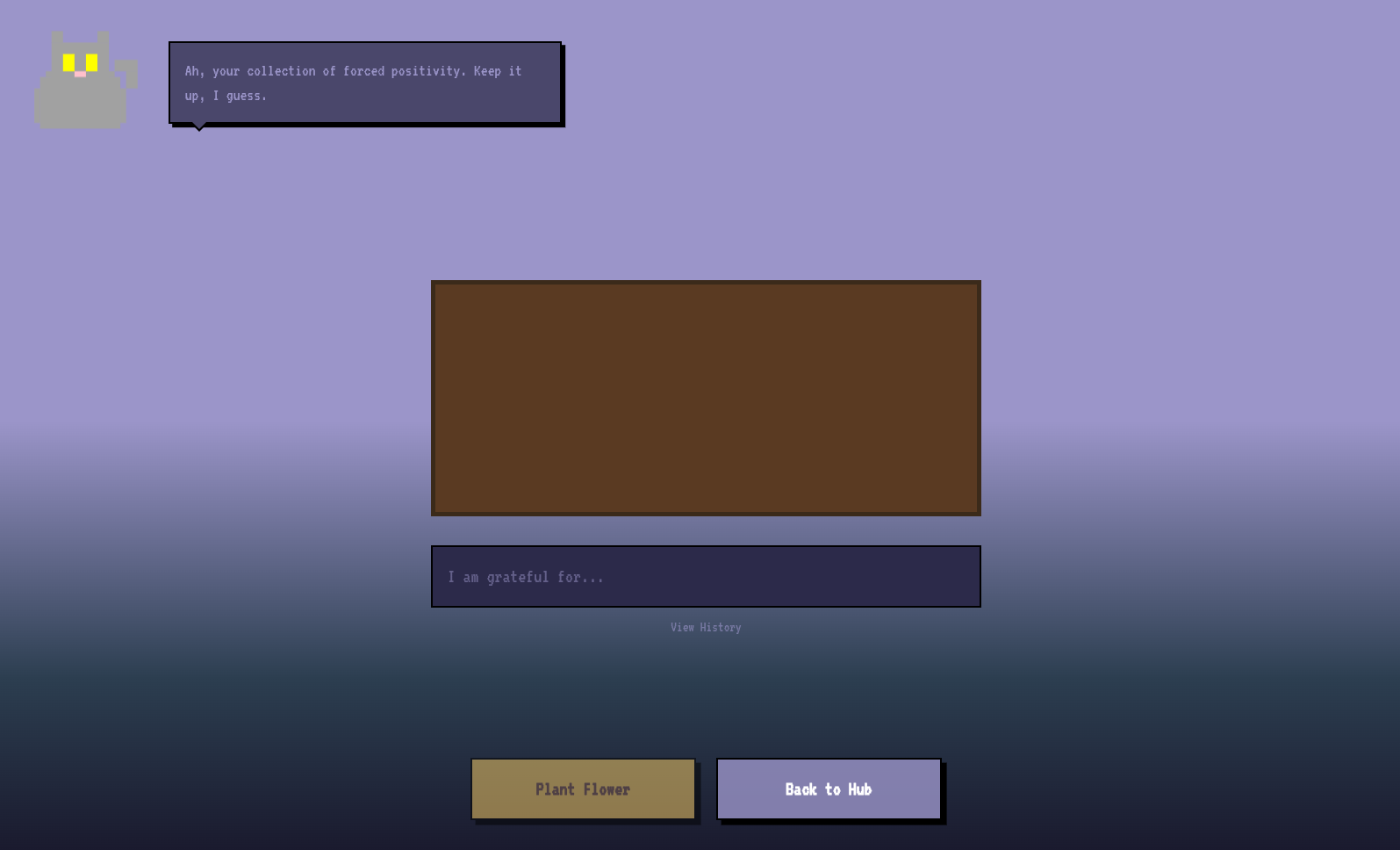
Gratitude Garden - journaling that grows a virtual garden
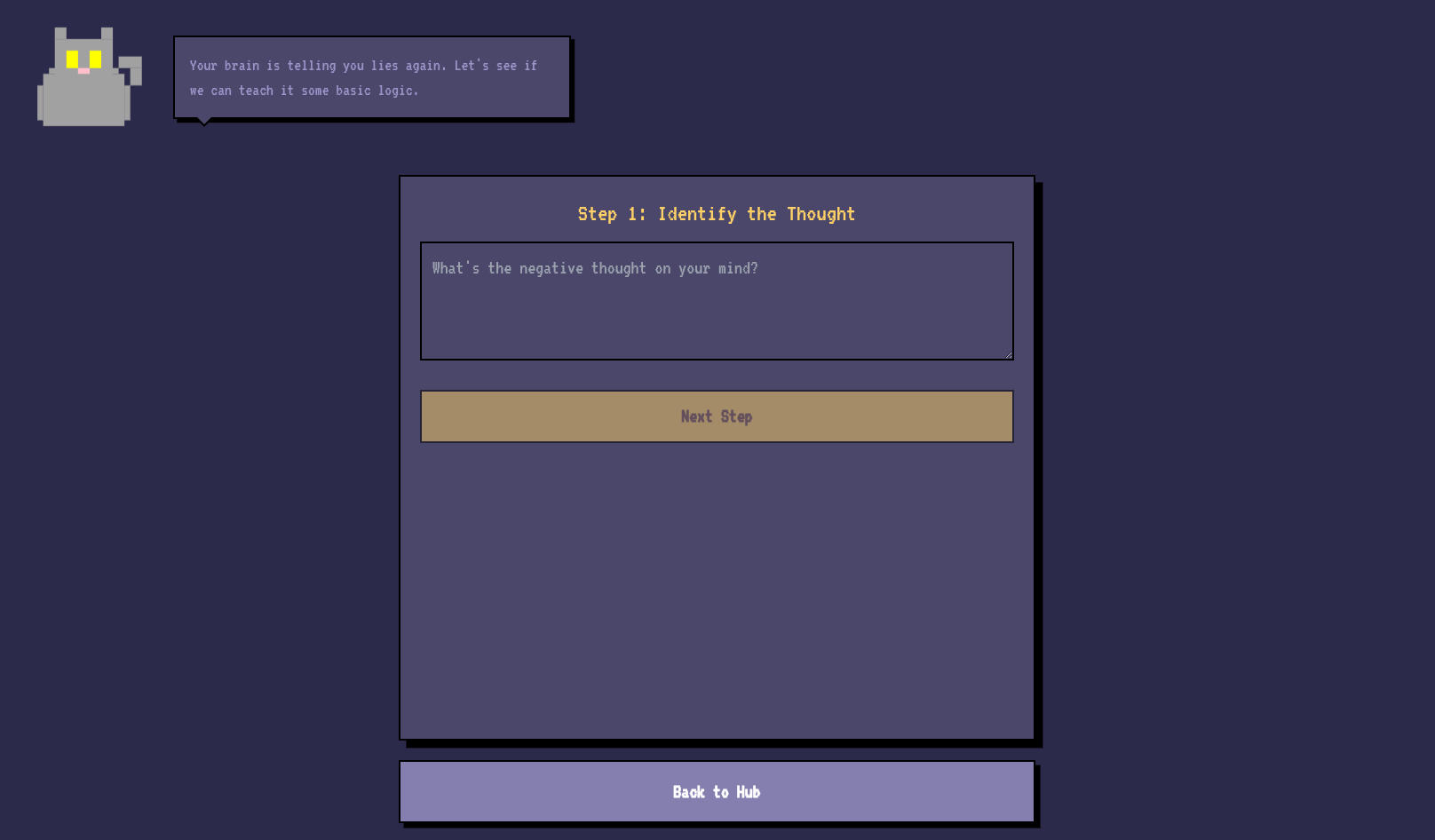
Thought Validator - a tool to reframe negative thinking patterns
✨ The Personal Touch
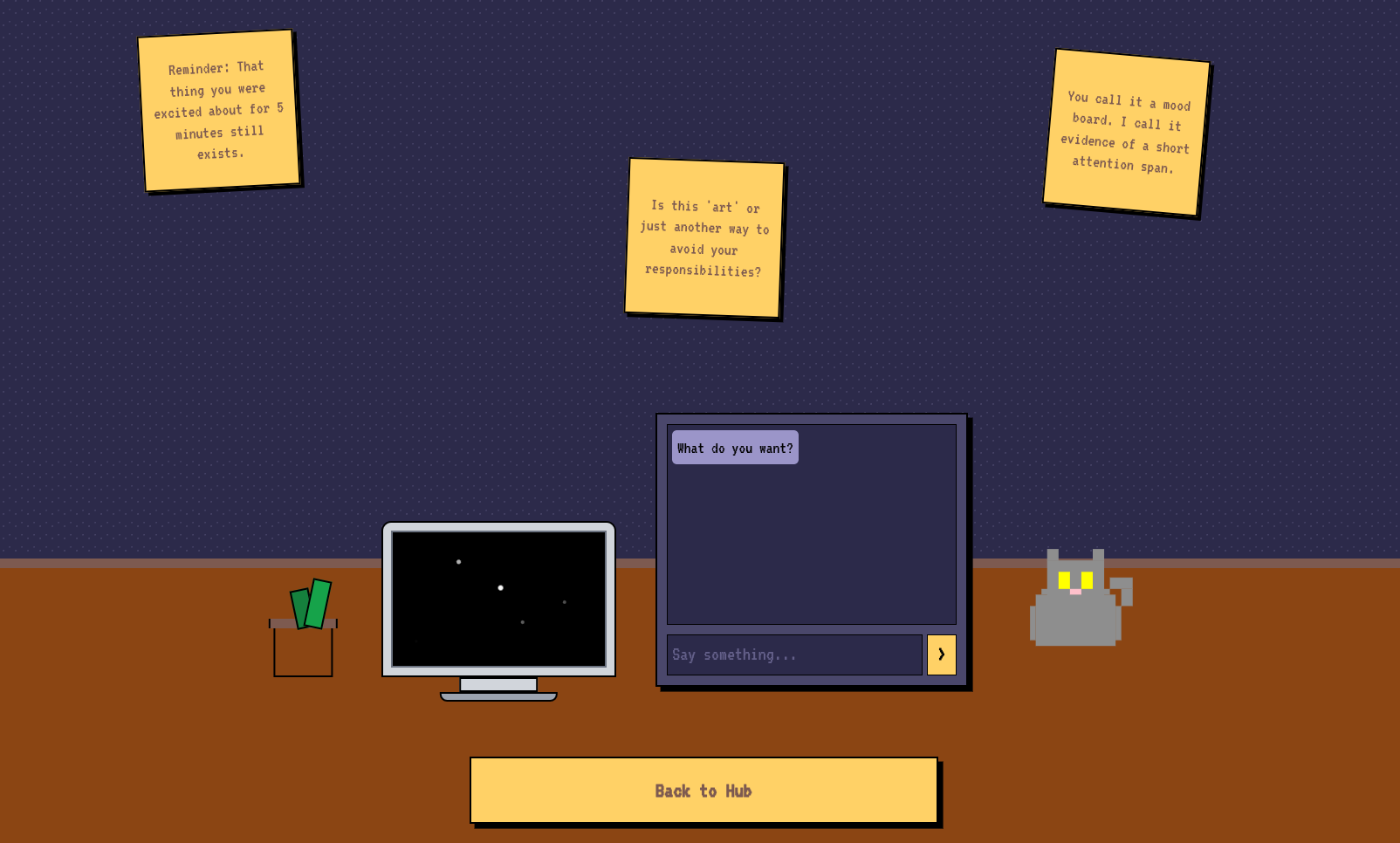
Choose from sassy pixel-art avatars that comment on your progress
Customize your study ambiance with mood settings and background music
Everything wrapped in a cohesive 8-bit aesthetic that makes studying feel like an adventure
How I built it
Frontend: React 19 with TypeScript for type safety
Styling: Tailwind CSS with a custom pixel-art design system
Architecture: Build-less setup using Import Maps - no Webpack or Vite needed!
Icons & Graphics: Custom SVG components for that authentic retro feel
Deployment: Vercel for seamless hosting
Development Approach I went with a "build-less" architecture where the entire React/TypeScript app runs directly in the browser. This meant faster iterations and simpler debugging. The UI is built with reusable, themed components that maintain the 8-bit aesthetic consistently across the entire application.
Challenges I ran into
Creating a convincing retro theme while maintaining modern usability was trickier than expected. I spent hours tweaking CSS to get that perfect pixel-art look without sacrificing accessibility or responsive design.
With multiple interactive features (avatars, games, note-taking), keeping the application state organized was challenging. I ended up implementing a centralized state system using React Context that could handle everything from avatar dialogues to study progress.
Making sure the Knowledge Map and interactive elements remained smooth, especially on lower-end devices, required careful optimization of SVG animations and component re-renders.
Accomplishments that I'm proud of
I developed a custom pixel-art design system in Tailwind CSS that includes:
A retro color palette with proper contrast ratios
Pixel-perfect UI components
Consistent spacing and typography using the VT323 font
Smooth animations that enhance the gaming feel
Successfully building a modern React/TypeScript app without any build tools
Creating interactive SVG components for all avatars and game elements
Implementing a robust state management system that persists user progress
Achieving fast load times and smooth performance across all features
What I learned
User Experience Design: How to balance aesthetics with functionality
Project Planning: Breaking down a complex idea into manageable features
Problem-Solving: When to push through technical challenges and when to pivot approaches
Attention to Detail: How small touches (like avatar dialogues) create memorable experiences
Built With
- cdn-hosted
- css
- custom
- grid
- modern
- react
- svg
- tailwind
- typescript
- vercel
- vt323

Log in or sign up for Devpost to join the conversation.