-
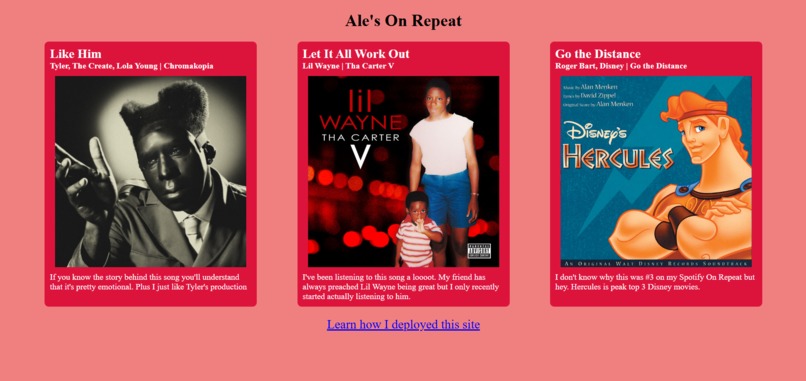
Static site being served at aleguy02.dev
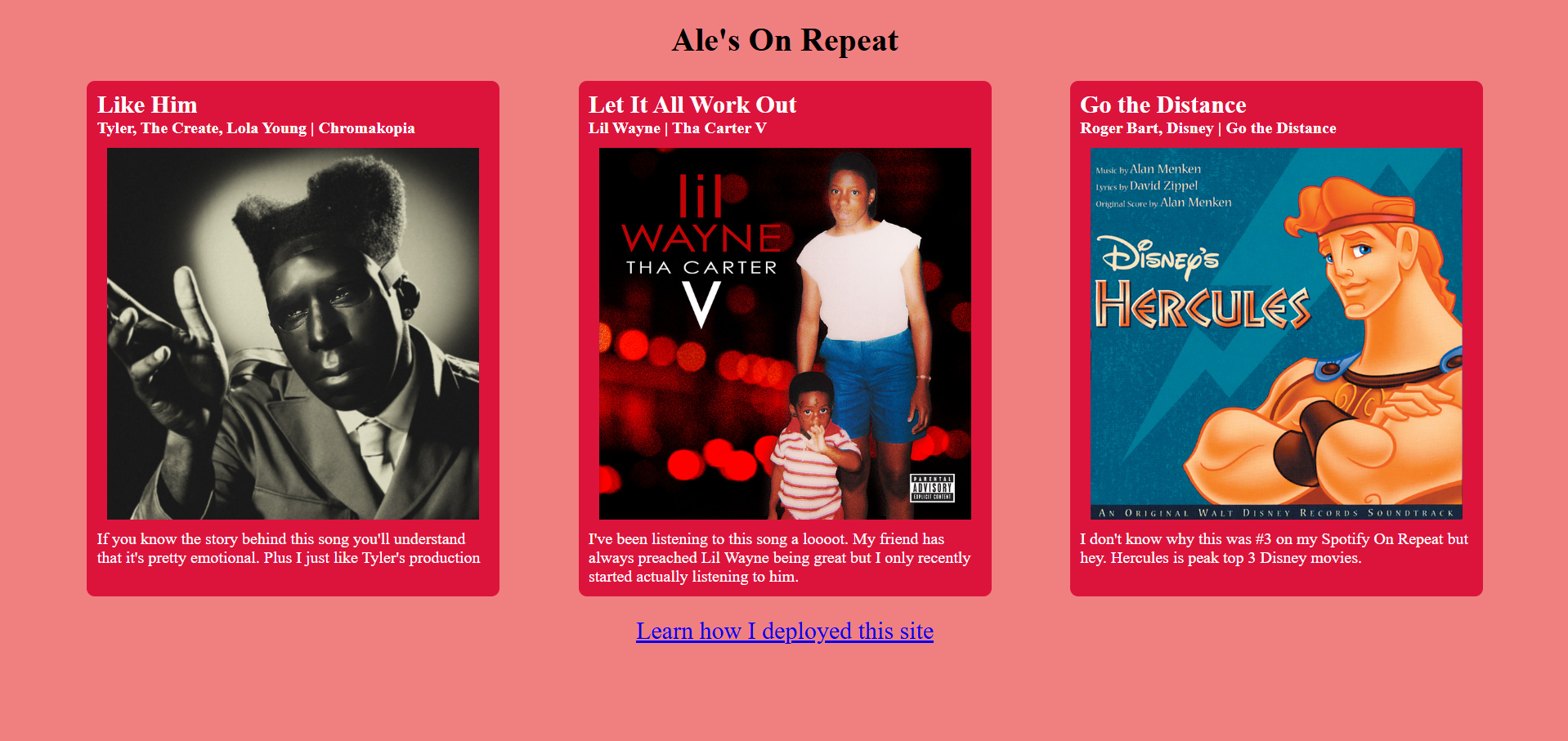
Ale's On Repeat
Curious about what I've been listening to? This repository contains the source code for the static site being served on aleguy02.dev with my top 3 songs from Spotify's "On Repeat"!
How I Deployed
This site was deployed via a DigitalOcean droplet running Nginx. A droplet is a Linux-based virtual machine, and Nginx is a web server that lets me serve the content.
Originally, you could only connect to my site by typing the IP address into the search bar, but typing a long IP address every time I wanted to visit the site was a pain! So, I bought the aleguy02.dev domain on Porkbun.
The Story
First, I spun up my first DigitalOcean droplet (free with the GitHub Student Developer Pack) by following DigitalOcean’s tutorial series. I can't recommend these tutorials enough
if you want to get started—they’re comprehensive, go in order, and are easy to follow. The full series consists of 39 articles (I've made it through about 14 so far), and you can
find the first one here. However, tutorials alone may not answer all your questions,
so make sure to use a variety of sources—go for breadth first. Which brings me to my first big obstacle.
After setting up my firewall and installing Nginx, I was ready to configure server blocks. However, to do this, I needed a domain name, so I bought aleguy02.dev from Porkbun.
Great! SSH still worked, so I adjusted some configuration settings to manage my DNS records through DigitalOcean’s control panel. But upon doing this, I broke something. Suddenly,
I couldn't SSH into my VM through aleguy02.dev anymore, and trying to access the site in Chrome gave me an error. After lots of reading, I discovered my mistake: I had set
up an A record for aleguy02.dev but not for www.aleguy02.dev. I'm still not 100% sure why that was necessary, but learning is never linear, so I'll come back to it another
time. Once I fixed that, I could SSH into aleguy02.dev again!
Eager to see results, I tried Googling my site... "Took too long to connect"? What? Trying to access aleguy02.dev in Chrome still gave me an error. I SSHed into my Azure VM
(which I set up during the previous day's MLH stream) to troubleshoot with dig and ping. Everything looked fine, so I tested different browsers. Lo and behold, aleguy02.dev worked on Firefox!
After more reading and cross-referencing DigitalOcean, Nginx, and Porkbun’s docs, I found the issue: Chrome (and Arc, the other browser I used for troubleshooting) require an HTTPS (secure) connection
for any .dev domain, which I hadn't set up yet. Enter Certbot, and problem solved. Finally, I was able to reach my site :D
This was a big project. Though the final site itself might seem unimpressive to most, the behind-the-scenes process of learning new technologies and getting them to work together was an incredibly gratifying challenge. Big thank you to MLH for their Global Hack Weeks, and a special thank you to @wei for our coffee chat a few months ago that put me on this path.

Log in or sign up for Devpost to join the conversation.