-
-
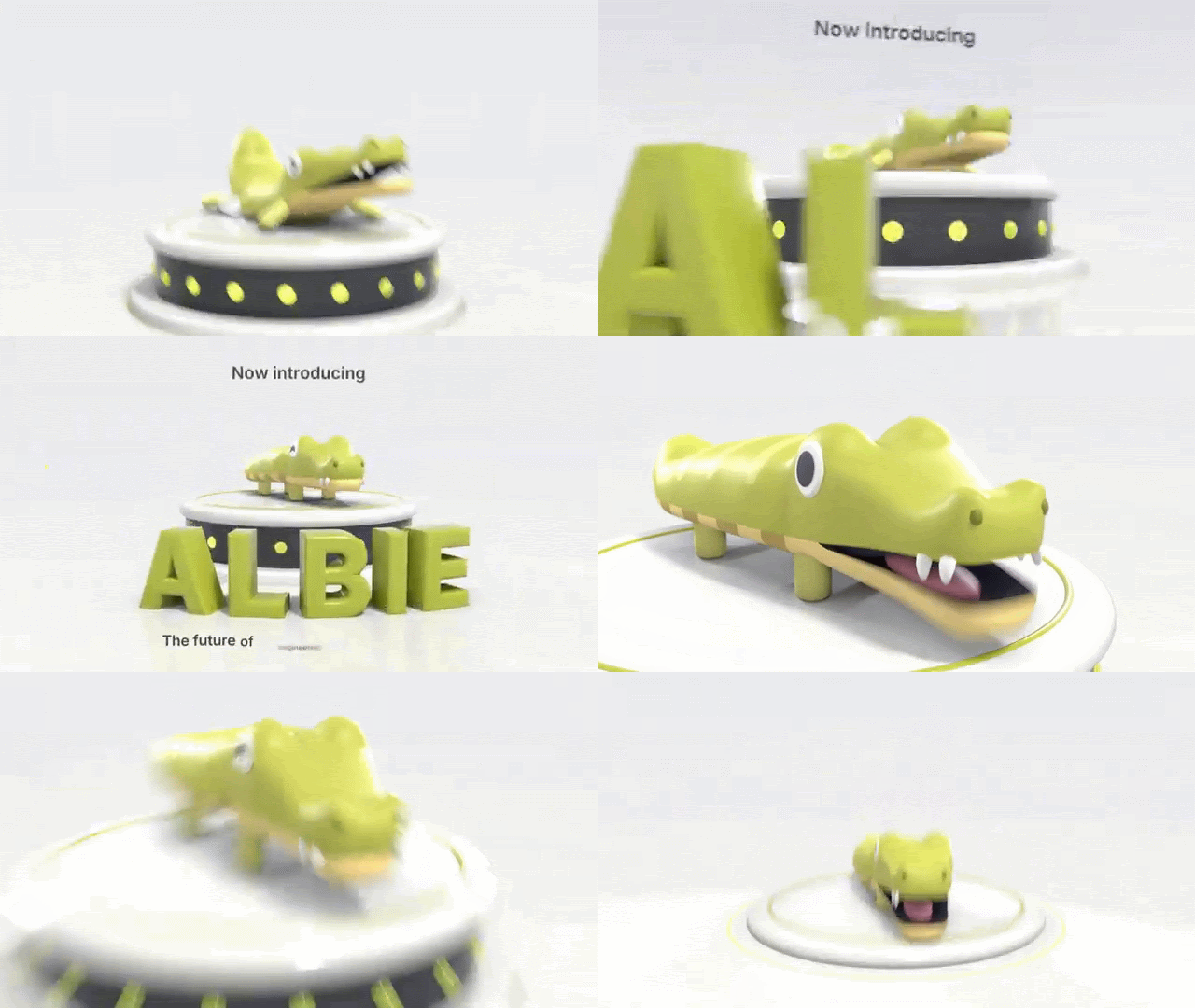
 GIF
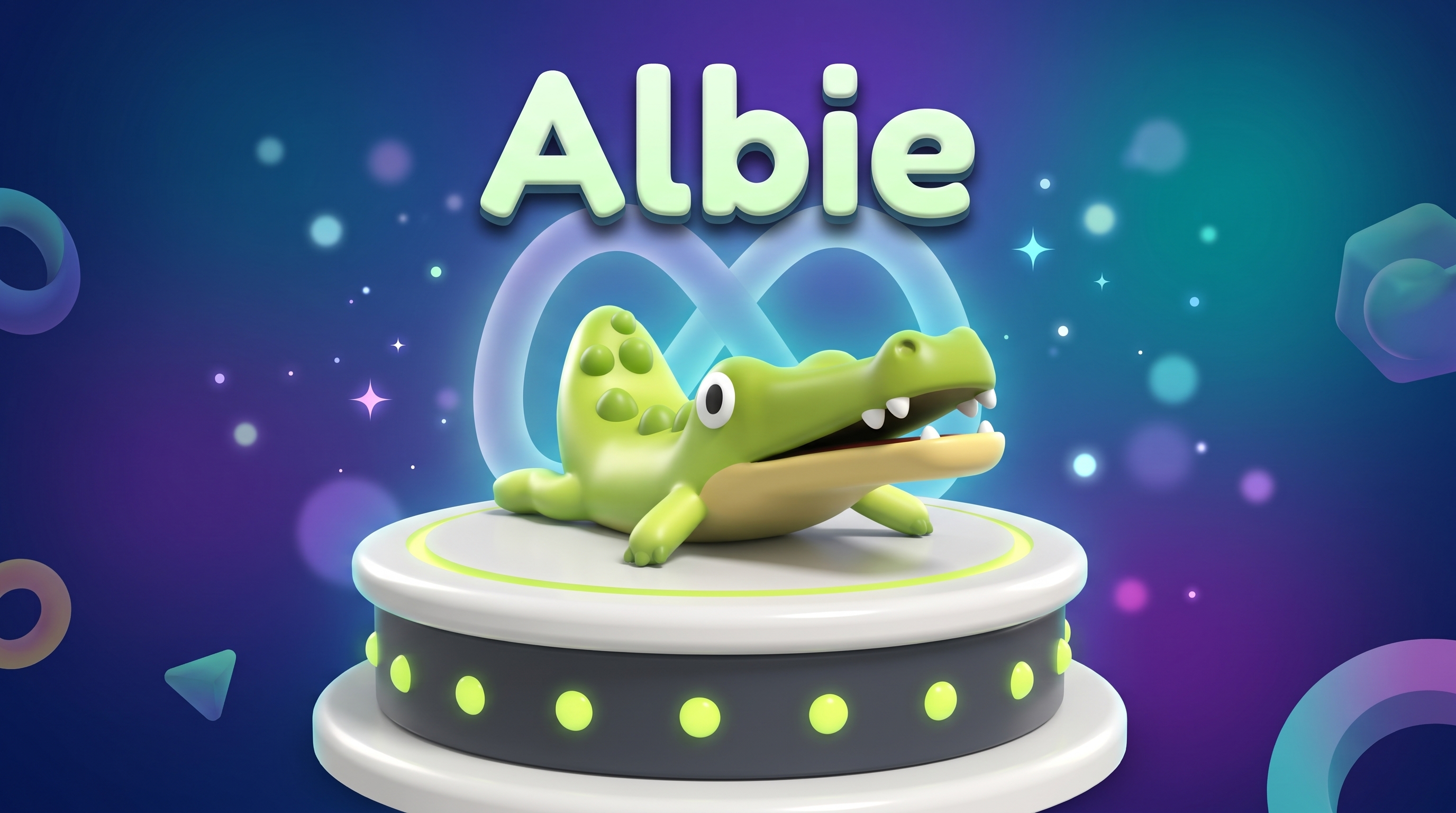
Albie in all his glory
-
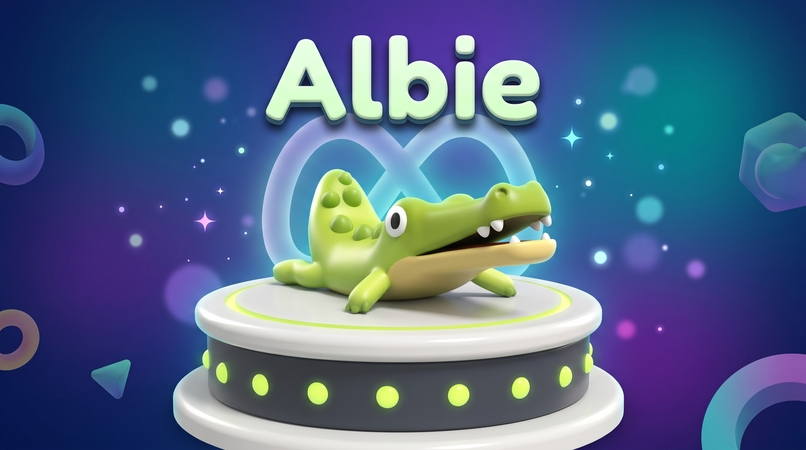
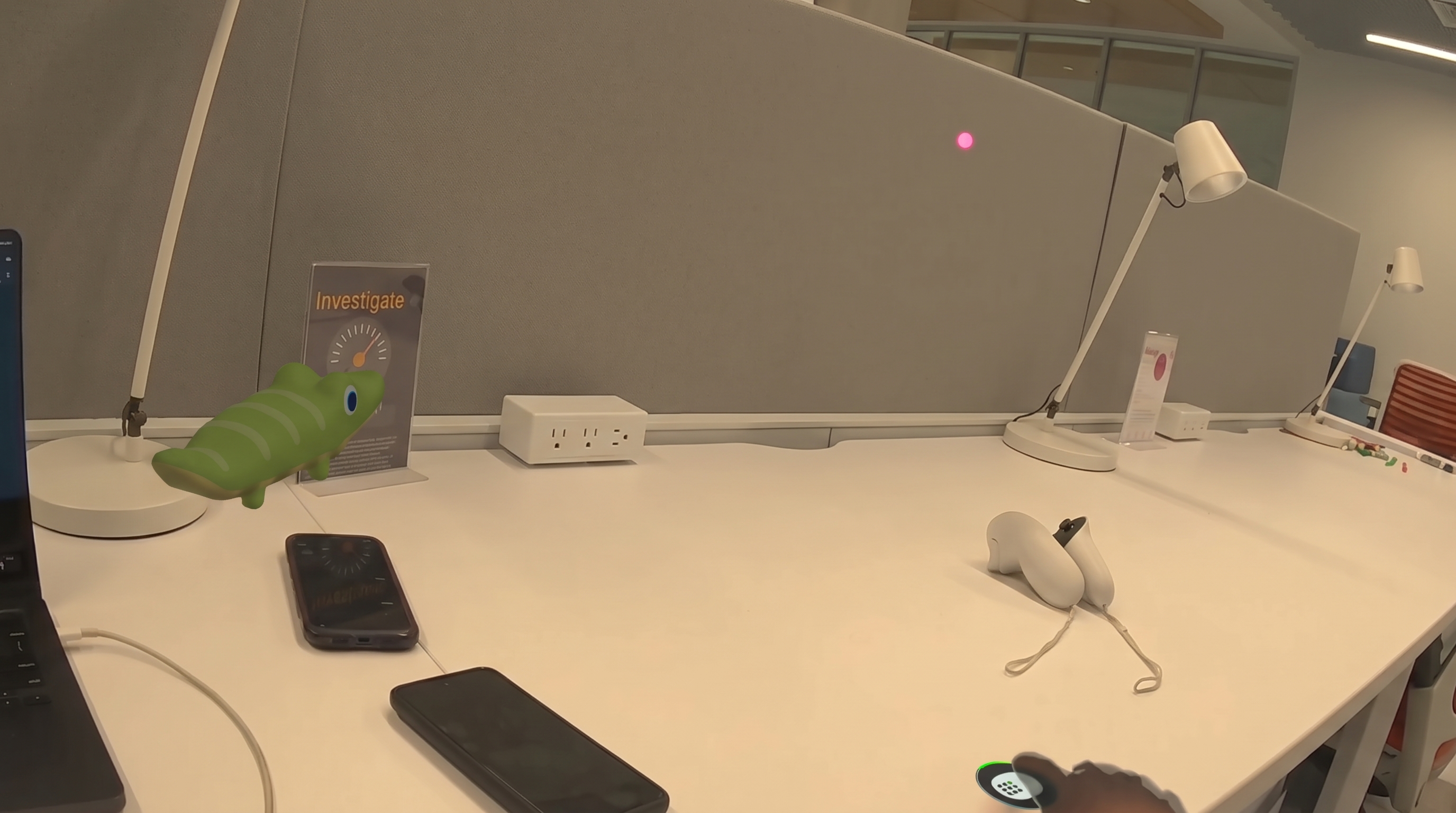
Albie AI Vr assistant
-
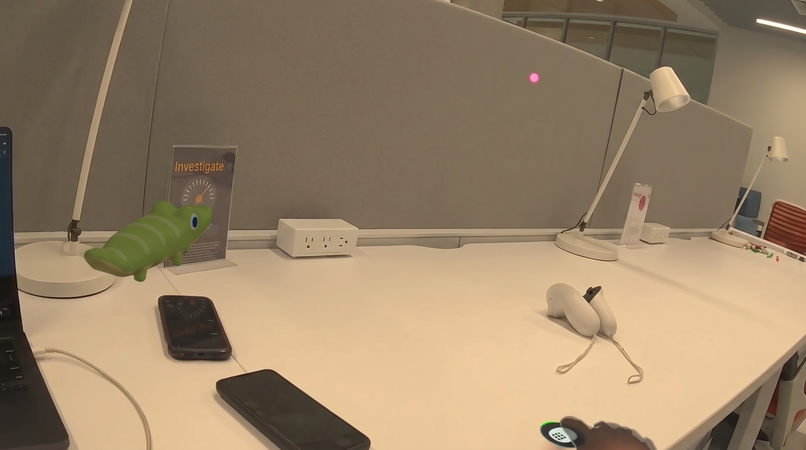
Albie In Desk
-
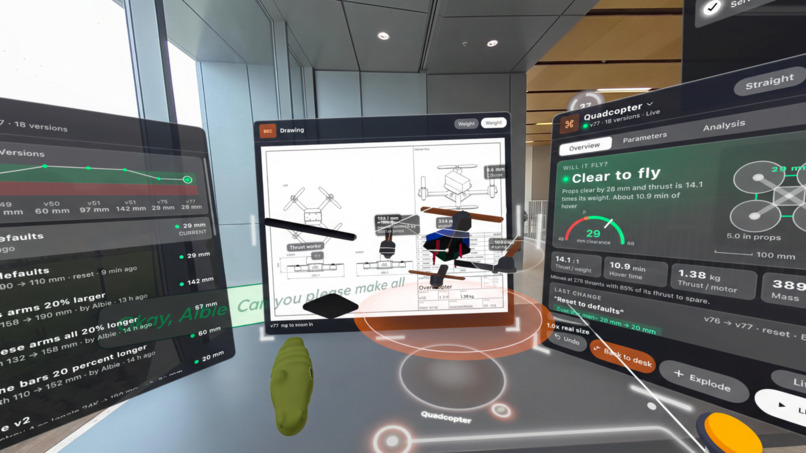
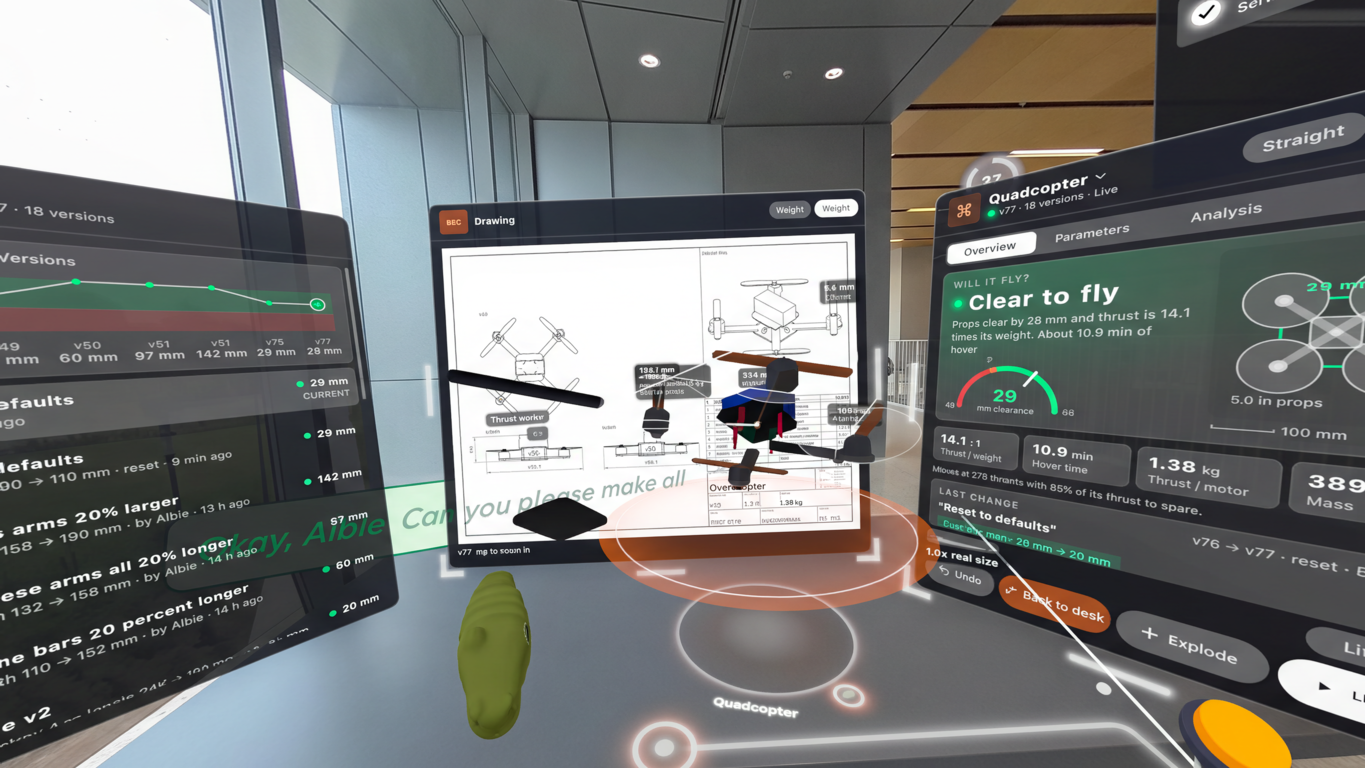
Quadcopter Engineering & Analysis Workspace
-
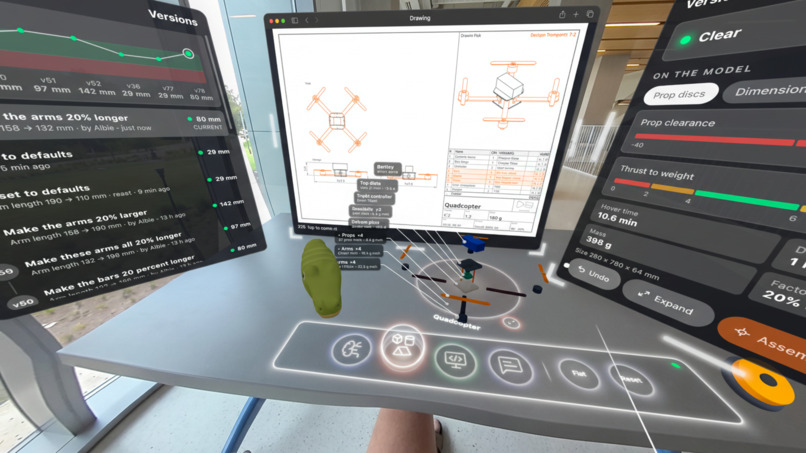
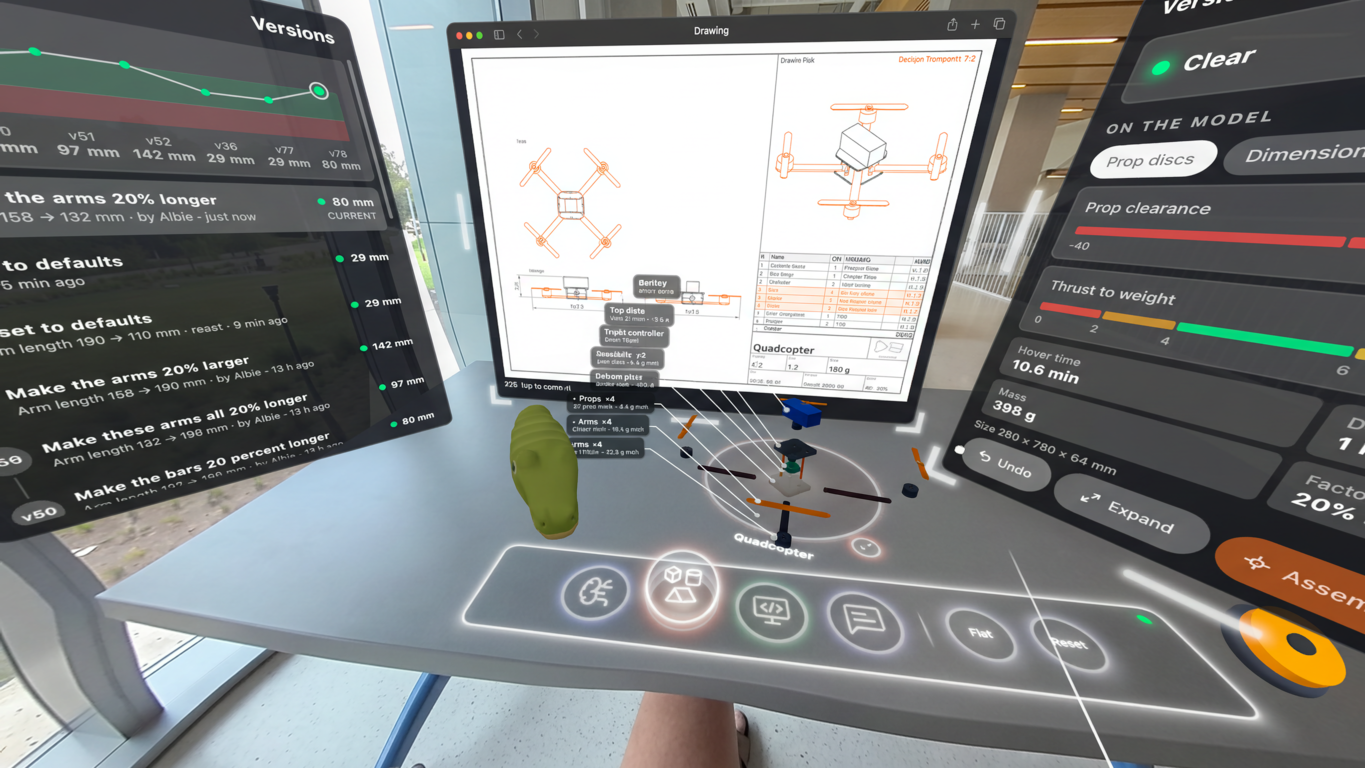
Quadcopter Close-Up Assembly & Part Diagnostics
-
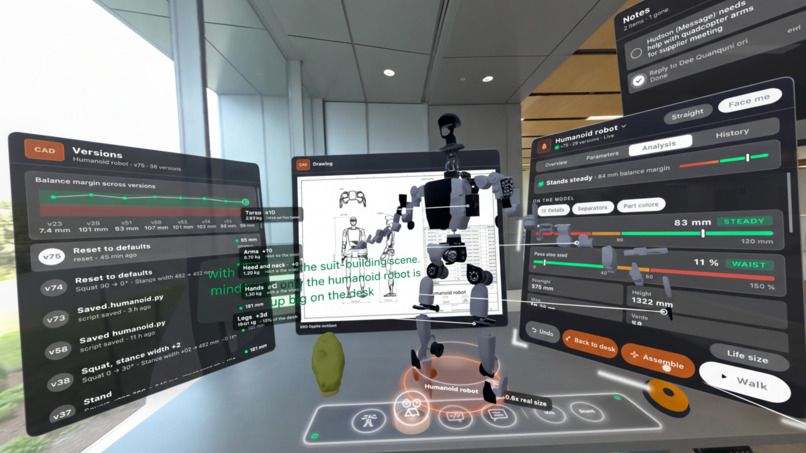
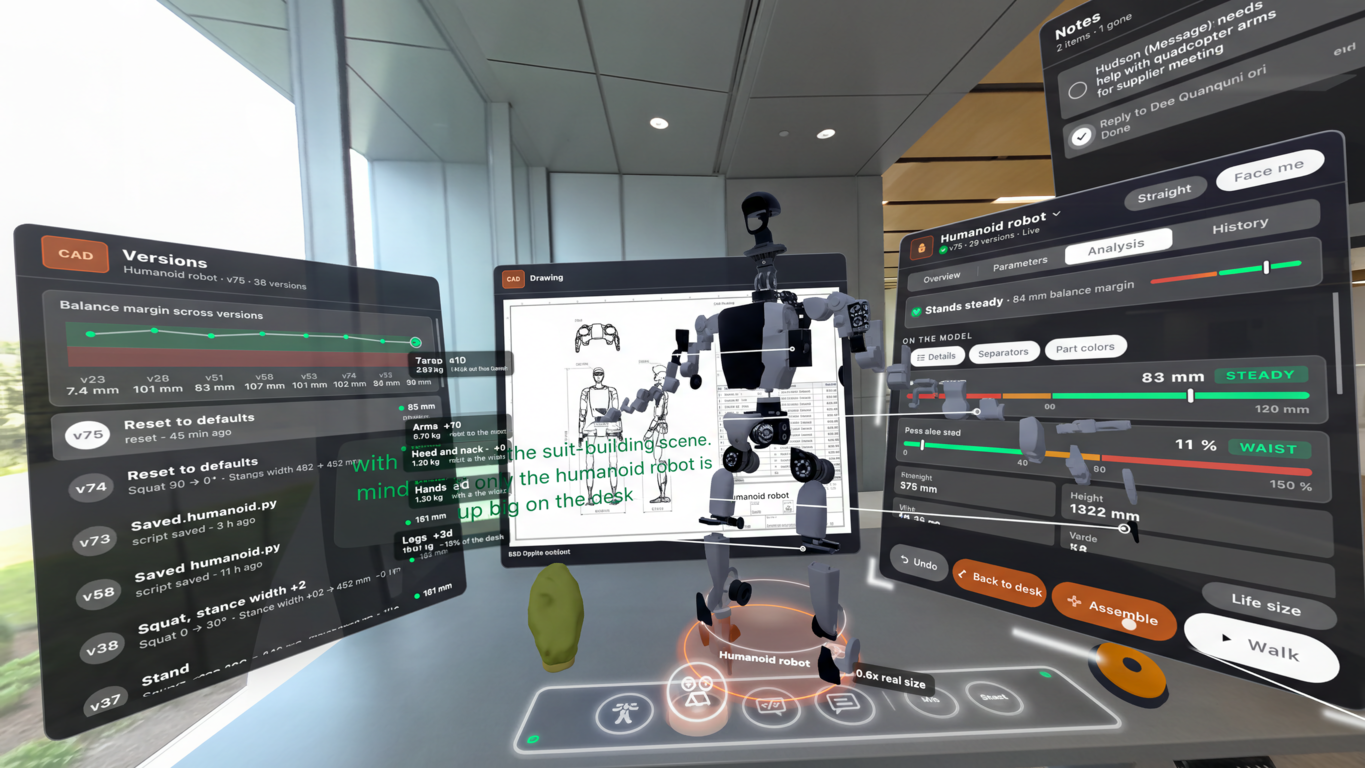
Humanoid Robot CAD & Assembly Session
-
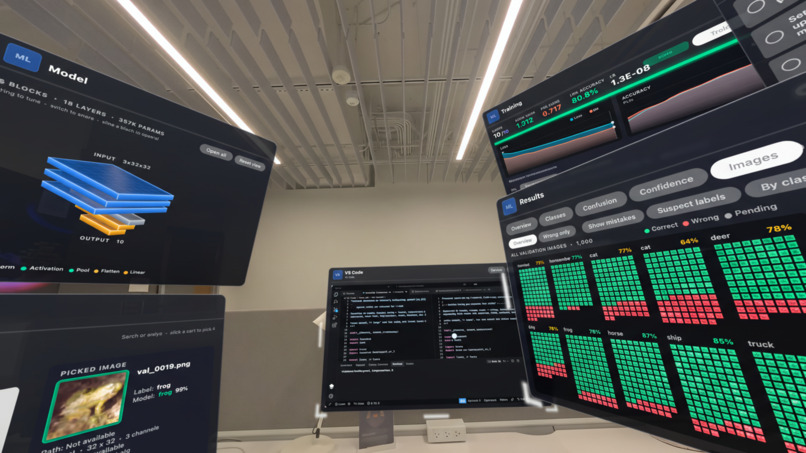
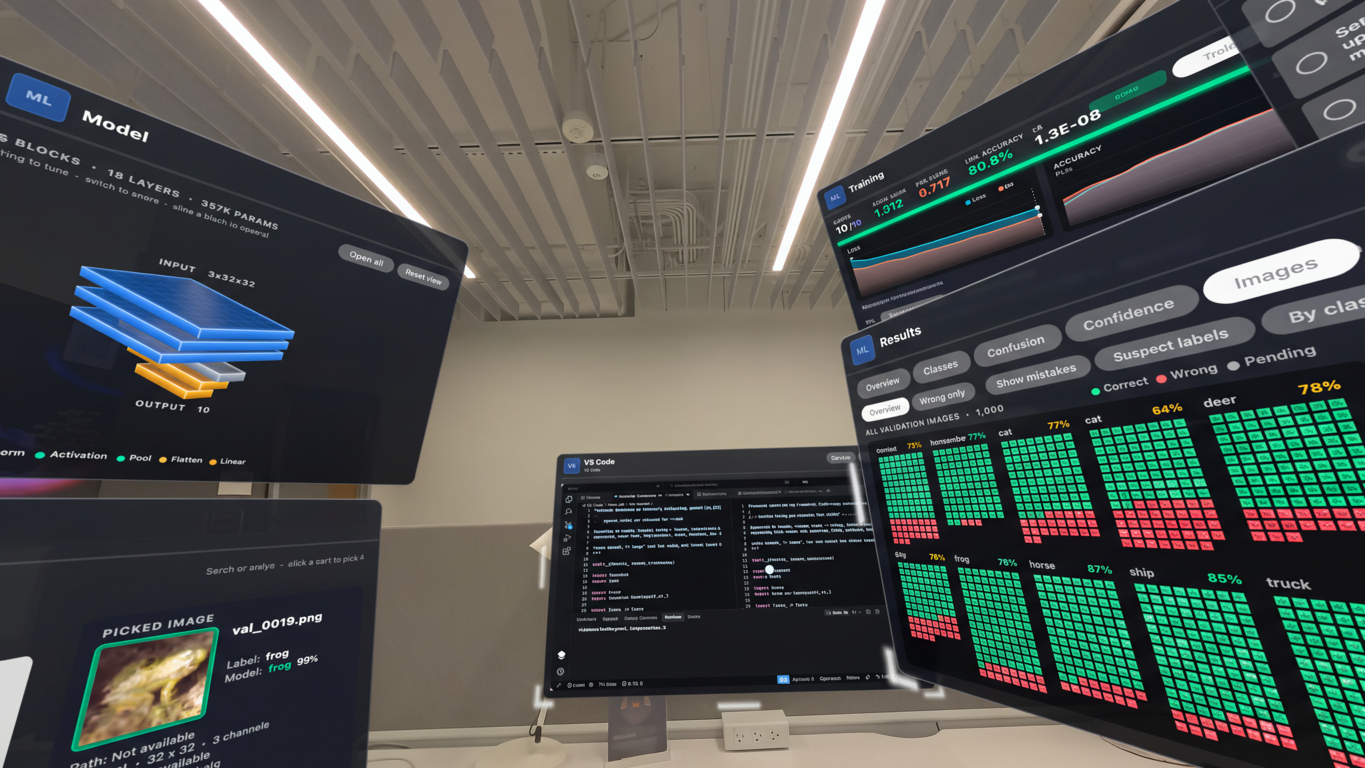
Machine Learning Neural Network Training & Validation Dashboard
-
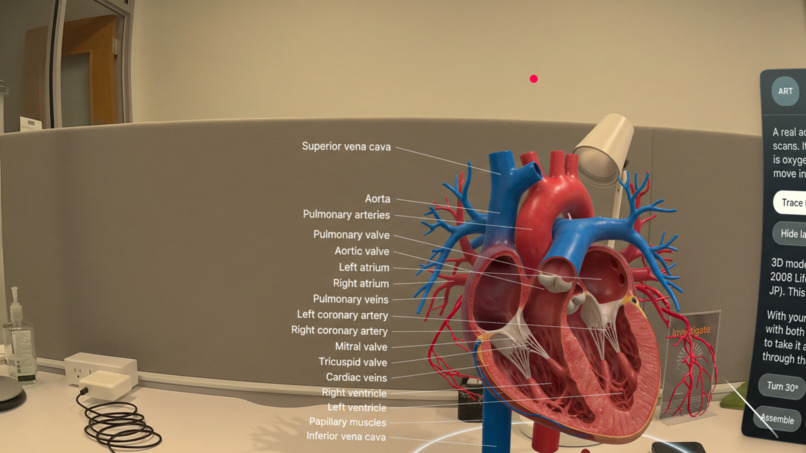
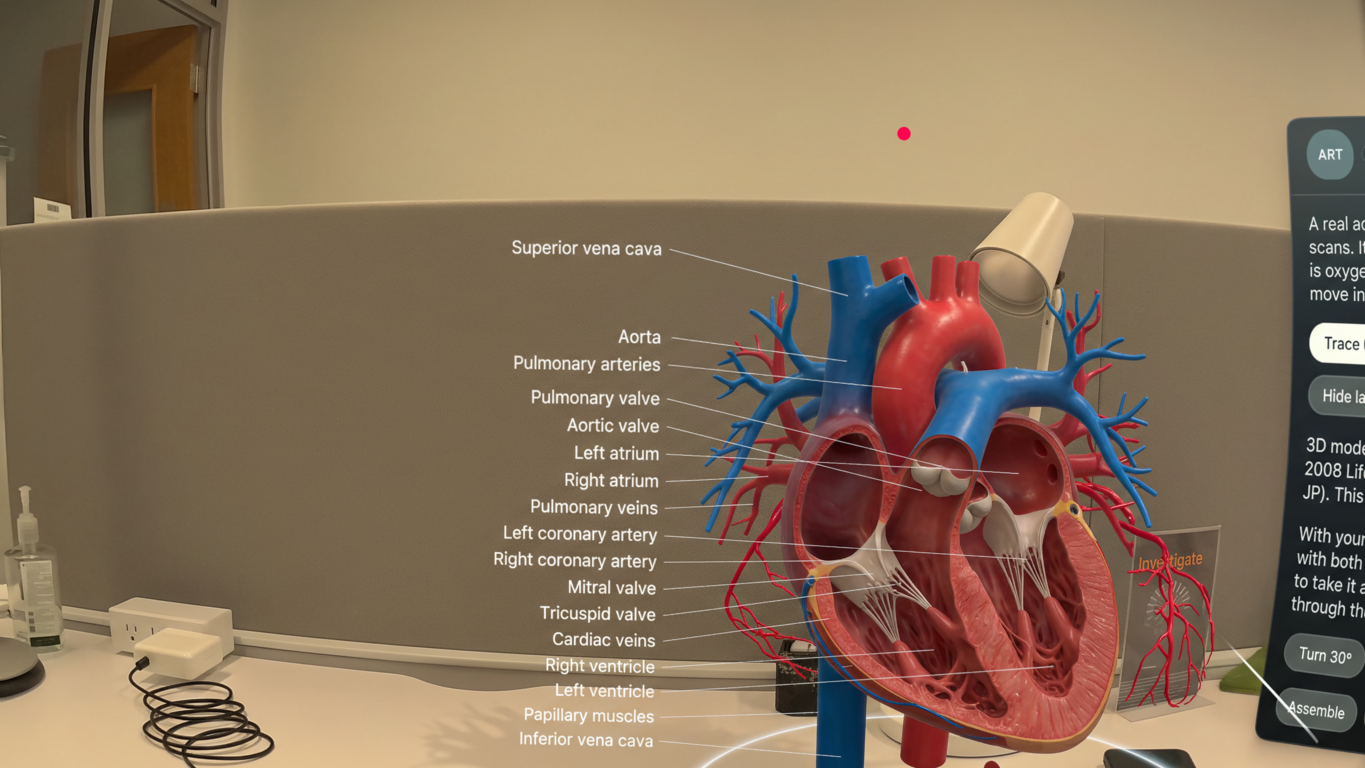
Interactive 3D Medical Heart Anatomy Visualization
-
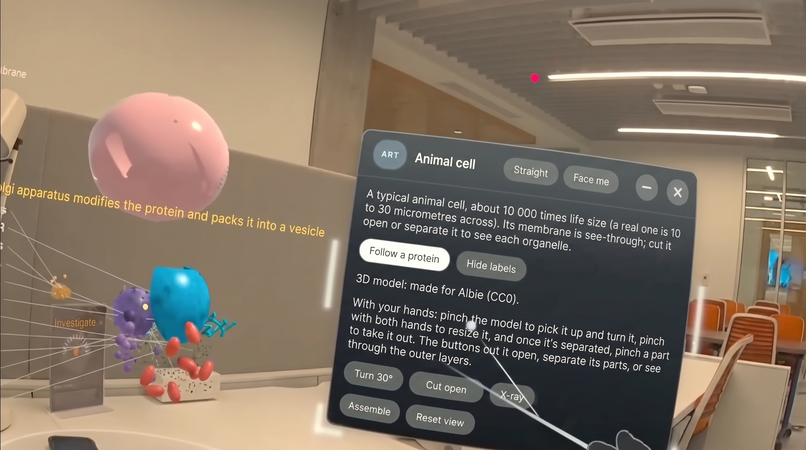
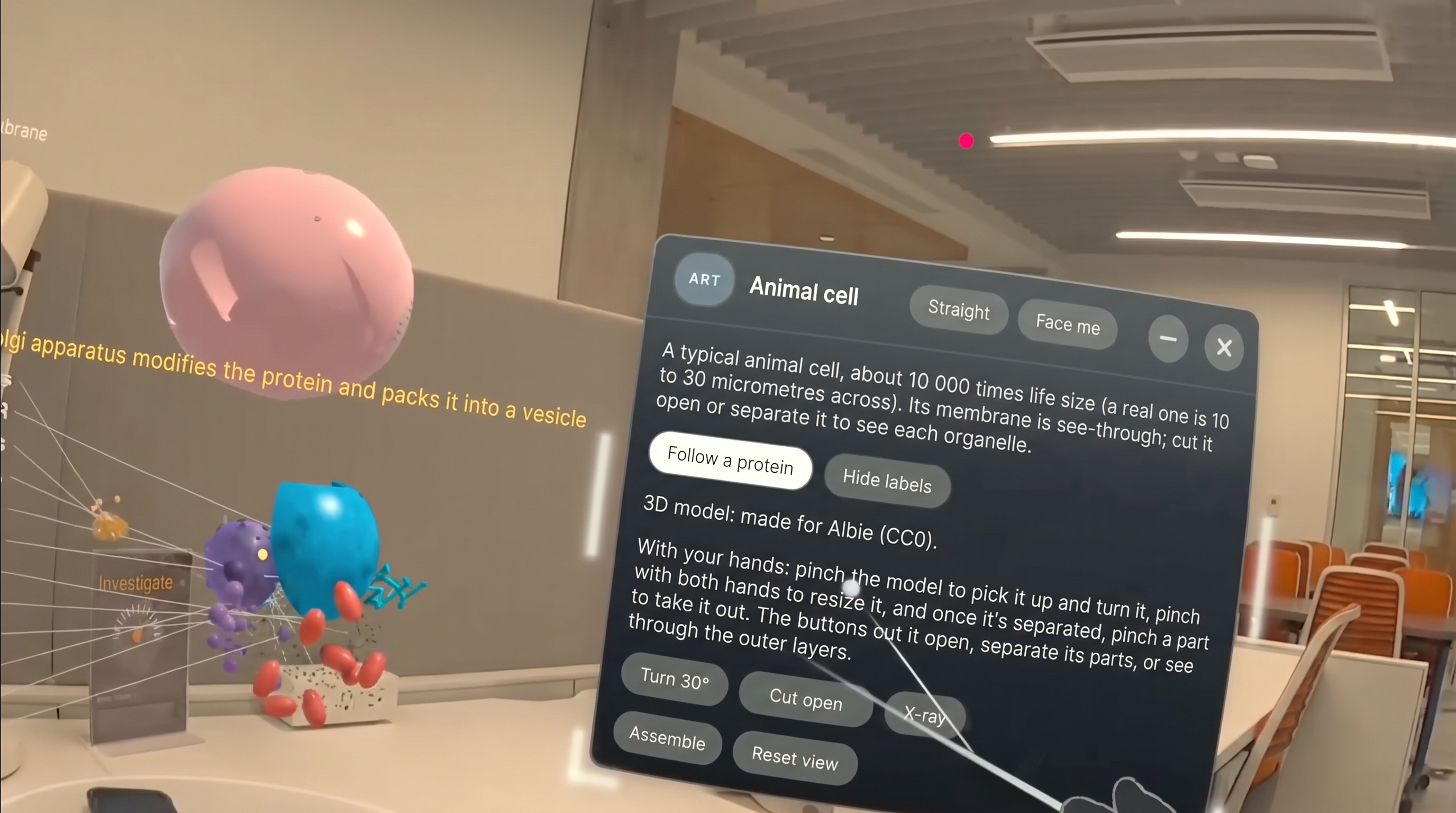
Interactive 3D Medical Animal Cell Visualization
-
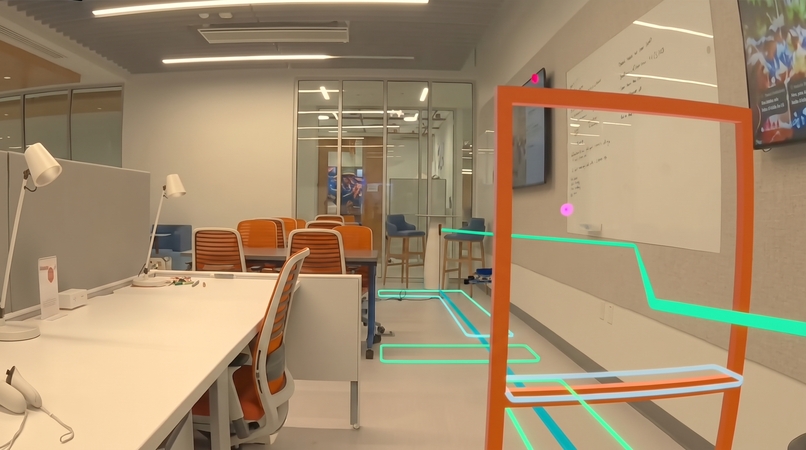
Quad copter training to learn Albie for Autopilot
-
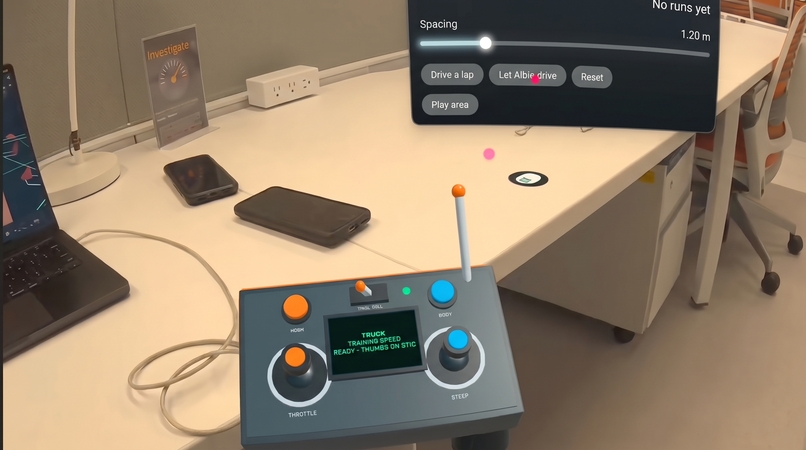
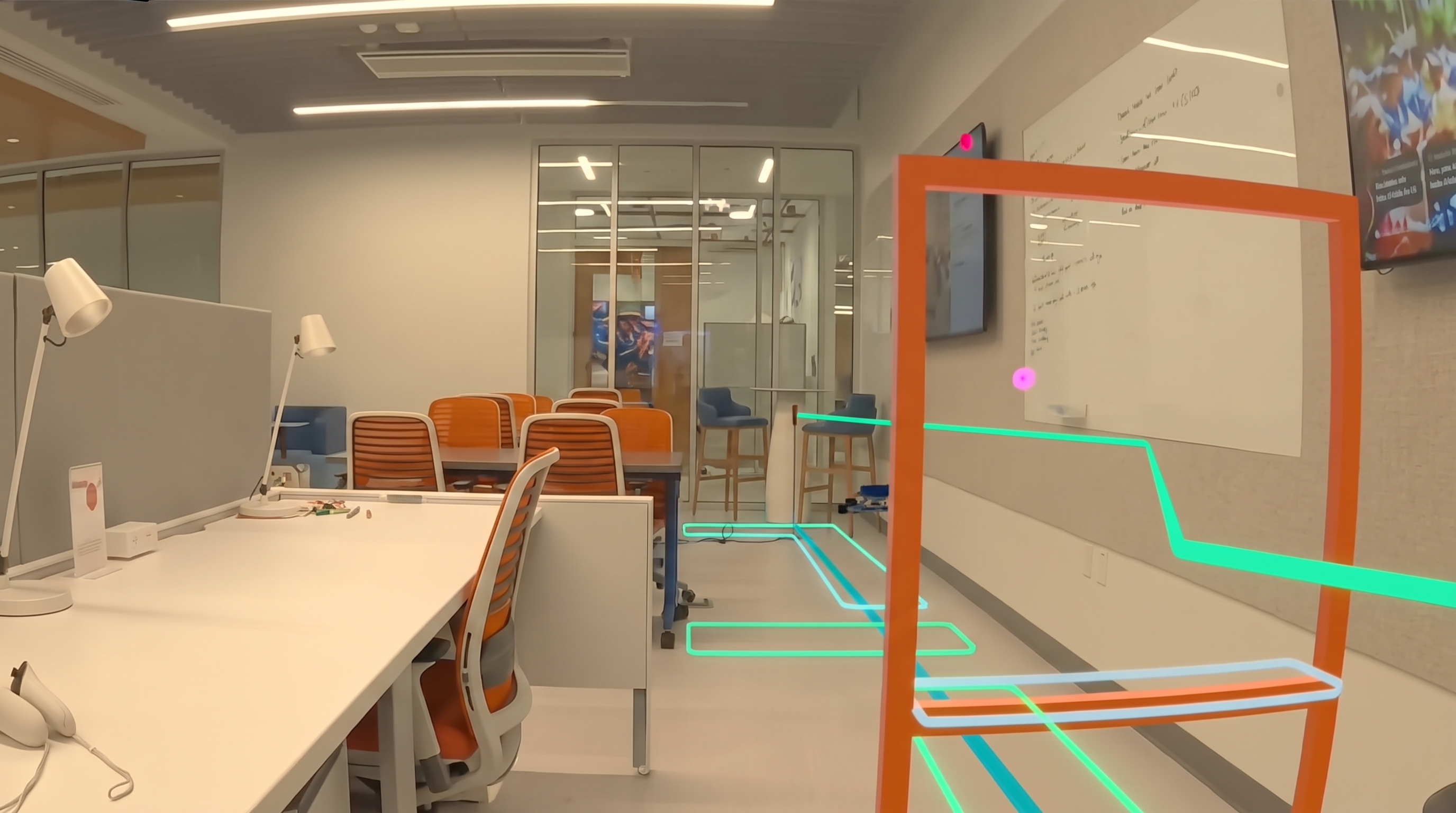
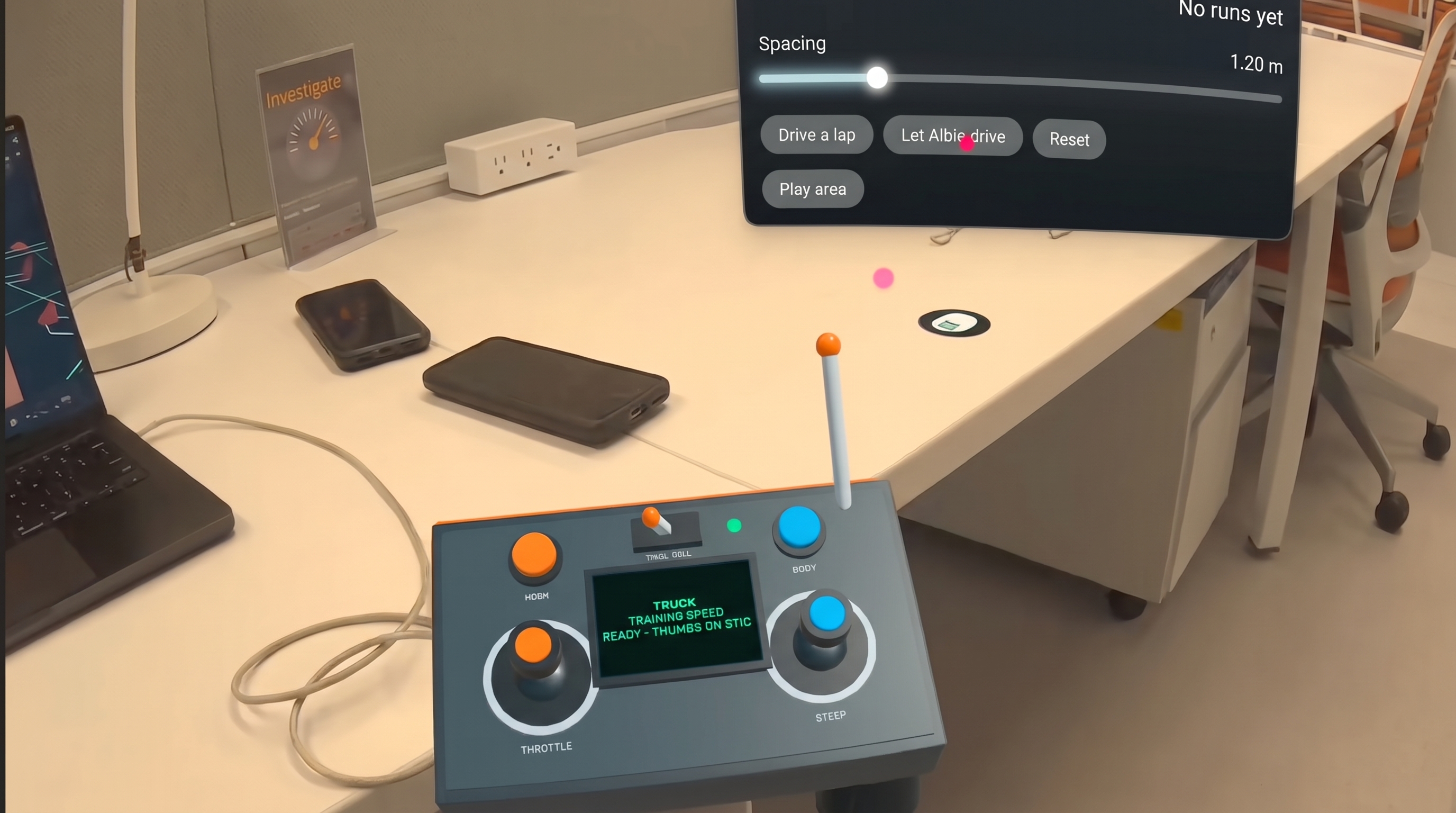
Slalom Truck Drive Controller
-
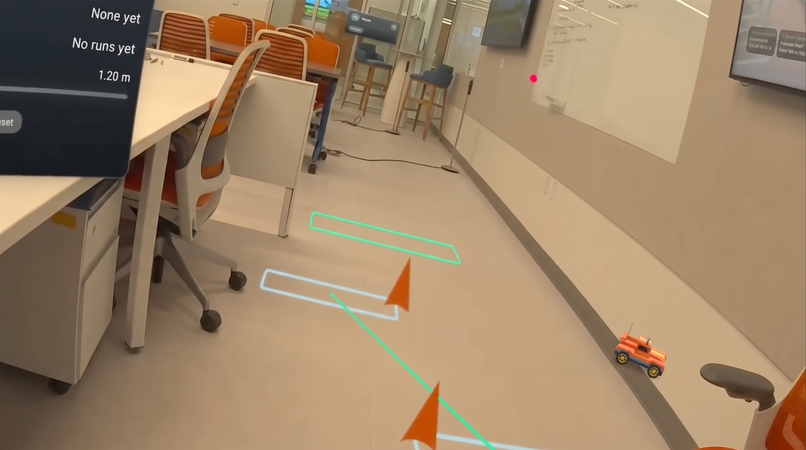
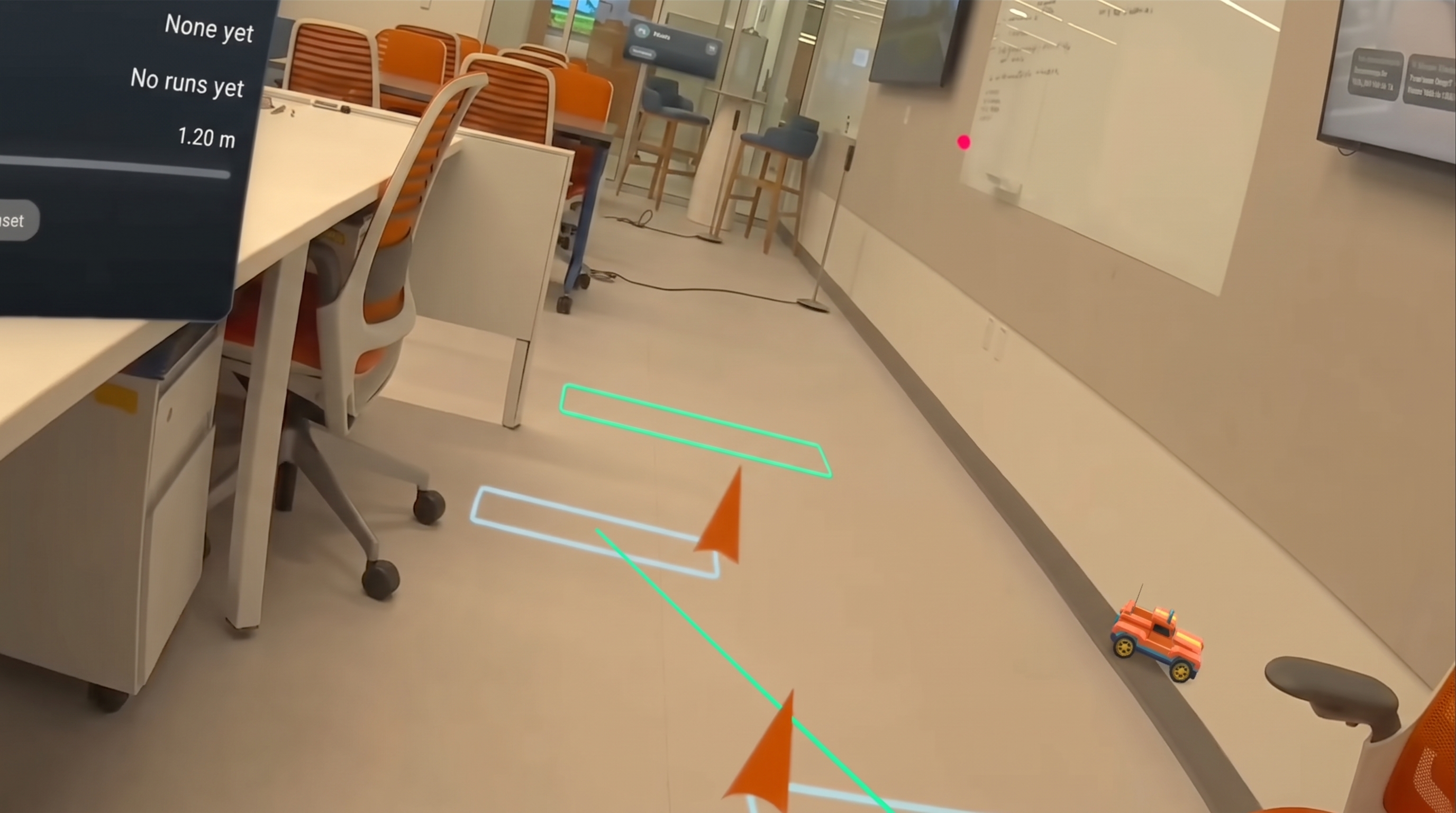
Slalom Truck Drive View
-
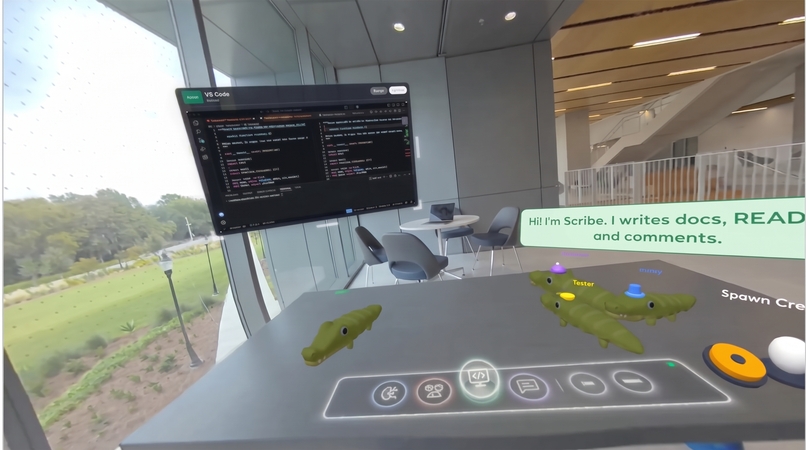
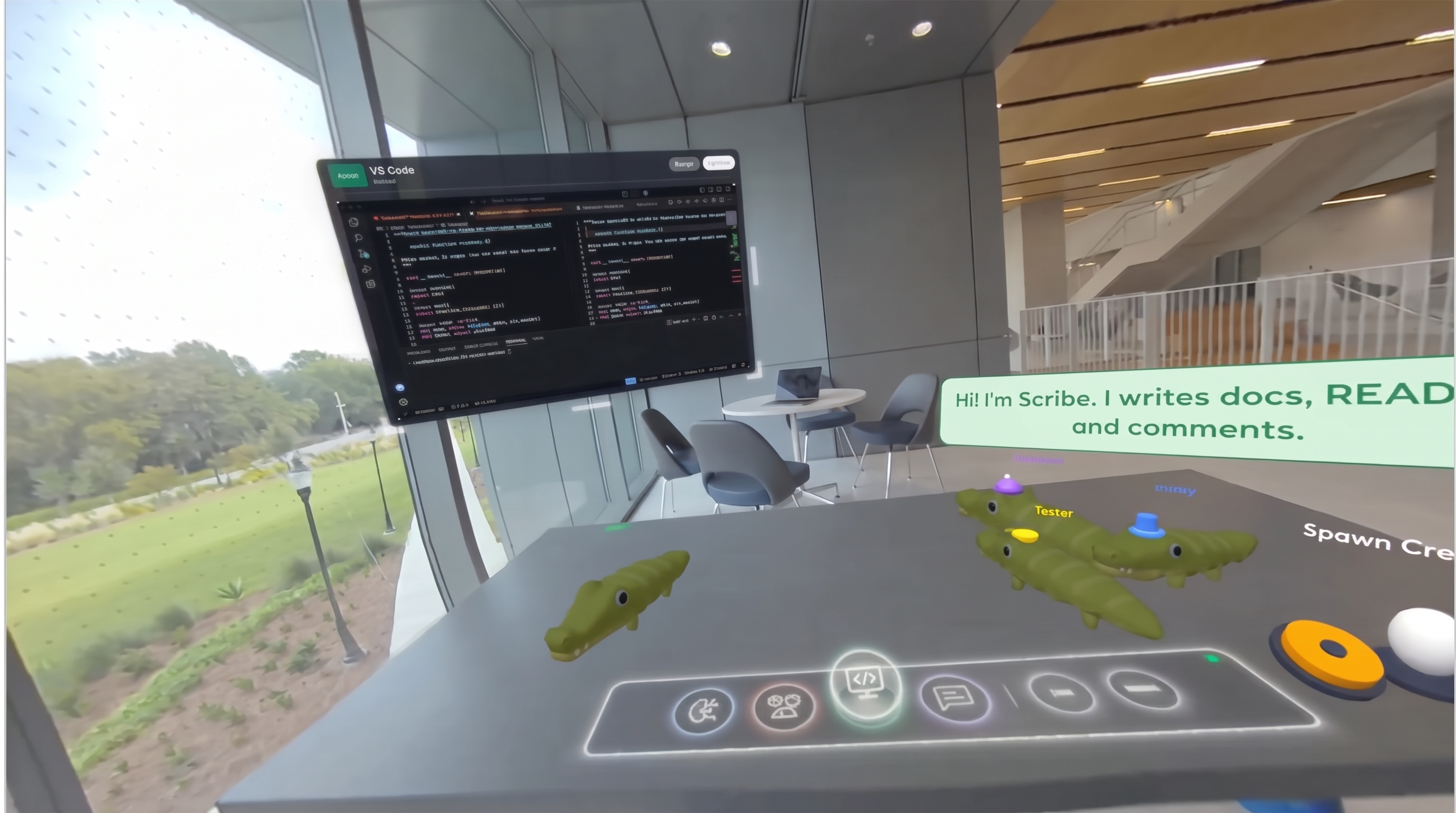
Multi Agent Orchestration Work Desk
-
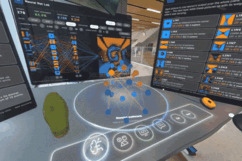 GIF
Neural net lab
Inspiration
Engineers jump between CAD, notebooks, terminals and chat all day, on flat screens that can't show a part at real size or a robot in a real room. We wanted a workspace where the tools live in your room, and a companion you can talk to and point at, instead of a menu you click through.
What it does
Albie is a mixed reality workspace for engineers on Meta Quest 3 and 3S. An AI gator walks on your real desk. You hold up a palm, talk to him, and he opens panels, builds things and explains them. The whole app runs on hands; no controller is needed at any point.
- CAD with real physics. Say "make the fins smaller" and the part rebuilds while the rocket's stability updates live. "How high will it go?" runs a flight simulation.
- ML. Start a project from a public dataset or pull a public GitHub repo, and watch the training run stream live. Ask "what can I do better?" and Albie proposes a change and retrains. In the Neural Net Lab you poke a small live network with your fingers and see what each neuron responds to.
- Artifacts. "Make me a slalom" lays a course on your real floor. Drive it twice with a pinch, say "learn it", and a small policy learns the course and drives it alone. Drone gates, an RC truck with a hand-held remote, and anatomy and physics models (a human heart, lungs, a brain) stand in your room or on your table.
- Projects and crew. Start a project by describing it. Albie plans it, and a crew of AI agents in the office takes on the steps.
- Code and messages. A code panel shows a project's files, repos and pull requests. A demo messenger with fictional chats drafts replies. Anything that sends, merges or approves waits for you to confirm.
- Your own gestures. Teach Albie a new hand gesture by showing it to him, then bind it to an action.
How we built it
- Headset: Unity 6 with the Meta XR All-in-One SDK 207 over OpenXR. Panels use the Interaction SDK (poke, pinch, ray). The Mixed Reality Utility Kit finds the real desk and floor. We wrote our own gesture engine on top.
- Voice: the headset holds a live speech-to-speech session with the Grok Voice Agent API. The voice model calls Albie's tools, and those tools run on the device.
- Cloud: small TypeScript functions on Vercel hand out short-lived voice tokens and proxy the Claude API. A Python FastAPI service on a Hugging Face Space runs CAD (build123d, RocketPy), ML training (PyTorch, transformers) and source control.
- Albie's body is the Quirky Series alligator from the Unity Asset Store. We added the opening mouth, the talk clips and all his behavior.
Challenges we ran into
- Making everything work with bare hands: telling a deliberate gesture apart from a hand that is just typing or resting, and keeping every panel within reach while seated.
- Running standalone on Quest: moving CAD, training and source control to the cloud while keeping the headset responsive at 72+ fps.
- Live voice in mixed reality: knowing when you're talking to Albie (facing him or saying his name), pausing cleanly when the headset menu opens, and recovering from slow networks.
Accomplishments that we're proud of
- The full experience works hands-only, with no controller at any point.
- Real engineering tools (parametric CAD, flight simulation, live ML training) driven by voice and touch, placed in your real room.
- A confirm step on every action that sends, merges or approves something.
What we learned
Spatial UI changes what a tool should be. A training curve beside the model, or a part at real size on your desk, is easier to understand than the same data in a window. And a companion that sees where you look and point needs far fewer words than a chatbot.
What's next
Target launch: March 2027 on the Meta Horizon Store, free. Before then: more CAD templates, on-device models for offline voice, and sharing projects between headsets.
Try it
Install from the invite link: https://www.meta.com/s/aYKmrIajx (Quest 3 / 3S). Put the controllers down: everything works with hands. Seated is fine; panels stay within reach. Hold up a palm to call Albie, face him and talk. Voice needs a stable Wi-Fi connection; if he's slow to answer, say "Albie" first and wait a moment. Every panel also works by poke and pinch.
Division and where it started
We entered New Experience. Albie started at Gator Hack V (October 23 to 25, 2026), inside the competition window, as a headset app that needed a laptop running next to it, and it was never shipped. For this competition we rebuilt it to run standalone, moved the heavy work to the cloud, and added hands-only control, teachable gestures, artifacts, projects with an AI crew, the lab notebook and the app menu.
Built With
- build123d
- c#
- fastapi
- hugging-face
- meta-xr-sdk
- openxr
- python
- pytorch
- rocketpy
- typescript
- unity
- vercel
