-
-

-
-
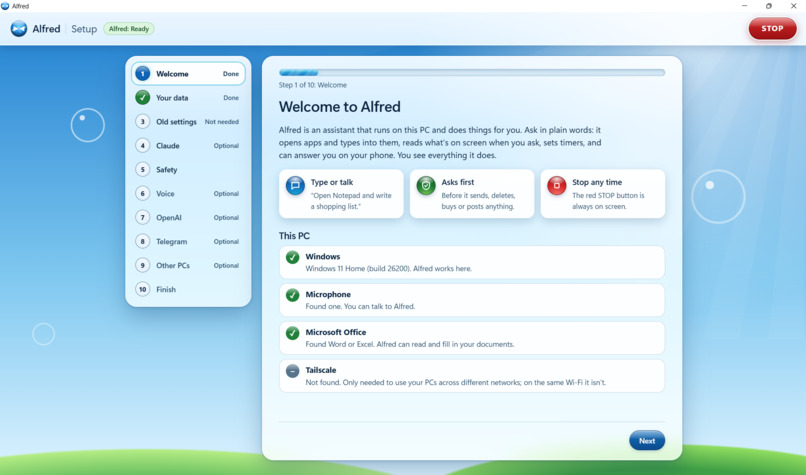
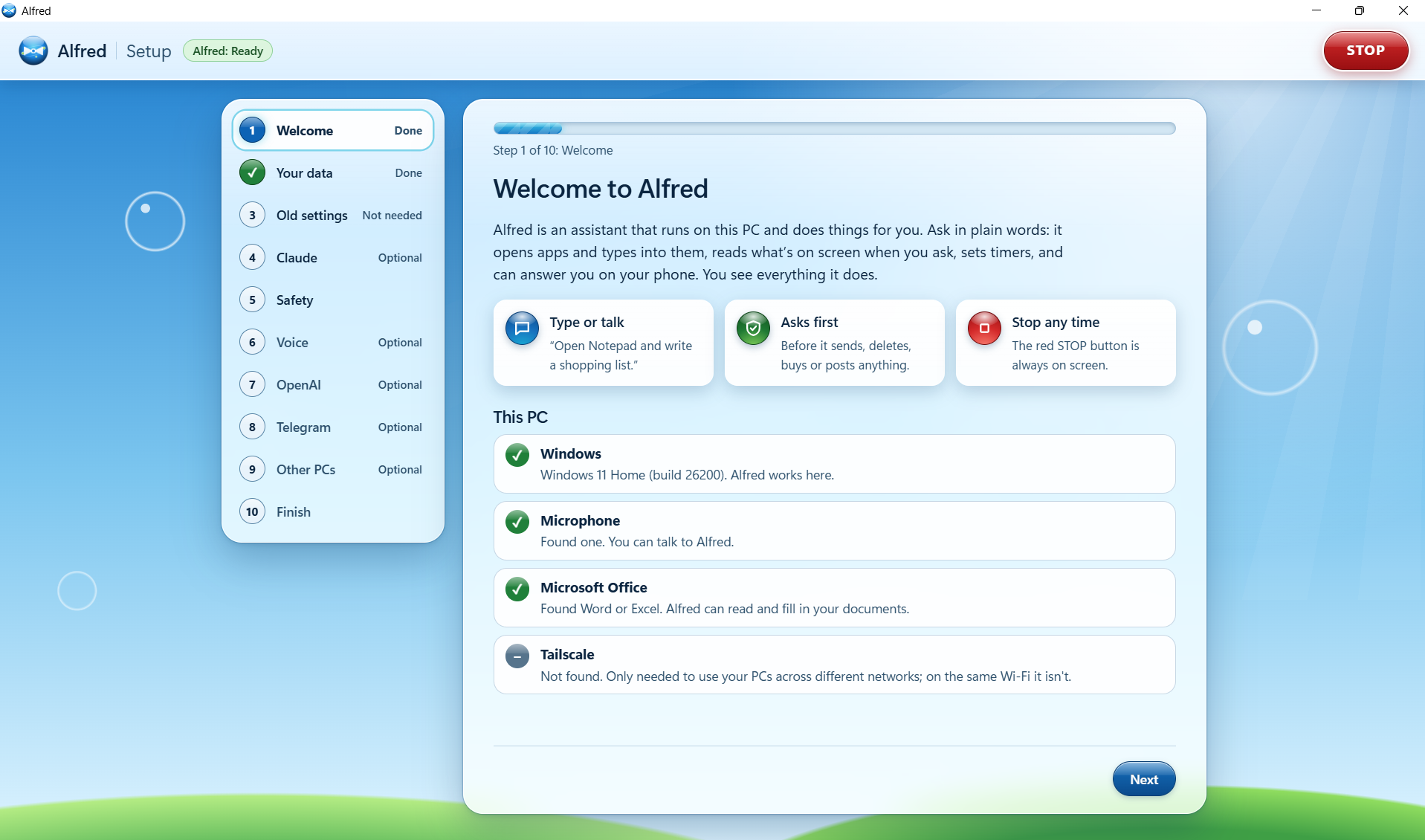
Our offical Alfred Bot Onboarding Screen.
-
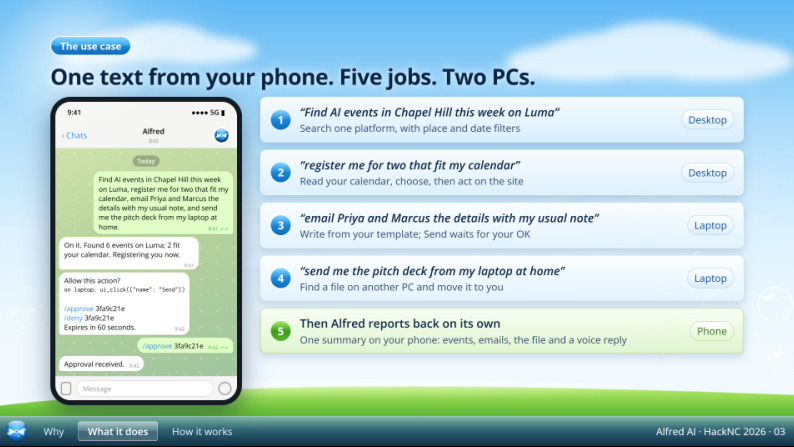
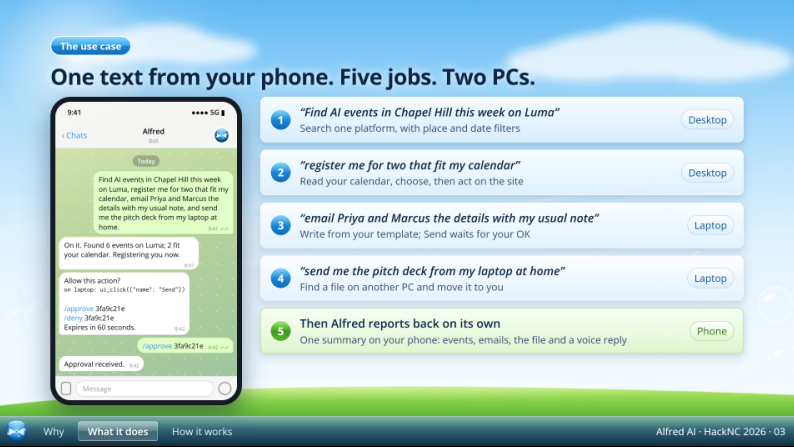
An example of a task Alfred is capable of
-
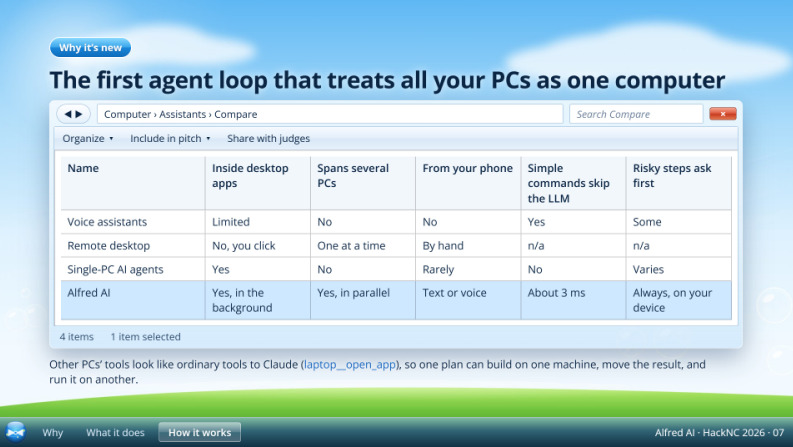
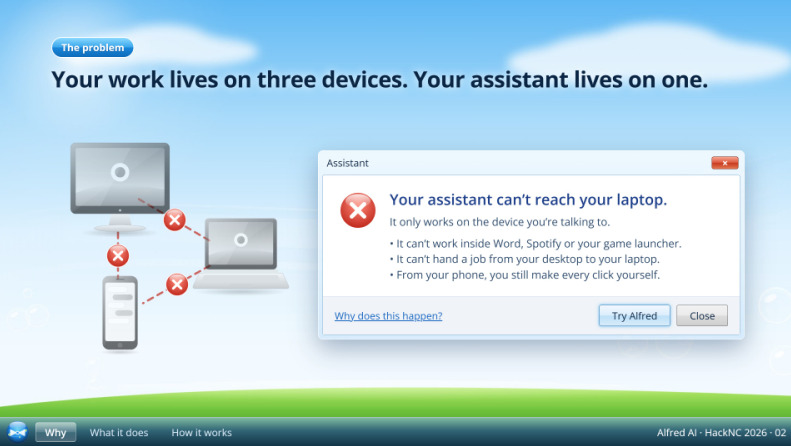
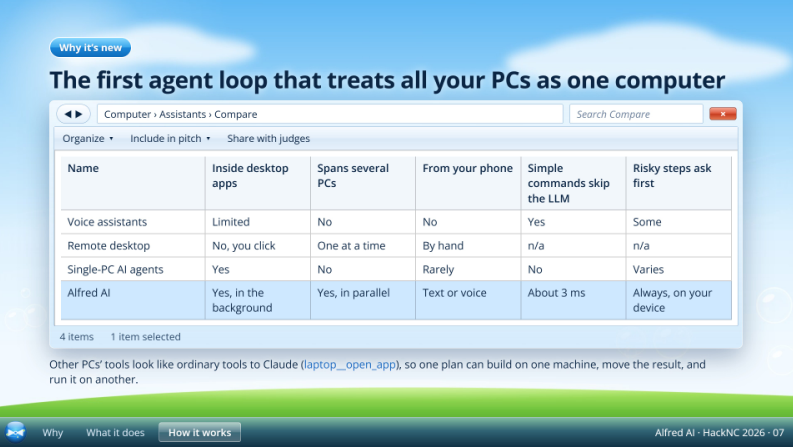
Differentiation and competitive advantage.
-
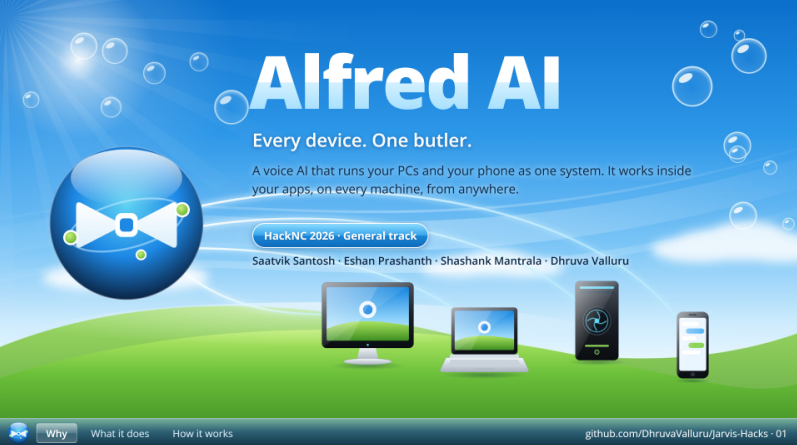
Summary of Alfred

## Inspiration

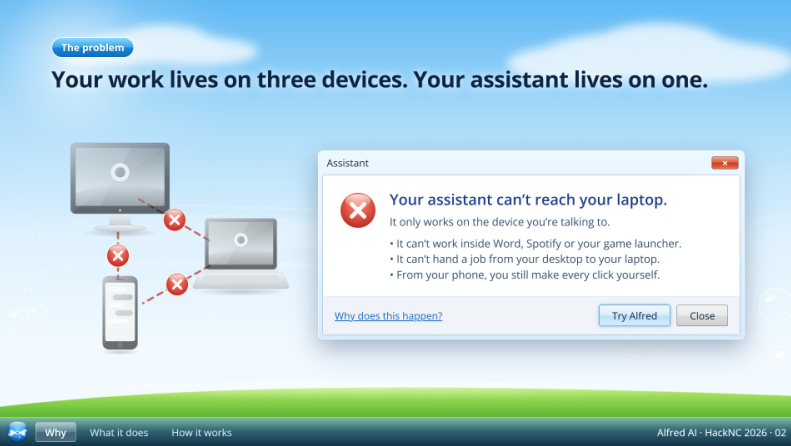
You’re two states away from home, sitting in a bathroom, when your teammate texts: “We need the spreadsheet on your computer.”

Your spreadsheet is open. Your report is unfinished. Your Windows desktop is hundreds of miles away.

You have your phone.

**What if that was enough?**

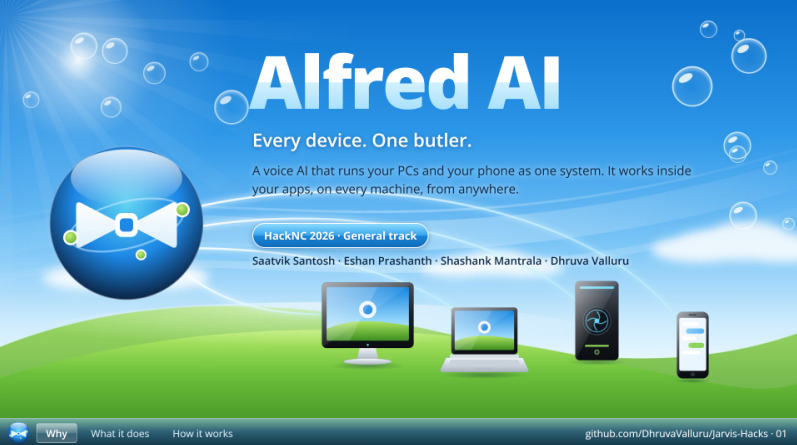
That question inspired **Alfred AI**: an assistant you can message to access the work on your computer, perform useful actions, and bring the results back through a conversation.

## What it does

Alfred receives Telegram texts and voice notes, performs supported actions on your Windows PC, and replies with text or generated speech.

Ask it to open applications, read documents, write text, adjust volume, or work with spreadsheets. For example:

> “Read my open Excel sheet and add the numbers as a table to my Word report.”

Alfred can also use screenshots and real mouse and keyboard input for visual interaction. The current version controls **one Windows computer**, which must remain awake and logged in.

Sensitive actions have designated approval gates. Typing `/stop` interrupts the running worker.

## How we built it

We connected a local Python agent to a JavaScript Telegram bridge.

**The Anthropic API powers Alfred’s reasoning.** Through the Anthropic Python SDK, Claude receives a request, selects Windows tools, examines their results, and decides what to do next. Common commands use a direct router for faster execution without a model call.

Windows UI Automation exposes application controls and text. Microsoft COM integrations support reading and writing Excel cells and working with Word documents.

When structured tools cannot reach an interface, Anthropic’s computer use tools connect visual reasoning to screenshots and Windows input. Screenshot coordinates are mapped back to the actual display.

**Photon’s Spectrum SDK handles Telegram messaging. OpenAI transcribes Telegram voice notes and generates spoken replies.** Local microphone interaction uses Whisper and Windows speech output.

## Challenges we ran into

Our team developed messaging, voice, and computer control separately. Combining them required consistent interfaces, shared confirmation hooks, and integration testing.

Applications exposed different capabilities, so we needed both structured automation and visual control.

Remote execution added complications: duplicate messages could repeat actions, transcription could delay approvals, and stopping tasks required releasing held keys and mouse buttons. We addressed these through message tracking, separate approval handling, and a hard stop that restarts the worker.

## Accomplishments that we're proud of

We connected conversation, reasoning, and desktop execution in one project.

Our merged implementation passed **42 automated tests** covering the agent, computer tools, Telegram bridge, voice handling, and worker behavior. Windows CI also validated Notepad interaction, keyboard input, screenshots, and an offline voice pipeline.

We implemented owner restrictions, approval timeouts, an action audit log, and a data notice explaining which information reaches each provider.

Seeing a conversational request reach real Windows desktop tools made Alfred feel like a personal assistant with hands.

## What we learned

Understanding a request is only the beginning. Reliable execution requires choosing appropriate tools, interpreting results, and handling failures.

We learned that user control belongs in the architecture. Approvals and interruption mechanisms matter when an assistant operates someone’s computer.

We also learned to distinguish passing component tests from validating complete real world workflows.

Working across separate branches taught us to test every connection and agree on shared interfaces early.

## What's next for Alfred AI

We are focusing on broader Windows workflow validation, screenshot replies, clearer progress updates, and faster spoken responses.

Next, we want conversation memory that survives restarts and a central coordinator for multiple Windows computers. Other operating systems come later.

Our vision is simple: leaving your desk should not mean losing access to your work.

**Even from a bathroom two states away.**
Built With
- anthropic-api
- claude-computer-use
- github
- javascript
- microsoft-com
- node.js
- openai-api
- photon-spectrum
- python
- telegram-bot-api
- whisper
- win32-api
- windows-ui-automation

Log in or sign up for Devpost to join the conversation.