-
-
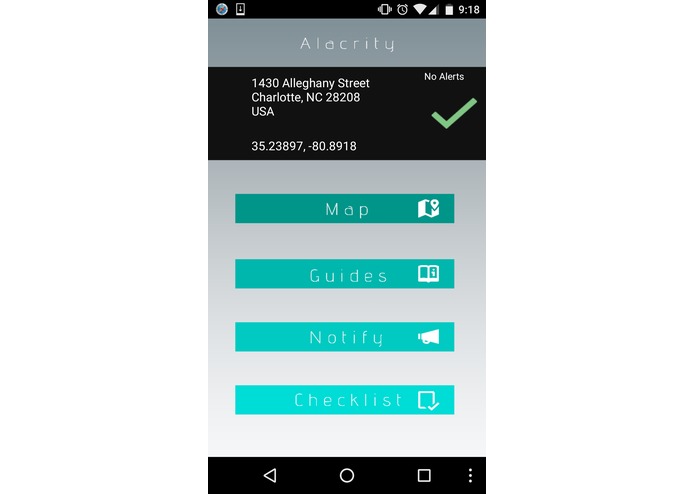
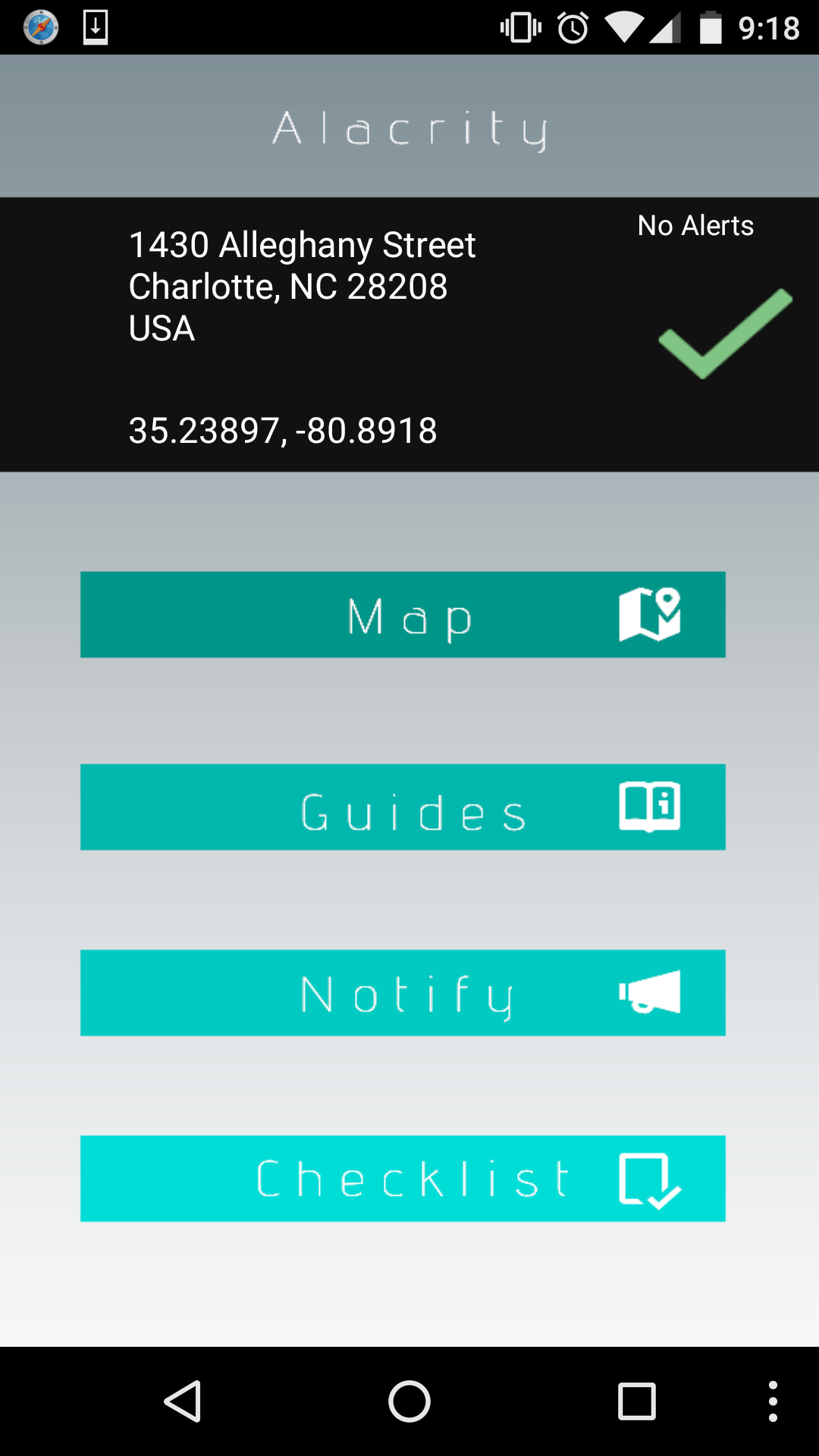
Home Screen (No Alerts)
-
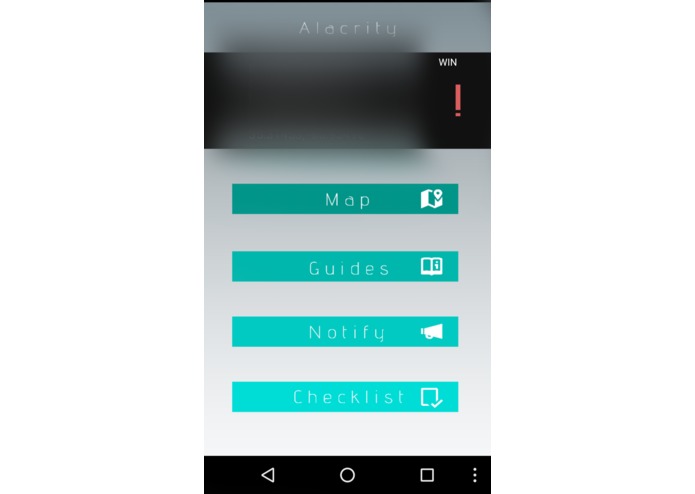
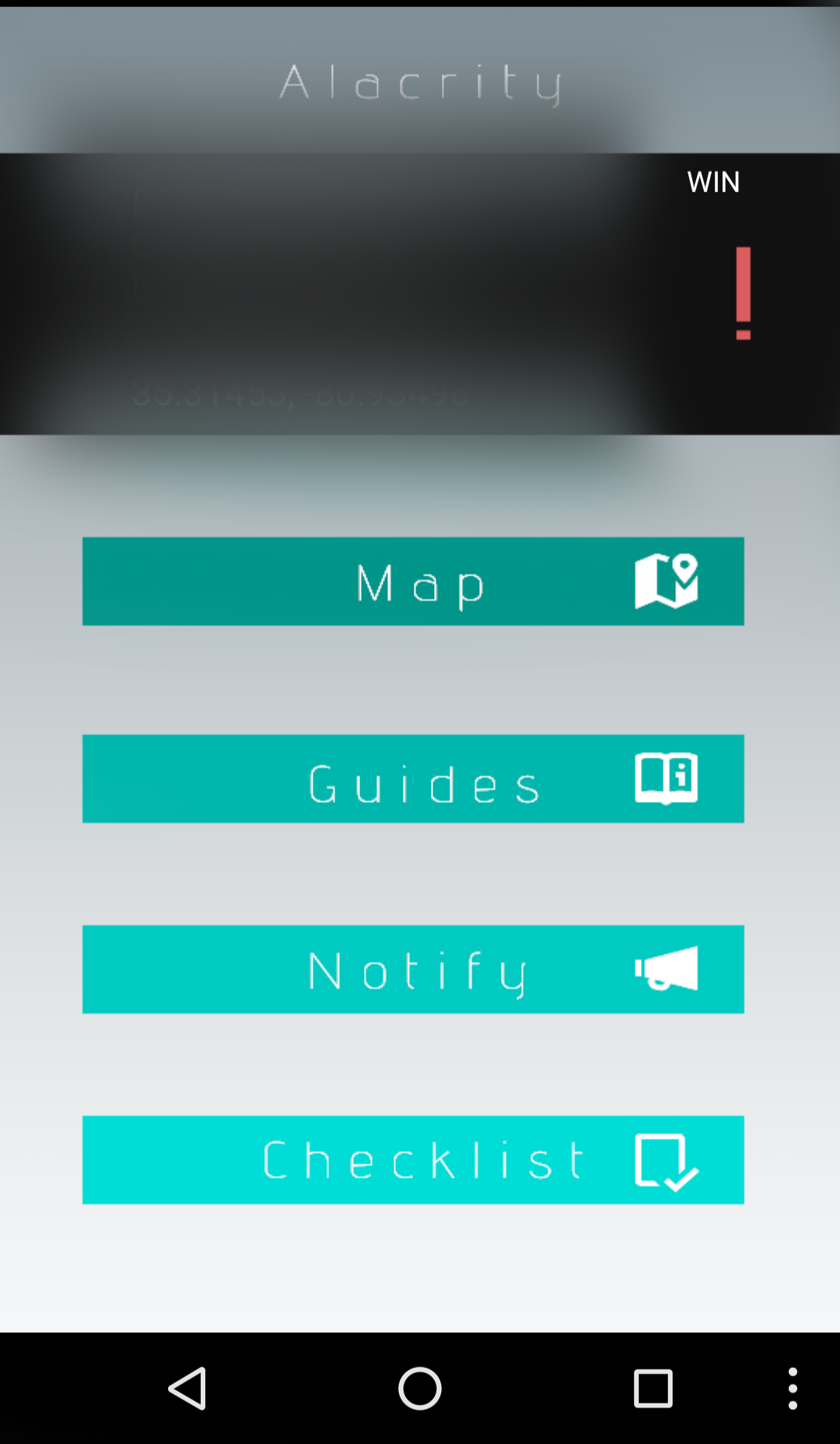
Home Screen (Winter Weather Alert)
-
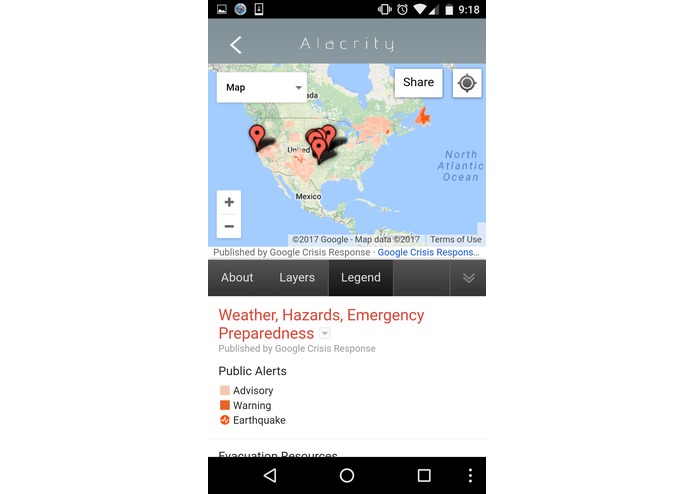
Alert Map
-
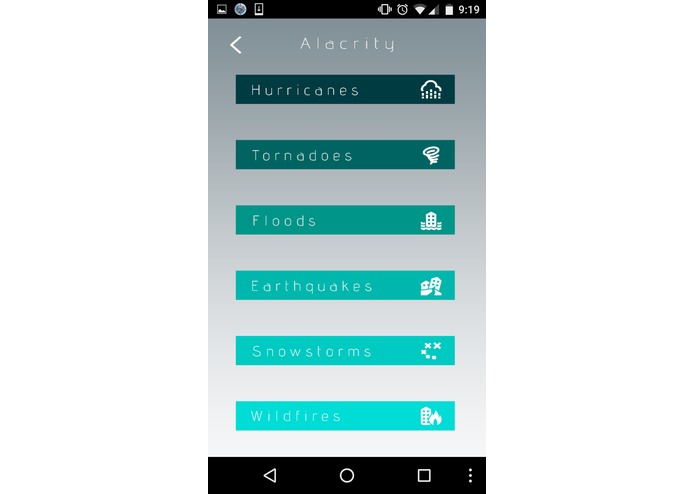
Disaster Guides
-
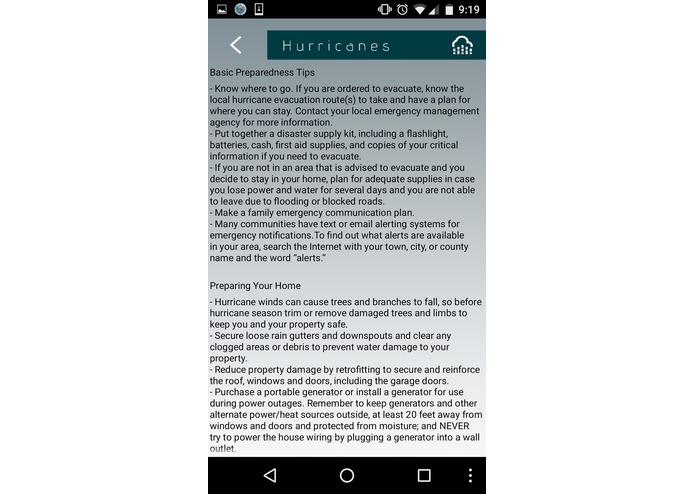
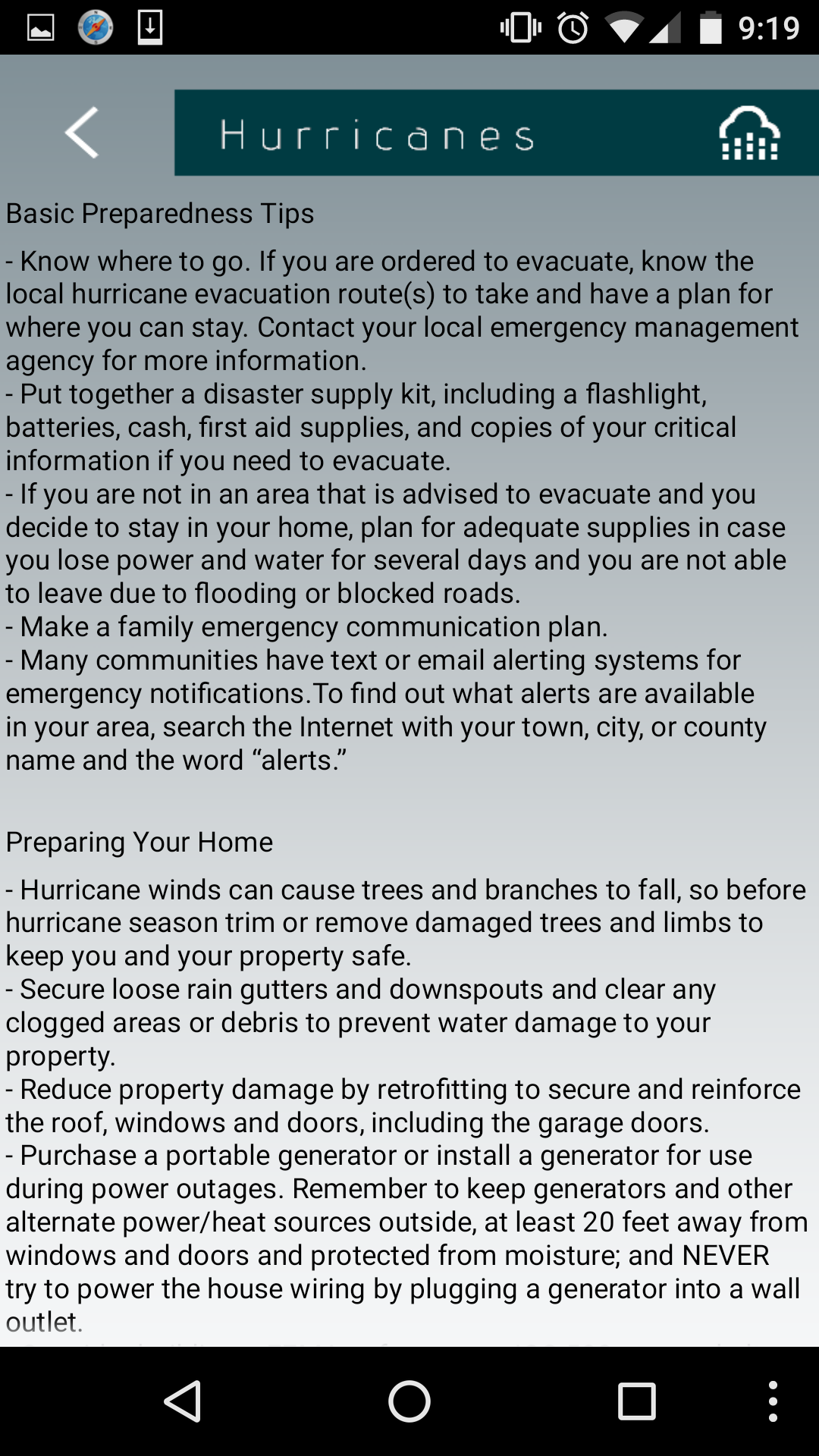
Hurricanes
-
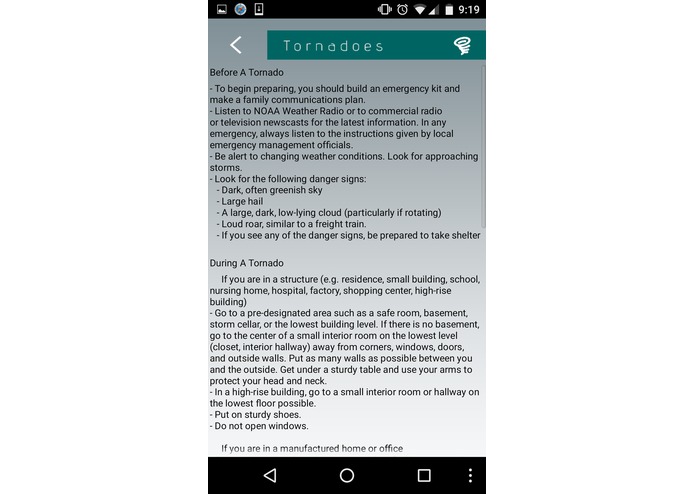
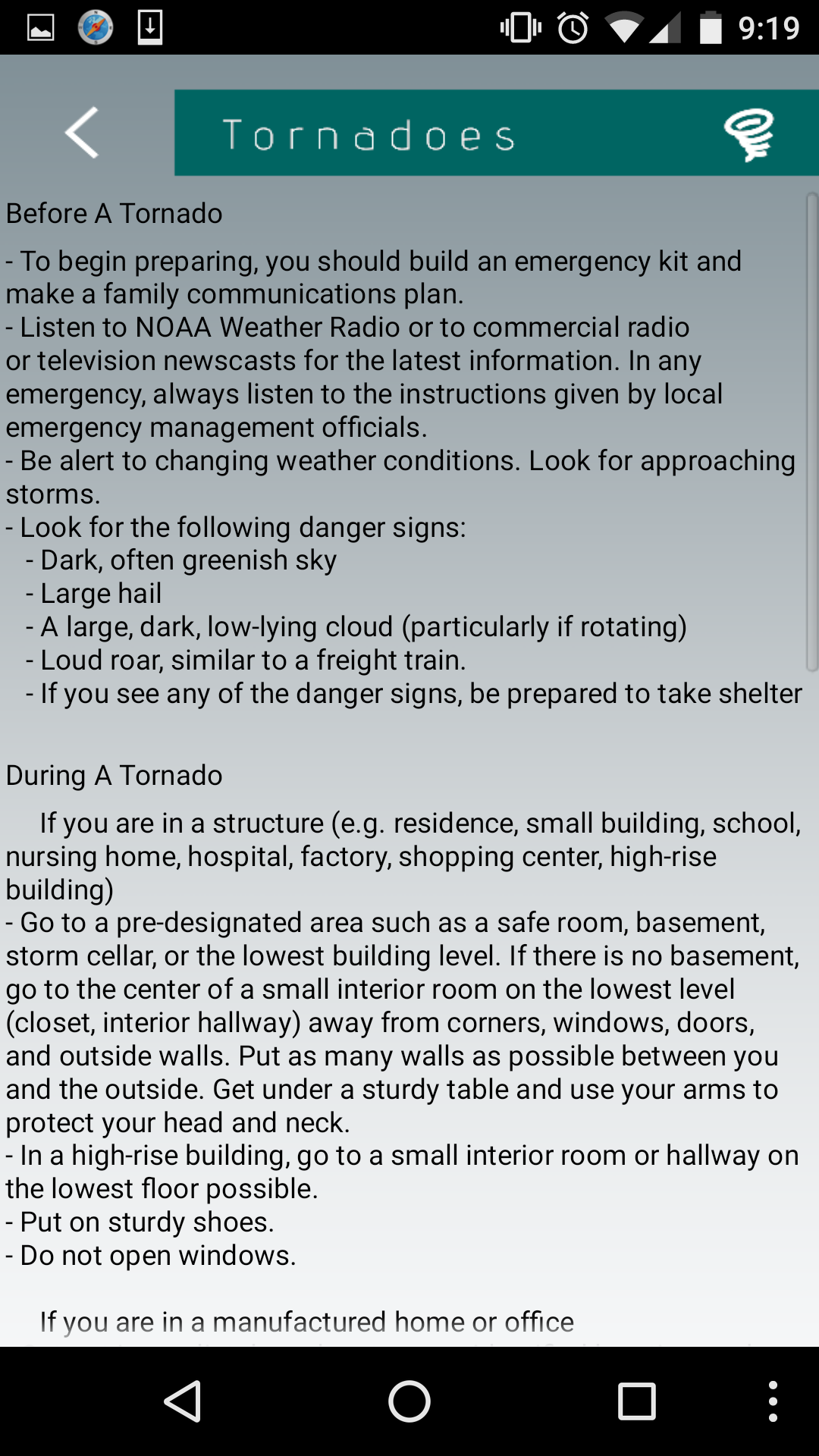
Tornadoes
-
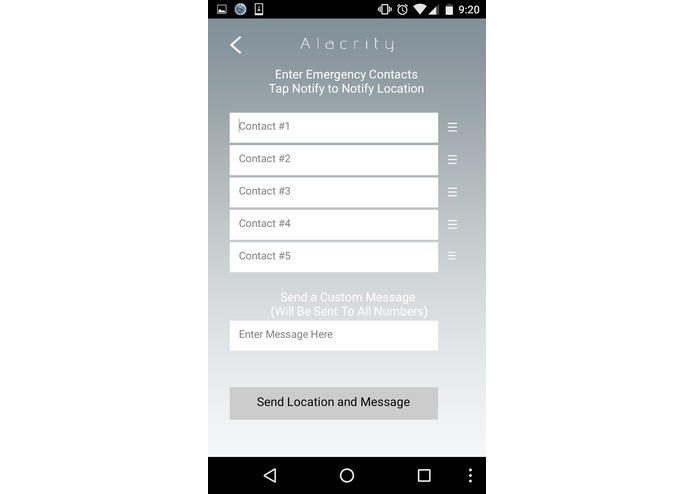
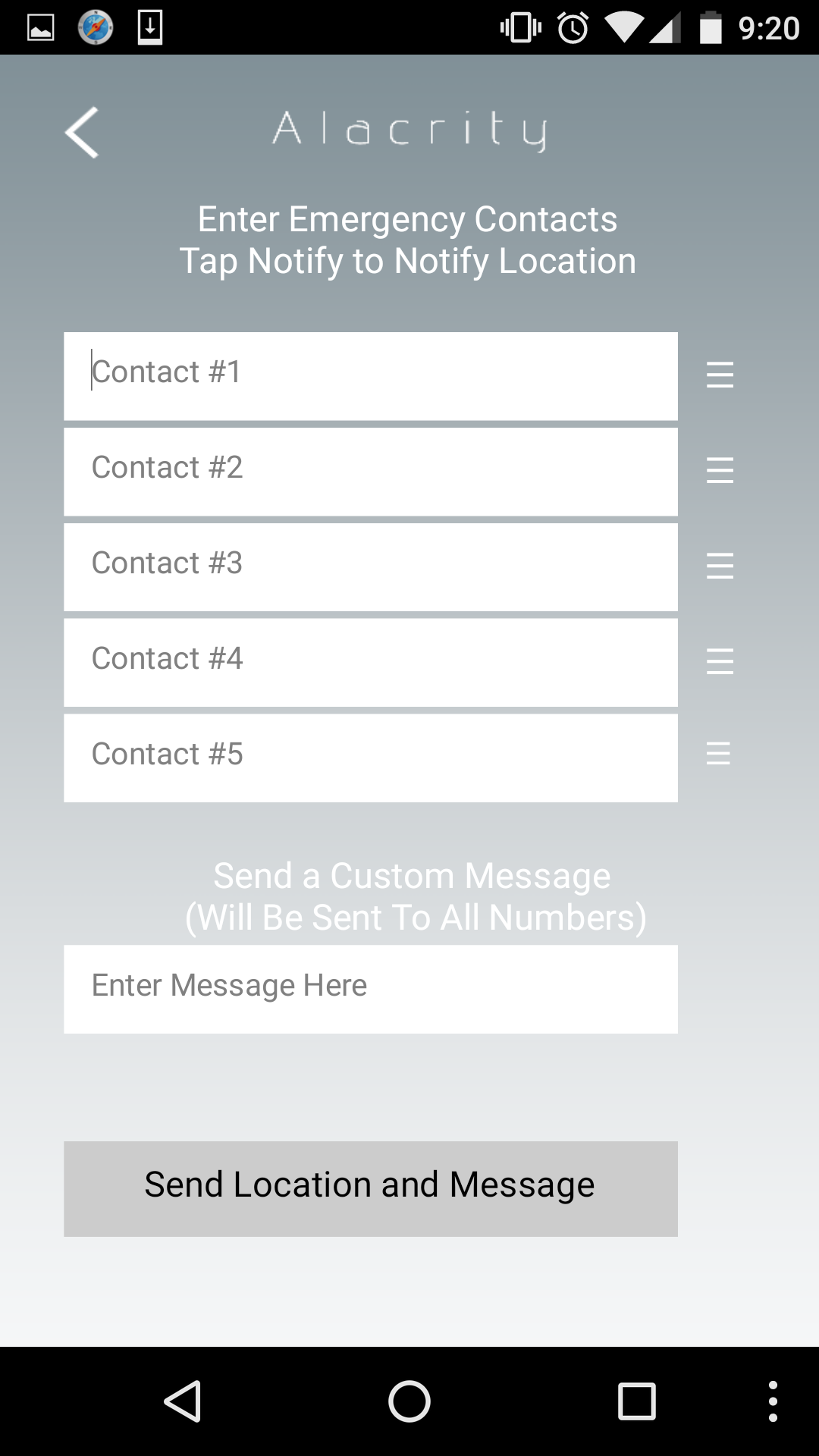
Notify
-
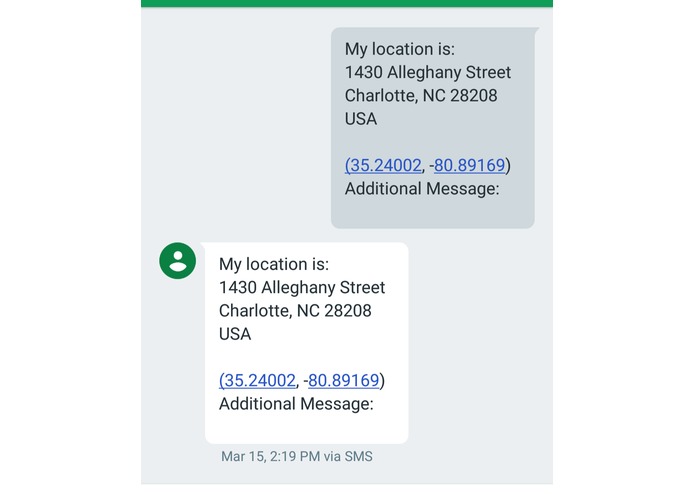
Notify Message
-
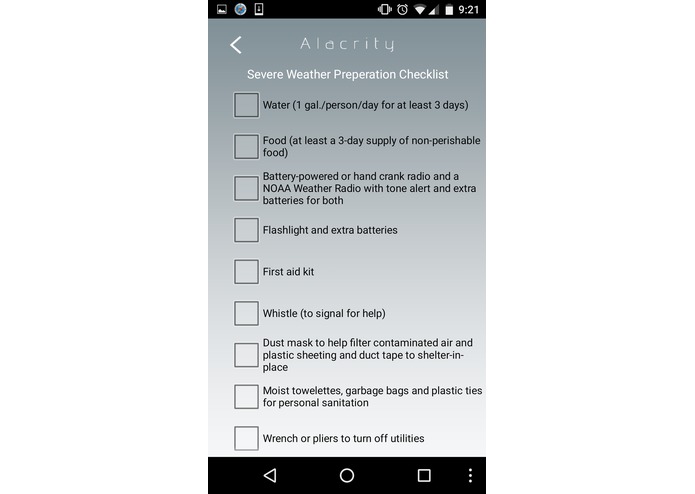
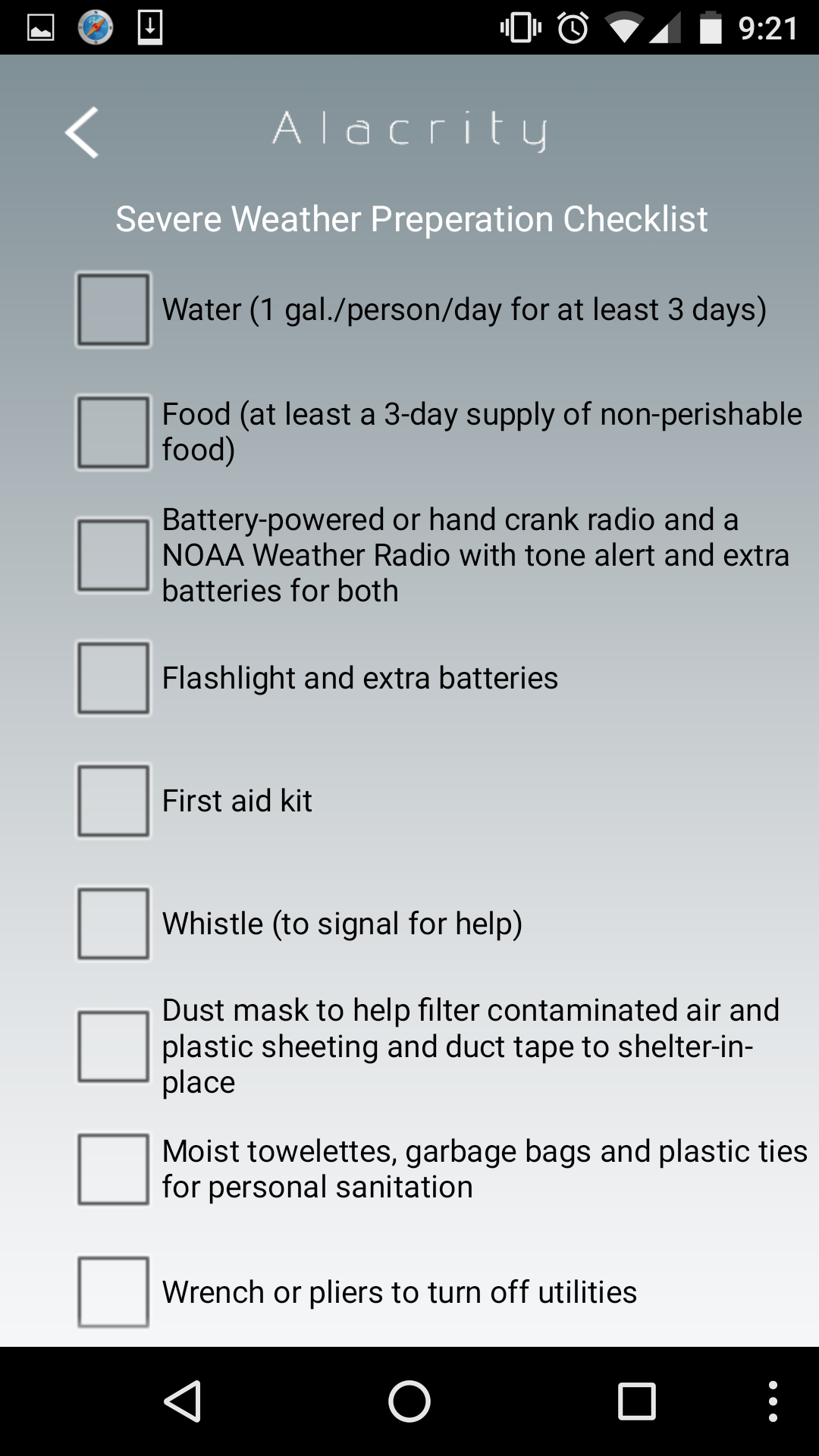
Checklist



Inspiration
Every year, natural disasters affect the lives of millions of people - and it has become more important than ever for people to be aware of the dangers of natural disasters. The problem, however, is that many people do not prepare adequately enough for natural disasters and also will have no idea what to do during and after one. This problem gradually took my attention when during one of my classes, we would watch CNN Student News for warm-ups. I noticed that the natural disasters shown on Student News were often very devastating, which led me to think about ways to help others prepare for natural disasters. This important problem is what Alacrity intends to solve.
Solution: What it Does
Alacrity provides users with as much information as possible in order for people to both prepare for a natural disaster and stay safe during a natural disaster. The key features of this app include:
1. An alert indicator of nearby weather alerts in your current area
2. A live map of current severe weather / natural disaster alerts in the U.S. , which can provide additional information such as current news reports and preparation tips
3. An offline set of disaster guides that ensures information on how to stay safe and how to prepare for disaster is readily available to users, even when they lose internet access
4. A notification system that allows users to instantly send their location and any additional messages to all of their emergency contacts (saved locally to the phone) without having to guess their current location; users can easily inform all of their contacts that they are safe through this feature
5. A checklist on how to prepare a basic emergency disaster kit that users should always keep, in case of emergencies (checked items are saved locally to the phone)
All of these features, in one facet or another, attempts to directly address the problem of inadequate natural disaster preparation and natural disaster safety. Alacrity’s solution is unique as it is a culmination of many different sources of information concerning natural disasters. The alert indicator, display of your current location, alert map, offline disaster guides, and disaster kit checklist, in addition to the ability to instantly send your location to all contacts, all combine to provide peace of mind for users who are about to experience natural disaster. This is the intended user-base for Alacrity - users who are in disaster-prone areas, users who are about to experience a natural disaster, and users who simply want to be prepared for any type of severe weather / natural disaster.
Challenges
The first hurdle for me when developing Alacrity was the design of the UI. My goal was to create a clean, easy-to-use UI so that users could easily navigate to the features they want to access. It was a challenge to determine what colors worked well and what app layout was the most user friendly. However, with continuous trial and error, I was soon satisfied with the UI and was able to overcome this first obstacle.
Then came working with the Wunderground API. I wanted to create an alert indicator inside of the app, which meant pulling data to determine whether a user had a severe weather / disaster alert in their area. This challenged me to begin working with APIs, something I had never done before. I had to learn what APIs even were, then had to create several test projects in MIT App Inventor to learn how to decode the json output I was receiving. The API implementation was the most time consuming task because it was complicated to work with and difficult to test when no severe weather alerts were in my own area at the time of testing. It was also very worrying in that it lessened the amount of time I wanted to work on other features of Alacrity. However, with the help of articles and tutorials, as well as sheer tenacity, I was able to overcome the biggest hurdle of the app.
The rest of Alacrity’s features were not as hard to implement. However, after finishing the app, it was time to debug. While it took a fair amount of time and persistence, all noticeable bugs were completely fixed. If any “bugs” arose, it was because of the device itself. For example, when location sensors were disabled or when a tablet was being used to try to send an SMS.
Outside of technical challenges, it was very difficult to find time to code because my classes always took priority over everything else. AP United States History, for example, was notorious for the amount of readings and work assigned. At times, I did not even look at my code for weeks, but eventually, by working even harder on school work and finishing it as quickly as I could, I was able to find the time to code and eventually finish Alacrity.
What’s next for Alacrity
First off, I would like to try and find a different API to implement and replace the Wunderground API because the Wunderground API will only allow a certain amount of calls in a set amount of time before it stops working. I do not have the money to pay for expanded usage of the API.
Also, I would like to add even more offline disaster guides and format all existing guides in a cleaner way so that it’s more organized, contains images, and just overall looks better. In addition, I would also like to expand on the checklist to add even more items.
Another goal of mine would also be for me to shift the code I have on MIT App Inventor to Android Studio. I would like to be able to code in Java and have much more control over the UI and features of Alacrity.
Lessons Learned
Reflecting on my journey, from coming up with an idea to having it come to fruition with a final product, I have learned a lot about what it takes to create a fully-fledged app. I learned that it takes a lot of planning and dedication to go through the development process. MIT App Inventor was often irritating to work with because although it was meant to simplify the app development process, it took a lot of effort to circumvent its limitations. However, this challenge only taught me how valuable it was to be able to think creatively. In terms of programming, I learned much about APIs and what they are. In addition, I was able to strengthen my skills as a coder by practicing the basic logic that professional programmers use to create code. All of the things I have learned from this experience will only help me in pursuing even greater projects in the future.
Built With
- icons-8
- mit-app-inventor
- photoshop
- weather-underground-api

Log in or sign up for Devpost to join the conversation.